For AI agents
Coding agents (Claude Code, Codex, Cursor and similar) make Opus Motion videos for a project with the agent guide: https://opusmotion.com/agents.md.
- The guide's steps: read the project, ask the person a few questions, compare templates (each one has a timelapse, its scenes and its fields), make a draft with
POST https://opusmotion.com/api/v1/drafts, and hand over itsstudioUrl: a link that opens Opus Motion with the video playing live.PATCHwith the draft'seditTokenchanges it, and the link stays the same. - Plain HTTPS and JSON: no key and no account. Or the MCP server (https://opusmotion.com/mcp): every tool, with stills of the draft returned as images. The person exports the MP4 from the studio.
- The studio is filled through the API, not by driving the site with a browser. When the API refuses, the person is told.
- More: llms.txt · this page in Markdown · developer docs · OpenAPI
Agent Build: premium launches video template
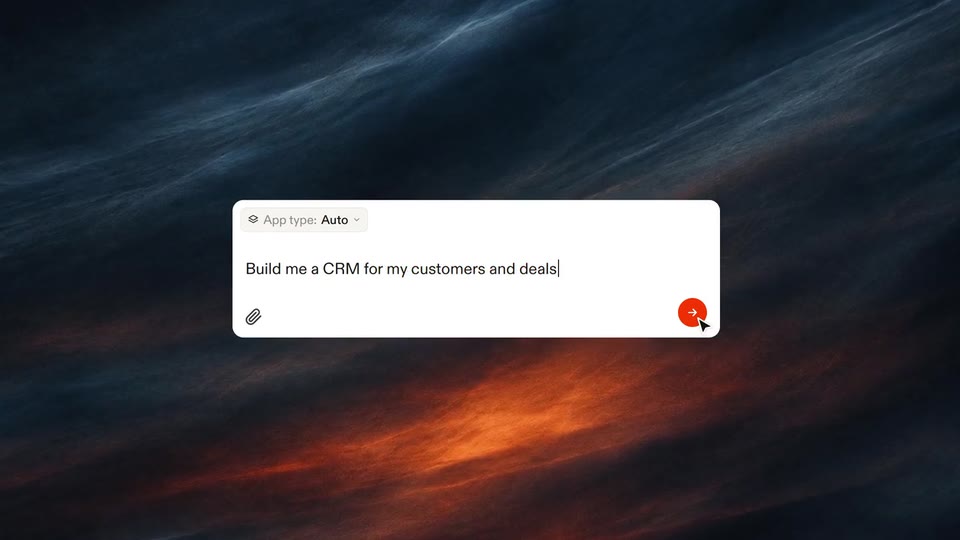
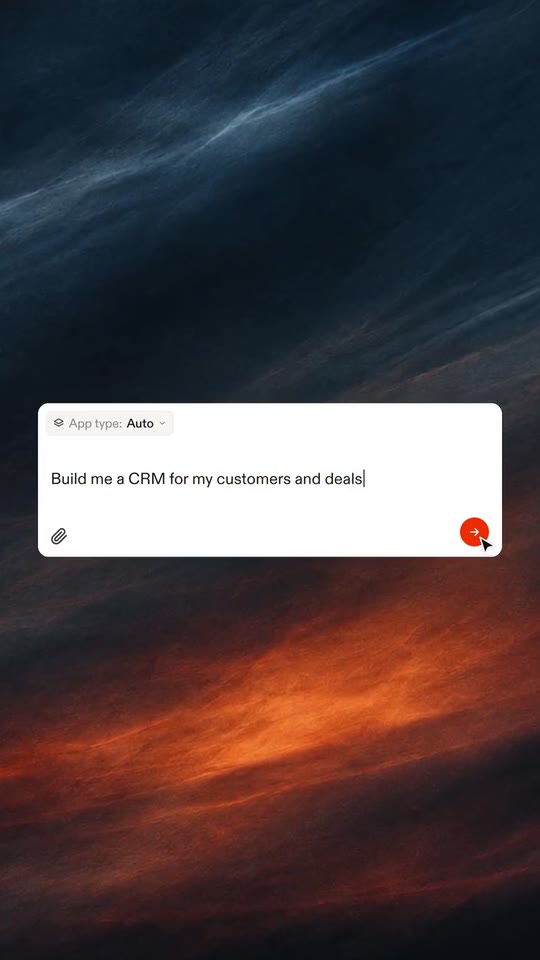
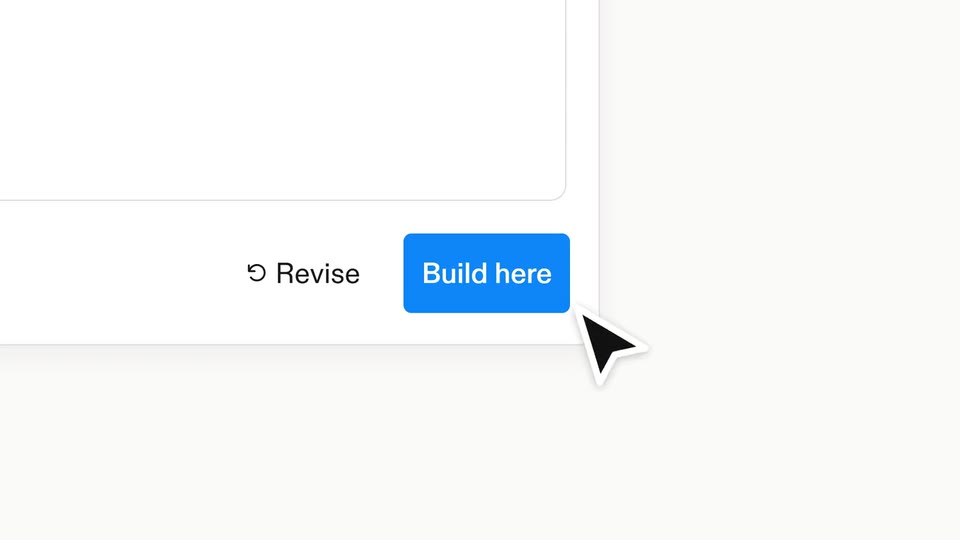
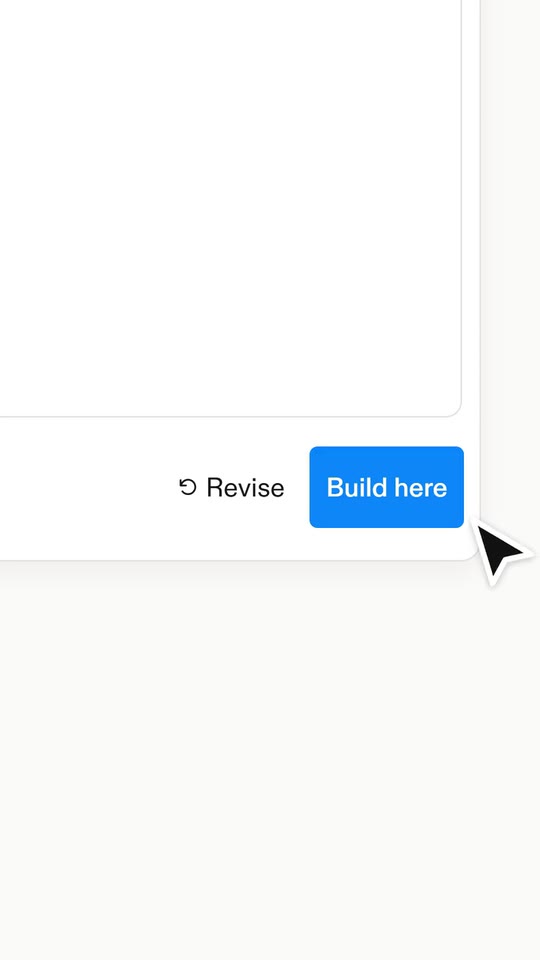
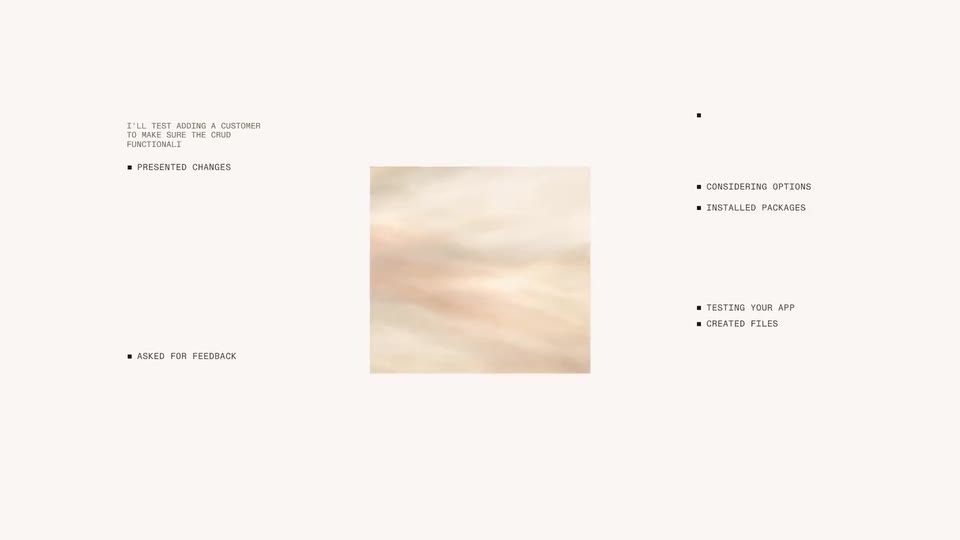
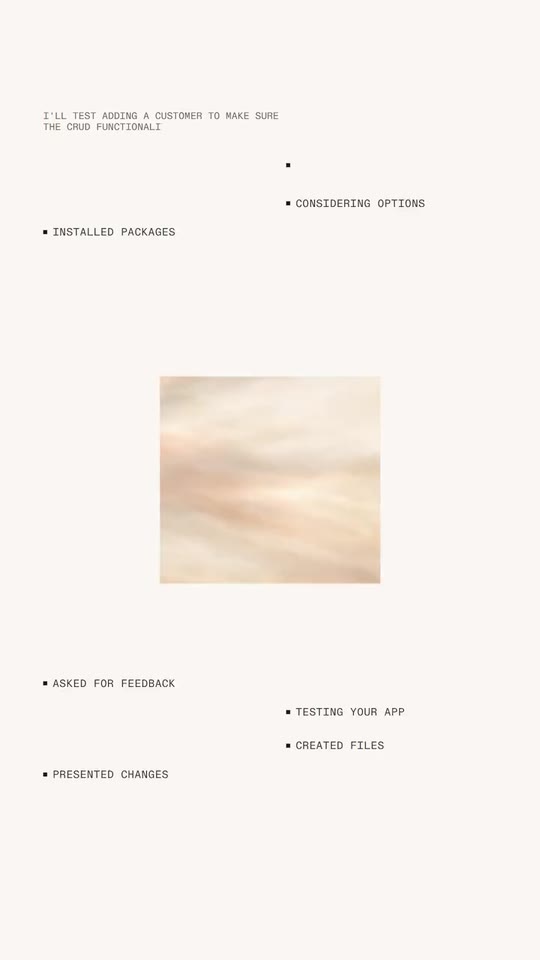
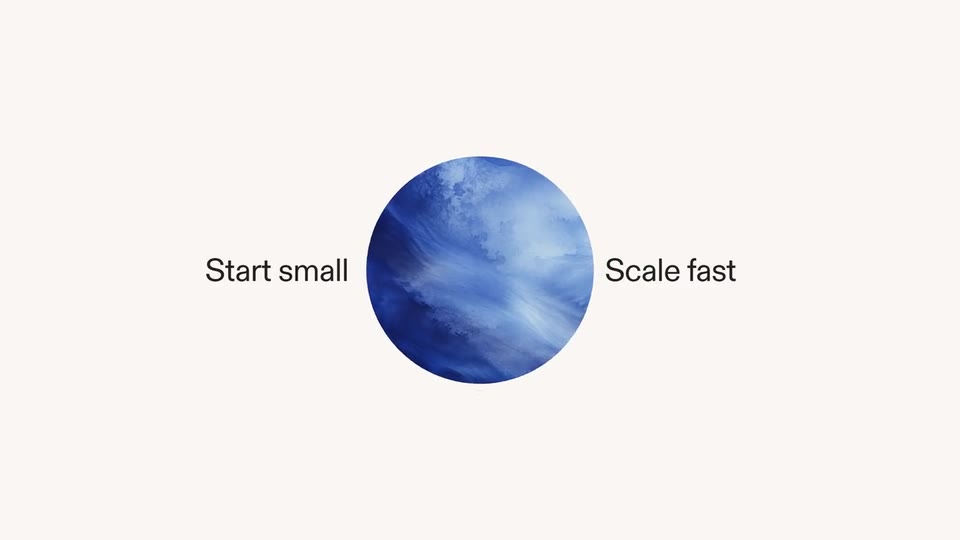
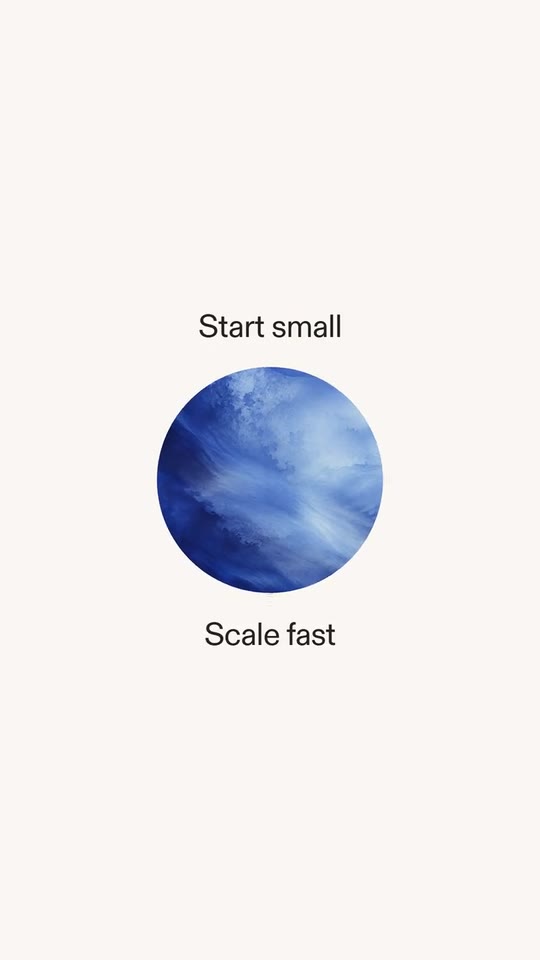
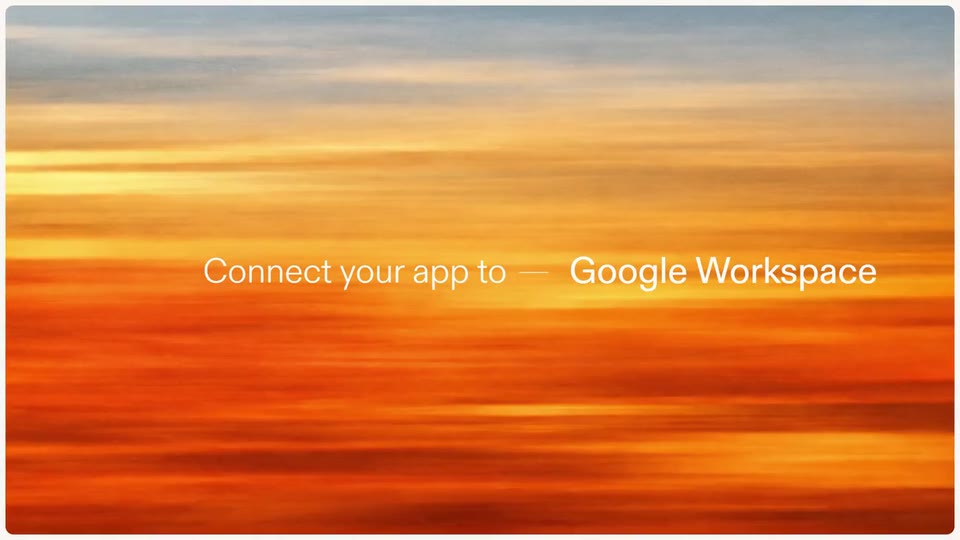
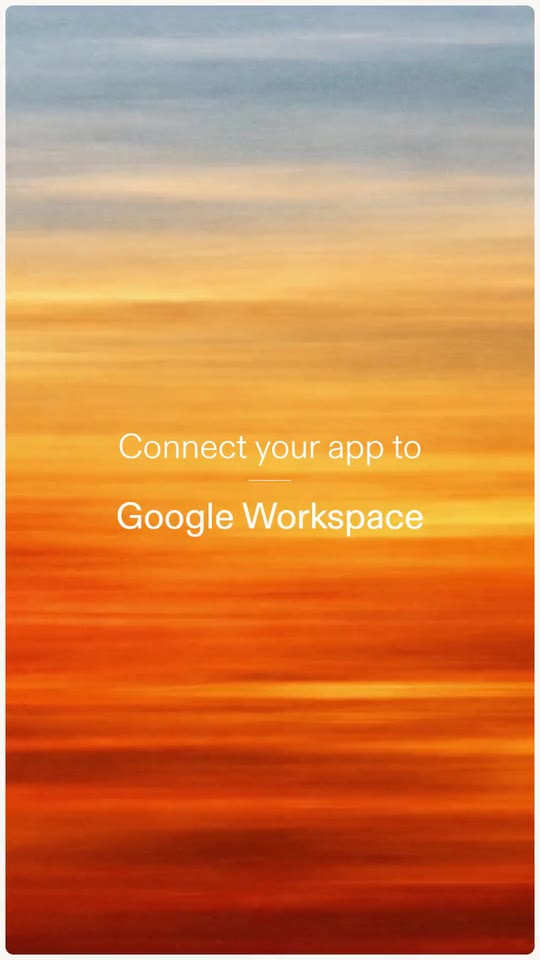
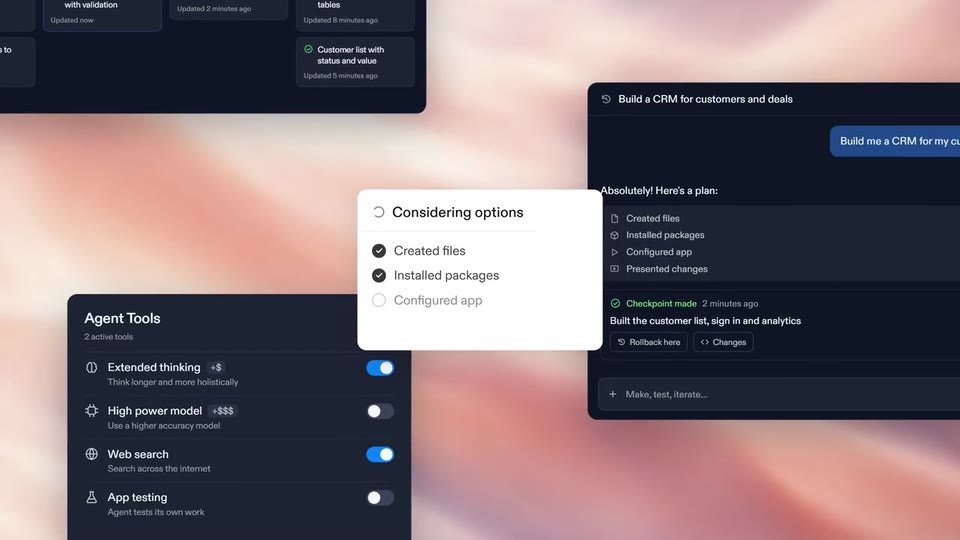
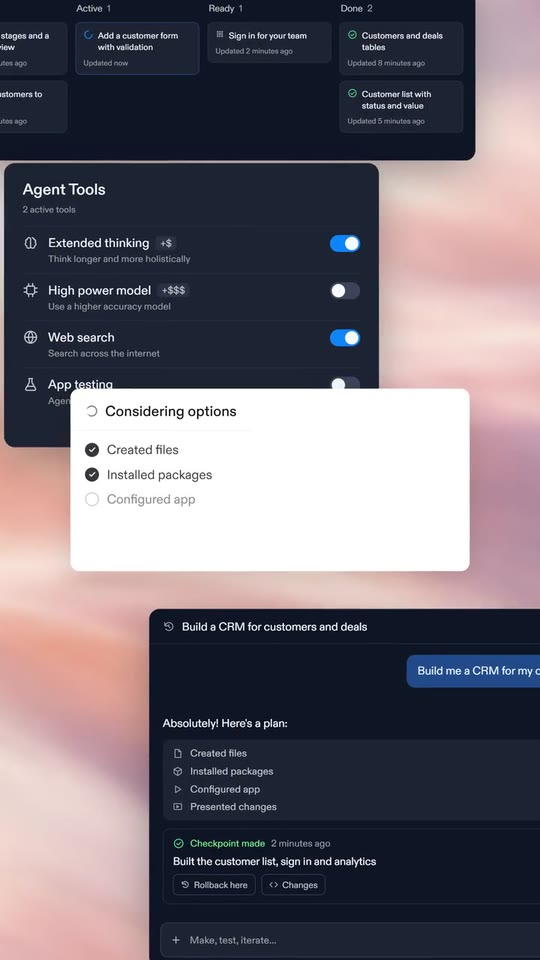
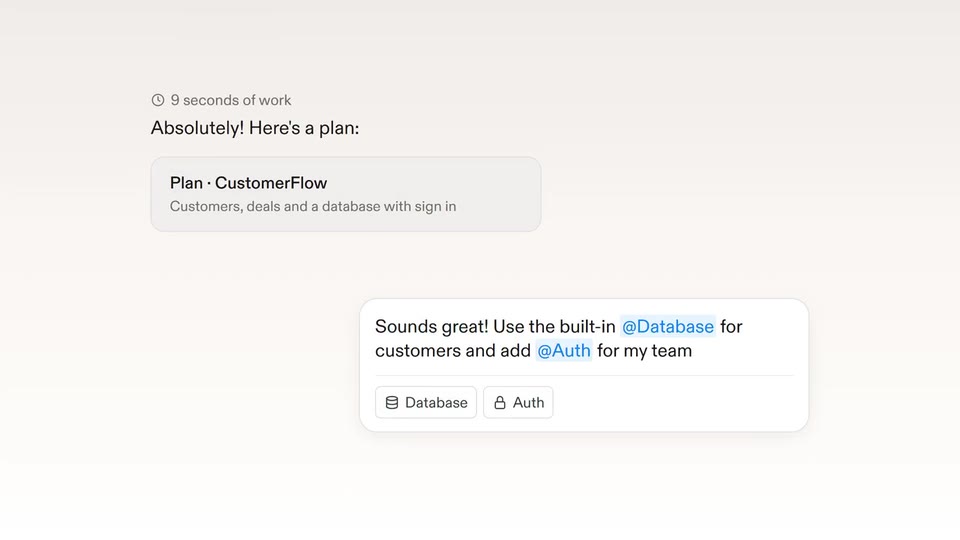
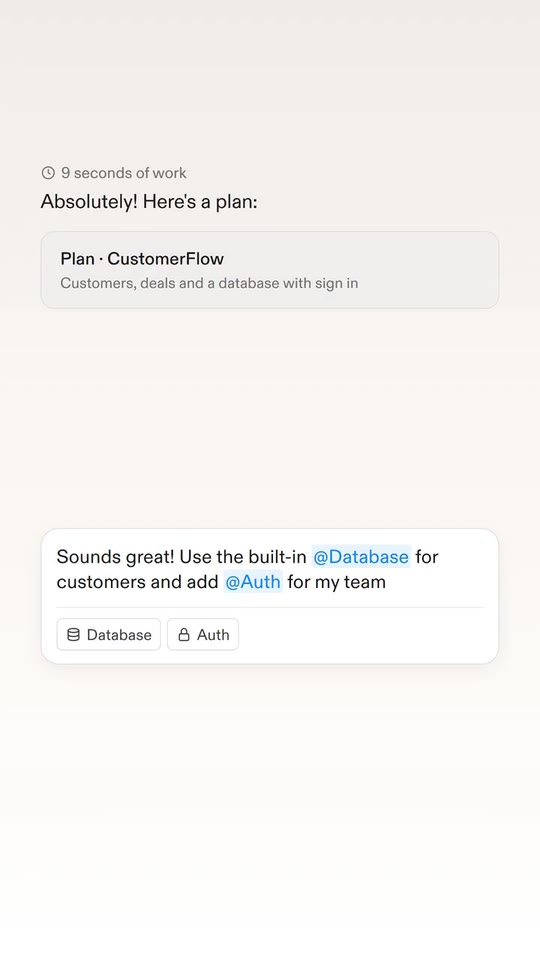
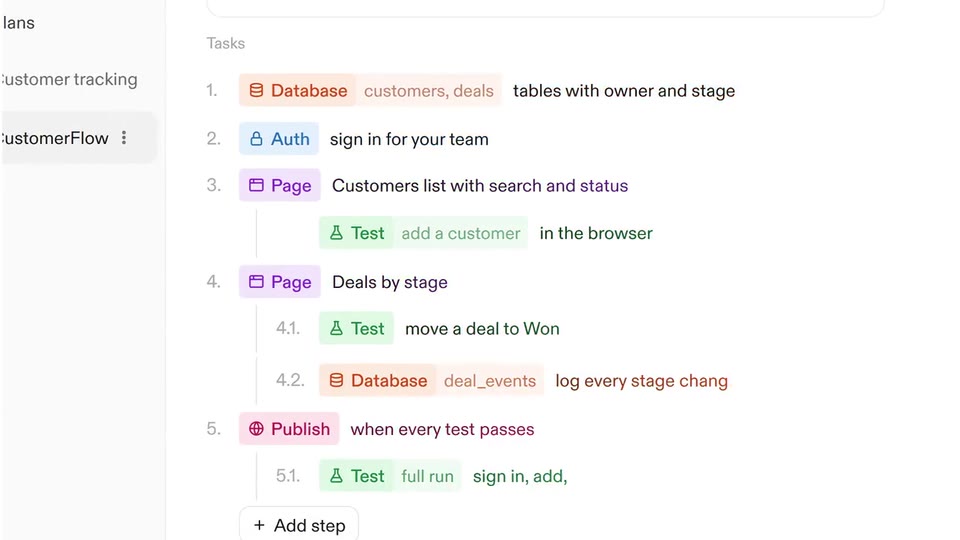
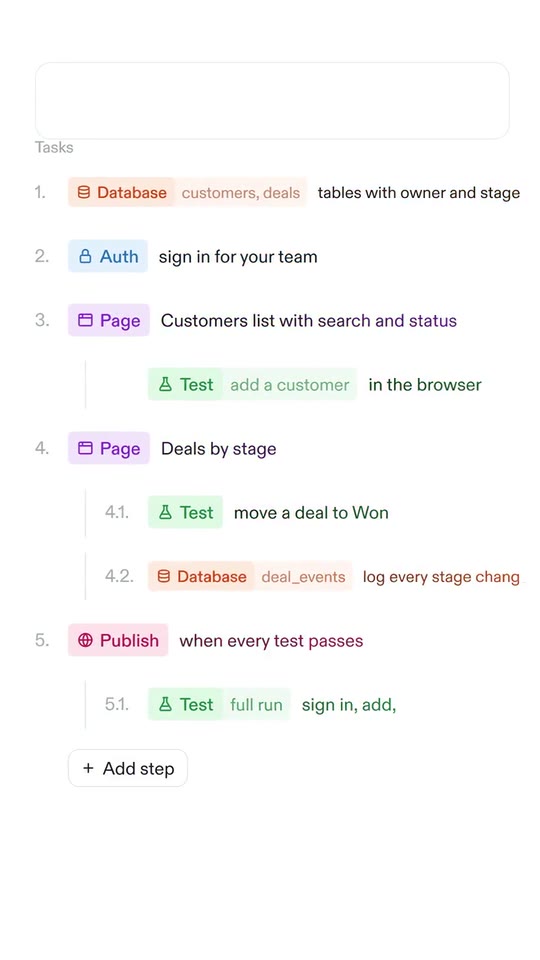
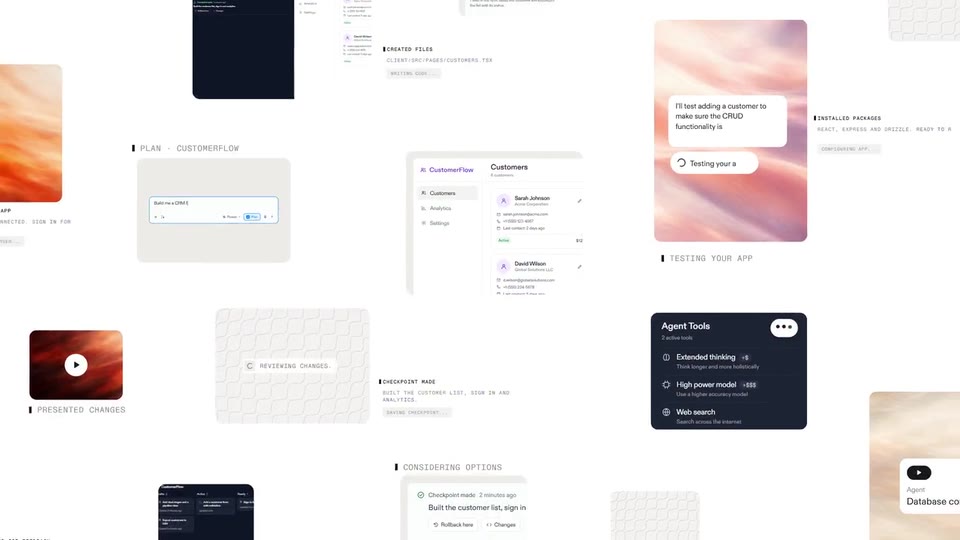
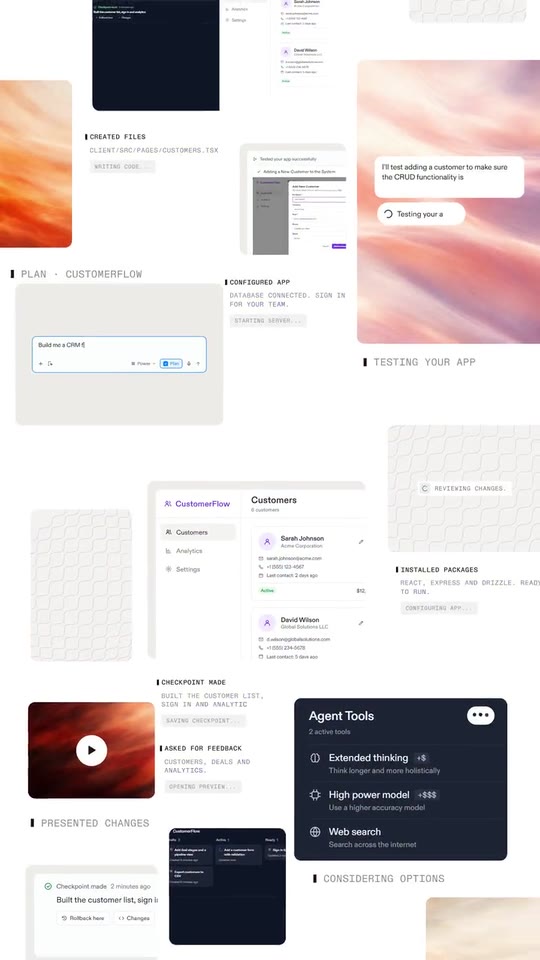
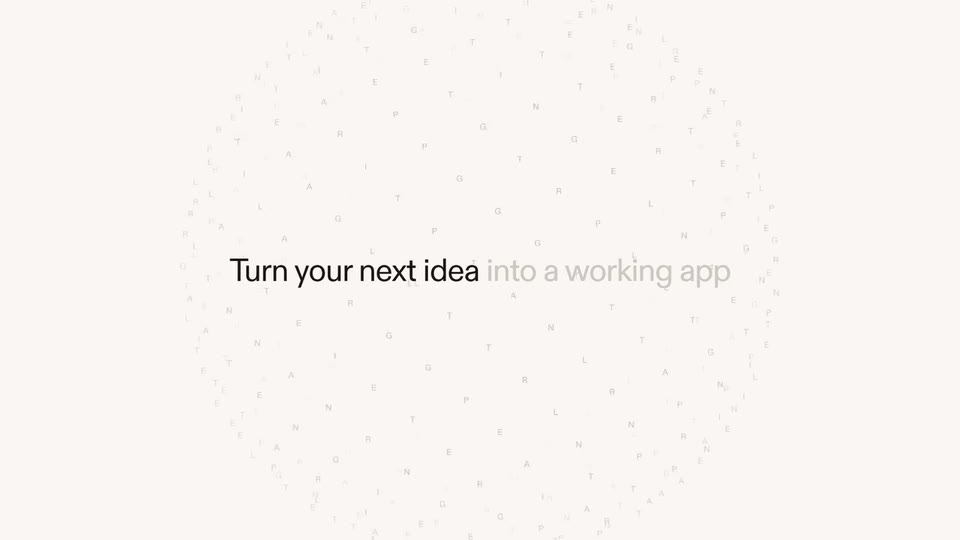
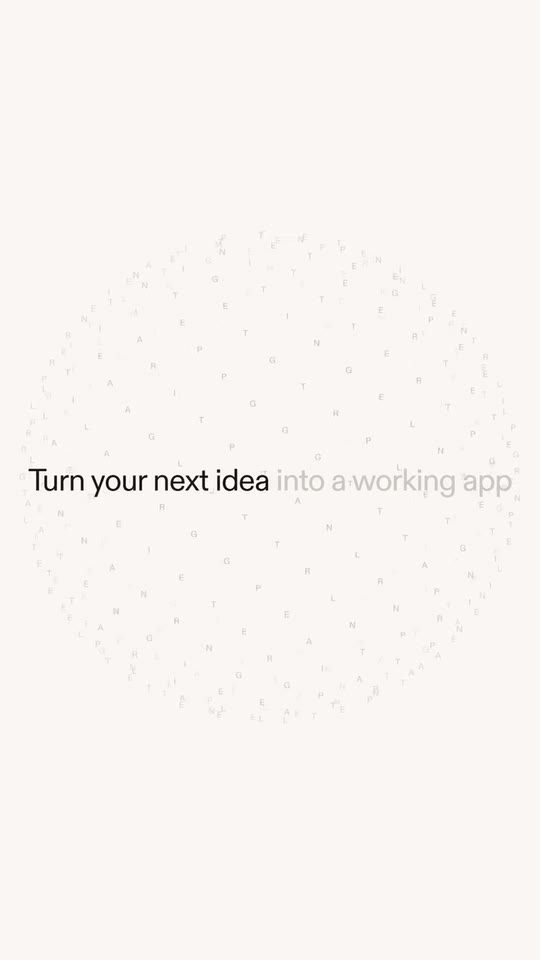
A moment-by-moment launch film for an AI agent: your mark opens into a word, a square cycles your textures among your agent's status lines, your logo builds letter by letter on a stepped line grid, a giant prompt card types your idea and a cursor sends it, your agent works among panels of your own interface (rebuilt in HTML, not screenshots), proposes a plan, the step types gather into a column and become the plan's rows, a cursor presses Build here, a wall of your screens, a dark field where it tests itself, a checkpoint, one line on black, "Connect your app to" over textures, your promise around an orb, one line inside a sphere of letters and the logo again.
- Price: $24 per export, paid once per video and per format; exporting needs an Opus Motion account
- Length: 41.5 seconds
- Formats: 16:9, 9:16 (each one designed for its screen)
- What you can change: 96 texts, 10 images, 4 colors, the music, the voiceover script
- Category: Launches
Examples with real brands
- Replit, 16:9: watch the video
- Replit, 9:16: watch the video
Make it yours
Paste your website and the template comes out with your logo, colors and words: https://opusmotion.com/studio/t47-agent-build?mode=yours. To open it already filled from a website, add &site=yourdomain.com.
Fields, for AI agents
An agent fills these with POST https://opusmotion.com/api/v1/drafts (guide: https://opusmotion.com/agents.md). $24 per export, paid once per video and per format (16:9 and 9:16 are separate exports), or included in an Opus Motion Pass (15 premium exports a month for $49). Exporting needs an Opus Motion account; payment happens in the studio.
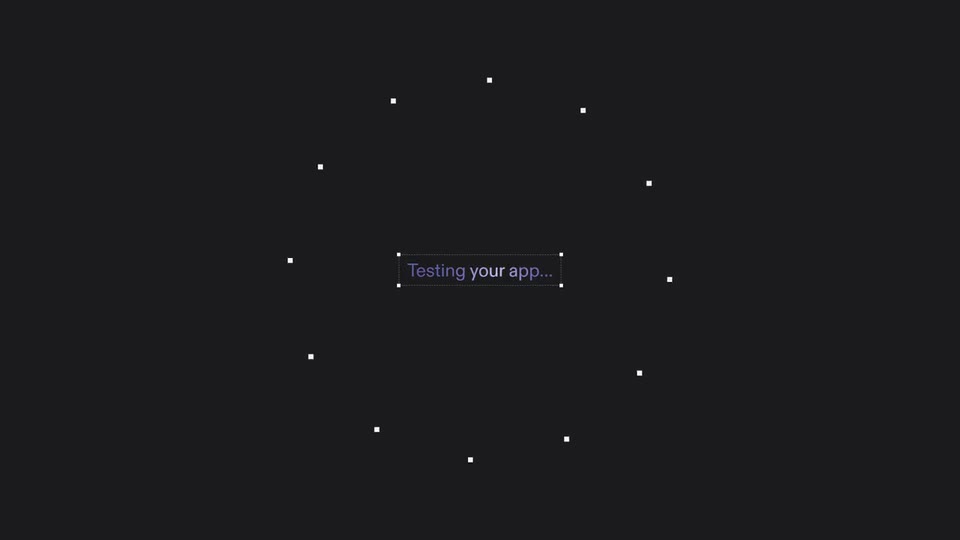
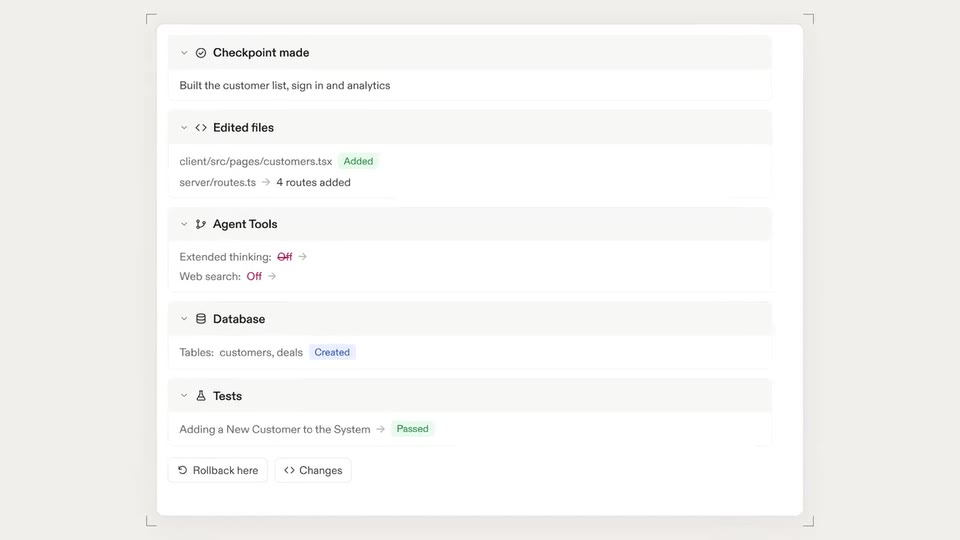
Scenes: Mark opens into the word (0–2.13 s); Square of textures and status lines (2.13–4.567 s); Logo builds on the grid (4.567–7.73 s); The request is typed and sent (7.73–10.63 s); The agent works (10.63–12.65 s); The plan and your reply (12.65–15.4 s); The steps (15.4–17.83 s); Build here (17.83–19.08 s); Collage of screens (19.08–22.6 s); It tests itself (22.6–25.767 s); Checkpoint (25.767–28.22 s); One line on black (28.22–30.17 s); Connect your app to (30.17–33.67 s); Promise around the orb (33.67–35.49 s); Typed line (35.49–37.72 s); Logo (37.72–41.5 s).
brandName(text, 2–14 characters): Brand name. How your brand is written; with no logo file it becomes the wordmark. The brand's own: never the demo's. Scene "Logo builds on the grid" at 5.8 s: 16:9 · 9:16.logo(image, free, shown whole): Your logo (the horizontal wordmark): an SVG, or a PNG with a transparent background. Horizontal logo, dark on light. Shown whole, at any proportion: nothing is cropped. The brand's own: never the demo's. Scene "Logo builds on the grid" at 5.8 s: 16:9 · 9:16.icon(image, 1:1, shown whole): A cut-out object on a transparent background (a PNG, or an SVG drawing): just the object, no photo background. Never a photo, never a photo padded with transparent bars. Your symbol alone: it opens the film, splits into the two markers and starts the logo build. A card-like object (rounded corners, transparent around it) works too. Shown whole inside a 1:1 box: nothing is cropped. The brand's own: never the demo's. Scene "Mark opens into the word" at 0.5 s: 16:9 · 9:16.productName(text, 2–12 characters): Product name. Types in grey after the logo. The brand's own: never the demo's. Scene "Logo builds on the grid" at 5.8 s: 16:9 · 9:16.brandColor(color, #RRGGBB): Brand color. Scene "The request is typed and sent" at 9.5 s: 16:9 · 9:16.glowColor(color, #RRGGBB): Second color. Scene "Build here" at 18.9 s: 16:9 · 9:16.paperColor(color, #RRGGBB): Background. Scene "Mark opens into the word" at 1.3 s: 16:9 · 9:16.texture1(image, free, cropped): An image of the brand. An abstract texture in your palette (soft brush, grain). Cropped to fill its frame: keep the subject in the middle. The brand's own: never the demo's. Scene "Square of textures and status lines" at 2.98 s: 16:9 · 9:16.texture2(image, free, cropped): An image of the brand. An abstract texture of your brand's world (material, light, colour): it cycles inside the square among your agent's status lines. Cropped to fill its frame: keep the subject in the middle. The brand's own: never the demo's. Scene "Square of textures and status lines" at 2.3 s: 16:9 · 9:16.texture3(image, free, cropped): An image of the brand. An abstract texture of your brand's world: it cycles inside the square among your agent's status lines. Cropped to fill its frame: keep the subject in the middle. The brand's own: never the demo's. Scene "Square of textures and status lines" at 4.5 s: 16:9 · 9:16.texture4(image, free, cropped): An image of the brand. An abstract texture of your brand's world: it cycles inside the square among your agent's status lines. Cropped to fill its frame: keep the subject in the middle. The brand's own: never the demo's. Scene "Square of textures and status lines" at 2.7 s: 16:9 · 9:16.texture5(image, free, cropped): An image of the brand. An abstract texture of your brand's world: it fills the background of the prompt card. Cropped to fill its frame: keep the subject in the middle. The brand's own: never the demo's. Scene "The request is typed and sent" at 9.6 s: 16:9 · 9:16.texture6(image, free, cropped): An image of the brand. An abstract texture of your brand's world: it fills the background of the prompt card. Cropped to fill its frame: keep the subject in the middle. The brand's own: never the demo's. Scene "The request is typed and sent" at 8.4 s: 16:9 · 9:16.texture7(image, free, cropped): An image of the brand. An abstract texture of your brand's world: it wraps the orb of your promise. Cropped to fill its frame: keep the subject in the middle. The brand's own: never the demo's. Scene "Promise around the orb" at 34.5 s: 16:9 · 9:16.texture8(image, free, cropped): An image of the brand. An abstract texture of your brand's world: it fills the frame behind «Connect your app to». Cropped to fill its frame: keep the subject in the middle. The brand's own: never the demo's. Scene "Connect your app to" at 30.6 s: 16:9 · 9:16.uiAccent(color, #RRGGBB): Interface accent. The action colour of your product's own interface (its primary button, mentions, toggles). Replit's app uses #0181FF. Scene "Build here" at 18.4 s: 16:9 · 9:16.openWord(text, 2–18 characters): Opening words. Demo's line, for tone and length only: "Your ideas". Scene "Mark opens into the word" at 1.4 s: 16:9 · 9:16.status1(text, 1–22 characters): Status line 1. Short status lines of your product, in capitals on screen. Demo's line, for tone and length only: "Created files". Scene "Square of textures and status lines" at 2.8 s: 16:9 · 9:16.status2(text, 1–22 characters): Status line 2. Demo's line, for tone and length only: "Installed packages". Scene "Square of textures and status lines" at 2.8 s: 16:9 · 9:16.status3(text, 1–22 characters): Status line 3. Demo's line, for tone and length only: "Configured app". Scene "Square of textures and status lines" at 2.8 s: 16:9 · 9:16.status4(text, 1–22 characters): Status line 4. Demo's line, for tone and length only: "Presented changes". Scene "Square of textures and status lines" at 2.8 s: 16:9 · 9:16.status5(text, 1–22 characters): Status line 5. Demo's line, for tone and length only: "Testing your app". Scene "Square of textures and status lines" at 2.8 s: 16:9 · 9:16.status6(text, 1–22 characters): Status line 6. Demo's line, for tone and length only: "Considering options". Scene "Square of textures and status lines" at 2.8 s: 16:9 · 9:16.status7(text, 1–22 characters): Status line 7. Demo's line, for tone and length only: "Asked for feedback". Scene "Square of textures and status lines" at 2.8 s: 16:9 · 9:16.greeting(text, 1–96 characters): Agent's typed line. Demo's line, for tone and length only: "I'll test adding a customer to make sure the CRUD functionality is working correctly.". Scene "Square of textures and status lines" at 3.8 s: 16:9 · 9:16.chipKey(text, 1–12 characters): Prompt chip label. Demo's line, for tone and length only: "App type:". Scene "The request is typed and sent" at 8.5 s: 16:9 · 9:16.chipValue(text, 1–10 characters): Prompt chip value. Demo's line, for tone and length only: "Auto". Scene "The request is typed and sent" at 8.5 s: 16:9 · 9:16.prompt(text, 10–48 characters): The request. Types into the prompt card in 1.55 s. Demo's line, for tone and length only: "Build me a CRM for my customers and deals". Scene "The request is typed and sent" at 10 s: 16:9 · 9:16.workingLabel(text, 1–22 characters): Working card title. Demo's line, for tone and length only: "Considering options". Scene "The agent works" at 11.6 s: 16:9 · 9:16.work1(text, 1–20 characters): Working step 1. Demo's line, for tone and length only: "Created files". Scene "The agent works" at 11.6 s: 16:9 · 9:16.work2(text, 1–20 characters): Working step 2. Demo's line, for tone and length only: "Installed packages". Scene "The agent works" at 11.6 s: 16:9 · 9:16.work3(text, 1–20 characters): Working step 3. Demo's line, for tone and length only: "Configured app". Scene "The agent works" at 11.6 s: 16:9 · 9:16.agentMeta(text, 1–24 characters): Agent meta line. Demo's line, for tone and length only: "9 seconds of work". Scene "The plan and your reply" at 14.5 s: 16:9 · 9:16.agentLine(text, 1–40 characters): Agent's answer. Demo's line, for tone and length only: "Absolutely! Here's a plan:". Scene "The plan and your reply" at 14.5 s: 16:9 · 9:16.planTitle(text, 1–32 characters): Plan title. Demo's line, for tone and length only: "Plan · CustomerFlow". Scene "The plan and your reply" at 14.5 s: 16:9 · 9:16.planDesc(text, 1–52 characters): Plan description. Demo's line, for tone and length only: "Customers, deals and a database with sign in". Scene "The plan and your reply" at 14.5 s: 16:9 · 9:16.reply(text, 1–96 characters): Your reply (mentions start with @). Demo's line, for tone and length only: "Sounds great! Use the built-in @Database for customers and add @Auth for my team". Scene "The plan and your reply" at 14.8 s: 16:9 · 9:16.chip1(text, 1–14 characters): Reply chip 1. Demo's line, for tone and length only: "Database". Scene "The plan and your reply" at 14.8 s: 16:9 · 9:16.chip2(text, 1–14 characters): Reply chip 2. Demo's line, for tone and length only: "Auth". Scene "The plan and your reply" at 14.8 s: 16:9 · 9:16.sideLabel(text, 1–14 characters): Sidebar label. Demo's line, for tone and length only: "Plans". Scene "The steps" at 17.2 s: 16:9 · 9:16.sideItem1(text, 1–18 characters): Sidebar item. Demo's line, for tone and length only: "Customer tracking". Scene "The steps" at 17.2 s: 16:9 · 9:16.appName(text, 1–18 characters): App name. Demo's line, for tone and length only: "CustomerFlow". Scene "The steps" at 17.2 s: 16:9 · 9:16.stepsLabel(text, 1–14 characters): Steps label. Demo's line, for tone and length only: "Tasks". Scene "The steps" at 17.2 s: 16:9 · 9:16.tool1(text, 1–12 characters): Step type 1. The five step types: each has its colour and icon and gathers into the column first. Demo's line, for tone and length only: "Database". Scene "The steps" at 17.2 s: 16:9 · 9:16.tool2(text, 1–12 characters): Step type 2. Demo's line, for tone and length only: "Auth". Scene "The steps" at 17.2 s: 16:9 · 9:16.tool3(text, 1–12 characters): Step type 3. Demo's line, for tone and length only: "Page". Scene "The steps" at 17.2 s: 16:9 · 9:16.tool4(text, 1–12 characters): Step type 4. Demo's line, for tone and length only: "Test". Scene "The steps" at 17.2 s: 16:9 · 9:16.tool5(text, 1–12 characters): Step type 5. Demo's line, for tone and length only: "Publish". Scene "The steps" at 17.2 s: 16:9 · 9:16.code1(text, 1–20 characters): Step 1 name. Second chip of step 1 (type 1). Demo's line, for tone and length only: "customers, deals". Scene "The steps" at 17.2 s: 16:9 · 9:16.step1(text, 1–34 characters): Step 1. Demo's line, for tone and length only: "tables with owner and stage". Scene "The steps" at 17.2 s: 16:9 · 9:16.step2(text, 1–34 characters): Step 2 (type 2). Demo's line, for tone and length only: "sign in for your team". Scene "The steps" at 17.2 s: 16:9 · 9:16.step3(text, 1–40 characters): Step 3 (type 3). Demo's line, for tone and length only: "Customers list with search and status". Scene "The steps" at 17.2 s: 16:9 · 9:16.code4(text, 1–18 characters): Step 3 check, name. Demo's line, for tone and length only: "add a customer". Scene "The steps" at 17.2 s: 16:9 · 9:16.step4(text, 1–30 characters): Step 3 check (type 4). Demo's line, for tone and length only: "in the browser". Scene "The steps" at 17.2 s: 16:9 · 9:16.step5(text, 1–34 characters): Step 4 (type 3). Demo's line, for tone and length only: "Deals by stage". Scene "The steps" at 17.2 s: 16:9 · 9:16.step6(text, 1–34 characters): Step 4.1 (type 4). Demo's line, for tone and length only: "move a deal to Won". Scene "The steps" at 17.2 s: 16:9 · 9:16.code7(text, 1–18 characters): Step 4.2 name. Demo's line, for tone and length only: "deal_events". Scene "The steps" at 17.2 s: 16:9 · 9:16.step7(text, 1–30 characters): Step 4.2 (type 1). Demo's line, for tone and length only: "log every stage change". Scene "The steps" at 17.2 s: 16:9 · 9:16.step8(text, 1–34 characters): Step 5 (type 5). Demo's line, for tone and length only: "when every test passes". Scene "The steps" at 17.2 s: 16:9 · 9:16.code9(text, 1–14 characters): Step 5.1 name. Demo's line, for tone and length only: "full run". Scene "The steps" at 17.2 s: 16:9 · 9:16.step9(text, 1–34 characters): Step 5.1 (type 4). Demo's line, for tone and length only: "sign in, add, edit and delete". Scene "The steps" at 17.2 s: 16:9 · 9:16.addStep(text, 1–14 characters): Add step label. Demo's line, for tone and length only: "Add step". Scene "The steps" at 17.2 s: 16:9 · 9:16.revise(text, 1–12 characters): Secondary button. docs.replit.com Plan Mode: Revise / Build here. Demo's line, for tone and length only: "Revise". Scene "Build here" at 18.4 s: 16:9 · 9:16.approve(text, 1–14 characters): Primary button. Demo's line, for tone and length only: "Build here". Scene "Build here" at 18.4 s: 16:9 · 9:16.testing(text, 1–28 characters): Line in the dark. Demo's line, for tone and length only: "Testing your app…". Scene "It tests itself" at 24.6 s: 16:9 · 9:16.checkpointTitle(text, 1–24 characters): Checkpoint title. Demo's line, for tone and length only: "Checkpoint made". Scene "Checkpoint" at 27 s: 16:9 · 9:16.checkpointDesc(text, 1–64 characters): Checkpoint description. Demo's line, for tone and length only: "Built the customer list, sign in and analytics". Scene "Checkpoint" at 27 s: 16:9 · 9:16.cpFilesLabel(text, 1–18 characters): Files label. Demo's line, for tone and length only: "Edited files". Scene "Checkpoint" at 27 s: 16:9 · 9:16.cpFile1(text, 1–40 characters): File 1. Demo's line, for tone and length only: "client/src/pages/customers.tsx". Scene "Checkpoint" at 27 s: 16:9 · 9:16.cpFile2(text, 1–40 characters): File 2. Demo's line, for tone and length only: "server/routes.ts". Scene "Checkpoint" at 27 s: 16:9 · 9:16.cpRoutes(text, 1–24 characters): File 2 change. Demo's line, for tone and length only: "4 routes added". Scene "Checkpoint" at 27 s: 16:9 · 9:16.cpAdded(text, 1–10 characters): Added tag. Demo's line, for tone and length only: "Added". Scene "Checkpoint" at 27 s: 16:9 · 9:16.cpToolsLabel(text, 1–18 characters): Settings label. Demo's line, for tone and length only: "Agent Tools". Scene "Checkpoint" at 27 s: 16:9 · 9:16.cpTool1(text, 1–28 characters): Changed setting. Demo's line, for tone and length only: "Extended thinking". Scene "Checkpoint" at 27 s: 16:9 · 9:16.cpTool2(text, 1–28 characters): Changed setting 2. Demo's line, for tone and length only: "Web search". Scene "Checkpoint" at 27 s: 16:9 · 9:16.cpOld(text, 1–10 characters): Old value. Demo's line, for tone and length only: "Off". Scene "Checkpoint" at 27 s: 16:9 · 9:16.cpNew(text, 1–10 characters): New value. Demo's line, for tone and length only: "On". Scene "Checkpoint" at 27 s: 16:9 · 9:16.cpDbLabel(text, 1–18 characters): Data label. Demo's line, for tone and length only: "Database". Scene "Checkpoint" at 27 s: 16:9 · 9:16.cpTables(text, 1–14 characters): Data row label. Demo's line, for tone and length only: "Tables". Scene "Checkpoint" at 27 s: 16:9 · 9:16.cpDb(text, 1–32 characters): Data item. Demo's line, for tone and length only: "customers, deals". Scene "Checkpoint" at 27 s: 16:9 · 9:16.cpCreated(text, 1–10 characters): Created tag. Demo's line, for tone and length only: "Created". Scene "Checkpoint" at 27 s: 16:9 · 9:16.cpTestsLabel(text, 1–18 characters): Tests label. Demo's line, for tone and length only: "Tests". Scene "Checkpoint" at 27 s: 16:9 · 9:16.cpTest(text, 1–44 characters): Test name. Demo's line, for tone and length only: "Adding a New Customer to the System". Scene "Checkpoint" at 27 s: 16:9 · 9:16.cpPassed(text, 1–10 characters): Passed tag. Demo's line, for tone and length only: "Passed". Scene "Checkpoint" at 27 s: 16:9 · 9:16.cpRollback(text, 1–16 characters): Button 1. Demo's line, for tone and length only: "Rollback here". Scene "Checkpoint" at 27 s: 16:9 · 9:16.cpChanges(text, 1–12 characters): Button 2. Demo's line, for tone and length only: "Changes". Scene "Checkpoint" at 27 s: 16:9 · 9:16.colBody1(text, 1–64 characters): Collage note 1. Mono notes of the collage (title = a status line). Demo's line, for tone and length only: "Adding a new customer. Filling in name, company and status.". Scene "Collage of screens" at 20.5 s: 16:9 · 9:16.colChip1(text, 1–22 characters): Collage chip 1. Demo's line, for tone and length only: "Running test...". Scene "Collage of screens" at 20.5 s: 16:9 · 9:16.colBody2(text, 1–64 characters): Collage note 2. Demo's line, for tone and length only: "Built the customer list, sign in and analytics.". Scene "Collage of screens" at 20.5 s: 16:9 · 9:16.colChip2(text, 1–22 characters): Collage chip 2. Demo's line, for tone and length only: "Saving checkpoint...". Scene "Collage of screens" at 20.5 s: 16:9 · 9:16.colBody3(text, 1–64 characters): Collage note 3. Demo's line, for tone and length only: "React, Express and Drizzle. Ready to run.". Scene "Collage of screens" at 20.5 s: 16:9 · 9:16.colChip3(text, 1–22 characters): Collage chip 3. Demo's line, for tone and length only: "Configuring app...". Scene "Collage of screens" at 20.5 s: 16:9 · 9:16.colBody4(text, 1–64 characters): Collage note 4. Demo's line, for tone and length only: "Database connected. Sign in for your team.". Scene "Collage of screens" at 21.9 s: 16:9 · 9:16.colChip4(text, 1–22 characters): Collage chip 4. Demo's line, for tone and length only: "Starting server...". Scene "Collage of screens" at 21.9 s: 16:9 · 9:16.colBody5(text, 1–64 characters): Collage note 5. Demo's line, for tone and length only: "client/src/pages/customers.tsx". Scene "Collage of screens" at 21.9 s: 16:9 · 9:16.colChip5(text, 1–22 characters): Collage chip 5. Demo's line, for tone and length only: "Writing code...". Scene "Collage of screens" at 21.9 s: 16:9 · 9:16.colBody6(text, 1–64 characters): Collage note 6. Demo's line, for tone and length only: "Customers, deals and analytics.". Scene "Collage of screens" at 21.9 s: 16:9 · 9:16.colChip6(text, 1–22 characters): Collage chip 6. Demo's line, for tone and length only: "Opening preview...". Scene "Collage of screens" at 21.9 s: 16:9 · 9:16.colPill(text, 1–24 characters): Collage tool line. Demo's line, for tone and length only: "Writing the plan...". Scene "Collage of screens" at 20.5 s: 16:9 · 9:16.colReview(text, 1–24 characters): Collage review line. Demo's line, for tone and length only: "Reviewing changes". Scene "Collage of screens" at 21.9 s: 16:9 · 9:16.blackLine(text, 4–28 characters): Line on black. Each word lights up as the voice says it. Demo's line, for tone and length only: "from one workspace". Scene "One line on black" at 29.6 s: 16:9 · 9:16.connectLead(text, 1–22 characters): Connect phrase. Demo's line, for tone and length only: "Connect your app to". Scene "Connect your app to" at 31 s: 16:9 · 9:16.connect1a(text, 1–14 characters): First name, short. Shown first; the full first name completes it. Demo's line, for tone and length only: "Google". Scene "Connect your app to" at 30.3 s: 16:9 · 9:16.connect1(text, 1–20 characters): First name. Demo's line, for tone and length only: "Google Workspace". Scene "Connect your app to" at 31 s: 16:9 · 9:16.connect2(text, 1–20 characters): Second name. Demo's line, for tone and length only: "Stripe". Scene "Connect your app to" at 31.8 s: 16:9 · 9:16.connect3(text, 1–20 characters): Third name. Demo's line, for tone and length only: "OpenAI". Scene "Connect your app to" at 32.4 s: 16:9 · 9:16.connect4(text, 1–20 characters): Fourth name. docs.replit.com Integrations: Use Slack with Agent. Demo's line, for tone and length only: "Slack". Scene "Connect your app to" at 33.1 s: 16:9 · 9:16.promiseA(text, 1–14 characters): Before the orb. Demo's line, for tone and length only: "Start small". Scene "Promise around the orb" at 34.6 s: 16:9 · 9:16.promiseB(text, 1–14 characters): After the orb. Demo's line, for tone and length only: "Scale fast". Scene "Promise around the orb" at 34.6 s: 16:9 · 9:16.finalLine(text, 4–44 characters): Typed line. Each word darkens as the voice says it. Demo's line, for tone and length only: "Turn your next idea into a working app". Scene "Typed line" at 37 s: 16:9 · 9:16.