For AI agents
Coding agents (Claude Code, Codex, Cursor and similar) make Opus Motion videos for a project with the agent guide: https://opusmotion.com/agents.md.
- The guide's steps: read the project, ask the person a few questions, compare templates (each one has a timelapse, its scenes and its fields), make a draft with
POST https://opusmotion.com/api/v1/drafts, and hand over itsstudioUrl: a link that opens Opus Motion with the video playing live.PATCHwith the draft'seditTokenchanges it, and the link stays the same. - Plain HTTPS and JSON: no key and no account. Or the MCP server (https://opusmotion.com/mcp): every tool, with stills of the draft returned as images. The person exports the MP4 from the studio.
- The studio is filled through the API, not by driving the site with a browser. When the API refuses, the person is told.
- More: llms.txt · this page in Markdown · developer docs · OpenAPI
Agent Day: premium launches video template
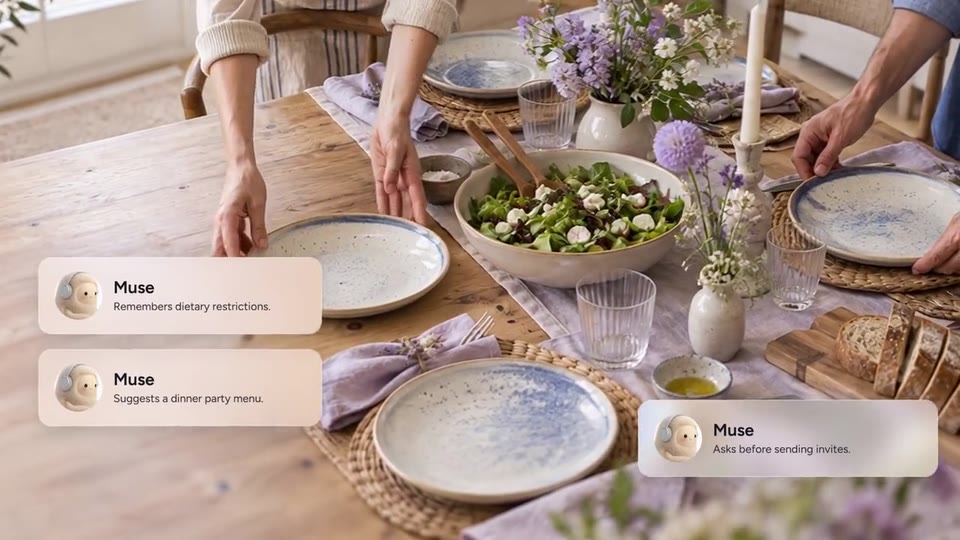
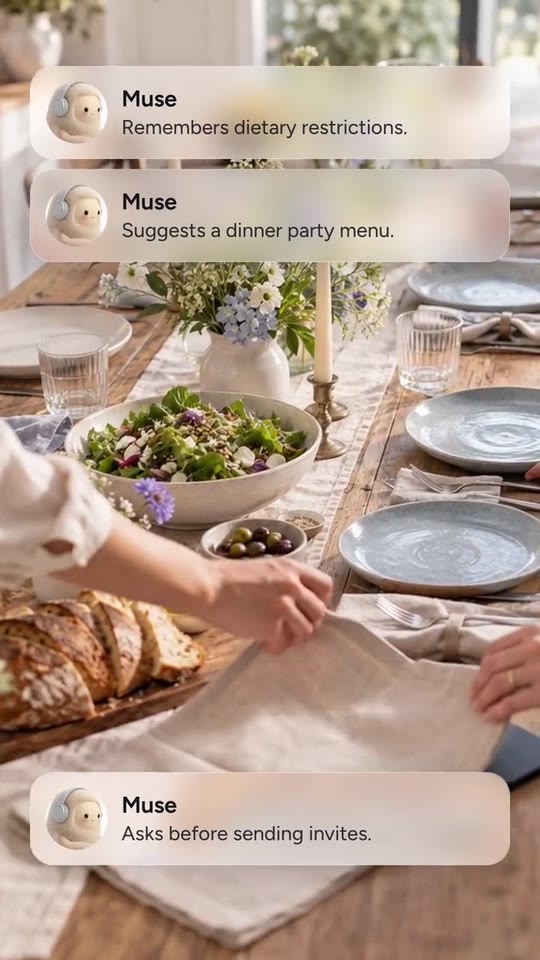
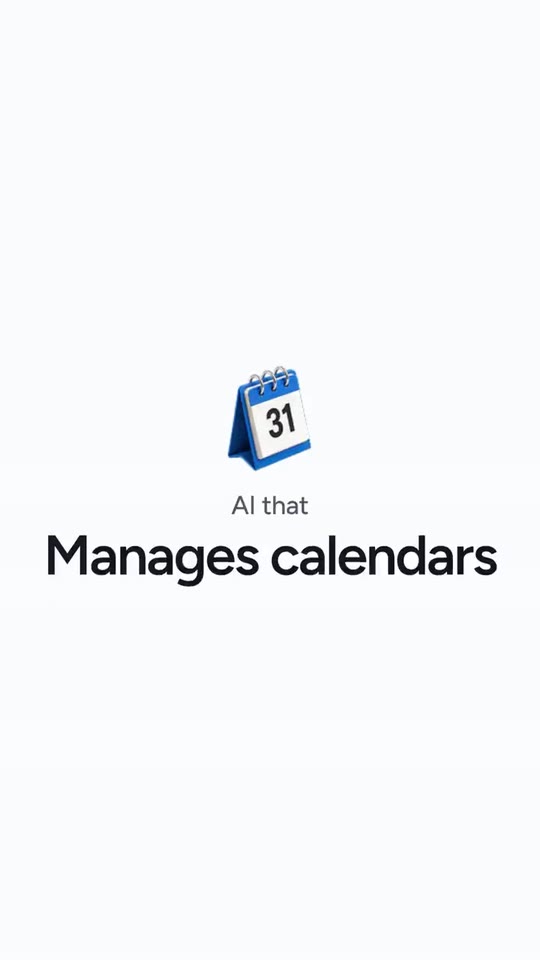
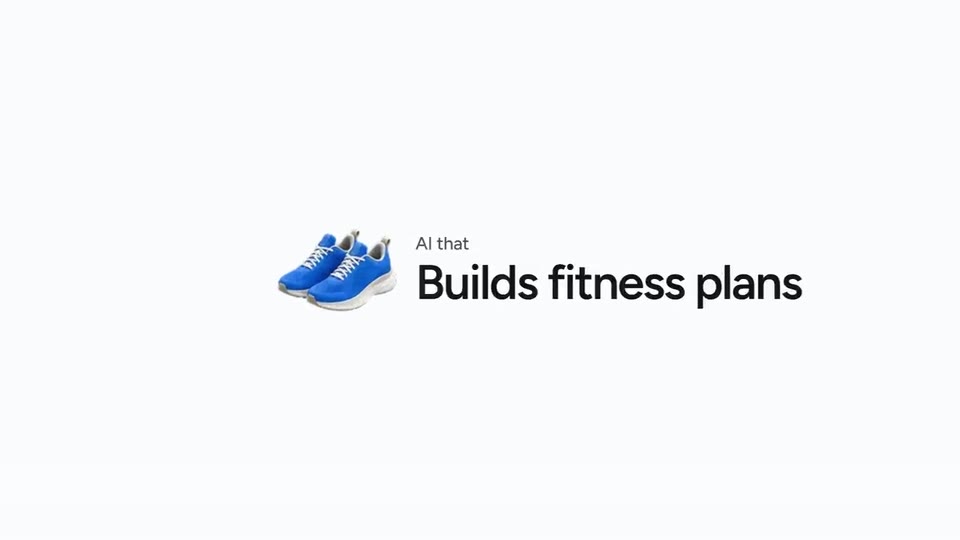
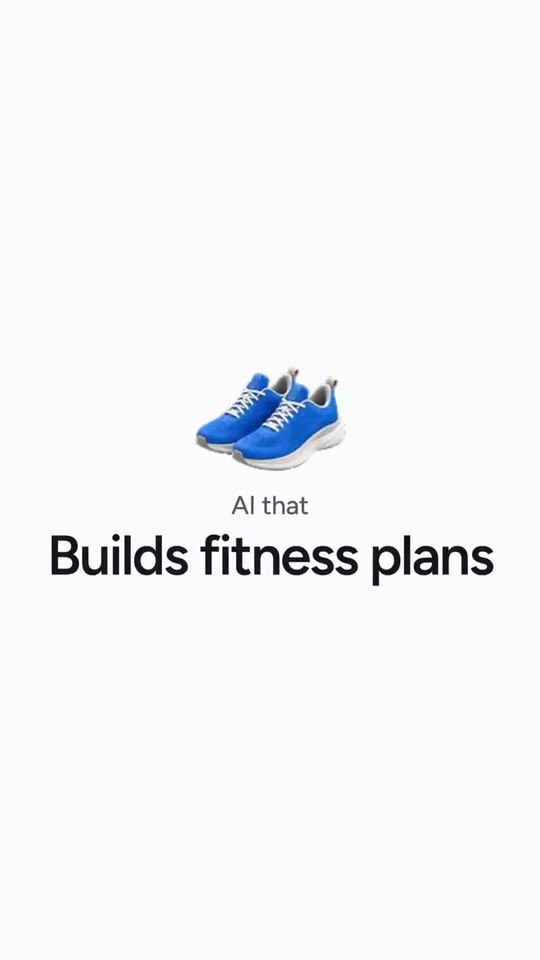
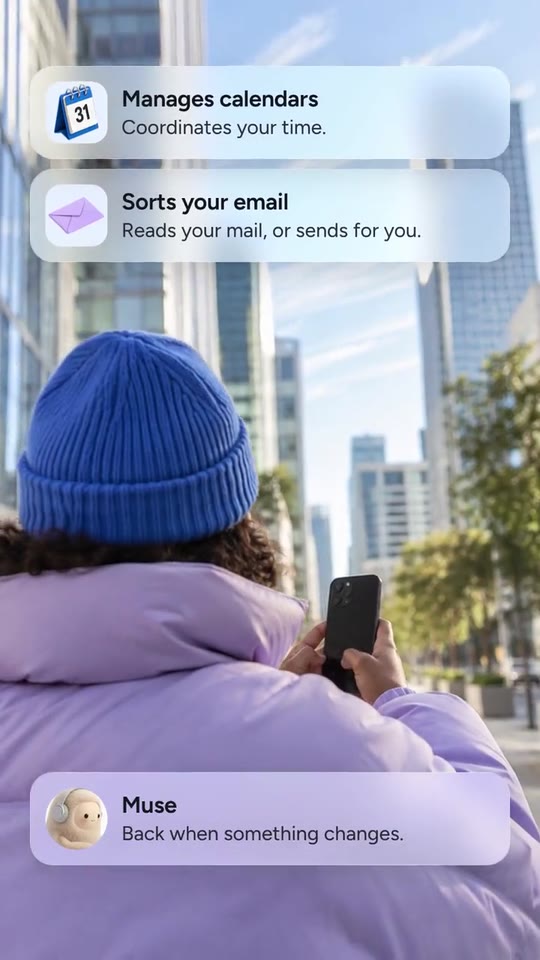
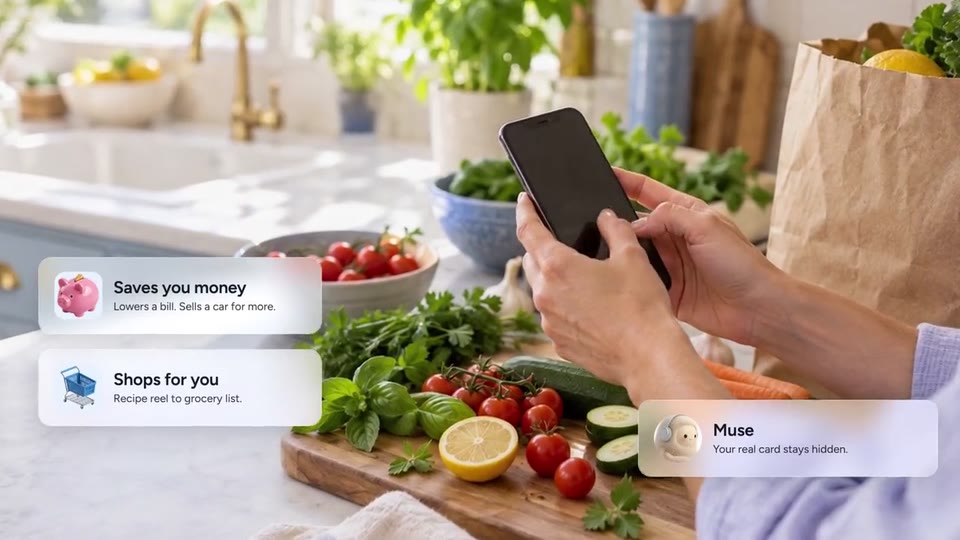
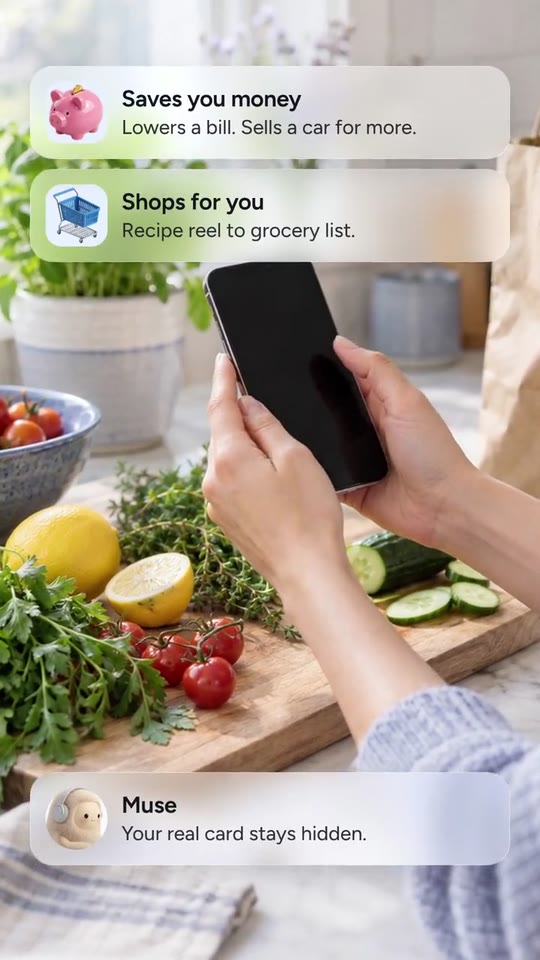
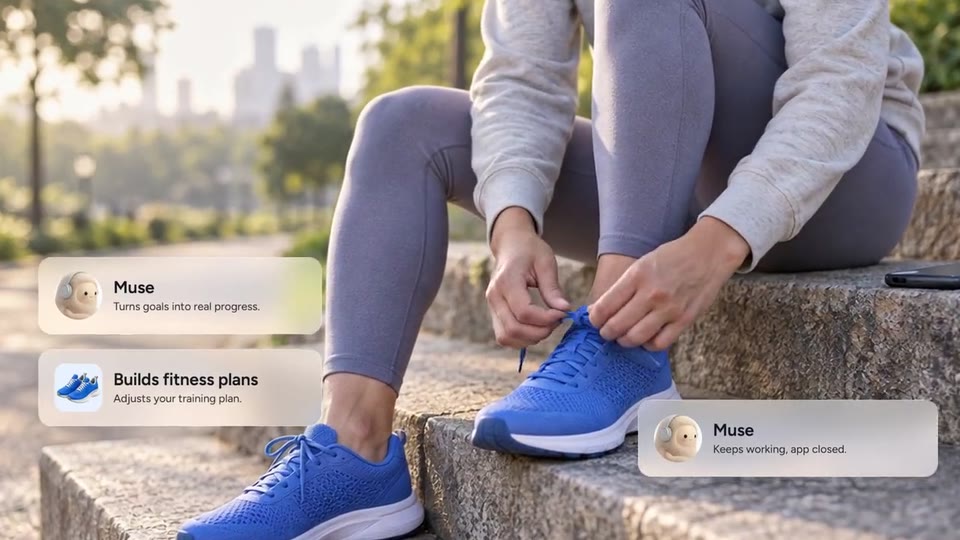
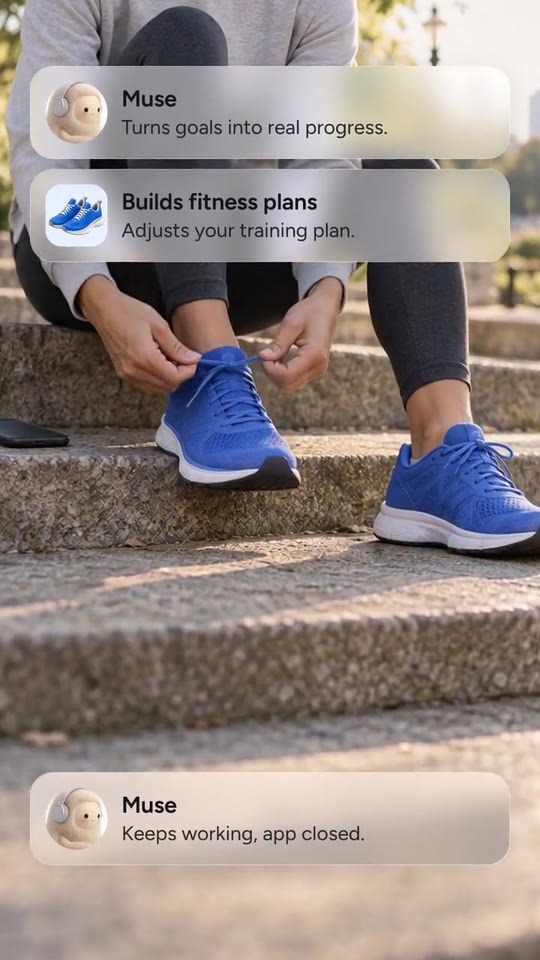
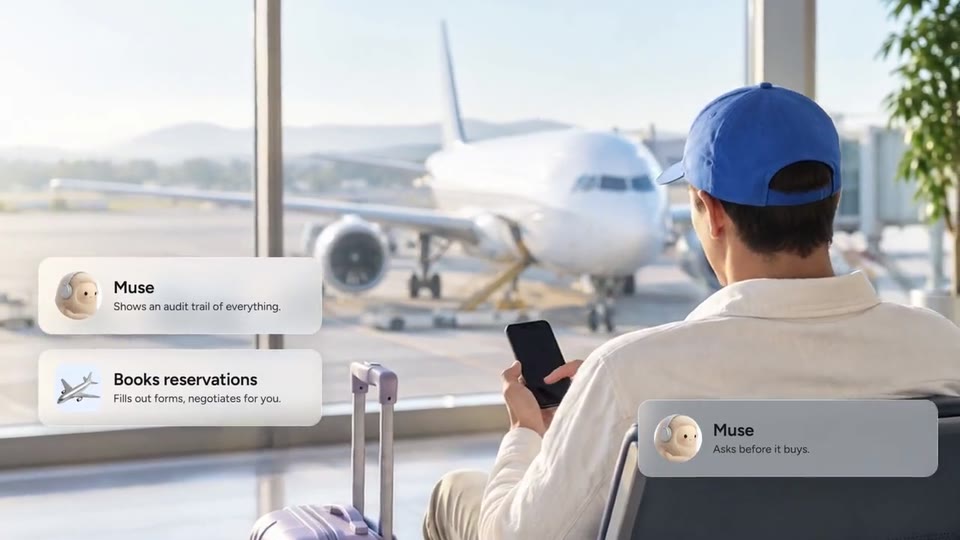
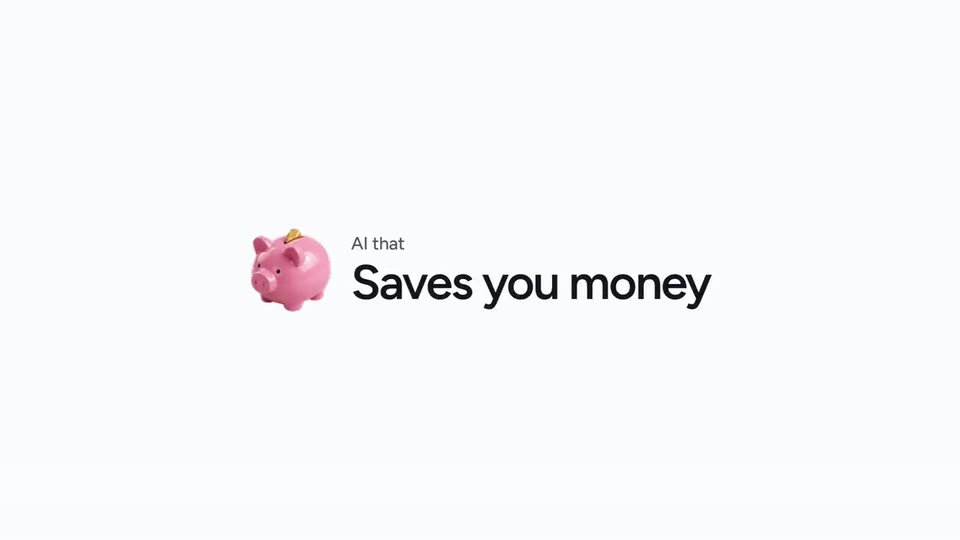
A 17.5-second film for a product that does things for people: glass notification cards stack over five everyday shots, hard cuts to paper where your icon pops and what you do locks against it, a montage where every card lands, and your name, line and call to action.
- Price: $14 per export, paid once per video and per format; exporting needs an Opus Motion account
- Length: 17.5 seconds
- Formats: 16:9, 9:16 (each one designed for its screen)
- What you can change: 26 texts, 7 images, 11 videos (a clip, or the picture it starts on), 1 color, the music
- Category: Launches
Examples with real brands
- Meta Muse, 16:9: watch the video
- Meta Muse, 9:16: watch the video
Make it yours
Paste your website and the template comes out with your logo, colors and words: https://opusmotion.com/studio/t59-agent-day?mode=yours. To open it already filled from a website, add &site=yourdomain.com.
Fields, for AI agents
An agent fills these with POST https://opusmotion.com/api/v1/drafts (guide: https://opusmotion.com/agents.md). $14 per export, paid once per video and per format (16:9 and 9:16 are separate exports), or included in an Opus Motion Pass (15 premium exports a month for $49). Exporting needs an Opus Motion account; payment happens in the studio.
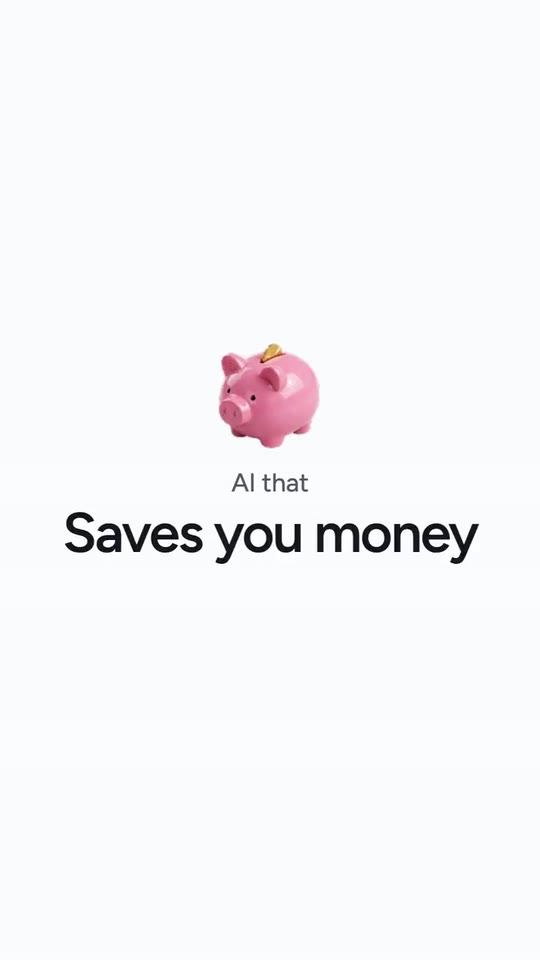
Scenes: Shot 1 with three cards (0–1.5 s); Your icon pops, your name locks (1.5–2.5 s); Shot 2 with three cards (2.5–4 s); Thing it does 3 (4–5 s); Shot 3 with three cards (5–6.5 s); Thing it does 5 (6.5–7.5 s); Shot 4 with three messages (7.5–9 s); Thing it does 2 (9–10 s); Shot 5 with three cards (10–11.5 s); Things it does 1 and 4 (11.5–12.5 s); Montage: every card lands (12.5–13.5 s); Logo, line, call to action, icons (13.5–17.5 s).
brandName(text, 2–12 characters): Brand name. How your brand is written. It locks against your icon and titles your product's own messages. The brand's own: never the demo's. Scene "Your icon pops, your name locks" at 2.3 s: 16:9 · 9:16.logo(image, 1:1, shown whole): Your app or brand icon, square and full bleed. Your square symbol. Shown whole inside a 1:1 box: nothing is cropped. The brand's own: never the demo's. Scene "Your icon pops, your name locks" at 2.3 s: 16:9 · 9:16.brandColor(color, #RRGGBB): Brand color. The call-to-action pill, the icon tiles and the paper's tint derive from it.fontStyle(choice:rounded,grotesk,serif; defaultrounded): Type. The family of every line: pick the one closest to your site.avatar(image, 1:1, cropped): A real photo of the product, place or people of the brand. The face of your product's messages (a mascot, a symbol). In the video this is the first frame of the clipavatarMotion(a video plays here when there is one); without a clip, this picture shows. Cropped to fill a 1:1 frame: keep the subject in the middle. Optional. Demo's image. Scene "Shot 4 with three messages" at 8.3 s: 16:9 · 9:16.avatarMotion(video, motion, 1:1, 3.03 s of the clip play): The video of "Your product's avatar": a muted clip that starts on that image (a real clip from the project, or the image animated). Without one, the image stays still. It movesavatar. Only its first 3.03 s play; the rest is cut. It holds its last frame. Optional. Upload: PUT https://opusmotion.com/api/v1/drafts/{draftId}/media/avatarMotion. Scene "Logo, line, call to action, icons" at 16 s: 16:9 · 9:16.icon1(image, 1:1, shown whole): A cut-out object on a transparent background (a PNG, or an SVG drawing): just the object, no photo background. Never a photo, never a photo padded with transparent bars. A transparent icon or 3D object for 'thing it does 1'. Shown whole inside a 1:1 box: nothing is cropped. Optional. Demo's image. Scene "Logo, line, call to action, icons" at 16.3 s: 16:9 · 9:16.icon2(image, 1:1, shown whole): A cut-out object on a transparent background (a PNG, or an SVG drawing): just the object, no photo background. Never a photo, never a photo padded with transparent bars. A transparent icon or 3D object for 'thing it does 2'. Shown whole inside a 1:1 box: nothing is cropped. Optional. Demo's image. Scene "Thing it does 2" at 16.3 s: 16:9 · 9:16.icon3(image, 1:1, shown whole): A cut-out object on a transparent background (a PNG, or an SVG drawing): just the object, no photo background. Never a photo, never a photo padded with transparent bars. A transparent icon or 3D object for 'thing it does 3'. Shown whole inside a 1:1 box: nothing is cropped. Optional. Demo's image. Scene "Thing it does 3" at 16.3 s: 16:9 · 9:16.icon4(image, 1:1, shown whole): A cut-out object on a transparent background (a PNG, or an SVG drawing): just the object, no photo background. Never a photo, never a photo padded with transparent bars. A transparent icon or 3D object for 'thing it does 4'. Shown whole inside a 1:1 box: nothing is cropped. Optional. Demo's image. Scene "Logo, line, call to action, icons" at 16.3 s: 16:9 · 9:16.icon5(image, 1:1, shown whole): A cut-out object on a transparent background (a PNG, or an SVG drawing): just the object, no photo background. Never a photo, never a photo padded with transparent bars. A transparent icon or 3D object for 'thing it does 5'. Shown whole inside a 1:1 box: nothing is cropped. Optional. Demo's image. Scene "Thing it does 5" at 16.3 s: 16:9 · 9:16.icon6(image, 1:1, shown whole): A cut-out object on a transparent background (a PNG, or an SVG drawing): just the object, no photo background. Never a photo, never a photo padded with transparent bars. A transparent icon or 3D object for 'thing it does 6'. Shown whole inside a 1:1 box: nothing is cropped. Optional. Demo's image. Scene "Logo, line, call to action, icons" at 16.3 s: 16:9 · 9:16.shot1(image, 16:9, cropped): A real photo of the product, place or people of the brand. Your customer's morning, phone in hand: the first two cards stack over it. In the video this is the first frame of the clipshot1Motion, which plays here. Cropped to fill a 16:9 frame: keep the subject in the middle. Demo's image. Scene "Shot 1 with three cards" at 0.8 s: 16:9 · 9:16.shot1Motion(video, footage, 16:9, 2.6 s of the clip play): Real footage of this shot: a muted clip that starts where "Shot 1 · on the way" is. It movesshot1. Only its first 2.6 s play; the rest is cut. It holds its last frame. Demo's clip. Upload: PUT https://opusmotion.com/api/v1/drafts/{draftId}/media/shot1Motion. Scene "Shot 1 with three cards" at 0.8 s: 16:9 · 9:16.shot1Tall(image, 9:16, cropped): A real photo of the product, place or people of the brand. Only for the 9:16 export: the same moment framed vertically, calm space at the top and bottom. In the video this is the first frame of the clipshot1TallMotion(a video plays here when there is one); without a clip, this picture shows. Cropped to fill a 9:16 frame: keep the subject in the middle. Optional. Demo's image. Scene "Shot 1 with three cards" at 0.8 s: 16:9 · 9:16.shot1TallMotion(video, motion, 9:16, 2.6 s of the clip play): The video of "Shot 1 · on the way · vertical (optional)": a muted clip that starts on that image (a real clip from the project, or the image animated). Empty: the 16:9 clip is cropped. It movesshot1Tall. Only its first 2.6 s play; the rest is cut. It holds its last frame. Optional. Upload: PUT https://opusmotion.com/api/v1/drafts/{draftId}/media/shot1TallMotion. Scene "Shot 1 with three cards" at 0.8 s: 16:9 · 9:16.shot2(image, 16:9, cropped): A real photo of the product, place or people of the brand. A moment at home where your product helps. In the video this is the first frame of the clipshot2Motion, which plays here. Cropped to fill a 16:9 frame: keep the subject in the middle. Demo's image. Scene "Shot 2 with three cards" at 3.3 s: 16:9 · 9:16.shot2Motion(video, footage, 16:9, 2.5 s of the clip play): Real footage of this shot: a muted clip that starts where "Shot 2 · at home" is. It movesshot2. Only its first 2.5 s play; the rest is cut. It holds its last frame. Demo's clip. Upload: PUT https://opusmotion.com/api/v1/drafts/{draftId}/media/shot2Motion. Scene "Shot 2 with three cards" at 3.3 s: 16:9 · 9:16.shot2Tall(image, 9:16, cropped): A real photo of the product, place or people of the brand. Only for the 9:16 export: the same moment framed vertically, calm space at the top and bottom. In the video this is the first frame of the clipshot2TallMotion(a video plays here when there is one); without a clip, this picture shows. Cropped to fill a 9:16 frame: keep the subject in the middle. Optional. Demo's image. Scene "Shot 2 with three cards" at 3.3 s: 16:9 · 9:16.shot2TallMotion(video, motion, 9:16, 2.5 s of the clip play): The video of "Shot 2 · at home · vertical (optional)": a muted clip that starts on that image (a real clip from the project, or the image animated). Empty: the 16:9 clip is cropped. It movesshot2Tall. Only its first 2.5 s play; the rest is cut. It holds its last frame. Optional. Upload: PUT https://opusmotion.com/api/v1/drafts/{draftId}/media/shot2TallMotion. Scene "Shot 2 with three cards" at 3.3 s: 16:9 · 9:16.shot3(image, 16:9, cropped): A real photo of the product, place or people of the brand. Someone working on a goal (training, studying, building). In the video this is the first frame of the clipshot3Motion, which plays here. Cropped to fill a 16:9 frame: keep the subject in the middle. Demo's image. Scene "Shot 3 with three cards" at 5.8 s: 16:9 · 9:16.shot3Motion(video, footage, 16:9, 2.8 s of the clip play): Real footage of this shot: a muted clip that starts where "Shot 3 · a goal" is. It movesshot3. Only its first 2.8 s play; the rest is cut. It holds its last frame. Demo's clip. Upload: PUT https://opusmotion.com/api/v1/drafts/{draftId}/media/shot3Motion. Scene "Shot 3 with three cards" at 5.8 s: 16:9 · 9:16.shot3Tall(image, 9:16, cropped): A real photo of the product, place or people of the brand. Only for the 9:16 export: the same moment framed vertically, calm space at the top and bottom. In the video this is the first frame of the clipshot3TallMotion(a video plays here when there is one); without a clip, this picture shows. Cropped to fill a 9:16 frame: keep the subject in the middle. Optional. Demo's image. Scene "Shot 3 with three cards" at 5.8 s: 16:9 · 9:16.shot3TallMotion(video, motion, 9:16, 2.8 s of the clip play): The video of "Shot 3 · a goal · vertical (optional)": a muted clip that starts on that image (a real clip from the project, or the image animated). Empty: the 16:9 clip is cropped. It movesshot3Tall. Only its first 2.8 s play; the rest is cut. It holds its last frame. Optional. Upload: PUT https://opusmotion.com/api/v1/drafts/{draftId}/media/shot3TallMotion. Scene "Shot 3 with three cards" at 5.8 s: 16:9 · 9:16.shot4(image, 16:9, cropped): A real photo of the product, place or people of the brand. A moment with friends or family: three of your product's messages land on it. In the video this is the first frame of the clipshot4Motion, which plays here. Cropped to fill a 16:9 frame: keep the subject in the middle. Demo's image. Scene "Shot 4 with three messages" at 8.3 s: 16:9 · 9:16.shot4Motion(video, footage, 16:9, 2.7 s of the clip play): Real footage of this shot: a muted clip that starts where "Shot 4 · with people" is. It movesshot4. Only its first 2.7 s play; the rest is cut. It holds its last frame. Demo's clip. Upload: PUT https://opusmotion.com/api/v1/drafts/{draftId}/media/shot4Motion. Scene "Shot 4 with three messages" at 8.3 s: 16:9 · 9:16.shot4Tall(image, 9:16, cropped): A real photo of the product, place or people of the brand. Only for the 9:16 export: the same moment framed vertically, calm space at the top and bottom. In the video this is the first frame of the clipshot4TallMotion(a video plays here when there is one); without a clip, this picture shows. Cropped to fill a 9:16 frame: keep the subject in the middle. Optional. Demo's image. Scene "Shot 4 with three messages" at 8.3 s: 16:9 · 9:16.shot4TallMotion(video, motion, 9:16, 2.7 s of the clip play): The video of "Shot 4 · with people · vertical (optional)": a muted clip that starts on that image (a real clip from the project, or the image animated). Empty: the 16:9 clip is cropped. It movesshot4Tall. Only its first 2.7 s play; the rest is cut. It holds its last frame. Optional. Upload: PUT https://opusmotion.com/api/v1/drafts/{draftId}/media/shot4TallMotion. Scene "Shot 4 with three messages" at 8.3 s: 16:9 · 9:16.shot5(image, 16:9, cropped): A real photo of the product, place or people of the brand. Travel or a move: the last cards before the montage. In the video this is the first frame of the clipshot5Motion, which plays here. Cropped to fill a 16:9 frame: keep the subject in the middle. Demo's image. Scene "Shot 5 with three cards" at 10.8 s: 16:9 · 9:16.shot5Motion(video, footage, 16:9, 2.4 s of the clip play): Real footage of this shot: a muted clip that starts where "Shot 5 · on the go" is. It movesshot5. Only its first 2.4 s play; the rest is cut. It holds its last frame. Demo's clip. Upload: PUT https://opusmotion.com/api/v1/drafts/{draftId}/media/shot5Motion. Scene "Shot 5 with three cards" at 10.8 s: 16:9 · 9:16.shot5Tall(image, 9:16, cropped): A real photo of the product, place or people of the brand. Only for the 9:16 export: the same moment framed vertically, calm space at the top and bottom. In the video this is the first frame of the clipshot5TallMotion(a video plays here when there is one); without a clip, this picture shows. Cropped to fill a 9:16 frame: keep the subject in the middle. Optional. Demo's image. Scene "Shot 5 with three cards" at 10.8 s: 16:9 · 9:16.shot5TallMotion(video, motion, 9:16, 2.4 s of the clip play): The video of "Shot 5 · on the go · vertical (optional)": a muted clip that starts on that image (a real clip from the project, or the image animated). Empty: the 16:9 clip is cropped. It movesshot5Tall. Only its first 2.4 s play; the rest is cut. It holds its last frame. Optional. Upload: PUT https://opusmotion.com/api/v1/drafts/{draftId}/media/shot5TallMotion. Scene "Shot 5 with three cards" at 10.8 s: 16:9 · 9:16.verb1(text, 4–22 characters): Thing it does 1. A short line in your site's words (verb first). It titles a card and, for 2-5, locks against its icon on the paper. Demo's line, for tone and length only: "Sorts your email". Scene "Shot 1 with three cards" at 0.3 s: 16:9 · 9:16.verb2(text, 4–22 characters): Thing it does 2. A short line in your site's words (verb first). It titles a card and, for 2-5, locks against its icon on the paper. Demo's line, for tone and length only: "Manages calendars". Scene "Thing it does 2" at 9.6 s: 16:9 · 9:16.verb3(text, 4–22 characters): Thing it does 3. A short line in your site's words (verb first). It titles a card and, for 2-5, locks against its icon on the paper. Demo's line, for tone and length only: "Shops for you". Scene "Thing it does 3" at 4.6 s: 16:9 · 9:16.verb4(text, 4–22 characters): Thing it does 4. A short line in your site's words (verb first). It titles a card and, for 2-5, locks against its icon on the paper. Demo's line, for tone and length only: "Saves you money". Scene "Things it does 1 and 4" at 12.3 s: 16:9 · 9:16.verb5(text, 4–22 characters): Thing it does 5. A short line in your site's words (verb first). It titles a card and, for 2-5, locks against its icon on the paper. Demo's line, for tone and length only: "Builds fitness plans". Scene "Thing it does 5" at 7.1 s: 16:9 · 9:16.verb6(text, 4–22 characters): Thing it does 6. A short line in your site's words (verb first). It titles a card and, for 2-5, locks against its icon on the paper. Demo's line, for tone and length only: "Books reservations". Scene "Shot 5 with three cards" at 10.3 s: 16:9 · 9:16.body1(text, 10–36 characters): Card line 1. Card under 'thing it does 1'. One concrete thing your site says, six words or so. Demo's line, for tone and length only: "Reads your mail, or sends for you.". Scene "Shot 1 with three cards" at 0.6 s: 16:9 · 9:16.body2(text, 10–36 characters): Card line 2. Card under 'thing it does 2'. One concrete thing your site says, six words or so. Demo's line, for tone and length only: "Coordinates your time.". Scene "Shot 1 with three cards" at 0.9 s: 16:9 · 9:16.body3(text, 10–28 characters): Card line 3. A message from your product (its name and avatar on the card). One glance: five words or so. Demo's line, for tone and length only: "Back when something changes.". Scene "Shot 1 with three cards" at 1.3 s: 16:9 · 9:16.body4(text, 10–36 characters): Card line 4. Card under 'thing it does 3'. One concrete thing your site says, six words or so. Demo's line, for tone and length only: "Recipe reel to grocery list.". Scene "Shot 2 with three cards" at 3.1 s: 16:9 · 9:16.body5(text, 10–36 characters): Card line 5. Card under 'thing it does 4'. One concrete thing your site says, six words or so. Demo's line, for tone and length only: "Lowers a bill. Sells a car for more.". Scene "Shot 2 with three cards" at 3.4 s: 16:9 · 9:16.body6(text, 10–28 characters): Card line 6. A message from your product. One glance: five words or so. Demo's line, for tone and length only: "Your real card stays hidden.". Scene "Shot 2 with three cards" at 3.8 s: 16:9 · 9:16.body7(text, 10–36 characters): Card line 7. Card under 'thing it does 5'. One concrete thing your site says, six words or so. Demo's line, for tone and length only: "Adjusts your training plan.". Scene "Shot 3 with three cards" at 5.6 s: 16:9 · 9:16.body8(text, 10–36 characters): Card line 8. A message from your product. One concrete thing your site says, six words or so. Demo's line, for tone and length only: "Turns goals into real progress.". Scene "Shot 3 with three cards" at 5.9 s: 16:9 · 9:16.body9(text, 10–28 characters): Card line 9. A message from your product. One glance: five words or so. Demo's line, for tone and length only: "Keeps working, app closed.". Scene "Shot 3 with three cards" at 6.3 s: 16:9 · 9:16.body10(text, 10–36 characters): Card line 10. A message from your product. One concrete thing your site says, six words or so. Demo's line, for tone and length only: "Suggests a dinner party menu.". Scene "Shot 4 with three messages" at 8.1 s: 16:9 · 9:16.body11(text, 10–36 characters): Card line 11. A message from your product. One concrete thing your site says, six words or so. Demo's line, for tone and length only: "Remembers dietary restrictions.". Scene "Shot 4 with three messages" at 8.4 s: 16:9 · 9:16.body12(text, 10–28 characters): Card line 12. A message from your product. One glance: five words or so. Demo's line, for tone and length only: "Asks before sending invites.". Scene "Shot 4 with three messages" at 8.8 s: 16:9 · 9:16.body13(text, 10–36 characters): Card line 13. Card under 'thing it does 6'. One concrete thing your site says, six words or so. Demo's line, for tone and length only: "Fills out forms, negotiates for you.". Scene "Shot 5 with three cards" at 10.6 s: 16:9 · 9:16.body14(text, 10–28 characters): Card line 14. A message from your product. One glance: five words or so. Demo's line, for tone and length only: "Asks before it buys.". Scene "Shot 5 with three cards" at 11.3 s: 16:9 · 9:16.body15(text, 10–36 characters): Card line 15. A message from your product. One concrete thing your site says, six words or so. Demo's line, for tone and length only: "Shows an audit trail of everything.". Scene "Shot 5 with three cards" at 10.9 s: 16:9 · 9:16.kicker(text, 2–16 characters): Line before each thing. Small words above each thing it does on the paper (your site's own lead-in). Demo's line, for tone and length only: "AI that". Scene "Thing it does 3" at 4.6 s: 16:9 · 9:16.tagline(text, 6–34 characters): Closing line. Your site's headline, under your name at the end. Demo's line, for tone and length only: "AI that gets it done for you". Scene "Logo, line, call to action, icons" at 15 s: 16:9 · 9:16.cta(text, 2–22 characters): Call to action. Your site's own call to action, in a pill. Demo's line, for tone and length only: "Ready to try Muse?". Scene "Logo, line, call to action, icons" at 16 s: 16:9 · 9:16.url(text, 3–26 characters): Address. Where to go, under the pill. Demo's line, for tone and length only: "muse.ai". Scene "Logo, line, call to action, icons" at 16.2 s: 16:9 · 9:16.