For AI agents
Coding agents (Claude Code, Codex, Cursor and similar) make Opus Motion videos for a project with the agent guide: https://opusmotion.com/agents.md.
- The guide's steps: read the project, ask the person a few questions, compare templates (each one has a timelapse, its scenes and its fields), make a draft with
POST https://opusmotion.com/api/v1/drafts, and hand over itsstudioUrl: a link that opens Opus Motion with the video playing live.PATCHwith the draft'seditTokenchanges it, and the link stays the same. - Plain HTTPS and JSON: no key and no account. Or the MCP server (https://opusmotion.com/mcp): every tool, with stills of the draft returned as images. The person exports the MP4 from the studio.
- The studio is filled through the API, not by driving the site with a browser. When the API refuses, the person is told.
- More: llms.txt · this page in Markdown · developer docs · OpenAPI
Burst Directions: premium launches video template
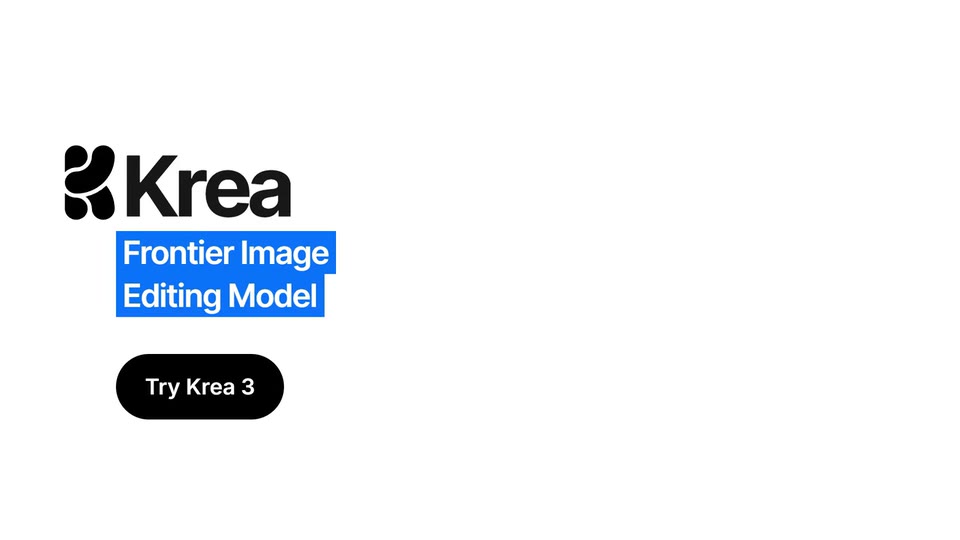
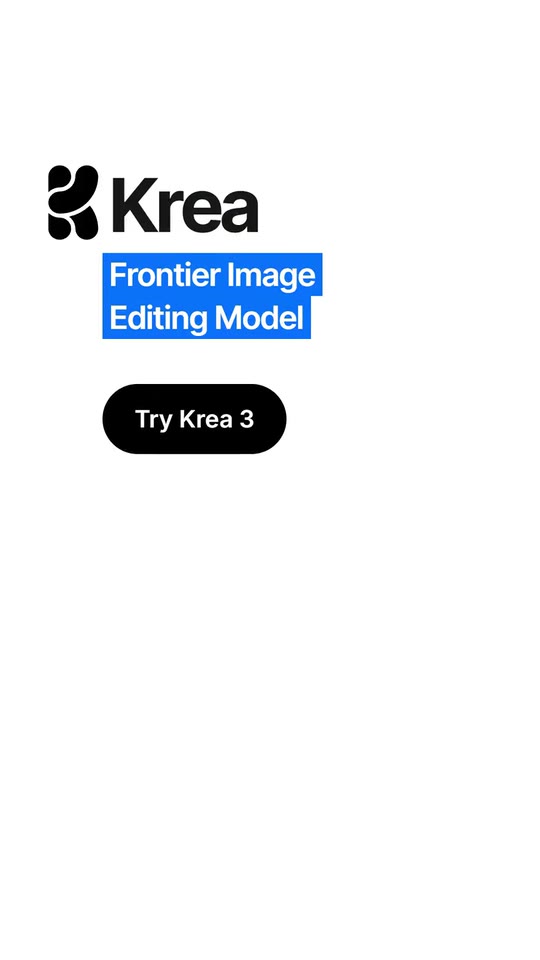
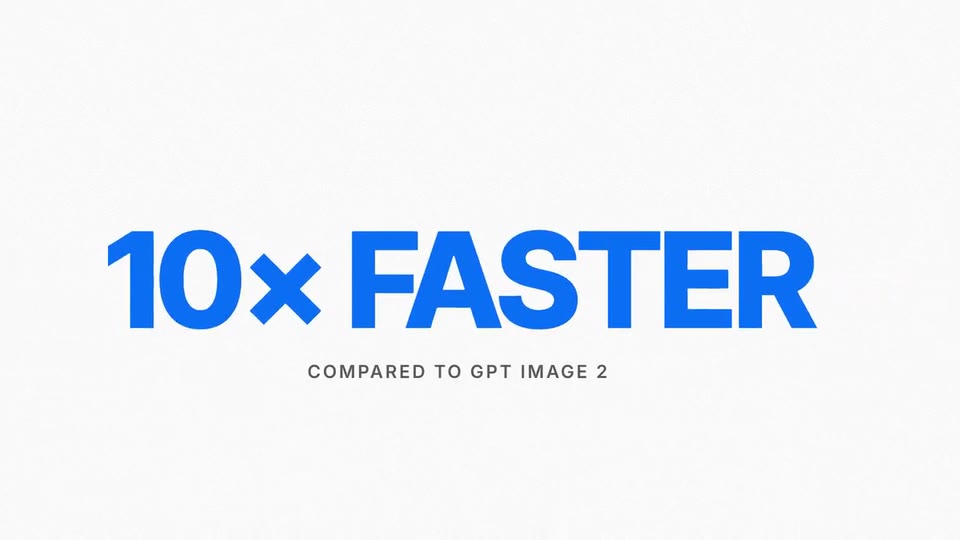
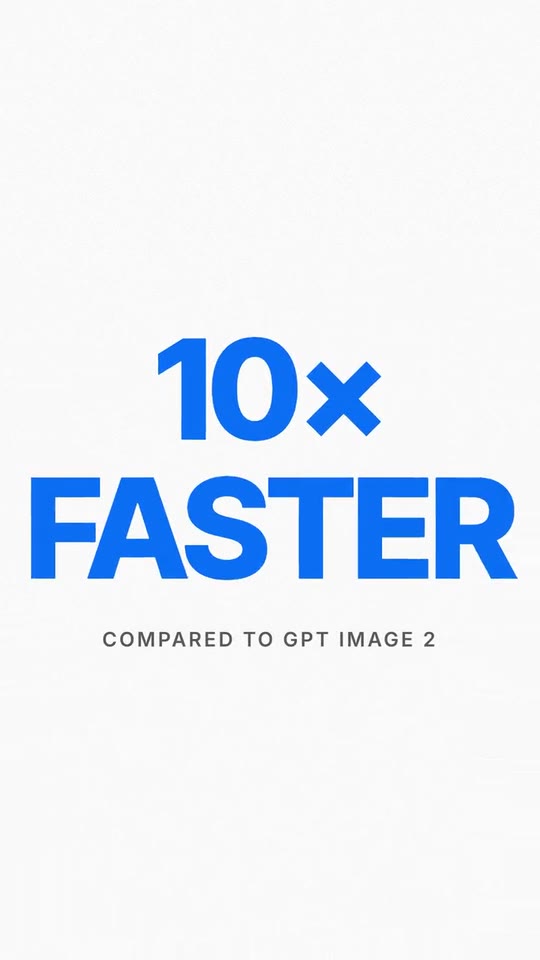
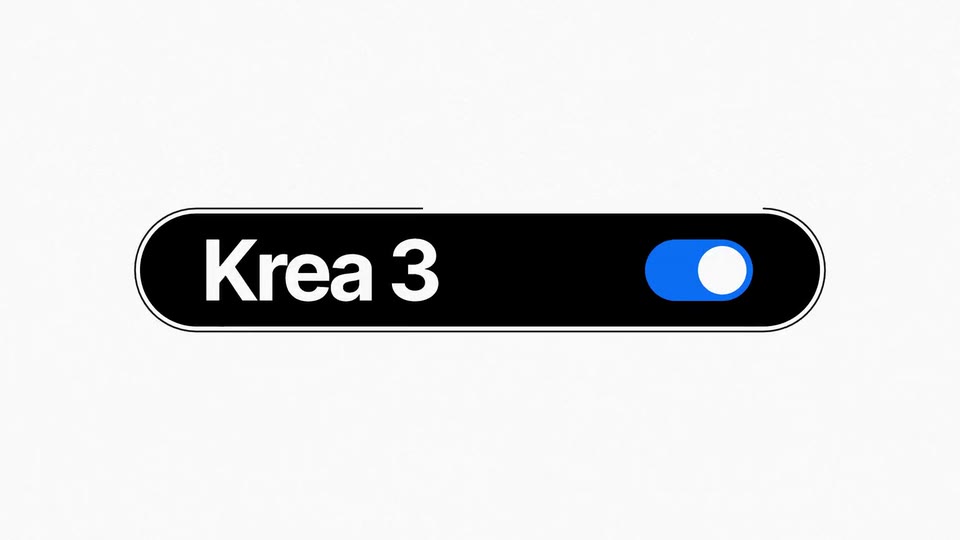
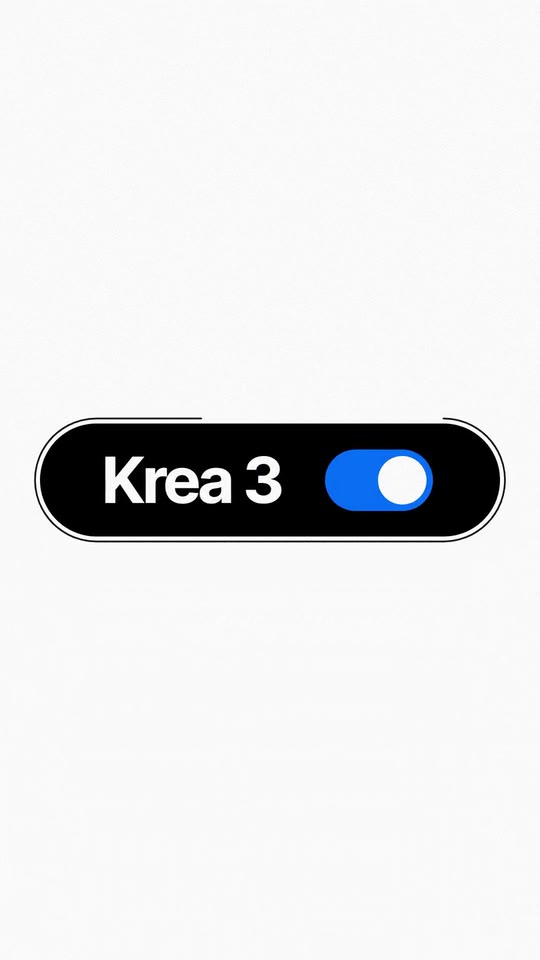
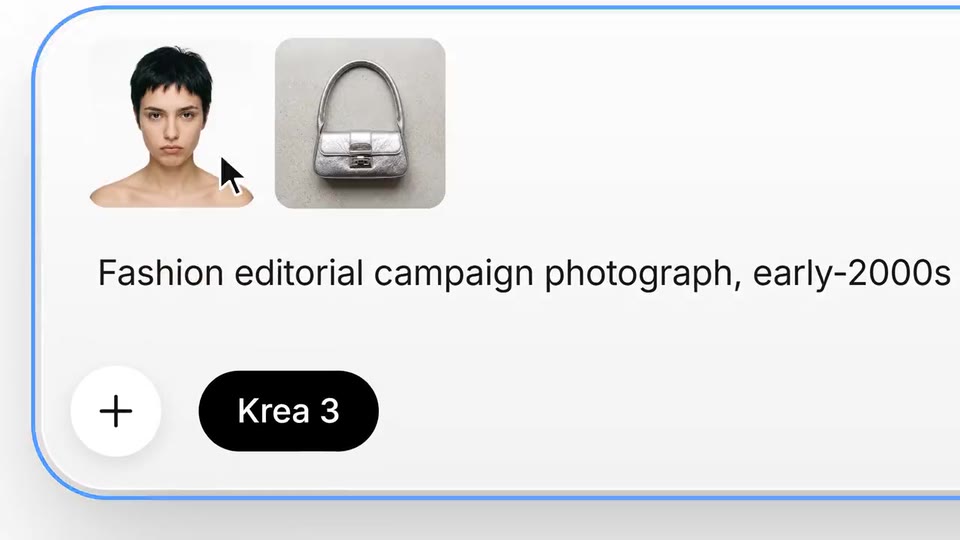
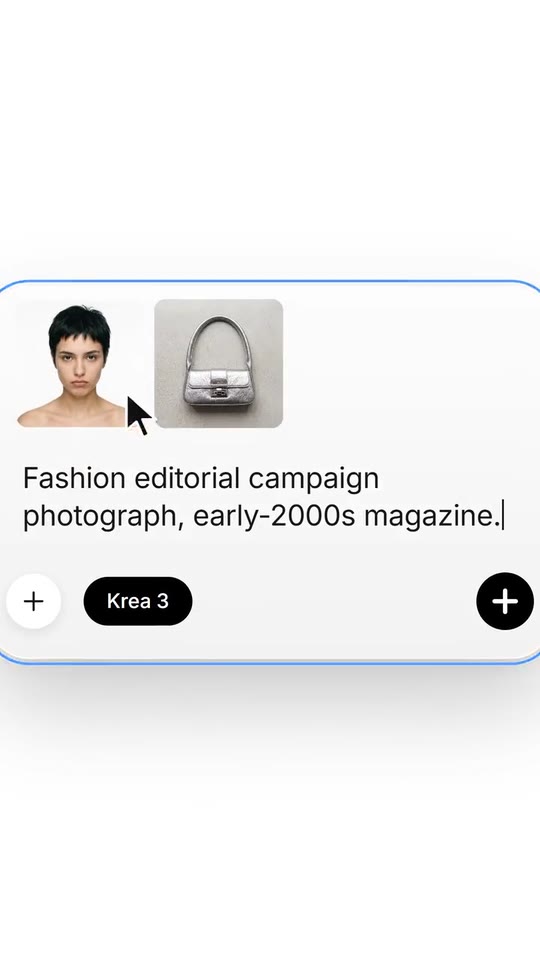
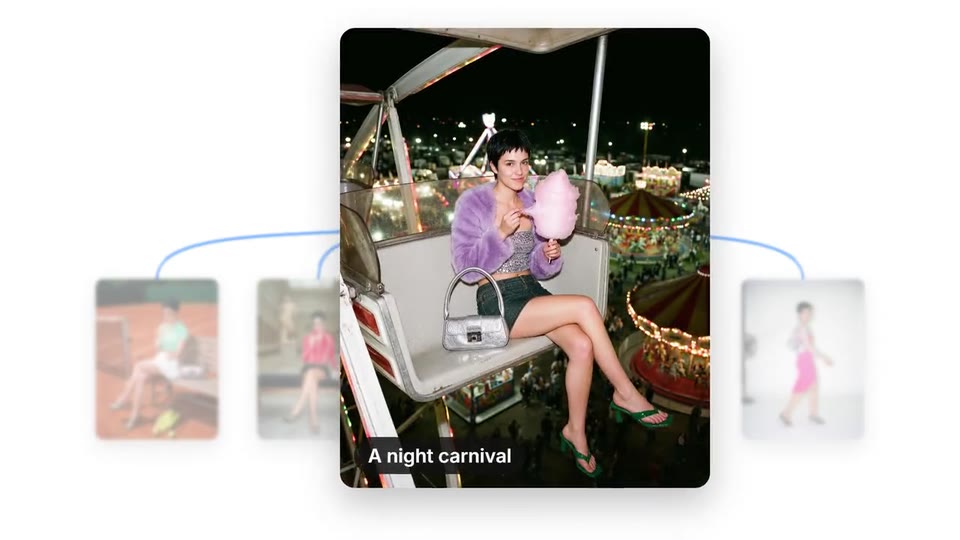
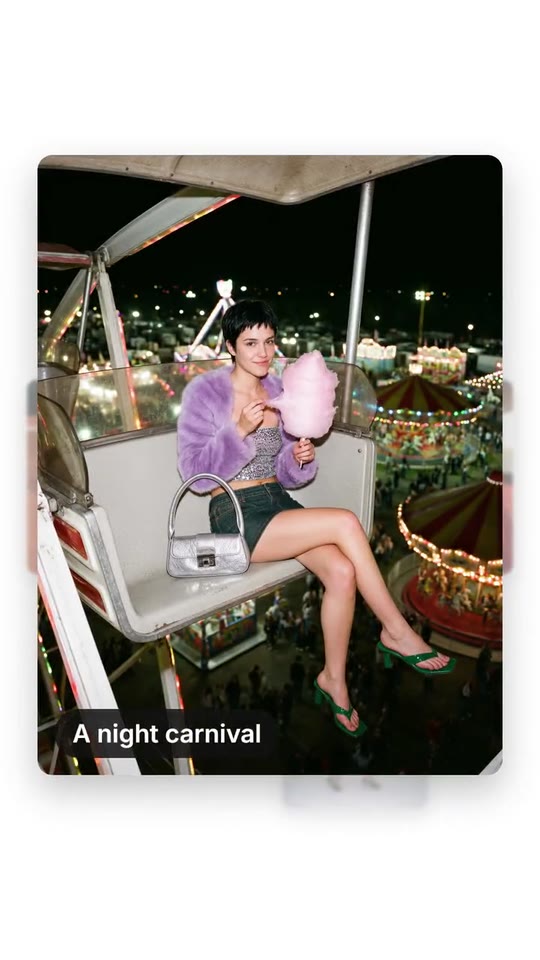
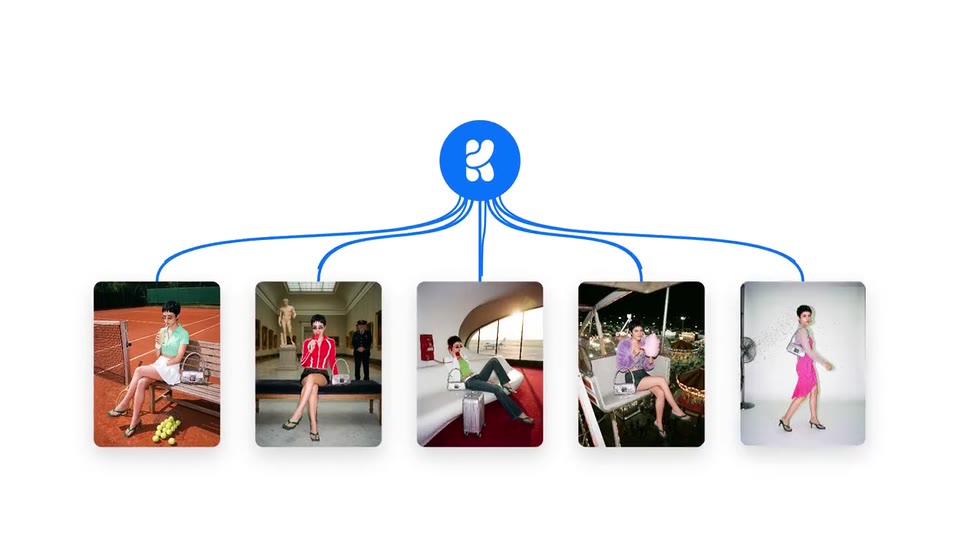
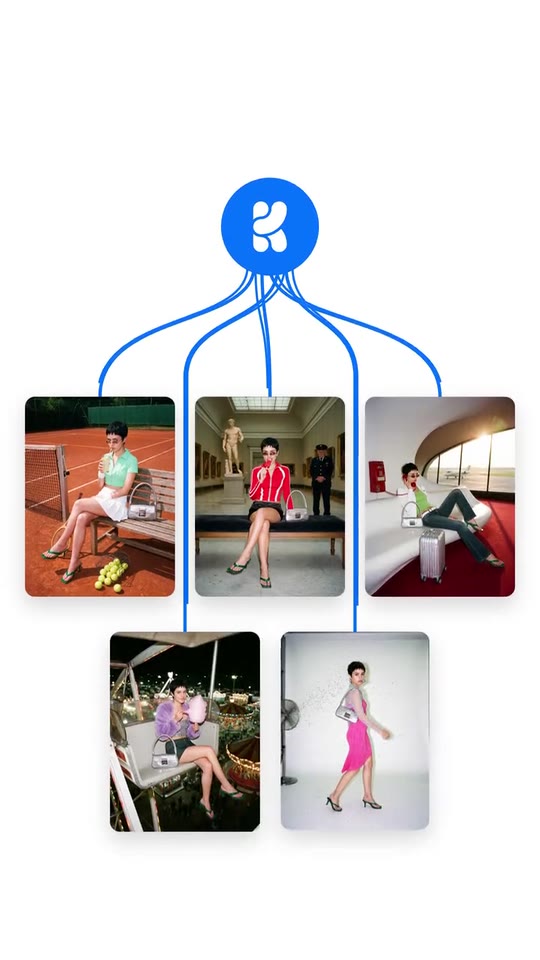
A launch film for an AI image tool: the feature's pill switches on, a burst of its outputs cut on the beat, its numbers grow and wipe, the prompt card is typed and the references dropped in, the send button becomes a burst and the directions fan out of it, one opens to full frame under the logo.
- Price: $20 per export, paid once per video and per format; exporting needs an Opus Motion account
- Length: 29.2 seconds
- Formats: 16:9, 9:16 (each one designed for its screen)
- What you can change: 16 texts, 22 images, 5 colors, the music
- Category: Launches
Examples with real brands
- Krea, 16:9: watch the video
- Krea, 9:16: watch the video
Make it yours
Paste your website and the template comes out with your logo, colors and words: https://opusmotion.com/studio/t88-burst-directions?mode=yours. To open it already filled from a website, add &site=yourdomain.com.
Fields, for AI agents
An agent fills these with POST https://opusmotion.com/api/v1/drafts (guide: https://opusmotion.com/agents.md). $20 per export, paid once per video and per format (16:9 and 9:16 are separate exports), or included in an Opus Motion Pass (15 premium exports a month for $49). Exporting needs an Opus Motion account; payment happens in the studio.
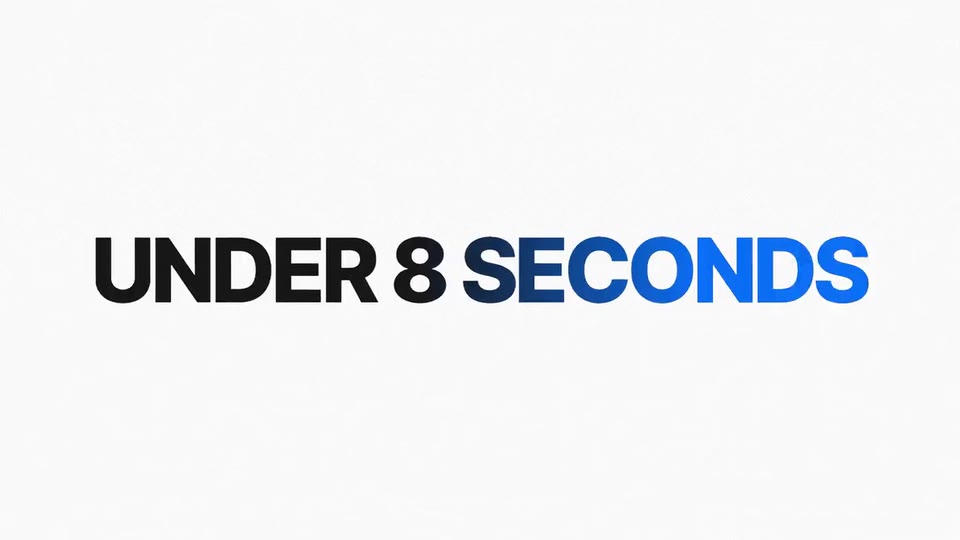
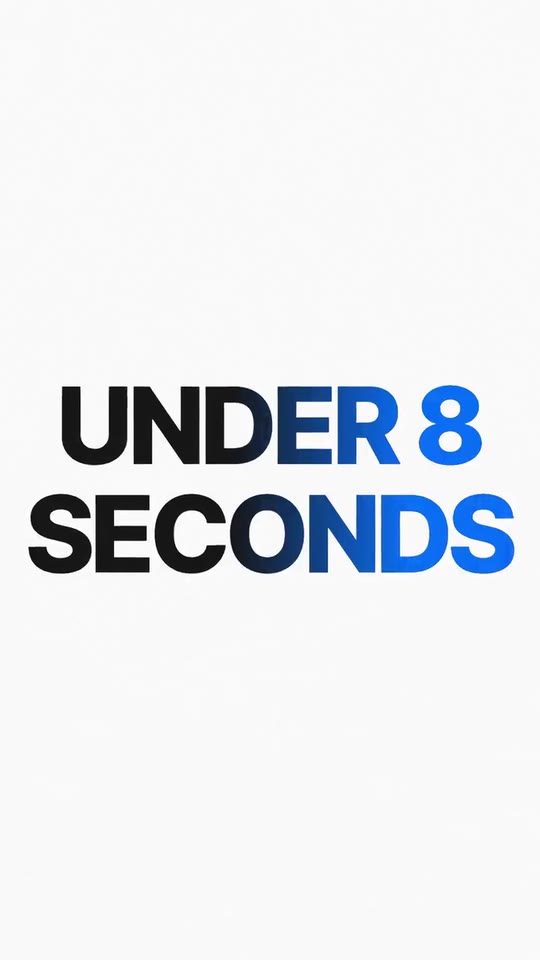
Scenes: The opening word grows and wipes away (0–0.95 s); The pill with the name and the switch (0.9–3.637 s); The product's images, cut on the beat (3.637–8.808 s); Three phrases that grow and wipe away (8.808–11.945 s); The big number drops to its size (11.945–13.48 s); The prompt box: the prompt is typed and the references drop in (13.48–20.14 s); The button becomes a burst and the directions fan out (20.14–22.95 s); One direction grows and opens to full frame (22.95–24.3 s); Mark, line and button over the image; the photo leaves (24.3–29.15 s).
brandName(text, 2–14 characters): Product name. How your product is written; it is typed letter by letter beside the mark in the close. The brand's own: never the demo's. Scene "Mark, line and button over the image; the photo leaves" at 26 s: 16:9 · 9:16.logo(image, free, shown whole): Your app or brand icon, square and full bleed. Your brand's icon, one colour, no background. Shown whole, at any proportion: nothing is cropped. The brand's own: never the demo's. Scene "Mark, line and button over the image; the photo leaves" at 26 s: 16:9 · 9:16.paperColor(color, #RRGGBB): Background. The paper of the whole video. Scene "The opening word grows and wipes away" at 0.4 s: 16:9 · 9:16.inkColor(color, #RRGGBB): Ink. The big texts and the interface. Scene "The opening word grows and wipes away" at 0.4 s: 16:9 · 9:16.accentColor(color, #RRGGBB): Accent colour. Your brand's colour: the big number, the switch, the burst, the lines and the closing boxes. Scene "The big number drops to its size" at 13 s: 16:9 · 9:16.pillColor(color, #RRGGBB): Pill and buttons. The feature's pill, the send button and the final button. Scene "The pill with the name and the switch" at 2.5 s: 16:9 · 9:16.cardColor(color, #RRGGBB): Prompt card. The background of your product's prompt box. Scene "The prompt box: the prompt is typed and the references drop in" at 16 s: 16:9 · 9:16.introWord(text, 3–14 characters): Opening word. The word that introduces the feature, in capitals. Demo's line, for tone and length only: "INTRODUCING". Scene "The opening word grows and wipes away" at 0.4 s: 16:9 · 9:16.featureName(text, 2–14 characters): Feature name. What the feature or the model is called; it goes in the switch's pill. Demo's line, for tone and length only: "Krea 3". Scene "The pill with the name and the switch" at 2.5 s: 16:9 · 9:16.phrase1(text, 2–16 characters): Phrase 1. The first part of a figure or a promise from your site, in capitals (it grows and wipes away). Demo's line, for tone and length only: "EDITS IN". Scene "Three phrases that grow and wipe away" at 9.25 s: 16:9 · 9:16.phrase2(text, 2–16 characters): Phrase 2. The second part. Demo's line, for tone and length only: "UNDER 8 SECONDS". Scene "Three phrases that grow and wipe away" at 10.1 s: 16:9 · 9:16.phrase3(text, 2–16 characters): Phrase 3. The third part; it pulls away at the end. Demo's line, for tone and length only: "AT NATIVE 2K". Scene "Three phrases that grow and wipe away" at 11.05 s: 16:9 · 9:16.bigClaim(text, 2–12 characters): Big number. A short figure from your site (it drops from very large). Demo's line, for tone and length only: "10× FASTER". Scene "The big number drops to its size" at 13.2 s: 16:9 · 9:16.bigClaimNote(text, 0–32 characters): The number's footnote (optional). What the figure is compared to, if your site says so. Empty = no footnote. Optional. Demo's line, for tone and length only: "COMPARED TO GPT IMAGE 2". Scene "The big number drops to its size" at 13.3 s: 16:9 · 9:16.placeholder(text, 4–56 characters): Empty prompt box text. What your product's prompt box says before anything is typed. Demo's line, for tone and length only: "Describe an idea or upload an image reference...". Scene "The prompt box: the prompt is typed and the references drop in" at 14.5 s: 16:9 · 9:16.prompt(text, 8–64 characters): The typed prompt. A real prompt of your product (the one that made your images). Demo's line, for tone and length only: "Fashion editorial campaign photograph, early-2000s magazine.". Scene "The prompt box: the prompt is typed and the references drop in" at 16.3 s: 16:9 · 9:16.modelLabel(text, 2–14 characters): The prompt box's pill. The model or the mode chosen in the prompt box. Demo's line, for tone and length only: "Krea 3". Scene "The prompt box: the prompt is typed and the references drop in" at 16.3 s: 16:9 · 9:16.pickLabel(text, 0–28 characters): The picked direction's scene (optional). A few words about the image that grows. Empty = no caption. Optional. Demo's line, for tone and length only: "A night carnival". Scene "One direction grows and opens to full frame" at 23.4 s: 16:9 · 9:16.tagline1(text, 2–18 characters): Close: first line. Your site's line, first part (in a colour box). Demo's line, for tone and length only: "Frontier Image". Scene "Mark, line and button over the image; the photo leaves" at 26 s: 16:9 · 9:16.tagline2(text, 0–22 characters): Close: second line. The second part. Empty = a single box. Optional. Demo's line, for tone and length only: "Editing Model". Scene "Mark, line and button over the image; the photo leaves" at 26 s: 16:9 · 9:16.cta(text, 2–18 characters): Final button. Your site's main button. Demo's line, for tone and length only: "Try Krea 3". Scene "Mark, line and button over the image; the photo leaves" at 27.5 s: 16:9 · 9:16.ref1(image, 1:1, cropped): An image of the brand. The first reference image dropped into the box. Cropped to fill a 1:1 frame: keep the subject in the middle. Demo's image. Scene "The prompt box: the prompt is typed and the references drop in" at 18.5 s: 16:9 · 9:16.ref2(image, 1:1, cropped): An image of the brand. The second reference. Cropped to fill a 1:1 frame: keep the subject in the middle. Demo's image. Scene "The prompt box: the prompt is typed and the references drop in" at 18.5 s: 16:9 · 9:16.dir1(image, 3:4, cropped): A real photo of the product, place or people of the brand. One of the outputs that fan out of the burst (portrait 3:4). Cropped to fill a 3:4 frame: keep the subject in the middle. Demo's image. Scene "The button becomes a burst and the directions fan out" at 22.6 s: 16:9 · 9:16.dir2(image, 3:4, cropped): A real photo of the product, place or people of the brand. One of the outputs that fan out of the burst (portrait 3:4). Cropped to fill a 3:4 frame: keep the subject in the middle. Demo's image. Scene "The button becomes a burst and the directions fan out" at 22.6 s: 16:9 · 9:16.dir3(image, 3:4, cropped): A real photo of the product, place or people of the brand. One of the outputs that fan out of the burst (portrait 3:4). Cropped to fill a 3:4 frame: keep the subject in the middle. Demo's image. Scene "The button becomes a burst and the directions fan out" at 22.6 s: 16:9 · 9:16.dir4(image, 3:4, cropped): A real photo of the product, place or people of the brand. One of the outputs that fan out of the burst (portrait 3:4). Cropped to fill a 3:4 frame: keep the subject in the middle. Demo's image. Scene "The button becomes a burst and the directions fan out" at 22.6 s: 16:9 · 9:16.dir5(image, 3:4, cropped): A real photo of the product, place or people of the brand. One of the outputs that fan out of the burst (portrait 3:4). Cropped to fill a 3:4 frame: keep the subject in the middle. Demo's image. Scene "The button becomes a burst and the directions fan out" at 22.6 s: 16:9 · 9:16.dir6(image, 3:4, cropped): A real photo of the product, place or people of the brand. One of the outputs that fan out of the burst (portrait 3:4). Cropped to fill a 3:4 frame: keep the subject in the middle. Optional. Scene "The button becomes a burst and the directions fan out" at 22.6 s: 16:9 · 9:16.shot1(image, 16:9, cropped): A real photo of the product, place or people of the brand. An image made with your product, full bleed, cut on the beat. Cropped to fill a 16:9 frame: keep the subject in the middle. Demo's image. Scene "The product's images, cut on the beat" at 3.9 s: 16:9 · 9:16.shot2(image, 16:9, cropped): A real photo of the product, place or people of the brand. An image made with your product, full bleed, cut on the beat. Cropped to fill a 16:9 frame: keep the subject in the middle. Demo's image. Scene "The product's images, cut on the beat" at 4.4 s: 16:9 · 9:16.shot3(image, 16:9, cropped): A real photo of the product, place or people of the brand. An image made with your product, full bleed, cut on the beat. Cropped to fill a 16:9 frame: keep the subject in the middle. Demo's image. Scene "The product's images, cut on the beat" at 4.9 s: 16:9 · 9:16.shot4(image, 16:9, cropped): A real photo of the product, place or people of the brand. An image made with your product, full bleed, cut on the beat. Cropped to fill a 16:9 frame: keep the subject in the middle. Demo's image. Scene "The product's images, cut on the beat" at 5.3 s: 16:9 · 9:16.shot5(image, 16:9, cropped): A real photo of the product, place or people of the brand. An image made with your product, full bleed, cut on the beat. Cropped to fill a 16:9 frame: keep the subject in the middle. Demo's image. Scene "The product's images, cut on the beat" at 5.7 s: 16:9 · 9:16.shot6(image, 16:9, cropped): A real photo of the product, place or people of the brand. An image made with your product, full bleed, cut on the beat. Cropped to fill a 16:9 frame: keep the subject in the middle. Demo's image. Scene "The product's images, cut on the beat" at 6.05 s: 16:9 · 9:16.shot7(image, 16:9, cropped): A real photo of the product, place or people of the brand. An image made with your product, full bleed, cut on the beat. Cropped to fill a 16:9 frame: keep the subject in the middle. Optional. Demo's image. Scene "The product's images, cut on the beat" at 6.35 s: 16:9 · 9:16.shot8(image, 16:9, cropped): A real photo of the product, place or people of the brand. An image made with your product, full bleed, cut on the beat. Cropped to fill a 16:9 frame: keep the subject in the middle. Optional. Demo's image. Scene "The product's images, cut on the beat" at 6.7 s: 16:9 · 9:16.shot9(image, 16:9, cropped): A real photo of the product, place or people of the brand. An image made with your product, full bleed, cut on the beat. Cropped to fill a 16:9 frame: keep the subject in the middle. Optional. Demo's image. Scene "The product's images, cut on the beat" at 7 s: 16:9 · 9:16.shot10(image, 16:9, cropped): A real photo of the product, place or people of the brand. An image made with your product, full bleed, cut on the beat. Cropped to fill a 16:9 frame: keep the subject in the middle. Optional. Demo's image. Scene "The product's images, cut on the beat" at 7.4 s: 16:9 · 9:16.shot11(image, 16:9, cropped): A real photo of the product, place or people of the brand. An image made with your product, full bleed, cut on the beat. Cropped to fill a 16:9 frame: keep the subject in the middle. Optional. Demo's image. Scene "The product's images, cut on the beat" at 7.75 s: 16:9 · 9:16.shot12(image, 16:9, cropped): A real photo of the product, place or people of the brand. An image made with your product, full bleed, cut on the beat. Cropped to fill a 16:9 frame: keep the subject in the middle. Optional. Demo's image. Scene "The product's images, cut on the beat" at 8.1 s: 16:9 · 9:16.shot13(image, 16:9, cropped): A real photo of the product, place or people of the brand. An image made with your product, full bleed, cut on the beat. Cropped to fill a 16:9 frame: keep the subject in the middle. Optional. Demo's image. Scene "The product's images, cut on the beat" at 8.5 s: 16:9 · 9:16.