For AI agents
Coding agents (Claude Code, Codex, Cursor and similar) make Opus Motion videos for a project with the agent guide: https://opusmotion.com/agents.md.
- The guide's steps: read the project, ask the person a few questions, compare templates (each one has a timelapse, its scenes and its fields), make a draft with
POST https://opusmotion.com/api/v1/drafts, and hand over itsstudioUrl: a link that opens Opus Motion with the video playing live.PATCHwith the draft'seditTokenchanges it, and the link stays the same. - Plain HTTPS and JSON: no key and no account. Or the MCP server (https://opusmotion.com/mcp): every tool, with stills of the draft returned as images. The person exports the MP4 from the studio.
- The studio is filled through the API, not by driving the site with a browser. When the API refuses, the person is told.
- More: llms.txt · this page in Markdown · developer docs · OpenAPI
Cairn: premium launches video template
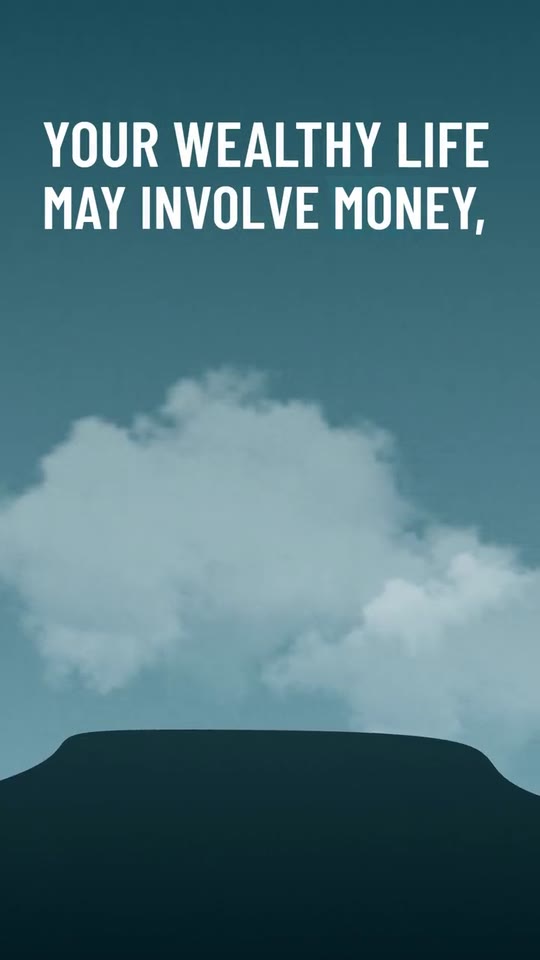
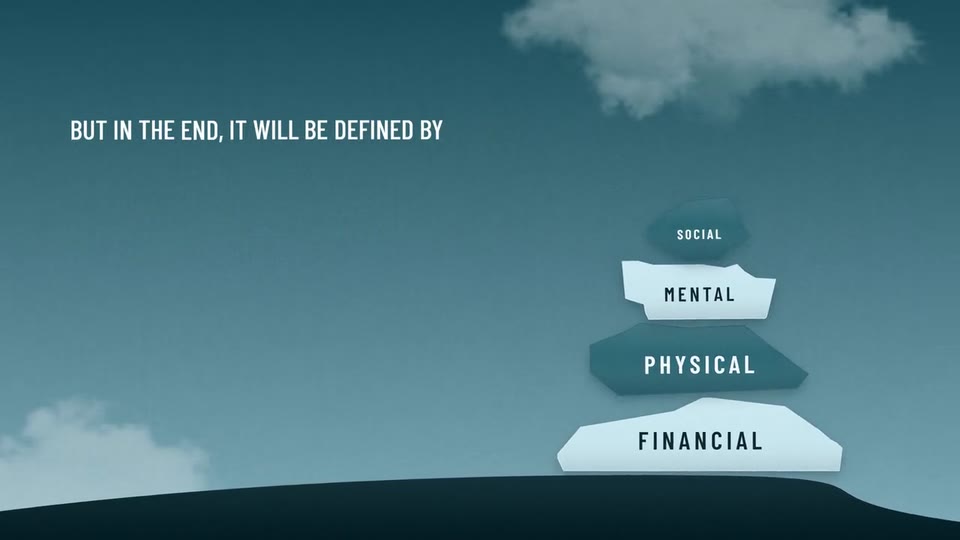
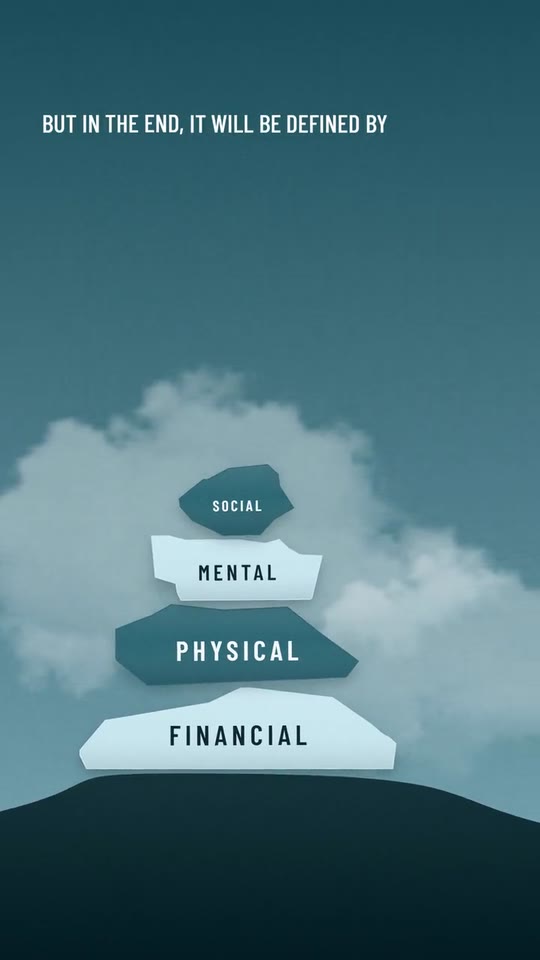
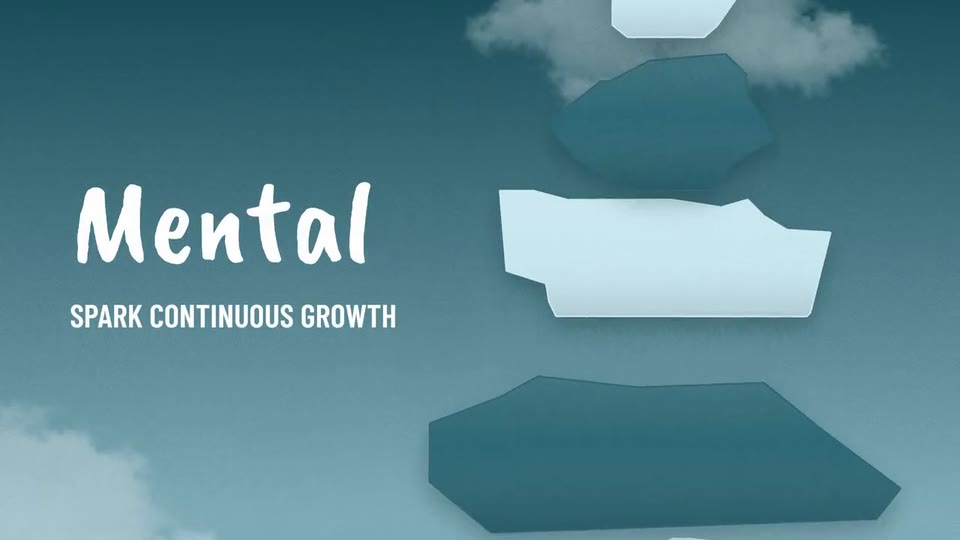
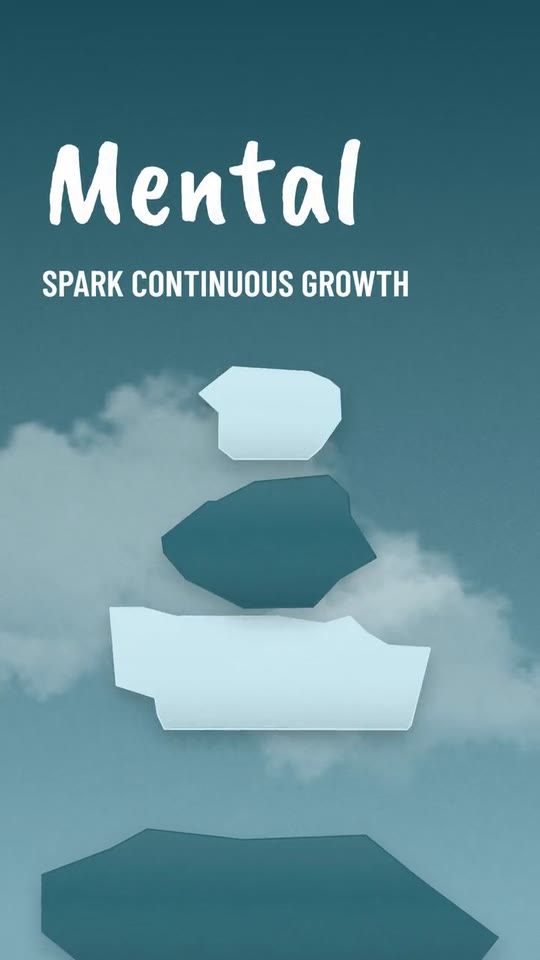
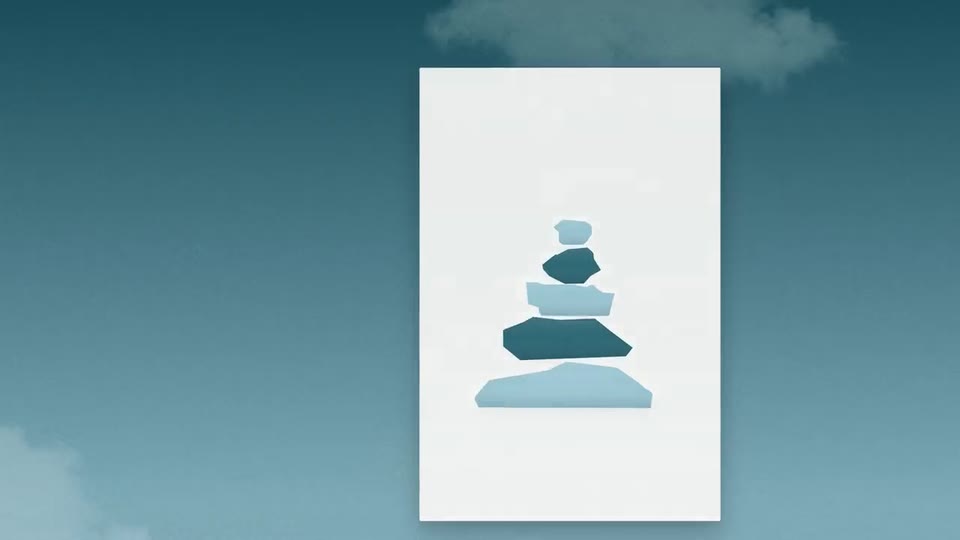
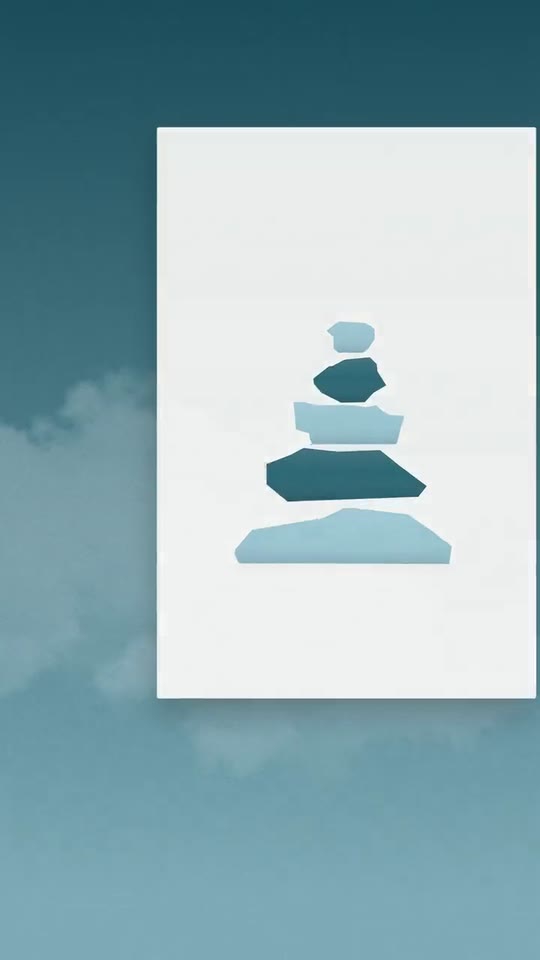
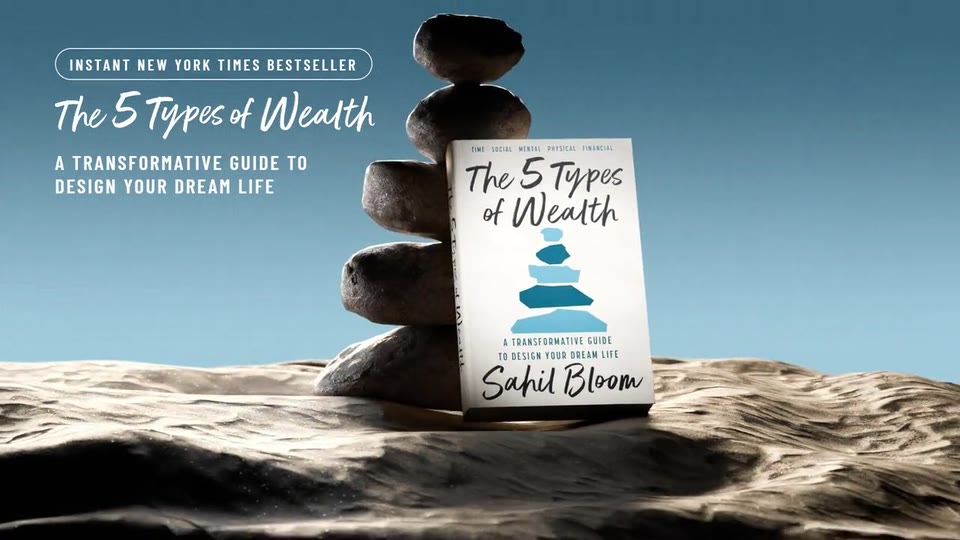
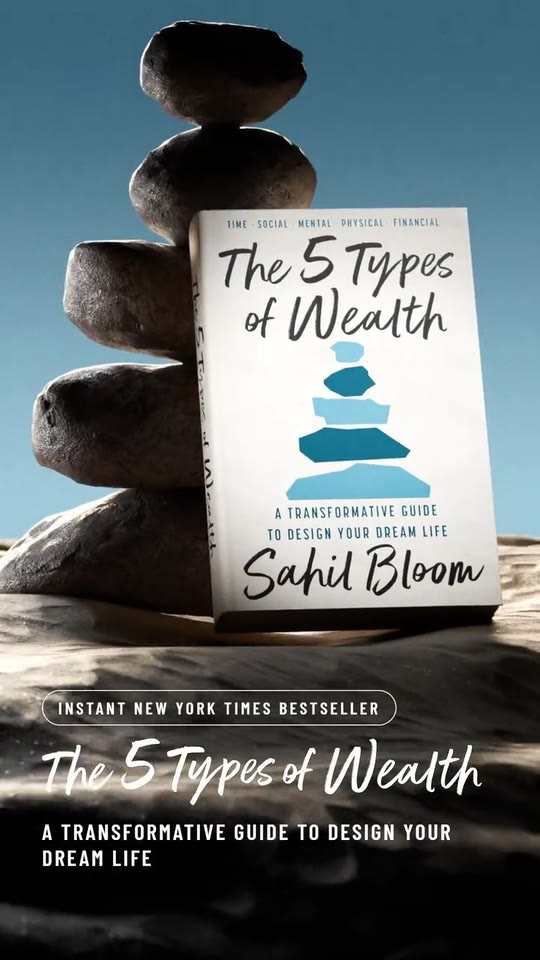
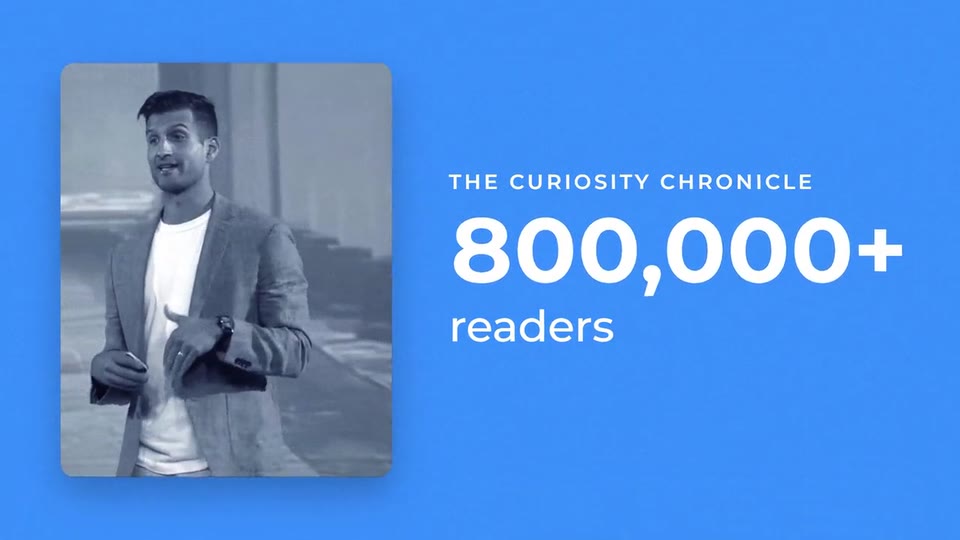
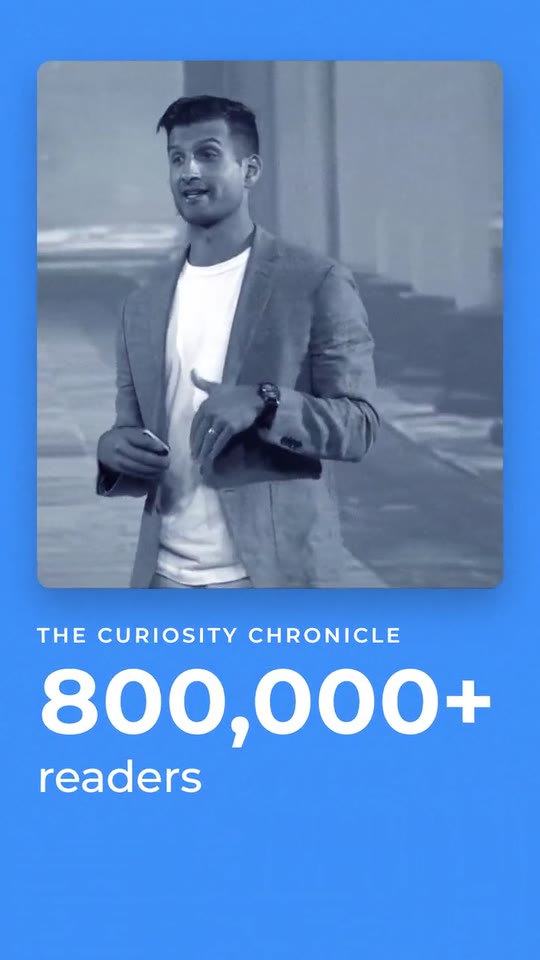
A 25-second film for an author, creator or coach: your thesis lands word by word while five stones drop on the beat into a balanced cairn, the camera climbs it stone by stone as each stone opens and names one pillar of your method, the stones fly back onto your cover, which cuts to your book's own footage, your readership rises next to your clip, and your signature writes itself as your mark lands like a last stone.
- Price: $17 per export, paid once per video and per format; exporting needs an Opus Motion account
- Length: 24.8 seconds
- Formats: 16:9, 9:16 (each one designed for its screen)
- What you can change: 24 texts, 4 images, 2 videos (a clip, or the picture it starts on), 2 colors, the music
- Category: Launches
Examples with real brands
- Sahil Bloom, 16:9: watch the video
- Sahil Bloom, 9:16: watch the video
Make it yours
Paste your website and the template comes out with your logo, colors and words: https://opusmotion.com/studio/t62-cairn?mode=yours. To open it already filled from a website, add &site=yourdomain.com.
Fields, for AI agents
An agent fills these with POST https://opusmotion.com/api/v1/drafts (guide: https://opusmotion.com/agents.md). $17 per export, paid once per video and per format (16:9 and 9:16 are separate exports), or included in an Opus Motion Pass (15 premium exports a month for $49). Exporting needs an Opus Motion account; payment happens in the studio.
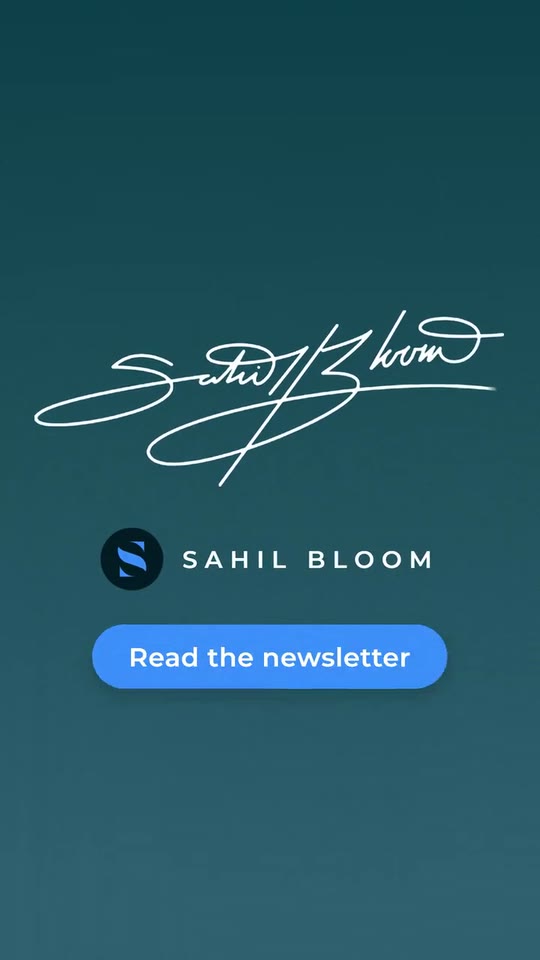
Scenes: The thesis rises word by word; the highlighted word becomes a block; the first stone (pillar 5) drops (0–3.6 s); Four more stones drop, one per beat, and the payoff is brushed in (3.6–6.7 s); The camera climbs the cairn: on each beat a stone opens and names its pillar with its line (6.3–14.5 s); The whole cairn with its five names (14.3–15.7 s); The stones fly onto the cover (or the cover built from your title) (15.68–16.8 s); Cut to the book's footage (or the turning cover); the seal, the title and the subtitle (16.8–19.2 s); Your newsletter: your clip and the figure rising digit by digit (19.2–22.2 s); The signature writes itself, the logo lands like a last stone, the name and the button (22.16–24.8 s).
brandName(text, 2–18 characters): Name (author, creator or brand). How you sign: it closes the video in spaced capitals, and writes itself as the signature if you don't upload one. The brand's own: never the demo's. Scene "The signature writes itself, the logo lands like a last stone, the name and the button" at 23.4 s: 16:9 · 9:16.logo(image, 1:1, shown whole): Your app or brand icon, square and full bleed. Your logo or icon, square (SVG or transparent PNG): it lands like the cairn's last stone in the closing scene, before your name and the button. Shown whole inside a 1:1 box: nothing is cropped. The brand's own: never the demo's. Scene "The signature writes itself, the logo lands like a last stone, the name and the button" at 23.2 s: 16:9 · 9:16.brandColor(color, #RRGGBB): Brand color (the dark stones and the sky come from it).accentColor(color, #RRGGBB): Accent color (the figure scene and the button).line1(text, 4–22 characters): Thesis, line 1. The central idea of your book or newsletter, split over two lines. Demo's line, for tone and length only: "Your wealthy life". Scene "The thesis rises word by word; the highlighted word becomes a block; the first stone (pillar 5) drops" at 0.6 s: 16:9 · 9:16.line2(text, 4–24 characters): Thesis, line 2 (with the highlighted word). Demo's line, for tone and length only: "may involve money,". Scene "The thesis rises word by word; the highlighted word becomes a block; the first stone (pillar 5) drops" at 0.8 s: 16:9 · 9:16.highlight(text, 2–12 characters): Highlighted word (one word of line 1 or 2). Demo's line, for tone and length only: "money". Scene "The thesis rises word by word; the highlighted word becomes a block; the first stone (pillar 5) drops" at 0.8 s: 16:9 · 9:16.line3(text, 6–44 characters): Payoff, first part. Demo's line, for tone and length only: "but in the end, it will be defined by". Scene "Four more stones drop, one per beat, and the payoff is brushed in" at 4.2 s: 16:9 · 9:16.payoff(text, 3–20 characters): Payoff, brushed. Demo's line, for tone and length only: "everything else.". Scene "Four more stones drop, one per beat, and the payoff is brushed in" at 5.8 s: 16:9 · 9:16.p1(text, 3–10 characters): Pillar 1: word (on stone 1, top to bottom). Demo's line, for tone and length only: "Time". Scene "The camera climbs the cairn: on each beat a stone opens and names its pillar with its line" at 7 s: 16:9 · 9:16.t1(text, 6–34 characters): Pillar 1: line. Demo's line, for tone and length only: "Unlock more time in your day". Scene "The camera climbs the cairn: on each beat a stone opens and names its pillar with its line" at 7.2 s: 16:9 · 9:16.p2(text, 3–10 characters): Pillar 2: word (on stone 2, top to bottom). Demo's line, for tone and length only: "Social". Scene "The camera climbs the cairn: on each beat a stone opens and names its pillar with its line" at 8.6 s: 16:9 · 9:16.t2(text, 6–34 characters): Pillar 2: line. Demo's line, for tone and length only: "Create deeper bonds". Scene "The camera climbs the cairn: on each beat a stone opens and names its pillar with its line" at 8.6 s: 16:9 · 9:16.p3(text, 3–10 characters): Pillar 3: word (on stone 3, top to bottom). Demo's line, for tone and length only: "Mental". Scene "The camera climbs the cairn: on each beat a stone opens and names its pillar with its line" at 10 s: 16:9 · 9:16.t3(text, 6–34 characters): Pillar 3: line. Demo's line, for tone and length only: "Spark continuous growth". Scene "The camera climbs the cairn: on each beat a stone opens and names its pillar with its line" at 10.2 s: 16:9 · 9:16.p4(text, 3–10 characters): Pillar 4: word (on stone 4, top to bottom). Demo's line, for tone and length only: "Physical". Scene "The camera climbs the cairn: on each beat a stone opens and names its pillar with its line" at 11.6 s: 16:9 · 9:16.t4(text, 6–34 characters): Pillar 4: line. Demo's line, for tone and length only: "Maximize health and vitality". Scene "The camera climbs the cairn: on each beat a stone opens and names its pillar with its line" at 11.6 s: 16:9 · 9:16.p5(text, 3–10 characters): Pillar 5: word (on stone 5, top to bottom). Demo's line, for tone and length only: "Financial". Scene "The camera climbs the cairn: on each beat a stone opens and names its pillar with its line" at 13 s: 16:9 · 9:16.t5(text, 6–34 characters): Pillar 5: line. Demo's line, for tone and length only: "Define your version of “enough”". Scene "The camera climbs the cairn: on each beat a stone opens and names its pillar with its line" at 13.2 s: 16:9 · 9:16.cover(image, 2:3, cropped): An image of the brand. Your book or guide cover (2:3): the stones fly onto it. In the video this is the first frame of the clipbookMotion(a video plays here when there is one); without a clip, this picture shows. Cropped to fill a 2:3 frame: keep the subject in the middle. Optional. Demo's image. Scene "The stones fly onto the cover (or the cover built from your title)" at 16.6 s: 16:9 · 9:16.bookTitle(text, 3–30 characters): Title of the book, guide or course. Demo's line, for tone and length only: "The 5 Types of Wealth". Scene "Cut to the book's footage (or the turning cover); the seal, the title and the subtitle" at 16.8 s: 16:9 · 9:16.titleArt(image, free, shown whole): A cut-out object on a transparent background (a PNG, or an SVG drawing): just the object, no photo background. Never a photo, never a photo padded with transparent bars. Your title drawn or lettered, in white on a transparent background. A card-like object (rounded corners, transparent around it) works too. Shown whole, at any proportion: nothing is cropped. Optional. Demo's image. Scene "Cut to the book's footage (or the turning cover); the seal, the title and the subtitle" at 17.4 s: 16:9 · 9:16.accolade(text, 4–36 characters): Accolade or seal (as your site says it). Demo's line, for tone and length only: "Instant New York Times bestseller". Scene "Cut to the book's footage (or the turning cover); the seal, the title and the subtitle" at 17.2 s: 16:9 · 9:16.subtitle(text, 6–50 characters): Subtitle. Demo's line, for tone and length only: "A transformative guide to design your dream life". Scene "Cut to the book's footage (or the turning cover); the seal, the title and the subtitle" at 17.6 s: 16:9 · 9:16.bookMotion(video, motion, 2:3, 2.72 s of the clip play): The video of "Book or guide cover (optional: without one, we build it from your title)": a muted clip that starts on that image (a real clip from the project, or the image animated). Without one, the image stays still. It movescover. Only its first 2.72 s play; the rest is cut. It holds its last frame. Optional. Upload: PUT https://opusmotion.com/api/v1/drafts/{draftId}/media/bookMotion. Scene "Cut to the book's footage (or the turning cover); the seal, the title and the subtitle" at 16.8 s: 16:9 · 9:16.newsletter(text, 3–26 characters): Name of your newsletter, community or channel. Demo's line, for tone and length only: "The Curiosity Chronicle". Scene "Your newsletter: your clip and the figure rising digit by digit" at 20.2 s: 16:9 · 9:16.stat(text, 1–10 characters): Figure (as it appears on your site). Demo's line, for tone and length only: "800,000+". Scene "Your newsletter: your clip and the figure rising digit by digit" at 20.4 s: 16:9 · 9:16.statLabel(text, 3–26 characters): What the figure counts. Demo's line, for tone and length only: "readers". Scene "Your newsletter: your clip and the figure rising digit by digit" at 20.4 s: 16:9 · 9:16.host(image, 4:5, cropped): A real photo of the product, place or people of the brand. A vertical photo of you, the author or coach (4:5), for the newsletter scene. In the video this is the first frame of the cliphostMotion(a video plays here when there is one); without a clip, this picture shows. Cropped to fill a 4:5 frame: keep the subject in the middle. Optional. Demo's image. Scene "Your newsletter: your clip and the figure rising digit by digit" at 20.2 s: 16:9 · 9:16.hostMotion(video, motion, 4:5, 3.36 s of the clip play): The video of "Photo of you (optional, vertical)": a muted clip that starts on that image (a real clip from the project, or the image animated). Without one, the image stays still. It moveshost. Only its first 3.36 s play; the rest is cut. It holds its last frame. Optional. Upload: PUT https://opusmotion.com/api/v1/drafts/{draftId}/media/hostMotion. Scene "Your newsletter: your clip and the figure rising digit by digit" at 19.2 s: 16:9 · 9:16.signature(image, free, shown whole): A cut-out object on a transparent background (a PNG, or an SVG drawing): just the object, no photo background. Never a photo, never a photo padded with transparent bars. Your handwritten signature on a transparent background (PNG): it writes itself at the close. Shown whole, at any proportion: nothing is cropped. Optional. Demo's image. Scene "The signature writes itself, the logo lands like a last stone, the name and the button" at 23.75 s: 16:9 · 9:16.cta(text, 3–24 characters): Final button. Demo's line, for tone and length only: "Read the newsletter". Scene "The signature writes itself, the logo lands like a last stone, the name and the button" at 23.4 s: 16:9 · 9:16.cloud(image, free, shown whole): A cut-out object on a transparent background (a PNG, or an SVG drawing): just the object, no photo background. Never a photo, never a photo padded with transparent bars. A cloud or sky texture behind the cairn. Shown whole, at any proportion: nothing is cropped. Optional. Demo's image. Scene "The signature writes itself, the logo lands like a last stone, the name and the button" at 23.75 s: 16:9 · 9:16.