For AI agents
Coding agents (Claude Code, Codex, Cursor and similar) make Opus Motion videos for a project with the agent guide: https://opusmotion.com/agents.md.
- The guide's steps: read the project, ask the person a few questions, compare templates (each one has a timelapse, its scenes and its fields), make a draft with
POST https://opusmotion.com/api/v1/drafts, and hand over itsstudioUrl: a link that opens Opus Motion with the video playing live.PATCHwith the draft'seditTokenchanges it, and the link stays the same. - Plain HTTPS and JSON: no key and no account. Or the MCP server (https://opusmotion.com/mcp): every tool, with stills of the draft returned as images. The person exports the MP4 from the studio.
- The studio is filled through the API, not by driving the site with a browser. When the API refuses, the person is told.
- More: llms.txt · this page in Markdown · developer docs · OpenAPI
Chat to Build: premium launches video template
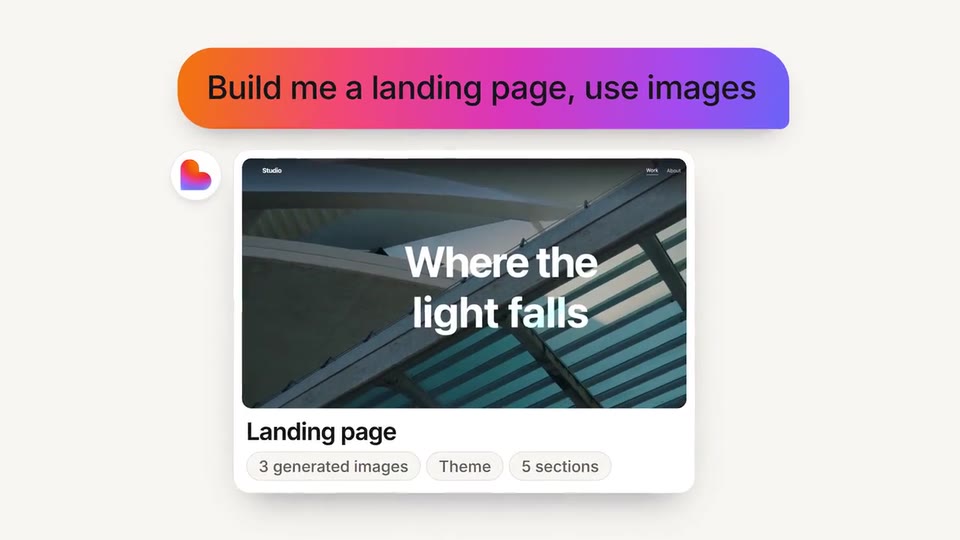
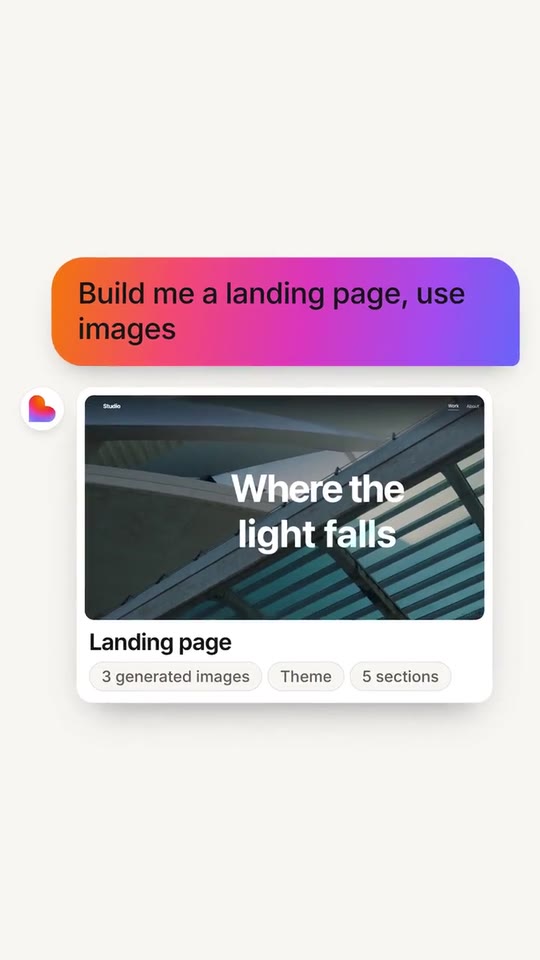
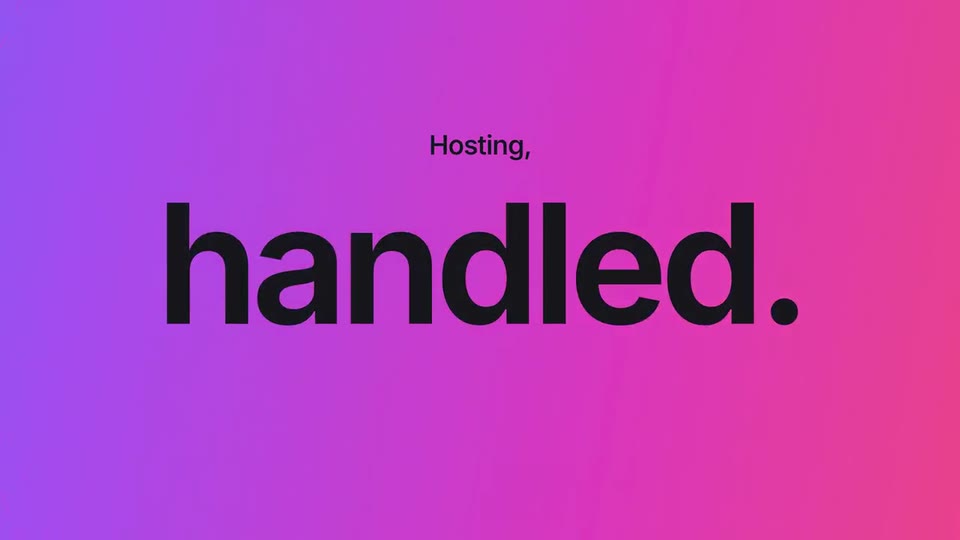
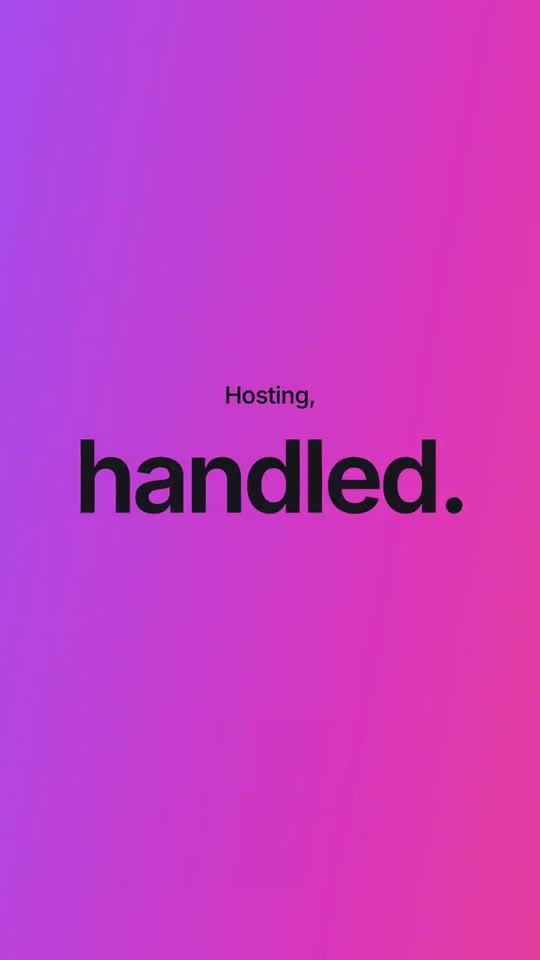
A 23-second, voice-led launch told as a chat: your line is typed, a giant word lands, a prompt becomes your product's real result, one tap ships it and a number explodes, then everything folds back into the input box.
- Price: $17 per export, paid once per video and per format; exporting needs an Opus Motion account
- Length: 23.6 seconds
- Formats: 16:9, 9:16 (each one designed for its screen)
- What you can change: 22 texts, 4 images, 2 colors, the music, the voiceover script
- Category: Launches
Examples with real brands
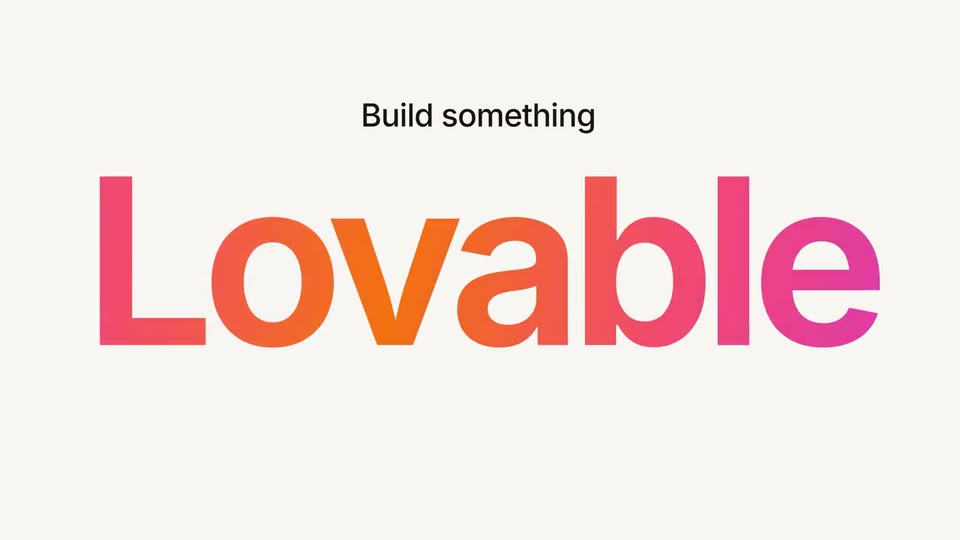
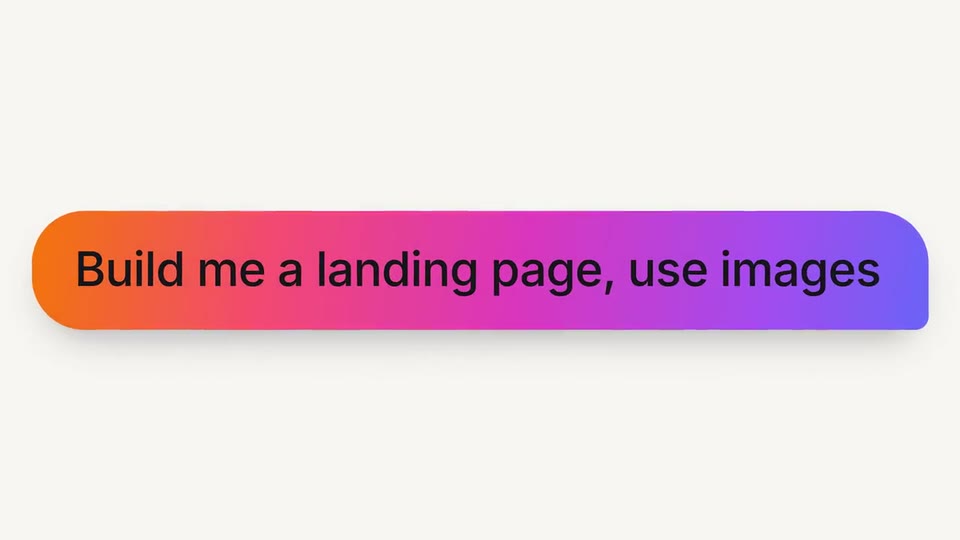
- Lovable, 16:9: watch the video
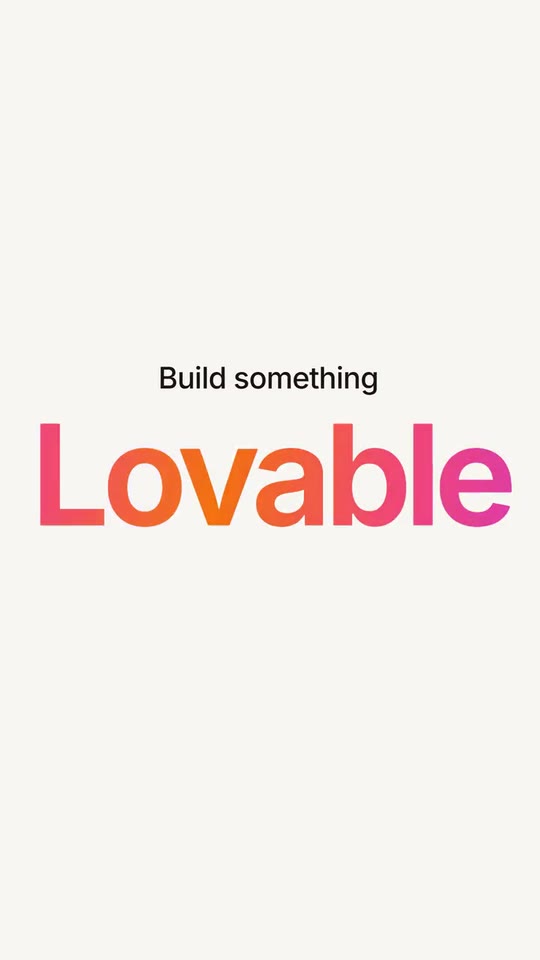
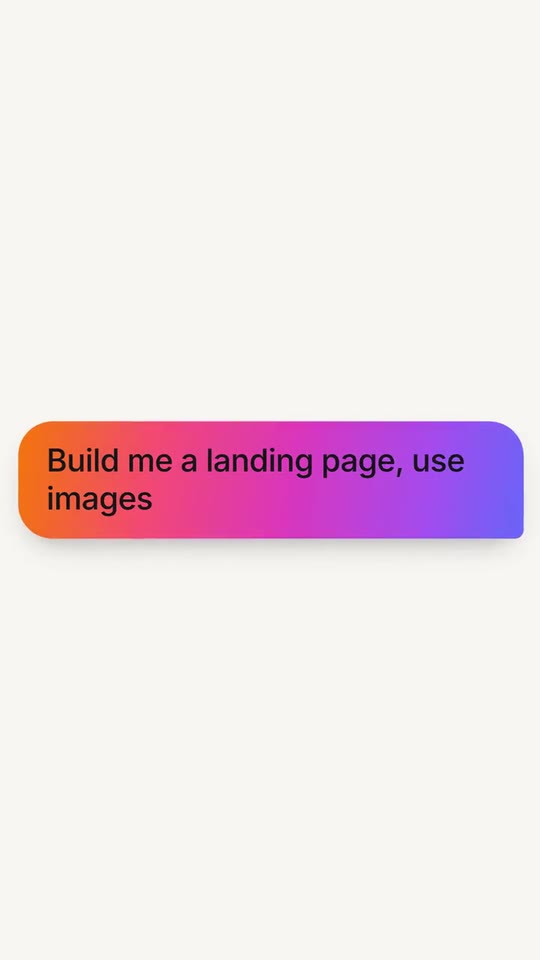
- Lovable, 9:16: watch the video
Make it yours
Paste your website and the template comes out with your logo, colors and words: https://opusmotion.com/studio/t20-chat-to-build?mode=yours. To open it already filled from a website, add &site=yourdomain.com.
Fields, for AI agents
An agent fills these with POST https://opusmotion.com/api/v1/drafts (guide: https://opusmotion.com/agents.md). $17 per export, paid once per video and per format (16:9 and 9:16 are separate exports), or included in an Opus Motion Pass (15 premium exports a month for $49). Exporting needs an Opus Motion account; payment happens in the studio.
Scenes: The typed line and the giant word (0–2.5 s); The app tile and the three verbs (2.5–6 s); The prompt bubble (6–8.5 s); The result card and the payoff word (8.5–12 s); One tap ships it (12–15.05 s); The number (15.05–17.66 s); The workspace folds into the input box and the lockup (17.66–23.6 s).
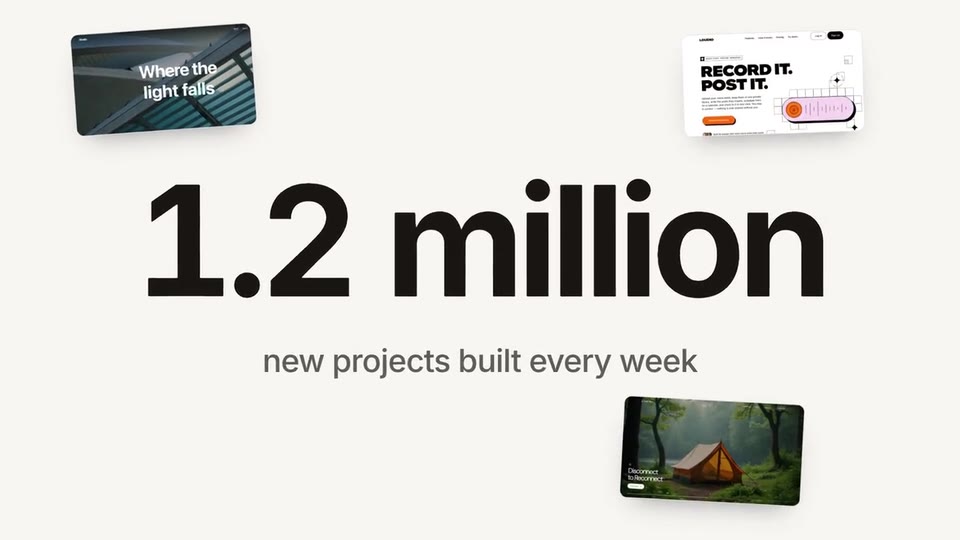
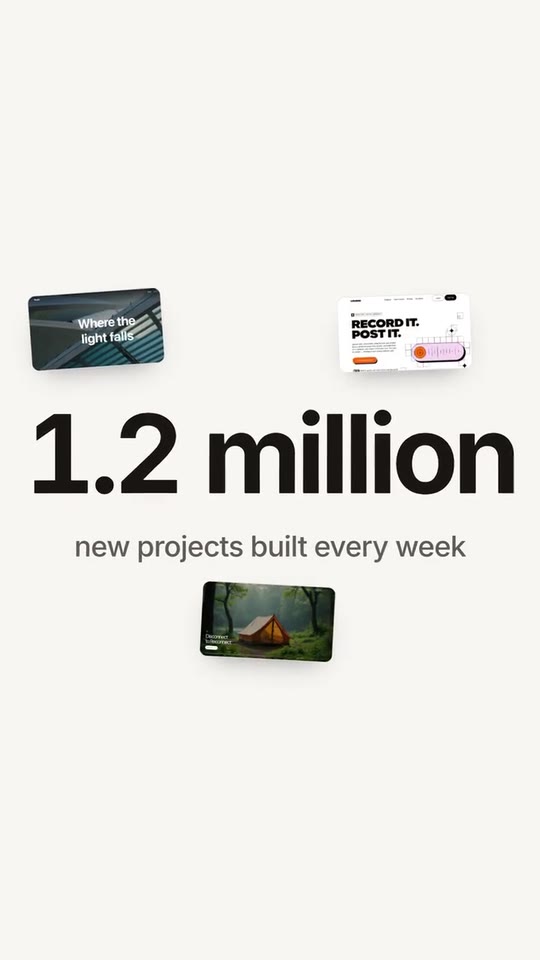
brandName(text, 2–16 characters): Brand name. How your brand is written. It sits next to your logo on the closing lockup and on the reply avatar. The brand's own: never the demo's. Scene "The workspace folds into the input box and the lockup" at 22.6 s: 16:9 · 9:16.logo(image, 1:1, shown whole): Your app or brand icon, square and full bleed. Your mark alone. Shown whole inside a 1:1 box: nothing is cropped. The brand's own: never the demo's. Scene "The app tile and the three verbs" at 3.4 s: 16:9 · 9:16.brandColor(color, #RRGGBB): Brand color. The first colour of your gradient: the giant words, your chat bubble, the ship button and the wipe.accentColor(color, #RRGGBB): Second color. The second colour of your gradient. The film blends from the brand colour to this one along the shorter way round the colour wheel.tone(choice:light,dark; defaultlight): Ground. Light paper for most brands; dark when your own product is dark.typed(text, 4–22 characters): Typed opening line. Typed letter by letter before the giant word. Together they read as one sentence. Demo's line, for tone and length only: "Build something". Scene "The typed line and the giant word" at 0.9 s: 16:9 · 9:16.bigWord(text, 3–10 characters): Giant word. One word that finishes the typed line and fills the frame. Demo's line, for tone and length only: "Lovable". Scene "The typed line and the giant word" at 1.7 s: 16:9 · 9:16.word1(text, 3–10 characters): Verb 1. Three quick words, one per beat: what the user does first. Demo's line, for tone and length only: "describe". Scene "The app tile and the three verbs" at 4.3 s: 16:9 · 9:16.word2(text, 3–10 characters): Verb 2. The second word (blocks tumble in under it). Demo's line, for tone and length only: "build". Scene "The app tile and the three verbs" at 4.9 s: 16:9 · 9:16.word3(text, 3–10 characters): Verb 3. The third word (it gets selected). Demo's line, for tone and length only: "ship". Scene "The app tile and the three verbs" at 5.5 s: 16:9 · 9:16.prompt(text, 12–44 characters): Prompt. What a user types to your product, in their words. Typed into a chat bubble. Demo's line, for tone and length only: "Build me a landing page, use images". Scene "The prompt bubble" at 7.9 s: 16:9 · 9:16.resultTitle(text, 4–22 characters): Result title. The title of the result card your product answers with. Demo's line, for tone and length only: "Landing page". Scene "The result card and the payoff word" at 9.9 s: 16:9 · 9:16.chip1(text, 3–20 characters): Result detail 1. Three short facts about the result, as chips. Demo's line, for tone and length only: "3 generated images". Scene "The result card and the payoff word" at 9.9 s: 16:9 · 9:16.chip2(text, 3–20 characters): Result detail 2. Second chip. Demo's line, for tone and length only: "Theme". Scene "The result card and the payoff word" at 9.9 s: 16:9 · 9:16.chip3(text, 3–20 characters): Result detail 3. Third chip. Demo's line, for tone and length only: "5 sections". Scene "The result card and the payoff word" at 9.9 s: 16:9 · 9:16.lead(text, 6–24 characters): Payoff lead. The small line before the payoff word. Demo's line, for tone and length only: "Lovable brings it". Scene "The result card and the payoff word" at 11.8 s: 16:9 · 9:16.payoff(text, 3–10 characters): Payoff word. The giant word that ends the sentence. Demo's line, for tone and length only: "to life". Scene "The result card and the payoff word" at 11.8 s: 16:9 · 9:16.action1(text, 3–12 characters): Action 1. Three actions from your product, as chips. The third one gets tapped. Demo's line, for tone and length only: "Refine". Scene "One tap ships it" at 12.5 s: 16:9 · 9:16.action2(text, 3–12 characters): Action 2. Second action. Demo's line, for tone and length only: "Preview". Scene "One tap ships it" at 12.5 s: 16:9 · 9:16.action3(text, 3–12 characters): Action 3 (tapped). The action that gets tapped and turns into the wipe. Demo's line, for tone and length only: "Publish". Scene "One tap ships it" at 12.5 s: 16:9 · 9:16.small2(text, 3–16 characters): Wipe lead. The small word on the colour wipe. Demo's line, for tone and length only: "Hosting,". Scene "One tap ships it" at 14.8 s: 16:9 · 9:16.big2(text, 3–10 characters): Wipe word. The giant word on the colour wipe. Demo's line, for tone and length only: "handled.". Scene "One tap ships it" at 14.8 s: 16:9 · 9:16.stat(text, 1–12 characters): Number. A real number from your site, exactly as written there. The digits roll in. Demo's line, for tone and length only: "1.2 million". Scene "The number" at 16.9 s: 16:9 · 9:16.statLabel(text, 8–40 characters): Number context. The exact context of the number, as your site states it. Demo's line, for tone and length only: "new projects built every week". Scene "The number" at 16.9 s: 16:9 · 9:16.closer(text, 12–44 characters): Closing line. Typed into the input box before the lockup. Demo's line, for tone and length only: "If you can describe it, you can build it.". Scene "The workspace folds into the input box and the lockup" at 20.9 s: 16:9 · 9:16.cta(text, 4–18 characters): Button. Your site's own call to action. The cursor clicks it on the last beat. Demo's line, for tone and length only: "Get started". Scene "The workspace folds into the input box and the lockup" at 22.6 s: 16:9 · 9:16.shot1(image, 16:9, cropped): A real screenshot of the product. A real screen of something made with your product. Cropped to fill a 16:9 frame: keep the subject in the middle. Demo's image. Scene "The result card and the payoff word" at 9.9 s: 16:9 · 9:16.shot2(image, 16:9, cropped): An image of the brand. Another real result, seen when the camera pulls back. Cropped to fill a 16:9 frame: keep the subject in the middle. Demo's image. Scene "The workspace folds into the input box and the lockup" at 18.4 s: 16:9 · 9:16.shot3(image, 16:9, cropped): An image of the brand. A third real result. Cropped to fill a 16:9 frame: keep the subject in the middle. Demo's image. Scene "The workspace folds into the input box and the lockup" at 18.4 s: 16:9 · 9:16.