For AI agents
Coding agents (Claude Code, Codex, Cursor and similar) make Opus Motion videos for a project with the agent guide: https://opusmotion.com/agents.md.
- The guide's steps: read the project, ask the person a few questions, compare templates (each one has a timelapse, its scenes and its fields), make a draft with
POST https://opusmotion.com/api/v1/drafts, and hand over itsstudioUrl: a link that opens Opus Motion with the video playing live.PATCHwith the draft'seditTokenchanges it, and the link stays the same. - Plain HTTPS and JSON: no key and no account. Or the MCP server (https://opusmotion.com/mcp): every tool, with stills of the draft returned as images. The person exports the MP4 from the studio.
- The studio is filled through the API, not by driving the site with a browser. When the API refuses, the person is told.
- More: llms.txt · this page in Markdown · developer docs · OpenAPI
Control Plane: free launches video template
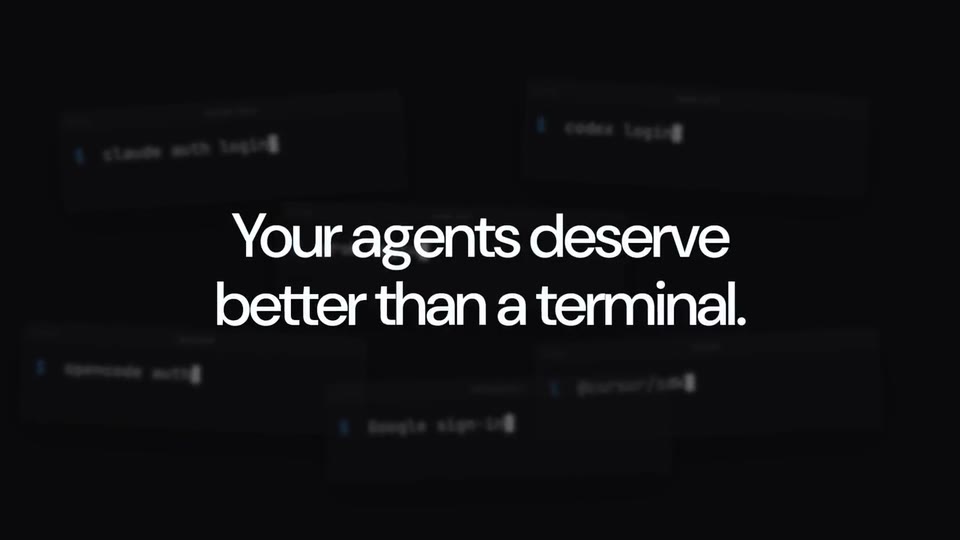
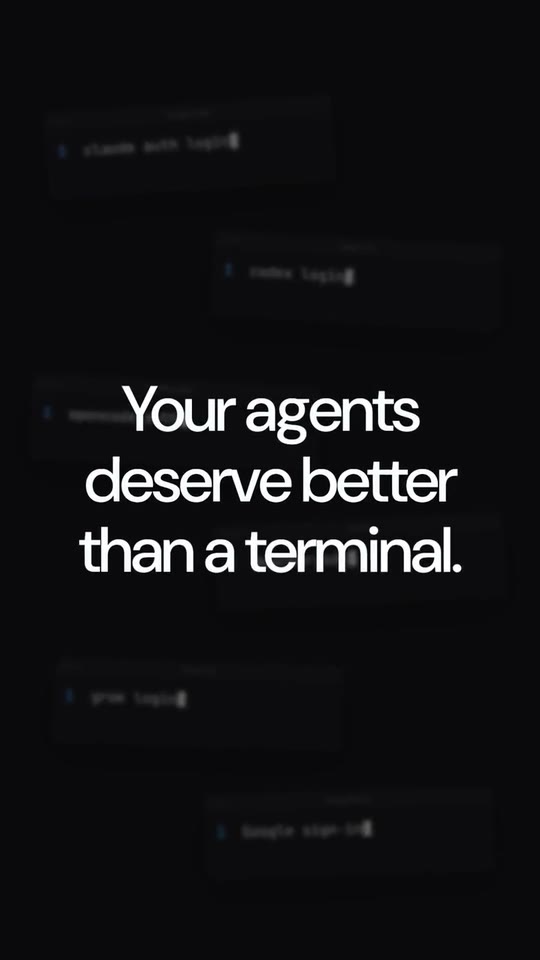
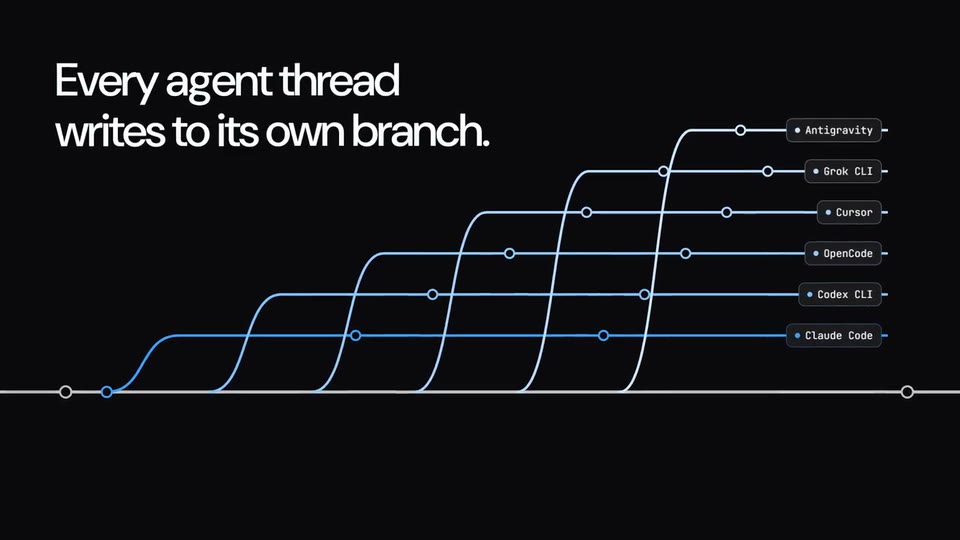
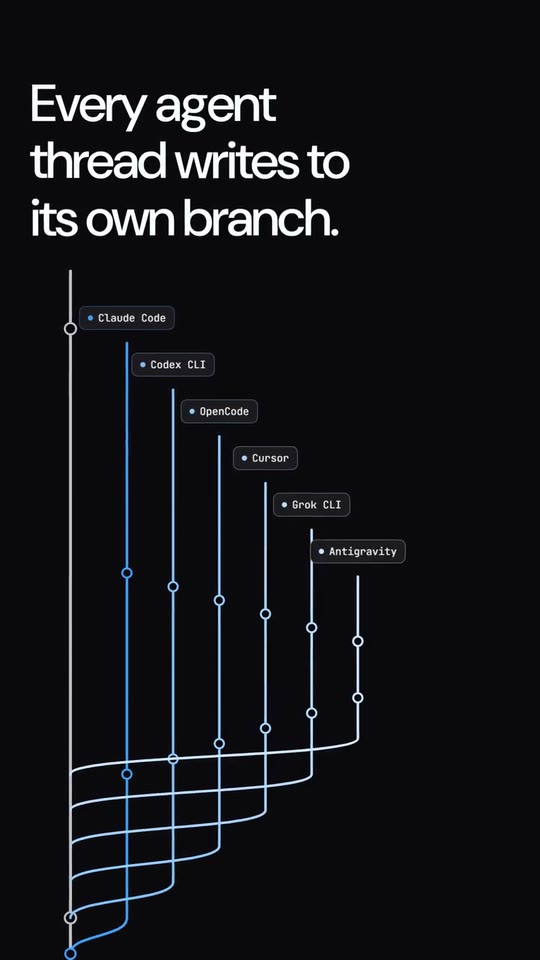
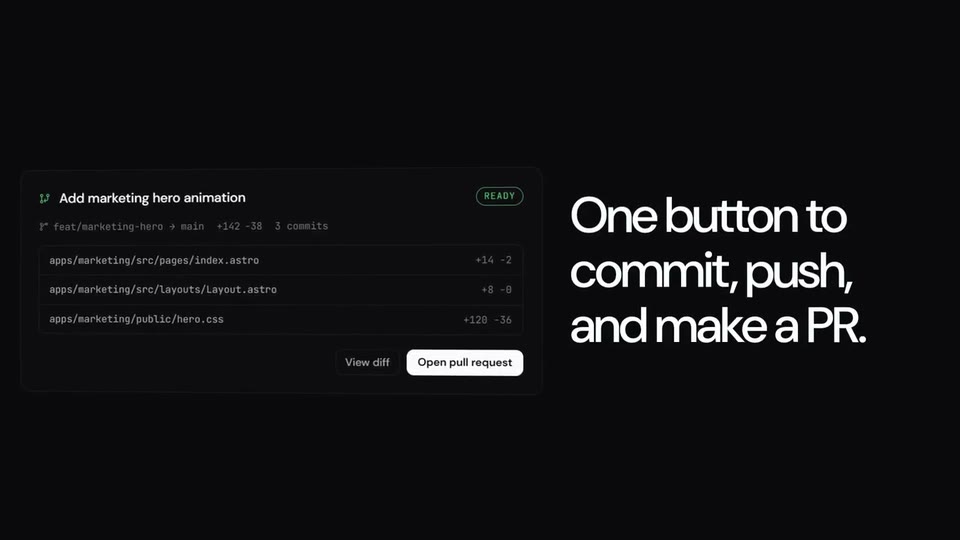
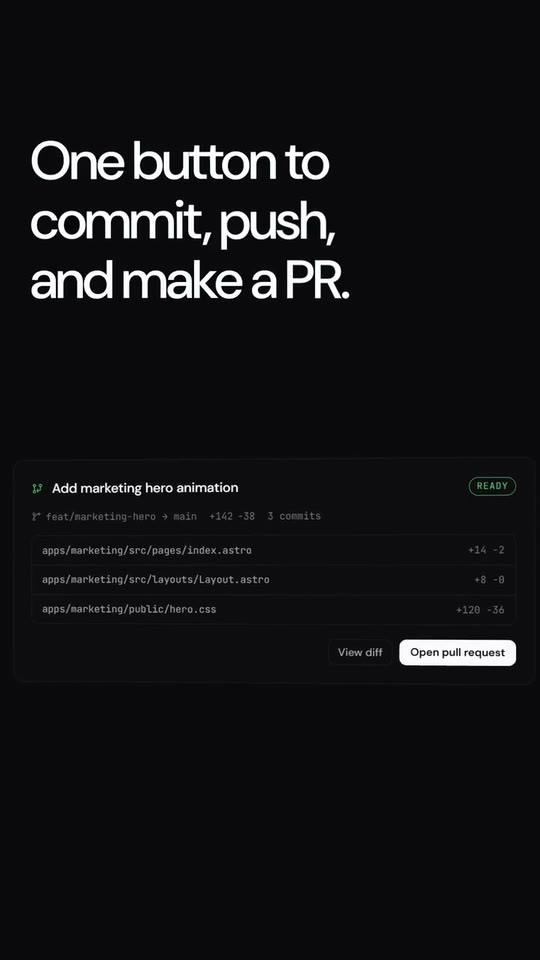
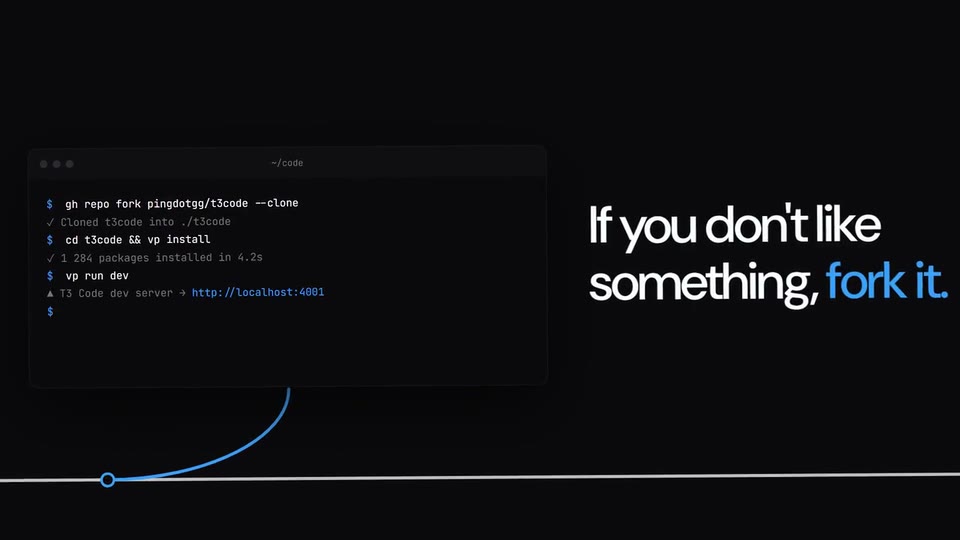
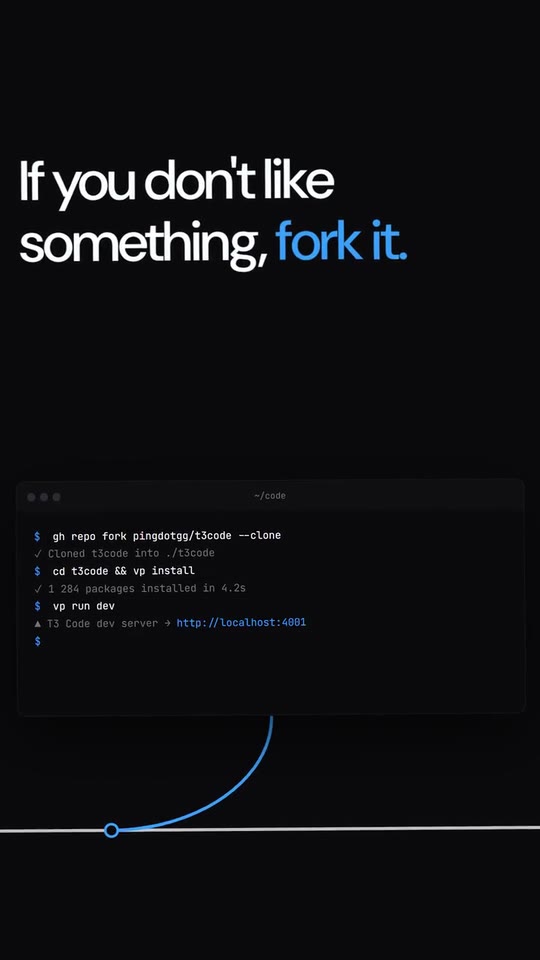
A 21-second launch for a developer tool: six terminals pile up typing their logins under your hook, collapse into the rows of one window as your tile spins in on the drop, every row grows its own branch off main, one button merges them into a result card, main forks into a terminal, your figures roll on digit reels while a cursor selects the word that carries your joke, and your tile slams back for the call to action.
- Price: free to export; exporting needs an Opus Motion account
- Length: 21 seconds
- Formats: 16:9, 9:16 (each one designed for its screen)
- What you can change: 75 texts, 6 images, 1 color, the music
- Category: Launches
Examples with real brands
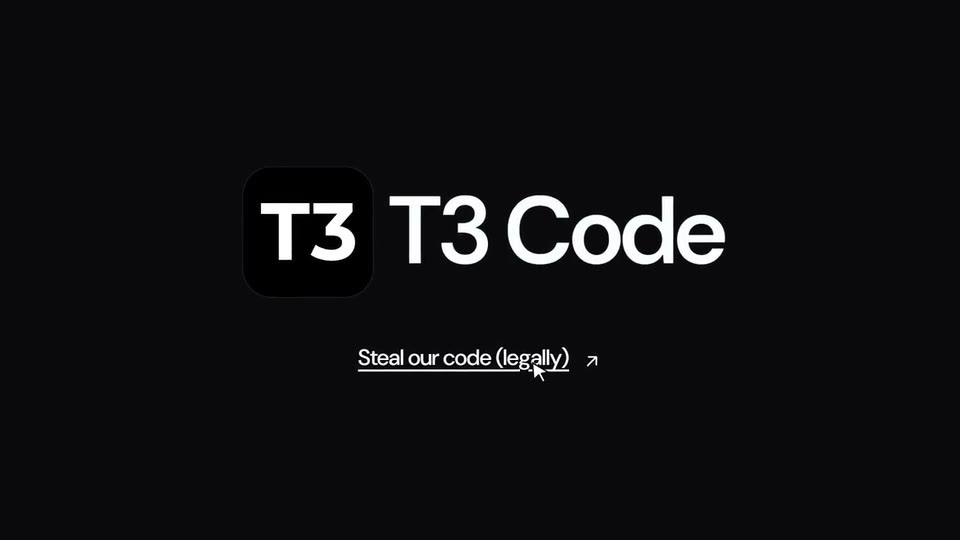
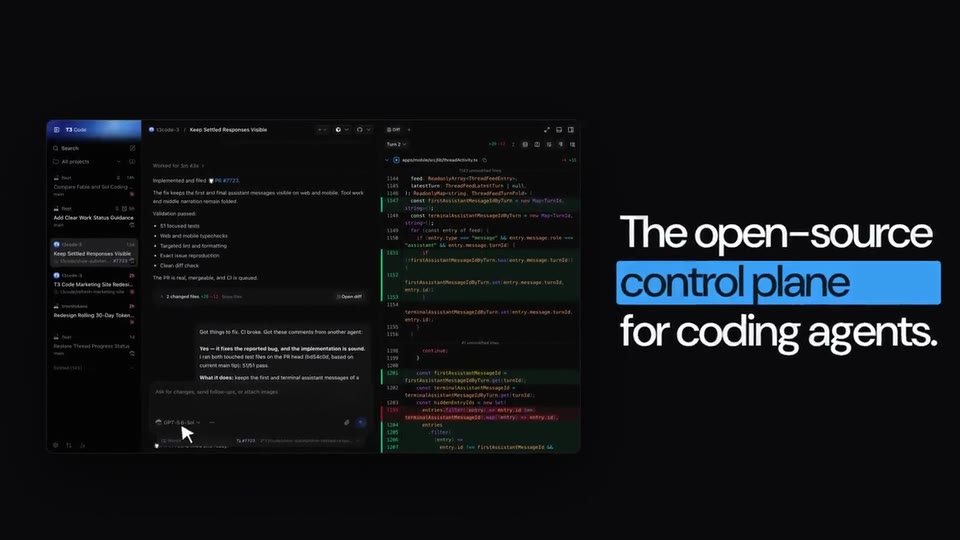
- T3 Code, 16:9: watch the video
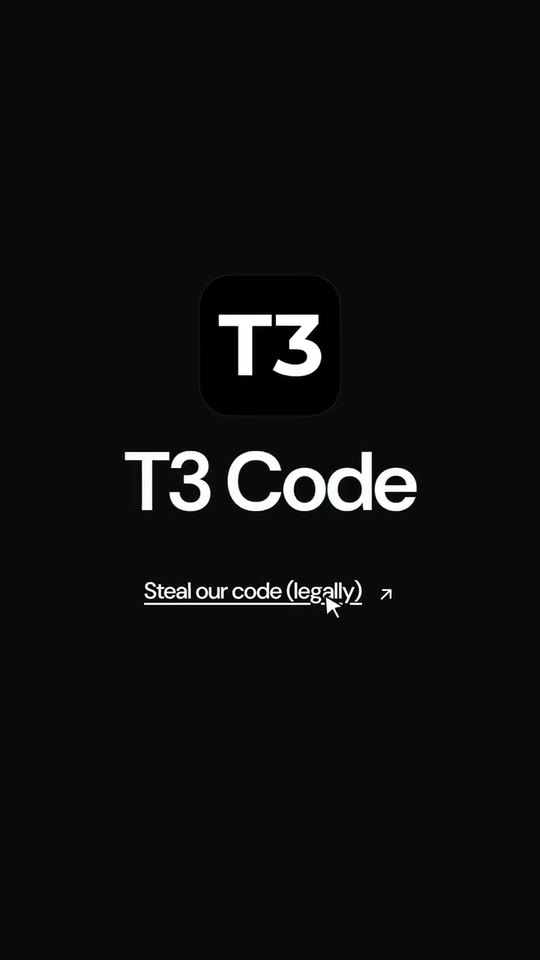
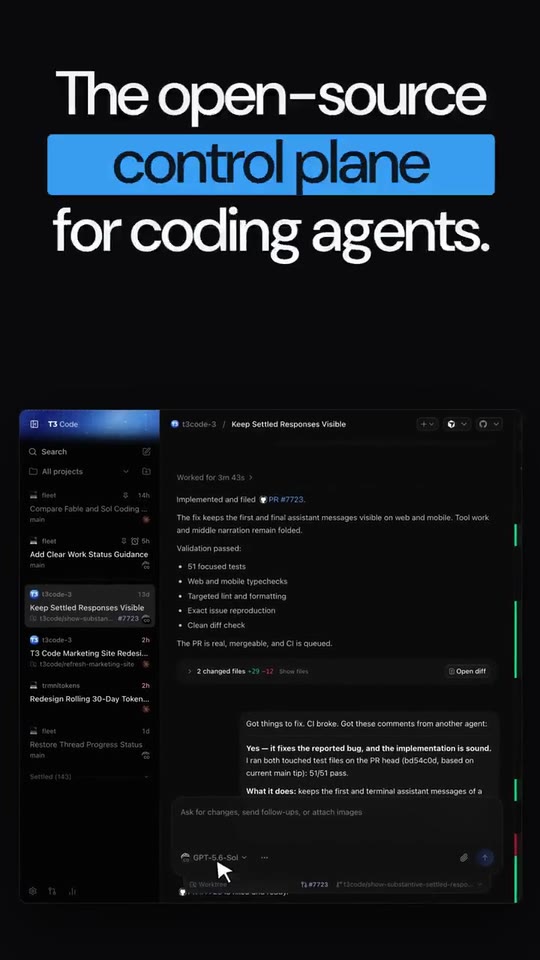
- T3 Code, 9:16: watch the video
Make it yours
Paste your website and the template comes out with your logo, colors and words: https://opusmotion.com/studio/t61-control-plane?mode=yours. To open it already filled from a website, add &site=yourdomain.com.
Fields, for AI agents
An agent fills these with POST https://opusmotion.com/api/v1/drafts (guide: https://opusmotion.com/agents.md). Free to export in 16:9 and 9:16. Exporting the MP4 needs a free Opus Motion account with a confirmed email.
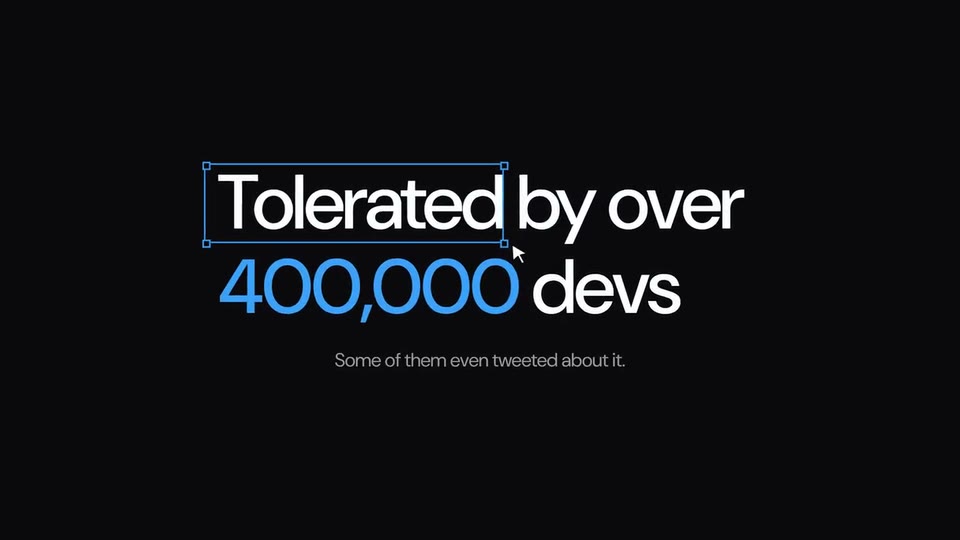
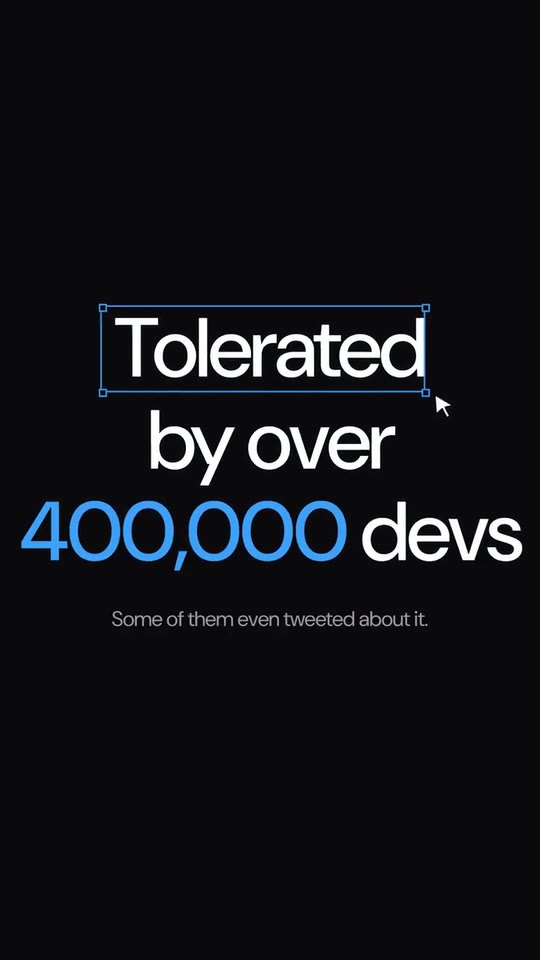
Scenes: Terminals pile up under the hook (0–3 s); They collapse into one window; the tile spins in (3–7 s); Every row grows its own branch (7–10 s); One button merges them into a result (10–13 s); Main forks into a terminal (13–16 s); Figures on reels; a word gets selected (16–19 s); The tile slams back; the button gets clicked (19–21 s).
brandName(text, 2–14 characters): Brand name. How your brand is written. It types in next to your tile in the window and closes the video. With no logo it becomes the logotype on the tile. The brand's own: never the demo's. Scene "The tile slams back; the button gets clicked" at 19.9 s: 16:9 · 9:16.logo(image, 1:1, shown whole): Your app or brand icon, square and full bleed. Your mark, square if you have one, in white or light colours: it is printed on a black 3D tile that spins in on the drop and again at the close. Shown whole inside a 1:1 box: nothing is cropped. The brand's own: never the demo's. Scene "They collapse into one window; the tile spins in" at 3.3 s: 16:9 · 9:16.brandColor(color, #RRGGBB): Brand color. Your accent: the terminal prompts, the highlighter behind your key words, the first branch, the fork, the numbers and the clicked button. The ground is a near-black tinted by it.hook(text, 18–48 characters): Hook. The line that lands over the pile of terminals. Your site's words: the problem your product ends. Demo's line, for tone and length only: "Your agents deserve better than a terminal.". Scene "Terminals pile up under the hook" at 2.6 s: 16:9 · 9:16.agent1(text, 2–16 characters): Tool 1, name. A tool, service or integration your product brings together, as your site names it. Text only: no third-party logo is ever drawn. Demo's line, for tone and length only: "Claude Code". Scene "Terminals pile up under the hook" at 0.62 s: 16:9 · 9:16.agent1Cmd(text, 3–20 characters): Tool 1, command. What a user types (or does) to connect it, exactly as your site shows it. It types in its terminal and stays under its name in the window. Demo's line, for tone and length only: "claude auth login". Scene "Terminals pile up under the hook" at 0.8200000000000001 s: 16:9 · 9:16.agent2(text, 2–16 characters): Tool 2, name. A tool, service or integration your product brings together, as your site names it. Text only: no third-party logo is ever drawn. Demo's line, for tone and length only: "Codex CLI". Scene "Terminals pile up under the hook" at 0.94 s: 16:9 · 9:16.agent2Cmd(text, 3–20 characters): Tool 2, command. What a user types (or does) to connect it, exactly as your site shows it. It types in its terminal and stays under its name in the window. Demo's line, for tone and length only: "codex login". Scene "Terminals pile up under the hook" at 1.1400000000000001 s: 16:9 · 9:16.agent3(text, 2–16 characters): Tool 3, name. A tool, service or integration your product brings together, as your site names it. Text only: no third-party logo is ever drawn. Demo's line, for tone and length only: "OpenCode". Scene "Terminals pile up under the hook" at 1.26 s: 16:9 · 9:16.agent3Cmd(text, 3–20 characters): Tool 3, command. What a user types (or does) to connect it, exactly as your site shows it. It types in its terminal and stays under its name in the window. Demo's line, for tone and length only: "opencode auth". Scene "Terminals pile up under the hook" at 1.46 s: 16:9 · 9:16.agent4(text, 2–16 characters): Tool 4, name. A tool, service or integration your product brings together, as your site names it. Text only: no third-party logo is ever drawn. Demo's line, for tone and length only: "Cursor". Scene "Terminals pile up under the hook" at 1.58 s: 16:9 · 9:16.agent4Cmd(text, 3–20 characters): Tool 4, command. What a user types (or does) to connect it, exactly as your site shows it. It types in its terminal and stays under its name in the window. Demo's line, for tone and length only: "@cursor/sdk". Scene "Terminals pile up under the hook" at 1.78 s: 16:9 · 9:16.agent5(text, 0–16 characters): Tool 5, name (optional). A tool, service or integration your product brings together, as your site names it. Text only: no third-party logo is ever drawn. Leave empty to run with fewer tools (4 to 6). Optional. Demo's line, for tone and length only: "Grok CLI". Scene "Terminals pile up under the hook" at 1.9000000000000001 s: 16:9 · 9:16.agent5Cmd(text, 0–20 characters): Tool 5, command (optional). What a user types (or does) to connect it, exactly as your site shows it. It types in its terminal and stays under its name in the window. Optional. Demo's line, for tone and length only: "grok login". Scene "Terminals pile up under the hook" at 2.1 s: 16:9 · 9:16.agent6(text, 0–16 characters): Tool 6, name (optional). A tool, service or integration your product brings together, as your site names it. Text only: no third-party logo is ever drawn. Leave empty to run with fewer tools (4 to 6). Optional. Demo's line, for tone and length only: "Antigravity". Scene "Terminals pile up under the hook" at 2.2199999999999998 s: 16:9 · 9:16.agent6Cmd(text, 0–20 characters): Tool 6, command (optional). What a user types (or does) to connect it, exactly as your site shows it. It types in its terminal and stays under its name in the window. Optional. Demo's line, for tone and length only: "Google sign-in". Scene "Terminals pile up under the hook" at 2.42 s: 16:9 · 9:16.head1(text, 4–16 characters): Headline, first line. First line of your hero sentence. Demo's line, for tone and length only: "The open-source". Scene "They collapse into one window; the tile spins in" at 5 s: 16:9 · 9:16.headMark(text, 4–14 characters): Headline, highlighted words. The words that get your colour behind them (the middle line). Demo's line, for tone and length only: "control plane". Scene "They collapse into one window; the tile spins in" at 5 s: 16:9 · 9:16.head3(text, 4–18 characters): Headline, last line. Last line of your hero sentence. Demo's line, for tone and length only: "for coding agents.". Scene "They collapse into one window; the tile spins in" at 5 s: 16:9 · 9:16.threadStatus(text, 4–22 characters): Window, status. A short status line of your product's own interface. Demo's line, for tone and length only: "Worked for 3m 43s". Scene "They collapse into one window; the tile spins in" at 5 s: 16:9 · 9:16.threadLine(text, 10–48 characters): Window, result line. What your product just did, in the words of your interface. Demo's line, for tone and length only: "Implemented and filed PR #7723.". Scene "They collapse into one window; the tile spins in" at 5.2 s: 16:9 · 9:16.check1(text, 4–30 characters): Window, check 1. A check your product ran or a result it shows, in your interface's words (ticked). Demo's line, for tone and length only: "51 focused tests". Scene "They collapse into one window; the tile spins in" at 5.6 s: 16:9 · 9:16.check2(text, 0–30 characters): Window, check 2. Another check. Leave empty if none. Optional. Demo's line, for tone and length only: "Web and mobile typechecks". Scene "They collapse into one window; the tile spins in" at 5.6 s: 16:9 · 9:16.check3(text, 0–30 characters): Window, check 3. Another check. Leave empty if none. Optional. Demo's line, for tone and length only: "Targeted lint and formatting". Scene "They collapse into one window; the tile spins in" at 5.6 s: 16:9 · 9:16.composer(text, 10–52 characters): Window, input placeholder. The placeholder of your product's input, as it reads. Demo's line, for tone and length only: "Ask for changes, send follow-ups, or attach images". Scene "They collapse into one window; the tile spins in" at 5 s: 16:9 · 9:16.switchLine(text, 8–30 characters): Switch line. A short line under the window while the chip switches between your tools. Demo's line, for tone and length only: "Switch models mid-thread.". Scene "They collapse into one window; the tile spins in" at 6.2 s: 16:9 · 9:16.appShot(image, 16:10, cropped): A real screenshot of the product. A real screenshot of your product (16:10, at least 2000 px wide). Cropped to fill a 16:10 frame: keep the subject in the middle. Optional. Demo's image. Scene "They collapse into one window; the tile spins in" at 5 s: 16:9 · 9:16.pick1(text, 0–22 characters): Picker, item 1. The picker the cursor opens on your screenshot: an option exactly as your app lists it. Leave all four empty for no picker. Optional. Demo's line, for tone and length only: "Claude Fable 5". Scene "They collapse into one window; the tile spins in" at 6 s: 16:9 · 9:16.pick1Sub(text, 0–30 characters): Picker, item 1 detail. Its second line as your app shows it. Optional. Demo's line, for tone and length only: "Claude". Scene "They collapse into one window; the tile spins in" at 6 s: 16:9 · 9:16.pick1Icon(image, 1:1, shown whole): A cut-out object on a transparent background (a PNG, or an SVG drawing): just the object, no photo background. Never a photo, never a photo padded with transparent bars. The small icon your app shows next to it. A card-like object (rounded corners, transparent around it) works too. Shown whole inside a 1:1 box: nothing is cropped. Optional. Demo's image. Scene "They collapse into one window; the tile spins in" at 6 s: 16:9 · 9:16.pick2(text, 0–22 characters): Picker, item 2. Another option. Optional. Demo's line, for tone and length only: "Claude Opus 5". Scene "They collapse into one window; the tile spins in" at 6 s: 16:9 · 9:16.pick2Sub(text, 0–30 characters): Picker, item 2 detail. Its second line. Optional. Demo's line, for tone and length only: "Claude". Scene "They collapse into one window; the tile spins in" at 6 s: 16:9 · 9:16.pick2Icon(image, 1:1, shown whole): A cut-out object on a transparent background (a PNG, or an SVG drawing): just the object, no photo background. Never a photo, never a photo padded with transparent bars. Its small icon. A card-like object (rounded corners, transparent around it) works too. Shown whole inside a 1:1 box: nothing is cropped. Optional. Demo's image. Scene "They collapse into one window; the tile spins in" at 6 s: 16:9 · 9:16.pick3(text, 0–22 characters): Picker, item 3. Another option. Optional. Demo's line, for tone and length only: "GPT-5.6-Sol". Scene "They collapse into one window; the tile spins in" at 6 s: 16:9 · 9:16.pick3Sub(text, 0–30 characters): Picker, item 3 detail. Its second line. Optional. Demo's line, for tone and length only: "Codex". Scene "They collapse into one window; the tile spins in" at 6 s: 16:9 · 9:16.pick3Icon(image, 1:1, shown whole): A cut-out object on a transparent background (a PNG, or an SVG drawing): just the object, no photo background. Never a photo, never a photo padded with transparent bars. Its small icon. A card-like object (rounded corners, transparent around it) works too. Shown whole inside a 1:1 box: nothing is cropped. Optional. Demo's image. Scene "They collapse into one window; the tile spins in" at 6 s: 16:9 · 9:16.pick4(text, 0–22 characters): Picker, item 4. Another option. Optional. Demo's line, for tone and length only: "Kimi K3". Scene "They collapse into one window; the tile spins in" at 6 s: 16:9 · 9:16.pick4Sub(text, 0–30 characters): Picker, item 4 detail. Its second line. Optional. Demo's line, for tone and length only: "OpenCode · kimi-for-coding". Scene "They collapse into one window; the tile spins in" at 6 s: 16:9 · 9:16.pick4Icon(image, 1:1, shown whole): A cut-out object on a transparent background (a PNG, or an SVG drawing): just the object, no photo background. Never a photo, never a photo padded with transparent bars. Its small icon. A card-like object (rounded corners, transparent around it) works too. Shown whole inside a 1:1 box: nothing is cropped. Optional. Demo's image. Scene "They collapse into one window; the tile spins in" at 6 s: 16:9 · 9:16.branchLine(text, 16–48 characters): Branches line. The sentence over the graph: every tool gets its own lane. Demo's line, for tone and length only: "Every agent thread writes to its own branch.". Scene "Every row grows its own branch" at 9 s: 16:9 · 9:16.buttonLabel(text, 4–18 characters): Button. The one button of your product that does the work. Demo's line, for tone and length only: "Commit & push". Scene "One button merges them into a result" at 10.3 s: 16:9 · 9:16.buttonKey(text, 0–8 characters): Button shortcut. Its keyboard shortcut, if it has one. Leave empty if not. Optional. Demo's line, for tone and length only: "Ctrl ⏎". Scene "One button merges them into a result" at 10.3 s: 16:9 · 9:16.prTitle(text, 6–34 characters): Result card, title. The title of what the button produced. Demo's line, for tone and length only: "Add marketing hero animation". Scene "One button merges them into a result" at 11.6 s: 16:9 · 9:16.prBadge(text, 2–9 characters): Result card, badge. The status badge of that result. Demo's line, for tone and length only: "READY". Scene "One button merges them into a result" at 11.6 s: 16:9 · 9:16.prBranch(text, 4–30 characters): Result card, route. Where it goes, in your interface's words. Demo's line, for tone and length only: "feat/marketing-hero → main". Scene "One button merges them into a result" at 11.6 s: 16:9 · 9:16.prAdd(text, 0–6 characters): Result card, first figure. A figure of the result. Digits count up. Leave empty if none. Optional. Demo's line, for tone and length only: "+142". Scene "One button merges them into a result" at 11.6 s: 16:9 · 9:16.prDel(text, 0–6 characters): Result card, second figure. A second figure. Leave empty if none. Optional. Demo's line, for tone and length only: "−38". Scene "One button merges them into a result" at 11.6 s: 16:9 · 9:16.prCommits(text, 0–12 characters): Result card, count. A count of the result. Leave empty if none. Optional. Demo's line, for tone and length only: "3 commits". Scene "One button merges them into a result" at 11.6 s: 16:9 · 9:16.file1(text, 2–42 characters): Result card, row 1. A row of the result (a file, an item, a step). Demo's line, for tone and length only: "apps/marketing/src/pages/index.astro". Scene "One button merges them into a result" at 11.6 s: 16:9 · 9:16.file1Stat(text, 0–10 characters): Result card, row 1 figure. Its figure. Leave empty if none. Optional. Demo's line, for tone and length only: "+14 −2". Scene "One button merges them into a result" at 11.6 s: 16:9 · 9:16.file2(text, 2–42 characters): Result card, row 2. A row of the result (a file, an item, a step). Demo's line, for tone and length only: "apps/marketing/src/layouts/Layout.astro". Scene "One button merges them into a result" at 11.6 s: 16:9 · 9:16.file2Stat(text, 0–10 characters): Result card, row 2 figure. Its figure. Leave empty if none. Optional. Demo's line, for tone and length only: "+8 −0". Scene "One button merges them into a result" at 11.6 s: 16:9 · 9:16.file3(text, 2–42 characters): Result card, row 3. A row of the result (a file, an item, a step). Demo's line, for tone and length only: "apps/marketing/public/hero.css". Scene "One button merges them into a result" at 11.6 s: 16:9 · 9:16.file3Stat(text, 0–10 characters): Result card, row 3 figure. Its figure. Leave empty if none. Optional. Demo's line, for tone and length only: "+120 −36". Scene "One button merges them into a result" at 11.6 s: 16:9 · 9:16.prAction(text, 4–20 characters): Result card, action. The action button on the result. Demo's line, for tone and length only: "Open pull request". Scene "One button merges them into a result" at 11.6 s: 16:9 · 9:16.prAction2(text, 0–14 characters): Result card, second action. A secondary action next to it, as your interface writes it. Leave empty if none. Optional. Demo's line, for tone and length only: "View diff". Scene "One button merges them into a result" at 11.6 s: 16:9 · 9:16.buttonLine(text, 16–48 characters): Button line. The sentence beside the result. Demo's line, for tone and length only: "One button to commit, push, and make a PR.". Scene "One button merges them into a result" at 12.4 s: 16:9 · 9:16.forkDir(text, 1–16 characters): Terminal title. The folder in the terminal's title bar. Demo's line, for tone and length only: "~/code". Scene "Main forks into a terminal" at 14.8 s: 16:9 · 9:16.forkCmd(text, 6–44 characters): Terminal, first command. The command that takes your product (or starts it), as your site shows it. It types. Demo's line, for tone and length only: "gh repo fork pingdotgg/t3code --clone". Scene "Main forks into a terminal" at 14.8 s: 16:9 · 9:16.forkOut(text, 0–40 characters): Terminal, first output. What the terminal answers, exactly as your site shows it. Leave empty if your site shows no output. Optional. Demo's line, for tone and length only: "✓ Cloned t3code into ./t3code". Scene "Main forks into a terminal" at 14.8 s: 16:9 · 9:16.installCmd(text, 0–30 characters): Terminal, middle command. An optional command between the two, as your site shows it. Leave empty for two steps. Optional. Demo's line, for tone and length only: "cd t3code && vp install". Scene "Main forks into a terminal" at 14.8 s: 16:9 · 9:16.installOut(text, 0–40 characters): Terminal, middle output. What the terminal answers to it, exactly as your site shows it. Leave empty if none. Optional. Demo's line, for tone and length only: "✓ 1 284 packages installed in 4.2s". Scene "Main forks into a terminal" at 14.8 s: 16:9 · 9:16.runCmd(text, 3–30 characters): Terminal, second command. The next command. Demo's line, for tone and length only: "vp run dev". Scene "Main forks into a terminal" at 14.8 s: 16:9 · 9:16.runOut(text, 0–46 characters): Terminal, second output. What the terminal answers, exactly as your site shows it. Leave empty if none. Optional. Demo's line, for tone and length only: "▲ T3 Code dev server → http://localhost:4001". Scene "Main forks into a terminal" at 14.8 s: 16:9 · 9:16.forkLine(text, 8–34 characters): Fork line. The first part of the sentence beside the terminal. Demo's line, for tone and length only: "If you don't like something,". Scene "Main forks into a terminal" at 15 s: 16:9 · 9:16.forkMark(text, 3–16 characters): Fork line, coloured end. Its last words, in your colour. Demo's line, for tone and length only: "fork it.". Scene "Main forks into a terminal" at 15 s: 16:9 · 9:16.stat1(text, 1–7 characters): Figure 1. A real figure from your site, exactly as written (24k+, 1.2M, 99.9%). Digits roll on reels. Demo's line, for tone and length only: "24k+". Scene "Figures on reels; a word gets selected" at 17 s: 16:9 · 9:16.stat1Label(text, 3–26 characters): Figure 1, label. What the figure counts, as your site says it. Demo's line, for tone and length only: "GitHub stars". Scene "Figures on reels; a word gets selected" at 17 s: 16:9 · 9:16.proofWord(text, 3–12 characters): Figure 2, selected word. The word a cursor selects (your joke or your claim's key word). Demo's line, for tone and length only: "Tolerated". Scene "Figures on reels; a word gets selected" at 18.6 s: 16:9 · 9:16.proofMid(text, 0–14 characters): Figure 2, words after it. The words that follow it on the first line. Optional. Demo's line, for tone and length only: "by over". Scene "Figures on reels; a word gets selected" at 18.6 s: 16:9 · 9:16.stat2(text, 1–9 characters): Figure 2. The second real figure, exactly as written. Digits roll on reels. Demo's line, for tone and length only: "400,000". Scene "Figures on reels; a word gets selected" at 18.6 s: 16:9 · 9:16.stat2Unit(text, 0–10 characters): Figure 2, unit. Its unit or noun. Optional. Demo's line, for tone and length only: "devs". Scene "Figures on reels; a word gets selected" at 18.6 s: 16:9 · 9:16.proofNote(text, 0–40 characters): Figure 2, small line. A short line under the figure. Optional. Demo's line, for tone and length only: "Some of them even tweeted about it.". Scene "Figures on reels; a word gets selected" at 18.6 s: 16:9 · 9:16.cta(text, 4–26 characters): Call to action. Your site's call to action. The cursor clicks it. Demo's line, for tone and length only: "Steal our code (legally)". Scene "The tile slams back; the button gets clicked" at 20.6 s: 16:9 · 9:16.