For AI agents
Coding agents (Claude Code, Codex, Cursor and similar) make Opus Motion videos for a project with the agent guide: https://opusmotion.com/agents.md.
- The guide's steps: read the project, ask the person a few questions, compare templates (each one has a timelapse, its scenes and its fields), make a draft with
POST https://opusmotion.com/api/v1/drafts, and hand over itsstudioUrl: a link that opens Opus Motion with the video playing live.PATCHwith the draft'seditTokenchanges it, and the link stays the same. - Plain HTTPS and JSON: no key and no account. Or the MCP server (https://opusmotion.com/mcp): every tool, with stills of the draft returned as images. The person exports the MP4 from the studio.
- The studio is filled through the API, not by driving the site with a browser. When the API refuses, the person is told.
- More: llms.txt · this page in Markdown · developer docs · OpenAPI
Creator Countdown: premium launches video template
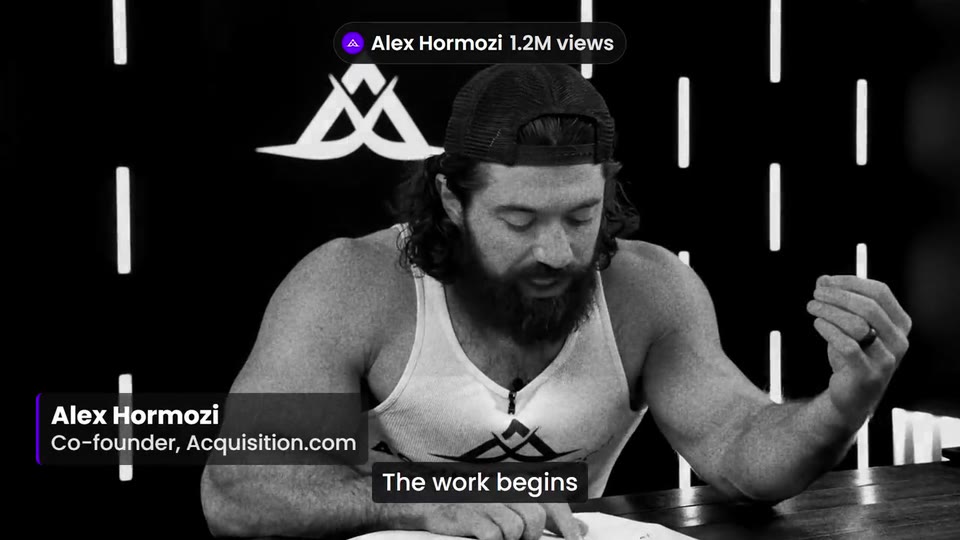
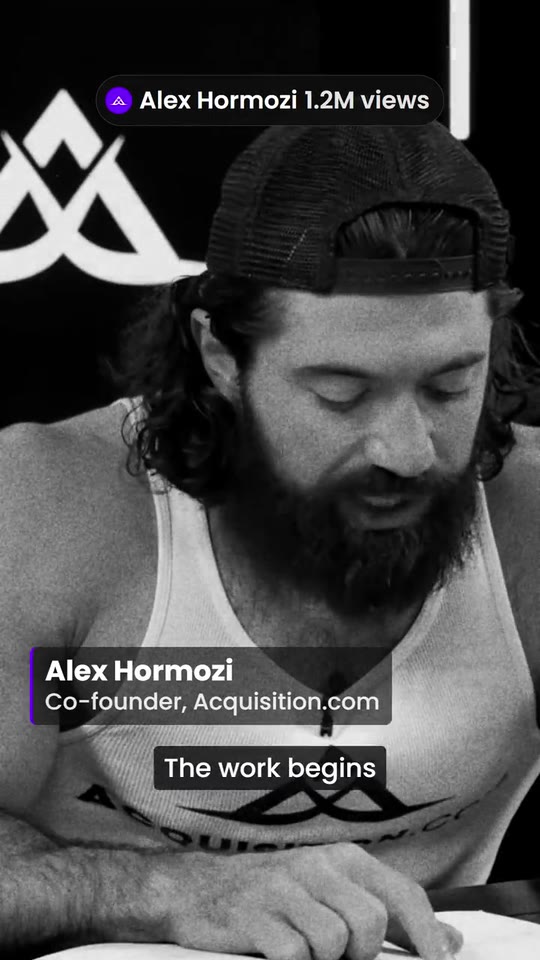
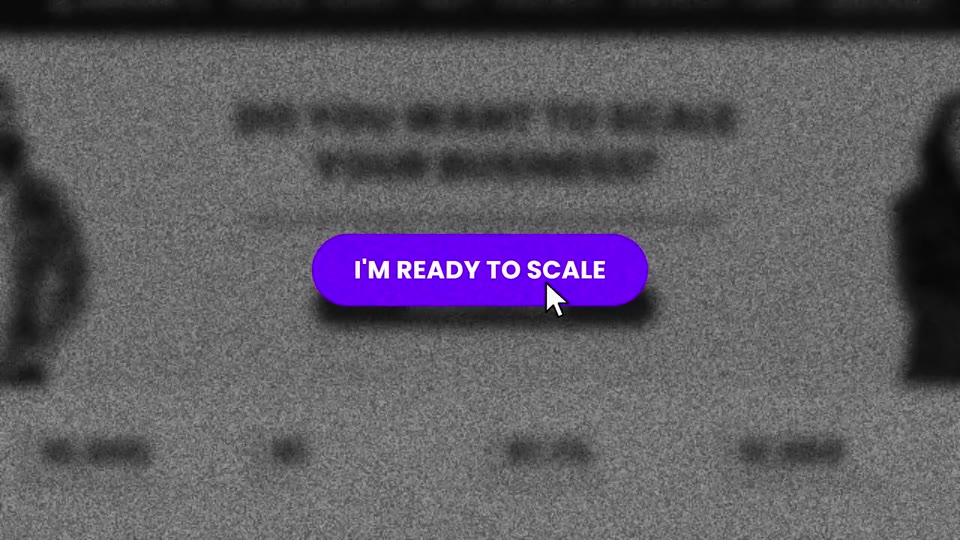
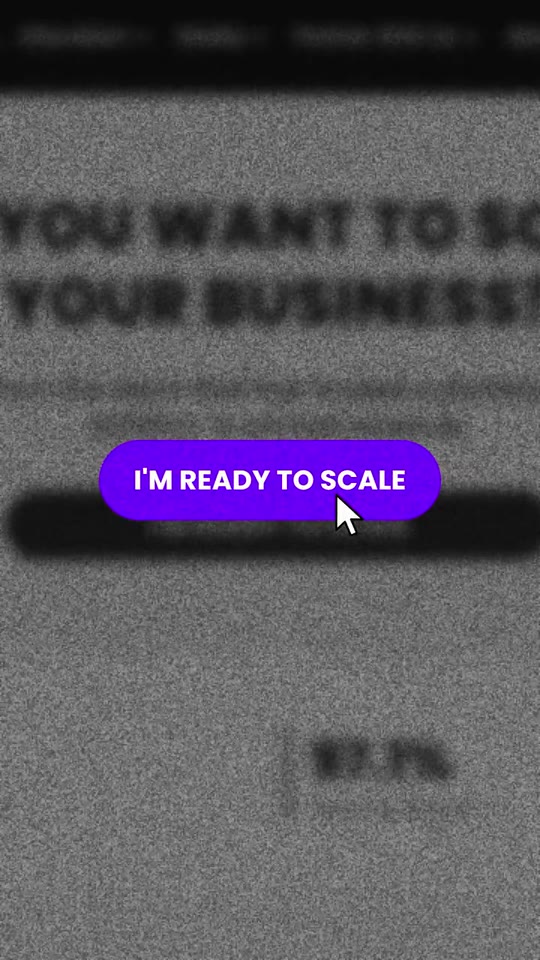
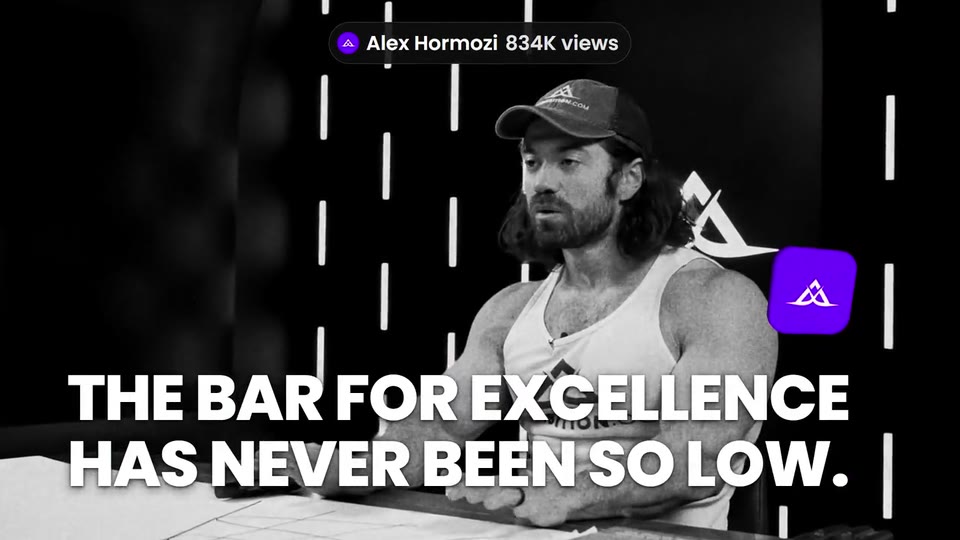
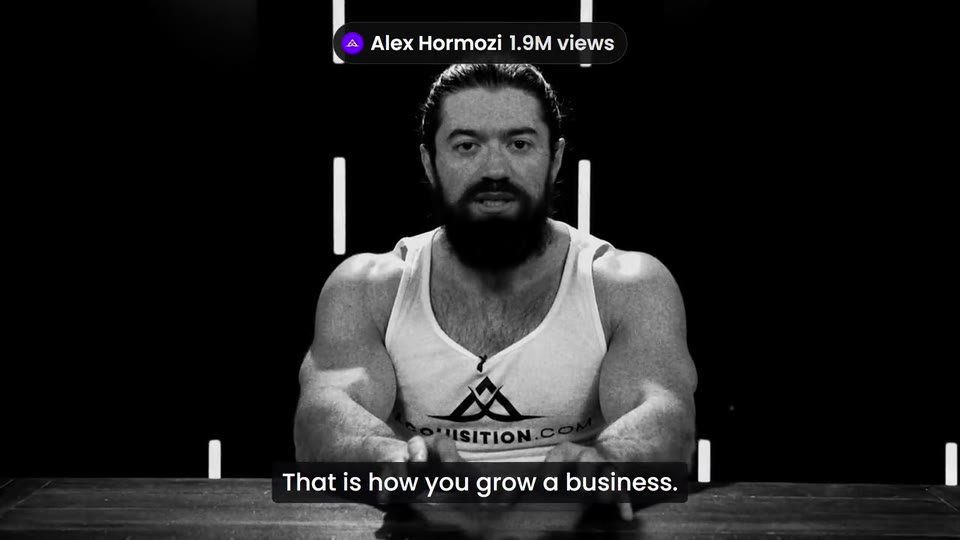
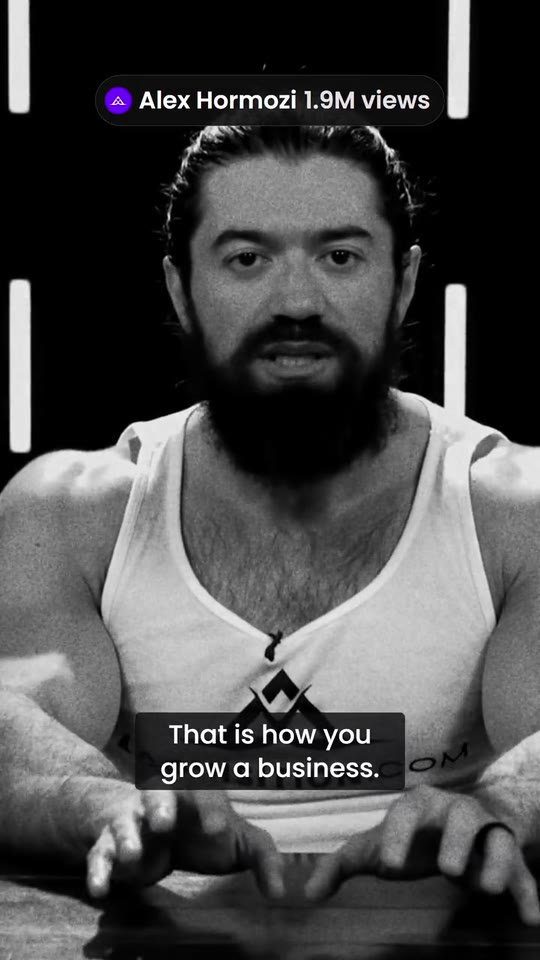
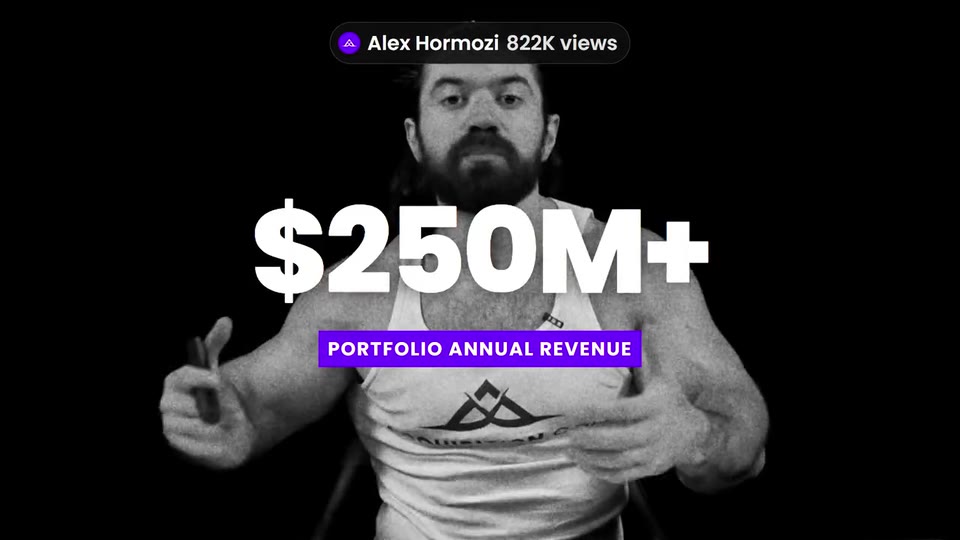
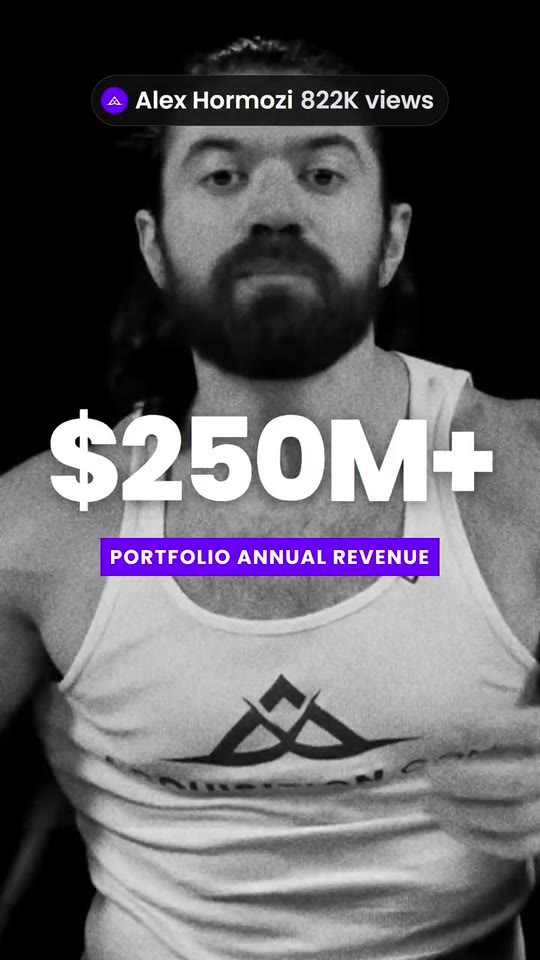
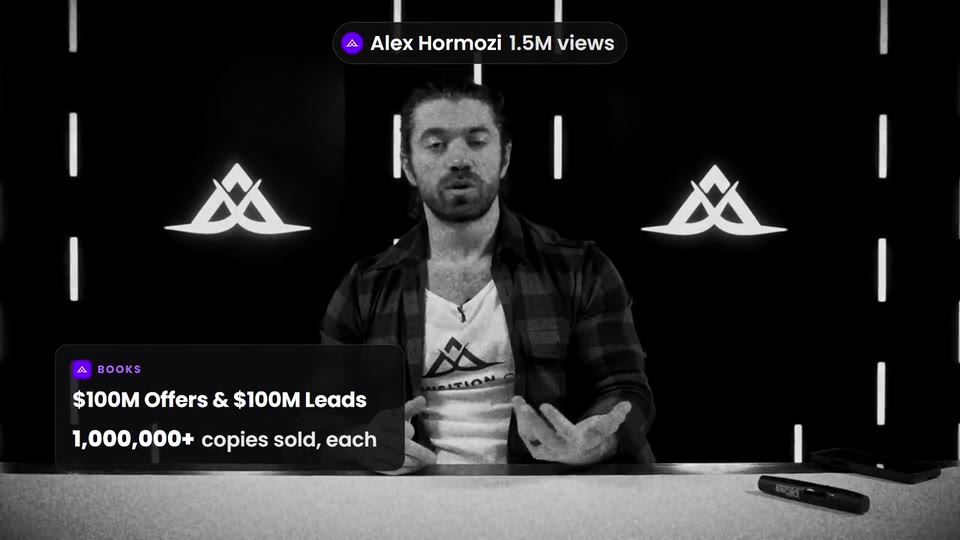
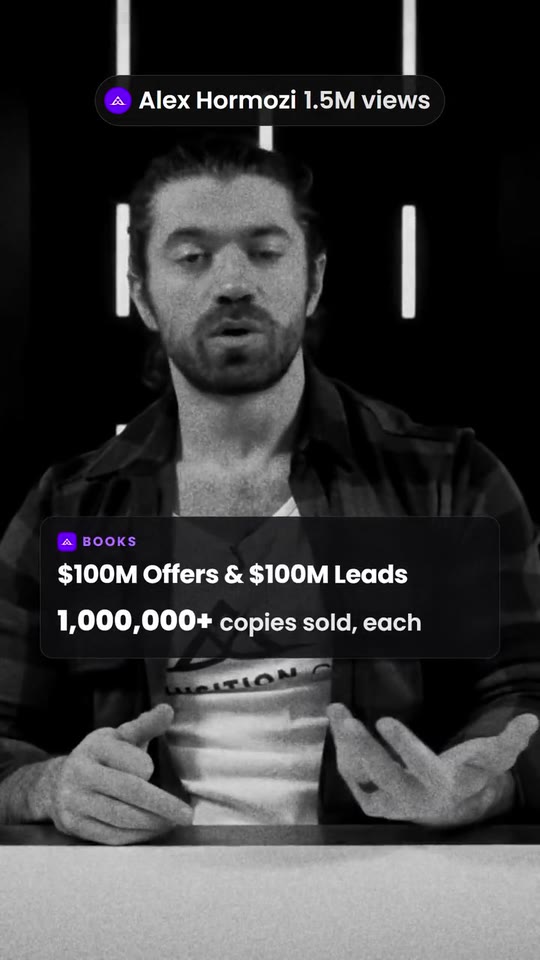
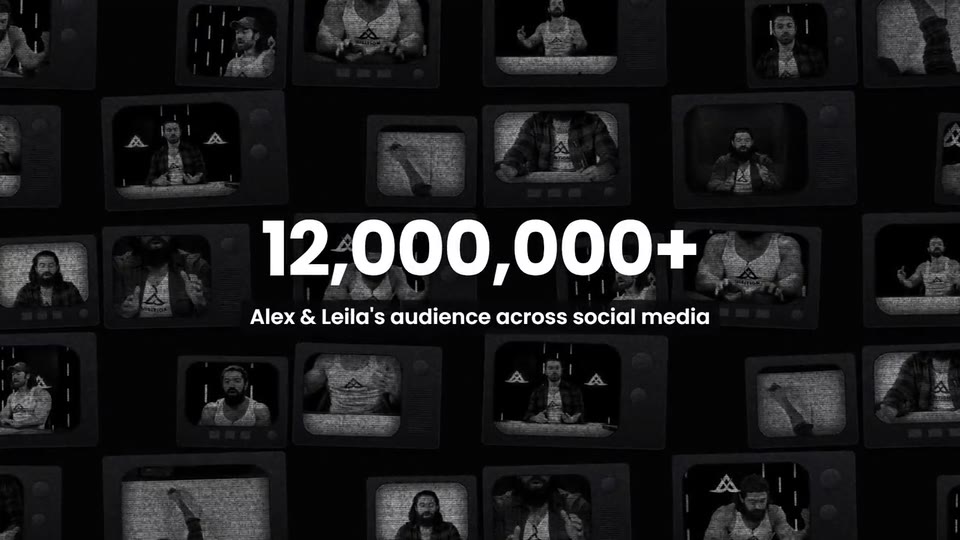
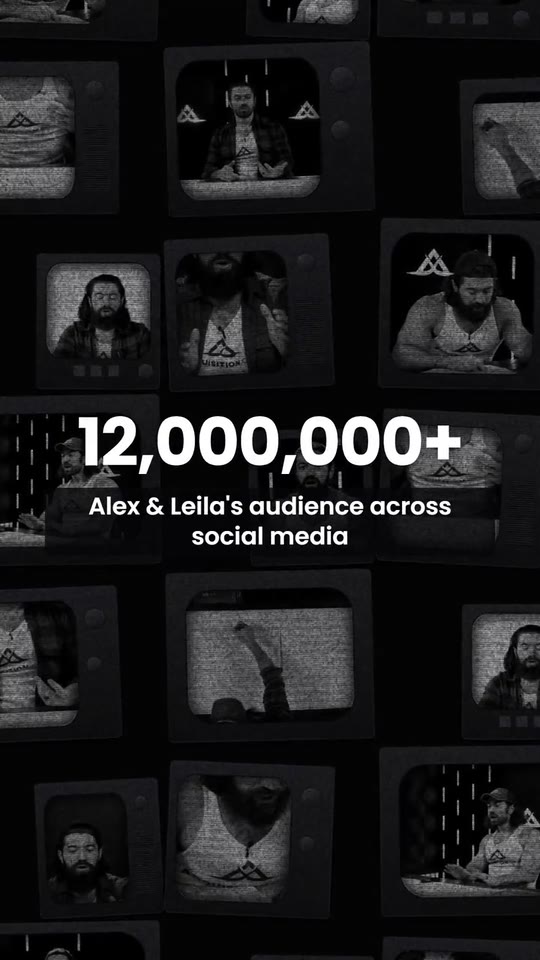
A 24.5-second black-and-white reel of your own clips: a fast montage under your opening line, your site and its button clicked, a 5-4-3-2-1 count where every number opens one of your videos with your channel chip rolling up to its views and your own words on screen, three big figures, a product card, a wall of screens with your audience counter, your closing line and your logo.
- Price: $17 per export, paid once per video and per format; exporting needs an Opus Motion account
- Length: 24.5 seconds
- Formats: 16:9, 9:16 (each one designed for its screen)
- What you can change: 28 texts, 2 images, 8 videos (a clip, or the picture it starts on), 1 color, the music, the voiceover script
- Category: Launches
Examples with real brands
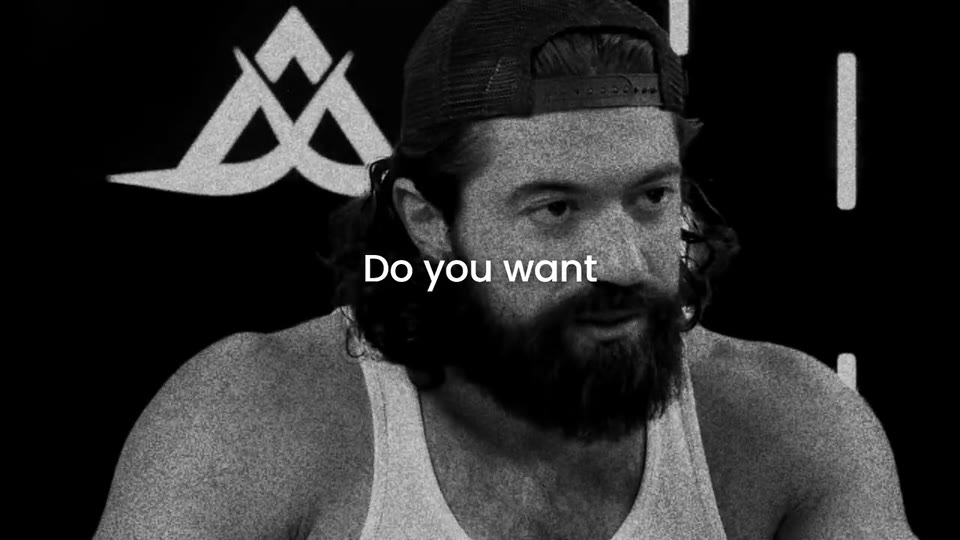
- Alex Hormozi, 16:9: watch the video
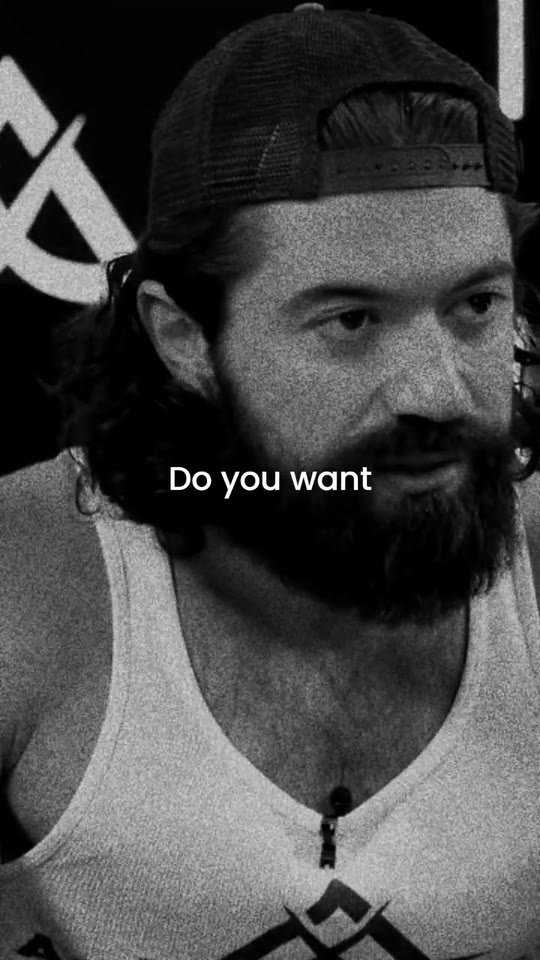
- Alex Hormozi, 9:16: watch the video
Make it yours
Paste your website and the template comes out with your logo, colors and words: https://opusmotion.com/studio/t46-creator-countdown?mode=yours. To open it already filled from a website, add &site=yourdomain.com.
Fields, for AI agents
An agent fills these with POST https://opusmotion.com/api/v1/drafts (guide: https://opusmotion.com/agents.md). $17 per export, paid once per video and per format (16:9 and 9:16 are separate exports), or included in an Opus Motion Pass (15 premium exports a month for $49). Exporting needs an Opus Motion account; payment happens in the studio.
Scenes: Montage and opening line (0–3.2 s); Your site and its button (3.2–4.63 s); 5 · clip 1, name card, the whip (4.63–7.64 s); 4 · clip 2, your line typed big (7.64–10.64 s); 3 · clip 3 with caption (10.64–13.22 s); 2 · clip 4, three figures (13.22–15.8 s); 1 · clip 5 and the card (15.8–18.37 s); Wall of screens and the counter (18.37–20.95 s); Closing line and logo (20.95–24.5 s).
brandName(text, 2–18 characters): Brand name. How your brand is written. With no logo it becomes the logotype of the close. The brand's own: never the demo's. Scene "Closing line and logo" at 23.8 s: 16:9 · 9:16.logo(image, free, shown whole): Your app or brand icon, square and full bleed. Your logo or mark, transparent PNG/SVG. Shown whole, at any proportion: nothing is cropped. The brand's own: never the demo's. Scene "Closing line and logo" at 23.8 s: 16:9 · 9:16.brandColor(color, #RRGGBB): Brand color. The only colour in a black-and-white film: button, labels, underline, tile, card.creator(text, 2–20 characters): Creator name. Your name as your channel shows it (chips and the name card). Demo's line, for tone and length only: "Alex Hormozi". Scene "5 · clip 1, name card, the whip" at 5.6 s: 16:9 · 9:16.creatorRole(text, 6–34 characters): Creator role. Who you are, as your site says it. Demo's line, for tone and length only: "Co-founder, Acquisition.com". Scene "5 · clip 1, name card, the whip" at 5.6 s: 16:9 · 9:16.introLine1(text, 4–18 characters): Opening line, part 1. First half of your opening line (the site's hero works well). Demo's line, for tone and length only: "Do you want". Scene "Montage and opening line" at 1.4 s: 16:9 · 9:16.introLine2(text, 6–28 characters): Opening line, part 2. Second half of the opening line. Demo's line, for tone and length only: "to scale your business?". Scene "Montage and opening line" at 1.4 s: 16:9 · 9:16.site(image, 16:9, cropped): A real screenshot of the product. A screenshot of your site (desktop, top of the page). Cropped to fill a 16:9 frame: keep the subject in the middle. Demo's image. Scene "Your site and its button" at 4.2 s: 16:9 · 9:16.siteCta(text, 4–22 characters): Button on the site. The main button of your site, word for word. The cursor clicks it. Demo's line, for tone and length only: "I'm ready to scale". Scene "Your site and its button" at 4.2 s: 16:9 · 9:16.clip1(image, 16:9, cropped): An image of the brand. A still of the same clip (the wall of screens uses it). In the video this is the first frame of the clipclip1Motion, which plays here. Cropped to fill a 16:9 frame: keep the subject in the middle. Demo's image. Scene "5 · clip 1, name card, the whip" at 5.6 s: 16:9 · 9:16.clip1Motion(video, footage, 16:9, 5.03 s of the clip play): Real footage of this shot: a muted clip that starts where "Clip 1 still" is. It movesclip1. Only its first 5.03 s play; the rest is cut. It holds its last frame. Demo's clip. Upload: PUT https://opusmotion.com/api/v1/drafts/{draftId}/media/clip1Motion. Scene "5 · clip 1, name card, the whip" at 5.6 s: 16:9 · 9:16.views1(text, 5–12 characters): Clip 1 views. The views YouTube shows for that video, as it shows them ("1.2M views"). Demo's line, for tone and length only: "1.2M views". Scene "Montage and opening line" at 1.41 s: 16:9 · 9:16.line1Start(text, 6–24 characters): Clip 1 line, start. The first words you say in clip 1 (caption). Demo's line, for tone and length only: "The work begins". Scene "5 · clip 1, name card, the whip" at 5.6 s: 16:9 · 9:16.line1End(text, 6–30 characters): Clip 1 line, end. How that line ends: it takes the whole frame after the whip. Demo's line, for tone and length only: "when your motivation ends.". Scene "5 · clip 1, name card, the whip" at 5.6 s: 16:9 · 9:16.clip2(image, 16:9, cropped): An image of the brand. A still of the same clip (the wall of screens uses it). In the video this is the first frame of the clipclip2Motion, which plays here. Cropped to fill a 16:9 frame: keep the subject in the middle. Demo's image. Scene "4 · clip 2, your line typed big" at 10.4 s: 16:9 · 9:16.clip2Motion(video, footage, 16:9, 6 s of the clip play): Real footage of this shot: a muted clip that starts where "Clip 2 still" is. It movesclip2. Only its first 6 s play; the rest is cut. It holds its last frame. Demo's clip. Upload: PUT https://opusmotion.com/api/v1/drafts/{draftId}/media/clip2Motion. Scene "4 · clip 2, your line typed big" at 10.4 s: 16:9 · 9:16.views2(text, 5–12 characters): Clip 2 views. The views YouTube shows for that video, as it shows them ("1.2M views"). Demo's line, for tone and length only: "834K views". Scene "4 · clip 2, your line typed big" at 8.22 s: 16:9 · 9:16.bite2Text(text, 8–48 characters): Clip 2 line. What you say in clip 2, word for word: it is typed big while you say it. Demo's line, for tone and length only: "The bar for excellence has never been so low.". Scene "4 · clip 2, your line typed big" at 10.4 s: 16:9 · 9:16.clip3(image, 16:9, cropped): An image of the brand. A still of the same clip (the wall of screens uses it). In the video this is the first frame of the clipclip3Motion, which plays here. Cropped to fill a 16:9 frame: keep the subject in the middle. Demo's image. Scene "3 · clip 3 with caption" at 12.6 s: 16:9 · 9:16.clip3Motion(video, footage, 16:9, 4.86 s of the clip play): Real footage of this shot: a muted clip that starts where "Clip 3 still" is. It movesclip3. Only its first 4.86 s play; the rest is cut. It holds its last frame. Demo's clip. Upload: PUT https://opusmotion.com/api/v1/drafts/{draftId}/media/clip3Motion. Scene "3 · clip 3 with caption" at 12.6 s: 16:9 · 9:16.views3(text, 5–12 characters): Clip 3 views. The views YouTube shows for that video, as it shows them ("1.2M views"). Demo's line, for tone and length only: "1.9M views". Scene "5 · clip 1, name card, the whip" at 5.22 s: 16:9 · 9:16.bite3Text(text, 8–40 characters): Clip 3 line. What you say in clip 3, word for word (caption). Demo's line, for tone and length only: "That is how you grow a business.". Scene "3 · clip 3 with caption" at 12.6 s: 16:9 · 9:16.clip4(image, 16:9, cropped): An image of the brand. A still of the same clip (the wall of screens uses it). In the video this is the first frame of the clipclip4Motion, which plays here. Cropped to fill a 16:9 frame: keep the subject in the middle. Demo's image. Scene "2 · clip 4, three figures" at 14.2 s: 16:9 · 9:16.clip4Motion(video, footage, 16:9, 4.32 s of the clip play): Real footage of this shot: a muted clip that starts where "Clip 4 still" is. It movesclip4. Only its first 4.32 s play; the rest is cut. It holds its last frame. Demo's clip. Upload: PUT https://opusmotion.com/api/v1/drafts/{draftId}/media/clip4Motion. Scene "2 · clip 4, three figures" at 14.2 s: 16:9 · 9:16.views4(text, 5–12 characters): Clip 4 views. The views YouTube shows for that video, as it shows them ("1.2M views"). Demo's line, for tone and length only: "822K views". Scene "2 · clip 4, three figures" at 13.39 s: 16:9 · 9:16.fig1(text, 1–8 characters): Figure 1. A real figure from your site. Demo's line, for tone and length only: "$250M+". Scene "2 · clip 4, three figures" at 14.2 s: 16:9 · 9:16.fig1Label(text, 4–26 characters): Figure 1 label. What the figure counts, as your site says it. Demo's line, for tone and length only: "portfolio annual revenue". Scene "2 · clip 4, three figures" at 14.2 s: 16:9 · 9:16.fig2(text, 1–8 characters): Figure 2. A second real figure. Demo's line, for tone and length only: "10,000". Scene "2 · clip 4, three figures" at 14.2 s: 16:9 · 9:16.fig2Label(text, 4–26 characters): Figure 2 label. What it counts. Demo's line, for tone and length only: "businesses advised". Scene "2 · clip 4, three figures" at 14.2 s: 16:9 · 9:16.fig3(text, 1–8 characters): Figure 3. A third real figure. Demo's line, for tone and length only: "12,000". Scene "2 · clip 4, three figures" at 14.2 s: 16:9 · 9:16.fig3Label(text, 4–26 characters): Figure 3 label. What it counts. Demo's line, for tone and length only: "workshop participants". Scene "2 · clip 4, three figures" at 14.2 s: 16:9 · 9:16.clip5(image, 16:9, cropped): An image of the brand. A still of the same clip (the wall of screens uses it). In the video this is the first frame of the clipclip5Motion, which plays here. Cropped to fill a 16:9 frame: keep the subject in the middle. Demo's image. Scene "1 · clip 5 and the card" at 17.6 s: 16:9 · 9:16.clip5Motion(video, footage, 16:9, 6.55 s of the clip play): Real footage of this shot: a muted clip that starts where "Clip 5 still" is. It movesclip5. Only its first 6.55 s play; the rest is cut. It holds its last frame. Demo's clip. Upload: PUT https://opusmotion.com/api/v1/drafts/{draftId}/media/clip5Motion. Scene "1 · clip 5 and the card" at 17.6 s: 16:9 · 9:16.views5(text, 5–12 characters): Clip 5 views. The views YouTube shows for that video, as it shows them ("1.2M views"). Demo's line, for tone and length only: "1.5M views". Scene "1 · clip 5 and the card" at 16.66 s: 16:9 · 9:16.cardKicker(text, 3–14 characters): Card kicker. One word over the card (a product line). Demo's line, for tone and length only: "Books". Scene "1 · clip 5 and the card" at 17.6 s: 16:9 · 9:16.cardTitle(text, 4–30 characters): Card title. Your book, course or product. Demo's line, for tone and length only: "$100M Offers & $100M Leads". Scene "1 · clip 5 and the card" at 17.6 s: 16:9 · 9:16.cardFigure(text, 1–12 characters): Card figure. Its real figure (sales, students, downloads). Demo's line, for tone and length only: "1,000,000+". Scene "1 · clip 5 and the card" at 17.6 s: 16:9 · 9:16.cardLabel(text, 3–22 characters): Card figure label. What the figure counts. Demo's line, for tone and length only: "copies sold, each". Scene "1 · clip 5 and the card" at 17.6 s: 16:9 · 9:16.broll1(image, 16:9, cropped): An image of the brand. A still of the same clip (the wall of screens uses it). In the video this is the first frame of the clipbroll1Motion, which plays here. Cropped to fill a 16:9 frame: keep the subject in the middle. Demo's image. Scene "Montage and opening line" at 1.4 s: 16:9 · 9:16.broll1Motion(video, footage, 16:9, 3.34 s of the clip play): Real footage of this shot: a muted clip that starts where "B-roll 1 still" is. It movesbroll1. Only its first 3.34 s play; the rest is cut. It holds its last frame. Demo's clip. Upload: PUT https://opusmotion.com/api/v1/drafts/{draftId}/media/broll1Motion. Scene "Montage and opening line" at 1.4 s: 16:9 · 9:16.broll2(image, 16:9, cropped): An image of the brand. A still of the same clip (the wall of screens uses it). In the video this is the first frame of the clipbroll2Motion, which plays here. Cropped to fill a 16:9 frame: keep the subject in the middle. Demo's image. Scene "Montage and opening line" at 1.4 s: 16:9 · 9:16.broll2Motion(video, footage, 16:9, 1.03 s of the clip play): Real footage of this shot: a muted clip that starts where "B-roll 2 still" is. It movesbroll2. Only its first 1.03 s play; the rest is cut. It holds its last frame. Demo's clip. Upload: PUT https://opusmotion.com/api/v1/drafts/{draftId}/media/broll2Motion. Scene "Montage and opening line" at 1.4 s: 16:9 · 9:16.broll3(image, 16:9, cropped): An image of the brand. A still of the same clip (the wall of screens uses it). In the video this is the first frame of the clipbroll3Motion, which plays here. Cropped to fill a 16:9 frame: keep the subject in the middle. Demo's image. Scene "Montage and opening line" at 1.4 s: 16:9 · 9:16.broll3Motion(video, footage, 16:9, 1.33 s of the clip play): Real footage of this shot: a muted clip that starts where "B-roll 3 still" is. It movesbroll3. Only its first 1.33 s play; the rest is cut. It holds its last frame. Demo's clip. Upload: PUT https://opusmotion.com/api/v1/drafts/{draftId}/media/broll3Motion. Scene "Montage and opening line" at 1.4 s: 16:9 · 9:16.wallFigure(text, 1–12 characters): Wall counter. Your biggest number: audience or combined views. It rolls up on the wall of screens. Demo's line, for tone and length only: "12,000,000+". Scene "Wall of screens and the counter" at 19.9 s: 16:9 · 9:16.wallLabel(text, 6–50 characters): Wall counter label. What the number is, as your site says it. Demo's line, for tone and length only: "Alex & Leila's audience across social media". Scene "Wall of screens and the counter" at 19.9 s: 16:9 · 9:16.closeLine(text, 4–26 characters): Closing line. Your closing line (your call to action, as a sentence). Demo's line, for tone and length only: "I'm ready to scale.". Scene "Closing line and logo" at 23.8 s: 16:9 · 9:16.