For AI agents
If you are an AI agent (Claude Code, Codex, Cursor or similar) and the person wants a video for their project with Opus Motion, read the guide first and follow it: https://opusmotion.com/agents.md.
- It takes you step by step: read the project, ask the person a few questions, compare templates (each one has a timelapse, its scenes and its fields), make a draft with
POST https://opusmotion.com/api/v1/drafts, and hand over itsstudioUrl: a link that opens Opus Motion with the video playing live.PATCHwith the draft'seditTokenchanges it, and the link stays the same. - Plain HTTPS and JSON: no key, no account, no MCP. Nothing is rendered; the person exports the MP4 from the studio.
- Never drive this site with a browser to fill the studio: use the API. If it refuses, tell the person and stop.
- More: llms.txt · this page in Markdown · developer docs · OpenAPI
Design Notes: premium launches video template
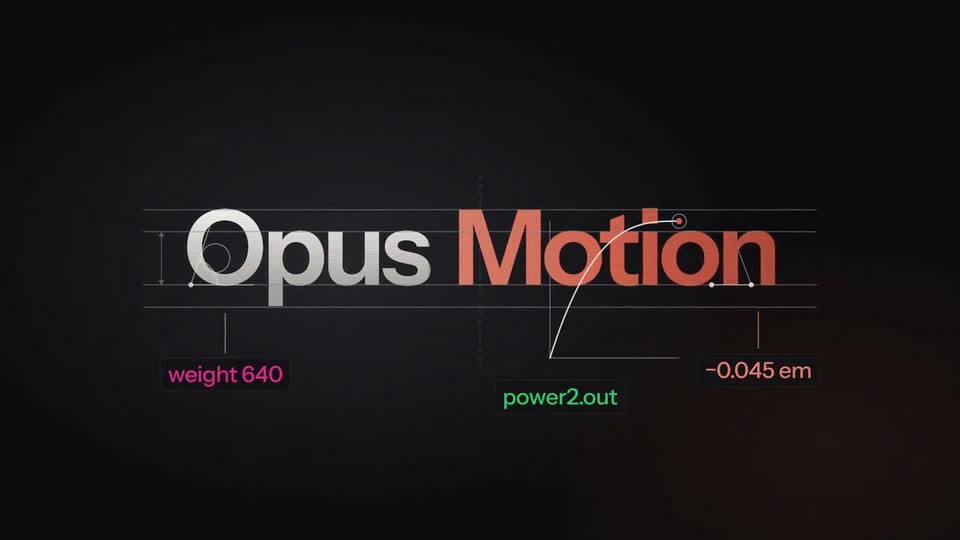
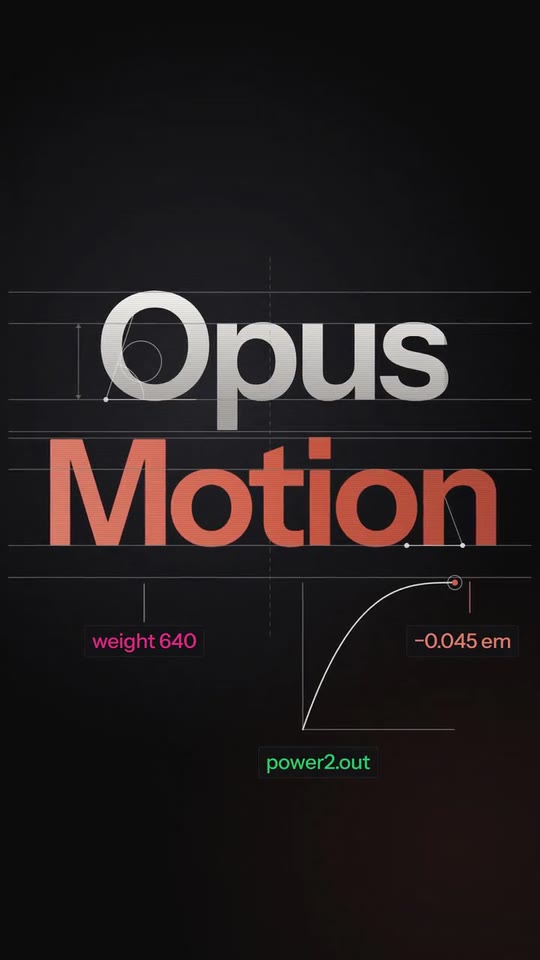
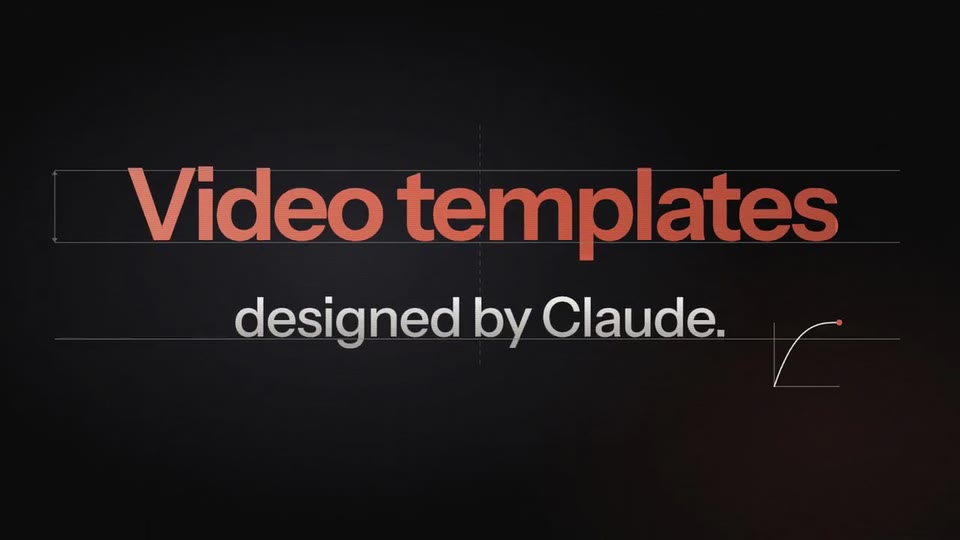
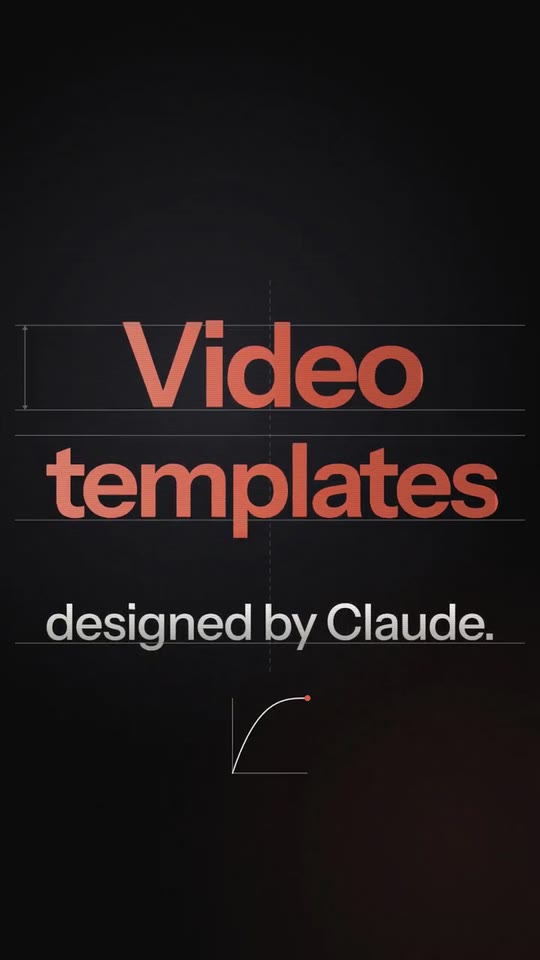
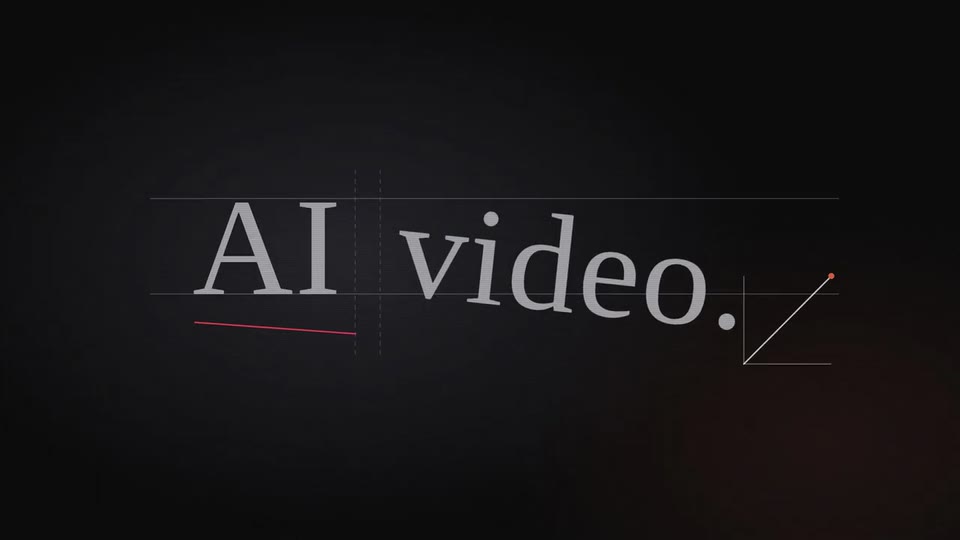
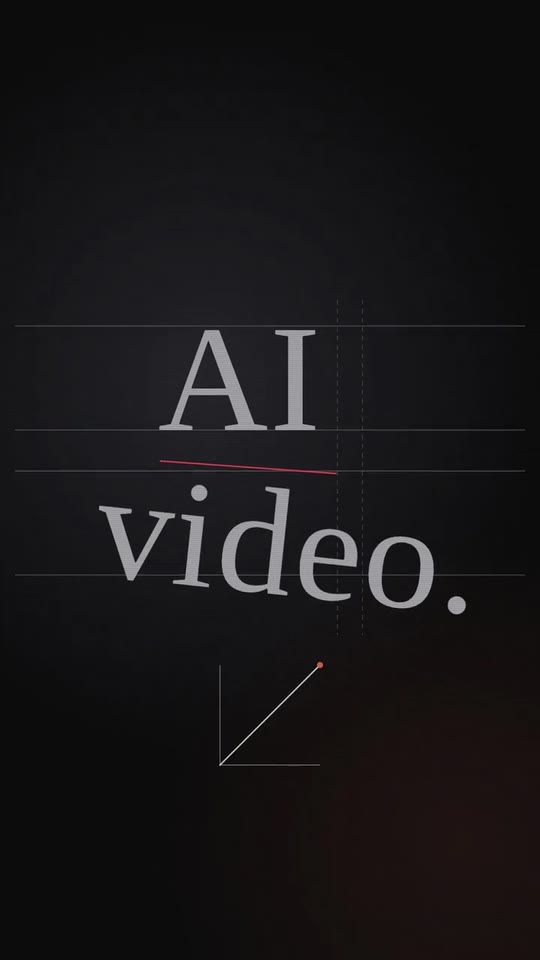
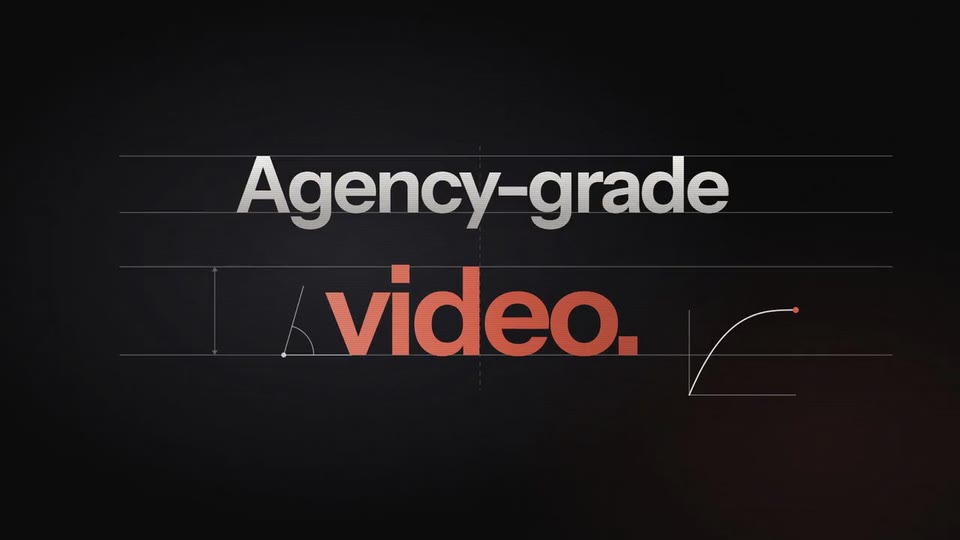
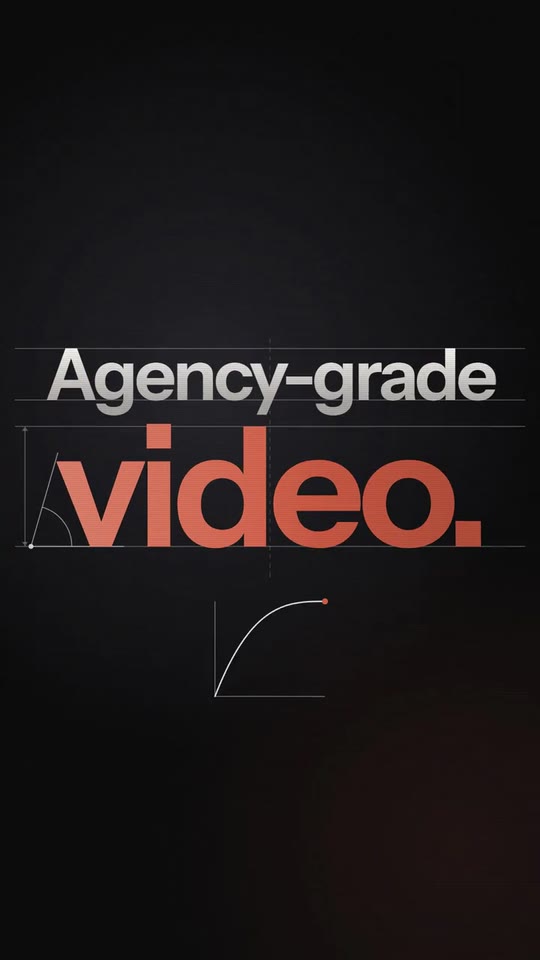
A launch film in type with the designer's notes drawn over it: your line, your name in two tones with its weight, curve and tracking labelled, what you are, how it works, the cheap version of your category in a default serif with a straight linear curve, the good version with a real one, your address and your logo.
- Price: $15 per export, paid once per video and per format; exporting needs an Opus Motion account
- Length: 20 seconds
- Formats: 16:9, 9:16 (each one designed for its screen)
- What you can change: 16 texts, 1 image, 2 colors, the music
- Category: Launches
Examples with real brands
- Opus Motion, 16:9: watch the video
- Opus Motion, 9:16: watch the video
Make it yours
Paste your website and the template comes out with your logo, colors and words: https://opusmotion.com/studio/t79-design-notes?mode=yours. To open it already filled from a website, add &site=yourdomain.com.
Fields, for AI agents
An agent fills these with POST https://opusmotion.com/api/v1/drafts (guide: https://opusmotion.com/agents.md). $15 per export, paid once per video and per format (16:9 and 9:16 are separate exports). Exporting needs an Opus Motion account; payment happens in the studio.
Scenes: Your kicker lands blurred and big, settles under two guides, whips out left (0–2 s); Your name: the first part zooms out from giant, the second slides in in your colour; weight, curve and tracking get labelled (2–5.45 s); What you are rises from below; an easing curve draws itself (5.45–9.03 s); How it works slides in from the right and whips out left (9.03–11.27 s); The cheap version: a default serif, crooked, with a red underline and a straight linear curve (11.27–13.43 s); The good version drops in tilted, its big word zooms out, a real curve draws (13.43–17 s); Your address zooms out from below (17–18.7 s); Your logo (18.7–20 s).
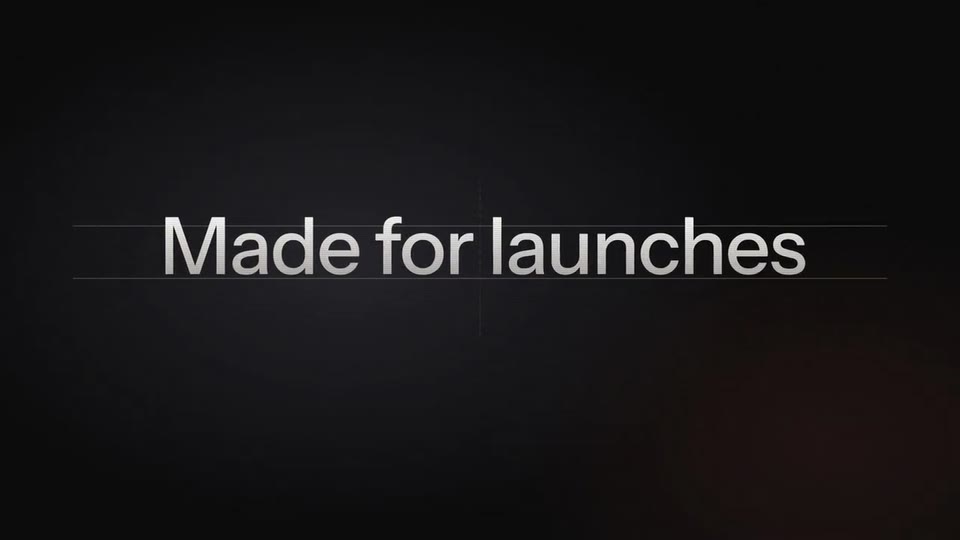
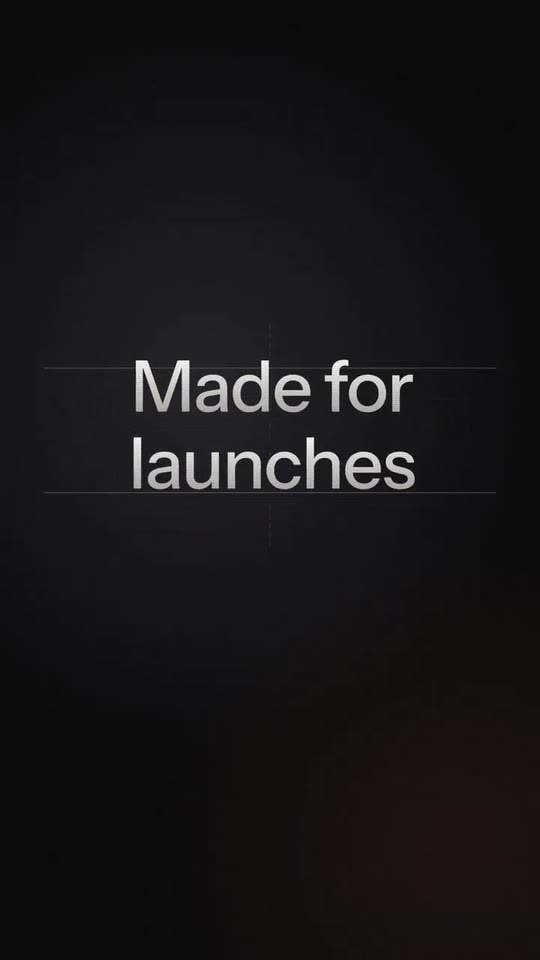
brandName(text, 2–18 characters): Brand name. How your brand is written. Without a logo, the close draws it as a logotype. The brand's own: never the demo's. Scene "Your logo" at 19.6 s: 16:9 · 9:16.logo(image, free, shown whole): Your logo (the horizontal wordmark): an SVG, or a PNG with a transparent background. Your horizontal logo (wordmark), light and on a transparent background: the close is dark. Shown whole, at any proportion: nothing is cropped. The brand's own: never the demo's. Scene "Your logo" at 19.6 s: 16:9 · 9:16.brandColor(color, #RRGGBB): Brand colour. It paints the second part of the name, the big word of moment 3, the word of "how", the word of the good version and the part of the address; it also tints the warm light of the background. If it is too dark it is lightened until it reads. Scene "Your name: the first part zooms out from giant, the second slides in in your colour; weight, curve and tracking get labelled" at 4.6 s: 16:9 · 9:16.kicker(text, 3–20 characters): Kicker. The first thing read, small, before your name: a short phrase from your site (in the example, "Made for launches"). In vertical it breaks into two lines. Demo's line, for tone and length only: "Made for launches". Scene "Your kicker lands blurred and big, settles under two guides, whips out left" at 1 s: 16:9 · 9:16.titleA(text, 1–9 characters): Name, first part (white). Your name in two parts: the first goes in white and shrinks from giant (if your brand is one word, split it where it makes sense, or put it all here and leave the second empty). The brand's own: never the demo's. Scene "Your name: the first part zooms out from giant, the second slides in in your colour; weight, curve and tracking get labelled" at 4.6 s: 16:9 · 9:16.titleB(text, 0–9 characters): Name, second part (in your colour). The second part of your name, in your colour: it comes in from the right. Optional. The brand's own: never the demo's. Scene "Your name: the first part zooms out from giant, the second slides in in your colour; weight, curve and tracking get labelled" at 4.6 s: 16:9 · 9:16.tagBig(text, 3–16 characters): What it is (big, in your colour). What it is, in a few words and big (in the example, "Video templates"). Demo's line, for tone and length only: "Video templates". Scene "What you are rises from below; an easing curve draws itself" at 8.2 s: 16:9 · 9:16.tagSmall(text, 3–26 characters): What it is, the line under it. The line under that phrase, in white (in the example, "designed by Claude."). Demo's line, for tone and length only: "designed by Claude.". Scene "What you are rises from below; an easing curve draws itself" at 8.2 s: 16:9 · 9:16.howLead(text, 2–14 characters): How it is used (white). How it is used, in a short sentence: this part goes in white. Demo's line, for tone and length only: "Paste your". Scene "How it works slides in from the right and whips out left" at 10.2 s: 16:9 · 9:16.howAccent(text, 2–10 characters): How it is used, the word in your colour. The last word of that sentence, in your colour (in the example, "website."). Demo's line, for tone and length only: "website.". Scene "How it works slides in from the right and whips out left" at 10.2 s: 16:9 · 9:16.slopText(text, 2–12 characters): The bad version (in a serif, crooked). The cheap version of what you do, said the way your site says it (in the example, "AI video."). It goes in a default serif, crooked, with an error underline: the first word straight and the rest tilted. Demo's line, for tone and length only: "AI video.". Scene "The cheap version: a default serif, crooked, with a red underline and a straight linear curve" at 12.4 s: 16:9 · 9:16.payLead(text, 2–14 characters): The good version (top). The good version, the word on top (in the example, "Agency-grade"). Demo's line, for tone and length only: "Agency-grade". Scene "The good version drops in tilted, its big word zooms out, a real curve draws" at 15.6 s: 16:9 · 9:16.payBig(text, 2–8 characters): The good version (big, in your colour). The good version, the big word in your colour (in the example, "video."). Demo's line, for tone and length only: "video.". Scene "The good version drops in tilted, its big word zooms out, a real curve draws" at 15.6 s: 16:9 · 9:16.ctaMain(text, 2–16 characters): Address (white). Your address or your command: the part in white (in the example, "opusmotion"). Demo's line, for tone and length only: "opusmotion". Scene "Your address zooms out from below" at 17.9 s: 16:9 · 9:16.ctaTail(text, 0–6 characters): Address, the part in your colour. The part of the address in your colour (in the example, ".com"). It can be empty. Optional. Demo's line, for tone and length only: ".com". Scene "Your address zooms out from below" at 17.9 s: 16:9 · 9:16.