For AI agents
Coding agents (Claude Code, Codex, Cursor and similar) make Opus Motion videos for a project with the agent guide: https://opusmotion.com/agents.md.
- The guide's steps: read the project, ask the person a few questions, compare templates (each one has a timelapse, its scenes and its fields), make a draft with
POST https://opusmotion.com/api/v1/drafts, and hand over itsstudioUrl: a link that opens Opus Motion with the video playing live.PATCHwith the draft'seditTokenchanges it, and the link stays the same. - Plain HTTPS and JSON: no key and no account. Or the MCP server (https://opusmotion.com/mcp): every tool, with stills of the draft returned as images. The person exports the MP4 from the studio.
- The studio is filled through the API, not by driving the site with a browser. When the API refuses, the person is told.
- More: llms.txt · this page in Markdown · developer docs · OpenAPI
Doubt to Done: premium launches video template
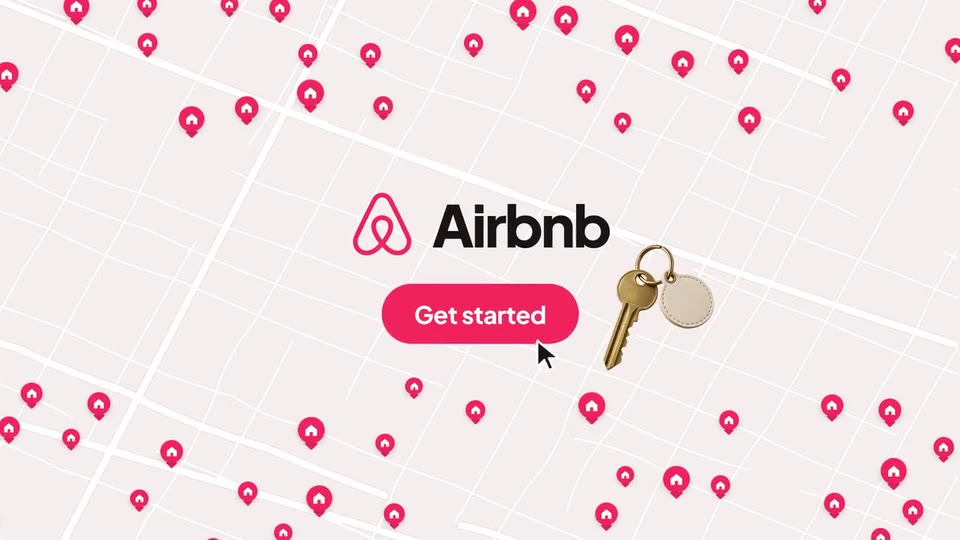
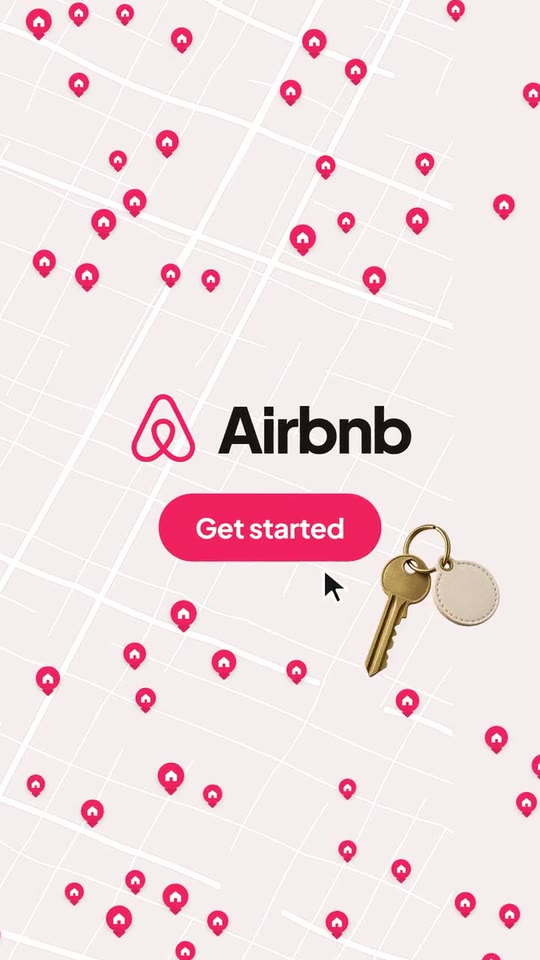
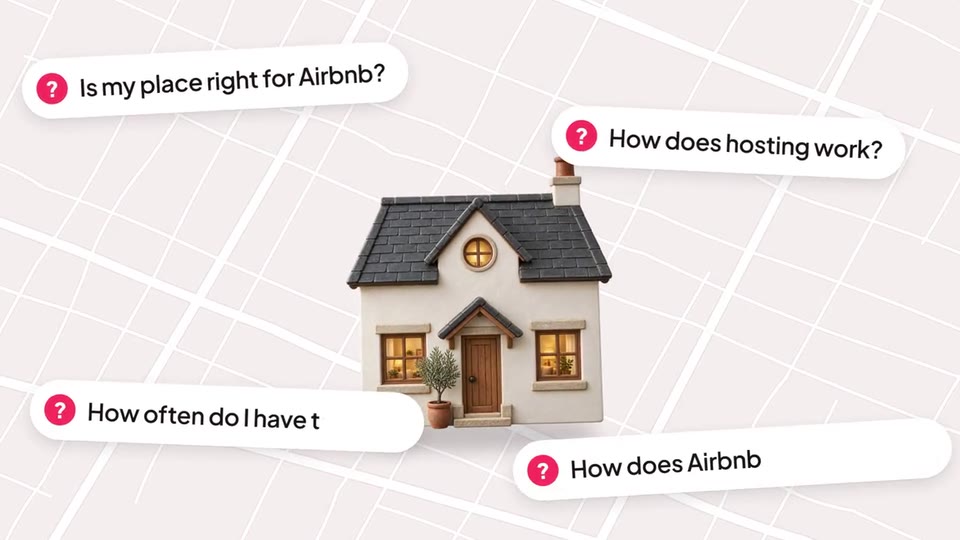
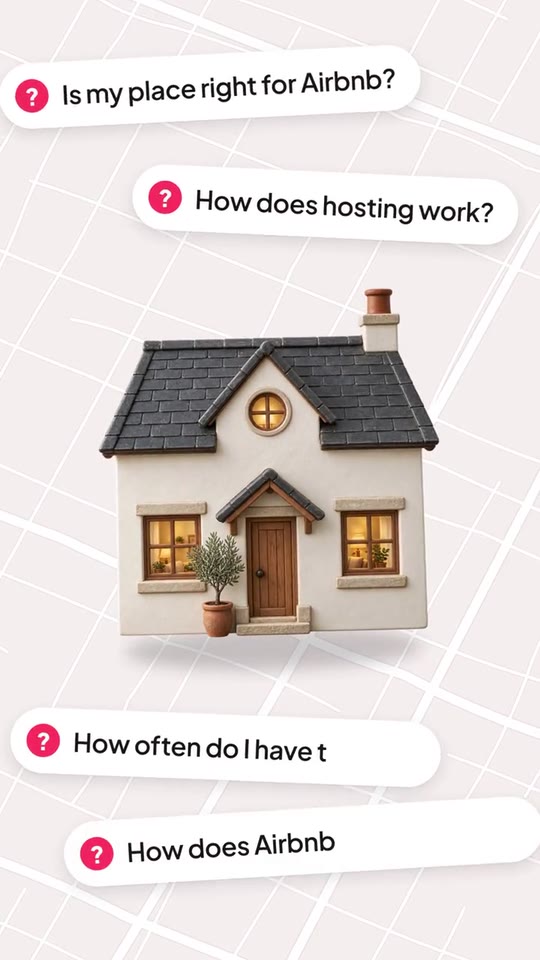
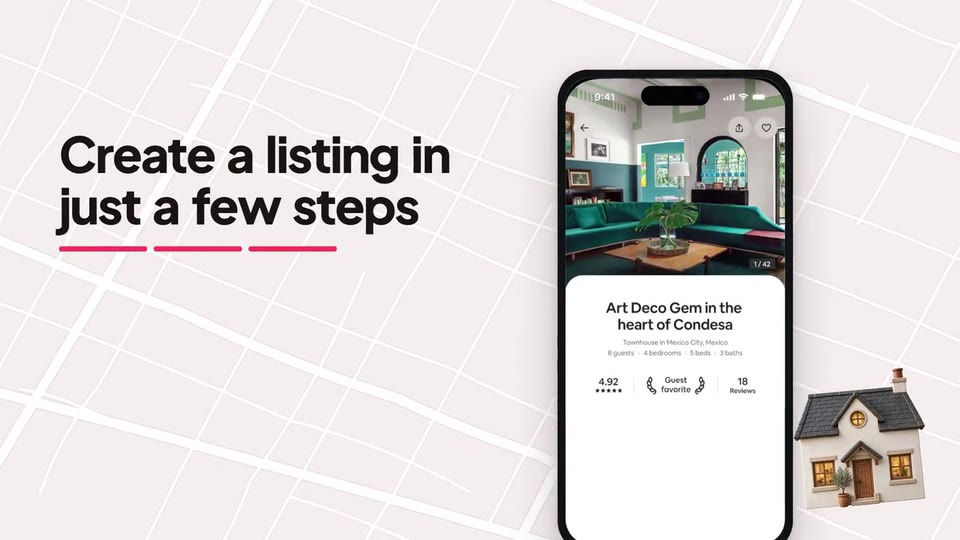
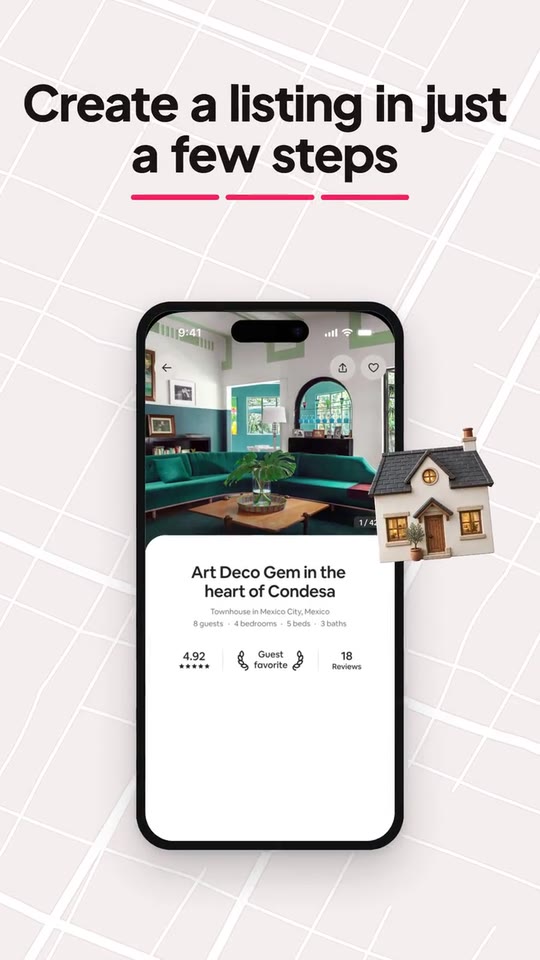
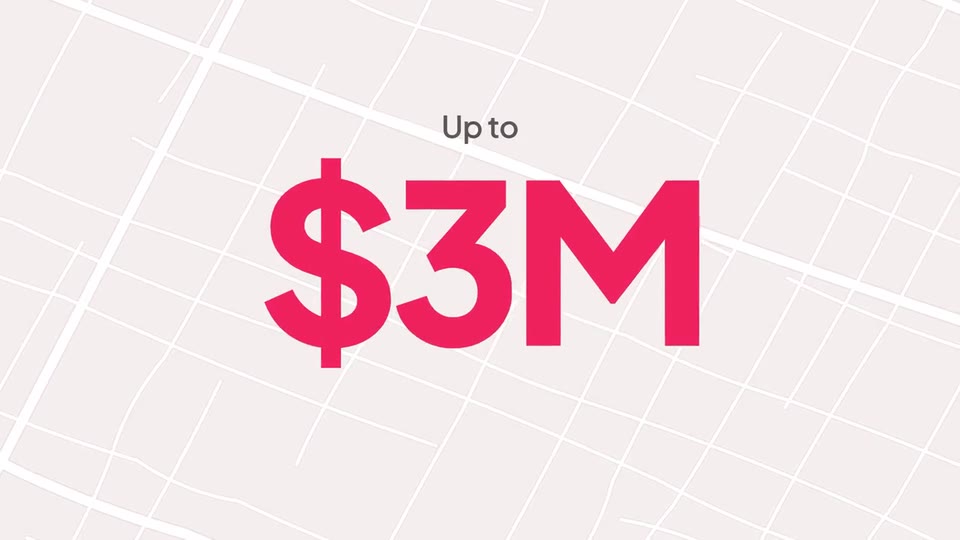
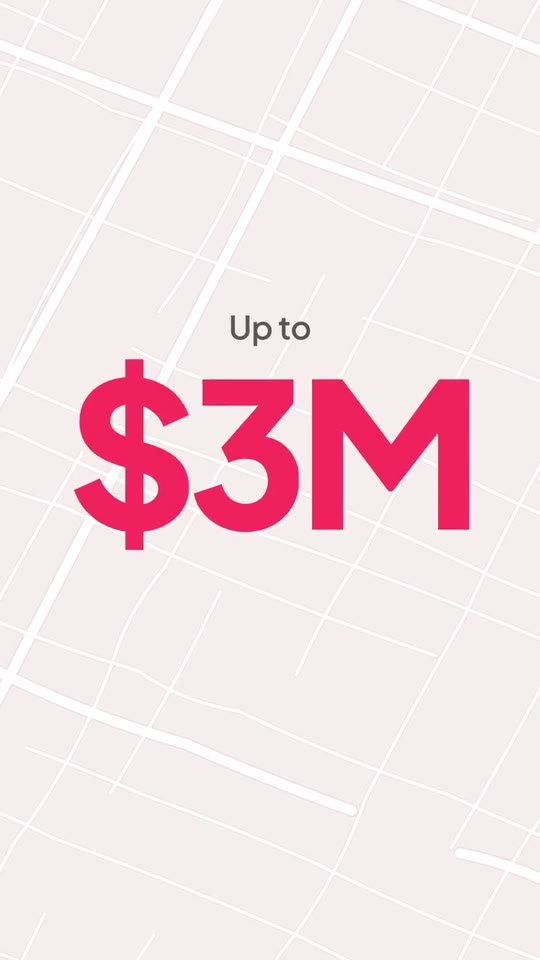
A 23-second, voice-led problem-to-solution film: your object lands on a living ground (a map for places, a network for everything else) while your customer's real doubts pile up around it, a pin floods the frame with your answer, the highlight becomes a phone where your product builds in three steps and a real card gets tapped, a result card rolls its figure and ticks its points, and the ground fills with pins before the click.
- Price: $17 per export, paid once per video and per format; exporting needs an Opus Motion account
- Length: 23 seconds
- Formats: 16:9, 9:16 (each one designed for its screen)
- What you can change: 18 texts, 6 images, 1 color, the music, the voiceover script
- Category: Launches
Examples with real brands
- Airbnb, 16:9: watch the video
- Airbnb, 9:16: watch the video
Make it yours
Paste your website and the template comes out with your logo, colors and words: https://opusmotion.com/studio/t16-doubt-to-done?mode=yours. To open it already filled from a website, add &site=yourdomain.com.
Fields, for AI agents
An agent fills these with POST https://opusmotion.com/api/v1/drafts (guide: https://opusmotion.com/agents.md). $17 per export, paid once per video and per format (16:9 and 9:16 are separate exports), or included in an Opus Motion Pass (15 premium exports a month for $49). Exporting needs an Opus Motion account; payment happens in the studio.
Scenes: The object lands and the doubts pile up (0–5.99 s); The pin floods the frame with the answer (5.99–7.42 s); The screen builds in three steps (7.42–12.6 s); The figure rolls and the points tick (12.6–18.4 s); The map fills with pins, the click (18.4–23 s).
brandName(text, 2–16 characters): Brand name. How your brand is written. It sits next to your logo in the closing lockup. The brand's own: never the demo's. Scene "The map fills with pins, the click" at 21 s: 16:9 · 9:16.logo(image, 1:1, shown whole): Your app or brand icon, square and full bleed. Your mark alone. Shown whole inside a 1:1 box: nothing is cropped. The brand's own: never the demo's. Scene "The map fills with pins, the click" at 21 s: 16:9 · 9:16.brandColor(color, #RRGGBB): Brand color. The pins, the flood behind the answer, the steps, the checks and the button.groundTone(choice:light,dark; defaultlight): Ground. The living map behind everything: light for most brands, dark when your product is dark.hero(image, 1:1, shown whole): A cut-out object on a transparent background (a PNG, or an SVG drawing): just the object, no photo background. Never a photo, never a photo padded with transparent bars. The thing your customer has: a product, a place, a device. Shown whole inside a 1:1 box: nothing is cropped. Demo's image. Scene "The object lands and the doubts pile up" at 2 s: 16:9 · 9:16.q1(text, 8–34 characters): Doubt 1. The first question your customer asks before saying yes, as your site writes it (FAQ, objections). Typed while the voice asks it. Demo's line, for tone and length only: "Is my place right for Airbnb?". Scene "The object lands and the doubts pile up" at 2 s: 16:9 · 9:16.q2(text, 8–34 characters): Doubt 2. The second question. Demo's line, for tone and length only: "How does hosting work?". Scene "The object lands and the doubts pile up" at 3.6 s: 16:9 · 9:16.q3(text, 8–34 characters): Doubt 3. The third question. Demo's line, for tone and length only: "How often do I have to host?". Scene "The object lands and the doubts pile up" at 5.2 s: 16:9 · 9:16.q4(text, 8–34 characters): Doubt 4. A fourth question, on screen only (not spoken), so the doubts pile up. Demo's line, for tone and length only: "How does Airbnb protect hosts?". Scene "The object lands and the doubts pile up" at 5.3 s: 16:9 · 9:16.answer(text, 3–14 characters): The answer (giant). Your answer in two or three words, as your site says it. The last word gets the highlight that turns into the phone. Demo's line, for tone and length only: "It's easy.". Scene "The pin floods the frame with the answer" at 6.8 s: 16:9 · 9:16.answerLine(text, 10–44 characters): How it works. What the customer does with your product, next to the phone while the screen builds in three steps. Demo's line, for tone and length only: "Create a listing in just a few steps". Scene "The screen builds in three steps" at 9.6 s: 16:9 · 9:16.answerSub(text, 8–40 characters): Supporting line. A second, smaller line under it. Demo's line, for tone and length only: "1-1 support from experienced hosts". Scene "The screen builds in three steps" at 12 s: 16:9 · 9:16.shot1(image, 2:3, cropped): A real screenshot of the product. A real screen of your product, portrait (2:3). Cropped to fill a 2:3 frame: keep the subject in the middle. Demo's image. Scene "The screen builds in three steps" at 9.6 s: 16:9 · 9:16.shot2(image, free, shown whole): A real photo of the product, place or people of the brand. A real piece of your site or product that proves the supporting line (a help module, a dialog, a confirmation), shown as a card next to the phone. Shown whole, at any proportion: nothing is cropped. Demo's image. Scene "The screen builds in three steps" at 11.5 s: 16:9 · 9:16.tap(text, 0–9 characters): Tap point on the card. Where the cursor taps the card (its button), as x,y fractions of the card (0,0 = top left). Empty: no tap. Optional. Demo's line, for tone and length only: "0.5,0.70". Scene "The screen builds in three steps" at 11.2 s: 16:9 · 9:16.badge(image, free, shown whole): Your logo (the horizontal wordmark): an SVG, or a PNG with a transparent background. An optional mark at the top of the result card (a programme, a guarantee, a certification of yours). Shown whole, at any proportion: nothing is cropped. Optional. The brand's own: never the demo's. Scene "The figure rolls and the points tick" at 14 s: 16:9 · 9:16.cardTitle(text, 8–40 characters): Result card title. The promise of the result, as your site says it. Demo's line, for tone and length only: "When you host, you’re protected". Scene "The figure rolls and the points tick" at 14.6 s: 16:9 · 9:16.statPre(text, 0–10 characters): Figure prefix. A short word before the figure, if your site uses one (Up to, Over). Can be empty. Optional. Demo's line, for tone and length only: "Up to". Scene "The figure rolls and the points tick" at 16.6 s: 16:9 · 9:16.stat(text, 1–6 characters): Figure. One real figure from your site, short ($3M, 150+, 24/7). Its digits roll in. Demo's line, for tone and length only: "$3M". Scene "The figure rolls and the points tick" at 16.6 s: 16:9 · 9:16.statLabel(text, 4–28 characters): Figure label. What the figure counts, exactly as your site says it. Demo's line, for tone and length only: "damage protection". Scene "The figure rolls and the points tick" at 17.4 s: 16:9 · 9:16.check1(text, 6–34 characters): Point 1. Three points of the result, ticked one by one. The first one usually restates the figure. Demo's line, for tone and length only: "Up to $3M damage protection". Scene "The figure rolls and the points tick" at 18.2 s: 16:9 · 9:16.check2(text, 6–34 characters): Point 2. The second point. Demo's line, for tone and length only: "Up to $1M liability insurance". Scene "The figure rolls and the points tick" at 18.2 s: 16:9 · 9:16.check3(text, 6–34 characters): Point 3. The third point. Demo's line, for tone and length only: "24-hour safety line". Scene "The figure rolls and the points tick" at 18.2 s: 16:9 · 9:16.outro(text, 10–40 characters): Closing line. A line over the map as it fills with pins, from your site. Demo's line, for tone and length only: "Join millions of hosts on Airbnb". Scene "The map fills with pins, the click" at 19.9 s: 16:9 · 9:16.cta(text, 3–20 characters): Button. Your site's own call to action. The cursor clicks it. Demo's line, for tone and length only: "Get started". Scene "The map fills with pins, the click" at 22 s: 16:9 · 9:16.world(choice:map,network; defaultmap): World. The living ground: a street map with location pins for brands about places; a network of connections with tiles for everything else.pinGlyph(choice:home,check,dot; defaulthome): Pin icon. The mark inside the pins that fill the map.prop(image, 1:1, shown whole): A cut-out object on a transparent background (a PNG, or an SVG drawing): just the object, no photo background. Never a photo, never a photo padded with transparent bars. An optional cut-out PNG that drops next to the button after the click (keys, a box, a ticket). Shown whole inside a 1:1 box: nothing is cropped. Optional. Demo's image. Scene "The map fills with pins, the click" at 22.6 s: 16:9 · 9:16.