For AI agents
Coding agents (Claude Code, Codex, Cursor and similar) make Opus Motion videos for a project with the agent guide: https://opusmotion.com/agents.md.
- The guide's steps: read the project, ask the person a few questions, compare templates (each one has a timelapse, its scenes and its fields), make a draft with
POST https://opusmotion.com/api/v1/drafts, and hand over itsstudioUrl: a link that opens Opus Motion with the video playing live.PATCHwith the draft'seditTokenchanges it, and the link stays the same. - Plain HTTPS and JSON: no key and no account. Or the MCP server (https://opusmotion.com/mcp): every tool, with stills of the draft returned as images. The person exports the MP4 from the studio.
- The studio is filled through the API, not by driving the site with a browser. When the API refuses, the person is told.
- More: llms.txt · this page in Markdown · developer docs · OpenAPI
Everywhere Launch: premium launches video template
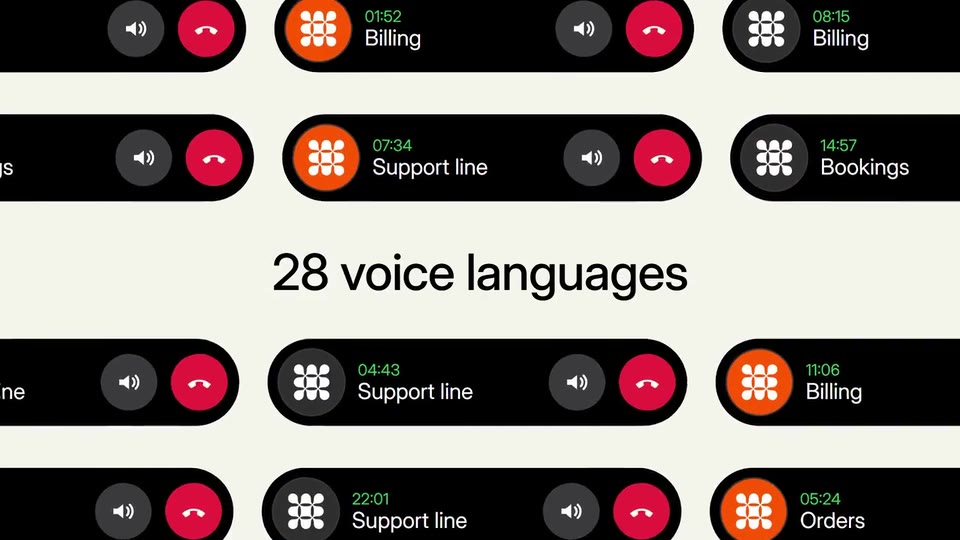
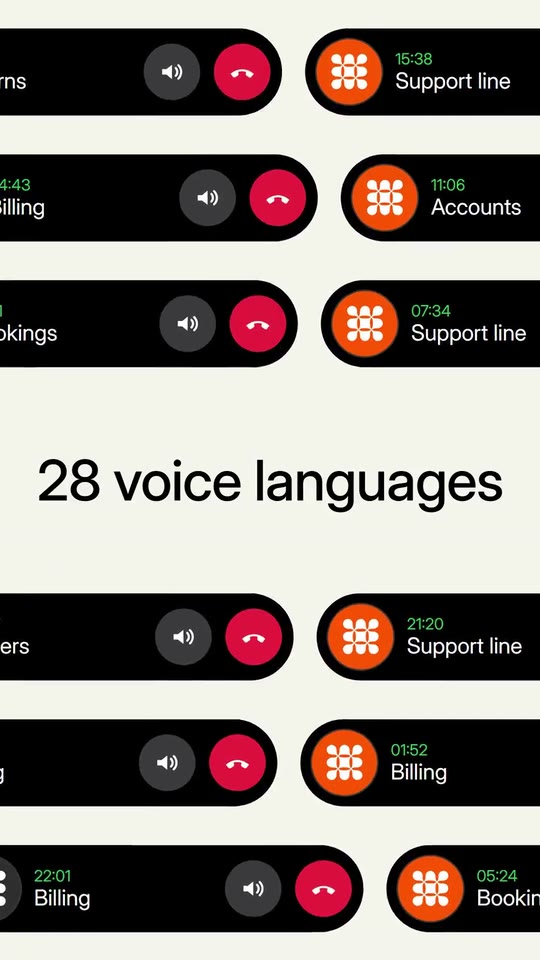
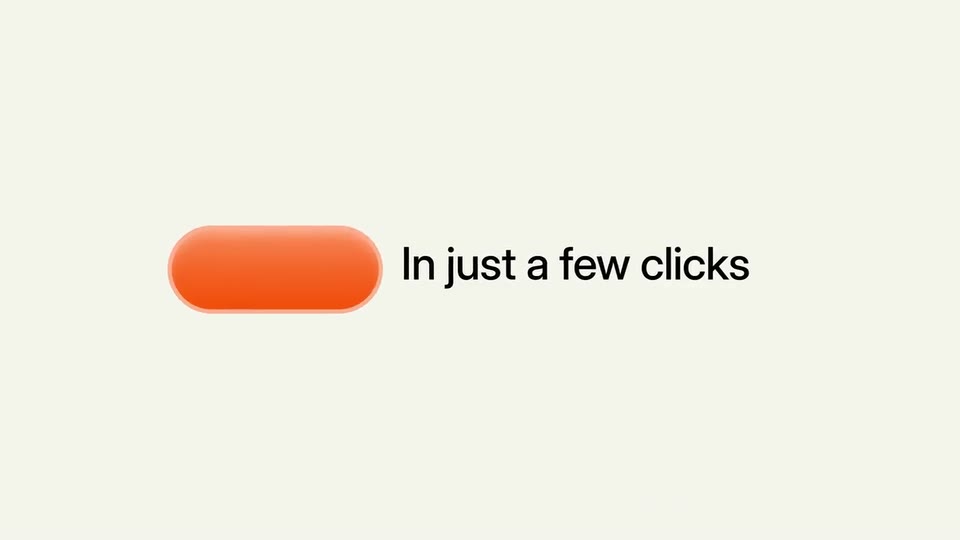
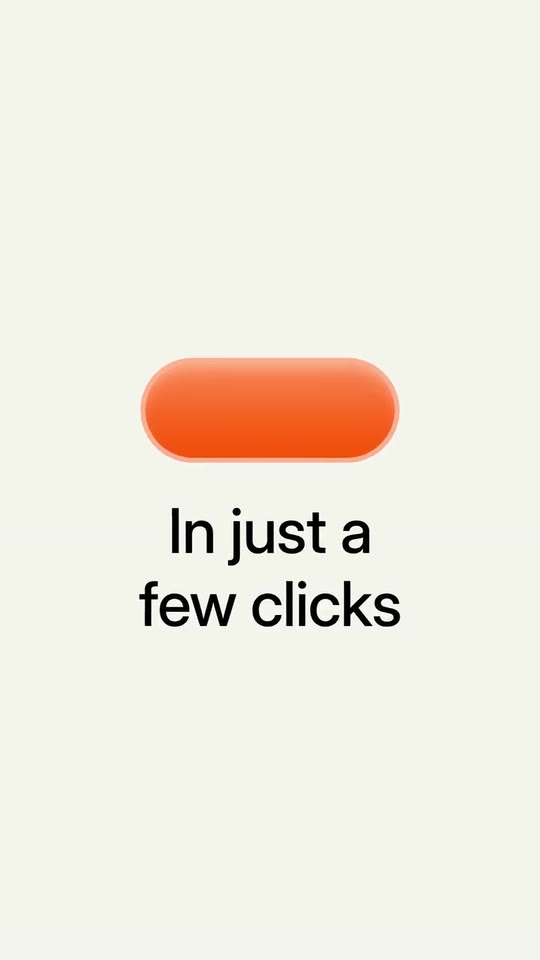
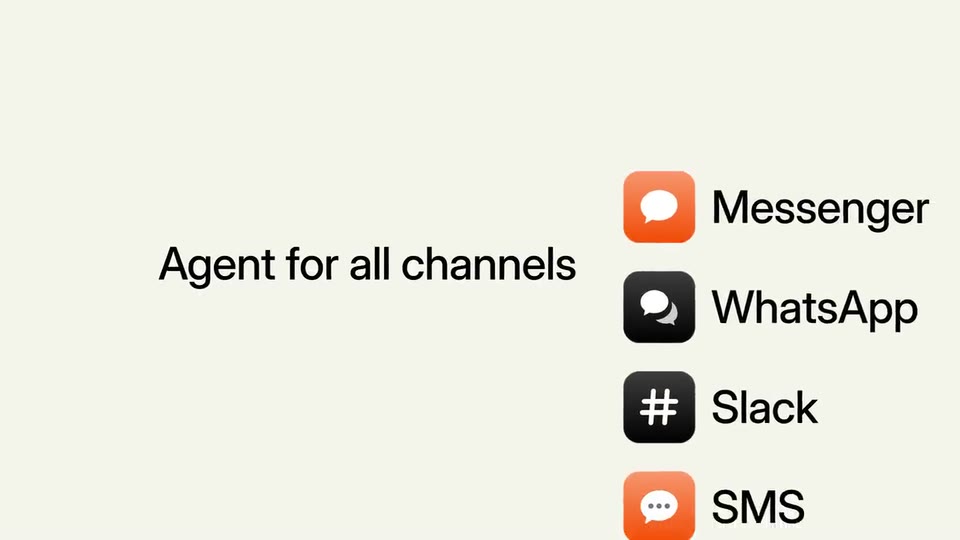
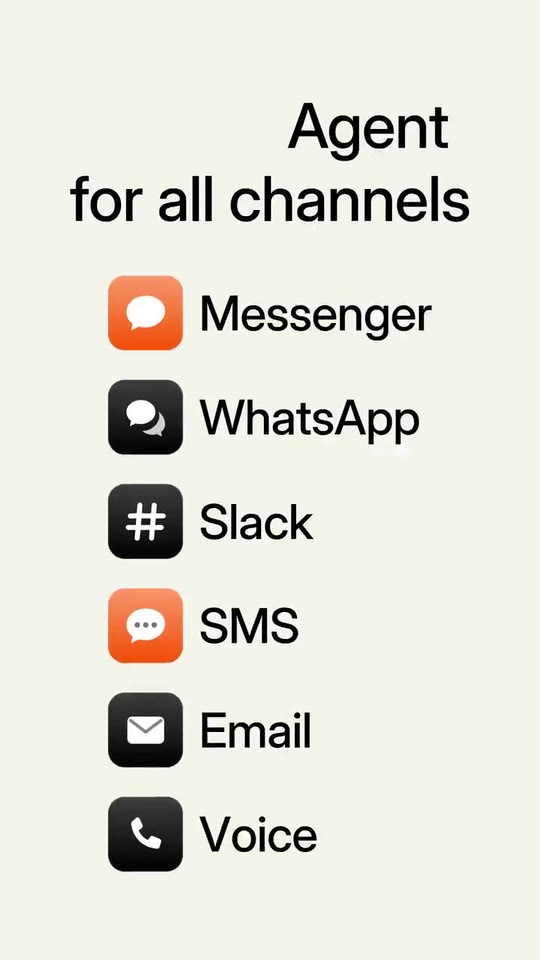
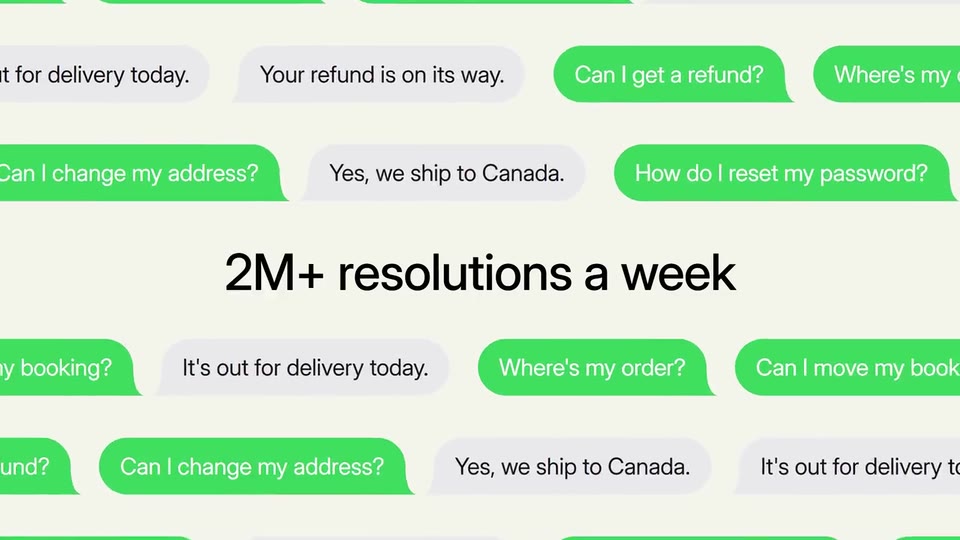
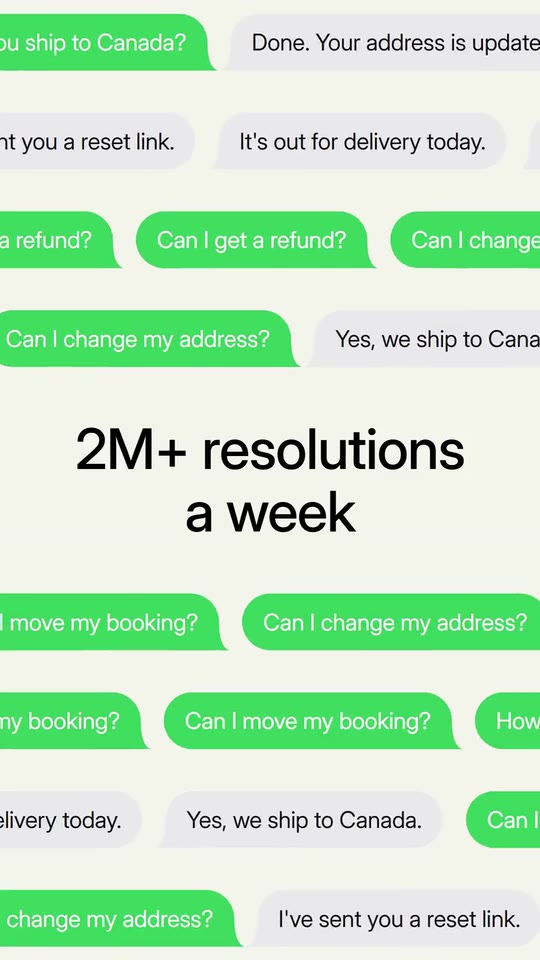
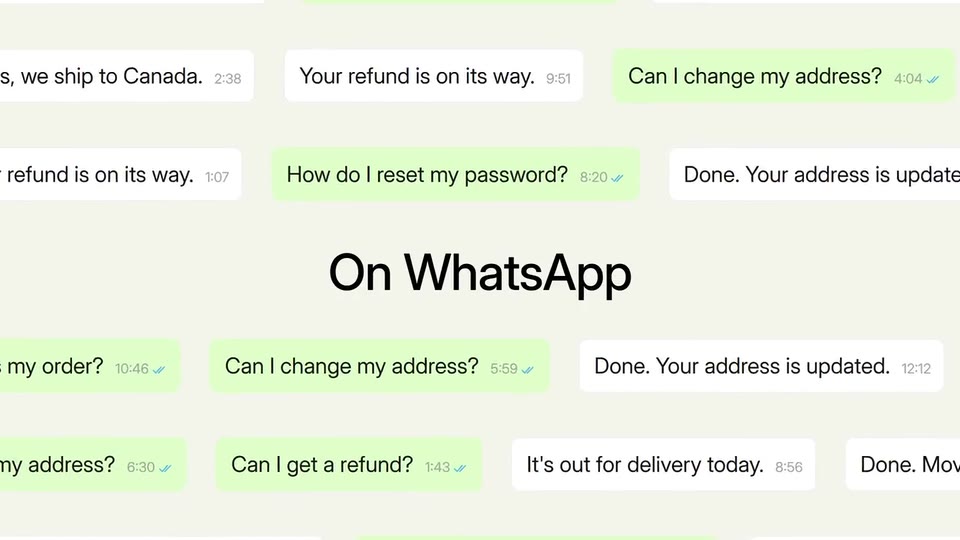
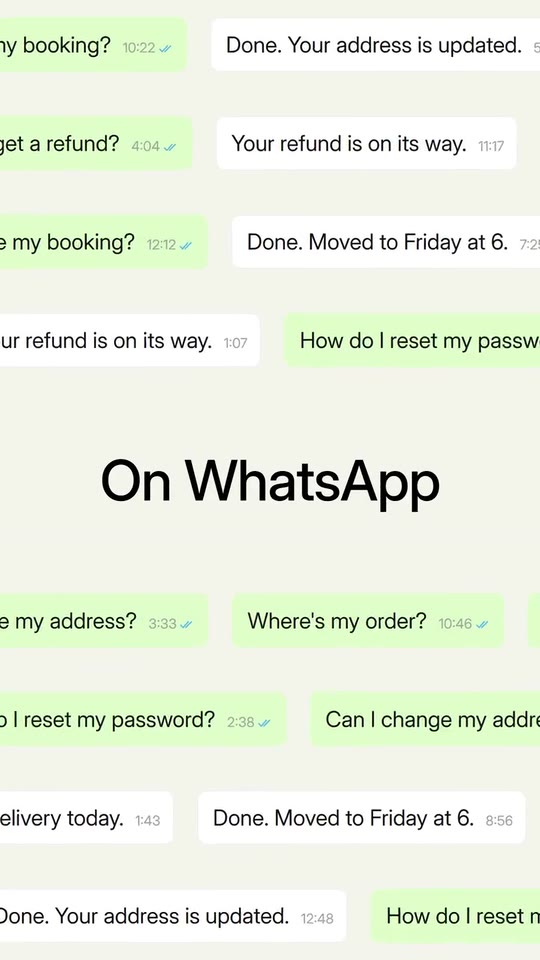
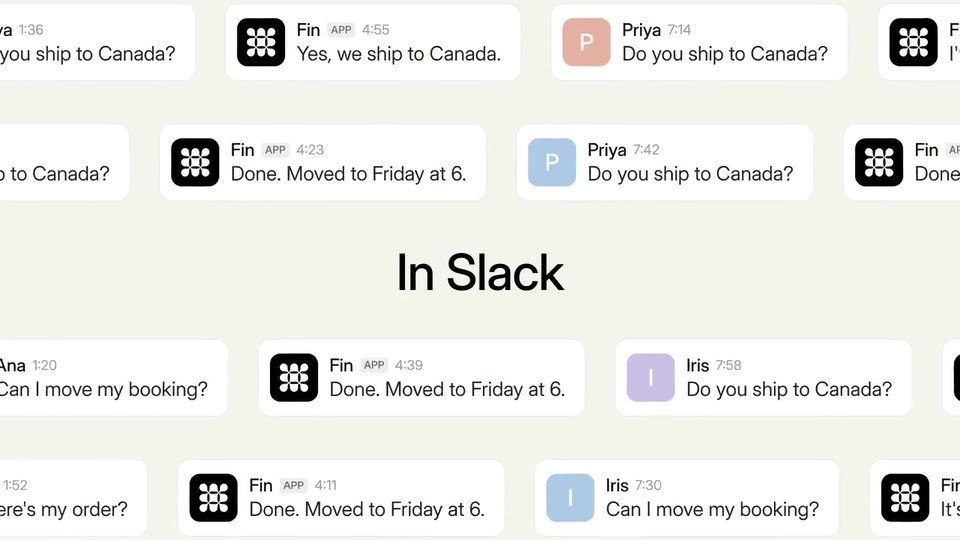
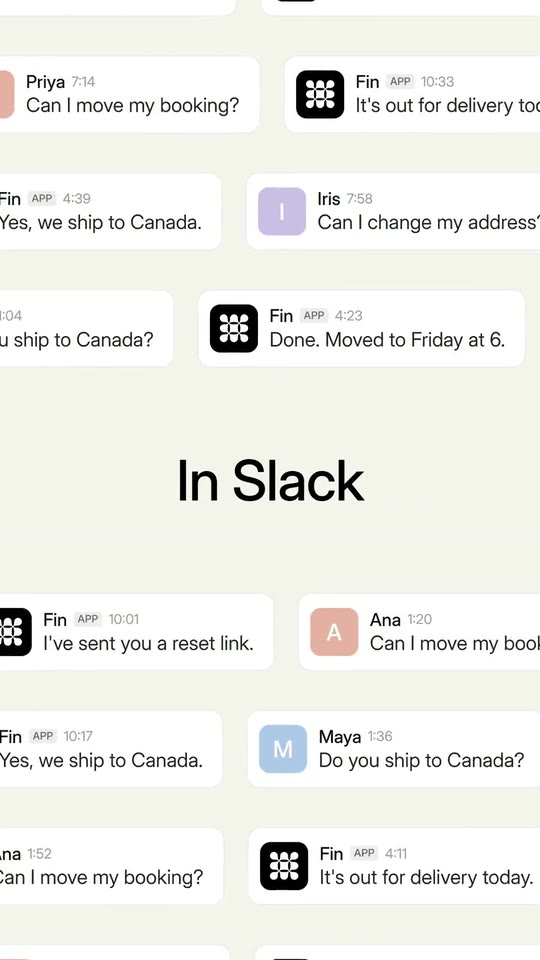
A launch film for an agent or a messaging tool that works on every channel: one click, the channel list, walls of conversations with your numbers.
- Price: $16 per export, paid once per video and per format; exporting needs an Opus Motion account
- Length: 21.8 seconds
- Formats: 16:9, 9:16 (each one designed for its screen)
- What you can change: 38 texts, 2 images, 3 colors, the music
- Category: Launches
Examples with real brands
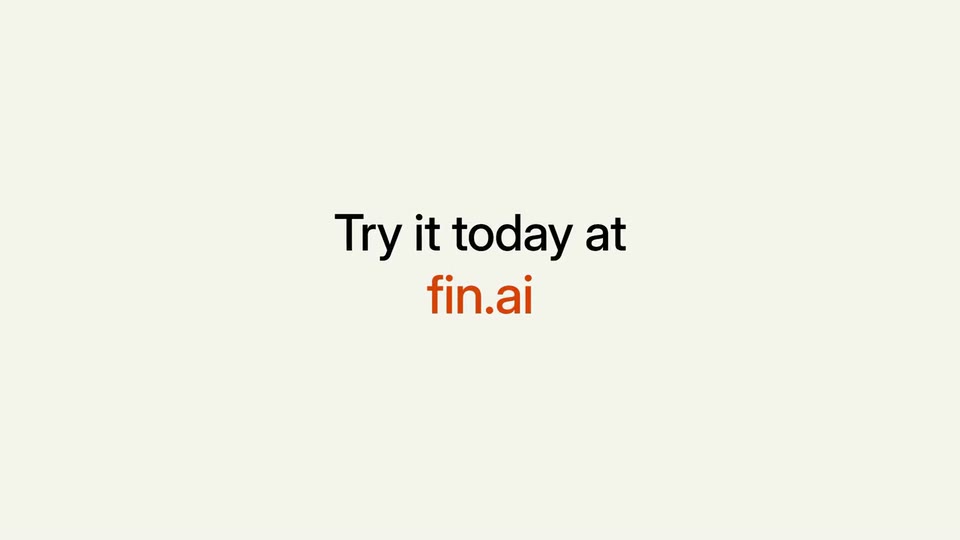
- Fin by Intercom, 16:9: watch the video
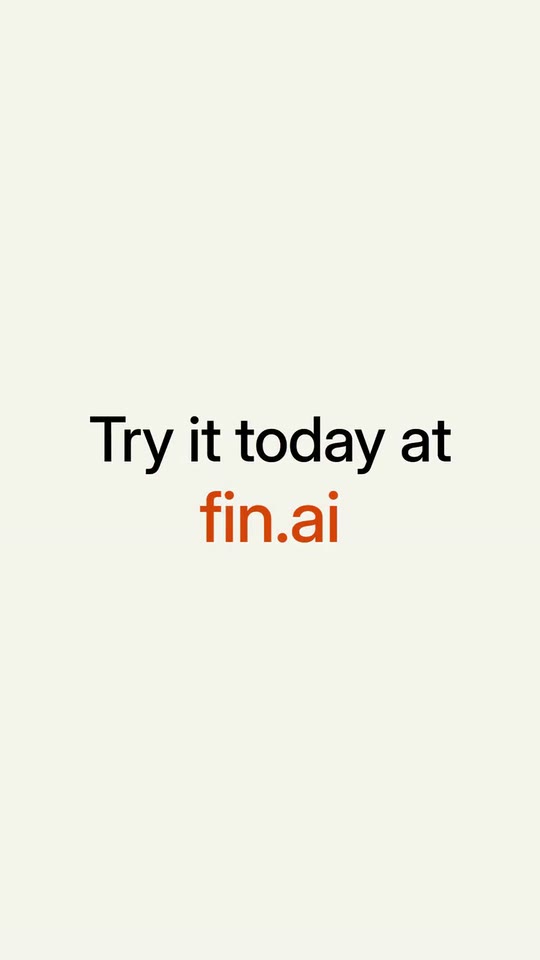
- Fin by Intercom, 9:16: watch the video
Make it yours
Paste your website and the template comes out with your logo, colors and words: https://opusmotion.com/studio/t96-everywhere-launch?mode=yours. To open it already filled from a website, add &site=yourdomain.com.
Fields, for AI agents
An agent fills these with POST https://opusmotion.com/api/v1/drafts (guide: https://opusmotion.com/agents.md). $16 per export, paid once per video and per format (16:9 and 9:16 are separate exports), or included in an Opus Motion Pass (15 premium exports a month for $49). Exporting needs an Opus Motion account; payment happens in the studio.
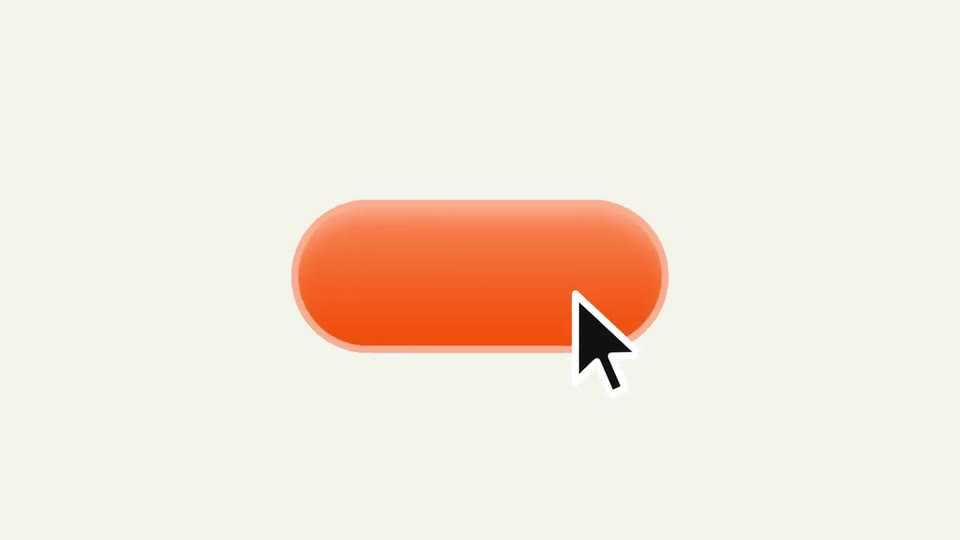
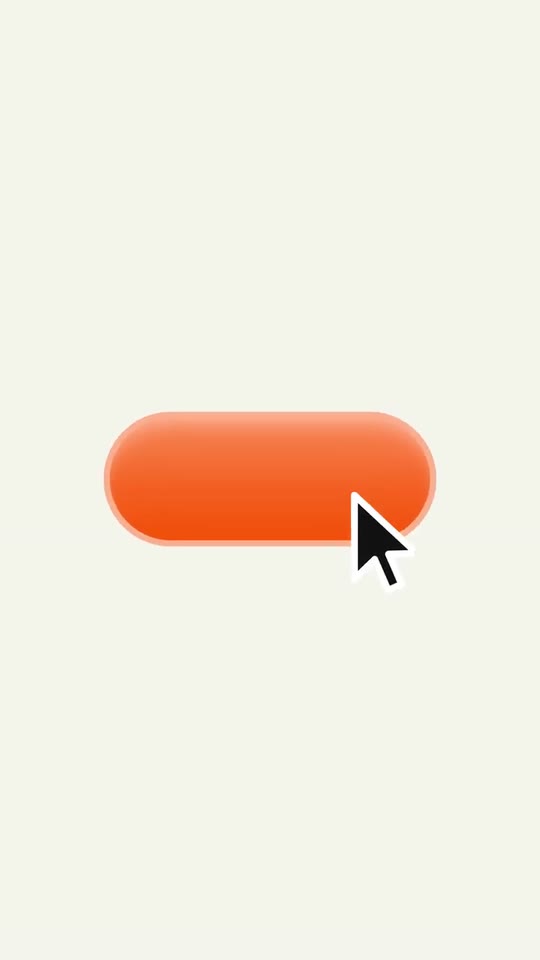
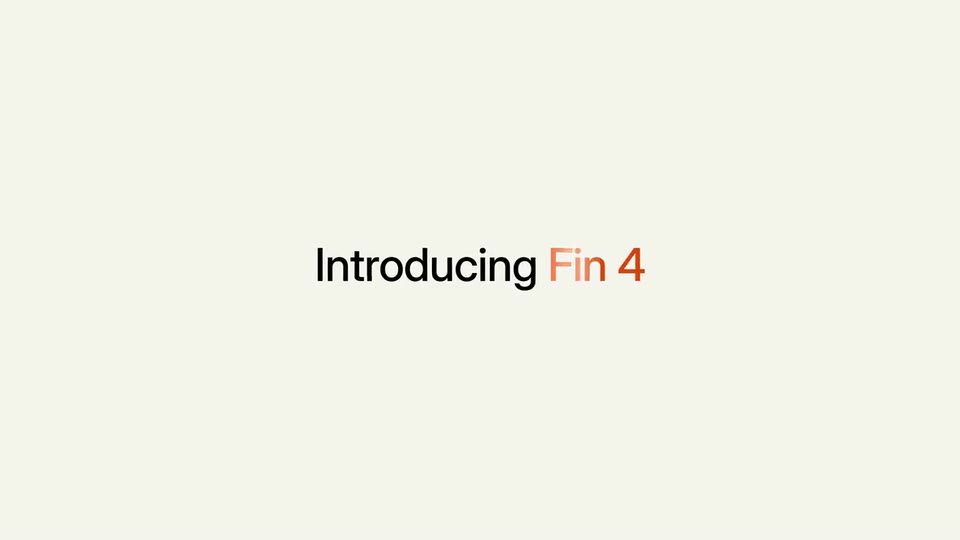
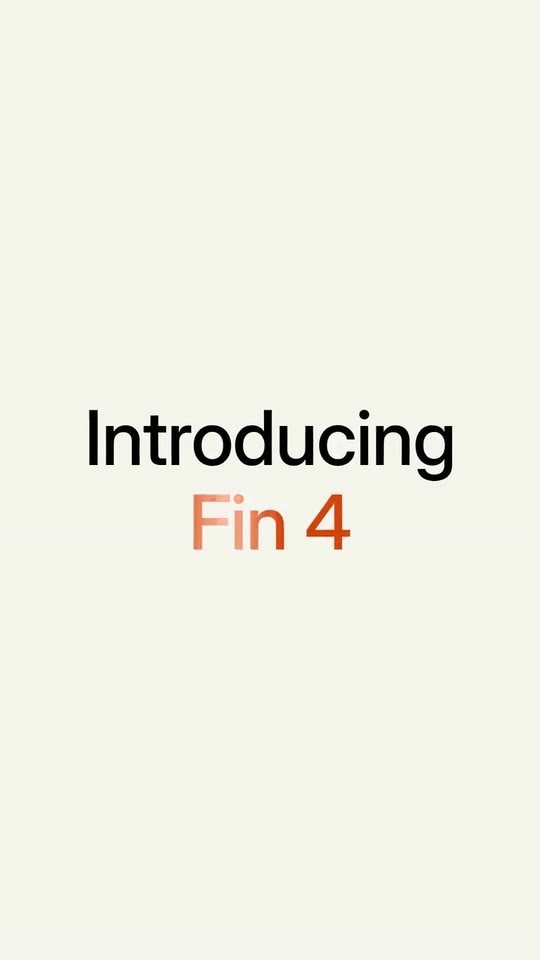
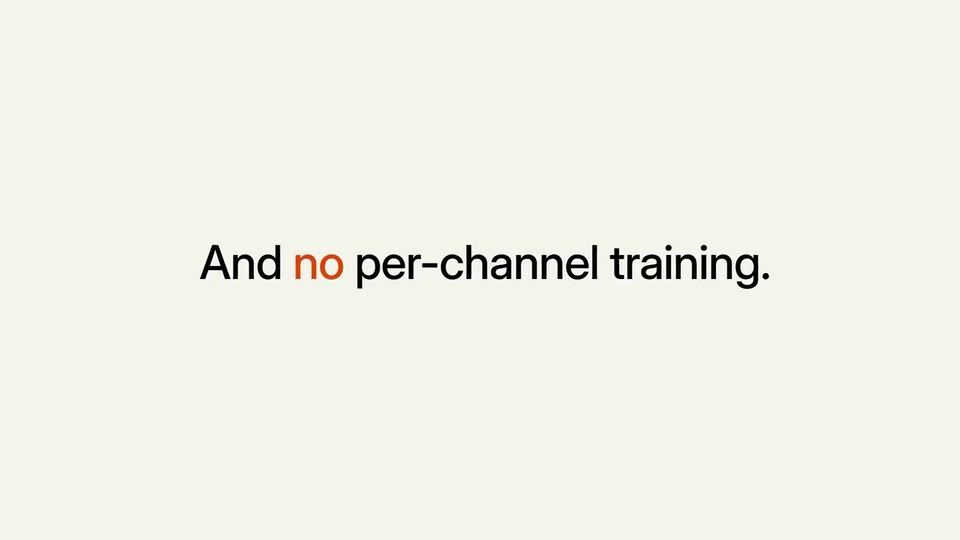
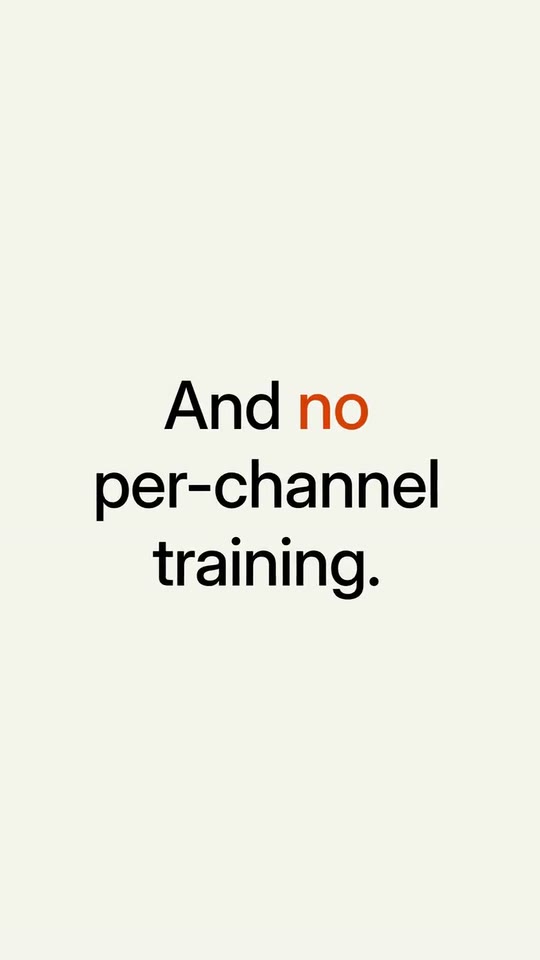
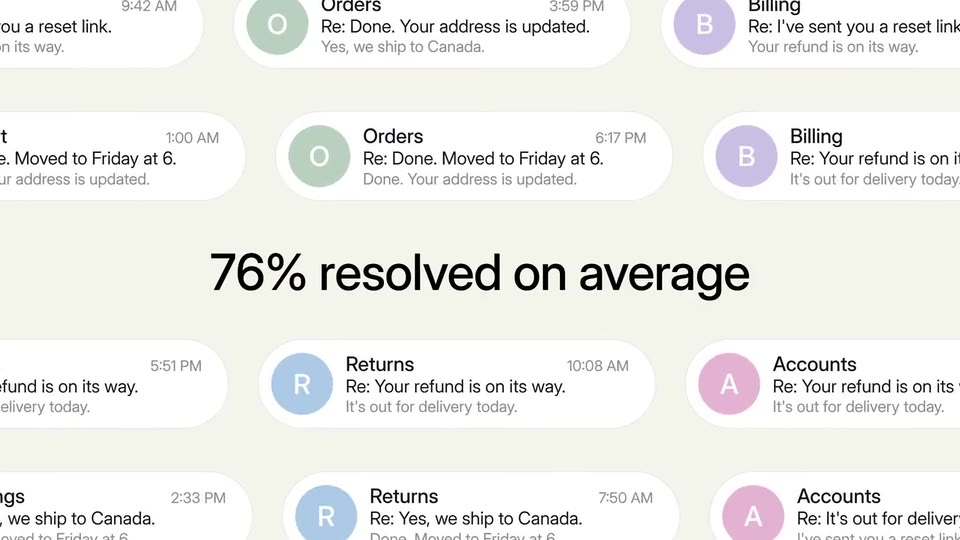
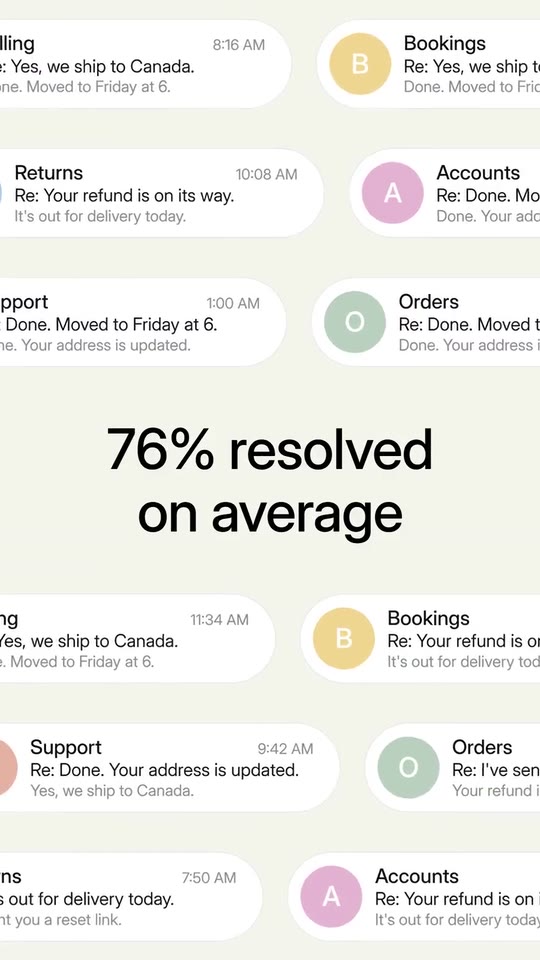
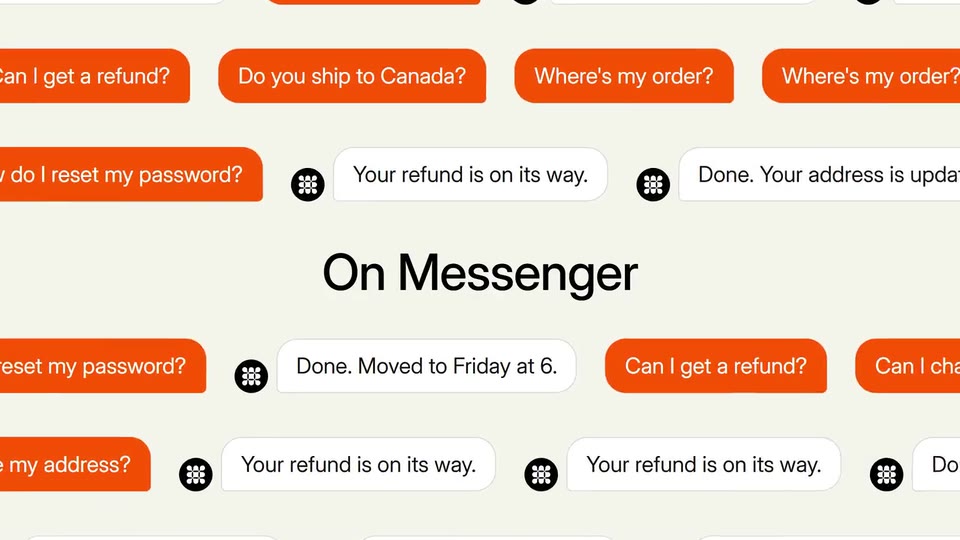
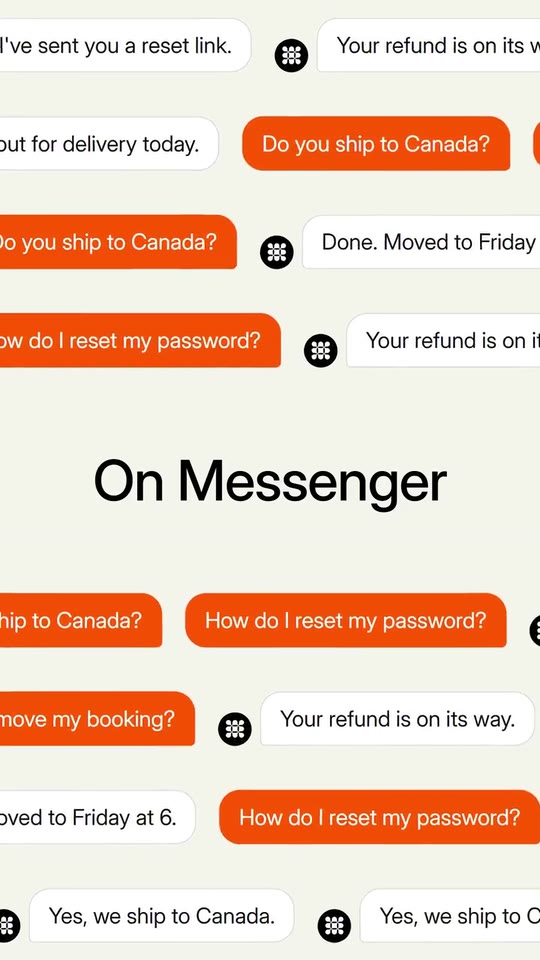
Scenes: «Introducing» and your product, with a zoom (0–1.47 s); The button gets pressed (1.47–2.65 s); The click line beside the button (2.65–4.17 s); The channels line and the list coming in (4.17–5.45 s); The names are erased and the icons come out (5.45–6.5 s); The key word comes out of the last icon; zoom into the wall (6.5–8.27 s); SMS wall with a figure (8.27–9.5 s); Email wall with a figure (9.5–10.68 s); Calls wall with a figure (10.68–11.83 s); Chat wall in your colour (11.83–12.97 s); Messaging wall (12.97–14.1 s); Team-chat wall (14.1–15.47 s); The line with a tick (15.47–16.68 s); The punch line (16.68–17.33 s); The invitation and the address (17.33–19.68 s); Logo (19.68–21.833 s).
brandName(text, 2–16 characters): Brand name. How your brand writes its name. With no logo, it is drawn as a logotype on the end card. The brand's own: never the demo's. Scene "Logo" at 20.76 s: 16:9 · 9:16.logo(image, free, shown whole): Your logo (the horizontal wordmark): an SVG, or a PNG with a transparent background. Your logo for the end card, alone, in the centre (the reference closes on its mark). Shown whole, at any proportion: nothing is cropped. The brand's own: never the demo's. Scene "Logo" at 20.76 s: 16:9 · 9:16.agentIcon(image, 1:1, shown whole): A cut-out object on a transparent background (a PNG, or an SVG drawing): just the object, no photo background. Never a photo, never a photo padded with transparent bars. Your agent's or your app's mark, one colour: it goes white inside the avatars of the calls, the chat and the team chat. A card-like object (rounded corners, transparent around it) works too. Shown whole inside a 1:1 box: nothing is cropped. Optional. The brand's own: never the demo's. Scene "Calls wall with a figure" at 11.25 s: 16:9 · 9:16.brandColor(color, #RRGGBB): Brand colour. The button, the product name, the key word, the tick and the address. Scene "The button gets pressed" at 2.06 s: 16:9 · 9:16.paperColor(color, #RRGGBB): Background. The paper of the whole film.inkColor(color, #RRGGBB): Ink. The text colour.introWord(text, 3–16 characters): Opening word. It goes before the product name, in ink. Demo's line, for tone and length only: "Introducing". Scene "«Introducing» and your product, with a zoom" at 0.73 s: 16:9 · 9:16.productName(text, 2–18 characters): Product or version. What you launch, in your colour, with a shine running through it. Demo's line, for tone and length only: "Fin 4". Scene "«Introducing» and your product, with a zoom" at 0.73 s: 16:9 · 9:16.buttonLabel(text, 0–16 characters): Button text (optional). The button that gets pressed. Empty, as in the reference. Optional. Scene "The button gets pressed" at 2.06 s: 16:9 · 9:16.clickLine(text, 6–28 characters): Click line. Beside the button: how simple it is to start. Only what your site says. Demo's line, for tone and length only: "In just a few clicks". Scene "The click line beside the button" at 3.41 s: 16:9 · 9:16.agentLine(text, 8–34 characters): Channels line. It comes in word by word in three steps, and the channel list comes out of it. Demo's line, for tone and length only: "One AI Agent for all channels". Scene "The channels line and the list coming in" at 4.81 s: 16:9 · 9:16.channel1(text, 2–12 characters): Channel 1. A channel you are on, as your site names it. The icon is chosen from the name (voice, email, SMS, team chat, social, API or chat); never another company's logo. Demo's line, for tone and length only: "Messenger". Scene "The channels line and the list coming in" at 4.81 s: 16:9 · 9:16.channel2(text, 2–12 characters): Channel 2. A channel you are on, as your site names it. The icon is chosen from the name (voice, email, SMS, team chat, social, API or chat); never another company's logo. Demo's line, for tone and length only: "WhatsApp". Scene "The channels line and the list coming in" at 4.81 s: 16:9 · 9:16.channel3(text, 2–12 characters): Channel 3. A channel you are on, as your site names it. The icon is chosen from the name (voice, email, SMS, team chat, social, API or chat); never another company's logo. Demo's line, for tone and length only: "Slack". Scene "The channels line and the list coming in" at 4.81 s: 16:9 · 9:16.channel4(text, 2–12 characters): Channel 4. A channel you are on, as your site names it. The icon is chosen from the name (voice, email, SMS, team chat, social, API or chat); never another company's logo. Demo's line, for tone and length only: "SMS". Scene "The channels line and the list coming in" at 4.81 s: 16:9 · 9:16.channel5(text, 2–12 characters): Channel 5. A channel you are on, as your site names it. The icon is chosen from the name (voice, email, SMS, team chat, social, API or chat); never another company's logo. Demo's line, for tone and length only: "Email". Scene "The channels line and the list coming in" at 4.81 s: 16:9 · 9:16.channel6(text, 2–12 characters): Channel 6. A channel you are on, as your site names it. The icon is chosen from the name (voice, email, SMS, team chat, social, API or chat); never another company's logo. Demo's line, for tone and length only: "Voice". Scene "The channels line and the list coming in" at 4.81 s: 16:9 · 9:16.sentenceLead(text, 0–12 characters): Zoom sentence: start (optional). Before the key word. Optional. Demo's line, for tone and length only: "And". Scene "The key word comes out of the last icon; zoom into the wall" at 7.38 s: 16:9 · 9:16.sentenceAccent(text, 2–10 characters): Zoom sentence: key word. It comes out of the last icon, in your colour; the camera goes through it into the wall. Demo's line, for tone and length only: "no". Scene "The key word comes out of the last icon; zoom into the wall" at 7.38 s: 16:9 · 9:16.sentenceTail(text, 4–26 characters): Zoom sentence: end. After the key word. Demo's line, for tone and length only: "per-channel training.". Scene "The key word comes out of the last icon; zoom into the wall" at 7.38 s: 16:9 · 9:16.stat1(text, 3–26 characters): Wall 1 (SMS): figure and what it counts. A real figure from your site; its digits roll. With no figure, the channel's name. Demo's line, for tone and length only: "2M+ resolutions a week". Scene "SMS wall with a figure" at 8.88 s: 16:9 · 9:16.stat2(text, 3–26 characters): Wall 2 (email): figure and what it counts. A real figure from your site; its digits roll. Demo's line, for tone and length only: "76% resolved on average". Scene "Email wall with a figure" at 10.09 s: 16:9 · 9:16.stat3(text, 3–26 characters): Wall 3 (calls): figure and what it counts. A real figure from your site; its digits roll. Demo's line, for tone and length only: "28 voice languages". Scene "Calls wall with a figure" at 11.25 s: 16:9 · 9:16.wall4Label(text, 3–22 characters): Wall 4 (chat): label. The channel of the chat wall in your colour. Demo's line, for tone and length only: "On Messenger". Scene "Chat wall in your colour" at 12.4 s: 16:9 · 9:16.wall5Label(text, 3–22 characters): Wall 5 (messaging): label. The channel of the messaging wall. Demo's line, for tone and length only: "On WhatsApp". Scene "Messaging wall" at 13.54 s: 16:9 · 9:16.wall6Label(text, 3–22 characters): Wall 6 (team chat): label. The channel of the team-chat wall. Demo's line, for tone and length only: "In Slack". Scene "Team-chat wall" at 14.79 s: 16:9 · 9:16.agentName(text, 2–14 characters): Agent name. How your agent signs in the team-chat wall. Demo's line, for tone and length only: "Fin". Scene "Team-chat wall" at 14.79 s: 16:9 · 9:16.customer1(text, 4–32 characters): Customer message 1. A typical question from your customers (an example, generic). Demo's line, for tone and length only: "Where's my order?". Scene "SMS wall with a figure" at 8.88 s: 16:9 · 9:16.customer2(text, 4–32 characters): Customer message 2. A typical question from your customers (an example, generic). Demo's line, for tone and length only: "Can I change my address?". Scene "Messaging wall" at 13.6 s: 16:9 · 9:16.customer3(text, 4–32 characters): Customer message 3. A typical question from your customers (an example, generic). Demo's line, for tone and length only: "How do I reset my password?". Scene "Messaging wall" at 13.6 s: 16:9 · 9:16.customer4(text, 4–32 characters): Customer message 4. A typical question from your customers (an example, generic). Demo's line, for tone and length only: "Do you ship to Canada?". Scene "Chat wall in your colour" at 12.4 s: 16:9 · 9:16.customer5(text, 4–32 characters): Customer message 5. A typical question from your customers (an example, generic). Demo's line, for tone and length only: "Can I get a refund?". Scene "Messaging wall" at 13.6 s: 16:9 · 9:16.customer6(text, 4–32 characters): Customer message 6. A typical question from your customers (an example, generic). Demo's line, for tone and length only: "Can I move my booking?". Scene "SMS wall with a figure" at 8.6 s: 16:9 · 9:16.reply1(text, 4–32 characters): Agent reply 1. What your agent answers (an example, generic). Demo's line, for tone and length only: "It's out for delivery today.". Scene "SMS wall with a figure" at 8.88 s: 16:9 · 9:16.reply2(text, 4–32 characters): Agent reply 2. What your agent answers (an example, generic). Demo's line, for tone and length only: "Done. Your address is updated.". Scene "Messaging wall" at 13.6 s: 16:9 · 9:16.reply3(text, 4–32 characters): Agent reply 3. What your agent answers (an example, generic). Demo's line, for tone and length only: "I've sent you a reset link.". Scene "Chat wall in your colour" at 12 s: 16:9 · 9:16.reply4(text, 4–32 characters): Agent reply 4. What your agent answers (an example, generic). Demo's line, for tone and length only: "Yes, we ship to Canada.". Scene "SMS wall with a figure" at 9 s: 16:9 · 9:16.reply5(text, 4–32 characters): Agent reply 5. What your agent answers (an example, generic). Demo's line, for tone and length only: "Your refund is on its way.". Scene "SMS wall with a figure" at 9 s: 16:9 · 9:16.reply6(text, 4–32 characters): Agent reply 6. What your agent answers (an example, generic). Demo's line, for tone and length only: "Done. Moved to Friday at 6.". Scene "Chat wall in your colour" at 12.4 s: 16:9 · 9:16.evenLine(text, 6–30 characters): Tick line. One more thing it covers, with a tick that appears at the end. Demo's line, for tone and length only: "Even your current helpdesk". Scene "The line with a tick" at 16.07 s: 16:9 · 9:16.punchLine(text, 3–18 characters): Punch line. Two or three words, big. Demo's line, for tone and length only: "No migration.". Scene "The punch line" at 17 s: 16:9 · 9:16.ctaLine(text, 4–22 characters): Invitation. Above your address. Demo's line, for tone and length only: "Try it today at". Scene "The invitation and the address" at 18.5 s: 16:9 · 9:16.url(text, 3–28 characters): Address. Your site, without https. Demo's line, for tone and length only: "fin.ai". Scene "The invitation and the address" at 18.5 s: 16:9 · 9:16.