For AI agents
Coding agents (Claude Code, Codex, Cursor and similar) make Opus Motion videos for a project with the agent guide: https://opusmotion.com/agents.md.
- The guide's steps: read the project, ask the person a few questions, compare templates (each one has a timelapse, its scenes and its fields), make a draft with
POST https://opusmotion.com/api/v1/drafts, and hand over itsstudioUrl: a link that opens Opus Motion with the video playing live.PATCHwith the draft'seditTokenchanges it, and the link stays the same. - Plain HTTPS and JSON: no key and no account. Or the MCP server (https://opusmotion.com/mcp): every tool, with stills of the draft returned as images. The person exports the MP4 from the studio.
- The studio is filled through the API, not by driving the site with a browser. When the API refuses, the person is told.
- More: llms.txt · this page in Markdown · developer docs · OpenAPI
Identity Reel: premium launches video template
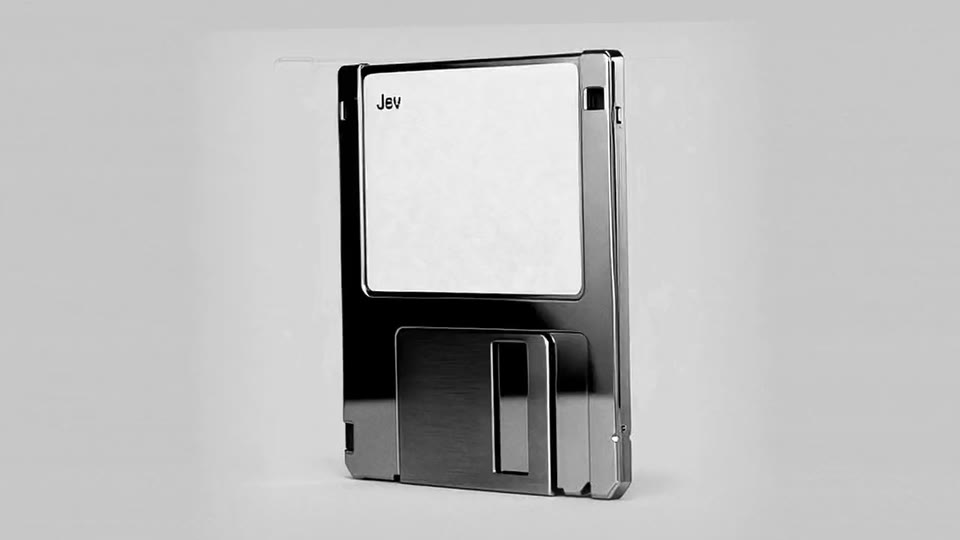
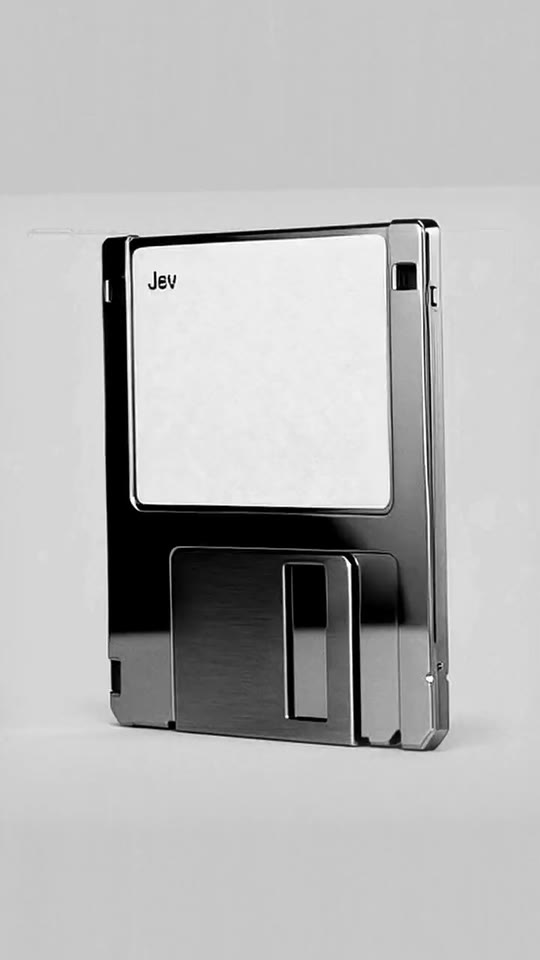
A 16-second black-and-white identity film cut every two to four frames: your chrome objects flip between light and dark studios, your mark sits on a screen readout, a liquid glass bends your wordmark, posters strobe, your mark becomes a window onto your footage, the wordmark turns in chrome, then your headline lands word by word, two figures and a list hold to be read and the end card sits on your colour.
- Price: $13 per export, paid once per video and per format; exporting needs an Opus Motion account
- Length: 16 seconds
- Formats: 16:9, 9:16 (each one designed for its screen)
- What you can change: 17 texts, 2 images, 7 videos (a clip, or the picture it starts on), 1 color, the music
- Category: Launches
Examples with real brands
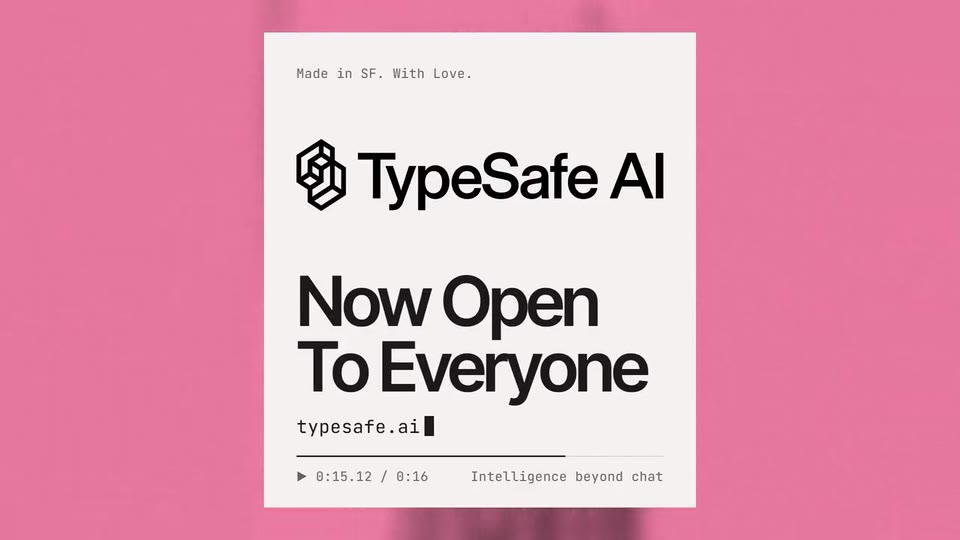
- TypeSafe AI, 16:9: watch the video
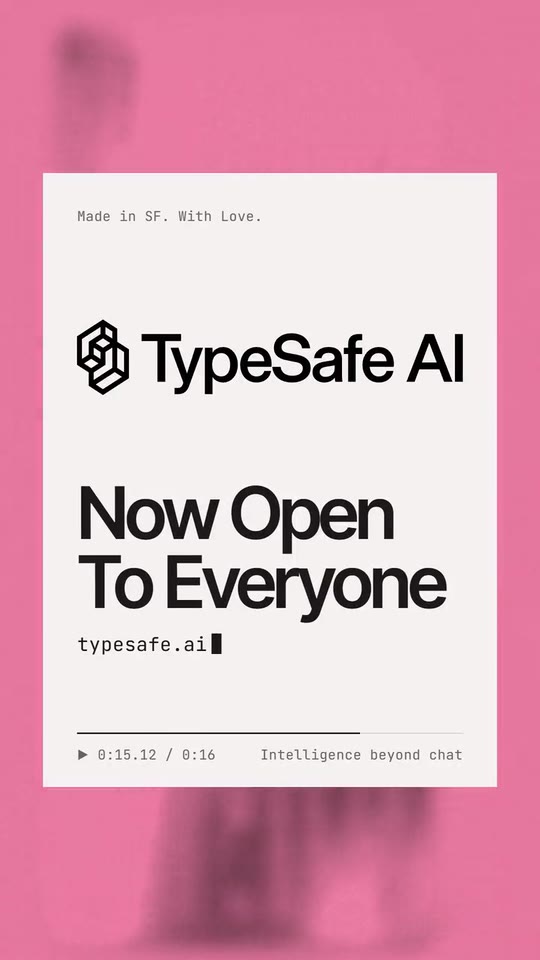
- TypeSafe AI, 9:16: watch the video
Make it yours
Paste your website and the template comes out with your logo, colors and words: https://opusmotion.com/studio/t43-identity-reel?mode=yours. To open it already filled from a website, add &site=yourdomain.com.
Fields, for AI agents
An agent fills these with POST https://opusmotion.com/api/v1/drafts (guide: https://opusmotion.com/agents.md). $13 per export, paid once per video and per format (16:9 and 9:16 are separate exports), or included in an Opus Motion Pass (15 premium exports a month for $49). Exporting needs an Opus Motion account; payment happens in the studio.
Scenes: Objects, mark and footage, cut every 2-4 frames (0–1.042 s); Liquid glass over the wordmark, footage, stipple object (1.042–1.833 s); Poster strobe, mark window, chrome wordmark (1.833–3 s); The headline, word by word (3–6 s); Second montage (6–7.5 s); First figure (7.5–9 s); Second figure (9–10.5 s); Third figure and the list (10.5–12 s); Third montage (12–14 s); End card on your colour (14–16 s).
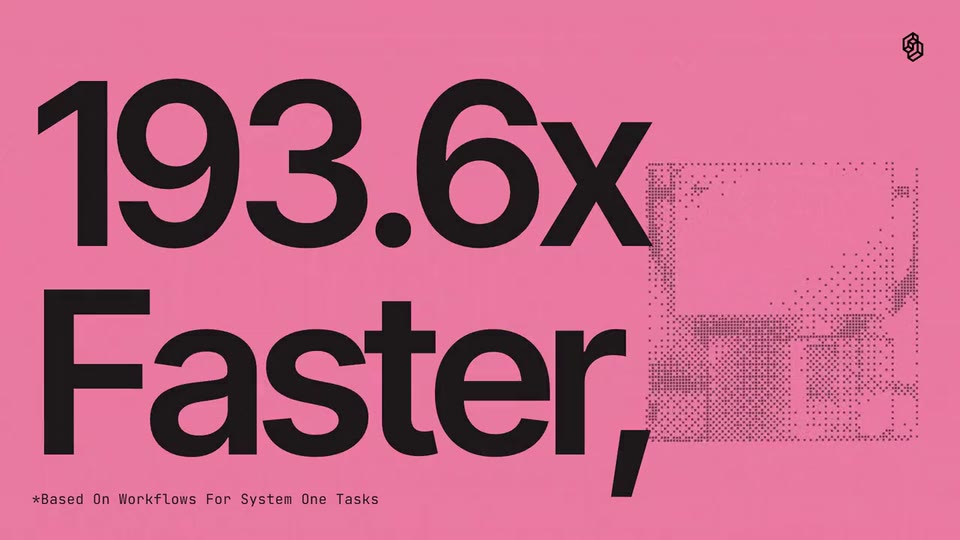
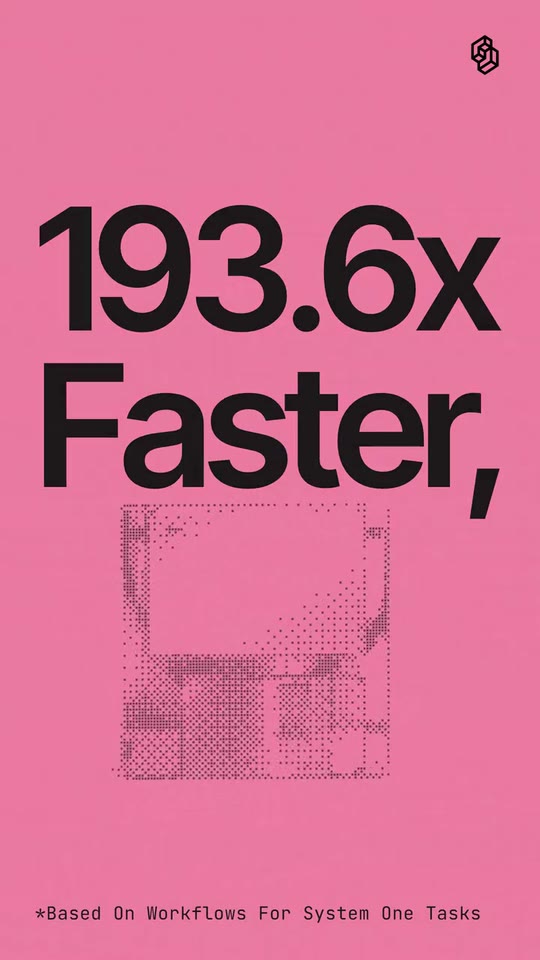
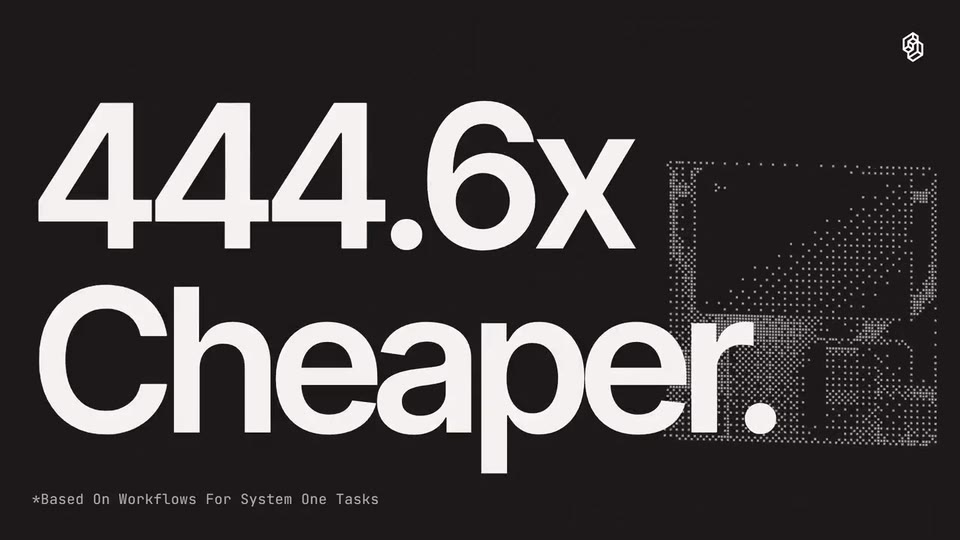
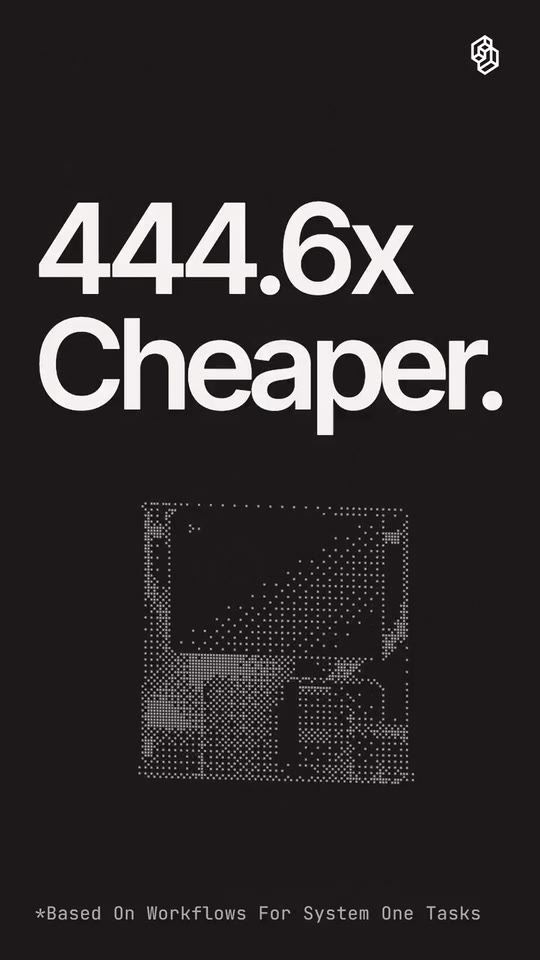
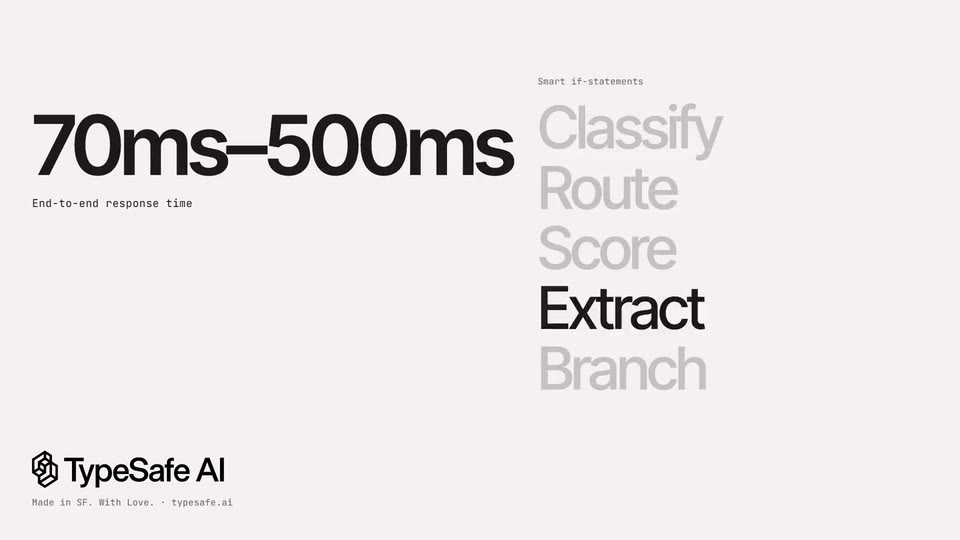
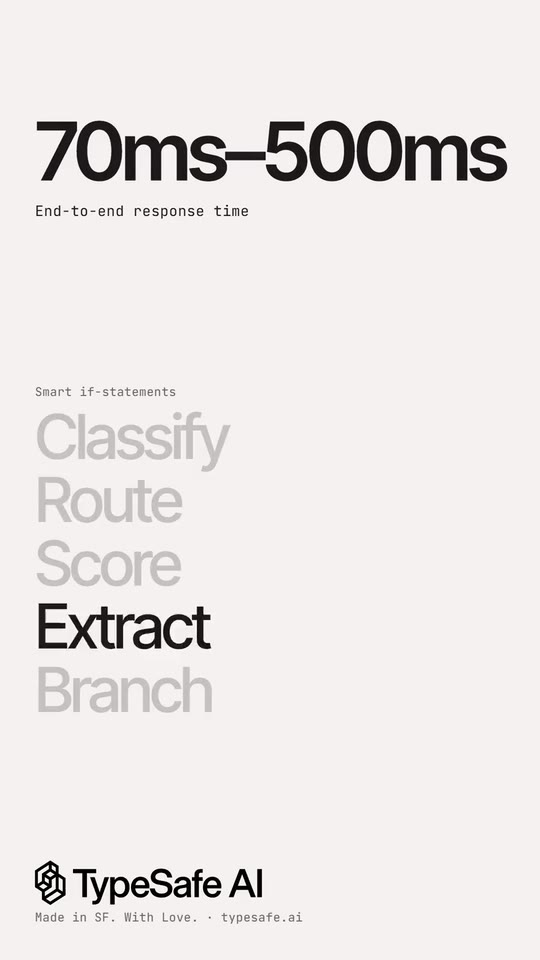
brandName(text, 2–16 characters): Brand name. How your brand is written. With no logo it is set as the logotype the glass bends, the chrome turns and the posters carry. The brand's own: never the demo's. Scene "Poster strobe, mark window, chrome wordmark" at 2.5 s: 16:9 · 9:16.logo(image, free, shown whole): Your logo (the horizontal wordmark): an SVG, or a PNG with a transparent background. Your horizontal logo, one colour, transparent (SVG or PNG). Shown whole, at any proportion: nothing is cropped. The brand's own: never the demo's. Scene "Liquid glass over the wordmark, footage, stipple object" at 1.1 s: 16:9 · 9:16.logoMark(image, 1:1, shown whole): Your app or brand icon, square and full bleed. Your symbol alone, one colour, transparent. Shown whole inside a 1:1 box: nothing is cropped. Optional. The brand's own: never the demo's. Scene "Objects, mark and footage, cut every 2-4 frames" at 0.4 s: 16:9 · 9:16.brandColor(color, #RRGGBB): Brand color. The third state of the strobe, the field of the first figure, the stippled object and the end card. The rest of the film stays black and white.object1(image, 1:1, shown whole): An image of the brand. A real object of your brand on a flat studio backdrop, square, centred (it opens the film and flips light/dark). In the video this is the first frame of the clipobject1Motion, which plays here. Shown whole inside a 1:1 box: nothing is cropped. Demo's image. Scene "Objects, mark and footage, cut every 2-4 frames" at 0.04 s: 16:9 · 9:16.object1Motion(video, footage, 1:1, 4.68 s of the clip play): Real footage of this shot: a muted clip that starts where "Object 1" is. It movesobject1. Only its first 4.68 s play; the rest is cut. It holds its last frame. Demo's clip. Upload: PUT https://opusmotion.com/api/v1/drafts/{draftId}/media/object1Motion. Scene "Objects, mark and footage, cut every 2-4 frames" at 0.04 s: 16:9 · 9:16.object2(image, 1:1, shown whole): An image of the brand. A second object of your brand, square, flat backdrop. In the video this is the first frame of the clipobject2Motion, which plays here. Shown whole inside a 1:1 box: nothing is cropped. Demo's image. Scene "Objects, mark and footage, cut every 2-4 frames" at 0.2 s: 16:9 · 9:16.object2Motion(video, footage, 1:1, 4.32 s of the clip play): Real footage of this shot: a muted clip that starts where "Object 2" is. It movesobject2. Only its first 4.32 s play; the rest is cut. It holds its last frame. Demo's clip. Upload: PUT https://opusmotion.com/api/v1/drafts/{draftId}/media/object2Motion. Scene "Objects, mark and footage, cut every 2-4 frames" at 0.2 s: 16:9 · 9:16.object3(image, 1:1, shown whole): An image of the brand. Your hero object, square, flat backdrop. In the video this is the first frame of the clipobject3Motion, which plays here. Shown whole inside a 1:1 box: nothing is cropped. Demo's image. Scene "Objects, mark and footage, cut every 2-4 frames" at 0.79 s: 16:9 · 9:16.object3Motion(video, footage, 1:1, 3.12 s of the clip play): Real footage of this shot: a muted clip that starts where "Hero object" is. It movesobject3. Only its first 3.12 s play; the rest is cut. It holds its last frame. Demo's clip. Upload: PUT https://opusmotion.com/api/v1/drafts/{draftId}/media/object3Motion. Scene "Objects, mark and footage, cut every 2-4 frames" at 0.79 s: 16:9 · 9:16.clip1(image, 1:1, cropped): A real screenshot of the product. Footage 1: your product at work (your interface, your own video). In the video this is the first frame of the clipclip1Motion, which plays here. Cropped to fill a 1:1 frame: keep the subject in the middle. Demo's image. Scene "Objects, mark and footage, cut every 2-4 frames" at 0.6 s: 16:9 · 9:16.clip1Motion(video, footage, 1:1, 4.32 s of the clip play): Real footage of this shot: a muted clip that starts where "Footage 1" is. It movesclip1. Only its first 4.32 s play; the rest is cut. It holds its last frame. Demo's clip. Upload: PUT https://opusmotion.com/api/v1/drafts/{draftId}/media/clip1Motion. Scene "Objects, mark and footage, cut every 2-4 frames" at 0.6 s: 16:9 · 9:16.clip2(image, 1:1, cropped): An image of the brand. Footage 2: a moment of use, no faces of private people. In the video this is the first frame of the clipclip2Motion, which plays here. Cropped to fill a 1:1 frame: keep the subject in the middle. Demo's image. Scene "Objects, mark and footage, cut every 2-4 frames" at 0.9 s: 16:9 · 9:16.clip2Motion(video, footage, 1:1, 3.28 s of the clip play): Real footage of this shot: a muted clip that starts where "Footage 2" is. It movesclip2. Only its first 3.28 s play; the rest is cut. It holds its last frame. Demo's clip. Upload: PUT https://opusmotion.com/api/v1/drafts/{draftId}/media/clip2Motion. Scene "Objects, mark and footage, cut every 2-4 frames" at 0.9 s: 16:9 · 9:16.clip3(image, 1:1, cropped): An image of the brand. Footage 3. In the video this is the first frame of the clipclip3Motion, which plays here. Cropped to fill a 1:1 frame: keep the subject in the middle. Demo's image. Scene "Objects, mark and footage, cut every 2-4 frames" at 1.5 s: 16:9 · 9:16.clip3Motion(video, footage, 1:1, 3.82 s of the clip play): Real footage of this shot: a muted clip that starts where "Footage 3" is. It movesclip3. Only its first 3.82 s play; the rest is cut. It holds its last frame. Demo's clip. Upload: PUT https://opusmotion.com/api/v1/drafts/{draftId}/media/clip3Motion. Scene "Objects, mark and footage, cut every 2-4 frames" at 1.5 s: 16:9 · 9:16.clip4(image, 1:1, shown whole): An image of the brand. Footage 4: an object or graphic of your brand on a flat backdrop. In the video this is the first frame of the clipclip4Motion, which plays here. Shown whole inside a 1:1 box: nothing is cropped. Demo's image. Scene "Objects, mark and footage, cut every 2-4 frames" at 1.7 s: 16:9 · 9:16.clip4Motion(video, footage, 1:1, 2.12 s of the clip play): Real footage of this shot: a muted clip that starts where "Footage 4" is. It movesclip4. Only its first 2.12 s play; the rest is cut. It holds its last frame. Demo's clip. Upload: PUT https://opusmotion.com/api/v1/drafts/{draftId}/media/clip4Motion. Scene "Objects, mark and footage, cut every 2-4 frames" at 1.7 s: 16:9 · 9:16.hudA(text, 4–22 characters): Screen readout 1. A short readout from your product (a time, a speed), as your site states it. Demo's line, for tone and length only: "Completed in 0.114s". Scene "Objects, mark and footage, cut every 2-4 frames" at 0.4 s: 16:9 · 9:16.hudB(text, 4–22 characters): Screen readout 2. A second readout (a price, a count), as your site states it. Demo's line, for tone and length only: "Cost $0.000081". Scene "Objects, mark and footage, cut every 2-4 frames" at 0.4 s: 16:9 · 9:16.headline(text, 8–40 characters): Headline. Your headline, 3 to 7 words: one word lands per eighth note, then the line holds. Title Case reads best. Demo's line, for tone and length only: "Jev Gives AI The Properties Of Code". Scene "The headline, word by word" at 5.2 s: 16:9 · 9:16.kicker(text, 4–28 characters): Kicker. Your short line above the headline and on the end card. Demo's line, for tone and length only: "Intelligence beyond chat". Scene "The headline, word by word" at 5.2 s: 16:9 · 9:16.stat1(text, 1–7 characters): Figure 1. Your first figure, as your site writes it (193.6x, 12,500+). Demo's line, for tone and length only: "193.6x". Scene "First figure" at 8.4 s: 16:9 · 9:16.stat1Label(text, 2–10 characters): Figure 1, word. One word under it, punctuation included. Demo's line, for tone and length only: "Faster,". Scene "First figure" at 8.4 s: 16:9 · 9:16.stat2(text, 1–7 characters): Figure 2. Your second figure. Demo's line, for tone and length only: "444.6x". Scene "Second figure" at 9.9 s: 16:9 · 9:16.stat2Label(text, 2–10 characters): Figure 2, word. One word under it. Demo's line, for tone and length only: "Cheaper.". Scene "Second figure" at 9.9 s: 16:9 · 9:16.statNote(text, 0–44 characters): Figures, footnote. The qualification your site attaches to the figures. Keep it whenever the site has one. Optional. Demo's line, for tone and length only: "*Based On Workflows For System One Tasks". Scene "First figure" at 8.4 s: 16:9 · 9:16.stat3(text, 1–11 characters): Figure 3. A third figure for the list poster (a range, a time). Demo's line, for tone and length only: "70ms–500ms". Scene "Third figure and the list" at 11.4 s: 16:9 · 9:16.stat3Label(text, 3–28 characters): Figure 3, label. What the third figure measures. Demo's line, for tone and length only: "End-to-end response time". Scene "Third figure and the list" at 11.4 s: 16:9 · 9:16.listTitle(text, 3–22 characters): List title. A small title over the list. Demo's line, for tone and length only: "Smart if-statements". Scene "Third figure and the list" at 11.4 s: 16:9 · 9:16.listItems(text, 5–52 characters): List (comma separated). Three to six things your product does, one word each, separated by commas. The highlight walks down them. Demo's line, for tone and length only: "Classify,Route,Score,Extract,Branch". Scene "Third figure and the list" at 11.4 s: 16:9 · 9:16.posterSmall(text, 3–26 characters): Poster small print. Small print for the posters (where you are made, a sign-off). Demo's line, for tone and length only: "Made in SF. With Love.". Scene "End card on your colour" at 15.5 s: 16:9 · 9:16.cta(text, 4–24 characters): Call to action. Your call to action, as your site says it. It wraps to two lines when long. Demo's line, for tone and length only: "Now Open To Everyone". Scene "End card on your colour" at 15.5 s: 16:9 · 9:16.url(text, 4–22 characters): Web address. Your web address; it types itself on the end card. Demo's line, for tone and length only: "typesafe.ai". Scene "End card on your colour" at 15.5 s: 16:9 · 9:16.