For AI agents
If you are an AI agent (Claude Code, Codex, Cursor or similar) and the person wants a video for their project with Opus Motion, read the guide first and follow it: https://opusmotion.com/agents.md.
- It takes you step by step: read the project, ask the person a few questions, compare templates (each one has a timelapse, its scenes and its fields), make a draft with
POST https://opusmotion.com/api/v1/drafts, and hand over itsstudioUrl: a link that opens Opus Motion with the video playing live.PATCHwith the draft'seditTokenchanges it, and the link stays the same. - Plain HTTPS and JSON: no key, no account, no MCP. Nothing is rendered; the person exports the MP4 from the studio.
- Never drive this site with a browser to fill the studio: use the API. If it refuses, tell the person and stop.
- More: llms.txt · this page in Markdown · developer docs · OpenAPI
Launch Board: premium launches video template
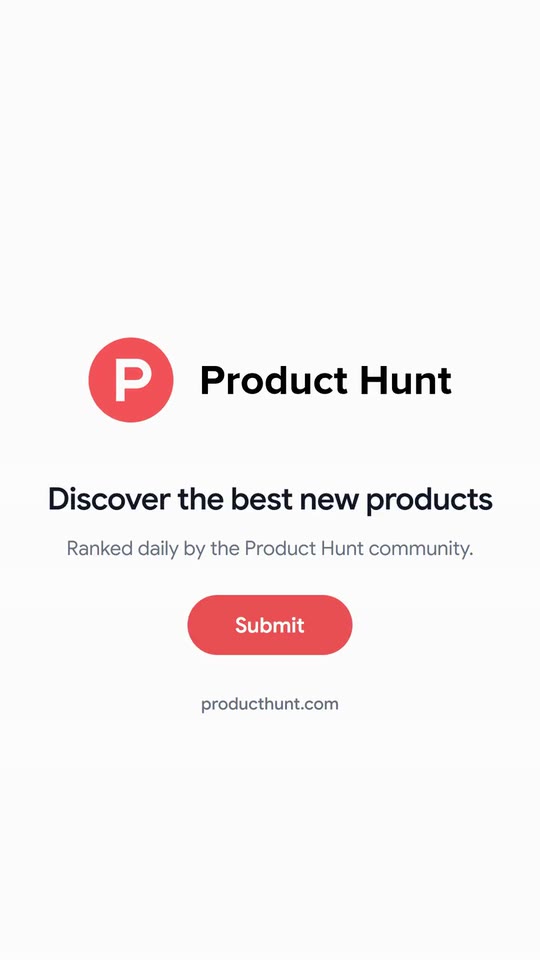
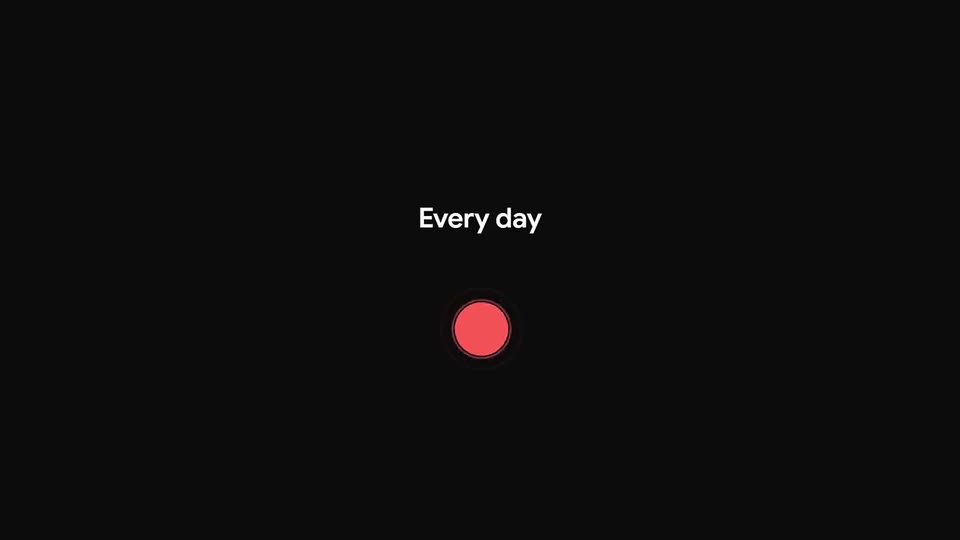
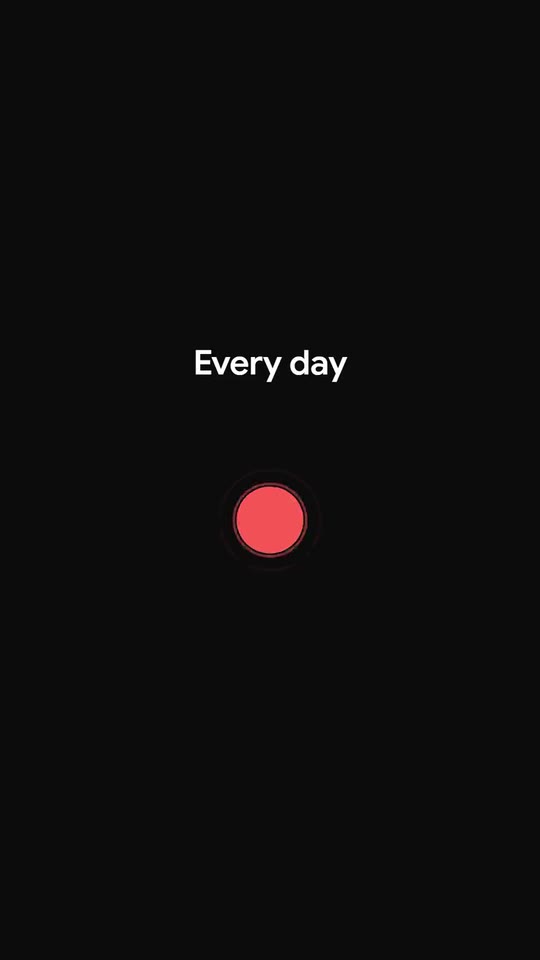
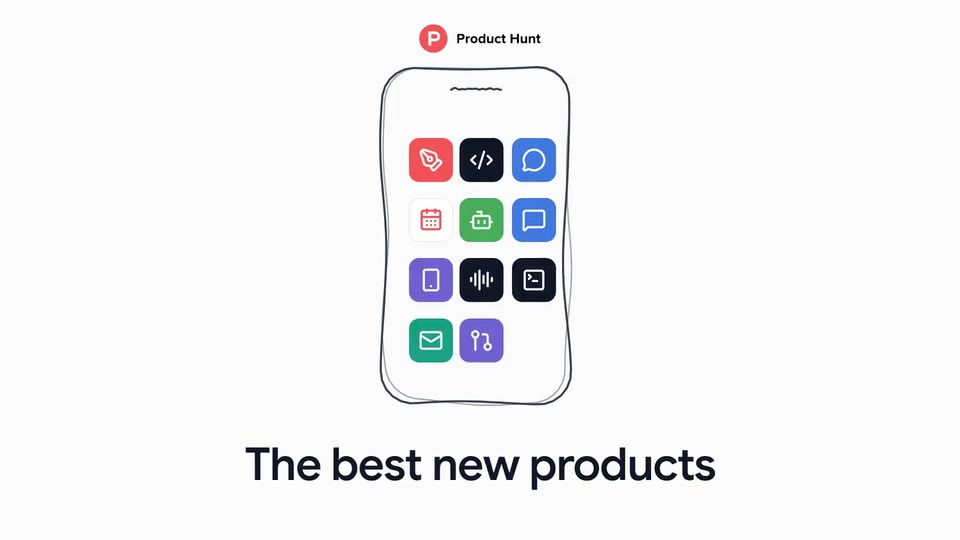
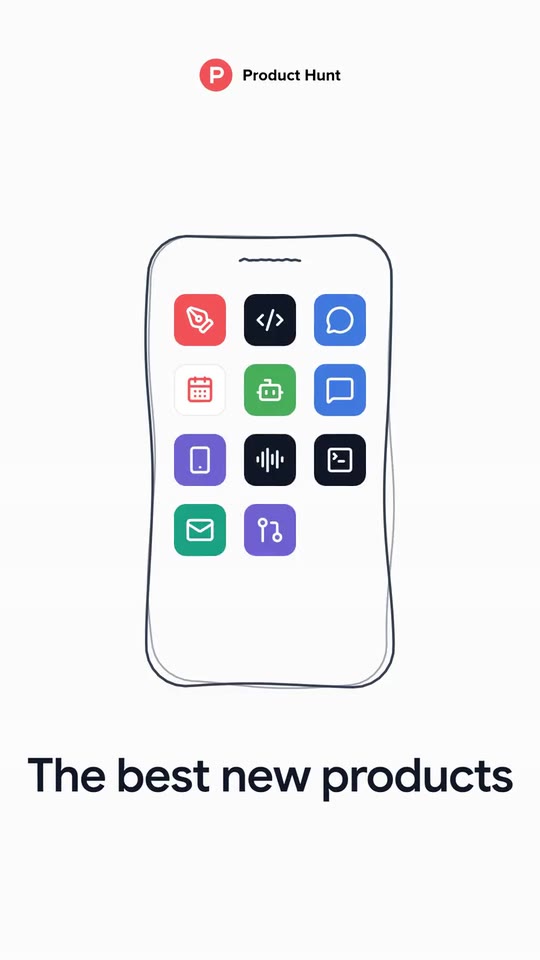
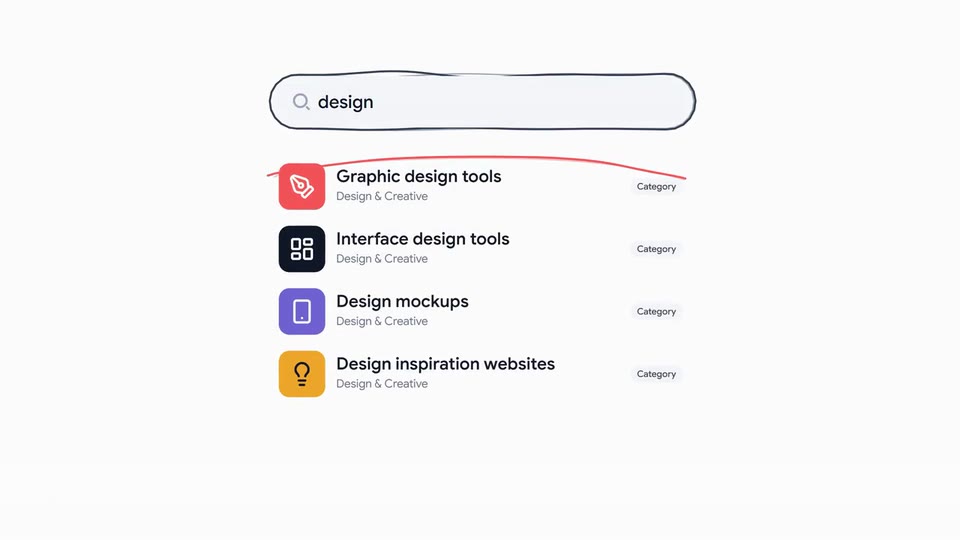
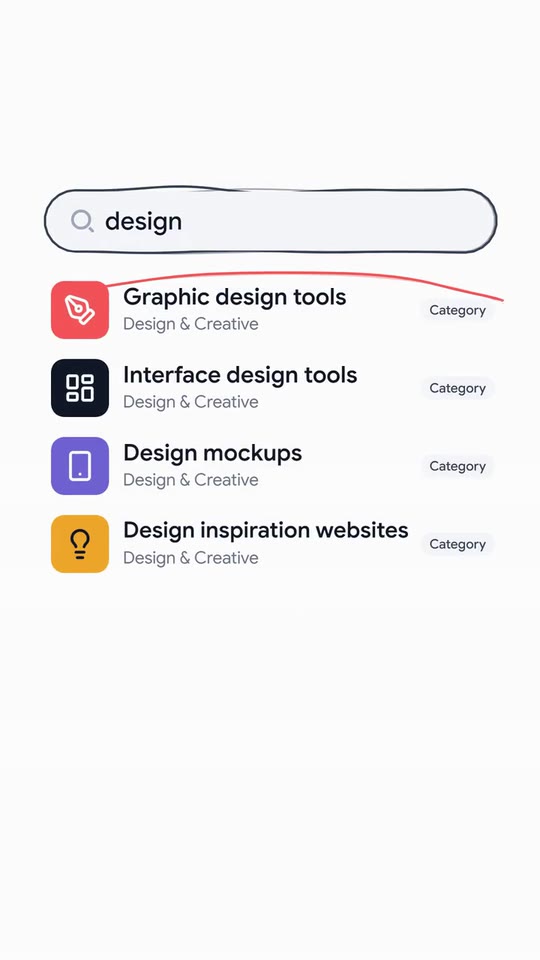
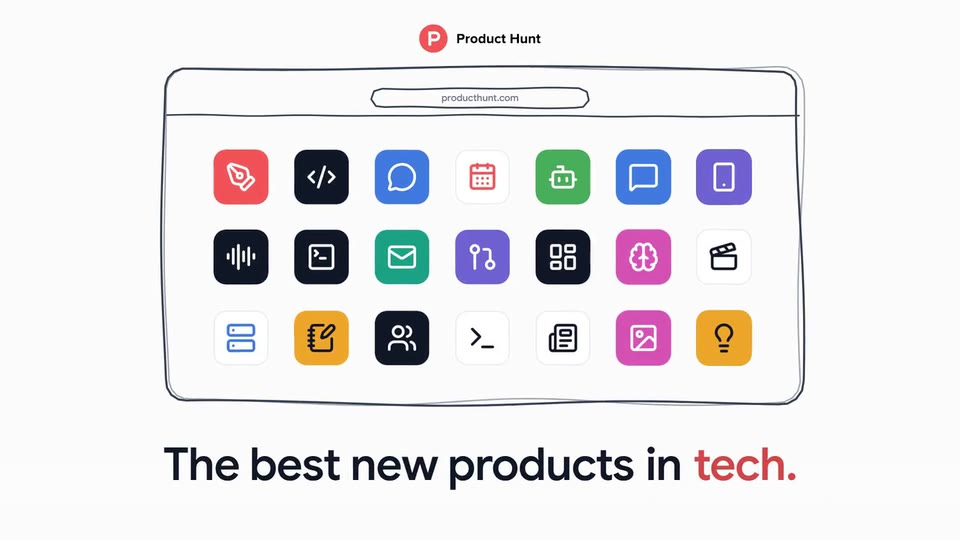
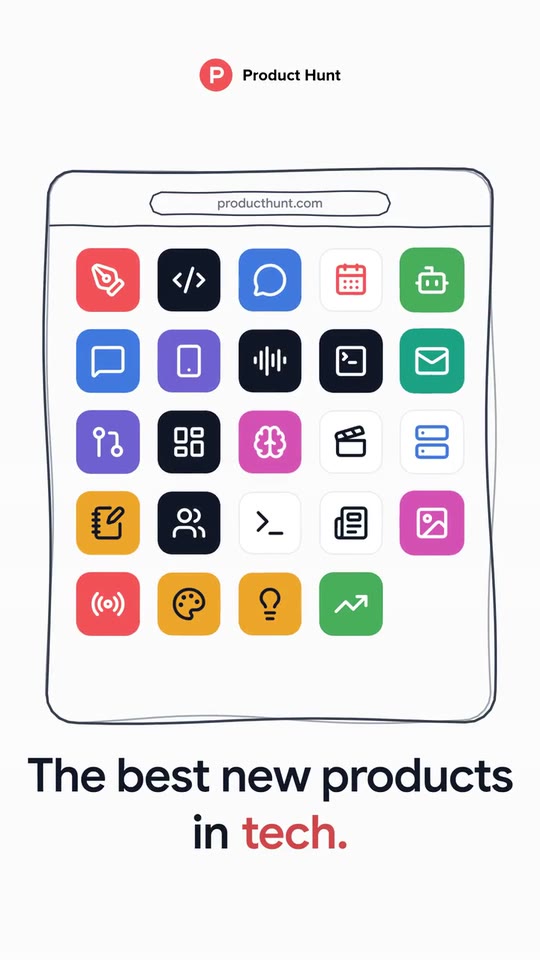
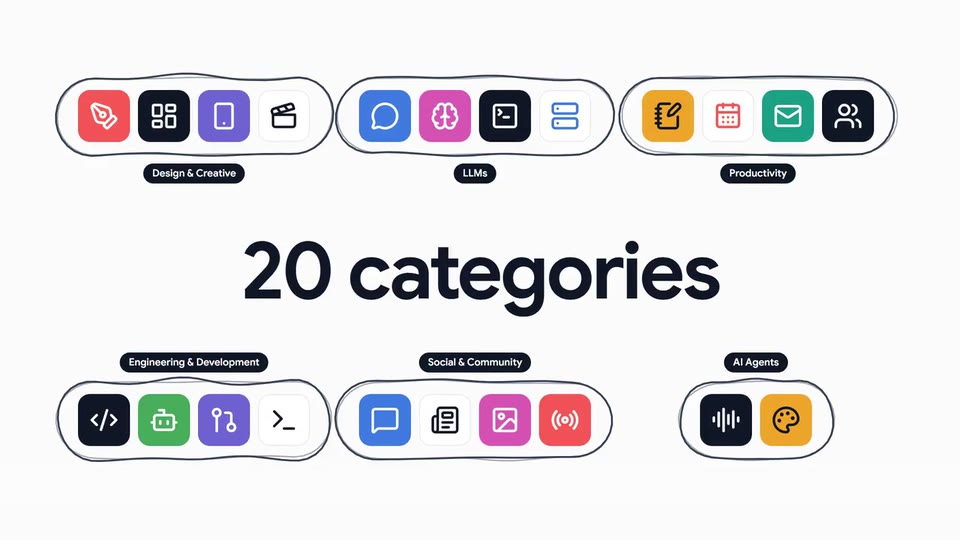
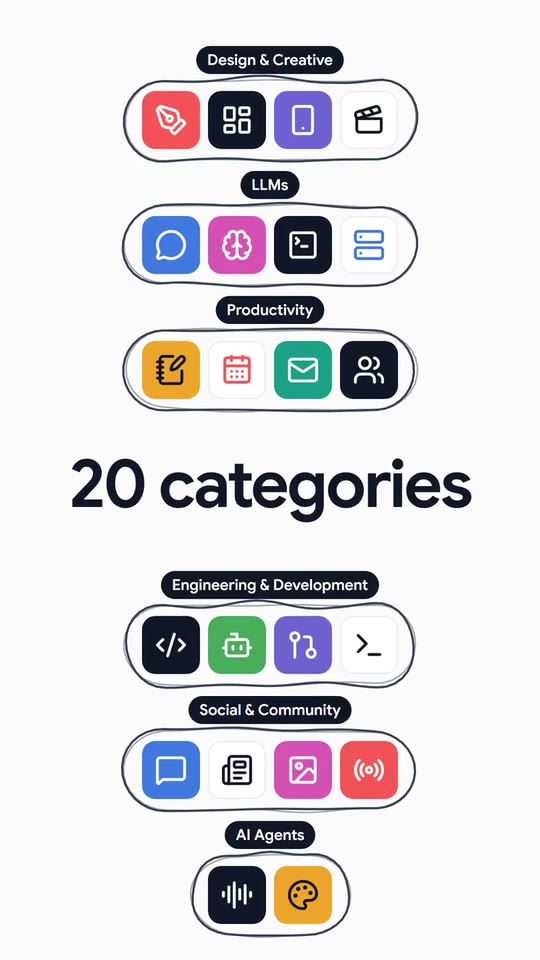
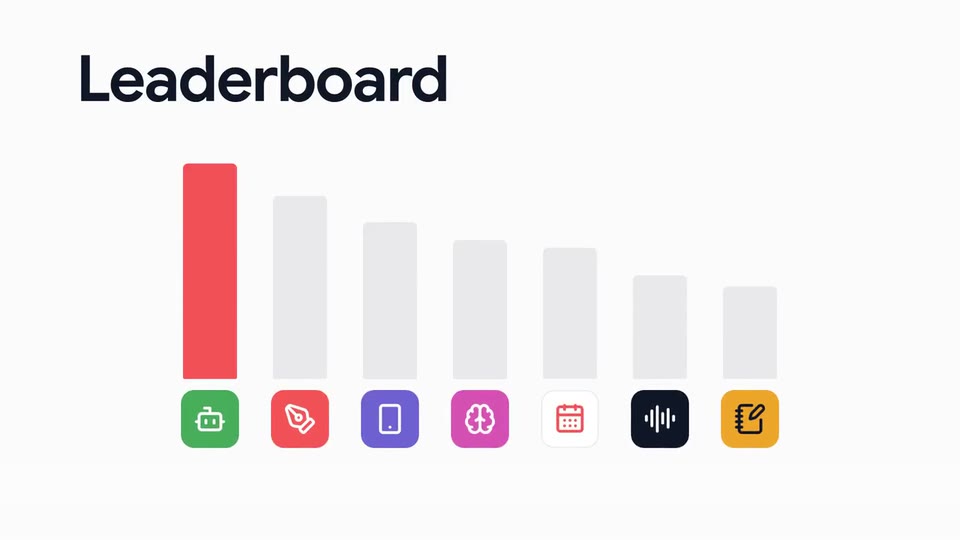
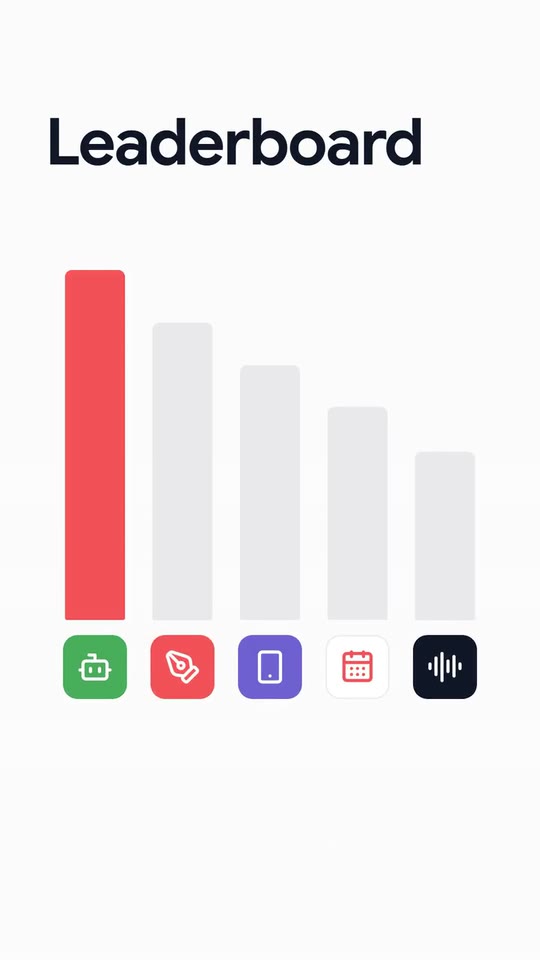
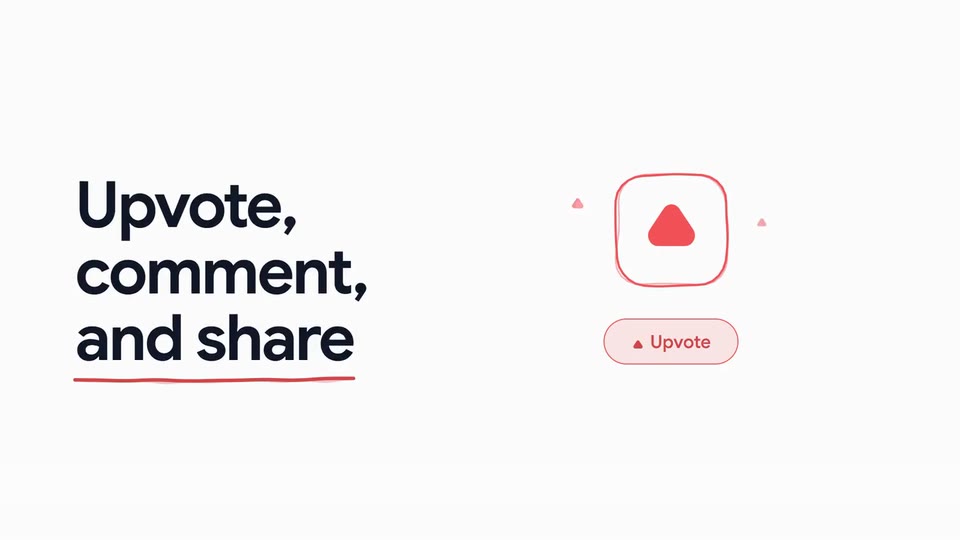
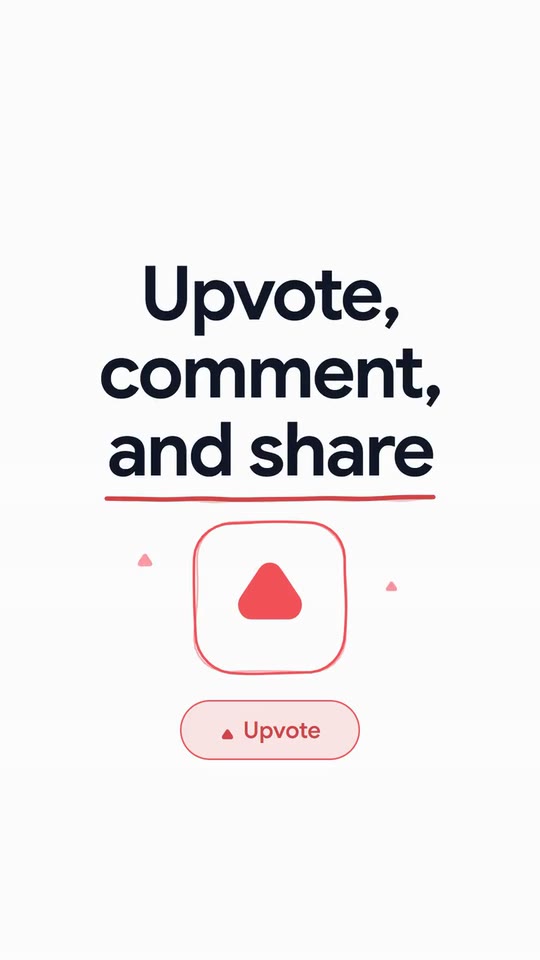
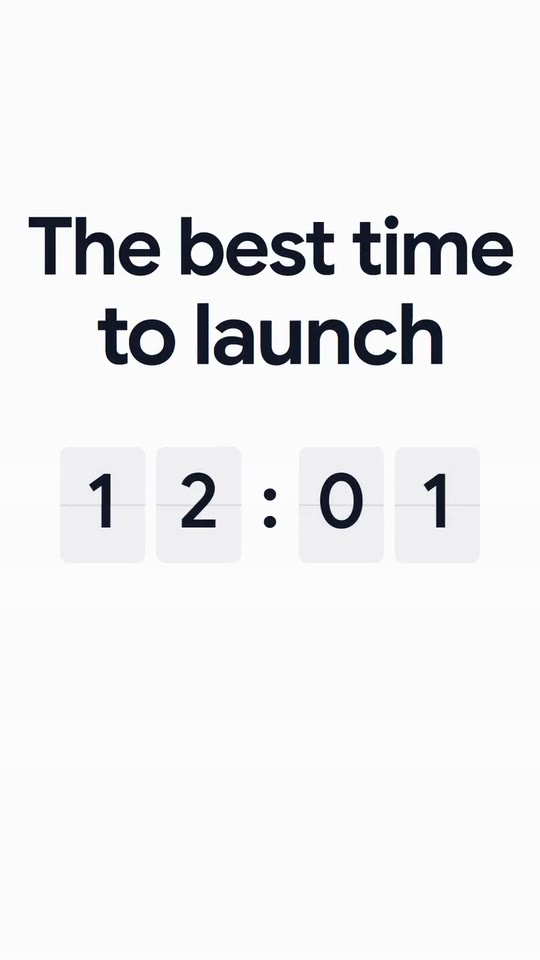
A launch film for a directory or marketplace of products: a beating dot becomes your mark, your tiles fill a sketched phone and a browser, your line cycles its words, a typed search, your categories, a leaderboard and a podium, your call to action and a split-flap time.
- Price: $20 per export, paid once per video and per format; exporting needs an Opus Motion account
- Length: 30 seconds
- Formats: 16:9, 9:16 (each one designed for its screen)
- What you can change: 40 texts, 26 images, 2 colors, the music
- Category: Launches
Examples with real brands
- Product Hunt, 16:9: watch the video
- Product Hunt, 9:16: watch the video
Make it yours
Paste your website and the template comes out with your logo, colors and words: https://opusmotion.com/studio/t82-launch-board?mode=yours. To open it already filled from a website, add &site=yourdomain.com.
Fields, for AI agents
An agent fills these with POST https://opusmotion.com/api/v1/drafts (guide: https://opusmotion.com/agents.md). $20 per export, paid once per video and per format (16:9 and 9:16 are separate exports). Exporting needs an Opus Motion account; payment happens in the studio.
Scenes: The beating dot (0–4 s); The logo (4–5 s); The sketched phone (5–6 s); The browser and the line (6–10 s); The search (10–14 s); The categories (14–16 s); The leaderboard and the podium (16–20 s); The action (20–22 s); The time on split-flaps (22–26 s); The close (26–30 s).
brandName(text, 2–18 characters): Brand name. How your brand is written The brand's own: never the demo's. Scene "The close" at 27.2 s: 16:9 · 9:16.logo(image, free, shown whole): Your logo (the horizontal wordmark): an SVG, or a PNG with a transparent background. Your horizontal logo WITHOUT the icon (the icon goes separately), tightly cropped, on a transparent background. Shown whole, at any proportion: nothing is cropped. The brand's own: never the demo's. Scene "The logo" at 4.2 s: 16:9 · 9:16.mark(image, 1:1, shown whole): A cut-out object on a transparent background (a PNG, or an SVG drawing): just the object, no photo background. Never a photo, never a photo padded with transparent bars. Your square symbol. A card-like object (rounded corners, transparent around it) works too. Shown whole inside a 1:1 box: nothing is cropped. Optional. Demo's image. Scene "The logo" at 4.2 s: 16:9 · 9:16.brandColor(color, #RRGGBB): Brand color (dot, bar, button).accentColor(color, #RRGGBB): Accent text color. Darkened automatically if it does not reach 3:1 on the light backgroundkicker(text, 3–18 characters): Opening · the word above the dot. Demo's line, for tone and length only: "Every day". Scene "The beating dot" at 0.6 s: 16:9 · 9:16.line1(text, 6–24 characters): Line · what you are. Demo's line, for tone and length only: "The best new products". Scene "The sketched phone" at 5.2 s: 16:9 · 9:16.connector(text, 1–6 characters): Line · the joining word. Demo's line, for tone and length only: "in". Scene "The search" at 12.2 s: 16:9 · 9:16.word1(text, 2–16 characters): Line · ending (accent). Demo's line, for tone and length only: "tech.". Scene "The browser and the line" at 6.2 s: 16:9 · 9:16.word2(text, 2–16 characters): Line · change 1. Demo's line, for tone and length only: "AI". Scene "The close" at 27.2 s: 16:9 · 9:16.word3(text, 2–16 characters): Line · change 2. Demo's line, for tone and length only: "design". Scene "The browser and the line" at 8.6 s: 16:9 · 9:16.word4(text, 2–16 characters): Line · change 3. Demo's line, for tone and length only: "developer tools". Scene "The browser and the line" at 9.2 s: 16:9 · 9:16.word5(text, 2–16 characters): Line · change 4 (stays). Demo's line, for tone and length only: "tech.". Scene "The browser and the line" at 6.2 s: 16:9 · 9:16.url(text, 4–24 characters): Site address. Demo's line, for tone and length only: "producthunt.com". Scene "The browser and the line" at 6.6 s: 16:9 · 9:16.searchPlaceholder(text, 3–26 characters): Search · text of the empty box. Demo's line, for tone and length only: "Search". Scene "The search" at 10.4 s: 16:9 · 9:16.query(text, 2–14 characters): Search · what is typed. Demo's line, for tone and length only: "design". Scene "The browser and the line" at 8.6 s: 16:9 · 9:16.result1(text, 2–28 characters): Result 1 · name (the highlighted one). Demo's line, for tone and length only: "Graphic design tools". Scene "The search" at 12 s: 16:9 · 9:16.resultSub1(text, 2–30 characters): Result 1 · subtitle. Demo's line, for tone and length only: "Design & Creative". Scene "The categories" at 14.8 s: 16:9 · 9:16.result2(text, 2–28 characters): Result 2 · name. Demo's line, for tone and length only: "Interface design tools". Scene "The search" at 12 s: 16:9 · 9:16.resultSub2(text, 2–30 characters): Result 2 · subtitle. Demo's line, for tone and length only: "Design & Creative". Scene "The categories" at 14.8 s: 16:9 · 9:16.result3(text, 2–28 characters): Result 3 · name. Demo's line, for tone and length only: "Design mockups". Scene "The search" at 12.2 s: 16:9 · 9:16.resultSub3(text, 2–30 characters): Result 3 · subtitle. Demo's line, for tone and length only: "Design & Creative". Scene "The categories" at 14.8 s: 16:9 · 9:16.result4(text, 2–28 characters): Result 4 · name. Demo's line, for tone and length only: "Design inspiration websites". Scene "The search" at 12.2 s: 16:9 · 9:16.resultSub4(text, 2–30 characters): Result 4 · subtitle. Demo's line, for tone and length only: "Design & Creative". Scene "The categories" at 14.8 s: 16:9 · 9:16.resultChip(text, 2–14 characters): Results · label. Demo's line, for tone and length only: "Category". Scene "The search" at 12 s: 16:9 · 9:16.catTitle(text, 4–16 characters): Categories · title. Demo's line, for tone and length only: "20 categories". Scene "The categories" at 14.2 s: 16:9 · 9:16.group1(text, 2–26 characters): Category 1 (tiles 1-4). Demo's line, for tone and length only: "Design & Creative". Scene "The categories" at 14.8 s: 16:9 · 9:16.group2(text, 2–26 characters): Category 2 (tiles 5-8). Demo's line, for tone and length only: "LLMs". Scene "The categories" at 14.8 s: 16:9 · 9:16.group3(text, 2–26 characters): Category 3 (tiles 9-12). Demo's line, for tone and length only: "Productivity". Scene "The categories" at 14.8 s: 16:9 · 9:16.group4(text, 2–26 characters): Category 4 (tiles 13-16). Demo's line, for tone and length only: "Engineering & Development". Scene "The categories" at 14.8 s: 16:9 · 9:16.group5(text, 2–26 characters): Category 5 (tiles 17-20). Demo's line, for tone and length only: "Social & Community". Scene "The categories" at 15 s: 16:9 · 9:16.group6(text, 2–26 characters): Category 6 (tiles 21-22). Demo's line, for tone and length only: "AI Agents". Scene "The categories" at 15 s: 16:9 · 9:16.boardTitle(text, 3–14 characters): Leaderboard · title. Demo's line, for tone and length only: "Leaderboard". Scene "The leaderboard and the podium" at 16.2 s: 16:9 · 9:16.act1(text, 2–12 characters): Action · line 1. Demo's line, for tone and length only: "Upvote,". Scene "The action" at 20.2 s: 16:9 · 9:16.act2(text, 2–12 characters): Action · line 2. Demo's line, for tone and length only: "comment,". Scene "The action" at 20.2 s: 16:9 · 9:16.act3(text, 2–12 characters): Action · line 3 (underlined). Demo's line, for tone and length only: "and share". Scene "The action" at 20.4 s: 16:9 · 9:16.actLabel(text, 2–12 characters): Action · pill text. The action that is pressed in your product Demo's line, for tone and length only: "Upvote". Scene "The action" at 20.2 s: 16:9 · 9:16.time1(text, 3–15 characters): Time · title, line 1. Demo's line, for tone and length only: "The best time". Scene "The time on split-flaps" at 22.2 s: 16:9 · 9:16.time2(text, 3–15 characters): Time · title, line 2. Demo's line, for tone and length only: "to launch". Scene "The time on split-flaps" at 22.2 s: 16:9 · 9:16.flaps(text, 3–5 characters): Time · what the split-flaps show. Up to 5 characters; ":", "." or a space go without a flap (12:01, OCT 5, 2026) Demo's line, for tone and length only: "12:01". Scene "The time on split-flaps" at 24.38 s: 16:9 · 9:16.timeSub(text, 2–24 characters): Time · underneath. Demo's line, for tone and length only: "am Pacific Time". Scene "The time on split-flaps" at 25.2 s: 16:9 · 9:16.tagline(text, 6–34 characters): Close · sentence. Demo's line, for tone and length only: "Discover the best new products". Scene "The close" at 26.6 s: 16:9 · 9:16.subline(text, 4–50 characters): Close · small line. Demo's line, for tone and length only: "Ranked daily by the Product Hunt community.". Scene "The close" at 27.2 s: 16:9 · 9:16.cta(text, 2–18 characters): Close · button. The real verb of your site Demo's line, for tone and length only: "Submit". Scene "The close" at 27.6 s: 16:9 · 9:16.tile01(image, 1:1, cropped): A cut-out object on a transparent background (a PNG, or an SVG drawing): just the object, no photo background. Never a photo, never a photo padded with transparent bars. A square icon of what your catalog lists (an app, a category). A card-like object (rounded corners, transparent around it) works too. Cropped to fill a 1:1 frame: keep the subject in the middle. Demo's image. Scene "The leaderboard and the podium" at 18.2 s: 16:9 · 9:16.tile02(image, 1:1, cropped): A cut-out object on a transparent background (a PNG, or an SVG drawing): just the object, no photo background. Never a photo, never a photo padded with transparent bars. A square icon of what your catalog lists (an app, a category). A card-like object (rounded corners, transparent around it) works too. Cropped to fill a 1:1 frame: keep the subject in the middle. Demo's image. Scene "The browser and the line" at 6.4 s: 16:9 · 9:16.tile03(image, 1:1, cropped): A cut-out object on a transparent background (a PNG, or an SVG drawing): just the object, no photo background. Never a photo, never a photo padded with transparent bars. A square icon of what your catalog lists (an app, a category). A card-like object (rounded corners, transparent around it) works too. Cropped to fill a 1:1 frame: keep the subject in the middle. Demo's image. Scene "The leaderboard and the podium" at 18.2 s: 16:9 · 9:16.tile04(image, 1:1, cropped): A cut-out object on a transparent background (a PNG, or an SVG drawing): just the object, no photo background. Never a photo, never a photo padded with transparent bars. A square icon of what your catalog lists (an app, a category). A card-like object (rounded corners, transparent around it) works too. Cropped to fill a 1:1 frame: keep the subject in the middle. Demo's image. Scene "The browser and the line" at 6.4 s: 16:9 · 9:16.tile05(image, 1:1, cropped): A cut-out object on a transparent background (a PNG, or an SVG drawing): just the object, no photo background. Never a photo, never a photo padded with transparent bars. A square icon of what your catalog lists (an app, a category). A card-like object (rounded corners, transparent around it) works too. Cropped to fill a 1:1 frame: keep the subject in the middle. Demo's image. Scene "The browser and the line" at 6.2 s: 16:9 · 9:16.tile06(image, 1:1, cropped): A cut-out object on a transparent background (a PNG, or an SVG drawing): just the object, no photo background. Never a photo, never a photo padded with transparent bars. A square icon of what your catalog lists (an app, a category). A card-like object (rounded corners, transparent around it) works too. Cropped to fill a 1:1 frame: keep the subject in the middle. Demo's image. Scene "The browser and the line" at 6.4 s: 16:9 · 9:16.tile07(image, 1:1, cropped): A cut-out object on a transparent background (a PNG, or an SVG drawing): just the object, no photo background. Never a photo, never a photo padded with transparent bars. A square icon of what your catalog lists (an app, a category). A card-like object (rounded corners, transparent around it) works too. Cropped to fill a 1:1 frame: keep the subject in the middle. Demo's image. Scene "The browser and the line" at 6.4 s: 16:9 · 9:16.tile08(image, 1:1, cropped): A cut-out object on a transparent background (a PNG, or an SVG drawing): just the object, no photo background. Never a photo, never a photo padded with transparent bars. A square icon of what your catalog lists (an app, a category). A card-like object (rounded corners, transparent around it) works too. Cropped to fill a 1:1 frame: keep the subject in the middle. Demo's image. Scene "The browser and the line" at 6.4 s: 16:9 · 9:16.tile09(image, 1:1, cropped): A cut-out object on a transparent background (a PNG, or an SVG drawing): just the object, no photo background. Never a photo, never a photo padded with transparent bars. A square icon of what your catalog lists (an app, a category). A card-like object (rounded corners, transparent around it) works too. Cropped to fill a 1:1 frame: keep the subject in the middle. Demo's image. Scene "The browser and the line" at 6.4 s: 16:9 · 9:16.tile10(image, 1:1, cropped): A cut-out object on a transparent background (a PNG, or an SVG drawing): just the object, no photo background. Never a photo, never a photo padded with transparent bars. A square icon of what your catalog lists (an app, a category). A card-like object (rounded corners, transparent around it) works too. Cropped to fill a 1:1 frame: keep the subject in the middle. Demo's image. Scene "The browser and the line" at 6.4 s: 16:9 · 9:16.tile11(image, 1:1, cropped): A cut-out object on a transparent background (a PNG, or an SVG drawing): just the object, no photo background. Never a photo, never a photo padded with transparent bars. A square icon of what your catalog lists (an app, a category). A card-like object (rounded corners, transparent around it) works too. Cropped to fill a 1:1 frame: keep the subject in the middle. Demo's image. Scene "The search" at 10.2 s: 16:9 · 9:16.tile12(image, 1:1, cropped): A cut-out object on a transparent background (a PNG, or an SVG drawing): just the object, no photo background. Never a photo, never a photo padded with transparent bars. A square icon of what your catalog lists (an app, a category). A card-like object (rounded corners, transparent around it) works too. Cropped to fill a 1:1 frame: keep the subject in the middle. Demo's image. Scene "The browser and the line" at 6.4 s: 16:9 · 9:16.tile13(image, 1:1, cropped): A cut-out object on a transparent background (a PNG, or an SVG drawing): just the object, no photo background. Never a photo, never a photo padded with transparent bars. A square icon of what your catalog lists (an app, a category). A card-like object (rounded corners, transparent around it) works too. Cropped to fill a 1:1 frame: keep the subject in the middle. Demo's image. Scene "The browser and the line" at 6.2 s: 16:9 · 9:16.tile14(image, 1:1, cropped): A cut-out object on a transparent background (a PNG, or an SVG drawing): just the object, no photo background. Never a photo, never a photo padded with transparent bars. A square icon of what your catalog lists (an app, a category). A card-like object (rounded corners, transparent around it) works too. Cropped to fill a 1:1 frame: keep the subject in the middle. Demo's image. Scene "The leaderboard and the podium" at 18.2 s: 16:9 · 9:16.tile15(image, 1:1, cropped): A cut-out object on a transparent background (a PNG, or an SVG drawing): just the object, no photo background. Never a photo, never a photo padded with transparent bars. A square icon of what your catalog lists (an app, a category). A card-like object (rounded corners, transparent around it) works too. Cropped to fill a 1:1 frame: keep the subject in the middle. Demo's image. Scene "The browser and the line" at 6.2 s: 16:9 · 9:16.tile16(image, 1:1, cropped): A cut-out object on a transparent background (a PNG, or an SVG drawing): just the object, no photo background. Never a photo, never a photo padded with transparent bars. A square icon of what your catalog lists (an app, a category). A card-like object (rounded corners, transparent around it) works too. Cropped to fill a 1:1 frame: keep the subject in the middle. Demo's image. Scene "The browser and the line" at 6.6 s: 16:9 · 9:16.tile17(image, 1:1, cropped): A cut-out object on a transparent background (a PNG, or an SVG drawing): just the object, no photo background. Never a photo, never a photo padded with transparent bars. A square icon of what your catalog lists (an app, a category). A card-like object (rounded corners, transparent around it) works too. Cropped to fill a 1:1 frame: keep the subject in the middle. Demo's image. Scene "The search" at 10.6 s: 16:9 · 9:16.tile18(image, 1:1, cropped): A cut-out object on a transparent background (a PNG, or an SVG drawing): just the object, no photo background. Never a photo, never a photo padded with transparent bars. A square icon of what your catalog lists (an app, a category). A card-like object (rounded corners, transparent around it) works too. Cropped to fill a 1:1 frame: keep the subject in the middle. Demo's image. Scene "The browser and the line" at 6.6 s: 16:9 · 9:16.tile19(image, 1:1, cropped): A cut-out object on a transparent background (a PNG, or an SVG drawing): just the object, no photo background. Never a photo, never a photo padded with transparent bars. A square icon of what your catalog lists (an app, a category). A card-like object (rounded corners, transparent around it) works too. Cropped to fill a 1:1 frame: keep the subject in the middle. Demo's image. Scene "The search" at 10.2 s: 16:9 · 9:16.tile20(image, 1:1, cropped): A cut-out object on a transparent background (a PNG, or an SVG drawing): just the object, no photo background. Never a photo, never a photo padded with transparent bars. A square icon of what your catalog lists (an app, a category). A card-like object (rounded corners, transparent around it) works too. Cropped to fill a 1:1 frame: keep the subject in the middle. Demo's image. Scene "The search" at 10.2 s: 16:9 · 9:16.tile21(image, 1:1, cropped): A cut-out object on a transparent background (a PNG, or an SVG drawing): just the object, no photo background. Never a photo, never a photo padded with transparent bars. A square icon of what your catalog lists (an app, a category). A card-like object (rounded corners, transparent around it) works too. Cropped to fill a 1:1 frame: keep the subject in the middle. Demo's image. Scene "The browser and the line" at 6.4 s: 16:9 · 9:16.tile22(image, 1:1, cropped): A cut-out object on a transparent background (a PNG, or an SVG drawing): just the object, no photo background. Never a photo, never a photo padded with transparent bars. A square icon of what your catalog lists (an app, a category). A card-like object (rounded corners, transparent around it) works too. Cropped to fill a 1:1 frame: keep the subject in the middle. Demo's image. Scene "The search" at 10.2 s: 16:9 · 9:16.tile23(image, 1:1, cropped): A cut-out object on a transparent background (a PNG, or an SVG drawing): just the object, no photo background. Never a photo, never a photo padded with transparent bars. A square icon of what your catalog lists (an app, a category). A card-like object (rounded corners, transparent around it) works too. Cropped to fill a 1:1 frame: keep the subject in the middle. Demo's image. Scene "The search" at 10.2 s: 16:9 · 9:16.tile24(image, 1:1, cropped): A cut-out object on a transparent background (a PNG, or an SVG drawing): just the object, no photo background. Never a photo, never a photo padded with transparent bars. A square icon of what your catalog lists (an app, a category). A card-like object (rounded corners, transparent around it) works too. Cropped to fill a 1:1 frame: keep the subject in the middle. Demo's image. Scene "The search" at 10.2 s: 16:9 · 9:16.