For AI agents
Coding agents (Claude Code, Codex, Cursor and similar) make Opus Motion videos for a project with the agent guide: https://opusmotion.com/agents.md.
- The guide's steps: read the project, ask the person a few questions, compare templates (each one has a timelapse, its scenes and its fields), make a draft with
POST https://opusmotion.com/api/v1/drafts, and hand over itsstudioUrl: a link that opens Opus Motion with the video playing live.PATCHwith the draft'seditTokenchanges it, and the link stays the same. - Plain HTTPS and JSON: no key and no account. Or the MCP server (https://opusmotion.com/mcp): every tool, with stills of the draft returned as images. The person exports the MP4 from the studio.
- The studio is filled through the API, not by driving the site with a browser. When the API refuses, the person is told.
- More: llms.txt · this page in Markdown · developer docs · OpenAPI
Library Showcase: premium launches video template
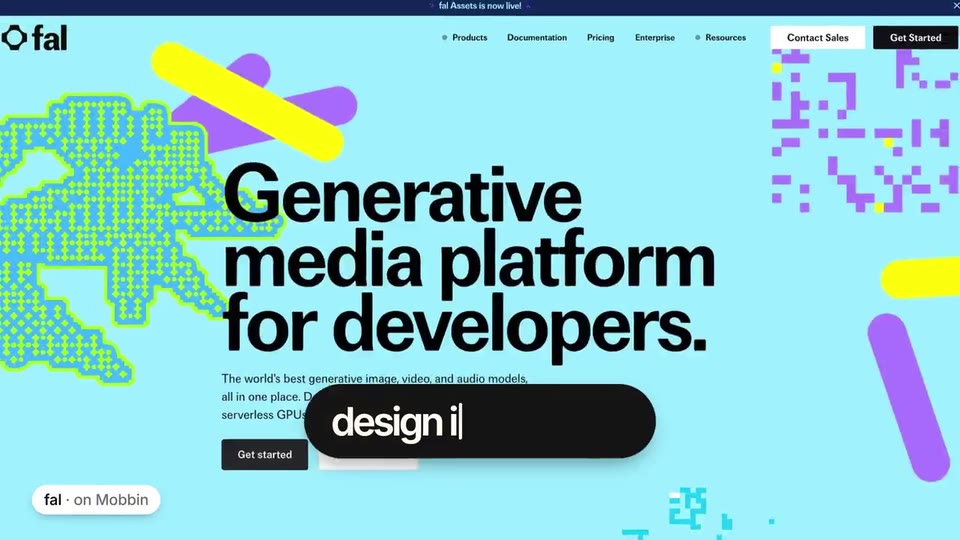
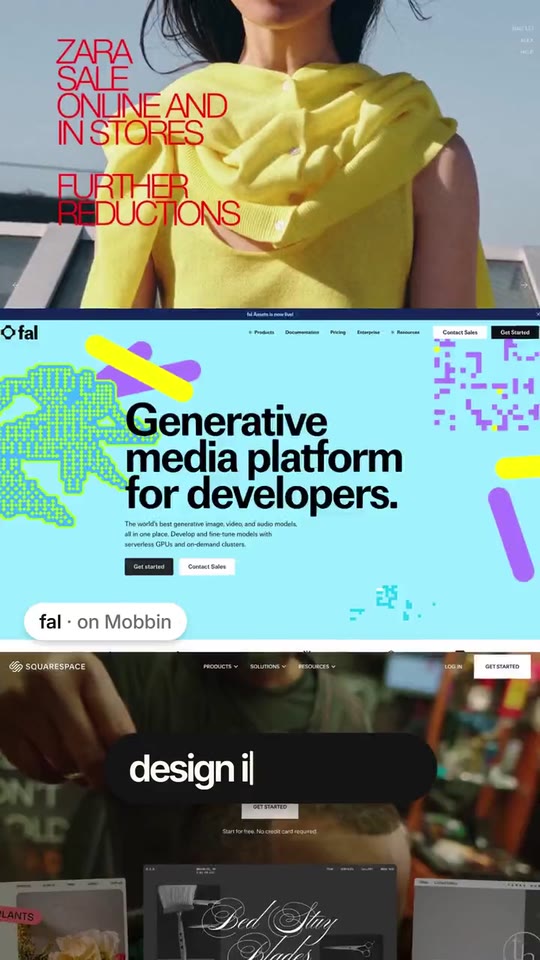
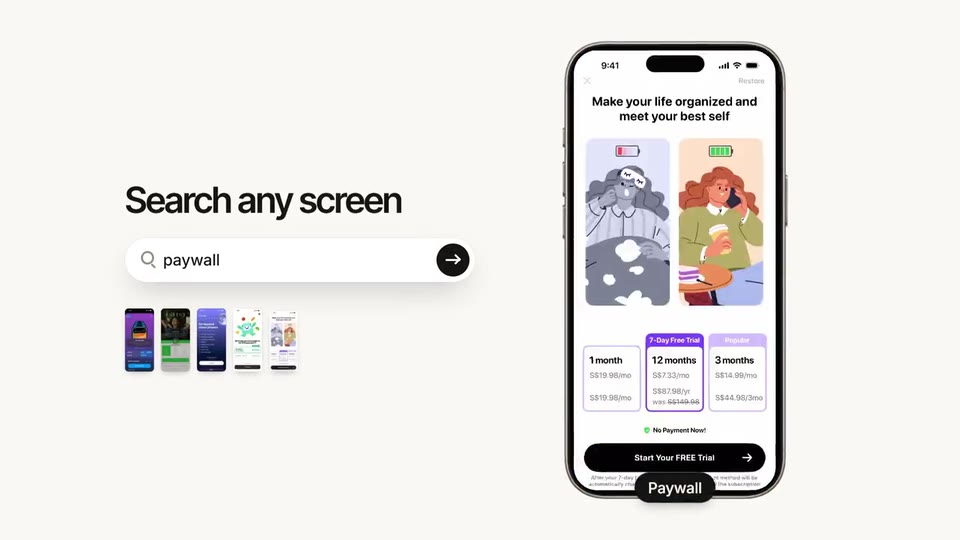
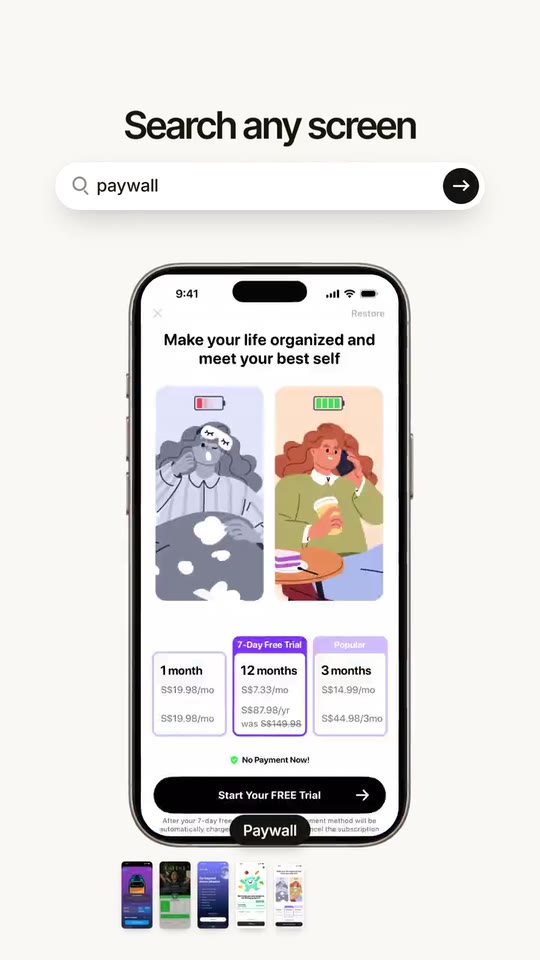
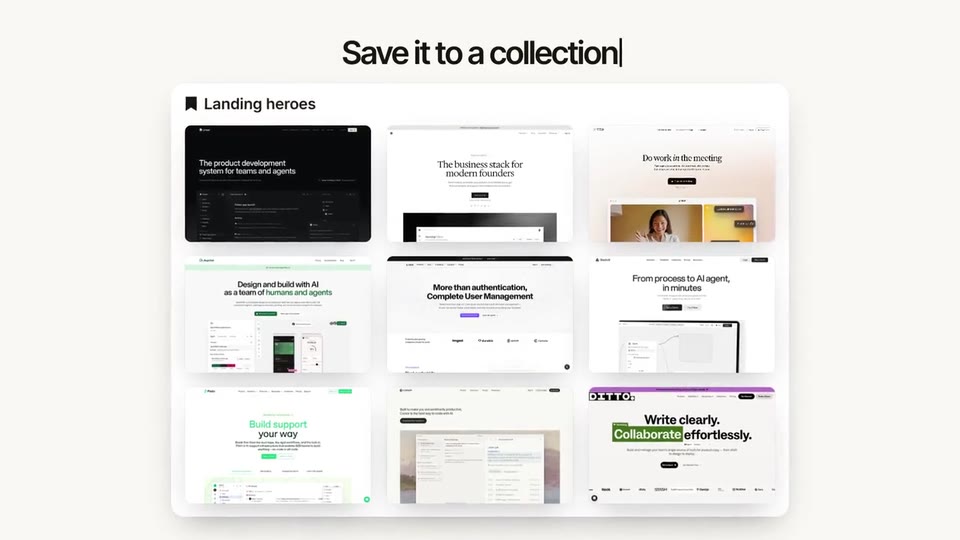
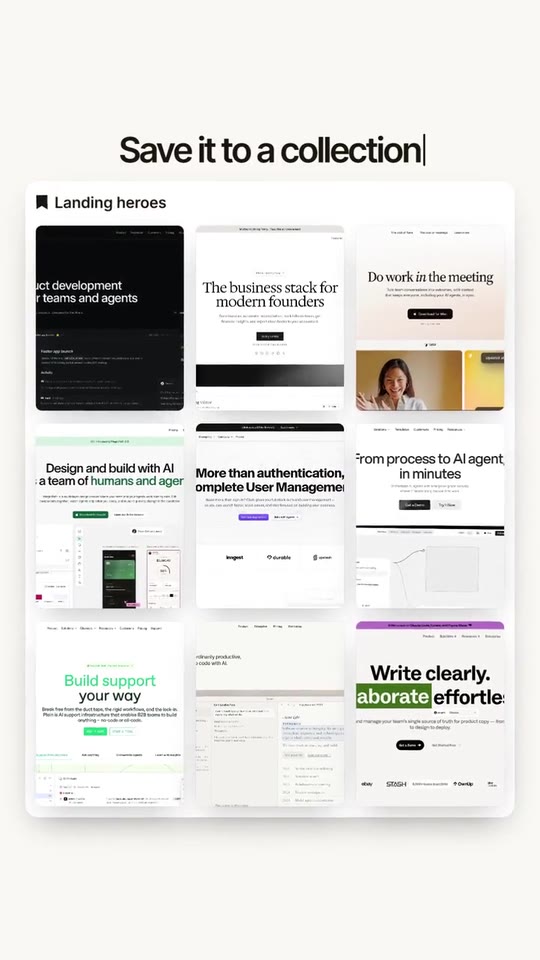
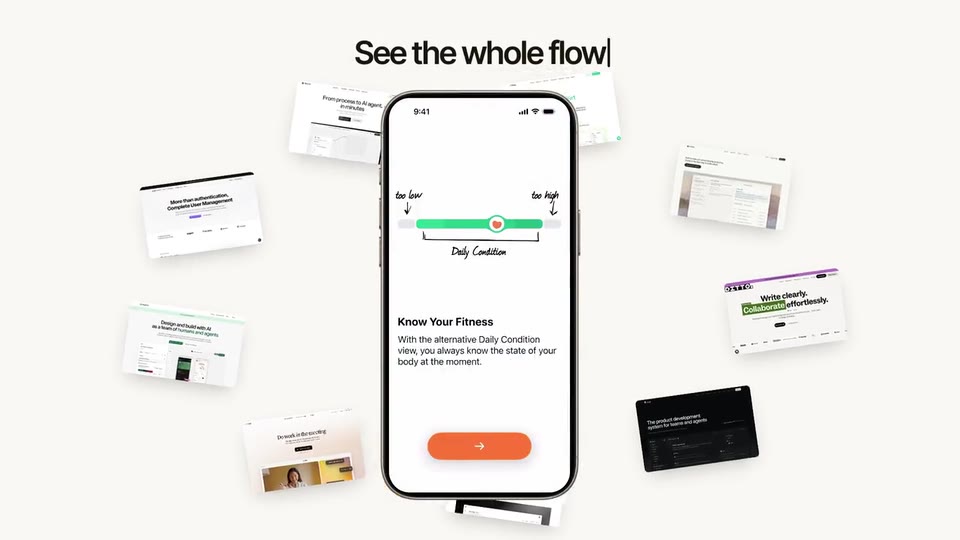
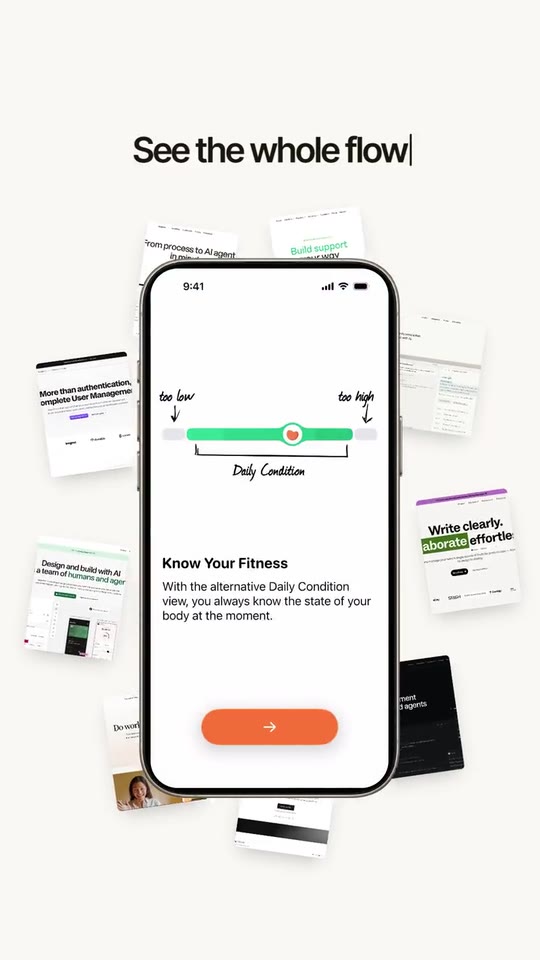
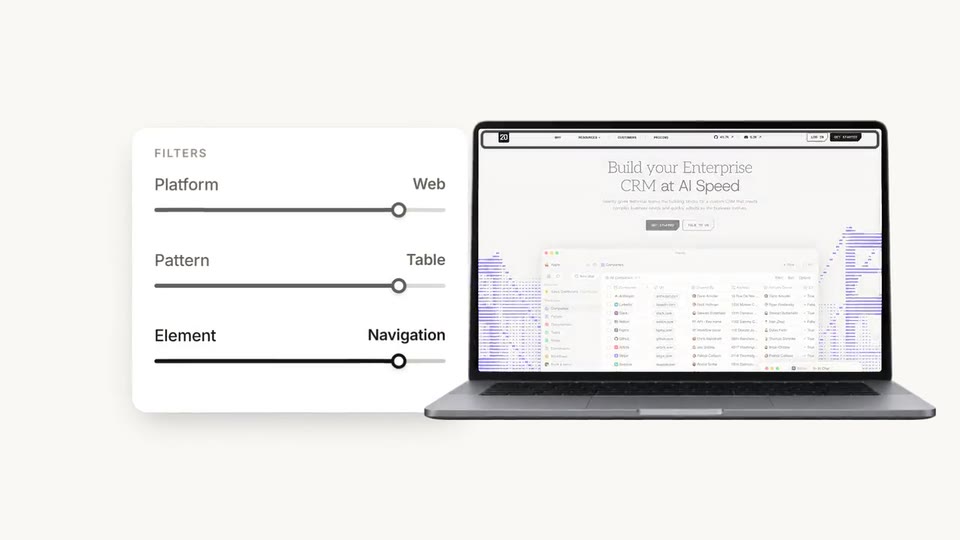
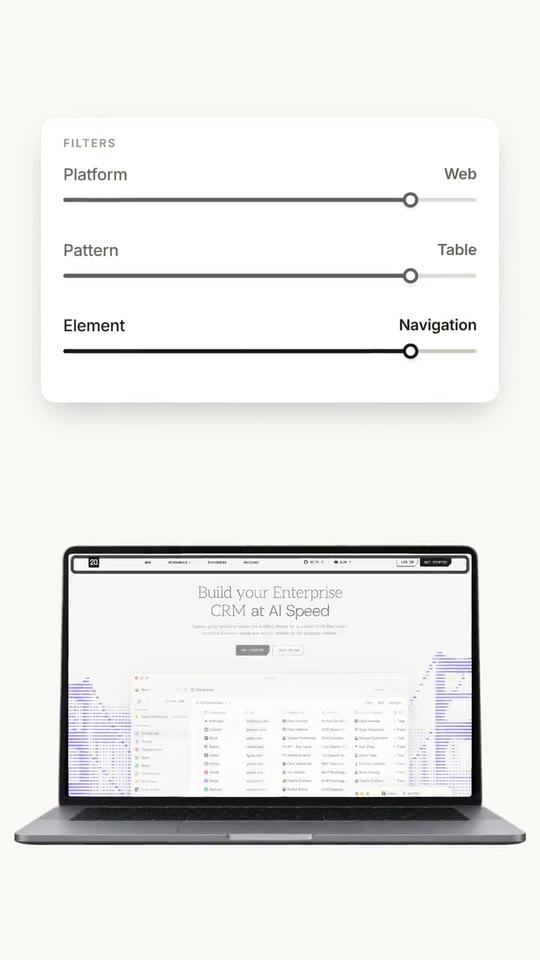
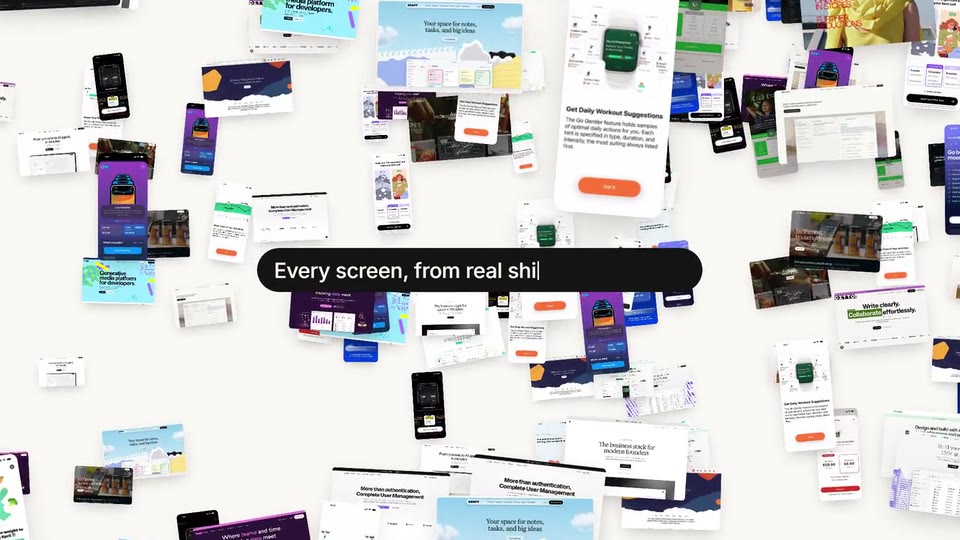
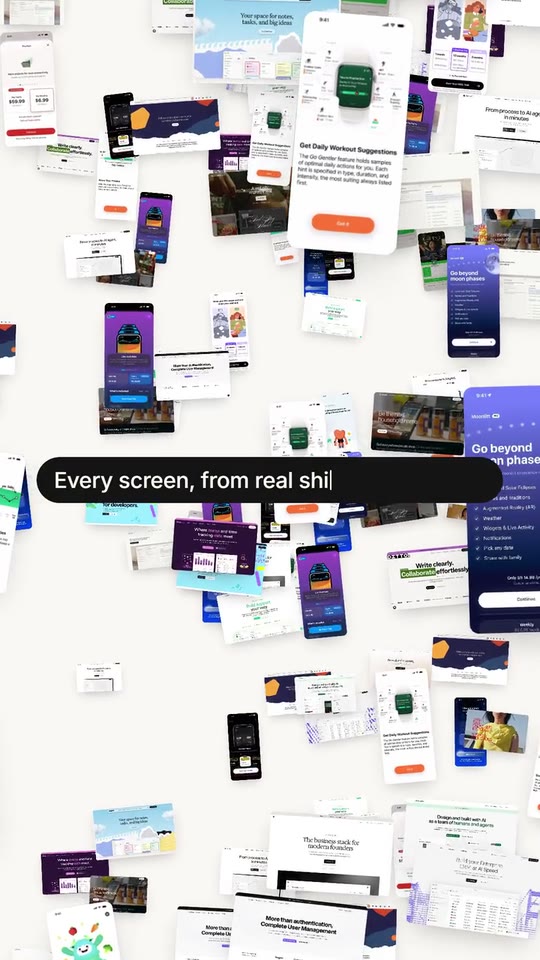
24 seconds for a product that shows a lot of images: a ring of your screens flying apart, a typed promise, full-screen images on the beat, a search shuffling results in a phone, a collection board that explodes around a flow, a fact with a highlighted word, controls that flip a phone into a laptop, hundreds of images exploding, then your brand and its button. With a directed voiceover.
- Price: $17 per export, paid once per video and per format; exporting needs an Opus Motion account
- Length: 24.6 seconds
- Formats: 16:9, 9:16 (each one designed for its screen)
- What you can change: 30 texts, 31 images, 1 color, the music, the voiceover script
- Category: Launches
Examples with real brands
- Mobbin, 16:9: watch the video
- Mobbin, 9:16: watch the video
Make it yours
Paste your website and the template comes out with your logo, colors and words: https://opusmotion.com/studio/t39-library-showcase?mode=yours. To open it already filled from a website, add &site=yourdomain.com.
Fields, for AI agents
An agent fills these with POST https://opusmotion.com/api/v1/drafts (guide: https://opusmotion.com/agents.md). $17 per export, paid once per video and per format (16:9 and 9:16 are separate exports), or included in an Opus Motion Pass (15 premium exports a month for $49). Exporting needs an Opus Motion account; payment happens in the studio.
Scenes: The ring of screens and the typed line (0–3.3 s); Full-screen images on the beat (3.3–4.6 s); Search shuffles results in a phone (4.6–6.25 s); Images fly into a collection (6.25–8.04 s); The board explodes around a flow (8.04–10.12 s); The fact and the highlighted word (10.12–13.72 s); Controls flip the phone into a laptop (13.72–17.6 s); Hundreds of screens explode (17.6–21.18 s); The brand and its button (21.18–24.6 s).
brandName(text, 2–14 characters): Brand name. How your brand is written. Sits next to your logo at the end; with no logo it becomes the logotype. The brand's own: never the demo's. Scene "The brand and its button" at 21.8 s: 16:9 · 9:16.logo(image, free, shown whole): Your app or brand icon, square and full bleed. Your mark alone, transparent background. Shown whole, at any proportion: nothing is cropped. The brand's own: never the demo's. Scene "The brand and its button" at 21.8 s: 16:9 · 9:16.brandColor(color, #RRGGBB): Brand color. Carets, pills, sliders, the highlighted word and the tint of the whole film. A light brand colour turns into a readable deep tone.web1(image, 16:10, cropped): An image of the brand. Wide images cut on the beat, full screen. Cropped to fill a 16:10 frame: keep the subject in the middle. Demo's image. Scene "Full-screen images on the beat" at 3.35 s: 16:9 · 9:16.web2(image, 16:10, cropped): An image of the brand. Full screen, cut on the beat. Cropped to fill a 16:10 frame: keep the subject in the middle. Demo's image. Scene "Full-screen images on the beat" at 3.55 s: 16:9 · 9:16.web3(image, 16:10, cropped): An image of the brand. Full screen, cut on the beat. Cropped to fill a 16:10 frame: keep the subject in the middle. Demo's image. Scene "Full-screen images on the beat" at 3.75 s: 16:9 · 9:16.web4(image, 16:10, cropped): An image of the brand. Full screen, cut on the beat. Cropped to fill a 16:10 frame: keep the subject in the middle. Demo's image. Scene "Full-screen images on the beat" at 3.95 s: 16:9 · 9:16.web5(image, 16:10, cropped): An image of the brand. Full screen, cut on the beat. Cropped to fill a 16:10 frame: keep the subject in the middle. Demo's image. Scene "Full-screen images on the beat" at 4.15 s: 16:9 · 9:16.web6(image, 16:10, cropped): An image of the brand. Full screen, cut on the beat. Cropped to fill a 16:10 frame: keep the subject in the middle. Demo's image. Scene "Full-screen images on the beat" at 4.4 s: 16:9 · 9:16.ios1(image, 9:19.5, cropped): An image of the brand. Tall screens that shuffle inside the phone as search results. Cropped to fill a 9:19.5 frame: keep the subject in the middle. Demo's image. Scene "Search shuffles results in a phone" at 5.45 s: 16:9 · 9:16.ios2(image, 9:19.5, cropped): An image of the brand. Tall screens that shuffle inside the phone as search results. Cropped to fill a 9:19.5 frame: keep the subject in the middle. Demo's image. Scene "Search shuffles results in a phone" at 5.555000000000001 s: 16:9 · 9:16.ios3(image, 9:19.5, cropped): An image of the brand. Tall screens that shuffle inside the phone as search results. Cropped to fill a 9:19.5 frame: keep the subject in the middle. Demo's image. Scene "Search shuffles results in a phone" at 5.66 s: 16:9 · 9:16.ios4(image, 9:19.5, cropped): An image of the brand. Tall screens that shuffle inside the phone as search results. Cropped to fill a 9:19.5 frame: keep the subject in the middle. Demo's image. Scene "Search shuffles results in a phone" at 5.765000000000001 s: 16:9 · 9:16.ios5(image, 9:19.5, cropped): An image of the brand. Tall screens that shuffle inside the phone as search results. Cropped to fill a 9:19.5 frame: keep the subject in the middle. Demo's image. Scene "Search shuffles results in a phone" at 5.87 s: 16:9 · 9:16.ios6(image, 9:19.5, cropped): An image of the brand. Tall screens that shuffle inside the phone as search results. Cropped to fill a 9:19.5 frame: keep the subject in the middle. Demo's image. Scene "Search shuffles results in a phone" at 5.9750000000000005 s: 16:9 · 9:16.ios7(image, 9:19.5, cropped): An image of the brand. Tall screens that shuffle inside the phone as search results. Cropped to fill a 9:19.5 frame: keep the subject in the middle. Demo's image. Scene "Search shuffles results in a phone" at 6.08 s: 16:9 · 9:16.ios8(image, 9:19.5, cropped): An image of the brand. Tall screens that shuffle inside the phone as search results. Cropped to fill a 9:19.5 frame: keep the subject in the middle. Demo's image. Scene "Search shuffles results in a phone" at 6.1850000000000005 s: 16:9 · 9:16.tile1(image, 16:10, cropped): An image of the brand. Wide images that fly into the collection board. Cropped to fill a 16:10 frame: keep the subject in the middle. Demo's image. Scene "Images fly into a collection" at 7.6 s: 16:9 · 9:16.tile2(image, 16:10, cropped): An image of the brand. Wide images that fly into the collection board. Cropped to fill a 16:10 frame: keep the subject in the middle. Demo's image. Scene "Images fly into a collection" at 7.6 s: 16:9 · 9:16.tile3(image, 16:10, cropped): An image of the brand. Wide images that fly into the collection board. Cropped to fill a 16:10 frame: keep the subject in the middle. Demo's image. Scene "Images fly into a collection" at 7.6 s: 16:9 · 9:16.tile4(image, 16:10, cropped): An image of the brand. Wide images that fly into the collection board. Cropped to fill a 16:10 frame: keep the subject in the middle. Demo's image. Scene "Images fly into a collection" at 7.6 s: 16:9 · 9:16.tile5(image, 16:10, cropped): An image of the brand. Wide images that fly into the collection board. Cropped to fill a 16:10 frame: keep the subject in the middle. Demo's image. Scene "Images fly into a collection" at 7.6 s: 16:9 · 9:16.tile6(image, 16:10, cropped): An image of the brand. Wide images that fly into the collection board. Cropped to fill a 16:10 frame: keep the subject in the middle. Demo's image. Scene "Images fly into a collection" at 7.6 s: 16:9 · 9:16.tile7(image, 16:10, cropped): An image of the brand. Wide images that fly into the collection board. Cropped to fill a 16:10 frame: keep the subject in the middle. Demo's image. Scene "Images fly into a collection" at 7.6 s: 16:9 · 9:16.tile8(image, 16:10, cropped): An image of the brand. Wide images that fly into the collection board. Cropped to fill a 16:10 frame: keep the subject in the middle. Demo's image. Scene "Images fly into a collection" at 7.6 s: 16:9 · 9:16.tile9(image, 16:10, cropped): An image of the brand. Wide images that fly into the collection board. Cropped to fill a 16:10 frame: keep the subject in the middle. Demo's image. Scene "Images fly into a collection" at 7.6 s: 16:9 · 9:16.flow1(image, 9:19.5, cropped): An image of the brand. Steps of one flow, pushed one after the other inside the phone. Cropped to fill a 9:19.5 frame: keep the subject in the middle. Demo's image. Scene "The board explodes around a flow" at 9.6 s: 16:9 · 9:16.flow2(image, 9:19.5, cropped): An image of the brand. Steps of one flow, pushed one after the other inside the phone. Cropped to fill a 9:19.5 frame: keep the subject in the middle. Demo's image. Scene "The board explodes around a flow" at 9.6 s: 16:9 · 9:16.flow3(image, 9:19.5, cropped): An image of the brand. Steps of one flow, pushed one after the other inside the phone. Cropped to fill a 9:19.5 frame: keep the subject in the middle. Demo's image. Scene "The board explodes around a flow" at 9.6 s: 16:9 · 9:16.flow4(image, 9:19.5, cropped): An image of the brand. Steps of one flow, pushed one after the other inside the phone. Cropped to fill a 9:19.5 frame: keep the subject in the middle. Demo's image. Scene "The board explodes around a flow" at 9.6 s: 16:9 · 9:16.previewA(image, 9:19.5, cropped): An image of the brand. The phone next to the controls, before it flips. Cropped to fill a 9:19.5 frame: keep the subject in the middle. Demo's image. Scene "Controls flip the phone into a laptop" at 14.2 s: 16:9 · 9:16.previewB(image, 16:10, cropped): An image of the brand. The laptop screen after the first control. Cropped to fill a 16:10 frame: keep the subject in the middle. Demo's image. Scene "Controls flip the phone into a laptop" at 15.2 s: 16:9 · 9:16.previewC(image, 16:10, cropped): An image of the brand. The laptop screen after the second control; its top strip gets focused. Cropped to fill a 16:10 frame: keep the subject in the middle. Demo's image. Scene "Controls flip the phone into a laptop" at 17.2 s: 16:9 · 9:16.introLine(text, 6–18 characters): Opening line (typed big). Typed with the first words of the voice. Usually 'This is' + your name. Demo's line, for tone and length only: "This is Mobbin". Scene "The ring of screens and the typed line" at 1.6 s: 16:9 · 9:16.leadLine(text, 8–24 characters): Second line (typed small). First half of your promise, typed small. It continues in the pill over the full-screen images. Demo's line, for tone and length only: "Discover real-world". Scene "The ring of screens and the typed line" at 2.9 s: 16:9 · 9:16.flashLine(text, 8–24 characters): Line in the pill. Second half of the promise, typed in a pill over your images cut on the beat. Demo's line, for tone and length only: "design inspiration.". Scene "Full-screen images on the beat" at 4.2 s: 16:9 · 9:16.searchTitle(text, 8–22 characters): Search title. What people can find in your library. Demo's line, for tone and length only: "Search any screen". Scene "Search shuffles results in a phone" at 5.9 s: 16:9 · 9:16.searchQuery(text, 3–14 characters): Typed search. A real search term in your product, lowercase. Demo's line, for tone and length only: "paywall". Scene "Search shuffles results in a phone" at 5.9 s: 16:9 · 9:16.resultLabel(text, 3–12 characters): Result label. Label of the results that shuffle in the phone. Demo's line, for tone and length only: "Paywall". Scene "Search shuffles results in a phone" at 5.9 s: 16:9 · 9:16.saveTitle(text, 8–26 characters): Collection title. What people do with what they find. Demo's line, for tone and length only: "Save it to a collection". Scene "Images fly into a collection" at 7.6 s: 16:9 · 9:16.collectionName(text, 3–16 characters): Collection name. Name on the board the images fly into. Demo's line, for tone and length only: "Landing heroes". Scene "Images fly into a collection" at 7.6 s: 16:9 · 9:16.flowTitle(text, 8–24 characters): Flow title. Replaces the collection title while a phone plays your flow. Demo's line, for tone and length only: "See the whole flow". Scene "The board explodes around a flow" at 9.4 s: 16:9 · 9:16.statSmall(text, 16–48 characters): Fact line (small). A fact from your site with its exact wording. Two lines on 9:16. Demo's line, for tone and length only: "Over 1,000 iOS & Web apps, and 200 sites". Scene "The fact and the highlighted word" at 13.4 s: 16:9 · 9:16.statBig(text, 4–14 characters): Big line. Typed big after the fact line. Demo's line, for tone and length only: "New content". Scene "The fact and the highlighted word" at 13.4 s: 16:9 · 9:16.statEm(text, 3–10 characters): Highlighted word. Ends the big line on a block of your colour. Demo's line, for tone and length only: "weekly.". Scene "The fact and the highlighted word" at 13.4 s: 16:9 · 9:16.filtersTitle(text, 3–12 characters): Panel title. Small caps title of the controls panel. Demo's line, for tone and length only: "Filters". Scene "Controls flip the phone into a laptop" at 17.2 s: 16:9 · 9:16.f1Label(text, 3–12 characters): Control 1. First control; turning it flips the phone into a laptop. Demo's line, for tone and length only: "Platform". Scene "Controls flip the phone into a laptop" at 17.2 s: 16:9 · 9:16.f1Value(text, 2–12 characters): Control 1 value. Value it lands on. Demo's line, for tone and length only: "Web". Scene "Controls flip the phone into a laptop" at 17.2 s: 16:9 · 9:16.f2Label(text, 3–12 characters): Control 2. Second control; the laptop screen changes. Demo's line, for tone and length only: "Pattern". Scene "Controls flip the phone into a laptop" at 17.2 s: 16:9 · 9:16.f2Value(text, 2–12 characters): Control 2 value. Value it lands on (what the second screen shows). Demo's line, for tone and length only: "Table". Scene "Controls flip the phone into a laptop" at 17.2 s: 16:9 · 9:16.f3Label(text, 3–12 characters): Control 3. Third control; the top strip of the screen gets focused. Demo's line, for tone and length only: "Element". Scene "Controls flip the phone into a laptop" at 17.2 s: 16:9 · 9:16.f3Value(text, 2–12 characters): Control 3 value. Value it lands on (the top strip of the screen). Demo's line, for tone and length only: "Navigation". Scene "Controls flip the phone into a laptop" at 17.2 s: 16:9 · 9:16.anyWord(text, 2–8 characters): Value before turning. What every control shows before it turns. Demo's line, for tone and length only: "Any". Scene "Controls flip the phone into a laptop" at 14 s: 16:9 · 9:16.caption(text, 16–44 characters): Caption over the cloud. One sentence typed over hundreds of your images. Demo's line, for tone and length only: "Every screen, from real shipped products.". Scene "Hundreds of screens explode" at 20.6 s: 16:9 · 9:16.cta(text, 4–16 characters): Button. Your real call to action, as written on your site. Demo's line, for tone and length only: "Join for free". Scene "The brand and its button" at 23.4 s: 16:9 · 9:16.web1Name(text, 0–18 characters): Source of full-screen image 1. Who made the screen on full-screen image 1, shown in a small label on its cut. Leave empty to hide. Optional. Demo's line, for tone and length only: "ZARA". Scene "Full-screen images on the beat" at 3.35 s: 16:9 · 9:16.web2Name(text, 0–18 characters): Source of full-screen image 2. Who made the screen on full-screen image 2, shown in a small label on its cut. Leave empty to hide. Optional. Demo's line, for tone and length only: "fal". Scene "Full-screen images on the beat" at 3.5500000000000003 s: 16:9 · 9:16.web3Name(text, 0–18 characters): Source of full-screen image 3. Who made the screen on full-screen image 3, shown in a small label on its cut. Leave empty to hide. Optional. Demo's line, for tone and length only: "Squarespace". Scene "Full-screen images on the beat" at 3.75 s: 16:9 · 9:16.web4Name(text, 0–18 characters): Source of full-screen image 4. Who made the screen on full-screen image 4, shown in a small label on its cut. Leave empty to hide. Optional. Demo's line, for tone and length only: "Craft". Scene "Full-screen images on the beat" at 3.95 s: 16:9 · 9:16.web5Name(text, 0–18 characters): Source of full-screen image 5. Who made the screen on full-screen image 5, shown in a small label on its cut. Leave empty to hide. Optional. Demo's line, for tone and length only: "Etsy". Scene "Full-screen images on the beat" at 4.15 s: 16:9 · 9:16.web6Name(text, 0–18 characters): Source of full-screen image 6. Who made the screen on full-screen image 6, shown in a small label on its cut. Leave empty to hide. Optional. Demo's line, for tone and length only: "Toggl Track". Scene "Full-screen images on the beat" at 4.35 s: 16:9 · 9:16.srcSuffix(text, 0–16 characters): Source label suffix. Follows each source name, e.g. 'on <your brand>'. Optional. Demo's line, for tone and length only: "on Mobbin". Scene "Full-screen images on the beat" at 3.6 s: 16:9 · 9:16.