For AI agents
Coding agents (Claude Code, Codex, Cursor and similar) make Opus Motion videos for a project with the agent guide: https://opusmotion.com/agents.md.
- The guide's steps: read the project, ask the person a few questions, compare templates (each one has a timelapse, its scenes and its fields), make a draft with
POST https://opusmotion.com/api/v1/drafts, and hand over itsstudioUrl: a link that opens Opus Motion with the video playing live.PATCHwith the draft'seditTokenchanges it, and the link stays the same. - Plain HTTPS and JSON: no key and no account. Or the MCP server (https://opusmotion.com/mcp): every tool, with stills of the draft returned as images. The person exports the MP4 from the studio.
- The studio is filled through the API, not by driving the site with a browser. When the API refuses, the person is told.
- More: llms.txt · this page in Markdown · developer docs · OpenAPI
Loop to Line: free launches video template
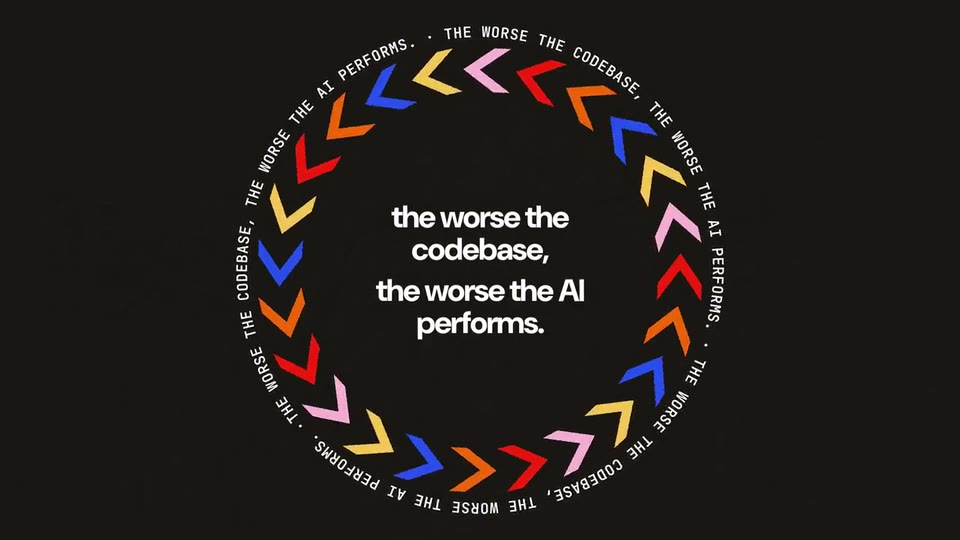
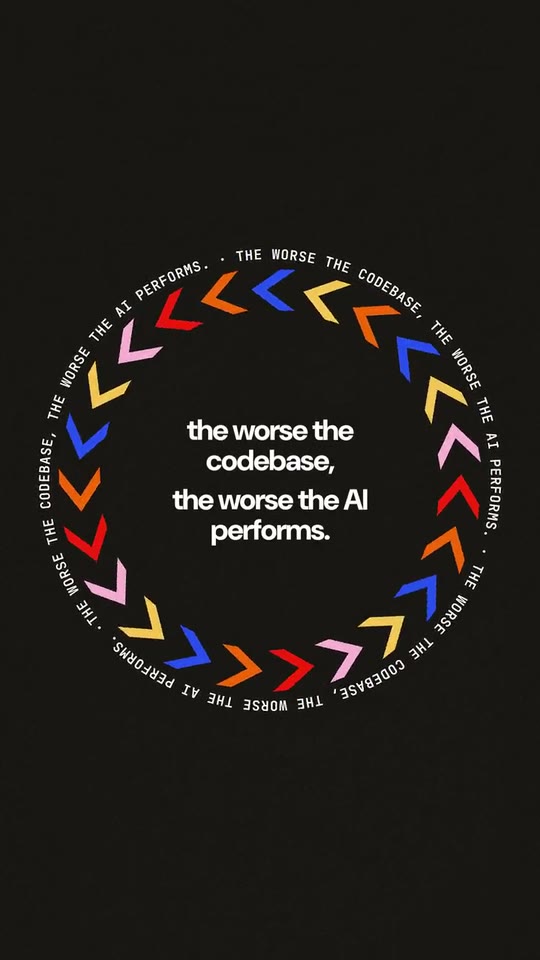
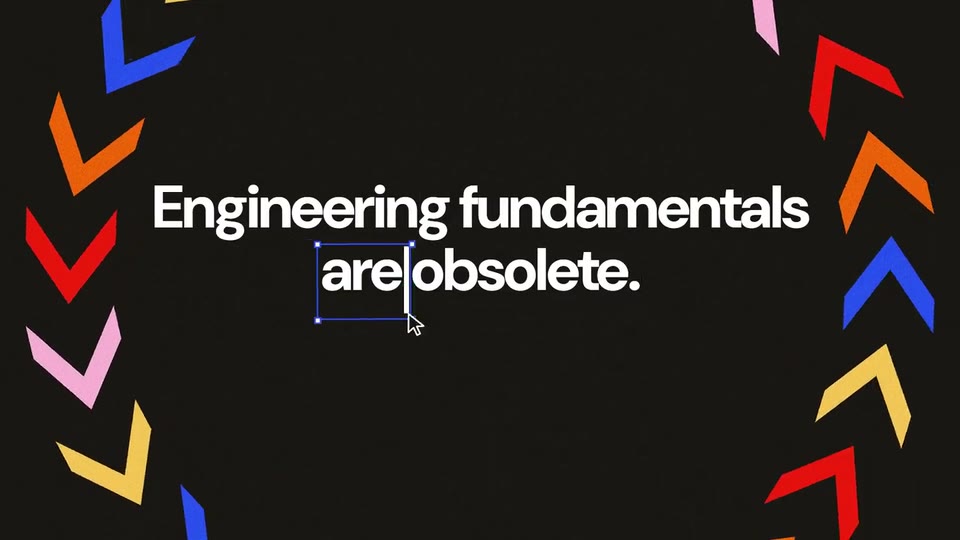
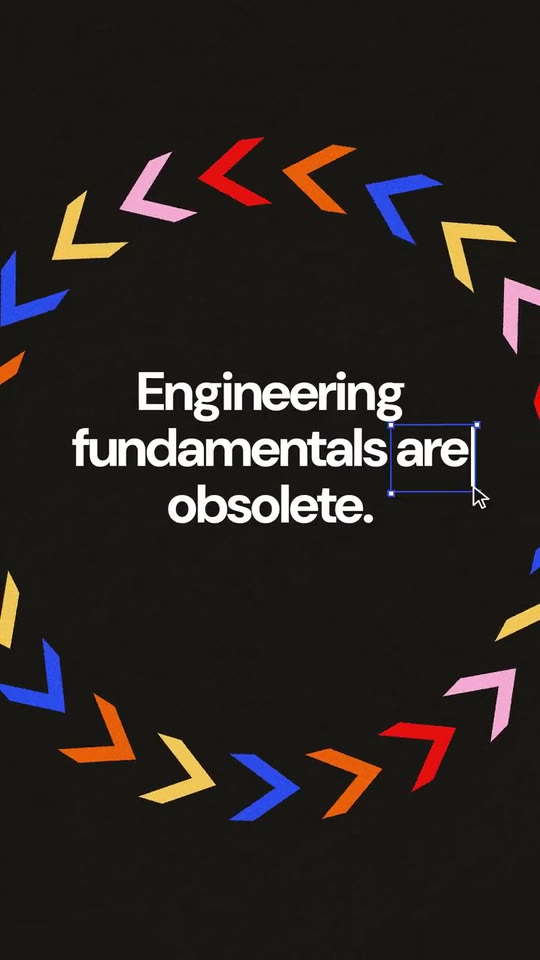
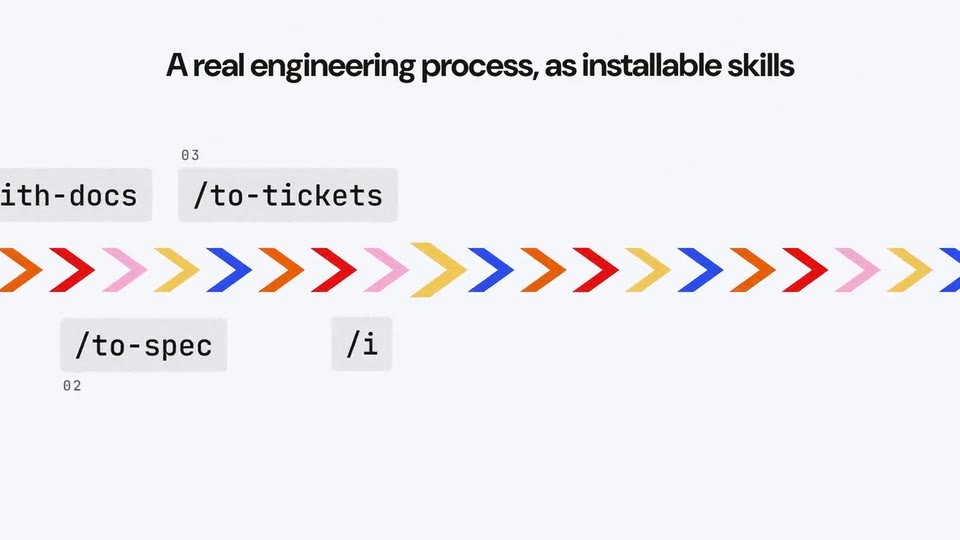
Your problem in giant type, the vicious circle as a ring of arrows, your line typed and fixed with one edit, the ring unrolled into your steps, your figures and your close.
- Price: free to export; exporting needs an Opus Motion account
- Length: 21 seconds
- Formats: 16:9, 9:16 (each one designed for its screen)
- What you can change: 24 texts, 2 images, 1 color, the music
- Category: Launches
Examples with real brands
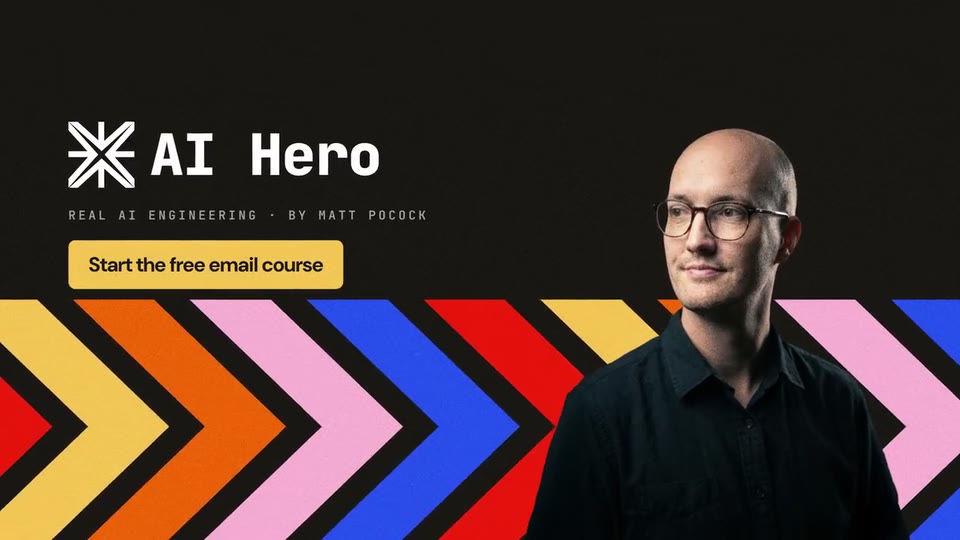
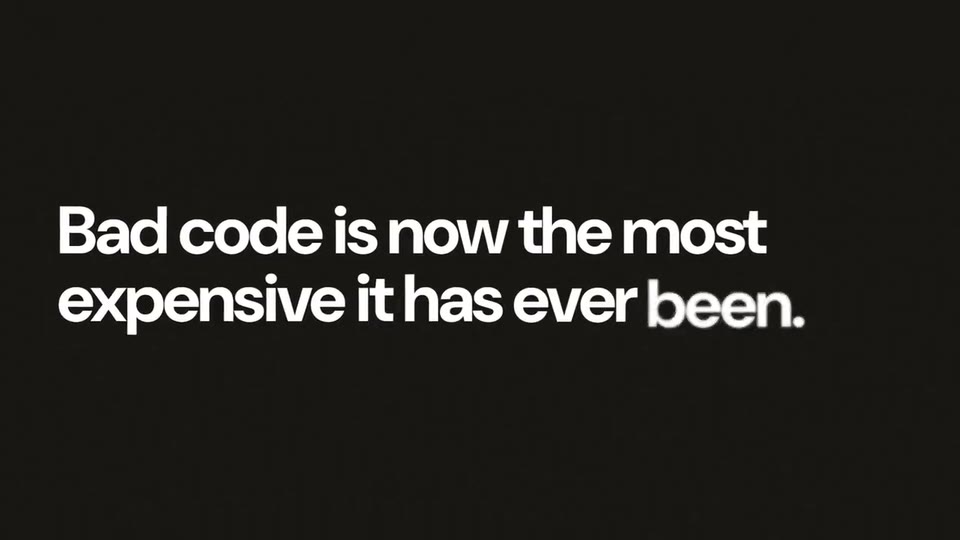
- AI Hero, 16:9: watch the video
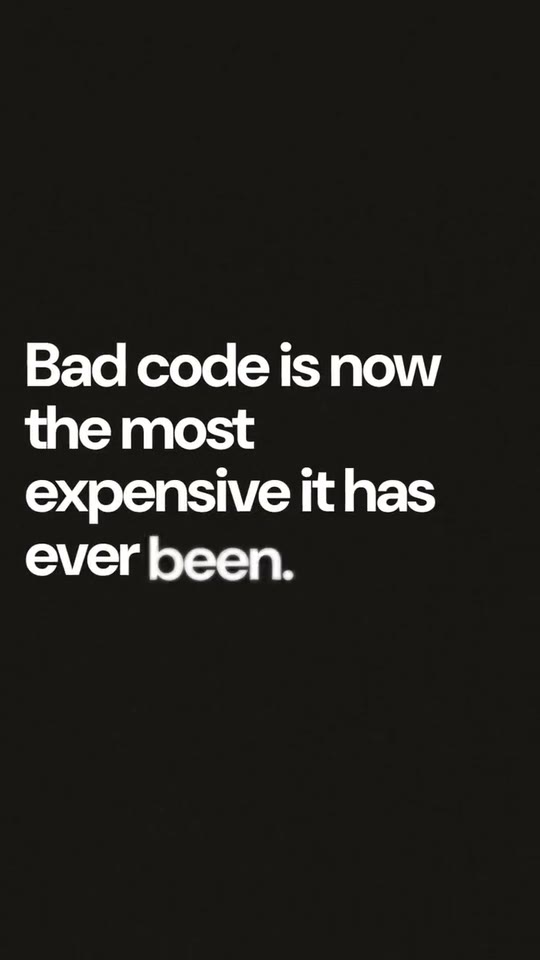
- AI Hero, 9:16: watch the video
Make it yours
Paste your website and the template comes out with your logo, colors and words: https://opusmotion.com/studio/t64-loop-to-line?mode=yours. To open it already filled from a website, add &site=yourdomain.com.
Fields, for AI agents
An agent fills these with POST https://opusmotion.com/api/v1/drafts (guide: https://opusmotion.com/agents.md). Free to export in 16:9 and 9:16. Exporting the MP4 needs a free Opus Motion account with a confirmed email.
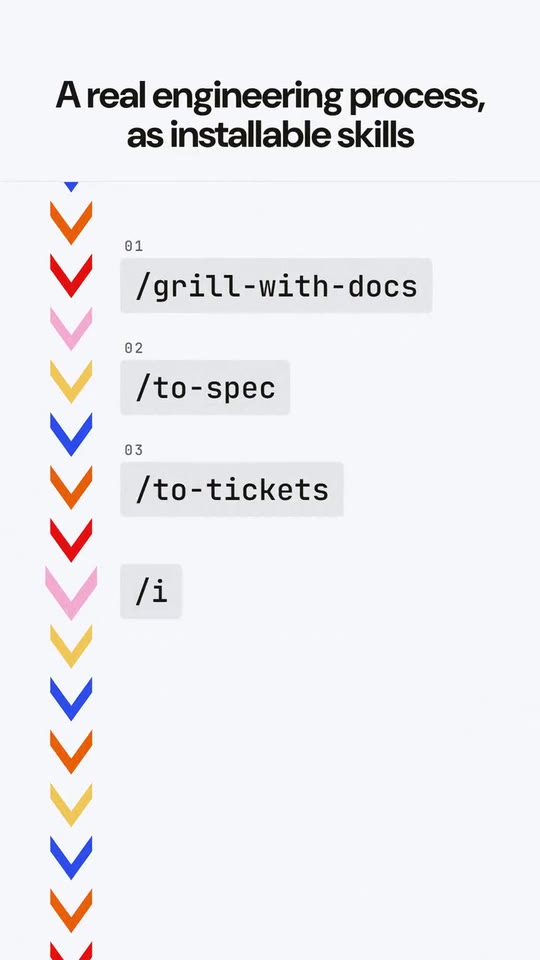
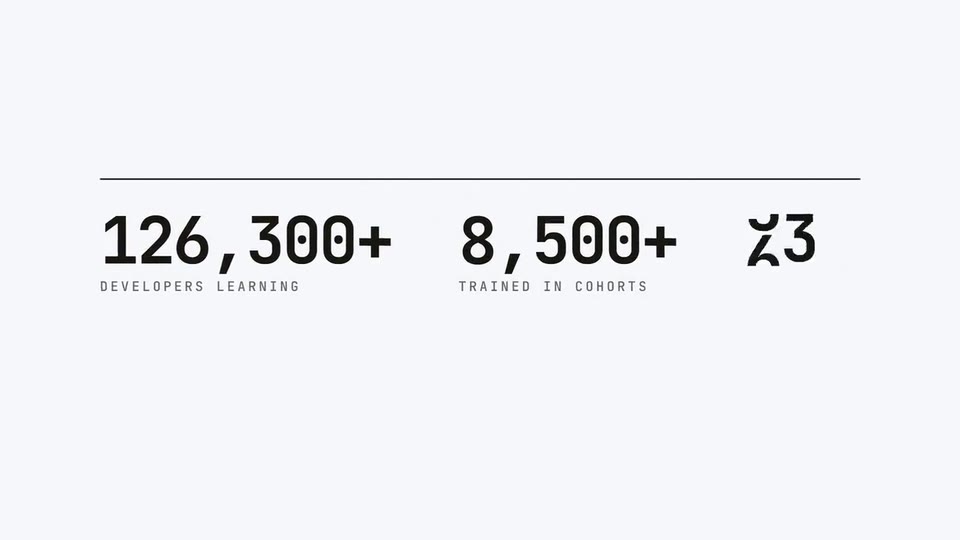
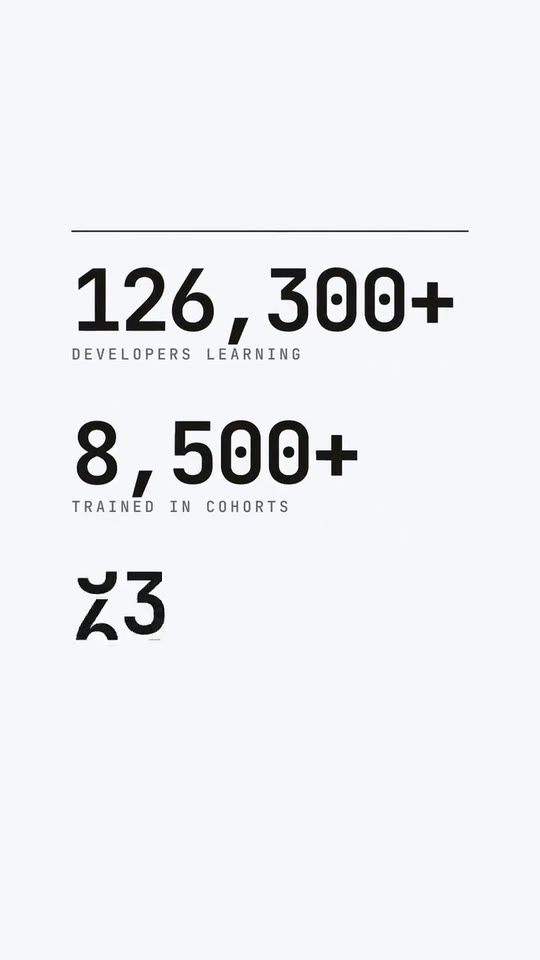
Scenes: The problem (0–2.5 s); The vicious circle (2.5–5.6 s); Your line, fixed (5.6–9.6 s); The line of steps (9.6–14.6 s); Your figures (14.6–17.4 s); Close (17.4–21 s).
brandName(text, 2–14 characters): Brand name. How your brand is written. It types on next to your mark; with no logo it becomes the logotype. The brand's own: never the demo's. Scene "Close" at 18.6 s: 16:9 · 9:16.logo(image, 1:1, shown whole): Your app or brand icon, square and full bleed. Your mark, square, light on dark. Shown whole inside a 1:1 box: nothing is cropped. The brand's own: never the demo's. Scene "Close" at 18.4 s: 16:9 · 9:16.portrait(image, free, shown whole): A cut-out object on a transparent background (a PNG, or an SVG drawing): just the object, no photo background. Never a photo, never a photo padded with transparent bars. The founder or creator who IS the brand, cut out on a transparent background, from the chest up. Shown whole, at any proportion: nothing is cropped. Optional. Demo's image. Scene "Close" at 19.5 s: 16:9 · 9:16.brandColor(color, #RRGGBB): Brand color. Everything derives from it: the highlight behind the fixed word, the call to action and the five inks of the arrows.motif(choice:chevron,cell; defaultchevron): What the loop is made of. Arrows (a brand with forward-pointing art) or data cells (a table that resolves into a row). The ring, the line, the sweep and the closing band use it.typeface(choice:grotesk,editorial; defaultgrotesk): Typeface. The display face of every line and the mono of labels, figures and name.problem(text, 12–56 characters): Problem. The pain, in your site's own words. It opens in giant type, word by word. Demo's line, for tone and length only: "Bad code is now the most expensive it has ever been.". Scene "The problem" at 1.8 s: 16:9 · 9:16.problemMark(text, 2–14 characters): Word to highlight. One word of the problem that gets the colour block. If it's not in the line, the last word gets it. Demo's line, for tone and length only: "expensive". Scene "The problem" at 1.8 s: 16:9 · 9:16.loopText(text, 12–60 characters): The loop. The vicious circle, as a sentence that rides around the ring of arrows. Demo's line, for tone and length only: "the worse the codebase, the worse the AI performs.". Scene "The vicious circle" at 4.2 s: 16:9 · 9:16.loopLine(text, 6–26 characters): Loop line. The short line in the middle of the ring. Demo's line, for tone and length only: "It's a vicious circle.". Scene "The vicious circle" at 4.2 s: 16:9 · 9:16.headline(text, 10–44 characters): Your line. Your hero line. It types on without the edit word, then the edit is inserted and the paper floods in. Demo's line, for tone and length only: "Engineering fundamentals aren't obsolete.". Scene "Your line, fixed" at 8.8 s: 16:9 · 9:16.edit(text, 1–10 characters): Edit. The part of your line that is typed last, in place: without it the line reads as the belief you fix. Must appear in your line; empty types the line straight. Demo's line, for tone and length only: "n't". Scene "Your line, fixed" at 8.8 s: 16:9 · 9:16.subline(text, 6–40 characters): Line under it. One short line under your line. Demo's line, for tone and length only: "They're your biggest advantage.". Scene "Your line, fixed" at 9 s: 16:9 · 9:16.processTitle(text, 8–52 characters): Process title. What the steps are, in a sentence. It sits over the line of arrows. Demo's line, for tone and length only: "A real engineering process, as installable skills". Scene "The line of steps" at 12.5 s: 16:9 · 9:16.step1(text, 2–18 characters): Step 1. The first step, as you name it (a command, a lesson, a stage). Demo's line, for tone and length only: "/grill-with-docs". Scene "The line of steps" at 10.9 s: 16:9 · 9:16.step2(text, 2–18 characters): Step 2. The second step. Demo's line, for tone and length only: "/to-spec". Scene "The line of steps" at 11.4 s: 16:9 · 9:16.step3(text, 2–18 characters): Step 3. The third step. Demo's line, for tone and length only: "/to-tickets". Scene "The line of steps" at 11.9 s: 16:9 · 9:16.step4(text, 2–18 characters): Step 4. The fourth step. Demo's line, for tone and length only: "/implement". Scene "The line of steps" at 12.4 s: 16:9 · 9:16.step5(text, 2–18 characters): Step 5. The fifth step (optional). Optional. Demo's line, for tone and length only: "/code-review". Scene "The line of steps" at 12.9 s: 16:9 · 9:16.step6(text, 2–18 characters): Step 6. The sixth step (optional). Optional. Demo's line, for tone and length only: "/retro". Scene "The line of steps" at 13.4 s: 16:9 · 9:16.processLabel(text, 4–36 characters): Line label. A short label under the whole line. Demo's line, for tone and length only: "The idea→ship spine, in order.". Scene "The line of steps" at 14 s: 16:9 · 9:16.stat1(text, 1–9 characters): Figure 1. A real figure from your site. Its digits roll in. Demo's line, for tone and length only: "126,300+". Scene "Your figures" at 15.6 s: 16:9 · 9:16.stat1Label(text, 3–22 characters): Figure 1 label. What it counts, as your site says it. Demo's line, for tone and length only: "Developers learning". Scene "Your figures" at 15.6 s: 16:9 · 9:16.stat2(text, 1–9 characters): Figure 2. A second figure (optional). Optional. Demo's line, for tone and length only: "8,500+". Scene "Your figures" at 16.1 s: 16:9 · 9:16.stat2Label(text, 3–22 characters): Figure 2 label. What it counts. Optional. Demo's line, for tone and length only: "Trained in cohorts". Scene "Your figures" at 16.1 s: 16:9 · 9:16.stat3(text, 1–9 characters): Figure 3. A third figure (optional). Optional. Demo's line, for tone and length only: "27". Scene "Your figures" at 16.6 s: 16:9 · 9:16.stat3Label(text, 3–22 characters): Figure 3 label. What it counts. Optional. Demo's line, for tone and length only: "Free skills". Scene "Your figures" at 16.6 s: 16:9 · 9:16.kicker(text, 4–40 characters): Kicker. A short line under your name, in small caps (your site's eyebrow line works). Demo's line, for tone and length only: "Real AI engineering · by Matt Pocock". Scene "Close" at 19.5 s: 16:9 · 9:16.cta(text, 2–30 characters): Call to action. Your site's own call to action. Demo's line, for tone and length only: "Start the free email course". Scene "Close" at 19.5 s: 16:9 · 9:16.