For AI agents
If you are an AI agent (Claude Code, Codex, Cursor or similar) and the person wants a video for their project with Opus Motion, read the guide first and follow it: https://opusmotion.com/agents.md.
- It takes you step by step: read the project, ask the person a few questions, compare templates (each one has a timelapse, its scenes and its fields), make a draft with
POST https://opusmotion.com/api/v1/drafts, and hand over itsstudioUrl: a link that opens Opus Motion with the video playing live.PATCHwith the draft'seditTokenchanges it, and the link stays the same. - Plain HTTPS and JSON: no key, no account, no MCP. Nothing is rendered; the person exports the MP4 from the studio.
- Never drive this site with a browser to fill the studio: use the API. If it refuses, tell the person and stop.
- More: llms.txt · this page in Markdown · developer docs · OpenAPI
MCP Launch: free launches video template
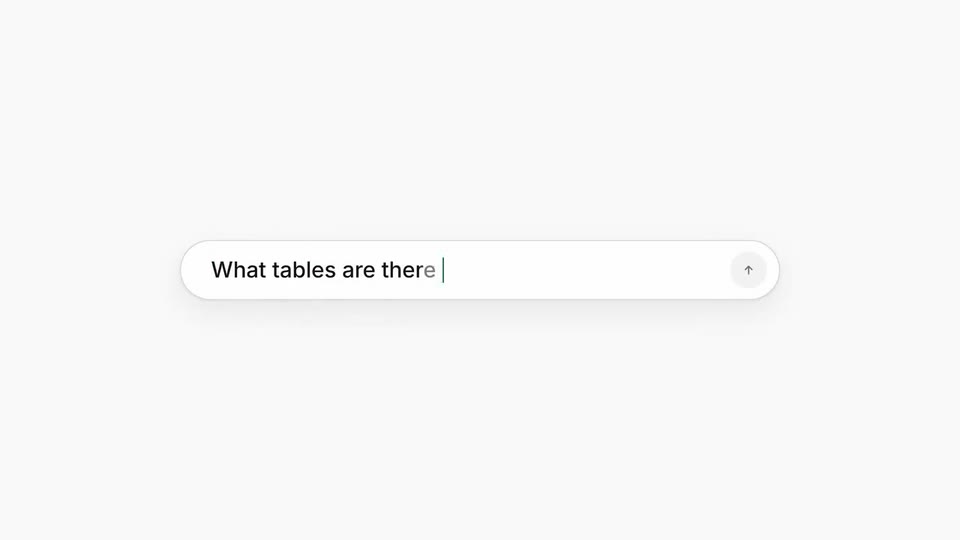
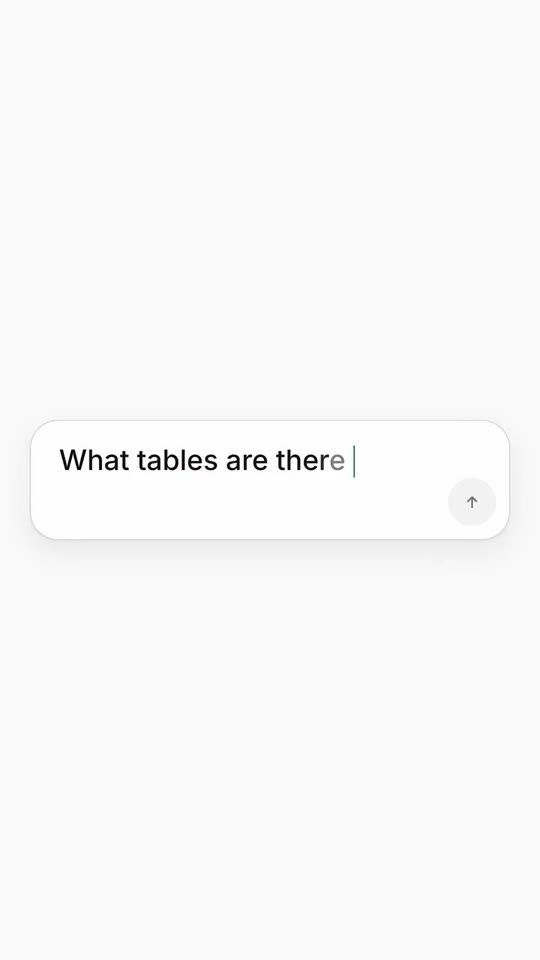
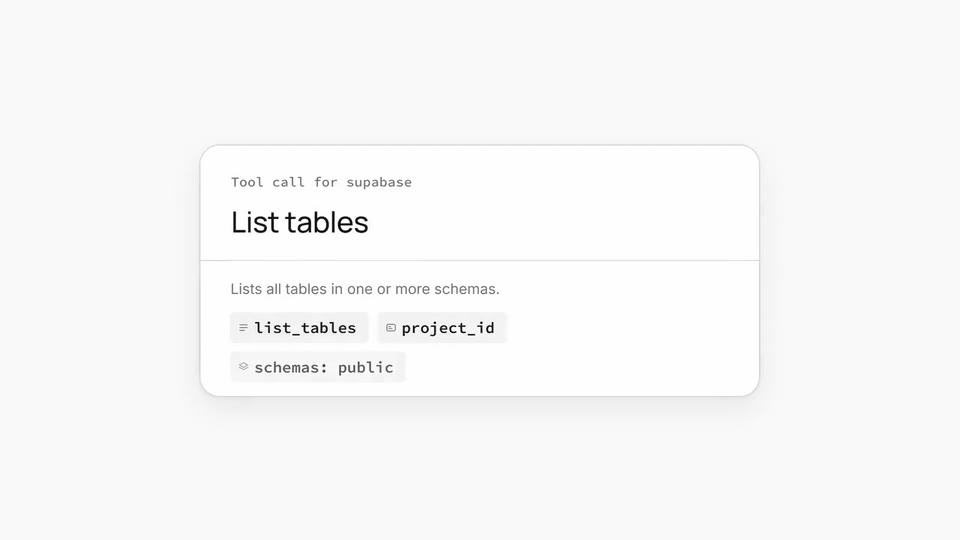
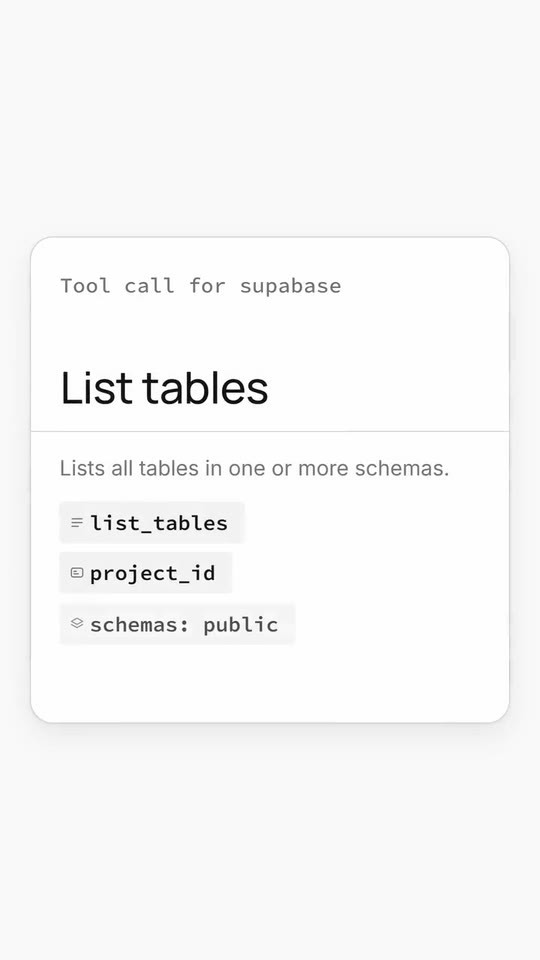
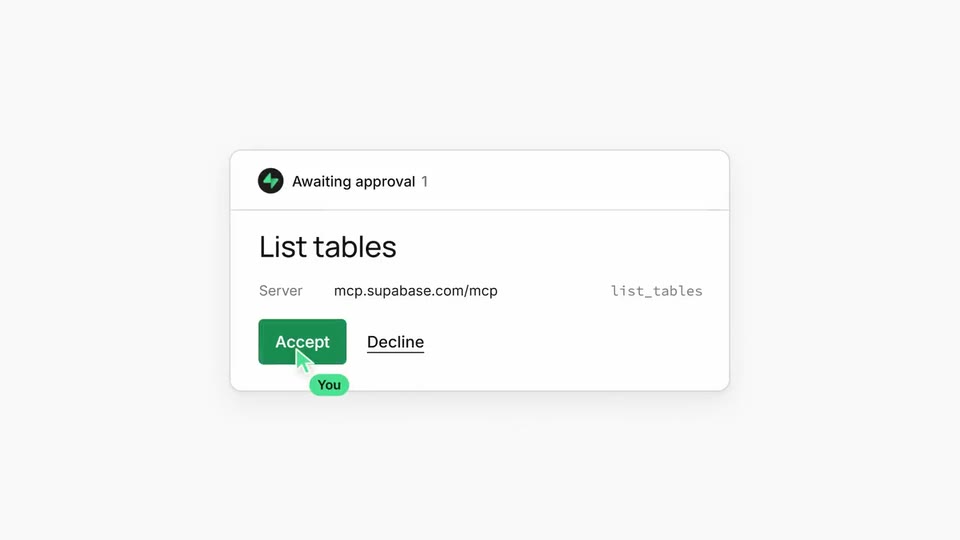
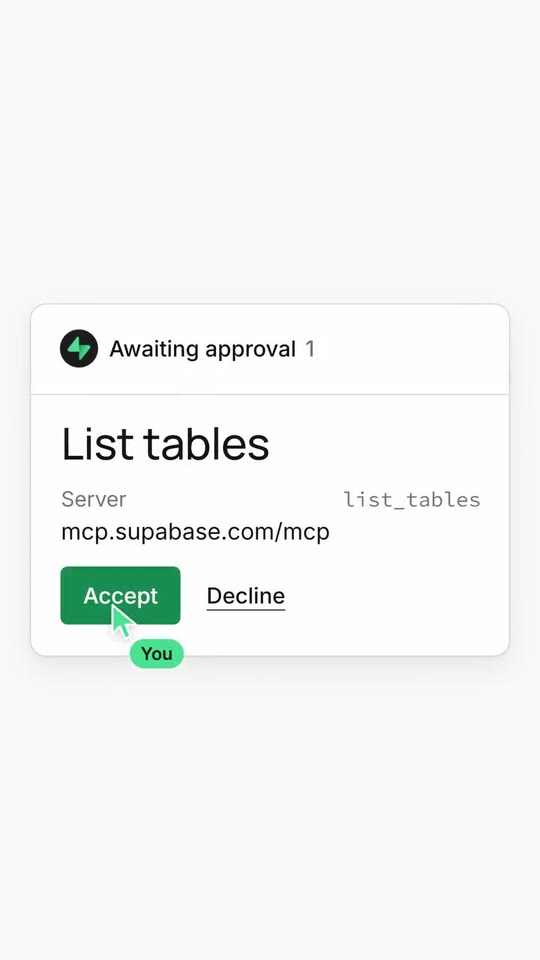
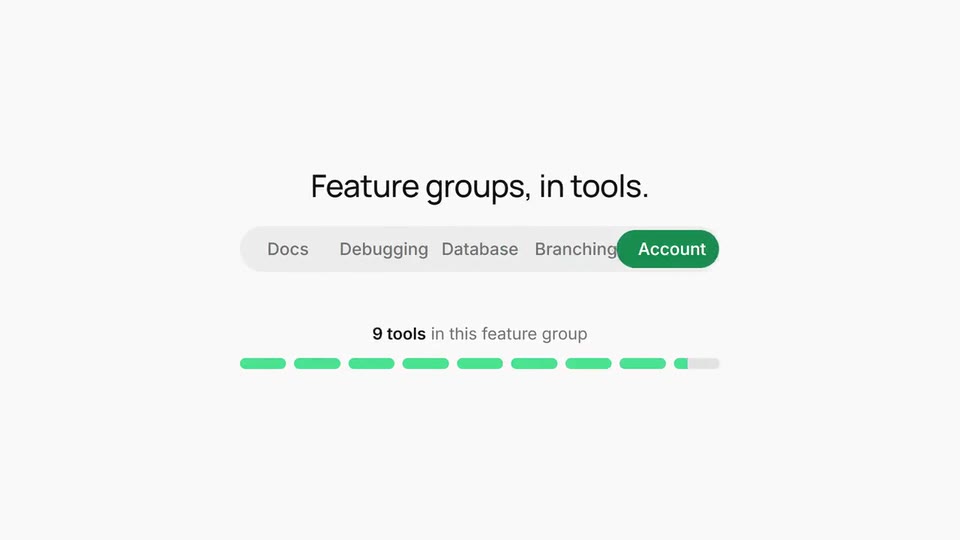
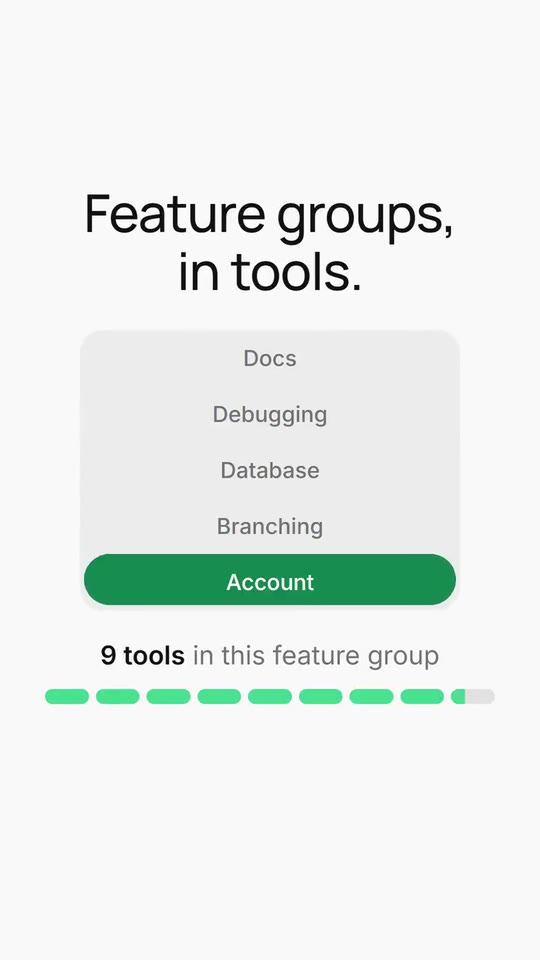
A launch film for an MCP server or an agent tool: your sentence builds word by word and its coloured end becomes the agent's prompt box, the prompt is typed and sent, the request card shows your tool and its arguments, the card collapses into a dot that opens as your mark, an approval card grows from behind it and a cursor accepts it, a selector slides across your feature groups while a bar fills to their real counts, and your mark closes it.
- Price: free to export; exporting needs an Opus Motion account
- Length: 12.1 seconds
- Formats: 16:9, 9:16 (each one designed for its screen)
- What you can change: 33 texts, 1 image, 4 colors, the music
- Category: Launches
Examples with real brands
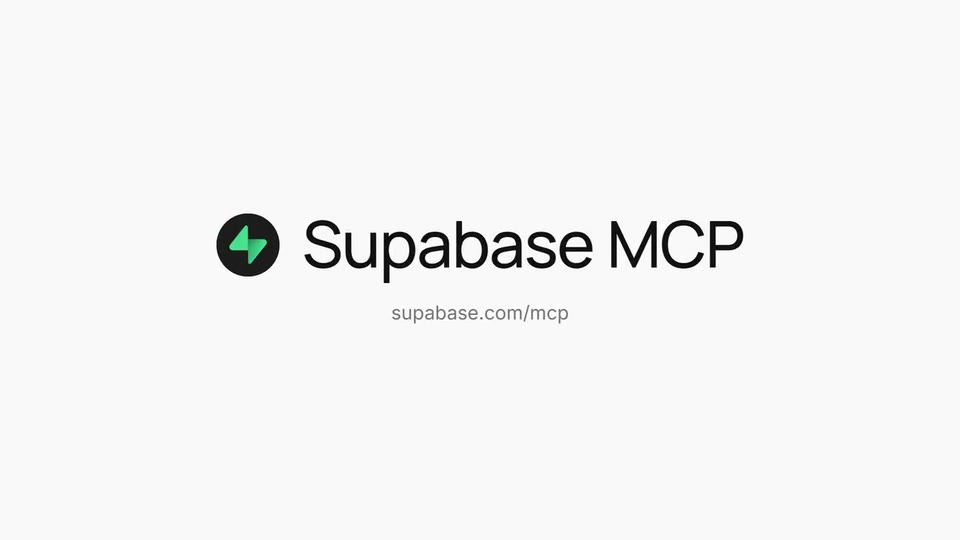
- Supabase, 16:9: watch the video
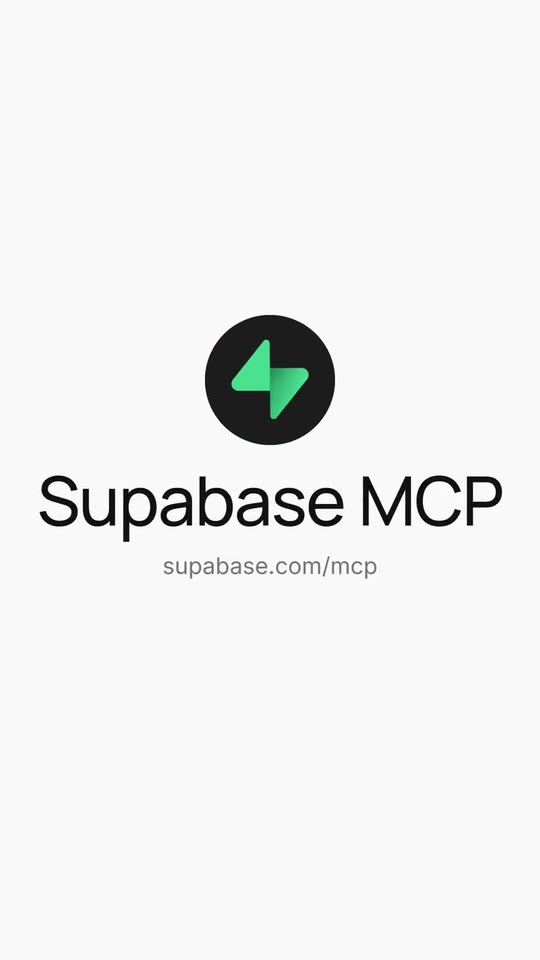
- Supabase, 9:16: watch the video
Make it yours
Paste your website and the template comes out with your logo, colors and words: https://opusmotion.com/studio/t72-mcp-launch?mode=yours. To open it already filled from a website, add &site=yourdomain.com.
Fields, for AI agents
An agent fills these with POST https://opusmotion.com/api/v1/drafts (guide: https://opusmotion.com/agents.md). Free to export in 16:9 and 9:16. Exporting the MP4 needs a free Opus Motion account with a confirmed email.
Scenes: Sentence builds word by word (0–3.17 s); The coloured end becomes the prompt; typed and sent (3.16–4.47 s); The request card: your tool and its arguments (4.39–5.43 s); The card collapses into a dot that opens as your mark (5.43–6.1 s); Approval card; a cursor accepts (6.1–7.72 s); Selector across your groups, the bar fills to their counts (7.99–9.8 s); Your mark and name (9.77–12.1 s).
brandName(text, 2–14 characters): Brand name. How your brand is written. It closes the film next to your mark. The brand's own: never the demo's. Scene "Your mark and name" at 10.6 s: 16:9 · 9:16.logo(image, 1:1, cropped): Your app or brand icon, square and full bleed. Your app icon or symbol, square. Cropped to fill a 1:1 frame: keep the subject in the middle. The brand's own: never the demo's. Scene "The card collapses into a dot that opens as your mark" at 5.95 s: 16:9 · 9:16.productName(text, 0–14 characters): Product name. What you launch, after your name in the closing lockup ("MCP", "API", "Agent"). Optional. Demo's line, for tone and length only: "MCP". Scene "Your mark and name" at 10.6 s: 16:9 · 9:16.url(text, 4–36 characters): Link. Your page, without https. Demo's line, for tone and length only: "supabase.com/mcp". Scene "Your mark and name" at 10.6 s: 16:9 · 9:16.headline(text, 8–44 characters): Headline. The opening sentence, word by word. Its coloured end goes in the next field. Demo's line, for tone and length only: "Connect your AI tools to Supabase". Scene "Sentence builds word by word" at 2.6 s: 16:9 · 9:16.headlineAccent(text, 2–22 characters): Headline end (coloured). The last words of the sentence, in your colour. They turn into the agent's prompt box. Demo's line, for tone and length only: "using MCP.". Scene "Sentence builds word by word" at 2.6 s: 16:9 · 9:16.prompt(text, 6–42 characters): Prompt. What someone types to their agent. Typed letter by letter, silently. Demo's line, for tone and length only: "What tables are there in the database?". Scene "The coloured end becomes the prompt; typed and sent" at 4.2 s: 16:9 · 9:16.callHeader(text, 4–30 characters): Request card label. Small mono line on top of the request card. Demo's line, for tone and length only: "Tool call for supabase". Scene "The request card: your tool and its arguments" at 5.2 s: 16:9 · 9:16.callBadge(text, 2–12 characters): Request card badge. A short state on the card, with a check ("Sent", "Read-only"). Demo's line, for tone and length only: "Read-only". Scene "The request card: your tool and its arguments" at 5.2 s: 16:9 · 9:16.toolTitle(text, 3–24 characters): Request title. What the agent asks for. Also the title of the approval card. Demo's line, for tone and length only: "List tables". Scene "The request card: your tool and its arguments" at 5.2 s: 16:9 · 9:16.toolDescription(text, 4–40 characters): Request description. One line under the title, in grey. Demo's line, for tone and length only: "Lists all tables in one or more schemas.". Scene "The request card: your tool and its arguments" at 5.2 s: 16:9 · 9:16.chip1(text, 0–20 characters): Chip 1. Mono chips on the card: the tool, its arguments, files. Optional. Demo's line, for tone and length only: "list_tables". Scene "The request card: your tool and its arguments" at 5.2 s: 16:9 · 9:16.chip2(text, 0–20 characters): Chip 2. Optional. Demo's line, for tone and length only: "project_id". Scene "The request card: your tool and its arguments" at 5.2 s: 16:9 · 9:16.chip3(text, 0–20 characters): Chip 3. Optional. Demo's line, for tone and length only: "schemas: public". Scene "The request card: your tool and its arguments" at 5.2 s: 16:9 · 9:16.chip4(text, 0–20 characters): Chip 4. Optional. Demo's line, for tone and length only: "verbose: false". Scene "The request card: your tool and its arguments" at 5.2 s: 16:9 · 9:16.approvalStatus(text, 3–18 characters): Waiting status. Top of the approval card before the click. Demo's line, for tone and length only: "Awaiting approval". Scene "Approval card; a cursor accepts" at 6.7 s: 16:9 · 9:16.runningStatus(text, 3–18 characters): Accepted status. Top of the approval card after the click. Demo's line, for tone and length only: "In progress". Scene "Approval card; a cursor accepts" at 7.4 s: 16:9 · 9:16.statusCount(text, 0–2 characters): Status count. Small grey number after the status. Optional. Demo's line, for tone and length only: "1". Scene "Approval card; a cursor accepts" at 6.7 s: 16:9 · 9:16.rowLabel(text, 2–10 characters): Detail label. Demo's line, for tone and length only: "Server". Scene "Approval card; a cursor accepts" at 6.7 s: 16:9 · 9:16.rowValue(text, 2–30 characters): Detail value. Demo's line, for tone and length only: "mcp.supabase.com/mcp". Scene "Approval card; a cursor accepts" at 6.7 s: 16:9 · 9:16.rowMeta(text, 0–14 characters): Detail tag (mono). Optional. Demo's line, for tone and length only: "list_tables". Scene "Approval card; a cursor accepts" at 6.7 s: 16:9 · 9:16.acceptLabel(text, 2–9 characters): Button. The button the cursor presses. Your own verb (LESSONS C2). Demo's line, for tone and length only: "Accept". Scene "Approval card; a cursor accepts" at 6.7 s: 16:9 · 9:16.declineLabel(text, 2–9 characters): Second button. Demo's line, for tone and length only: "Decline". Scene "Approval card; a cursor accepts" at 6.7 s: 16:9 · 9:16.acceptedLabel(text, 2–11 characters): Pressed button. Demo's line, for tone and length only: "Accepted". Scene "Approval card; a cursor accepts" at 7.4 s: 16:9 · 9:16.cursorLabel(text, 1–12 characters): Cursor name. The tag that follows the cursor. Demo's line, for tone and length only: "You". Scene "Approval card; a cursor accepts" at 6.9 s: 16:9 · 9:16.levelsTitle(text, 4–36 characters): Selector title. The line over the selector. Demo's line, for tone and length only: "Feature groups, in tools.". Scene "Selector across your groups, the bar fills to their counts" at 8.9 s: 16:9 · 9:16.level1(text, 1–11 characters): Option 1. Five options from least to most. The pill visits 2, 3, 4, 5 and comes back to 3. Demo's line, for tone and length only: "Docs". Scene "Selector across your groups, the bar fills to their counts" at 8.9 s: 16:9 · 9:16.level2(text, 1–11 characters): Option 2. Demo's line, for tone and length only: "Debugging". Scene "Selector across your groups, the bar fills to their counts" at 8.9 s: 16:9 · 9:16.level3(text, 1–11 characters): Option 3. Demo's line, for tone and length only: "Database". Scene "Selector across your groups, the bar fills to their counts" at 8.9 s: 16:9 · 9:16.level4(text, 1–11 characters): Option 4. Demo's line, for tone and length only: "Branching". Scene "Selector across your groups, the bar fills to their counts" at 8.9 s: 16:9 · 9:16.level5(text, 1–11 characters): Option 5. Demo's line, for tone and length only: "Account". Scene "Selector across your groups, the bar fills to their counts" at 8.9 s: 16:9 · 9:16.countUnit(text, 1–10 characters): Count unit. After the number, plural. Demo's line, for tone and length only: "tools". Scene "Selector across your groups, the bar fills to their counts" at 8.9 s: 16:9 · 9:16.countUnitOne(text, 1–10 characters): Count unit (one). Demo's line, for tone and length only: "tool". Scene "Selector across your groups, the bar fills to their counts" at 8.9 s: 16:9 · 9:16.countSuffix(text, 0–22 characters): Count line end. Grey words after the number. Optional. Demo's line, for tone and length only: "in this feature group". Scene "Selector across your groups, the bar fills to their counts" at 8.9 s: 16:9 · 9:16.paperColor(color, #RRGGBB): Background. Scene "Sentence builds word by word" at 1 s: 16:9 · 9:16.inkColor(color, #RRGGBB): Text. Scene "Sentence builds word by word" at 1 s: 16:9 · 9:16.accentColor(color, #RRGGBB): Accent (text and buttons). The coloured words, the selector pill and the button. Darkened automatically if it does not read on the cards. Scene "Sentence builds word by word" at 2.6 s: 16:9 · 9:16.brandColor(color, #RRGGBB): Brand color (fills). The dot, the bar, the cursor and the rings. Scene "Selector across your groups, the bar fills to their counts" at 8.9 s: 16:9 · 9:16.