For AI agents
Coding agents (Claude Code, Codex, Cursor and similar) make Opus Motion videos for a project with the agent guide: https://opusmotion.com/agents.md.
- The guide's steps: read the project, ask the person a few questions, compare templates (each one has a timelapse, its scenes and its fields), make a draft with
POST https://opusmotion.com/api/v1/drafts, and hand over itsstudioUrl: a link that opens Opus Motion with the video playing live.PATCHwith the draft'seditTokenchanges it, and the link stays the same. - Plain HTTPS and JSON: no key and no account. Or the MCP server (https://opusmotion.com/mcp): every tool, with stills of the draft returned as images. The person exports the MP4 from the studio.
- The studio is filled through the API, not by driving the site with a browser. When the API refuses, the person is told.
- More: llms.txt · this page in Markdown · developer docs · OpenAPI
Money Bento: premium launches video template
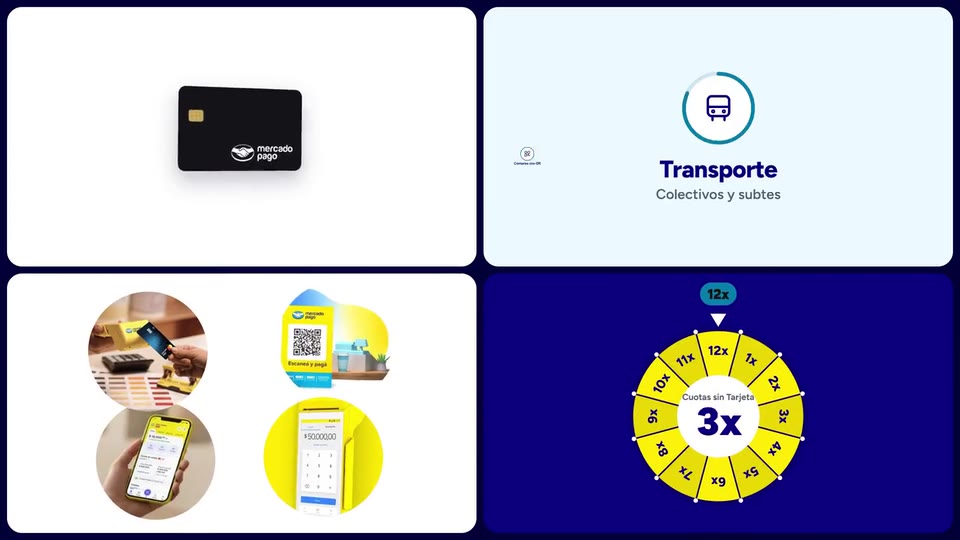
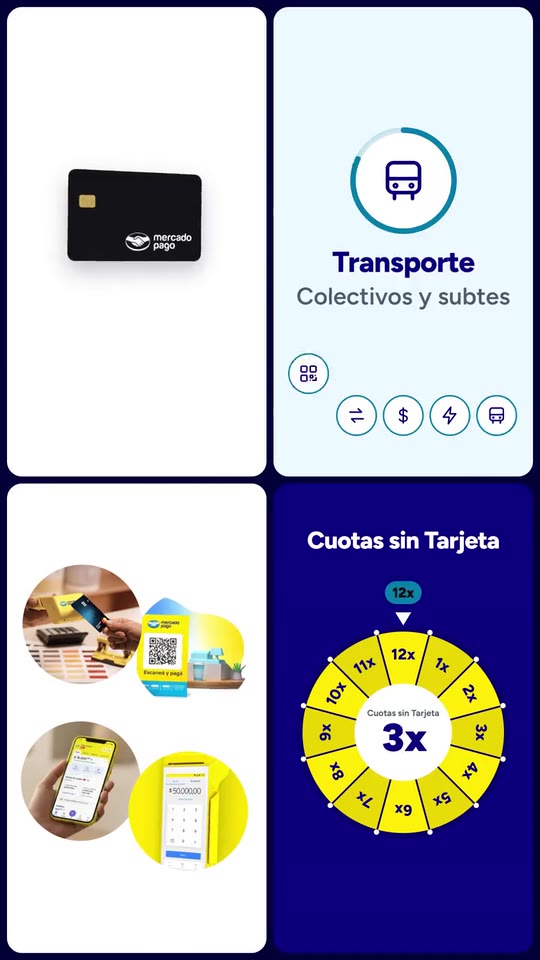
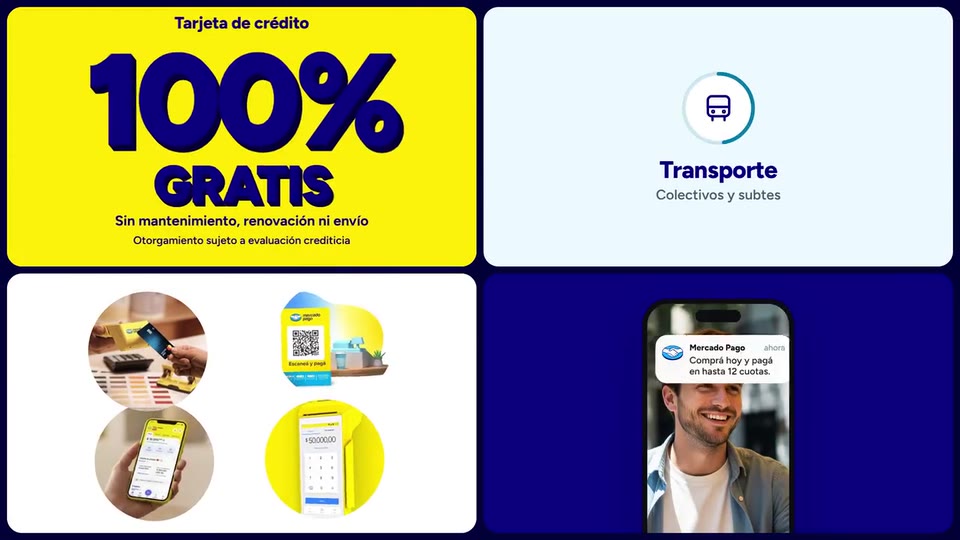
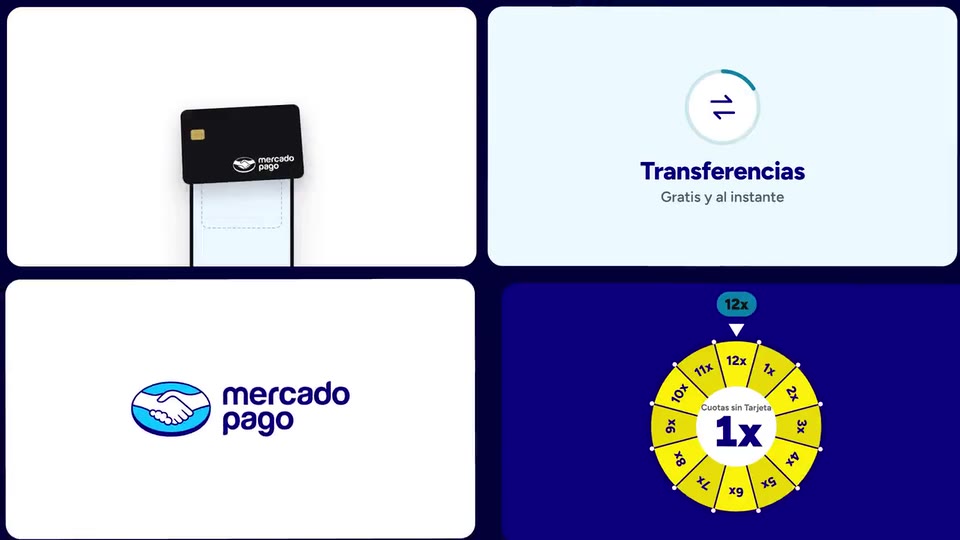
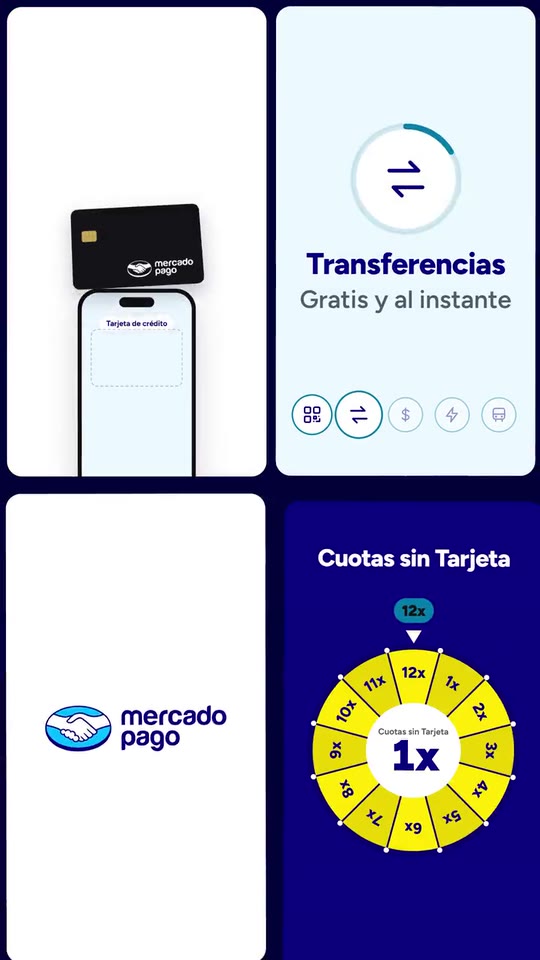
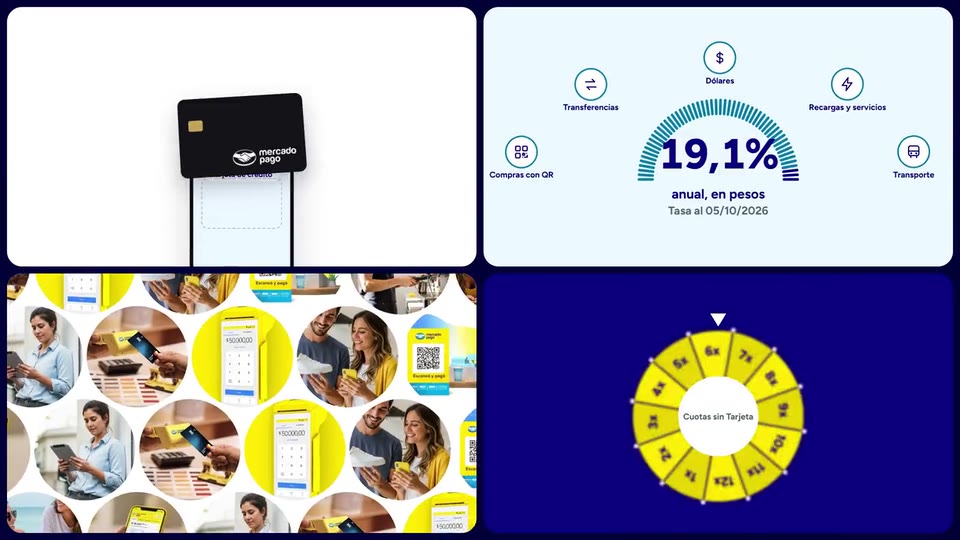
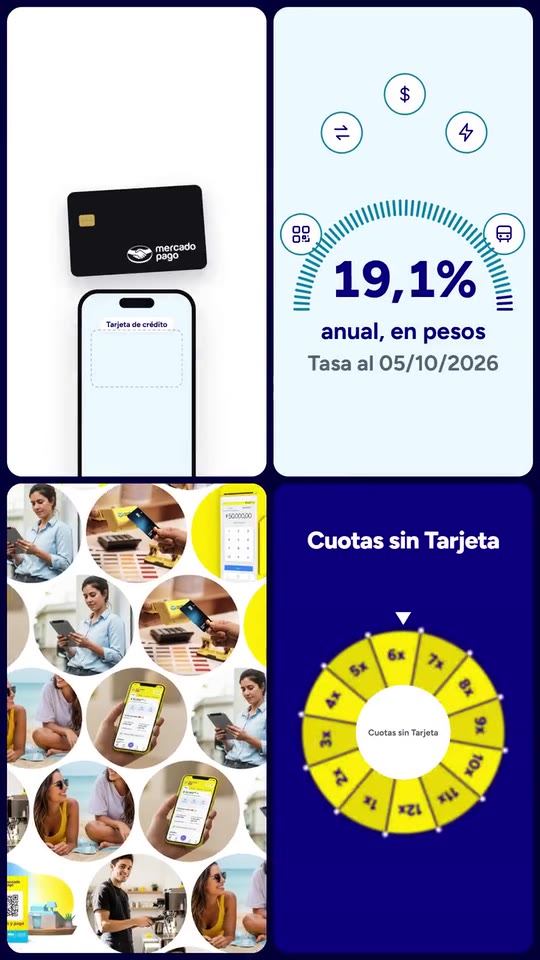
Four tiles, four loops at once: your card bursts into your own ways to pay (your device, a QR plate and your app's action tiles), your features orbit a rolling figure, real photos fold into your mark, and a wheel of instalments lands on a notification. A typed opening and a close on your colour.
- Price: $14 per export, paid once per video and per format; exporting needs an Opus Motion account
- Length: 18 seconds
- Formats: 16:9, 9:16 (each one designed for its screen)
- What you can change: 42 texts, 13 images, 3 colors, the music, the voiceover script
- Category: Launches
Examples with real brands
- Mercado Pago, 16:9: watch the video
- Mercado Pago, 9:16: watch the video
Make it yours
Paste your website and the template comes out with your logo, colors and words: https://opusmotion.com/studio/t25-money-bento?mode=yours. To open it already filled from a website, add &site=yourdomain.com.
Fields, for AI agents
An agent fills these with POST https://opusmotion.com/api/v1/drafts (guide: https://opusmotion.com/agents.md). $14 per export, paid once per video and per format (16:9 and 9:16 are separate exports), or included in an Opus Motion Pass (15 premium exports a month for $49). Exporting needs an Opus Motion account; payment happens in the studio.
Scenes: The promise slams in on the voice (0–3.36 s); The opening becomes the board (3.36–3.84 s); Card burst and giant figure (3.84–6.3 s); Features orbit the rolling figure (6.3–7.4 s); The wheel lands on the top value (7.4–10.4 s); Real photos fold into the mark (10.4–14.76 s); Your colour, logo, line and button (14.76–18 s).
brandName(text, 2–18 characters): Brand name. Your brand, exactly as you write it. It signs the notification, and becomes the logotype when there is no logo. The brand's own: never the demo's. Scene "The wheel lands on the top value" at 9.9 s: 16:9 · 9:16.logo(image, free, shown whole): Your logo (the horizontal wordmark): an SVG, or a PNG with a transparent background. Your full logo (horizontal works best). Shown whole, at any proportion: nothing is cropped. The brand's own: never the demo's. Scene "Your colour, logo, line and button" at 16 s: 16:9 · 9:16.mark(image, 1:1, shown whole): Your app or brand icon, square and full bleed. Your symbol on its own (app icon or emblem). Shown whole inside a 1:1 box: nothing is cropped. The brand's own: never the demo's. Scene "Real photos fold into the mark" at 13.9 s: 16:9 · 9:16.brandColor(color, #RRGGBB): Brand colour. The field colour: the opening, the burst, the wheel and the close.inkColor(color, #RRGGBB): Ink colour. The type colour. If it does not read on the brand colour, black or white is used instead.accentColor(color, #RRGGBB): Accent colour. Rings, chips and checks.hook1(text, 4–28 characters): Opening, line 1. The lead-in to your promise. Words slam in on the voice. Demo's line, for tone and length only: "De ahora en adelante,". Scene "The promise slams in on the voice" at 0.5 s: 16:9 · 9:16.hook2(text, 3–12 characters): Opening, line 2 (giant). The giant part of your promise. Demo's line, for tone and length only: "hacés más". Scene "The promise slams in on the voice" at 1.2 s: 16:9 · 9:16.hook3(text, 3–15 characters): Opening, line 3 (giant). How the promise ends. Demo's line, for tone and length only: "con tu dinero.". Scene "The promise slams in on the voice" at 1.7 s: 16:9 · 9:16.card(image, 16:10, cropped): A cut-out object on a transparent background (a PNG, or an SVG drawing): just the object, no photo background. Never a photo, never a photo padded with transparent bars. The object that rises out of the phone and bursts: your card, product box or ticket, flat and front-on. A card-like object (rounded corners, transparent around it) works too. Cropped to fill a 16:10 frame: keep the subject in the middle. Demo's image. Scene "The promise slams in on the voice" at 1.2 s: 16:9 · 9:16.cardLabel(text, 3–22 characters): Hero name. What the hero object is, as your site names it. Demo's line, for tone and length only: "Tarjeta de crédito". Scene "The promise slams in on the voice" at 0.6 s: 16:9 · 9:16.stat1(text, 1–5 characters): Giant figure. A real figure from your site (a price, a %, a count). Never invented. Demo's line, for tone and length only: "100%". Scene "Card burst and giant figure" at 3.3 s: 16:9 · 9:16.stat1Word(text, 2–10 characters): Giant word. The word that completes the figure, in capitals. Demo's line, for tone and length only: "GRATIS". Scene "Card burst and giant figure" at 3.4 s: 16:9 · 9:16.stat1Note(text, 8–44 characters): Figure small print. What the figure means, in your site's words. Demo's line, for tone and length only: "Sin mantenimiento, renovación ni envío". Scene "Card burst and giant figure" at 3.6 s: 16:9 · 9:16.stat1Fine(text, 0–46 characters): Figure condition. The condition your site attaches to the figure, as it writes it (empty if none). Optional. Demo's line, for tone and length only: "Otorgamiento sujeto a evaluación crediticia". Scene "Card burst and giant figure" at 5.5 s: 16:9 · 9:16.object1(image, 3:4, shown whole): A cut-out object on a transparent background (a PNG, or an SVG drawing): just the object, no photo background. Never a photo, never a photo padded with transparent bars. A cut-out photo (PNG/WebP with transparency) of a physical object that is yours: your card reader, terminal or product, from your own site. Shown whole inside a 3:4 box: nothing is cropped. Demo's image. Scene "The promise slams in on the voice" at 2.2 s: 16:9 · 9:16.burstQr(text, 2–3 characters): QR plate in the burst. "yes" if you take payments by QR: a counter plate in your colour with your mark bursts out with the device. "no" leaves only the app tiles (they carry the icons of features 2 to 5). Demo's line, for tone and length only: "yes". Scene "The promise slams in on the voice" at 2.2 s: 16:9 · 9:16.cat1(text, 3–20 characters): Feature 1. A feature from your site, as it names it. Demo's line, for tone and length only: "Compras con QR". Scene "The opening becomes the board" at 3.4 s: 16:9 · 9:16.cat1Note(text, 4–24 characters): Feature 1 line. What it does, in a few words from your site. Demo's line, for tone and length only: "Pagos sin contacto". Scene "The opening becomes the board" at 3.4 s: 16:9 · 9:16.cat1Icon(text, 2–9 characters): Feature 1 icon. One of: qr, transfer, dollar, bolt, bus, card, bag, star, heart, gift, plane, leaf, chart, cup, pin, clock. Demo's line, for tone and length only: "qr". Scene "The opening becomes the board" at 3.4 s: 16:9 · 9:16.cat2(text, 3–20 characters): Feature 2. A feature from your site, as it names it. Demo's line, for tone and length only: "Transferencias". Scene "The opening becomes the board" at 3.7 s: 16:9 · 9:16.cat2Note(text, 4–24 characters): Feature 2 line. What it does, in a few words from your site. Demo's line, for tone and length only: "Gratis y al instante". Scene "The opening becomes the board" at 3.7 s: 16:9 · 9:16.cat2Icon(text, 2–9 characters): Feature 2 icon. One of: qr, transfer, dollar, bolt, bus, card, bag, star, heart, gift, plane, leaf, chart, cup, pin, clock. Demo's line, for tone and length only: "transfer". Scene "The opening becomes the board" at 3.7 s: 16:9 · 9:16.cat3(text, 3–20 characters): Feature 3. A feature from your site, as it names it. Demo's line, for tone and length only: "Dólares". Scene "Card burst and giant figure" at 4 s: 16:9 · 9:16.cat3Note(text, 4–24 characters): Feature 3 line. What it does, in a few words from your site. Demo's line, for tone and length only: "Comprá y vendé". Scene "Card burst and giant figure" at 4 s: 16:9 · 9:16.cat3Icon(text, 2–9 characters): Feature 3 icon. One of: qr, transfer, dollar, bolt, bus, card, bag, star, heart, gift, plane, leaf, chart, cup, pin, clock. Demo's line, for tone and length only: "dollar". Scene "Card burst and giant figure" at 4 s: 16:9 · 9:16.cat4(text, 3–20 characters): Feature 4. A feature from your site, as it names it. Demo's line, for tone and length only: "Recargas y servicios". Scene "Card burst and giant figure" at 4.3 s: 16:9 · 9:16.cat4Note(text, 4–24 characters): Feature 4 line. What it does, in a few words from your site. Demo's line, for tone and length only: "Tus cuentas al día". Scene "Card burst and giant figure" at 4.3 s: 16:9 · 9:16.cat4Icon(text, 2–9 characters): Feature 4 icon. One of: qr, transfer, dollar, bolt, bus, card, bag, star, heart, gift, plane, leaf, chart, cup, pin, clock. Demo's line, for tone and length only: "bolt". Scene "Card burst and giant figure" at 4.3 s: 16:9 · 9:16.cat5(text, 3–20 characters): Feature 5. A feature from your site, as it names it. Demo's line, for tone and length only: "Transporte". Scene "Card burst and giant figure" at 4.6 s: 16:9 · 9:16.cat5Note(text, 4–24 characters): Feature 5 line. What it does, in a few words from your site. Demo's line, for tone and length only: "Colectivos y subtes". Scene "Card burst and giant figure" at 4.6 s: 16:9 · 9:16.cat5Icon(text, 2–9 characters): Feature 5 icon. One of: qr, transfer, dollar, bolt, bus, card, bag, star, heart, gift, plane, leaf, chart, cup, pin, clock. Demo's line, for tone and length only: "bus". Scene "Card burst and giant figure" at 4.6 s: 16:9 · 9:16.stat2(text, 1–7 characters): Gauge figure. A real figure from your site that the gauge rolls to. If it changes daily, write today's. Demo's line, for tone and length only: "19,1%". Scene "Features orbit the rolling figure" at 6 s: 16:9 · 9:16.stat2Label(text, 3–22 characters): Gauge label. What the figure is. Demo's line, for tone and length only: "anual, en pesos". Scene "Features orbit the rolling figure" at 6.1 s: 16:9 · 9:16.stat2Note(text, 0–24 characters): Gauge date. When the figure was read, if it changes ("Tasa al dd/mm/aaaa"); empty if it is fixed. Optional. Demo's line, for tone and length only: "Tasa al 05/10/2026". Scene "Features orbit the rolling figure" at 7 s: 16:9 · 9:16.screenTitle(text, 6–30 characters): Phone title. The title of the screen the gauge becomes. Demo's line, for tone and length only: "Rendimientos todos los días". Scene "The wheel lands on the top value" at 7.6 s: 16:9 · 9:16.row1Label(text, 2–12 characters): Row 1 label. First row of the screen. Demo's line, for tone and length only: "En pesos". Scene "The wheel lands on the top value" at 7.8 s: 16:9 · 9:16.row1Value(text, 1–13 characters): Row 1 value. Its value, from your site. Demo's line, for tone and length only: "19,1% anual". Scene "The wheel lands on the top value" at 7.8 s: 16:9 · 9:16.row2Label(text, 2–12 characters): Row 2 label. Second row. Demo's line, for tone and length only: "En dólares". Scene "The wheel lands on the top value" at 7.9 s: 16:9 · 9:16.row2Value(text, 1–13 characters): Row 2 value. Its value, from your site. Demo's line, for tone and length only: "1,8% anual". Scene "The wheel lands on the top value" at 7.9 s: 16:9 · 9:16.photo1(image, 1:1, cropped): A real photo of the product, place or people of the brand. A real photo of your product in use (round crop). Cropped to fill a 1:1 frame: keep the subject in the middle. Demo's image. Scene "Real photos fold into the mark" at 11.2 s: 16:9 · 9:16.photo2(image, 1:1, cropped): A real photo of the product, place or people of the brand. A real photo of your product in use (round crop). Cropped to fill a 1:1 frame: keep the subject in the middle. Demo's image. Scene "Real photos fold into the mark" at 11.2 s: 16:9 · 9:16.photo3(image, 1:1, cropped): A real photo of the product, place or people of the brand. A real photo of your product in use (round crop). Cropped to fill a 1:1 frame: keep the subject in the middle. Demo's image. Scene "Real photos fold into the mark" at 11.2 s: 16:9 · 9:16.photo4(image, 1:1, cropped): A real photo of the product, place or people of the brand. A real photo of your product in use (round crop). Cropped to fill a 1:1 frame: keep the subject in the middle. Demo's image. Scene "Real photos fold into the mark" at 11.2 s: 16:9 · 9:16.photo5(image, 1:1, cropped): A real photo of the product, place or people of the brand. A real photo of your product in use (round crop). Cropped to fill a 1:1 frame: keep the subject in the middle. Demo's image. Scene "Real photos fold into the mark" at 11.2 s: 16:9 · 9:16.photo6(image, 1:1, cropped): A real photo of the product, place or people of the brand. A real photo of your product in use (round crop). Cropped to fill a 1:1 frame: keep the subject in the middle. Demo's image. Scene "Real photos fold into the mark" at 11.2 s: 16:9 · 9:16.photo7(image, 1:1, cropped): A real photo of the product, place or people of the brand. A real photo of your product in use (round crop). Cropped to fill a 1:1 frame: keep the subject in the middle. Demo's image. Scene "Real photos fold into the mark" at 11.2 s: 16:9 · 9:16.photo8(image, 1:1, cropped): A real photo of the product, place or people of the brand. A real photo of your product in use (round crop). Cropped to fill a 1:1 frame: keep the subject in the middle. Demo's image. Scene "Real photos fold into the mark" at 11.2 s: 16:9 · 9:16.tagline(text, 6–30 characters): Brand line. Your line. It writes itself beside your mark and closes the video. Demo's line, for tone and length only: "En mi país, ganamos todos". Scene "Real photos fold into the mark" at 14.3 s: 16:9 · 9:16.wheelLabel(text, 3–20 characters): Wheel label. What the wheel picks (instalments, days, levels…). Demo's line, for tone and length only: "Cuotas sin Tarjeta". Scene "The wheel lands on the top value" at 9.2 s: 16:9 · 9:16.wheelMax(text, 1–2 characters): Wheel top value. The highest real value (a number from 2 to 12). The wheel shows 1x up to it. Demo's line, for tone and length only: "12". Scene "The wheel lands on the top value" at 9.2 s: 16:9 · 9:16.wheelPre(text, 0–8 characters): Before the value. The word before the giant value ("hasta", "up to") or empty. Optional. Demo's line, for tone and length only: "hasta". Scene "The wheel lands on the top value" at 9.3 s: 16:9 · 9:16.wheelUnit(text, 2–12 characters): After the value. The unit after the giant value. Demo's line, for tone and length only: "cuotas". Scene "The wheel lands on the top value" at 9.3 s: 16:9 · 9:16.wallpaper(image, 9:16, cropped): A real photo of the product, place or people of the brand. A photo behind the notification. Cropped to fill a 9:16 frame: keep the subject in the middle. Demo's image. Scene "The wheel lands on the top value" at 10.2 s: 16:9 · 9:16.notifAgo(text, 2–8 characters): Notification time. "now" in your language. Demo's line, for tone and length only: "ahora". Scene "The wheel lands on the top value" at 10.2 s: 16:9 · 9:16.notifText(text, 10–60 characters): Notification text. A line from your site, as a notification would say it. Demo's line, for tone and length only: "Comprá hoy y pagá en hasta 12 cuotas.". Scene "The wheel lands on the top value" at 10.2 s: 16:9 · 9:16.cta(text, 3–22 characters): Button. Your site's main button. Demo's line, for tone and length only: "Abrir cuenta gratis". Scene "Your colour, logo, line and button" at 16.8 s: 16:9 · 9:16.musicVolume(text, 1–4 characters): Music volume. 0 to 1. Demo's line, for tone and length only: "1". Scene "Card burst and giant figure" at 4.8 s: 16:9 · 9:16.