For AI agents
Coding agents (Claude Code, Codex, Cursor and similar) make Opus Motion videos for a project with the agent guide: https://opusmotion.com/agents.md.
- The guide's steps: read the project, ask the person a few questions, compare templates (each one has a timelapse, its scenes and its fields), make a draft with
POST https://opusmotion.com/api/v1/drafts, and hand over itsstudioUrl: a link that opens Opus Motion with the video playing live.PATCHwith the draft'seditTokenchanges it, and the link stays the same. - Plain HTTPS and JSON: no key and no account. Or the MCP server (https://opusmotion.com/mcp): every tool, with stills of the draft returned as images. The person exports the MP4 from the studio.
- The studio is filled through the API, not by driving the site with a browser. When the API refuses, the person is told.
- More: llms.txt · this page in Markdown · developer docs · OpenAPI
Money Reel: premium launches video template
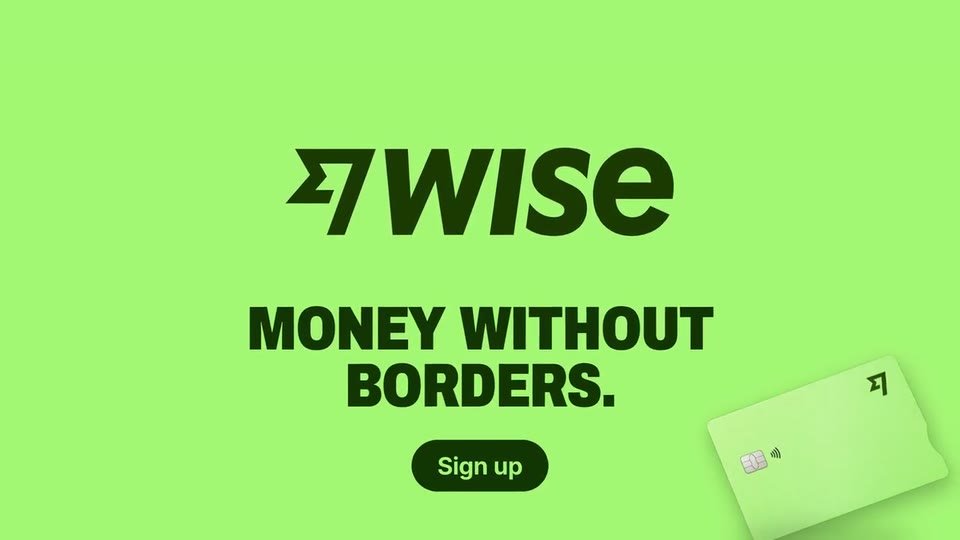
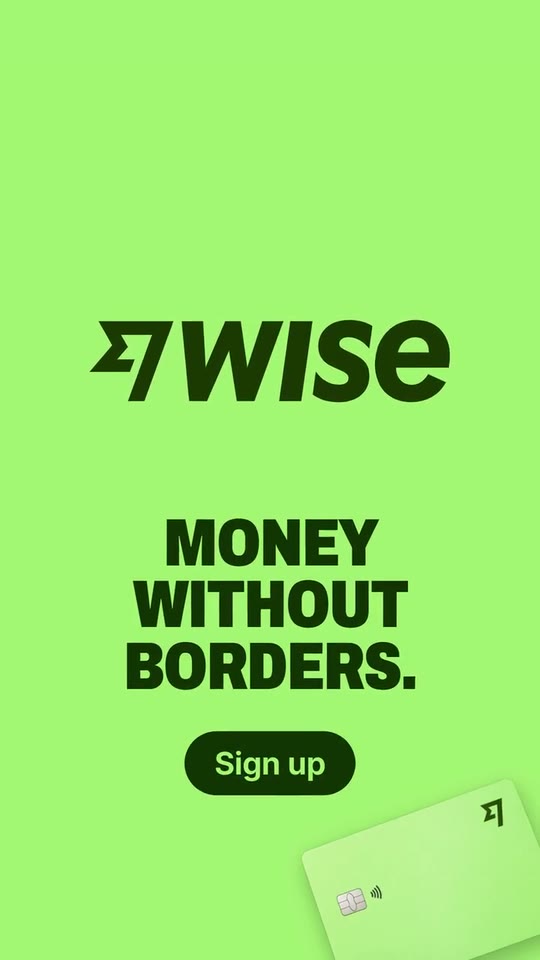
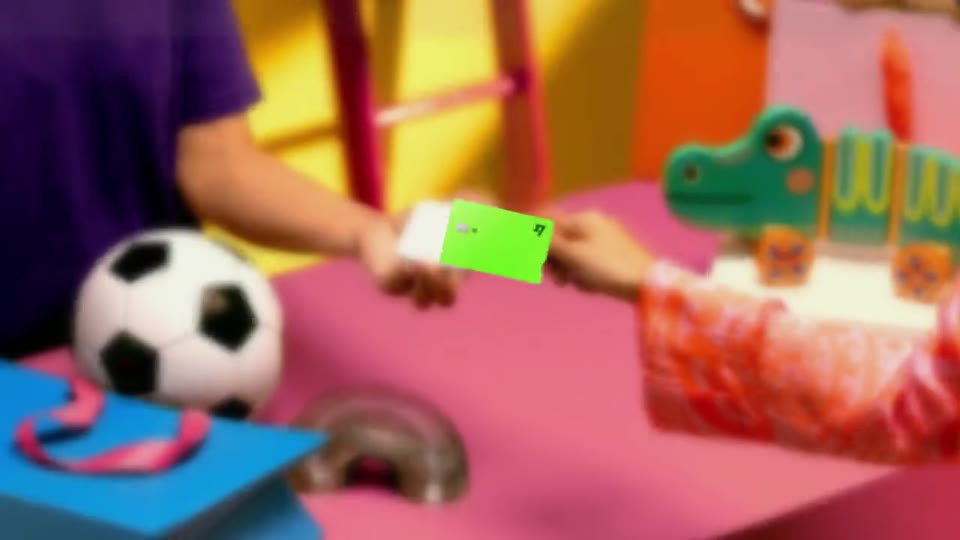
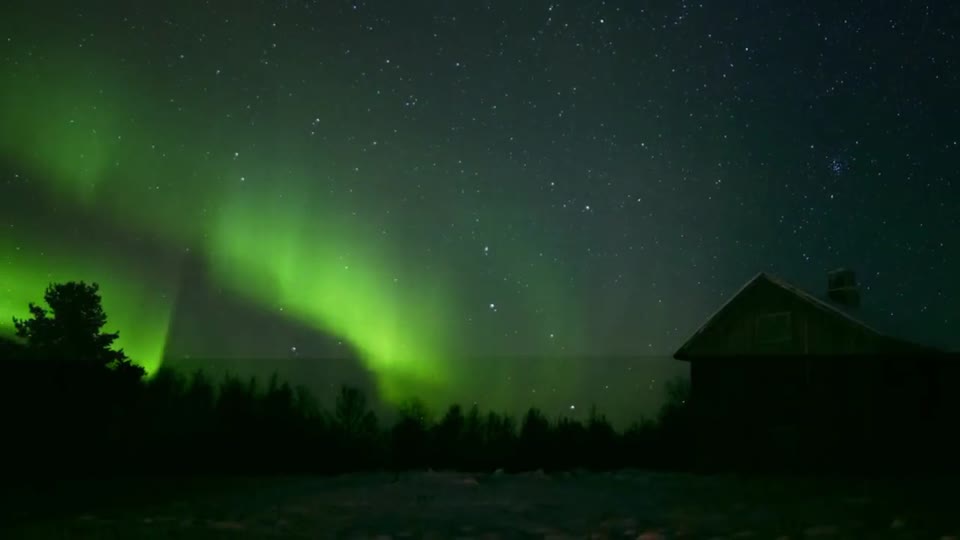
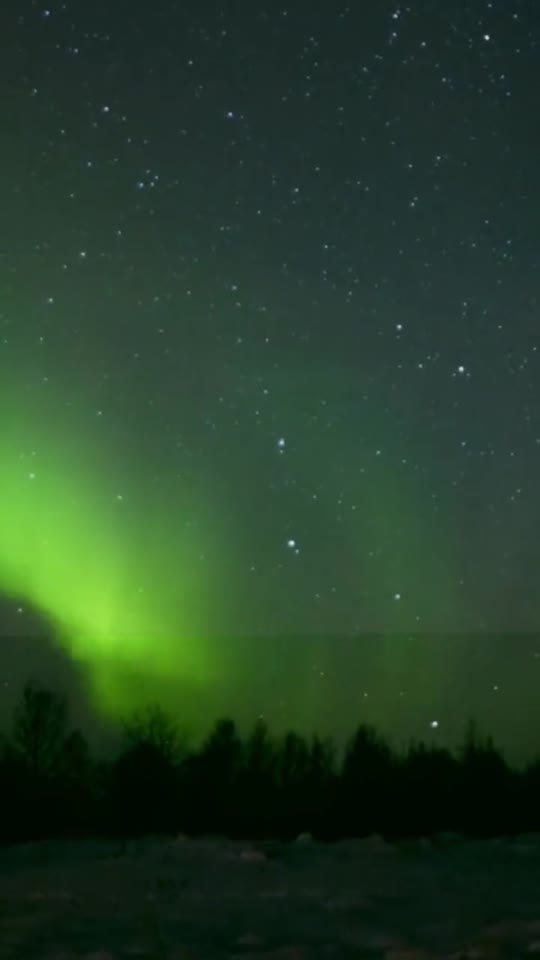
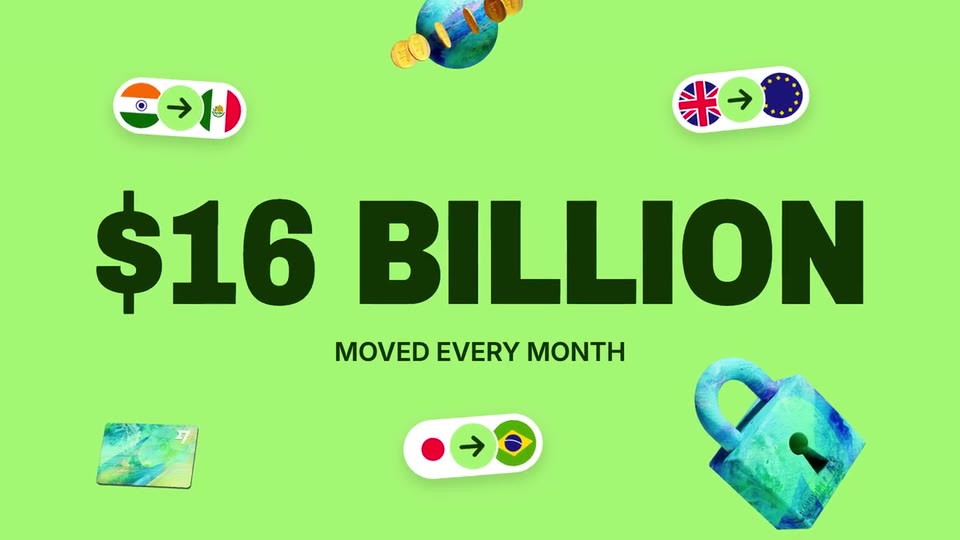
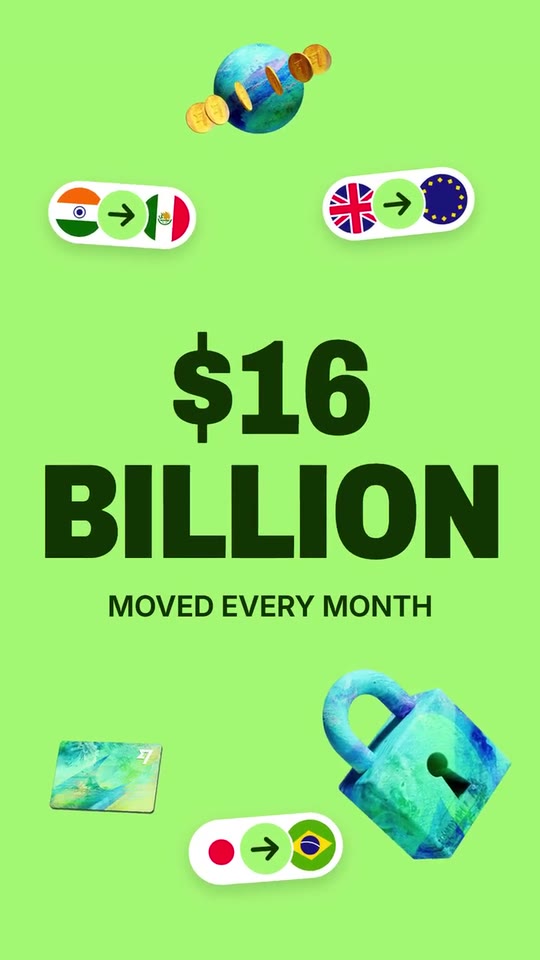
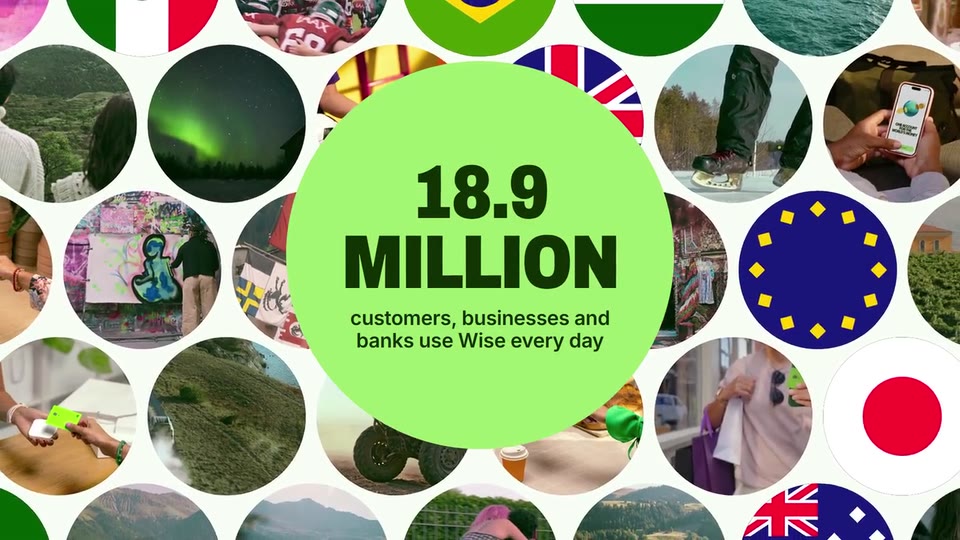
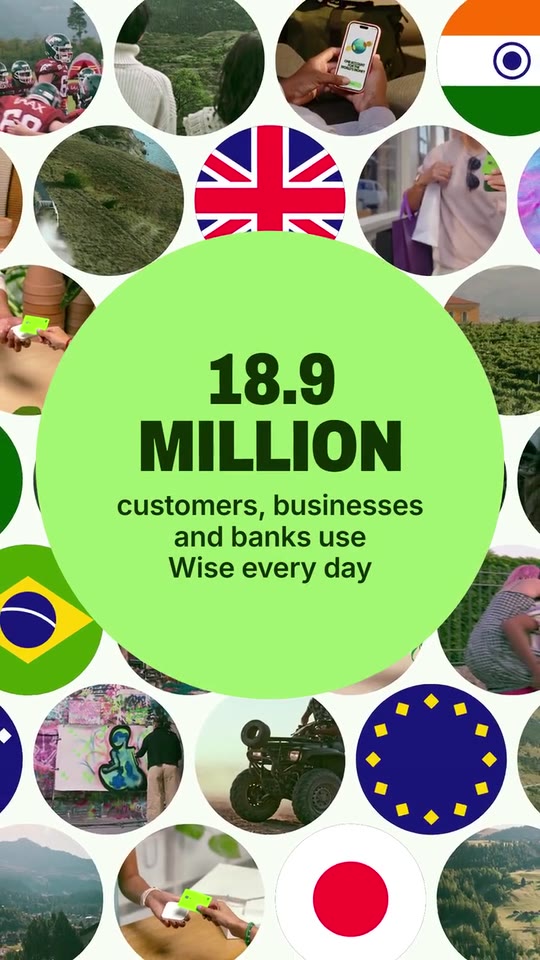
A 24.5-second voiced reel: real footage, your card flipping out toward the camera, your headline slamming word by word, your screen in a phone with a route pill dropping by a rolling figure, round chips bursting around a second figure, your brand's own pieces and route pills exploding out of the card under a giant third, a collage of circles around a fourth, and your logo.
- Price: $17 per export, paid once per video and per format; exporting needs an Opus Motion account
- Length: 24.5 seconds
- Formats: 16:9, 9:16 (each one designed for its screen)
- What you can change: 14 texts, 36 images, 5 videos (a clip, or the picture it starts on), 1 color, the music, the voiceover script
- Category: Launches
Examples with real brands
- Wise, 16:9: watch the video
- Wise, 9:16: watch the video
Make it yours
Paste your website and the template comes out with your logo, colors and words: https://opusmotion.com/studio/t19-money-reel?mode=yours. To open it already filled from a website, add &site=yourdomain.com.
Fields, for AI agents
An agent fills these with POST https://opusmotion.com/api/v1/drafts (guide: https://opusmotion.com/agents.md). $17 per export, paid once per video and per format (16:9 and 9:16 are separate exports), or included in an Opus Motion Pass (15 premium exports a month for $49). Exporting needs an Opus Motion account; payment happens in the studio.
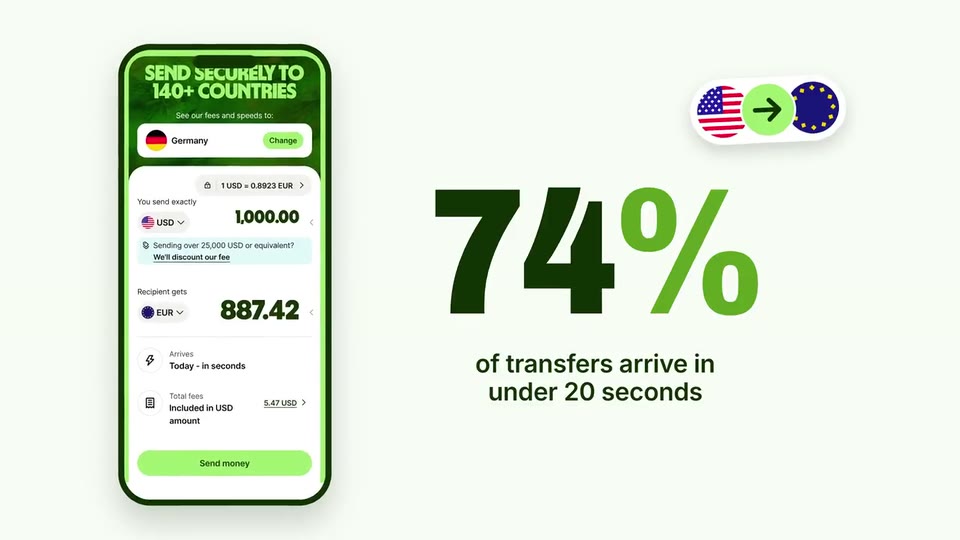
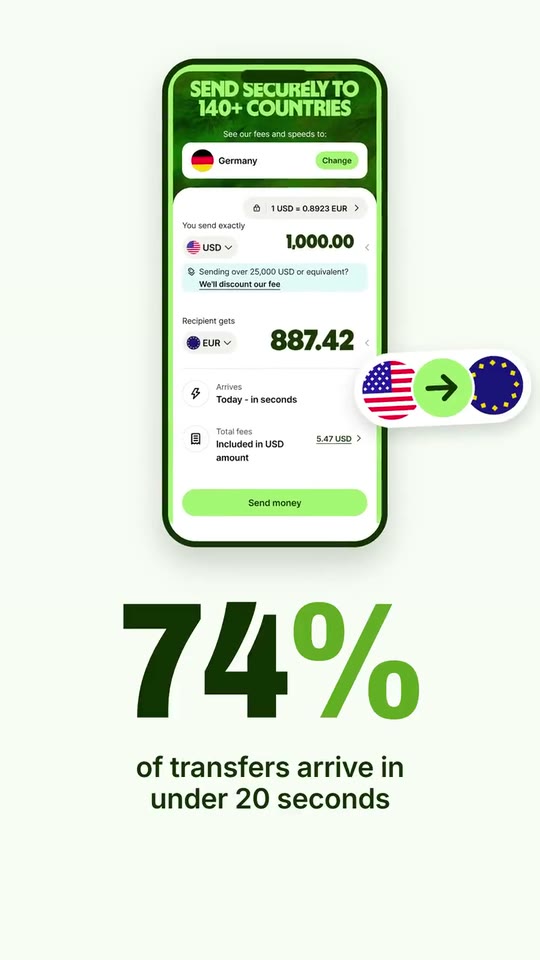
Scenes: Footage and the card flipping out (0–2 s); The headline, word by word (2–5 s); A quick world cut (5–6 s); The screen, the route pill, figure 1 (6–8.55 s); Figure 2 and the bursting chips (8.55–11.05 s); Brand pieces and route pills out of the card, figure 3 (11.05–14.6 s); Two real-life cuts (14.6–16 s); The collage of circles, figure 4 (16–20 s); Logo, line and button (20–24.5 s).
brandName(text, 2–14 characters): Brand name. How your brand is written. With no logo, it becomes the logotype that lands at the end. The brand's own: never the demo's. Scene "Logo, line and button" at 21.3 s: 16:9 · 9:16.logo(image, free, shown whole): Your logo (the horizontal wordmark): an SVG, or a PNG with a transparent background. Your logo, horizontal if you have one. Shown whole, at any proportion: nothing is cropped. The brand's own: never the demo's. Scene "Logo, line and button" at 21.3 s: 16:9 · 9:16.brandColor(color, #RRGGBB): Brand color. Floods the headline, the burst and the close; the paper scenes and the button are tinted from it.clip1(image, 16:9, cropped): A real photo of the product, place or people of the brand. Your product in real life, wide (16:9). In the video this is the first frame of the clipclip1Motion, which plays here. Cropped to fill a 16:9 frame: keep the subject in the middle. Demo's image. Scene "Footage and the card flipping out" at 1 s: 16:9 · 9:16.clip1Motion(video, footage, 16:9, 2.1 s of the clip play): Real footage of this shot: a muted clip that starts where "Opening shot" is. It movesclip1. Only its first 2.1 s play; the rest is cut. It holds its last frame. Demo's clip. Upload: PUT https://opusmotion.com/api/v1/drafts/{draftId}/media/clip1Motion. Scene "Footage and the card flipping out" at 1 s: 16:9 · 9:16.clip1Lift(video, motion, 16:9, 2 s of the clip play): The video of "Opening shot": a muted clip that starts on that image (a real clip from the project, or the image animated). Without one, the image stays still. It movesclip1. Only its first 2 s play; the rest is cut. It holds its last frame. Optional. Upload: PUT https://opusmotion.com/api/v1/drafts/{draftId}/media/clip1Lift. Scene "Footage and the card flipping out" at 1.6 s: 16:9 · 9:16.card(image, 8:5, shown whole): A cut-out object on a transparent background (a PNG, or an SVG drawing): just the object, no photo background. Never a photo, never a photo padded with transparent bars. Your hero object, transparent PNG: a card, a cup, a box, the product itself. A card-like object (rounded corners, transparent around it) works too. Shown whole inside a 8:5 box: nothing is cropped. Demo's image. Scene "Footage and the card flipping out" at 1.8 s: 16:9 · 9:16.headline1(text, 2–16 characters): Headline, line 1. First part of your promise. The voice reads the three lines as one sentence. Demo's line, for tone and length only: "The fast way". Scene "The headline, word by word" at 4.4 s: 16:9 · 9:16.headline2(text, 2–16 characters): Headline, line 2. Middle of your promise. Demo's line, for tone and length only: "to send money". Scene "The headline, word by word" at 4.4 s: 16:9 · 9:16.headline3(text, 2–14 characters): Headline, line 3. How your promise ends. Demo's line, for tone and length only: "abroad". Scene "The headline, word by word" at 4.4 s: 16:9 · 9:16.clip2(image, 16:9, cropped): A real photo of the product, place or people of the brand. A one-second world shot (16:9): a place, a moment your customers live. In the video this is the first frame of the clipclip2Motion, which plays here. Cropped to fill a 16:9 frame: keep the subject in the middle. Demo's image. Scene "A quick world cut" at 5.5 s: 16:9 · 9:16.clip2Motion(video, footage, 16:9, 1 s of the clip play): Real footage of this shot: a muted clip that starts where "Quick cut 1" is. It movesclip2. Only its first 1 s play; the rest is cut. It holds its last frame. Demo's clip. Upload: PUT https://opusmotion.com/api/v1/drafts/{draftId}/media/clip2Motion. Scene "A quick world cut" at 5.5 s: 16:9 · 9:16.screen(image, 9:19.5, cropped): A real screenshot of the product. A real screen of your product at phone size (portrait). Cropped to fill a 9:19.5 frame: keep the subject in the middle. Demo's image. Scene "The screen, the route pill, figure 1" at 6.9 s: 16:9 · 9:16.routeFrom(image, 1:1, cropped): A cut-out object on a transparent background (a PNG, or an SVG drawing): just the object, no photo background. Never a photo, never a photo padded with transparent bars. A round image for the left end of the route pill that drops next to the first figure (Wise: the flag of the currency sent on the screen). A card-like object (rounded corners, transparent around it) works too. A round piece works too. Cropped to fill a 1:1 frame: keep the subject in the middle. Demo's image. Scene "The screen, the route pill, figure 1" at 8.2 s: 16:9 · 9:16.routeTo(image, 1:1, cropped): A cut-out object on a transparent background (a PNG, or an SVG drawing): just the object, no photo background. Never a photo, never a photo padded with transparent bars. A round image for the right end of the route pill (Wise: the flag of the currency received). A card-like object (rounded corners, transparent around it) works too. A round piece works too. Cropped to fill a 1:1 frame: keep the subject in the middle. Demo's image. Scene "The screen, the route pill, figure 1" at 8.2 s: 16:9 · 9:16.stat1(text, 1–6 characters): Figure 1. A real figure from your site, short (it rolls digit by digit). Demo's line, for tone and length only: "74%". Scene "The screen, the route pill, figure 1" at 8.2 s: 16:9 · 9:16.stat1Label(text, 12–46 characters): Figure 1, what it means. The figure's exact context, as your site says it. Demo's line, for tone and length only: "of transfers arrive in under 20 seconds". Scene "The screen, the route pill, figure 1" at 8.2 s: 16:9 · 9:16.stat2(text, 1–6 characters): Figure 2. A second real figure, short. Demo's line, for tone and length only: "140+". Scene "Figure 2 and the bursting chips" at 10.6 s: 16:9 · 9:16.stat2Label(text, 3–16 characters): Figure 2 unit. One or two words under the second figure. Demo's line, for tone and length only: "countries". Scene "Figure 2 and the bursting chips" at 10.6 s: 16:9 · 9:16.chip1(image, 1:1, cropped): A cut-out object on a transparent background (a PNG, or an SVG drawing): just the object, no photo background. Never a photo, never a photo padded with transparent bars. A round image that bursts out of the second figure (a flag, a face of your product, a detail). A card-like object (rounded corners, transparent around it) works too. A round piece works too. Cropped to fill a 1:1 frame: keep the subject in the middle. Demo's image. Scene "Figure 2 and the bursting chips" at 10 s: 16:9 · 9:16.chip2(image, 1:1, cropped): A cut-out object on a transparent background (a PNG, or an SVG drawing): just the object, no photo background. Never a photo, never a photo padded with transparent bars. A round image that bursts out of the second figure (a flag, a face of your product, a detail). A card-like object (rounded corners, transparent around it) works too. A round piece works too. Cropped to fill a 1:1 frame: keep the subject in the middle. Demo's image. Scene "Figure 2 and the bursting chips" at 10 s: 16:9 · 9:16.chip3(image, 1:1, cropped): A cut-out object on a transparent background (a PNG, or an SVG drawing): just the object, no photo background. Never a photo, never a photo padded with transparent bars. A round image that bursts out of the second figure (a flag, a face of your product, a detail). A card-like object (rounded corners, transparent around it) works too. A round piece works too. Cropped to fill a 1:1 frame: keep the subject in the middle. Demo's image. Scene "Figure 2 and the bursting chips" at 10 s: 16:9 · 9:16.chip4(image, 1:1, cropped): A cut-out object on a transparent background (a PNG, or an SVG drawing): just the object, no photo background. Never a photo, never a photo padded with transparent bars. A round image that bursts out of the second figure (a flag, a face of your product, a detail). A card-like object (rounded corners, transparent around it) works too. A round piece works too. Cropped to fill a 1:1 frame: keep the subject in the middle. Demo's image. Scene "Figure 2 and the bursting chips" at 10 s: 16:9 · 9:16.chip5(image, 1:1, cropped): A cut-out object on a transparent background (a PNG, or an SVG drawing): just the object, no photo background. Never a photo, never a photo padded with transparent bars. A round image that bursts out of the second figure (a flag, a face of your product, a detail). A card-like object (rounded corners, transparent around it) works too. A round piece works too. Cropped to fill a 1:1 frame: keep the subject in the middle. Demo's image. Scene "Figure 2 and the bursting chips" at 10 s: 16:9 · 9:16.chip6(image, 1:1, cropped): A cut-out object on a transparent background (a PNG, or an SVG drawing): just the object, no photo background. Never a photo, never a photo padded with transparent bars. A round image that bursts out of the second figure (a flag, a face of your product, a detail). A card-like object (rounded corners, transparent around it) works too. A round piece works too. Cropped to fill a 1:1 frame: keep the subject in the middle. Demo's image. Scene "Figure 2 and the bursting chips" at 10 s: 16:9 · 9:16.chip7(image, 1:1, cropped): A cut-out object on a transparent background (a PNG, or an SVG drawing): just the object, no photo background. Never a photo, never a photo padded with transparent bars. A round image that bursts out of the second figure (a flag, a face of your product, a detail). A card-like object (rounded corners, transparent around it) works too. A round piece works too. Cropped to fill a 1:1 frame: keep the subject in the middle. Demo's image. Scene "Figure 2 and the bursting chips" at 10 s: 16:9 · 9:16.chip8(image, 1:1, cropped): A cut-out object on a transparent background (a PNG, or an SVG drawing): just the object, no photo background. Never a photo, never a photo padded with transparent bars. A round image that bursts out of the second figure (a flag, a face of your product, a detail). A card-like object (rounded corners, transparent around it) works too. A round piece works too. Cropped to fill a 1:1 frame: keep the subject in the middle. Demo's image. Scene "Figure 2 and the bursting chips" at 10 s: 16:9 · 9:16.burst1(image, 1:1, shown whole): A cut-out object on a transparent background (a PNG, or an SVG drawing): just the object, no photo background. Never a photo, never a photo padded with transparent bars. Optional: one of your brand's own 3D or illustrated pieces (transparent PNG, from your site), exploding out of your card between route pills made of your round chips. A round piece works too. Shown whole inside a 1:1 box: nothing is cropped. Demo's image. Scene "Brand pieces and route pills out of the card, figure 3" at 12.2 s: 16:9 · 9:16.burst2(image, 1:1, shown whole): A cut-out object on a transparent background (a PNG, or an SVG drawing): just the object, no photo background. Never a photo, never a photo padded with transparent bars. Optional: another of your brand's own pieces, transparent PNG. Shown whole inside a 1:1 box: nothing is cropped. Demo's image. Scene "Brand pieces and route pills out of the card, figure 3" at 12.2 s: 16:9 · 9:16.burst3(image, 1:1, shown whole): A cut-out object on a transparent background (a PNG, or an SVG drawing): just the object, no photo background. Never a photo, never a photo padded with transparent bars. Optional: another of your brand's own pieces, transparent PNG. Shown whole inside a 1:1 box: nothing is cropped. Demo's image. Scene "Brand pieces and route pills out of the card, figure 3" at 12.2 s: 16:9 · 9:16.stat3(text, 1–12 characters): Figure 3. Your biggest real figure (it slams in giant). Demo's line, for tone and length only: "$16 billion". Scene "Brand pieces and route pills out of the card, figure 3" at 13.9 s: 16:9 · 9:16.stat3Label(text, 6–30 characters): Figure 3, what it means. Its exact context, short. Demo's line, for tone and length only: "moved every month". Scene "Brand pieces and route pills out of the card, figure 3" at 13.9 s: 16:9 · 9:16.clip3(image, 16:9, cropped): A real photo of the product, place or people of the brand. A real-life shot of your product in use (16:9). In the video this is the first frame of the clipclip3Motion, which plays here. Cropped to fill a 16:9 frame: keep the subject in the middle. Demo's image. Scene "Two real-life cuts" at 15 s: 16:9 · 9:16.clip3Motion(video, footage, 16:9, 1.2 s of the clip play): Real footage of this shot: a muted clip that starts where "Quick cut 2" is. It movesclip3. Only its first 1.2 s play; the rest is cut. It holds its last frame. Demo's clip. Upload: PUT https://opusmotion.com/api/v1/drafts/{draftId}/media/clip3Motion. Scene "Two real-life cuts" at 15 s: 16:9 · 9:16.clip4(image, 16:9, cropped): A real photo of the product, place or people of the brand. Another real-life shot (16:9). In the video this is the first frame of the clipclip4Motion, which plays here. Cropped to fill a 16:9 frame: keep the subject in the middle. Demo's image. Scene "Two real-life cuts" at 15.6 s: 16:9 · 9:16.clip4Motion(video, footage, 16:9, 0.7 s of the clip play): Real footage of this shot: a muted clip that starts where "Quick cut 3" is. It movesclip4. Only its first 0.7 s play; the rest is cut. It holds its last frame. Demo's clip. Upload: PUT https://opusmotion.com/api/v1/drafts/{draftId}/media/clip4Motion. Scene "Two real-life cuts" at 15.6 s: 16:9 · 9:16.photo1(image, 1:1, cropped): A real photo of the product, place or people of the brand. A real moment of your customers or your world (square). Cropped to fill a 1:1 frame: keep the subject in the middle. Demo's image. Scene "The collage of circles, figure 4" at 18.5 s: 16:9 · 9:16.photo2(image, 1:1, cropped): A real photo of the product, place or people of the brand. A real moment of your customers or your world (square). Cropped to fill a 1:1 frame: keep the subject in the middle. Demo's image. Scene "The collage of circles, figure 4" at 18.5 s: 16:9 · 9:16.photo3(image, 1:1, cropped): A real photo of the product, place or people of the brand. A real moment of your customers or your world (square). Cropped to fill a 1:1 frame: keep the subject in the middle. Demo's image. Scene "The collage of circles, figure 4" at 18.5 s: 16:9 · 9:16.photo4(image, 1:1, cropped): A real photo of the product, place or people of the brand. A real moment of your customers or your world (square). Cropped to fill a 1:1 frame: keep the subject in the middle. Demo's image. Scene "The collage of circles, figure 4" at 18.5 s: 16:9 · 9:16.photo5(image, 1:1, cropped): A real photo of the product, place or people of the brand. A real moment of your customers or your world (square). Cropped to fill a 1:1 frame: keep the subject in the middle. Demo's image. Scene "The collage of circles, figure 4" at 18.5 s: 16:9 · 9:16.photo6(image, 1:1, cropped): A real photo of the product, place or people of the brand. A real moment of your customers or your world (square). Cropped to fill a 1:1 frame: keep the subject in the middle. Demo's image. Scene "The collage of circles, figure 4" at 18.5 s: 16:9 · 9:16.photo7(image, 1:1, cropped): A real photo of the product, place or people of the brand. A real moment of your customers or your world (square). Cropped to fill a 1:1 frame: keep the subject in the middle. Demo's image. Scene "The collage of circles, figure 4" at 18.5 s: 16:9 · 9:16.photo8(image, 1:1, cropped): A real photo of the product, place or people of the brand. A real moment of your customers or your world (square). Cropped to fill a 1:1 frame: keep the subject in the middle. Demo's image. Scene "The collage of circles, figure 4" at 18.5 s: 16:9 · 9:16.photo9(image, 1:1, cropped): A real photo of the product, place or people of the brand. Optional: more real moments for the dense collage. Cropped to fill a 1:1 frame: keep the subject in the middle. Optional. The brand's own: never the demo's. Scene "The collage of circles, figure 4" at 19.5 s: 16:9 · 9:16.photo10(image, 1:1, cropped): A real photo of the product, place or people of the brand. Optional: more real moments for the dense collage. Cropped to fill a 1:1 frame: keep the subject in the middle. Optional. The brand's own: never the demo's. Scene "The collage of circles, figure 4" at 19.5 s: 16:9 · 9:16.photo11(image, 1:1, cropped): A real photo of the product, place or people of the brand. Optional: more real moments for the dense collage. Cropped to fill a 1:1 frame: keep the subject in the middle. Optional. The brand's own: never the demo's. Scene "The collage of circles, figure 4" at 19.5 s: 16:9 · 9:16.photo12(image, 1:1, cropped): A real photo of the product, place or people of the brand. Optional: more real moments for the dense collage. Cropped to fill a 1:1 frame: keep the subject in the middle. Optional. The brand's own: never the demo's. Scene "The collage of circles, figure 4" at 19.5 s: 16:9 · 9:16.photo13(image, 1:1, cropped): A real photo of the product, place or people of the brand. Optional: more real moments for the dense collage. Cropped to fill a 1:1 frame: keep the subject in the middle. Optional. The brand's own: never the demo's. Scene "The collage of circles, figure 4" at 19.5 s: 16:9 · 9:16.photo14(image, 1:1, cropped): A real photo of the product, place or people of the brand. Optional: more real moments for the dense collage. Cropped to fill a 1:1 frame: keep the subject in the middle. Optional. The brand's own: never the demo's. Scene "The collage of circles, figure 4" at 19.5 s: 16:9 · 9:16.photo15(image, 1:1, cropped): A real photo of the product, place or people of the brand. Optional: more real moments for the dense collage. Cropped to fill a 1:1 frame: keep the subject in the middle. Optional. The brand's own: never the demo's. Scene "The collage of circles, figure 4" at 19.5 s: 16:9 · 9:16.photo16(image, 1:1, cropped): A real photo of the product, place or people of the brand. Optional: more real moments for the dense collage. Cropped to fill a 1:1 frame: keep the subject in the middle. Optional. The brand's own: never the demo's. Scene "The collage of circles, figure 4" at 19.5 s: 16:9 · 9:16.photo17(image, 1:1, cropped): A real photo of the product, place or people of the brand. Optional: more real moments for the dense collage. Cropped to fill a 1:1 frame: keep the subject in the middle. Optional. The brand's own: never the demo's. Scene "The collage of circles, figure 4" at 19.5 s: 16:9 · 9:16.photo18(image, 1:1, cropped): A real photo of the product, place or people of the brand. Optional: more real moments for the dense collage. Cropped to fill a 1:1 frame: keep the subject in the middle. Optional. The brand's own: never the demo's. Scene "The collage of circles, figure 4" at 19.5 s: 16:9 · 9:16.photo19(image, 1:1, cropped): A real photo of the product, place or people of the brand. Optional: more real moments for the dense collage. Cropped to fill a 1:1 frame: keep the subject in the middle. Optional. The brand's own: never the demo's. Scene "The collage of circles, figure 4" at 19.5 s: 16:9 · 9:16.photo20(image, 1:1, cropped): A real photo of the product, place or people of the brand. Optional: more real moments for the dense collage. Cropped to fill a 1:1 frame: keep the subject in the middle. Optional. The brand's own: never the demo's. Scene "The collage of circles, figure 4" at 19.5 s: 16:9 · 9:16.stat4(text, 1–12 characters): Figure 4. How many people use you, as your site says it. Demo's line, for tone and length only: "18.9 million". Scene "The collage of circles, figure 4" at 19.3 s: 16:9 · 9:16.stat4Label(text, 10–56 characters): Figure 4, who they are. The figure's exact context, as your site says it. Demo's line, for tone and length only: "customers, businesses and banks use Wise every day". Scene "The collage of circles, figure 4" at 19.3 s: 16:9 · 9:16.tagline(text, 6–28 characters): Closing line. Your promise in a few words, under your logo. Demo's line, for tone and length only: "Money without borders.". Scene "Logo, line and button" at 23 s: 16:9 · 9:16.cta(text, 3–16 characters): Button. Your site's main button, as it is written there. Demo's line, for tone and length only: "Sign up". Scene "Logo, line and button" at 23 s: 16:9 · 9:16.