For AI agents
Coding agents (Claude Code, Codex, Cursor and similar) make Opus Motion videos for a project with the agent guide: https://opusmotion.com/agents.md.
- The guide's steps: read the project, ask the person a few questions, compare templates (each one has a timelapse, its scenes and its fields), make a draft with
POST https://opusmotion.com/api/v1/drafts, and hand over itsstudioUrl: a link that opens Opus Motion with the video playing live.PATCHwith the draft'seditTokenchanges it, and the link stays the same. - Plain HTTPS and JSON: no key and no account. Or the MCP server (https://opusmotion.com/mcp): every tool, with stills of the draft returned as images. The person exports the MP4 from the studio.
- The studio is filled through the API, not by driving the site with a browser. When the API refuses, the person is told.
- More: llms.txt · this page in Markdown · developer docs · OpenAPI
Now Available: free launches video template
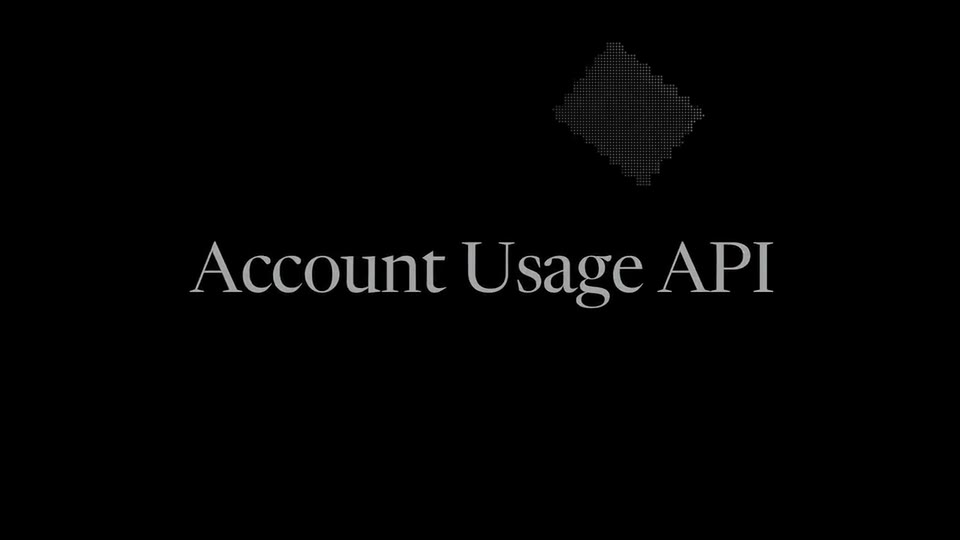
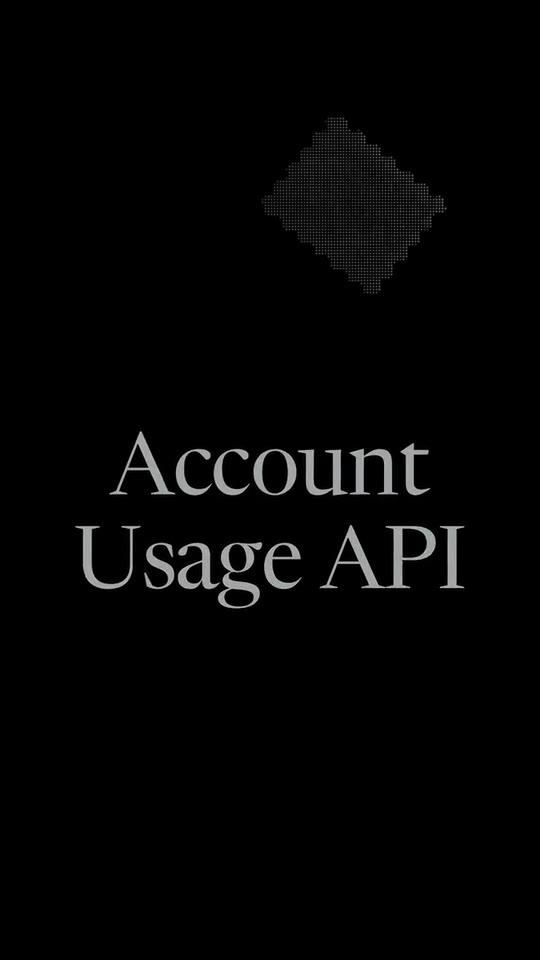
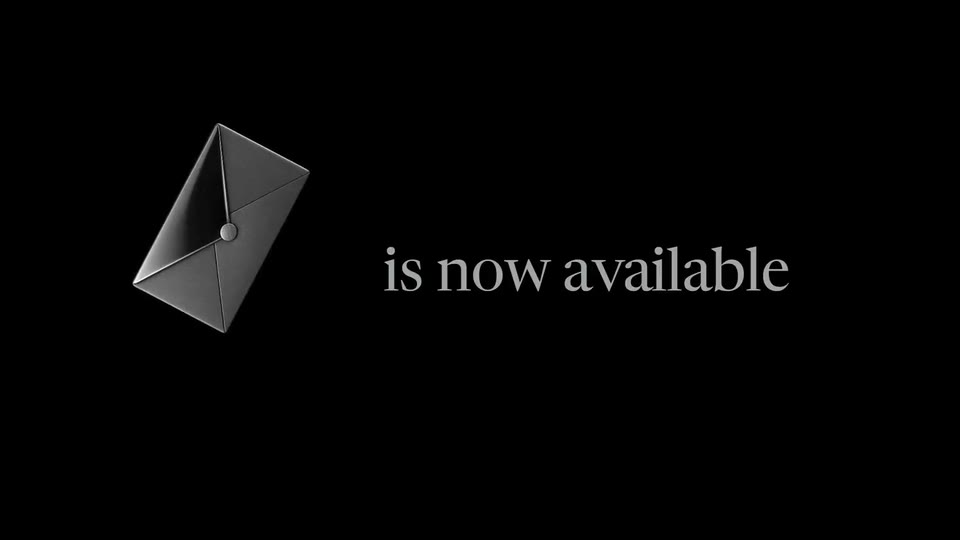
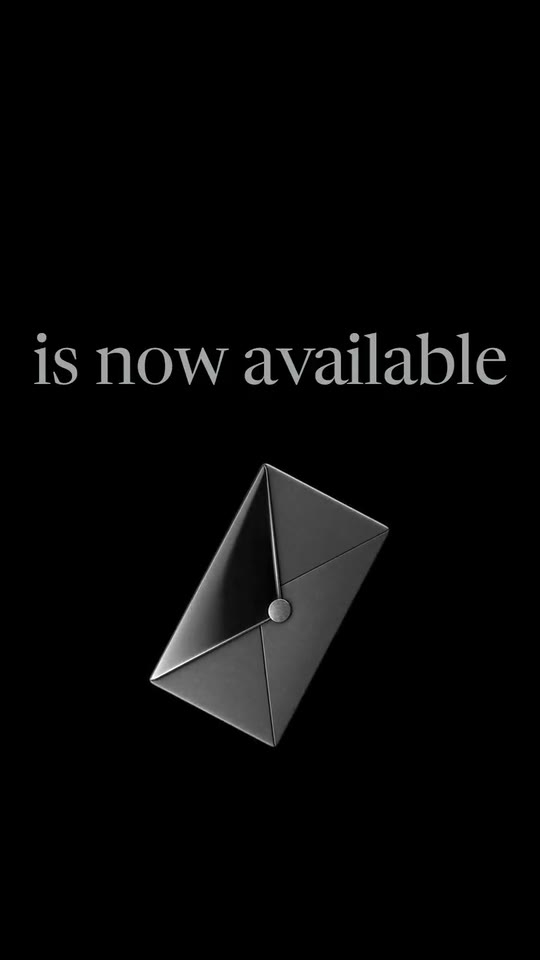
A ten-second launch line in three phrases, each with its own 3D object. Your feature's name types itself while your first object flies over it in an arc, and the camera dives into one of its letters; your second object rises and turns over as "is now available" lands on the beat; your third drops, bounces and rolls along the floor under "in <your brand>" and your icon. Each object dissolves into a grid of dots and leaves. Loops.
- Price: free to export; exporting needs an Opus Motion account
- Length: 10 seconds
- Formats: 16:9, 9:16 (each one designed for its screen)
- What you can change: 5 texts, 6 images, 3 colors, the music
- Category: Launches
Examples with real brands
- Resend, 16:9: watch the video
- Resend, 9:16: watch the video
Make it yours
Paste your website and the template comes out with your logo, colors and words: https://opusmotion.com/studio/t54-now-available?mode=yours. To open it already filled from a website, add &site=yourdomain.com.
Fields, for AI agents
An agent fills these with POST https://opusmotion.com/api/v1/drafts (guide: https://opusmotion.com/agents.md). Free to export in 16:9 and 9:16. Exporting the MP4 needs a free Opus Motion account with a confirmed email.
Scenes: The feature types itself, an object flies over (0–2.525 s); The camera dives into a letter (2.13–2.525 s); "is now available" with the second object (2.525–5.06 s); "in <brand>" with the rolling object (5.06–10 s).
line1(text, 3–27 characters): Feature. Your feature's name as your changelog writes it. It types itself letter by letter and the camera dives into it. Demo's line, for tone and length only: "Account Usage API". Scene "The feature types itself, an object flies over" at 1.2 s: 16:9 · 9:16.line2(text, 3–18 characters): Announcement. Three words that land one per beat (from the fourth on, they land with the third). Demo's line, for tone and length only: "is now available". Scene ""is now available" with the second object" at 3.8 s: 16:9 · 9:16.linePrefix(text, 1–6 characters): Before the brand. The short word before your brand's name. Demo's line, for tone and length only: "in". Scene ""in <brand>" with the rolling object" at 6.2 s: 16:9 · 9:16.brandName(text, 2–14 characters): Brand name. How your brand is written. A horizontal logo takes its place; a square icon follows it. The brand's own: never the demo's. Scene ""in <brand>" with the rolling object" at 6.2 s: 16:9 · 9:16.productName(text, 0–8 characters): Product (optional). A product name after the brand, in the brand's colour, on its own beat. Empty leaves the beat silent. Optional. Scene ""in <brand>" with the rolling object" at 6.8 s: 16:9 · 9:16.logo(image, free, shown whole): Your logo (the horizontal wordmark): an SVG, or a PNG with a transparent background. A square icon follows your brand's name; a horizontal logo replaces the name. Shown whole, at any proportion: nothing is cropped. The brand's own: never the demo's. Scene ""in <brand>" with the rolling object" at 7.2 s: 16:9 · 9:16.icon(image, 1:1, shown whole): Your app or brand icon, square and full bleed. Your square mark or app icon. Shown whole inside a 1:1 box: nothing is cropped. Optional. The brand's own: never the demo's. Scene ""in <brand>" with the rolling object" at 7.2 s: 16:9 · 9:16.object1(image, 4:5, shown whole): A cut-out object on a transparent background (a PNG, or an SVG drawing): just the object, no photo background. Never a photo, never a photo padded with transparent bars. A transparent PNG of an object of your brand. Shown whole inside a 4:5 box: nothing is cropped. Demo's image. Scene "The feature types itself, an object flies over" at 0.9 s: 16:9 · 9:16.object2(image, 3:2, shown whole): A cut-out object on a transparent background (a PNG, or an SVG drawing): just the object, no photo background. Never a photo, never a photo padded with transparent bars. A transparent PNG, landscape. A card-like object (rounded corners, transparent around it) works too. Shown whole inside a 3:2 box: nothing is cropped. Demo's image. Scene ""is now available" with the second object" at 3.8 s: 16:9 · 9:16.object2Back(image, 3:2, shown whole): A cut-out object on a transparent background (a PNG, or an SVG drawing): just the object, no photo background. Never a photo, never a photo padded with transparent bars. Its other face, seen for half a turn. A card-like object (rounded corners, transparent around it) works too. Shown whole inside a 3:2 box: nothing is cropped. Optional. Demo's image. Scene ""is now available" with the second object" at 2.9 s: 16:9 · 9:16.object3(image, 1:1, shown whole): A cut-out object on a transparent background (a PNG, or an SVG drawing): just the object, no photo background. Never a photo, never a photo padded with transparent bars. A transparent PNG of a round object. A round piece works too. Shown whole inside a 1:1 box: nothing is cropped. Demo's image. Scene ""in <brand>" with the rolling object" at 6.2 s: 16:9 · 9:16.bgColor(color, #RRGGBB): Background. Your site's background. Dark: the third object stands on a glossy floor; light: it casts a contact shadow.inkColor(color, #RRGGBB): Text. The settled text.brandColor(color, #RRGGBB): Brand color. The newest typed letters and your brand's name.