For AI agents
Coding agents (Claude Code, Codex, Cursor and similar) make Opus Motion videos for a project with the agent guide: https://opusmotion.com/agents.md.
- The guide's steps: read the project, ask the person a few questions, compare templates (each one has a timelapse, its scenes and its fields), make a draft with
POST https://opusmotion.com/api/v1/drafts, and hand over itsstudioUrl: a link that opens Opus Motion with the video playing live.PATCHwith the draft'seditTokenchanges it, and the link stays the same. - Plain HTTPS and JSON: no key and no account. Or the MCP server (https://opusmotion.com/mcp): every tool, with stills of the draft returned as images. The person exports the MP4 from the studio.
- The studio is filled through the API, not by driving the site with a browser. When the API refuses, the person is told.
- More: llms.txt · this page in Markdown · developer docs · OpenAPI
Overnight: free launches video template
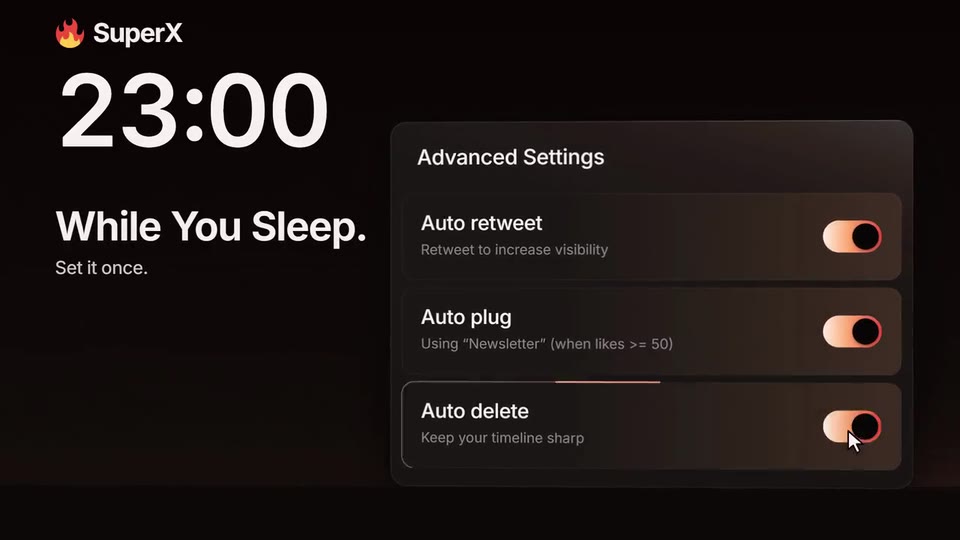
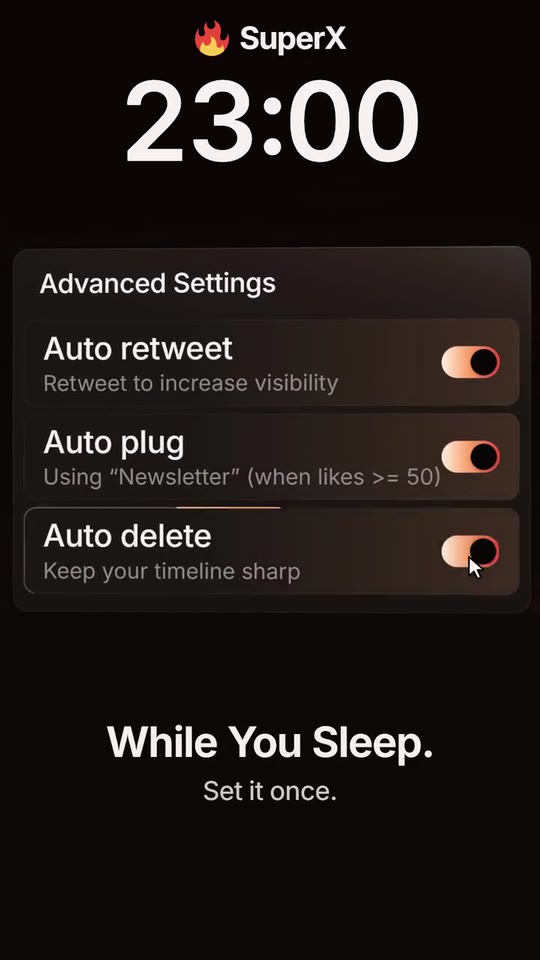
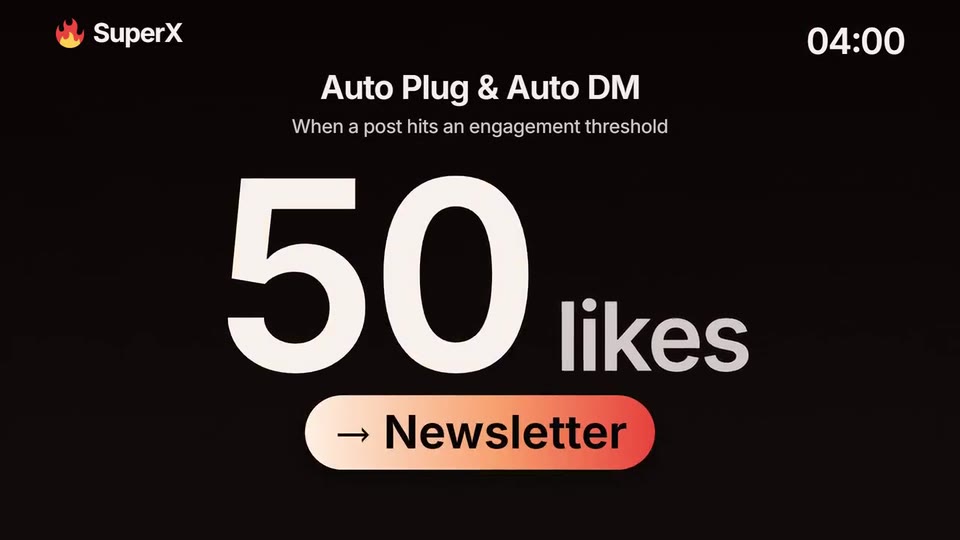
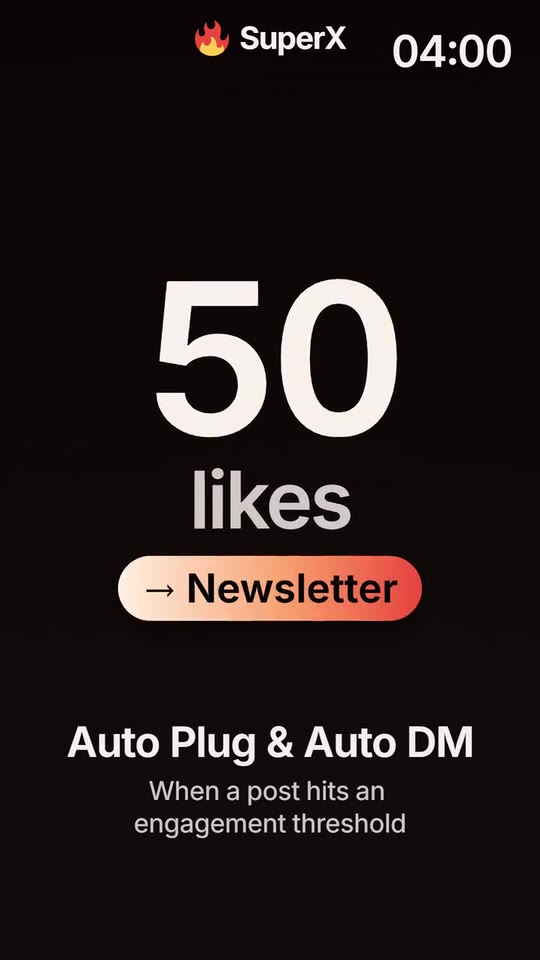
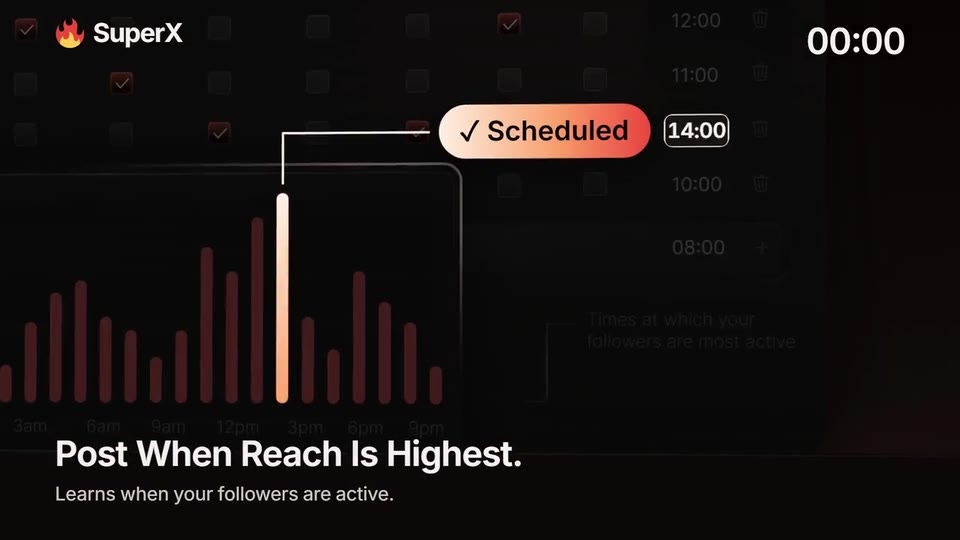
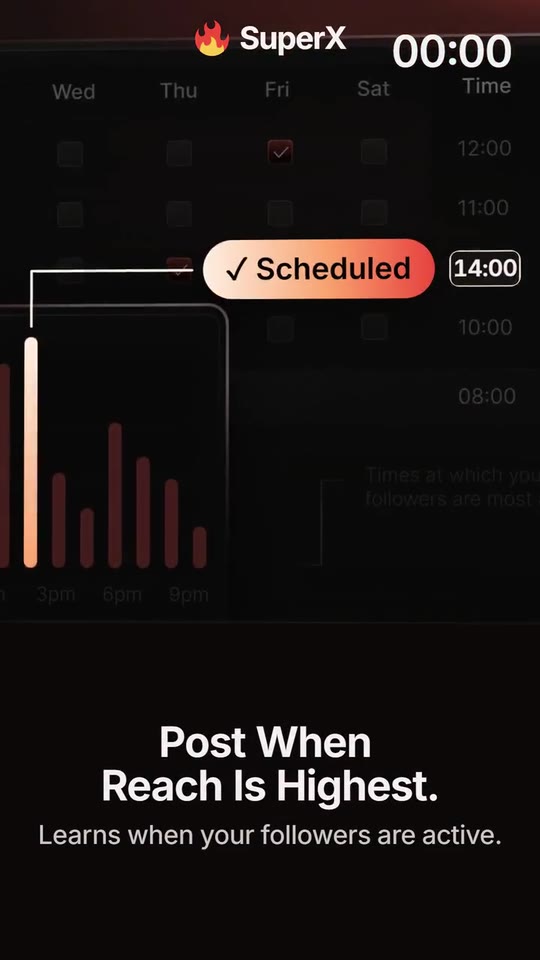
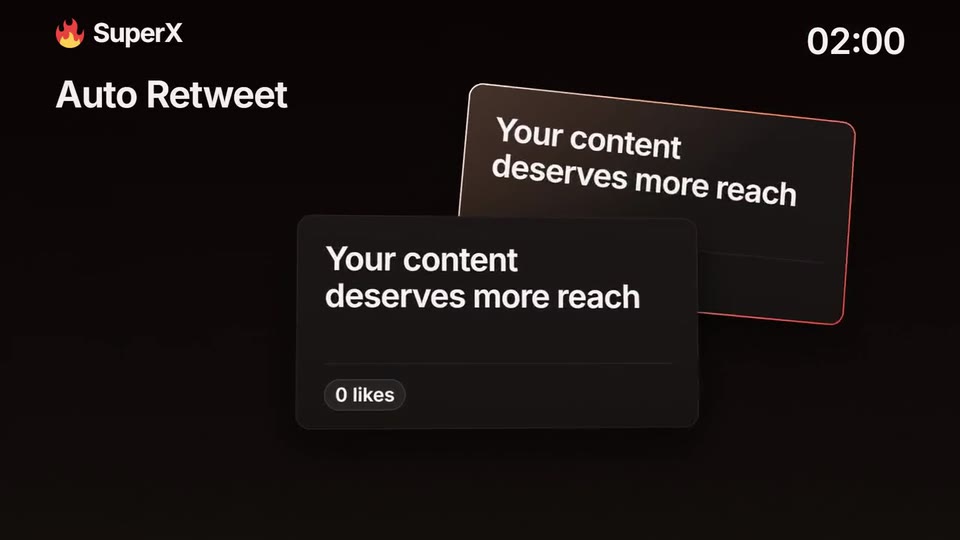
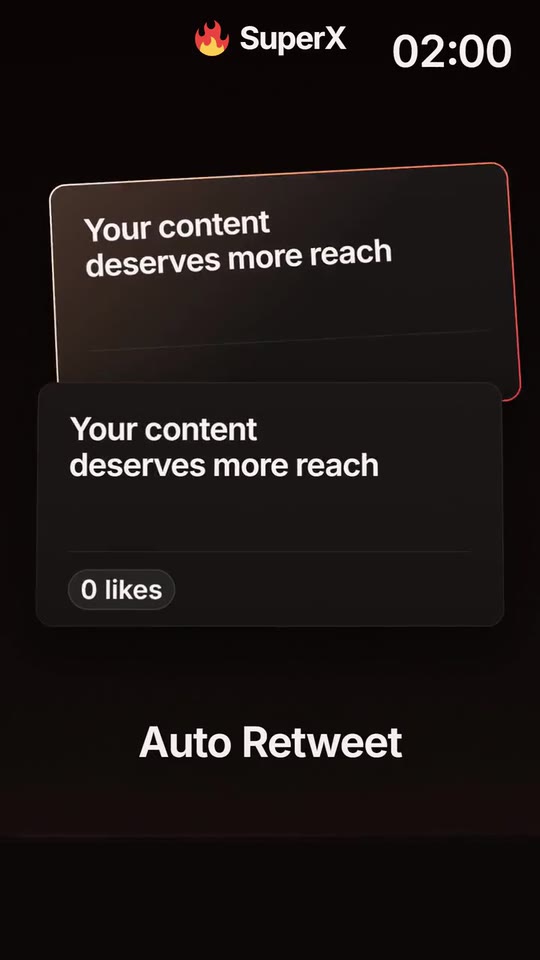
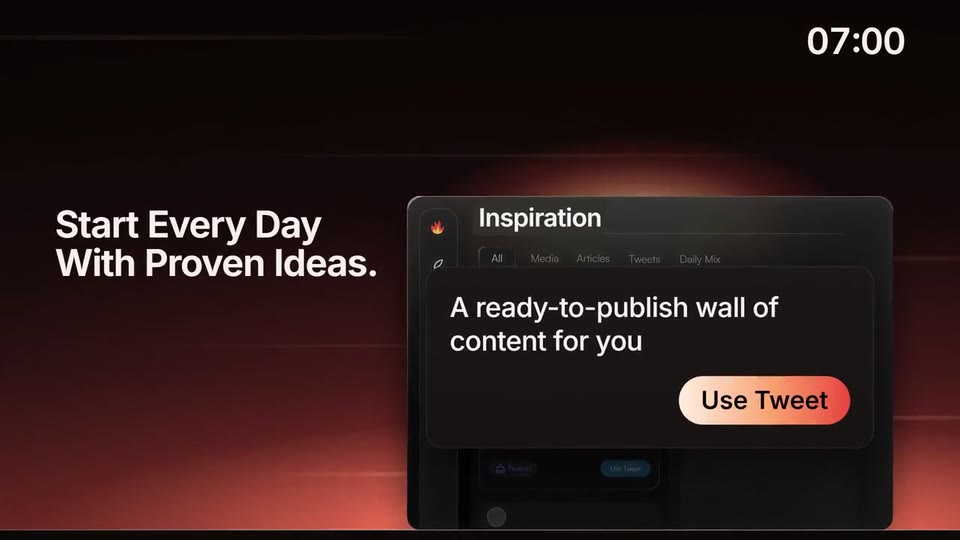
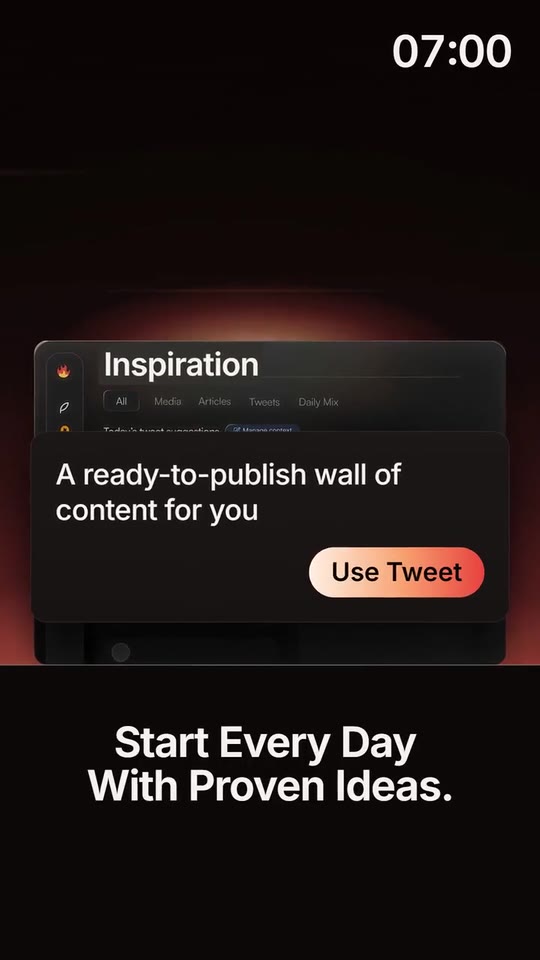
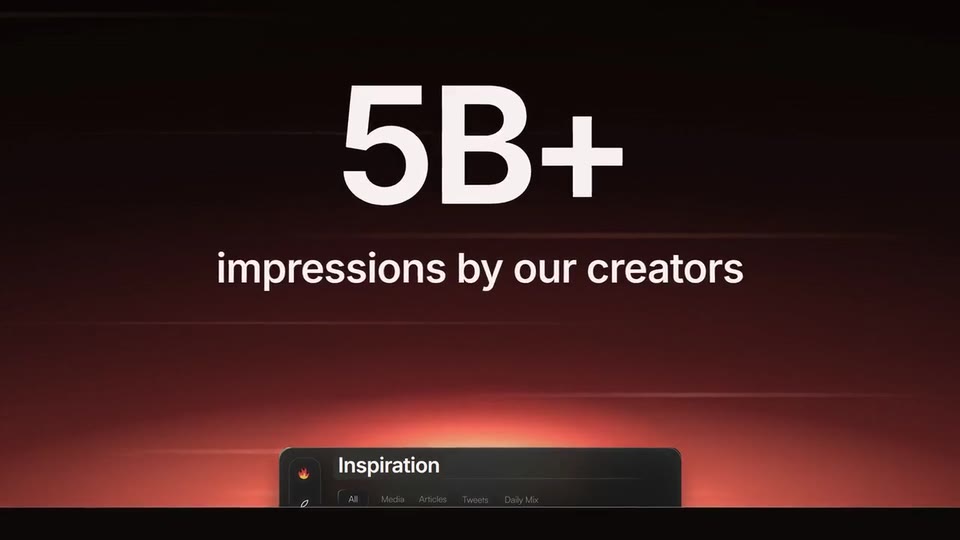
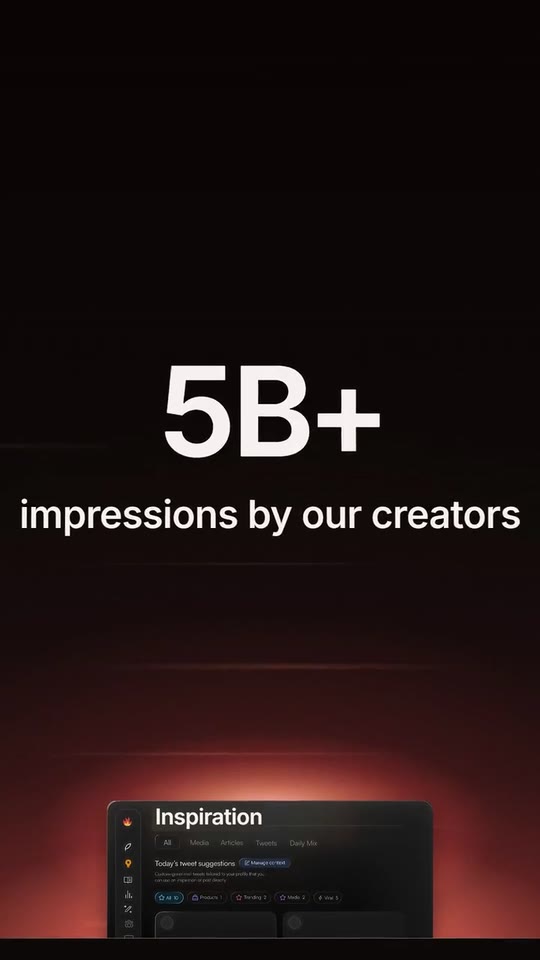
A 16.8-second night, compressed: your logo and your promise next to a clock at 23:00, three switches go on, then the clock steps into a corner and each hour gets its own shot on your own interface: at 00:00 the camera pushes into your night screen and lights the reason for its decision, at 02:00 a post goes out again, at 04:00 its count fills the frame, reaches the threshold and drops the plug. On the drop the sun of your colour breaks behind your screens, your morning screen rises with it and one idea of the day lifts out of it, three real figures land one per beat and your logo rises out of the light.
- Price: free to export; exporting needs an Opus Motion account
- Length: 16.8 seconds
- Formats: 16:9, 9:16 (each one designed for its screen)
- What you can change: 39 texts, 3 images, 1 color, the music
- Category: Launches
Examples with real brands
- SuperX, 16:9: watch the video
- SuperX, 9:16: watch the video
Make it yours
Paste your website and the template comes out with your logo, colors and words: https://opusmotion.com/studio/t57-overnight?mode=yours. To open it already filled from a website, add &site=yourdomain.com.
Fields, for AI agents
An agent fills these with POST https://opusmotion.com/api/v1/drafts (guide: https://opusmotion.com/agents.md). Free to export in 16:9 and 9:16. Exporting the MP4 needs a free Opus Motion account with a confirmed email.
Scenes: Your promise and three switches, 23:00 (0–2.034 s); The first job on your screen (2.034–4.068 s); A post goes out again (4.068–6.102 s); The count reaches its threshold (6.102–8.136 s); Before dawn (8.136–10.169 s); 07:00: your sunrise, your morning screen and its idea (10.169–12.203 s); Three figures, one per beat (12.203–14.237 s); Your logo rises out of the sunrise (14.237–16.8 s).
brandName(text, 2–14 characters): Brand name. How your brand is written. It sits next to your icon at the end; with no logo it becomes the logotype. The brand's own: never the demo's. Scene "Your logo rises out of the sunrise" at 15.2 s: 16:9 · 9:16.logo(image, 1:1, shown whole): Your app or brand icon, square and full bleed. Your icon (square) is best: the morning light gathers into it. Shown whole inside a 1:1 box: nothing is cropped. The brand's own: never the demo's. Scene "Your logo rises out of the sunrise" at 15.2 s: 16:9 · 9:16.brandColor(color, #RRGGBB): Brand color. The colour of the sunrise. The night, the switches, the light on your screens and the dawn behind them all derive from it.hook(text, 4–26 characters): Opening promise. The overnight promise, big next to the clock in the first second: a short phrase from your site. Demo's line, for tone and length only: "While You Sleep.". Scene "Your promise and three switches, 23:00" at 0.6 s: 16:9 · 9:16.headline(text, 6–60 characters): Opening line. What the visitor does once, before the night, as your site says it. Demo's line, for tone and length only: "Set it once.". Scene "Your promise and three switches, 23:00" at 1.5 s: 16:9 · 9:16.panelTitle(text, 3–22 characters): Settings panel title. The title of the panel where your automations live, as your product names it. Demo's line, for tone and length only: "Advanced Settings". Scene "Your promise and three switches, 23:00" at 1.5 s: 16:9 · 9:16.row1Title(text, 3–20 characters): Automation 1. The first switch, pressed on the first beat of the night. Demo's line, for tone and length only: "Auto retweet". Scene "Your promise and three switches, 23:00" at 1.5 s: 16:9 · 9:16.row1Sub(text, 6–40 characters): Automation 1, what it does. Demo's line, for tone and length only: "Retweet to increase visibility". Scene "Your promise and three switches, 23:00" at 1.5 s: 16:9 · 9:16.row2Title(text, 3–16 characters): Automation 2. The second switch. Its rule is the threshold the count climbs to at 04:00. Demo's line, for tone and length only: "Auto plug". Scene "Your promise and three switches, 23:00" at 1.5 s: 16:9 · 9:16.row2Sub(text, 6–40 characters): Automation 2, its rule. Demo's line, for tone and length only: "Using “Newsletter” (when likes >= 50)". Scene "Your promise and three switches, 23:00" at 1.5 s: 16:9 · 9:16.row2Count(text, 0–4 characters): Automation 2, threshold (number, optional). Digits only: the threshold your product shows for this automation. At 04:00 the count fills the frame, climbs from 0 to it and the chip drops. Never a result or an average. Empty: no count, the chip waits outlined and fills on the beat. Optional. Demo's line, for tone and length only: "50". Scene "The count reaches its threshold" at 7.5 s: 16:9 · 9:16.row2Unit(text, 0–11 characters): Automation 2, what it counts (optional). Optional. Demo's line, for tone and length only: "likes". Scene "The count reaches its threshold" at 7.5 s: 16:9 · 9:16.row2Chip(text, 2–12 characters): Automation 2, what it drops. Demo's line, for tone and length only: "Newsletter". Scene "The count reaches its threshold" at 7.9 s: 16:9 · 9:16.row3Title(text, 3–20 characters): Automation 3. Demo's line, for tone and length only: "Auto delete". Scene "Your promise and three switches, 23:00" at 1.5 s: 16:9 · 9:16.row3Sub(text, 6–40 characters): Automation 3, what it does. Demo's line, for tone and length only: "Keep your timeline sharp". Scene "Your promise and three switches, 23:00" at 1.5 s: 16:9 · 9:16.job1Title(text, 6–36 characters): Night job 1, title. What your product does on your first screen while the visitor sleeps, in your site's words. Demo's line, for tone and length only: "Post When Reach Is Highest.". Scene "The first job on your screen" at 3.6 s: 16:9 · 9:16.job1Line(text, 10–70 characters): Night job 1, line. Demo's line, for tone and length only: "Learns when your followers are active.". Scene "The first job on your screen" at 3.6 s: 16:9 · 9:16.job1Pill(text, 3–14 characters): Night job 1, status. One word for the job done (shown with a check). Demo's line, for tone and length only: "Scheduled". Scene "The first job on your screen" at 3.6 s: 16:9 · 9:16.postText(text, 0–48 characters): The post, what it says (optional). A short sentence from your site set inside the card that goes out again at 02:00 (no avatar, no name). When set, the caption keeps only its title. Empty: three neutral bars and the caption's line. Optional. Demo's line, for tone and length only: "Your content deserves more reach". Scene "A post goes out again" at 5.2 s: 16:9 · 9:16.job2Title(text, 6–36 characters): Night job 2, title. Demo's line, for tone and length only: "Auto Retweet". Scene "A post goes out again" at 5.4 s: 16:9 · 9:16.job2Line(text, 10–70 characters): Night job 2, line. Demo's line, for tone and length only: "Another push at the perfect time.". Scene "A post goes out again" at 5.4 s: 16:9 · 9:16.job3Title(text, 6–36 characters): Night job 3, title. Demo's line, for tone and length only: "Auto Plug & Auto DM". Scene "The count reaches its threshold" at 7.5 s: 16:9 · 9:16.job3Line(text, 10–70 characters): Night job 3, line. Demo's line, for tone and length only: "When a post hits an engagement threshold". Scene "The count reaches its threshold" at 7.5 s: 16:9 · 9:16.shot2Title(text, 0–22 characters): Morning screen, its own header (optional). The header of the morning screen exactly as the image shows it. It is set again, sharp and large, at its own place so the screen can be named on a phone. Empty: the image alone. Optional. Demo's line, for tone and length only: "Inspiration". Scene "07:00: your sunrise, your morning screen and its idea" at 11.6 s: 16:9 · 9:16.morningTitle(text, 6–40 characters): Morning title. What the visitor finds when they open your product in the morning. Demo's line, for tone and length only: "Start Every Day With Proven Ideas.". Scene "07:00: your sunrise, your morning screen and its idea" at 11.6 s: 16:9 · 9:16.morningIdea(text, 0–60 characters): Morning idea (optional). One thing your product has ready in the morning, as it appears in your product or on your site. Empty: the morning screen alone. Optional. Demo's line, for tone and length only: "A ready-to-publish wall of content for you". Scene "07:00: your sunrise, your morning screen and its idea" at 11.6 s: 16:9 · 9:16.morningAction(text, 0–16 characters): Morning idea, its button (optional). The button on that card, as your product labels it. Optional. Demo's line, for tone and length only: "Use Tweet". Scene "07:00: your sunrise, your morning screen and its idea" at 11.8 s: 16:9 · 9:16.stat1(text, 1–8 characters): Figure 1. A figure published on your site, written exactly as there (digits roll in). Demo's line, for tone and length only: "11,294+". Scene "Three figures, one per beat" at 12.5 s: 16:9 · 9:16.stat1Label(text, 3–40 characters): Figure 1, what it counts. Demo's line, for tone and length only: "creators". Scene "Three figures, one per beat" at 12.5 s: 16:9 · 9:16.stat2(text, 1–8 characters): Figure 2. Demo's line, for tone and length only: "400K+". Scene "Three figures, one per beat" at 13 s: 16:9 · 9:16.stat2Label(text, 3–40 characters): Figure 2, what it counts. Demo's line, for tone and length only: "posts & replies sent". Scene "Three figures, one per beat" at 13 s: 16:9 · 9:16.stat3(text, 1–8 characters): Figure 3. Demo's line, for tone and length only: "5B+". Scene "Three figures, one per beat" at 13.6 s: 16:9 · 9:16.stat3Label(text, 3–40 characters): Figure 3, what it counts. Demo's line, for tone and length only: "impressions by our creators". Scene "Three figures, one per beat" at 13.6 s: 16:9 · 9:16.tagline(text, 8–44 characters): Closing line. Demo's line, for tone and length only: "Your Growth Engine Runs While You Sleep.". Scene "Your logo rises out of the sunrise" at 15.6 s: 16:9 · 9:16.url(text, 4–24 characters): Address. Demo's line, for tone and length only: "superx.so". Scene "Your logo rises out of the sunrise" at 15.6 s: 16:9 · 9:16.cta(text, 3–22 characters): Button. Your site's main button, as it is written there. Demo's line, for tone and length only: "Get Started for Free". Scene "Your logo rises out of the sunrise" at 16.4 s: 16:9 · 9:16.shot1(image, 3:2, cropped): A real screenshot of the product. A real screen of your product where the night's first job happens (3:2, landscape). Cropped to fill a 3:2 frame: keep the subject in the middle. Demo's image. Scene "The first job on your screen" at 3.6 s: 16:9 · 9:16.shot2(image, 16:11, cropped): An image of the brand. The screen your visitor opens in the morning (landscape). Cropped to fill a 16:11 frame: keep the subject in the middle. Demo's image. Scene "07:00: your sunrise, your morning screen and its idea" at 11.6 s: 16:9 · 9:16.