For AI agents
If you are an AI agent (Claude Code, Codex, Cursor or similar) and the person wants a video for their project with Opus Motion, read the guide first and follow it: https://opusmotion.com/agents.md.
- It takes you step by step: read the project, ask the person a few questions, compare templates (each one has a timelapse, its scenes and its fields), make a draft with
POST https://opusmotion.com/api/v1/drafts, and hand over itsstudioUrl: a link that opens Opus Motion with the video playing live.PATCHwith the draft'seditTokenchanges it, and the link stays the same. - Plain HTTPS and JSON: no key, no account, no MCP. Nothing is rendered; the person exports the MP4 from the studio.
- Never drive this site with a browser to fill the studio: use the API. If it refuses, tell the person and stop.
- More: llms.txt · this page in Markdown · developer docs · OpenAPI
Perk Map: premium launches video template
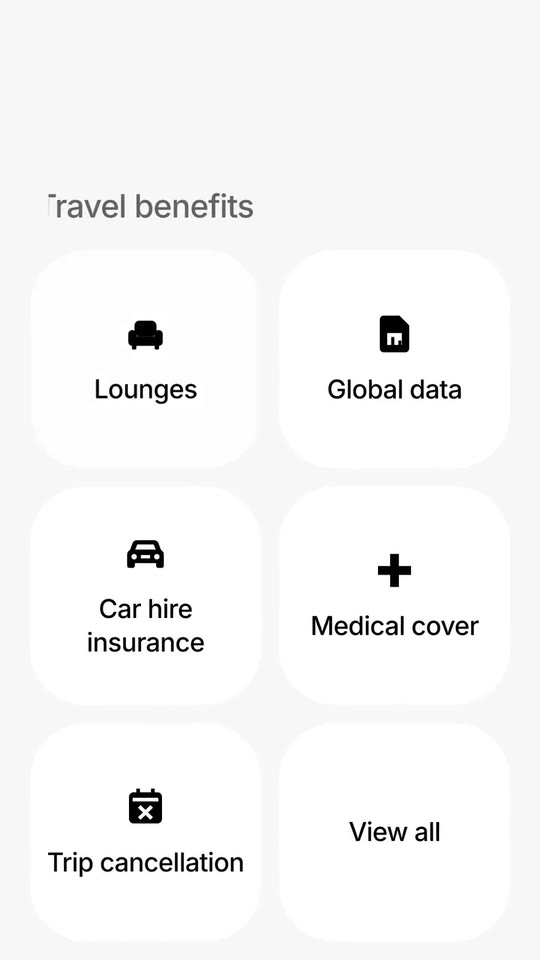
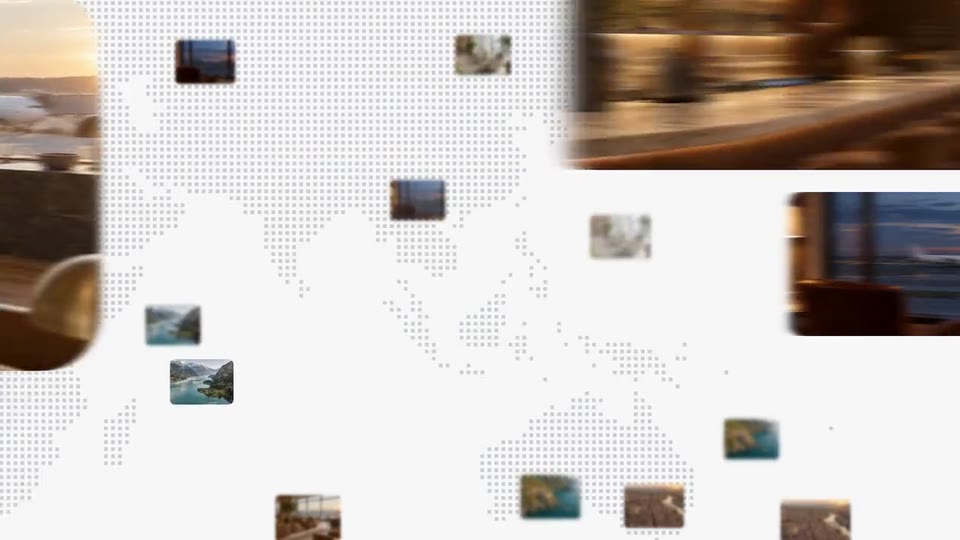
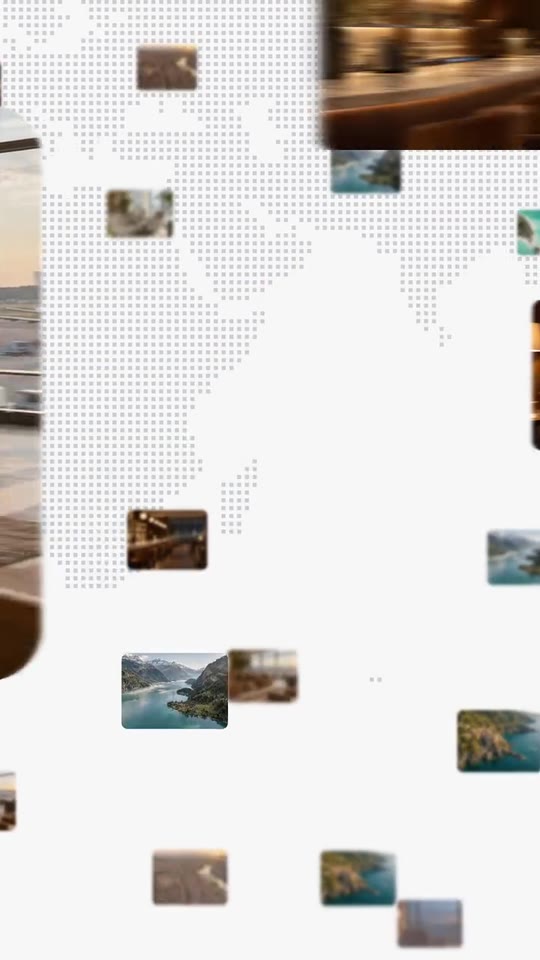
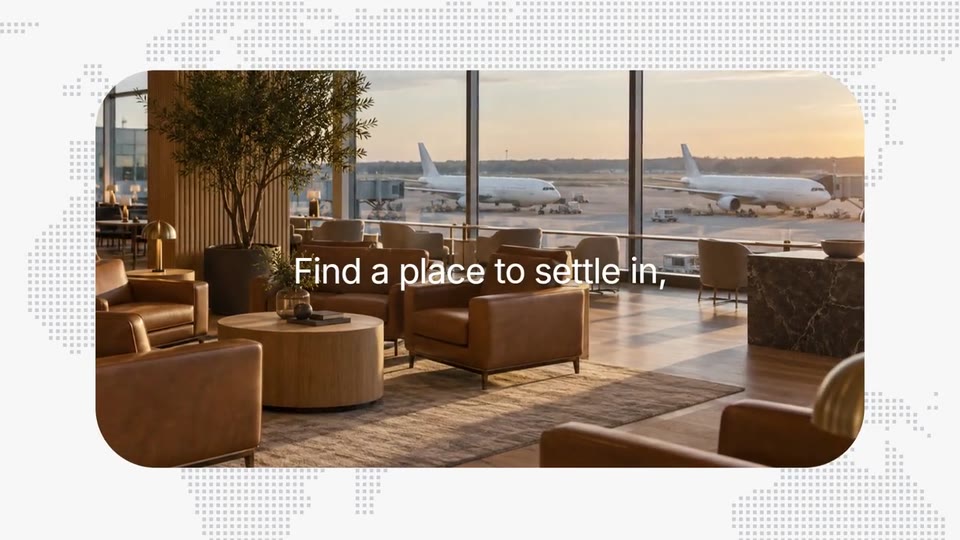
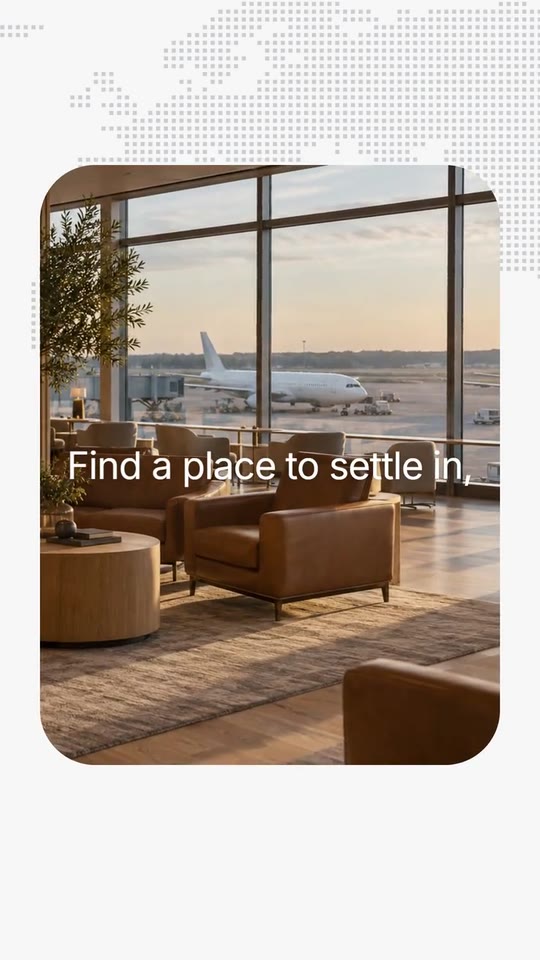
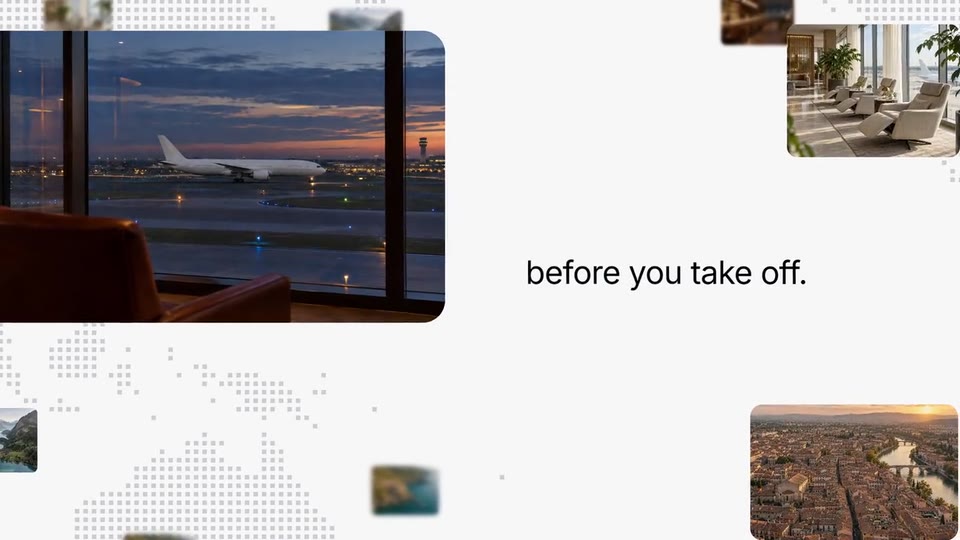
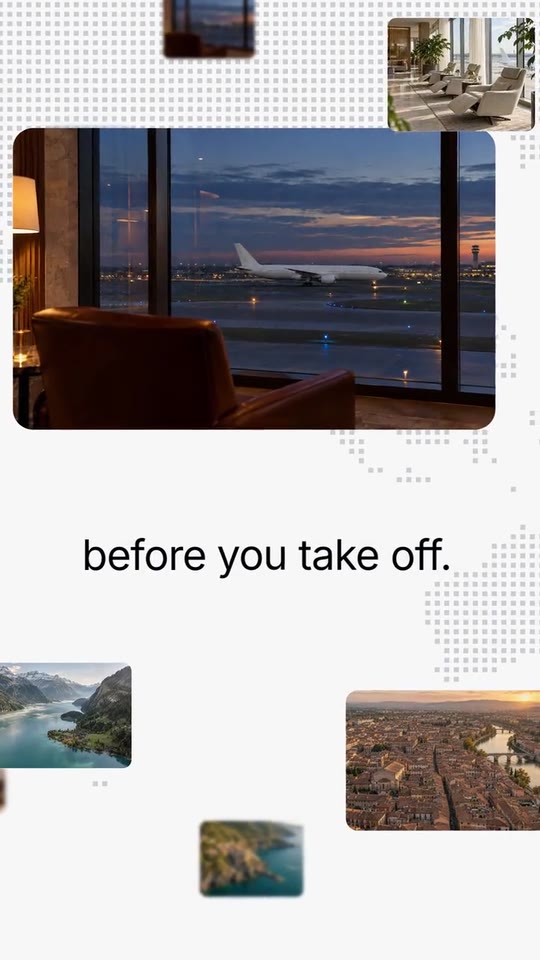
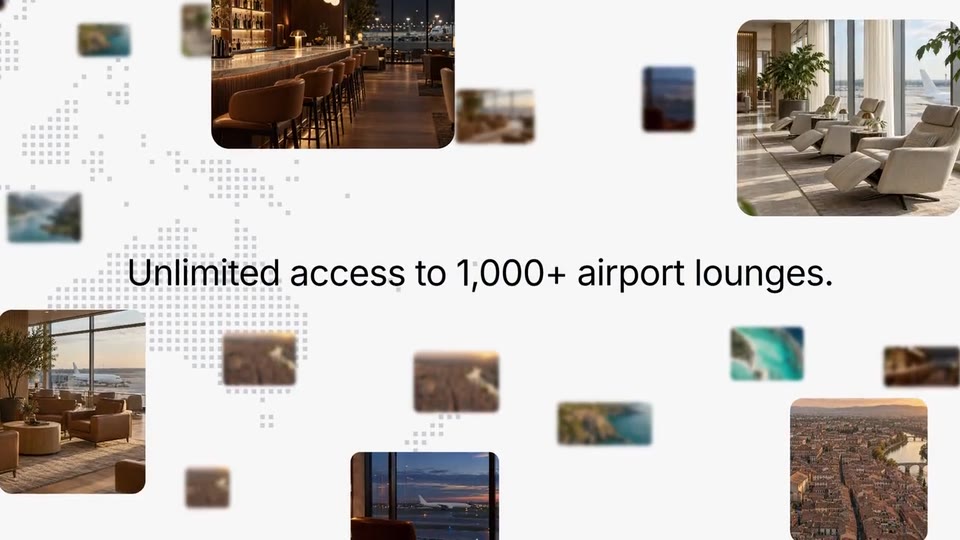
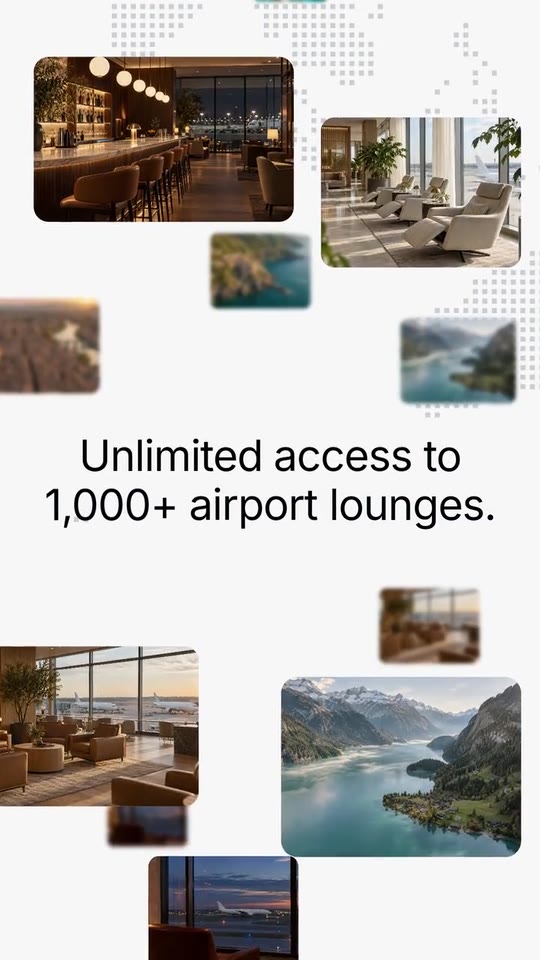
A benefit film for a plan, a membership or a card: a tab bar in close-up slides to your plan, its page scrolls to the benefits, one tile is pressed and flips into a photo, photos land across a dotted world map with your line, and your logo opens with your plan's name.
- Price: $16 per export, paid once per video and per format; exporting needs an Opus Motion account
- Length: 21.9 seconds
- Formats: 16:9, 9:16 (each one designed for its screen)
- What you can change: 44 texts, 9 images, 7 colors, the music
- Category: Launches
Examples with real brands
- Revolut, 16:9: watch the video
- Revolut, 9:16: watch the video
Make it yours
Paste your website and the template comes out with your logo, colors and words: https://opusmotion.com/studio/t71-perk-map?mode=yours. To open it already filled from a website, add &site=yourdomain.com.
Fields, for AI agents
An agent fills these with POST https://opusmotion.com/api/v1/drafts (guide: https://opusmotion.com/agents.md). $16 per export, paid once per video and per format (16:9 and 9:16 are separate exports). Exporting needs an Opus Motion account; payment happens in the studio.
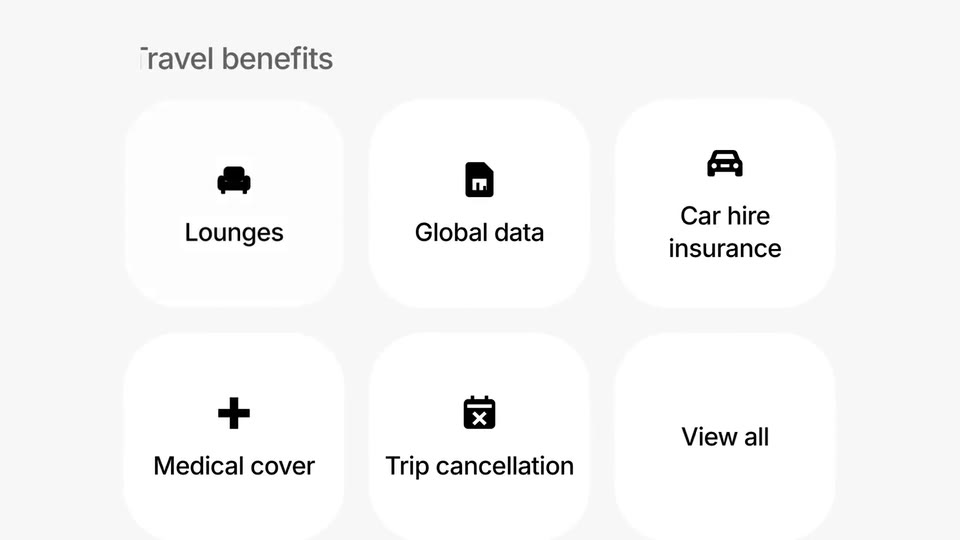
Scenes: The tab bar: the pill slides and presses (0–2.85 s); The plan page scrolls (2.85–4.1 s); The benefit grid; one tile is pressed (4.1–6.03 s); The tile flips into a photo that grows (6.03–9.3 s); The pan across the dotted map (9.3–10.77 s); The second photo and the second half of the line (10.77–14 s); The whip to the benefit line among the photos (14–17.3 s); White, then the logo lands and opens (17.3–21.9 s).
brandName(text, 2–18 characters): Brand name. How your brand is written. With no logo, it is set in type as the closing logo. The brand's own: never the demo's. Scene "White, then the logo lands and opens" at 20 s: 16:9 · 9:16.logo(image, free, shown whole): Your logo (the horizontal wordmark): an SVG, or a PNG with a transparent background. Your horizontal logo, on a transparent background. Shown whole, at any proportion: nothing is cropped. The brand's own: never the demo's. Scene "White, then the logo lands and opens" at 20 s: 16:9 · 9:16.partnerText(text, 0–16 characters): Name beside the logo. Set in spaced capitals after a thin divider: your plan, your program or your partner's name in words (never a third party's logo). Empty = the logo alone. Optional. Demo's line, for tone and length only: "ULTRA". Scene "White, then the logo lands and opens" at 20 s: 16:9 · 9:16.paperColor(color, #RRGGBB): Page. The app's page colour: behind the tabs, the page and the map. Scene "The tab bar: the pill slides and presses" at 0.5 s: 16:9 · 9:16.cardColor(color, #RRGGBB): Cards. The chosen tab, the tiles and the list card. Scene "The benefit grid; one tile is pressed" at 4.5 s: 16:9 · 9:16.inkColor(color, #RRGGBB): Ink. Titles, labels and the lines. Scene "The benefit grid; one tile is pressed" at 4.5 s: 16:9 · 9:16.mutedColor(color, #RRGGBB): Muted ink. The tabs that are not chosen and the small print in the list. Scene "The tab bar: the pill slides and presses" at 0.5 s: 16:9 · 9:16.brandColor(color, #RRGGBB): Button. The main button of the plan page. Scene "The plan page scrolls" at 3.3 s: 16:9 · 9:16.planColor(color, #RRGGBB): Plan card. The large plan card at the top of the page. Scene "The plan page scrolls" at 3.3 s: 16:9 · 9:16.dotColor(color, #RRGGBB): Map dots. The dots of the world map; keep it a soft step away from the page. Scene "The pan across the dotted map" at 12.5 s: 16:9 · 9:16.tab1(text, 2–10 characters): Tab 1 (chosen first). The tab that is chosen when the film opens. Demo's line, for tone and length only: "Premium". Scene "The tab bar: the pill slides and presses" at 0.5 s: 16:9 · 9:16.tab2(text, 2–10 characters): Tab 2. The tab the pill slides over. Demo's line, for tone and length only: "Metal". Scene "The tab bar: the pill slides and presses" at 0.5 s: 16:9 · 9:16.tab3(text, 2–10 characters): Tab 3 (the one it lands on). The tab the pill lands on and presses: the plan or section the film is about. Demo's line, for tone and length only: "Ultra". Scene "The tab bar: the pill slides and presses" at 1.8 s: 16:9 · 9:16.ctaPrimary(text, 2–18 characters): Page button. The main button on the page (seen during the fast scroll). Demo's line, for tone and length only: "Get Ultra". Scene "The plan page scrolls" at 3.1 s: 16:9 · 9:16.ctaSecondary(text, 2–18 characters): Second button. The light button beside it. Demo's line, for tone and length only: "Compare plans". Scene "The plan page scrolls" at 3.1 s: 16:9 · 9:16.planName(text, 2–12 characters): Plan card: name. The big name on the dark card. Demo's line, for tone and length only: "Ultra". Scene "The plan page scrolls" at 3.3 s: 16:9 · 9:16.planPrice(text, 2–16 characters): Plan card: price. The price as your site writes it. Demo's line, for tone and length only: "£55/month". Scene "The plan page scrolls" at 3.3 s: 16:9 · 9:16.planTagline(text, 4–36 characters): Plan card: line. One line from your site about the plan. Demo's line, for tone and length only: "The account that does it all". Scene "The plan page scrolls" at 3.3 s: 16:9 · 9:16.listTitle(text, 2–24 characters): List title. The title over the list card. Demo's line, for tone and length only: "Top features". Scene "The plan page scrolls" at 3.5 s: 16:9 · 9:16.feat1Title(text, 4–30 characters): Feature 1. A feature as your site titles it. Demo's line, for tone and length only: "Earn 1 point per £1 spent". Scene "The plan page scrolls" at 3.5 s: 16:9 · 9:16.feat1Text(text, 4–70 characters): Feature 1: detail. One sentence under it. Demo's line, for tone and length only: "Our best points rate is yours.". Scene "The plan page scrolls" at 3.5 s: 16:9 · 9:16.feat2Title(text, 4–30 characters): Feature 2. A feature as your site titles it. Demo's line, for tone and length only: "Always connected abroad". Scene "The plan page scrolls" at 3.5 s: 16:9 · 9:16.feat2Text(text, 4–70 characters): Feature 2: detail. One sentence under it. Demo's line, for tone and length only: "3GB global data every month, in 100+ countries". Scene "The plan page scrolls" at 3.5 s: 16:9 · 9:16.feat3Title(text, 4–30 characters): Feature 3. A feature as your site titles it. Demo's line, for tone and length only: "The highest limits yet". Scene "The plan page scrolls" at 3.5 s: 16:9 · 9:16.feat3Text(text, 4–70 characters): Feature 3: detail. One sentence under it. Demo's line, for tone and length only: "Withdraw up to £2,000 fee-free at global ATMs each rolling month". Scene "The plan page scrolls" at 3.5 s: 16:9 · 9:16.group1Title(text, 2–26 characters): First tile group: title. The title over the first row of tiles. Demo's line, for tone and length only: "Everyday benefits". Scene "The plan page scrolls" at 3.7 s: 16:9 · 9:16.g1a(text, 2–18 characters): First group: tile 1. A short label (one or two words). Demo's line, for tone and length only: "RevPoints". Scene "The plan page scrolls" at 3.8 s: 16:9 · 9:16.g1b(text, 2–18 characters): First group: tile 2. A short label (one or two words). Demo's line, for tone and length only: "Priority support". Scene "The plan page scrolls" at 3.8 s: 16:9 · 9:16.g1c(text, 2–18 characters): First group: tile 3. A short label (one or two words). Only the 16:9 shows a third tile in this row. Optional. Demo's line, for tone and length only: "ATM withdrawals". Scene "The plan page scrolls" at 3.8 s: 16:9 · 9:16.group2Title(text, 2–26 characters): Benefit grid: title. The title over the six tiles where the camera stops. Demo's line, for tone and length only: "Travel benefits". Scene "The benefit grid; one tile is pressed" at 4.5 s: 16:9 · 9:16.perk1(text, 2–16 characters): The benefit (tile 1). The benefit the film is about: this tile is pressed and becomes the photo. Demo's line, for tone and length only: "Lounges". Scene "The benefit grid; one tile is pressed" at 4.5 s: 16:9 · 9:16.perk2(text, 2–18 characters): Tile 2. Another benefit of the same plan. Demo's line, for tone and length only: "Global data". Scene "The benefit grid; one tile is pressed" at 4.5 s: 16:9 · 9:16.perk3(text, 2–18 characters): Tile 3. Another benefit of the same plan. Demo's line, for tone and length only: "Car hire insurance". Scene "The benefit grid; one tile is pressed" at 4.5 s: 16:9 · 9:16.perk4(text, 2–18 characters): Tile 4. Another benefit of the same plan. Demo's line, for tone and length only: "Medical cover". Scene "The benefit grid; one tile is pressed" at 4.5 s: 16:9 · 9:16.perk5(text, 2–18 characters): Tile 5. Another benefit of the same plan. Demo's line, for tone and length only: "Trip cancellation". Scene "The benefit grid; one tile is pressed" at 4.5 s: 16:9 · 9:16.perk6(text, 2–12 characters): Tile 6. Usually a link to the rest. Demo's line, for tone and length only: "View all". Scene "The benefit grid; one tile is pressed" at 4.5 s: 16:9 · 9:16.heroLine(text, 2–36 characters): Line on the big photo. The first half of your line, set on the photo that grows out of the tile. Demo's line, for tone and length only: "Find a place to settle in,". Scene "The tile flips into a photo that grows" at 7.5 s: 16:9 · 9:16.secondLine(text, 2–28 characters): Line beside the second photo. The second half of the same line. Demo's line, for tone and length only: "before you take off.". Scene "The second photo and the second half of the line" at 12.5 s: 16:9 · 9:16.benefitLine(text, 4–48 characters): The benefit line. The benefit in one sentence, with its number if your site gives one. Demo's line, for tone and length only: "Unlimited access to 1,000+ airport lounges.". Scene "The whip to the benefit line among the photos" at 16 s: 16:9 · 9:16.photo1(image, 3:2, cropped): A real photo of the product, place or people of the brand. The photo the tile flips into and that grows to fill the frame (landscape, sharp). Cropped to fill a 3:2 frame: keep the subject in the middle. Demo's image. Scene "The tile flips into a photo that grows" at 7.5 s: 16:9 · 9:16.photo2(image, 3:2, cropped): A real photo of the product, place or people of the brand. The photo the camera zooms in on, beside the second half of the line. Cropped to fill a 3:2 frame: keep the subject in the middle. Demo's image. Scene "The second photo and the second half of the line" at 12.5 s: 16:9 · 9:16.photo3(image, 3:2, cropped): A real photo of the product, place or people of the brand. Sweeps past the camera, then sits among the others. Cropped to fill a 3:2 frame: keep the subject in the middle. Demo's image. Scene "The pan across the dotted map" at 10.1 s: 16:9 · 9:16.photo4(image, 3:2, cropped): A real photo of the product, place or people of the brand. The large photo that crosses the frame during the pan. Cropped to fill a 3:2 frame: keep the subject in the middle. Demo's image. Scene "The pan across the dotted map" at 9.6 s: 16:9 · 9:16.photo5(image, 3:2, cropped): A real photo of the product, place or people of the brand. Among the photos around the benefit line. Cropped to fill a 3:2 frame: keep the subject in the middle. Demo's image. Scene "The whip to the benefit line among the photos" at 16 s: 16:9 · 9:16.photo6(image, 3:2, cropped): A real photo of the product, place or people of the brand. Among the photos around the benefit line. Cropped to fill a 3:2 frame: keep the subject in the middle. Demo's image. Scene "The whip to the benefit line among the photos" at 16 s: 16:9 · 9:16.photo7(image, 3:2, cropped): A real photo of the product, place or people of the brand. Among the photos around the benefit line. Cropped to fill a 3:2 frame: keep the subject in the middle. Demo's image. Scene "The whip to the benefit line among the photos" at 16 s: 16:9 · 9:16.photo8(image, 3:2, cropped): A real photo of the product, place or people of the brand. Among the photos around the benefit line. Cropped to fill a 3:2 frame: keep the subject in the middle. Demo's image. Scene "The whip to the benefit line among the photos" at 16 s: 16:9 · 9:16.