For AI agents
Coding agents (Claude Code, Codex, Cursor and similar) make Opus Motion videos for a project with the agent guide: https://opusmotion.com/agents.md.
- The guide's steps: read the project, ask the person a few questions, compare templates (each one has a timelapse, its scenes and its fields), make a draft with
POST https://opusmotion.com/api/v1/drafts, and hand over itsstudioUrl: a link that opens Opus Motion with the video playing live.PATCHwith the draft'seditTokenchanges it, and the link stays the same. - Plain HTTPS and JSON: no key and no account. Or the MCP server (https://opusmotion.com/mcp): every tool, with stills of the draft returned as images. The person exports the MP4 from the studio.
- The studio is filled through the API, not by driving the site with a browser. When the API refuses, the person is told.
- More: llms.txt · this page in Markdown · developer docs · OpenAPI
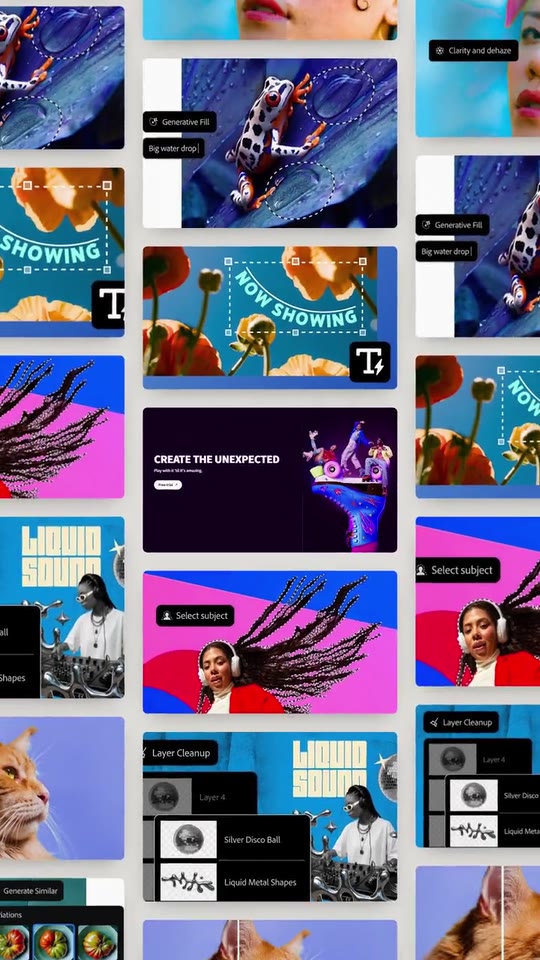
Photo Editor Launch: premium launches video template
A launch film for a photo or design editor, in the style of the big model launches.
- Price: $20 per export, paid once per video and per format; exporting needs an Opus Motion account
- Length: 31.4 seconds
- Formats: 16:9, 9:16 (each one designed for its screen)
- What you can change: 43 texts, 36 images, 5 colors
- Category: Launches
Examples with real brands
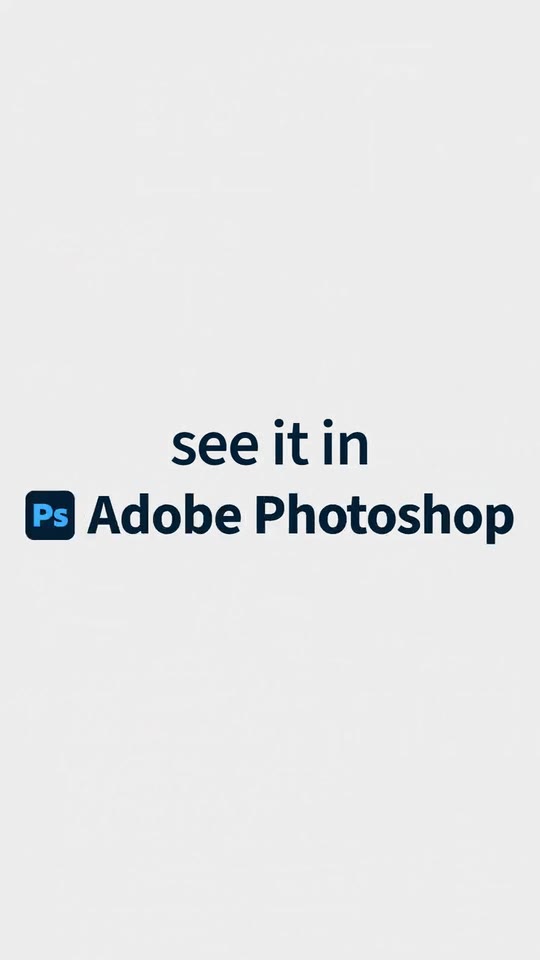
- Adobe Photoshop, 16:9: watch the video
- Adobe Photoshop, 9:16: watch the video
Make it yours
Paste your website and the template comes out with your logo, colors and words: https://opusmotion.com/studio/t93-photo-editor-launch?mode=yours. To open it already filled from a website, add &site=yourdomain.com.
Fields, for AI agents
An agent fills these with POST https://opusmotion.com/api/v1/drafts (guide: https://opusmotion.com/agents.md). $20 per export, paid once per video and per format (16:9 and 9:16 are separate exports), or included in an Opus Motion Pass (15 premium exports a month for $49). Exporting needs an Opus Motion account; payment happens in the studio.
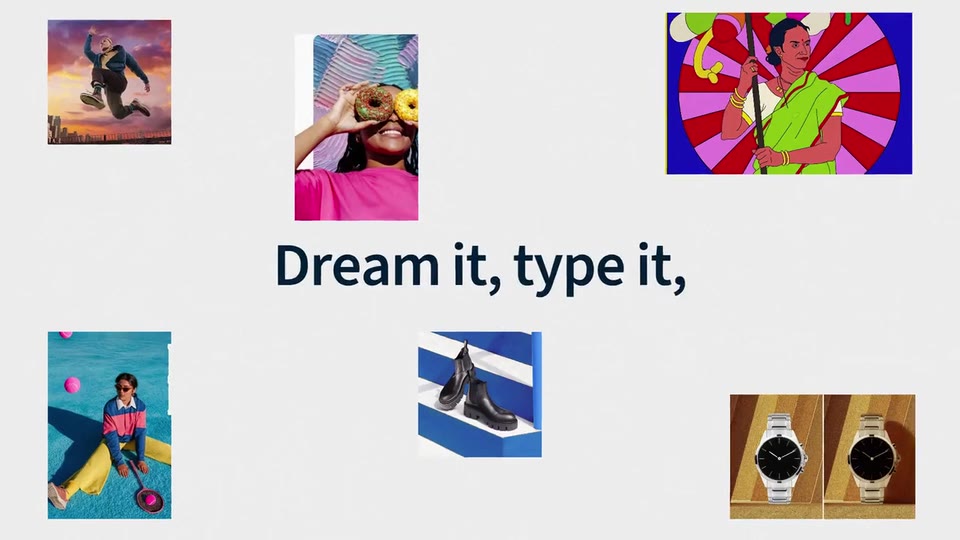
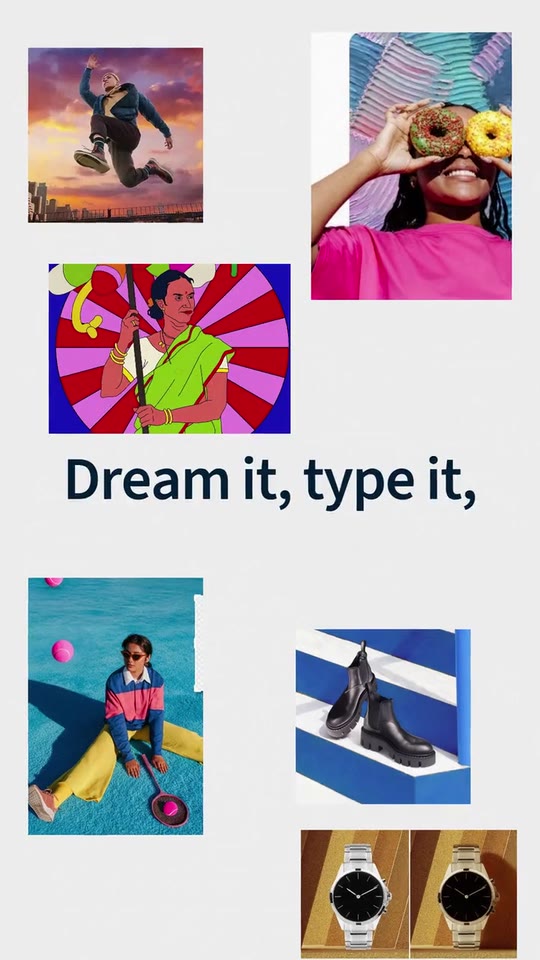
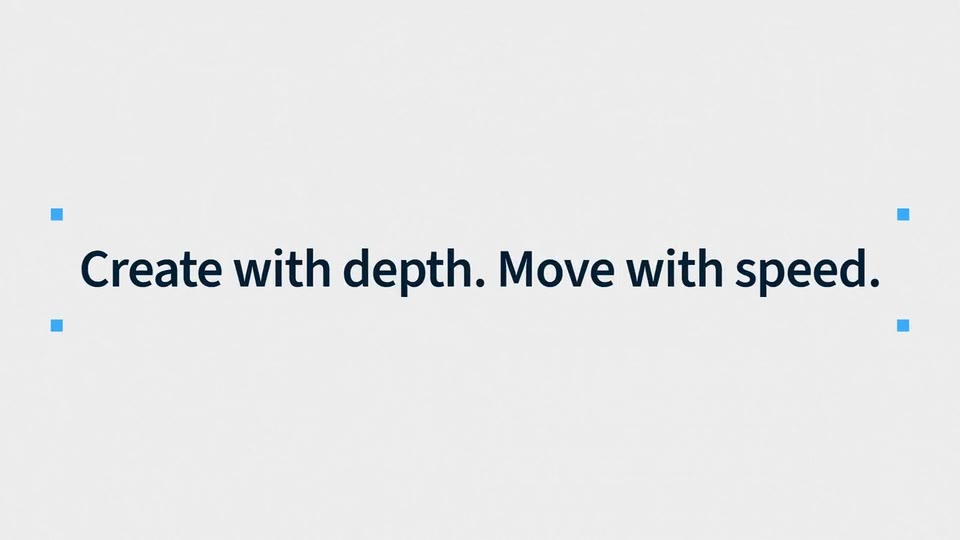
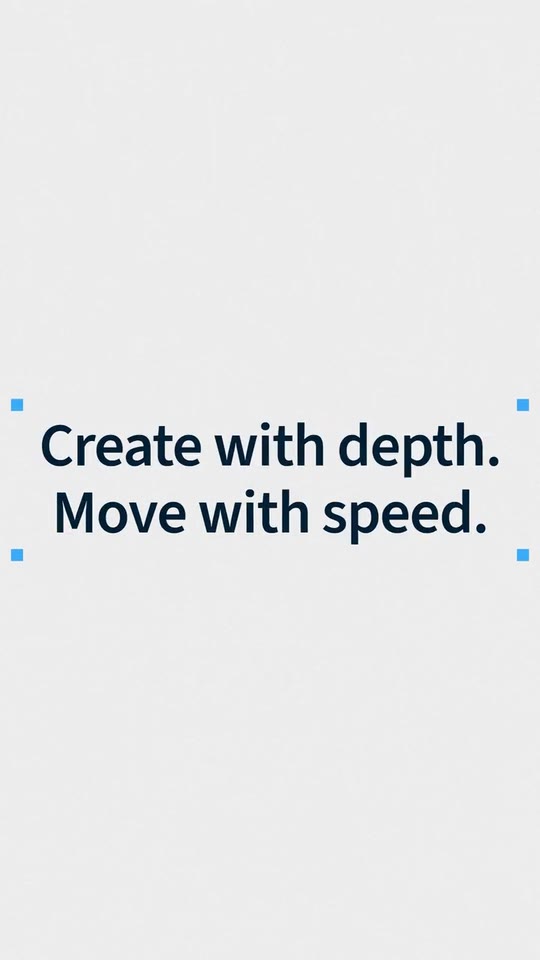
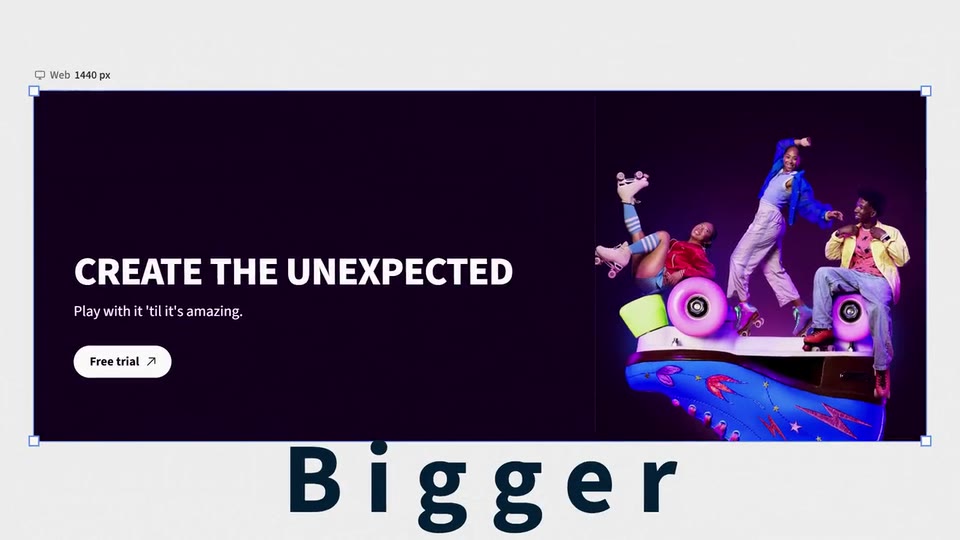
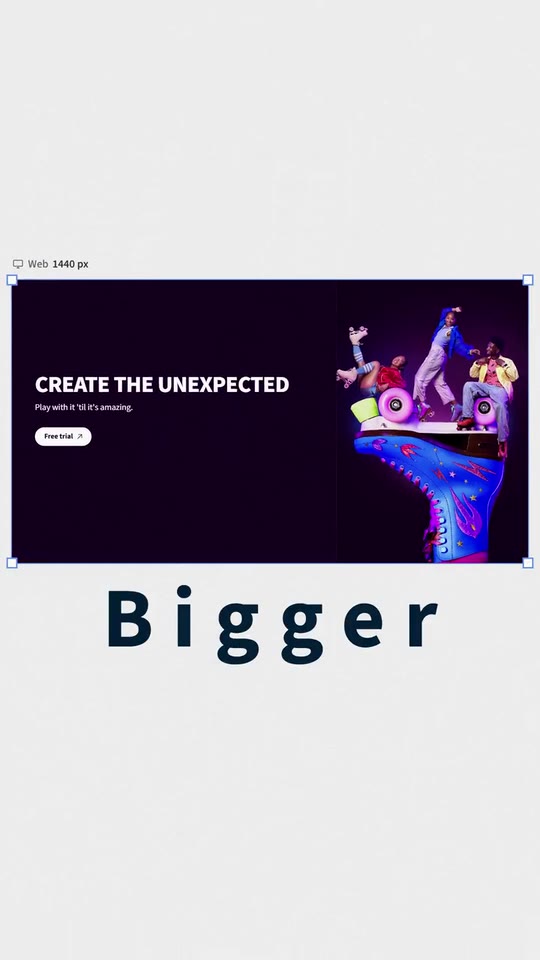
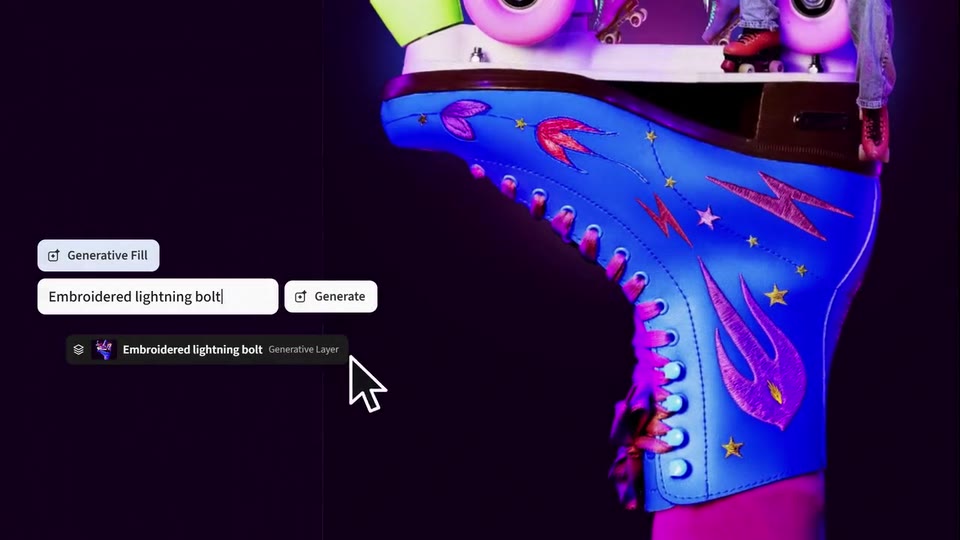
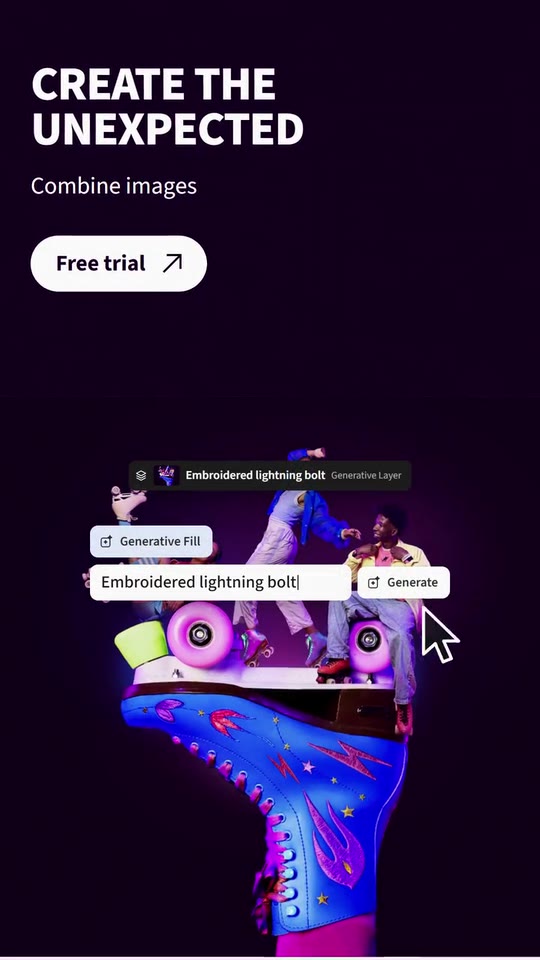
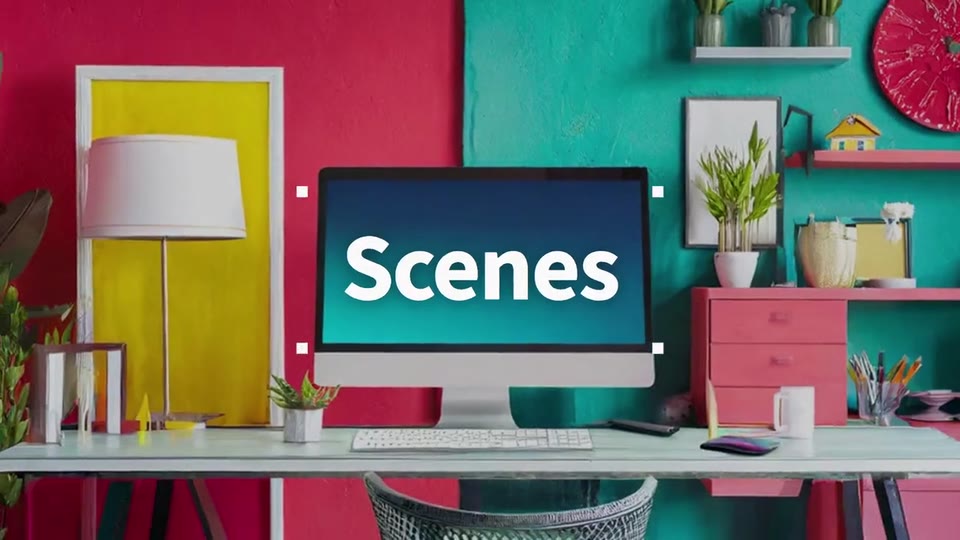
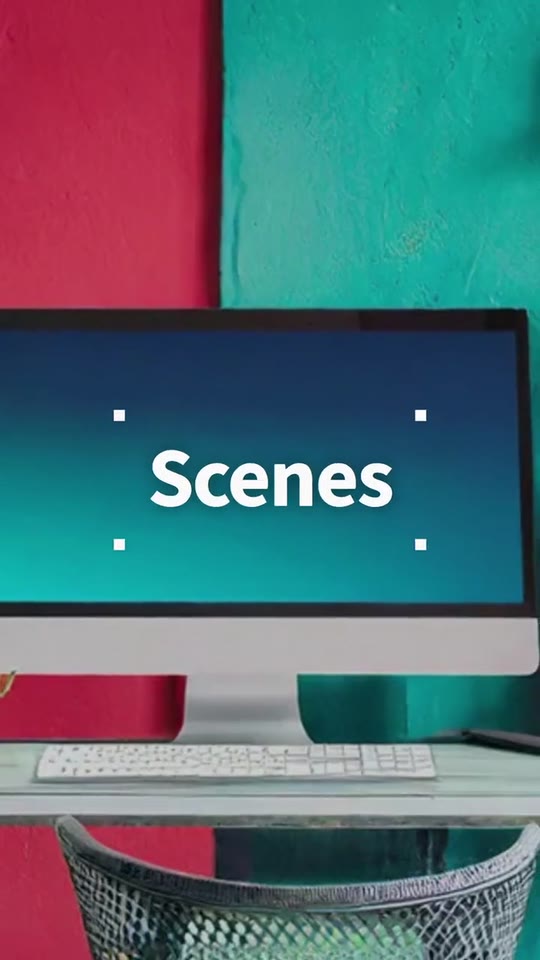
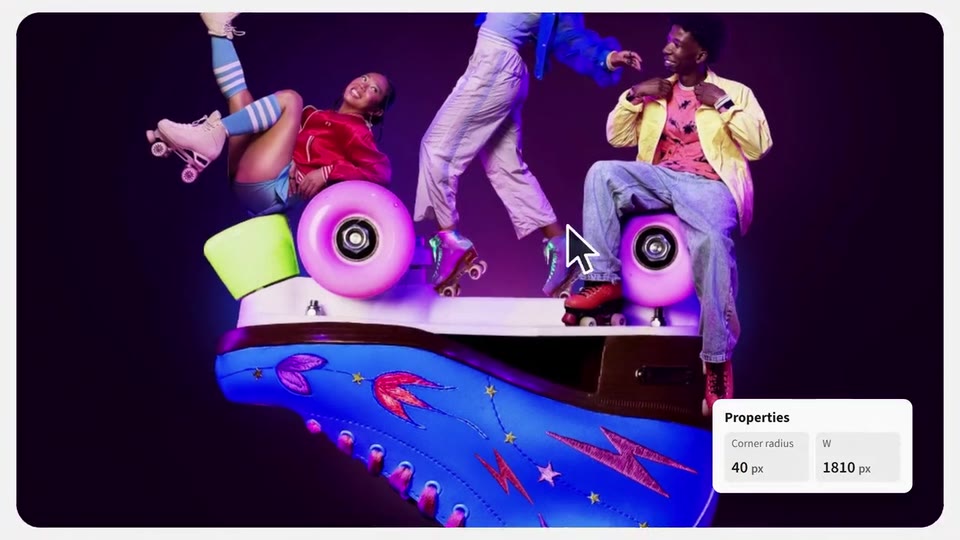
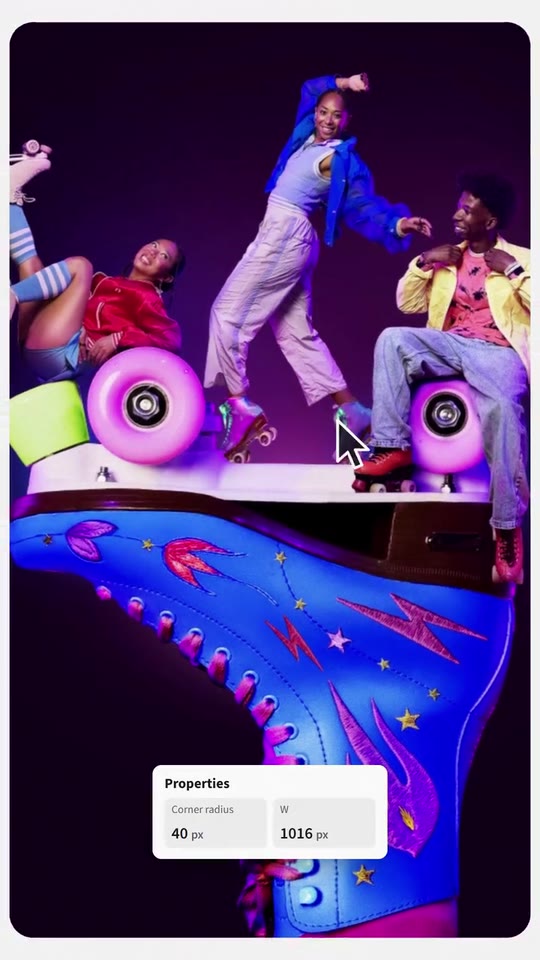
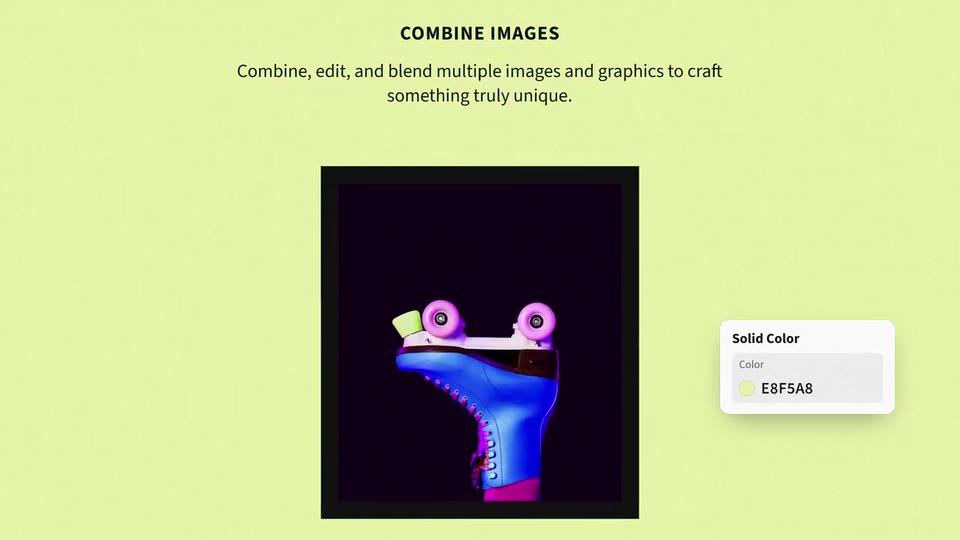
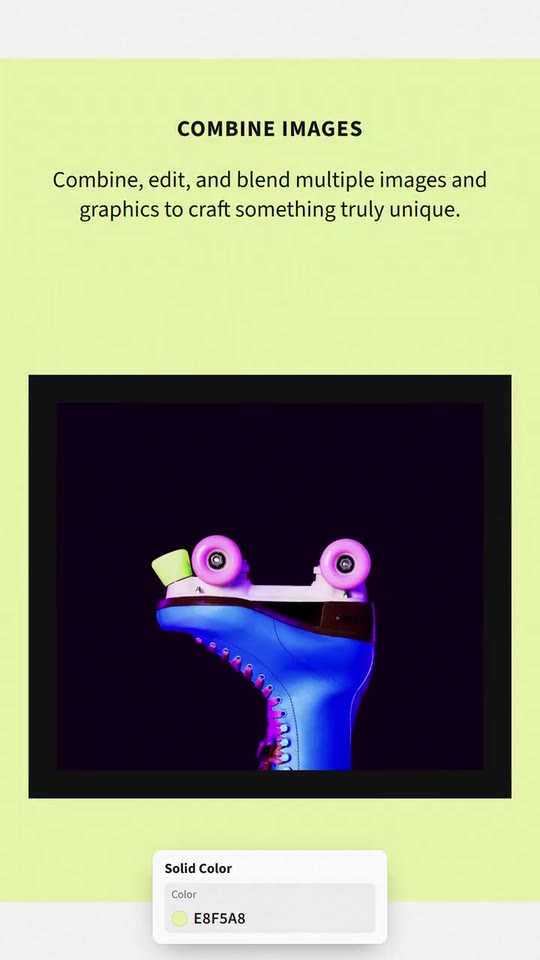
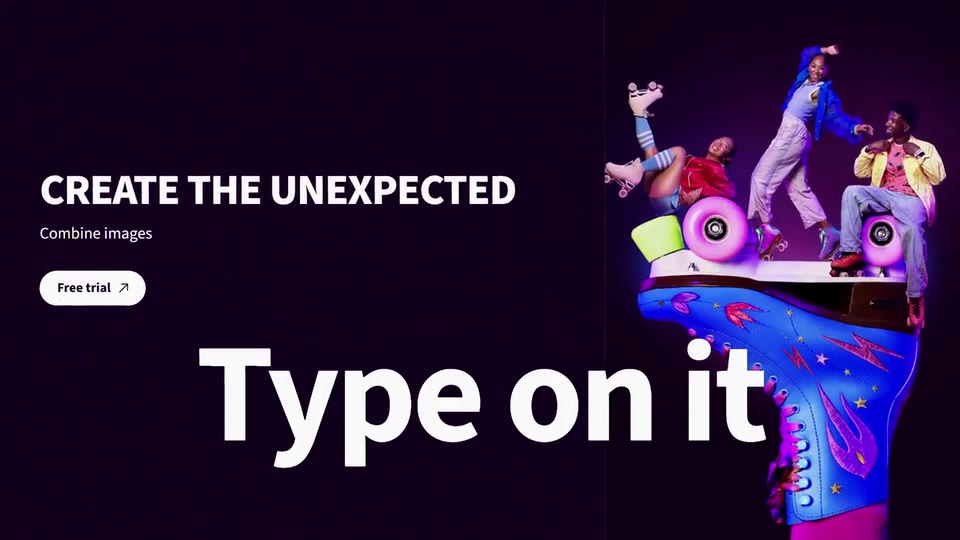
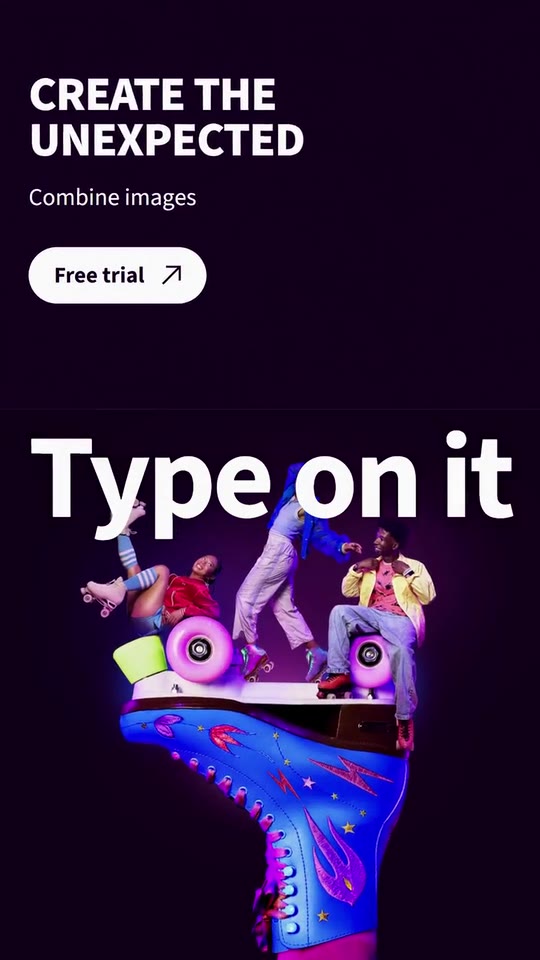
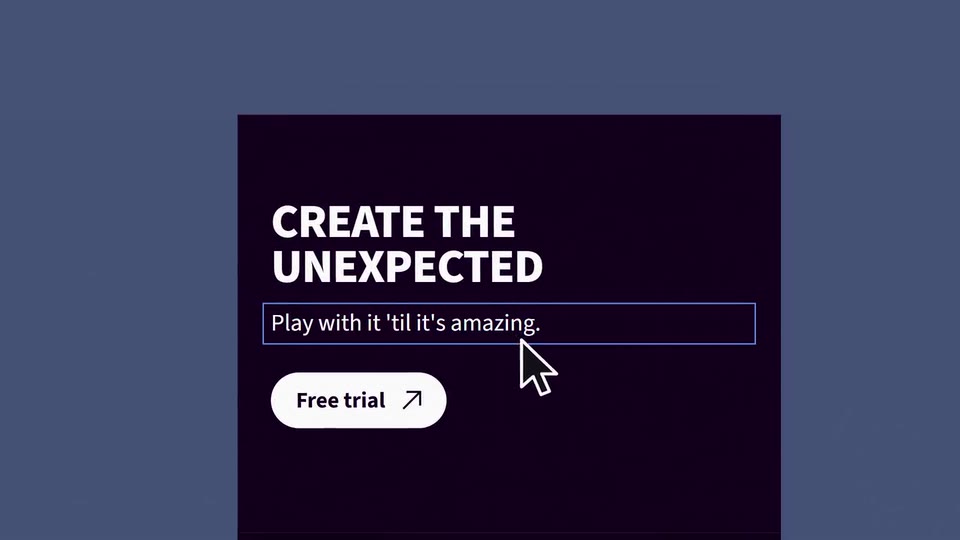
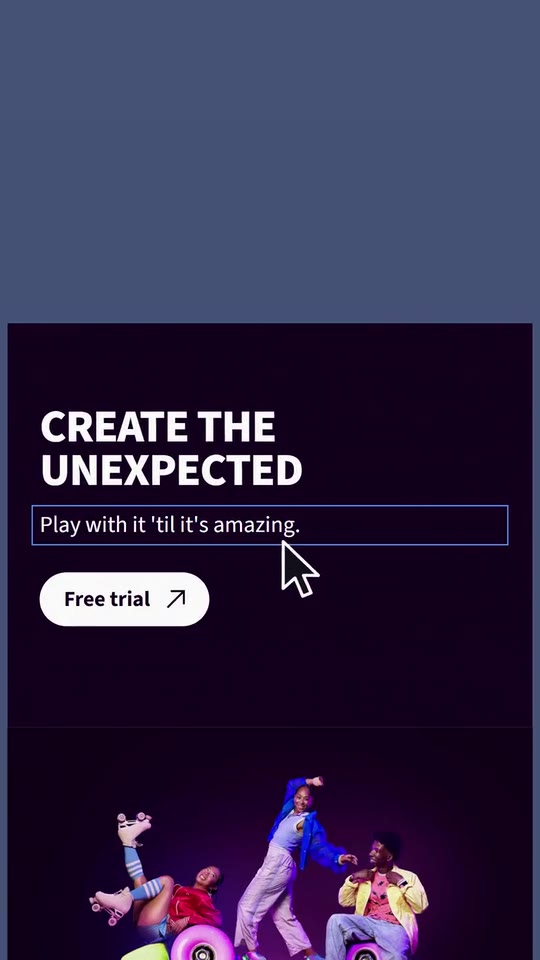
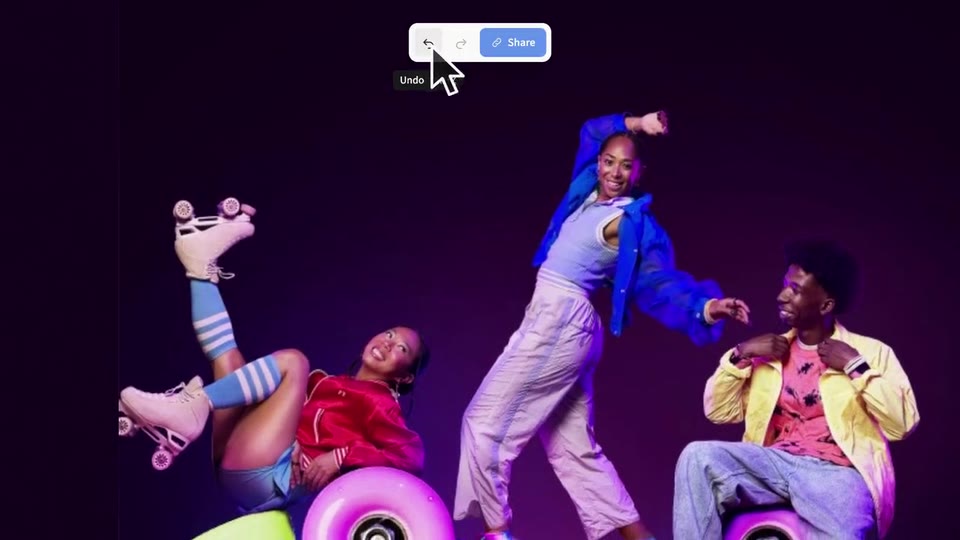
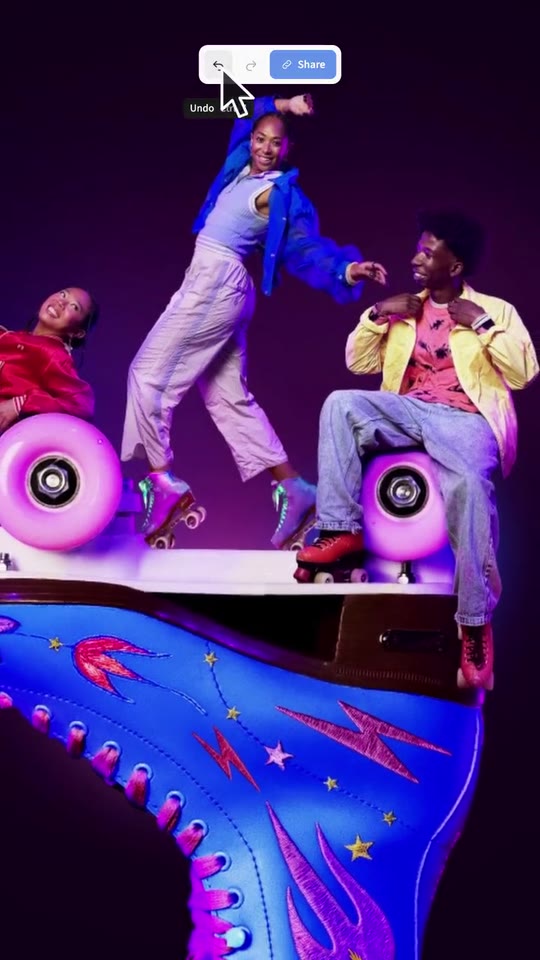
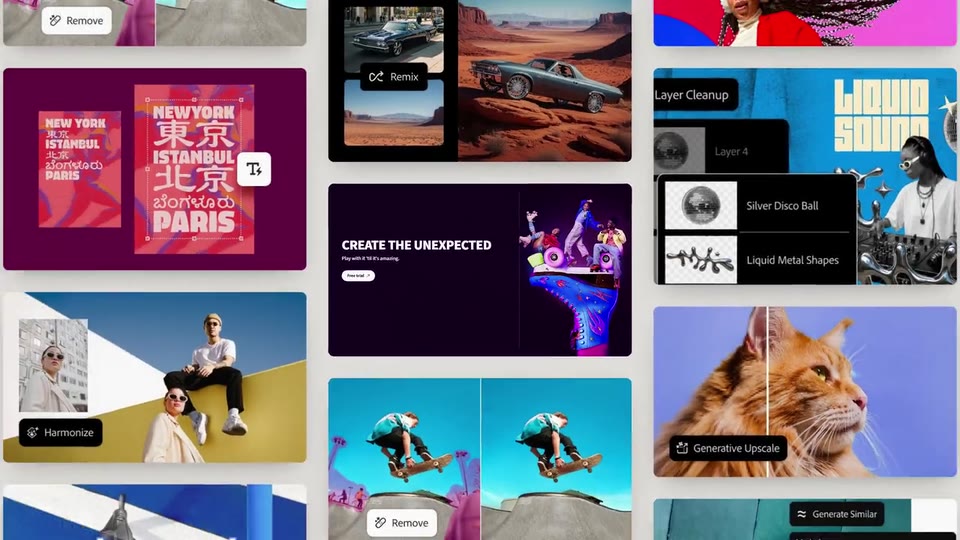
Scenes: Six full-frame words, each with its photo and its marks (0–3.292 s); Photos flicker in a grid and the line gathers one word at a time (3.292–5.3 s); The introduction: the letters arrive and the name becomes the brand (5.3–7.177 s); The line over four photos that lighten to paper, letter by letter in colour (7.177–9.46 s); The photo to be edited (9.46–10.653 s); A part of the photo is selected and changed (task bar and prompt) (10.653–13.694 s); The photo rounds into a card (properties panel) (13.694–15.153 s); The second panel changes its fill colour (15.153–16.153 s); The giant word and the piece that grows (16.153–17.578 s); A line of the piece's text is retyped (17.578–19.694 s); The output word (19.694–20.872 s); The piece grows in three sizes (20.872–22.628 s); Too close: undo (22.628–23.838 s); The finished piece, big, and the wall of work (23.838–25.437 s); The closing line grows inside its frame (25.437–26.623 s); Brand and final call to action (26.623–31.356 s).
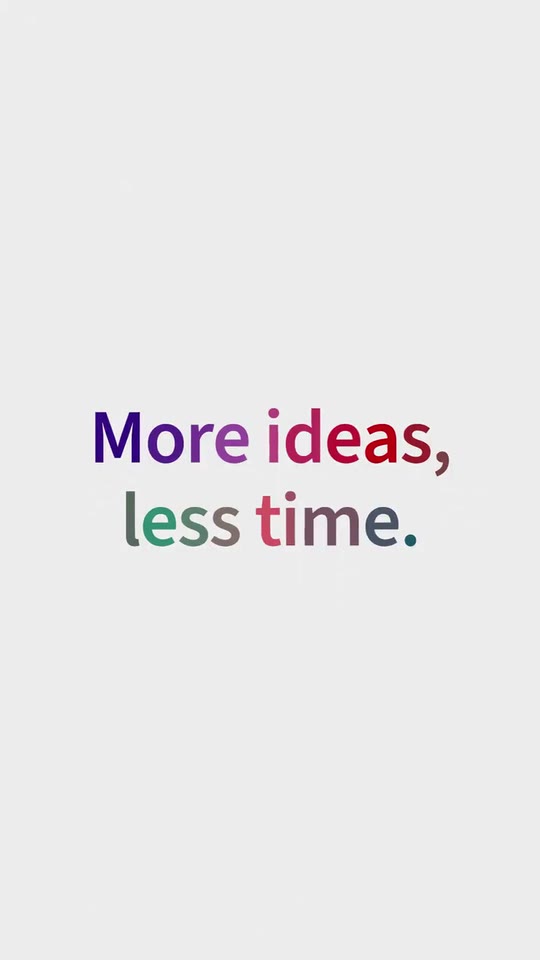
brandName(text, 2–18 characters): Product name. How your product is written. In the introduction the word becomes your brand, and it closes the film beside the icon. The brand's own: never the demo's. Scene "The introduction: the letters arrive and the name becomes the brand" at 7.1 s: 16:9 · 9:16.logo(image, free, shown whole): Your logo (the horizontal wordmark): an SVG, or a PNG with a transparent background. Your icon (square: it goes with the name beside it) or your wordmark (wide: it goes alone). Shown whole, at any proportion: nothing is cropped. The brand's own: never the demo's. Scene "Brand and final call to action" at 28.5 s: 16:9 · 9:16.paperColor(color, #RRGGBB): Paper. The light background of the words and the close (it carries grain). Scene "Photos flicker in a grid and the line gathers one word at a time" at 4.2 s: 16:9 · 9:16.inkColor(color, #RRGGBB): Ink. The texts on the paper. Scene "Photos flicker in a grid and the line gathers one word at a time" at 4.2 s: 16:9 · 9:16.accentColor(color, #RRGGBB): Brand colour. The letters that arrive, the grid's tint and the marks of the close. Scene "The closing line grows inside its frame" at 25.9 s: 16:9 · 9:16.uiColor(color, #RRGGBB): Interface colour. Your app's handles, frames and buttons. Scene "The piece grows in three sizes" at 21.4 s: 16:9 · 9:16.docColor(color, #RRGGBB): The piece's panel. The panel of the piece being edited (its texts go white or black by contrast). Scene "A part of the photo is selected and changed (task bar and prompt)" at 12.5 s: 16:9 · 9:16.field1(text, 2–11 characters): Word 1. What is done with your product, one word (over photo 1). Demo's line, for tone and length only: "Photos". Scene "Six full-frame words, each with its photo and its marks" at 0.2 s: 16:9 · 9:16.field2(text, 2–11 characters): Word 2. One word. Demo's line, for tone and length only: "Art". Scene "Six full-frame words, each with its photo and its marks" at 0.7 s: 16:9 · 9:16.field3(text, 2–11 characters): Word 3. One word. Demo's line, for tone and length only: "Graphics". Scene "Six full-frame words, each with its photo and its marks" at 1.3 s: 16:9 · 9:16.field4(text, 2–11 characters): Word 4. One word. Demo's line, for tone and length only: "Scenes". Scene "Six full-frame words, each with its photo and its marks" at 1.9 s: 16:9 · 9:16.field5(text, 2–11 characters): Word 5. One word. Demo's line, for tone and length only: "Products". Scene "Six full-frame words, each with its photo and its marks" at 2.4 s: 16:9 · 9:16.field6(text, 2–11 characters): Word 6. One word. Demo's line, for tone and length only: "Composites". Scene "Six full-frame words, each with its photo and its marks" at 3 s: 16:9 · 9:16.fieldPhoto1(image, 16:9, cropped): A real photo of the product, place or people of the brand. Full frame, with the word over it. Cropped to fill a 16:9 frame: keep the subject in the middle. Demo's image. Scene "Six full-frame words, each with its photo and its marks" at 0.2 s: 16:9 · 9:16.fieldPhoto2(image, 16:9, cropped): A real photo of the product, place or people of the brand. Full frame. Cropped to fill a 16:9 frame: keep the subject in the middle. Demo's image. Scene "Six full-frame words, each with its photo and its marks" at 0.7 s: 16:9 · 9:16.fieldPhoto3(image, 16:9, cropped): A real photo of the product, place or people of the brand. Full frame. Cropped to fill a 16:9 frame: keep the subject in the middle. Demo's image. Scene "Six full-frame words, each with its photo and its marks" at 1.3 s: 16:9 · 9:16.fieldPhoto4(image, 16:9, cropped): A real photo of the product, place or people of the brand. Full frame. Cropped to fill a 16:9 frame: keep the subject in the middle. Demo's image. Scene "Six full-frame words, each with its photo and its marks" at 1.9 s: 16:9 · 9:16.fieldPhoto5(image, 16:9, cropped): A real photo of the product, place or people of the brand. Full frame. Cropped to fill a 16:9 frame: keep the subject in the middle. Demo's image. Scene "Six full-frame words, each with its photo and its marks" at 2.4 s: 16:9 · 9:16.fieldPhoto6(image, 16:9, cropped): A real photo of the product, place or people of the brand. Full frame. Cropped to fill a 16:9 frame: keep the subject in the middle. Demo's image. Scene "Six full-frame words, each with its photo and its marks" at 3 s: 16:9 · 9:16.hookLine(text, 4–24 characters): Grid line. 2 to 5 words that appear one at a time and form a line. It continues in the introduction. Demo's line, for tone and length only: "Dream it, type it,". Scene "Photos flicker in a grid and the line gathers one word at a time" at 5 s: 16:9 · 9:16.gridPhoto1(image, 1:1, cropped): A real photo of the product, place or people of the brand. A small photo of the grid. Cropped to fill a 1:1 frame: keep the subject in the middle. Demo's image. Scene "Photos flicker in a grid and the line gathers one word at a time" at 4.4 s: 16:9 · 9:16.gridPhoto2(image, 2:3, cropped): A real photo of the product, place or people of the brand. A small photo of the grid. Cropped to fill a 2:3 frame: keep the subject in the middle. Demo's image. Scene "Photos flicker in a grid and the line gathers one word at a time" at 4.4 s: 16:9 · 9:16.gridPhoto3(image, 3:2, cropped): A real photo of the product, place or people of the brand. A small photo of the grid. Cropped to fill a 3:2 frame: keep the subject in the middle. Demo's image. Scene "Photos flicker in a grid and the line gathers one word at a time" at 4.4 s: 16:9 · 9:16.gridPhoto4(image, 2:3, cropped): A real photo of the product, place or people of the brand. A small photo of the grid. Cropped to fill a 2:3 frame: keep the subject in the middle. Demo's image. Scene "Photos flicker in a grid and the line gathers one word at a time" at 4.4 s: 16:9 · 9:16.gridPhoto5(image, 1:1, cropped): A real photo of the product, place or people of the brand. A small photo of the grid. Cropped to fill a 1:1 frame: keep the subject in the middle. Demo's image. Scene "Photos flicker in a grid and the line gathers one word at a time" at 4.4 s: 16:9 · 9:16.gridPhoto6(image, 3:2, cropped): A real photo of the product, place or people of the brand. A small photo of the grid. Cropped to fill a 3:2 frame: keep the subject in the middle. Demo's image. Scene "Photos flicker in a grid and the line gathers one word at a time" at 4.4 s: 16:9 · 9:16.introLead(text, 2–14 characters): Introduction (before the name). The words that go before the product's name in the introduction. Demo's line, for tone and length only: "see it in". Scene "The introduction: the letters arrive and the name becomes the brand" at 6.5 s: 16:9 · 9:16.tagline(text, 4–28 characters): Line over the photos. A short line from your site; it ends in colour, letter by letter. Demo's line, for tone and length only: "More ideas, less time.". Scene "The line over four photos that lighten to paper, letter by letter in colour" at 8.8 s: 16:9 · 9:16.linePhoto1(image, 16:9, cropped): A real photo of the product, place or people of the brand. Full frame behind the line. Cropped to fill a 16:9 frame: keep the subject in the middle. Demo's image. Scene "The line over four photos that lighten to paper, letter by letter in colour" at 7.3 s: 16:9 · 9:16.linePhoto2(image, 16:9, cropped): A real photo of the product, place or people of the brand. Full frame. Cropped to fill a 16:9 frame: keep the subject in the middle. Demo's image. Scene "The line over four photos that lighten to paper, letter by letter in colour" at 7.7 s: 16:9 · 9:16.linePhoto3(image, 16:9, cropped): A real photo of the product, place or people of the brand. Full frame. Cropped to fill a 16:9 frame: keep the subject in the middle. Demo's image. Scene "The line over four photos that lighten to paper, letter by letter in colour" at 7.95 s: 16:9 · 9:16.linePhoto4(image, 16:9, cropped): A real photo of the product, place or people of the brand. Full frame; it lightens to paper. Cropped to fill a 16:9 frame: keep the subject in the middle. Demo's image. Scene "The line over four photos that lighten to paper, letter by letter in colour" at 8.2 s: 16:9 · 9:16.subjectBefore(image, 1:1, cropped): A real photo of the product, place or people of the brand. Your piece's photo before the change. Cropped to fill a 1:1 frame: keep the subject in the middle. Demo's image. Scene "A part of the photo is selected and changed (task bar and prompt)" at 11.3 s: 16:9 · 9:16.subjectAfter(image, 1:1, cropped): A real photo of the product, place or people of the brand. The same photo, already changed by your product (same framing). Cropped to fill a 1:1 frame: keep the subject in the middle. Demo's image. Scene "A part of the photo is selected and changed (task bar and prompt)" at 12.5 s: 16:9 · 9:16.verbSelect(text, 2–12 characters): Word: select. It appears while the selection is drawn. Demo's line, for tone and length only: "Select it". Scene "A part of the photo is selected and changed (task bar and prompt)" at 11.2 s: 16:9 · 9:16.uiAction(text, 2–22 characters): Action button. Your app's button that appears on selecting. Demo's line, for tone and length only: "Generative Fill". Scene "A part of the photo is selected and changed (task bar and prompt)" at 11.7 s: 16:9 · 9:16.prompt(text, 2–36 characters): What is typed. The real request that produced the after photo. Demo's line, for tone and length only: "Embroidered lightning bolt". Scene "A part of the photo is selected and changed (task bar and prompt)" at 11.95 s: 16:9 · 9:16.uiGenerate(text, 2–14 characters): Generate button. The button that is pressed. Demo's line, for tone and length only: "Generate". Scene "A part of the photo is selected and changed (task bar and prompt)" at 11.95 s: 16:9 · 9:16.uiLayer(text, 2–22 characters): New layer label. What your app calls the result (it goes beside the request). Demo's line, for tone and length only: "Generative Layer". Scene "A part of the photo is selected and changed (task bar and prompt)" at 12.6 s: 16:9 · 9:16.verbEdit(text, 2–10 characters): Word: edit. The giant word over the photo. Demo's line, for tone and length only: "Edit it". Scene "The photo rounds into a card (properties panel)" at 13.9 s: 16:9 · 9:16.uiPanel(text, 2–16 characters): Properties panel. The title of the panel where the radius changes. Demo's line, for tone and length only: "Properties". Scene "The photo rounds into a card (properties panel)" at 14.6 s: 16:9 · 9:16.uiRadius(text, 2–16 characters): Radius field. The field that counts from 0 to 80 px. Demo's line, for tone and length only: "Corner radius". Scene "The photo rounds into a card (properties panel)" at 14.6 s: 16:9 · 9:16.uiFill(text, 2–18 characters): Fill panel. The title of the fill colour panel. Demo's line, for tone and length only: "Solid Color". Scene "The second panel changes its fill colour" at 15.9 s: 16:9 · 9:16.uiColorLabel(text, 2–12 characters): Colour field. The field with the swatch and the code. Demo's line, for tone and length only: "Color". Scene "The second panel changes its fill colour" at 15.9 s: 16:9 · 9:16.docTitle(text, 2–32 characters): Piece: title. The big title of the piece being edited. Demo's line, for tone and length only: "Create the unexpected". Scene "The giant word and the piece that grows" at 17 s: 16:9 · 9:16.docSub(text, 2–30 characters): Piece: line (before). The line that is retyped. Demo's line, for tone and length only: "Combine images". Scene "A line of the piece's text is retyped" at 18.5 s: 16:9 · 9:16.docSubNew(text, 2–34 characters): Piece: line (after). The new line. Demo's line, for tone and length only: "Play with it 'til it's amazing.". Scene "A line of the piece's text is retyped" at 19.3 s: 16:9 · 9:16.docCta(text, 2–18 characters): Piece: button. The piece's button. Demo's line, for tone and length only: "Free trial". Scene "The giant word and the piece that grows" at 17 s: 16:9 · 9:16.sectionTitle(text, 2–28 characters): Second panel: title. The title of the panel that changes colour. Demo's line, for tone and length only: "Combine images". Scene "The second panel changes its fill colour" at 15.6 s: 16:9 · 9:16.sectionBody(text, 10–120 characters): Second panel: text. Two lines from your site. Demo's line, for tone and length only: "Combine, edit, and blend multiple images and graphics to craft something truly unique.". Scene "The second panel changes its fill colour" at 15.6 s: 16:9 · 9:16.sectionPhoto(image, 4:5, cropped): A real photo of the product, place or people of the brand. The framed photo of the second panel. Cropped to fill a 4:5 frame: keep the subject in the middle. Demo's image. Scene "The second panel changes its fill colour" at 15.6 s: 16:9 · 9:16.verbType(text, 2–14 characters): Word: type. The giant word that crosses and the one that stays behind the piece. Demo's line, for tone and length only: "Type on it". Scene "The giant word and the piece that grows" at 17 s: 16:9 · 9:16.verbExport(text, 2–12 characters): Word: output. The output word. Demo's line, for tone and length only: "Export it". Scene "The output word" at 20.3 s: 16:9 · 9:16.bigWord(text, 2–10 characters): Word: bigger. Under the frame; then letter-spaced. Demo's line, for tone and length only: "Bigger". Scene "The piece grows in three sizes" at 21.3 s: 16:9 · 9:16.uiSize1(text, 2–12 characters): Size 1. The label of the first size (it goes with "390 px"). Demo's line, for tone and length only: "Mobile". Scene "The piece grows in three sizes" at 20.9 s: 16:9 · 9:16.uiSize2(text, 2–12 characters): Size 2. The label of the second size (it goes with "1024 px"). Demo's line, for tone and length only: "Web". Scene "The piece grows in three sizes" at 21.4 s: 16:9 · 9:16.uiSize3(text, 2–12 characters): Size 3. The label of the third size (it goes with "1440 px"). Demo's line, for tone and length only: "Web". Scene "The piece grows in three sizes" at 22.2 s: 16:9 · 9:16.oops(text, 2–8 characters): Word: mistake. The word of the "too close". Demo's line, for tone and length only: "Oops…". Scene "Too close: undo" at 23.1 s: 16:9 · 9:16.uiUndo(text, 2–12 characters): Undo button. The button's label (it goes with its shortcut). Demo's line, for tone and length only: "Undo". Scene "Too close: undo" at 23.4 s: 16:9 · 9:16.uiShare(text, 2–12 characters): Bar button. The button to the right of undo/redo. Demo's line, for tone and length only: "Share". Scene "Too close: undo" at 23.2 s: 16:9 · 9:16.uiExported(text, 2–24 characters): Result notice. The label over the finished piece. Demo's line, for tone and length only: "Quick Export as PNG". Scene "The finished piece, big, and the wall of work" at 24.2 s: 16:9 · 9:16.wall1(image, 16:9, cropped): An image of the brand. Your brand's published work, around the piece. Cropped to fill a 16:9 frame: keep the subject in the middle. Demo's image. Scene "The finished piece, big, and the wall of work" at 25.2 s: 16:9 · 9:16.wall2(image, 16:9, cropped): An image of the brand. Your brand's published work, around the piece. Cropped to fill a 16:9 frame: keep the subject in the middle. Demo's image. Scene "The finished piece, big, and the wall of work" at 25.2 s: 16:9 · 9:16.wall3(image, 16:9, cropped): An image of the brand. Your brand's published work, around the piece. Cropped to fill a 16:9 frame: keep the subject in the middle. Demo's image. Scene "The finished piece, big, and the wall of work" at 25.2 s: 16:9 · 9:16.wall4(image, 16:9, cropped): An image of the brand. Your brand's published work, around the piece. Cropped to fill a 16:9 frame: keep the subject in the middle. Demo's image. Scene "The finished piece, big, and the wall of work" at 25.2 s: 16:9 · 9:16.wall5(image, 16:9, cropped): An image of the brand. Your brand's published work, around the piece. Cropped to fill a 16:9 frame: keep the subject in the middle. Demo's image. Scene "The finished piece, big, and the wall of work" at 25.2 s: 16:9 · 9:16.wall6(image, 16:9, cropped): An image of the brand. Your brand's published work, around the piece. Cropped to fill a 16:9 frame: keep the subject in the middle. Demo's image. Scene "The finished piece, big, and the wall of work" at 25.2 s: 16:9 · 9:16.wall7(image, 16:9, cropped): An image of the brand. Your brand's published work, around the piece. Cropped to fill a 16:9 frame: keep the subject in the middle. Optional. Demo's image. Scene "The finished piece, big, and the wall of work" at 25.2 s: 16:9 · 9:16.wall8(image, 16:9, cropped): An image of the brand. Your brand's published work, around the piece. Cropped to fill a 16:9 frame: keep the subject in the middle. Optional. Demo's image. Scene "The finished piece, big, and the wall of work" at 25.2 s: 16:9 · 9:16.wall9(image, 16:9, cropped): An image of the brand. Your brand's published work, around the piece. Cropped to fill a 16:9 frame: keep the subject in the middle. Optional. Demo's image. Scene "The finished piece, big, and the wall of work" at 25.2 s: 16:9 · 9:16.wall10(image, 16:9, cropped): An image of the brand. Your brand's published work, around the piece. Cropped to fill a 16:9 frame: keep the subject in the middle. Optional. Demo's image. Scene "The finished piece, big, and the wall of work" at 25.2 s: 16:9 · 9:16.wall11(image, 16:9, cropped): An image of the brand. Your brand's published work, around the piece. Cropped to fill a 16:9 frame: keep the subject in the middle. Optional. Demo's image. Scene "The finished piece, big, and the wall of work" at 25.2 s: 16:9 · 9:16.wall12(image, 16:9, cropped): An image of the brand. Your brand's published work, around the piece. Cropped to fill a 16:9 frame: keep the subject in the middle. Optional. Demo's image. Scene "The finished piece, big, and the wall of work" at 25.2 s: 16:9 · 9:16.wall13(image, 16:9, cropped): An image of the brand. Your brand's published work, around the piece. Cropped to fill a 16:9 frame: keep the subject in the middle. Optional. Demo's image. Scene "The finished piece, big, and the wall of work" at 25.2 s: 16:9 · 9:16.wall14(image, 16:9, cropped): An image of the brand. Your brand's published work, around the piece. Cropped to fill a 16:9 frame: keep the subject in the middle. Optional. Demo's image. Scene "The finished piece, big, and the wall of work" at 25.2 s: 16:9 · 9:16.wall15(image, 16:9, cropped): An image of the brand. Your brand's published work, around the piece. Cropped to fill a 16:9 frame: keep the subject in the middle. Optional. Demo's image. Scene "The finished piece, big, and the wall of work" at 25.2 s: 16:9 · 9:16.wall16(image, 16:9, cropped): An image of the brand. Your brand's published work, around the piece. Cropped to fill a 16:9 frame: keep the subject in the middle. Optional. Demo's image. Scene "The finished piece, big, and the wall of work" at 25.2 s: 16:9 · 9:16.closingLine(text, 4–40 characters): Closing line. It grows one word at a time inside its frame. Demo's line, for tone and length only: "Create with depth. Move with speed.". Scene "The closing line grows inside its frame" at 26.3 s: 16:9 · 9:16.cta(text, 4–40 characters): Final call to action. Under the brand. Demo's line, for tone and length only: "Try it free at adobe.com/photoshop". Scene "Brand and final call to action" at 29 s: 16:9 · 9:16.