For AI agents
Coding agents (Claude Code, Codex, Cursor and similar) make Opus Motion videos for a project with the agent guide: https://opusmotion.com/agents.md.
- The guide's steps: read the project, ask the person a few questions, compare templates (each one has a timelapse, its scenes and its fields), make a draft with
POST https://opusmotion.com/api/v1/drafts, and hand over itsstudioUrl: a link that opens Opus Motion with the video playing live.PATCHwith the draft'seditTokenchanges it, and the link stays the same. - Plain HTTPS and JSON: no key and no account. Or the MCP server (https://opusmotion.com/mcp): every tool, with stills of the draft returned as images. The person exports the MP4 from the studio.
- The studio is filled through the API, not by driving the site with a browser. When the API refuses, the person is told.
- More: llms.txt · this page in Markdown · developer docs · OpenAPI
Pickup Reel: premium launches video template
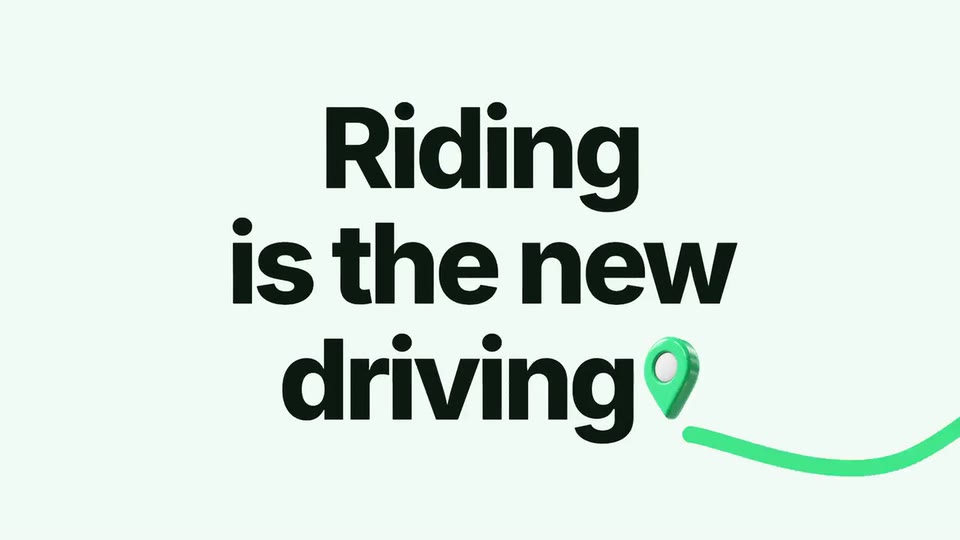
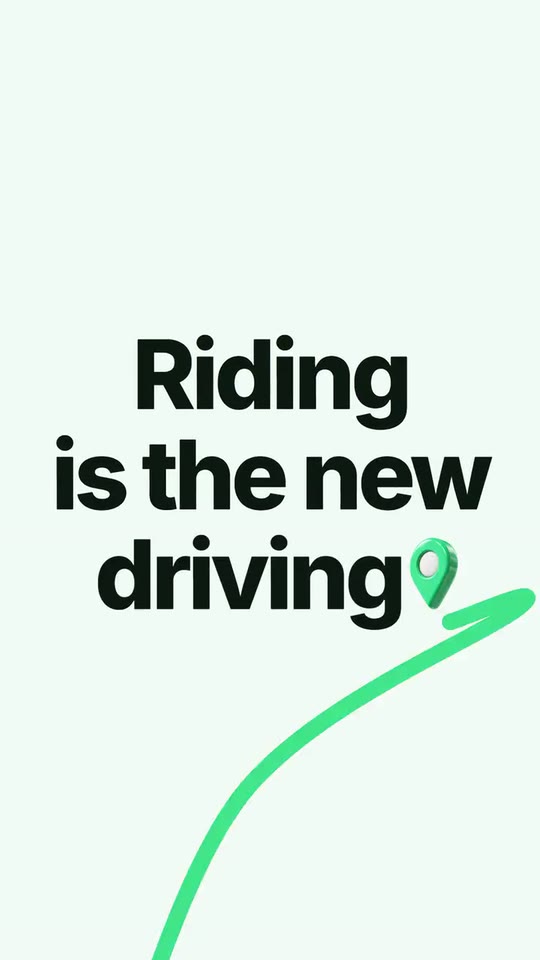
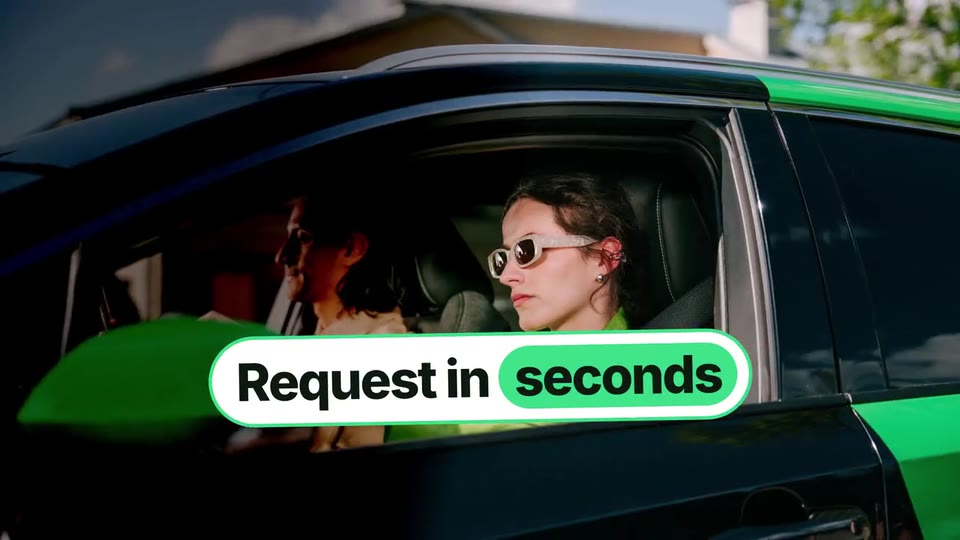
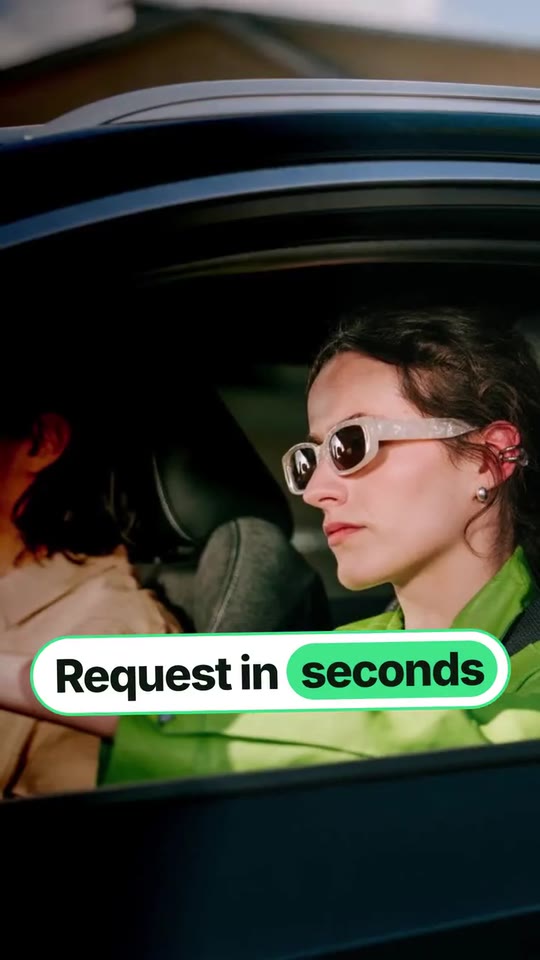
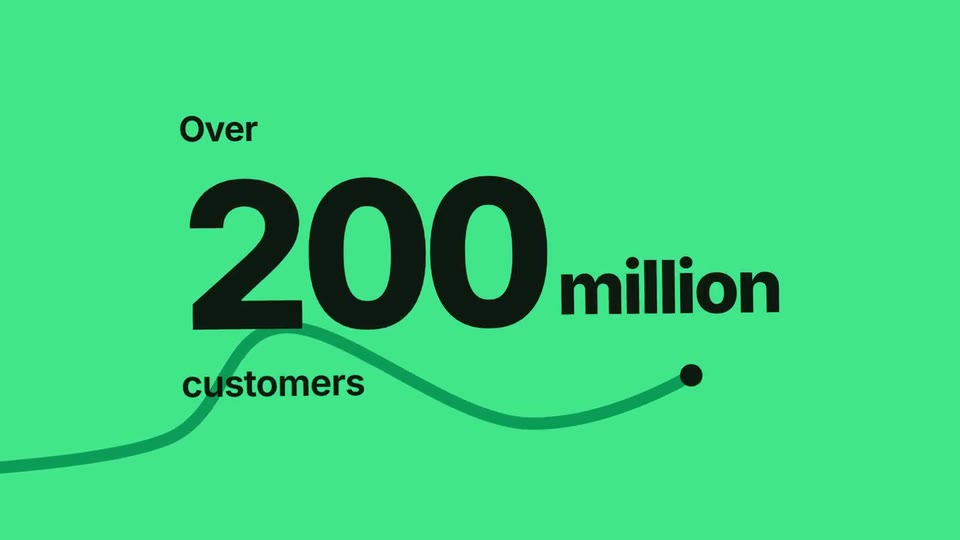
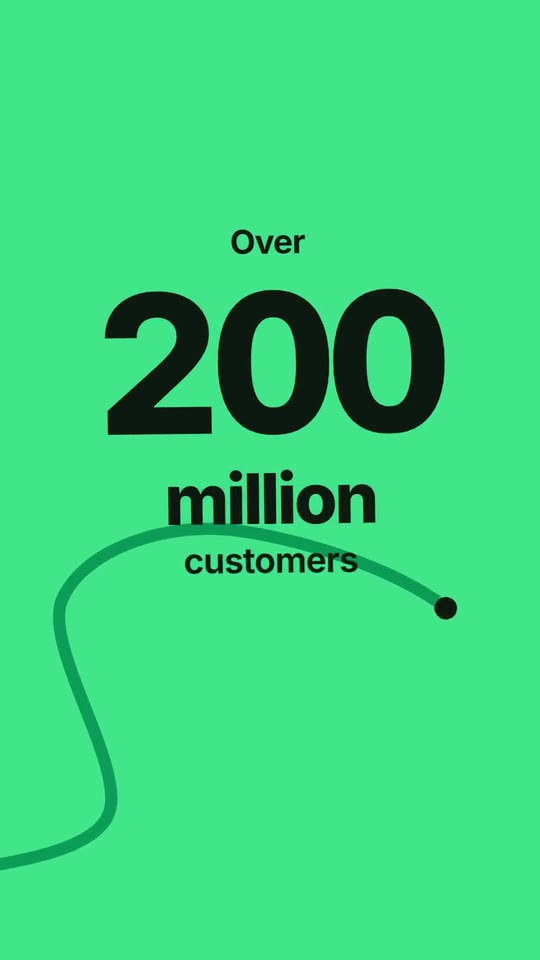
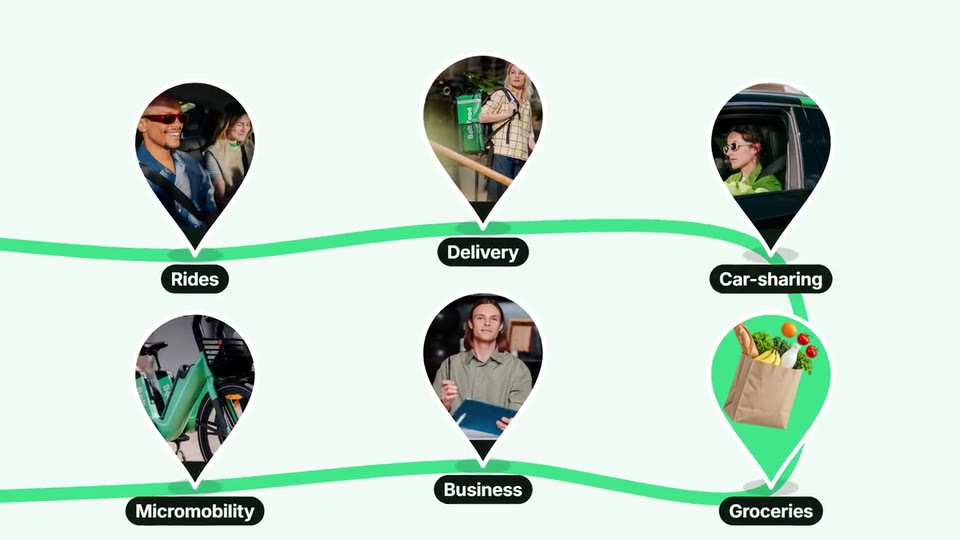
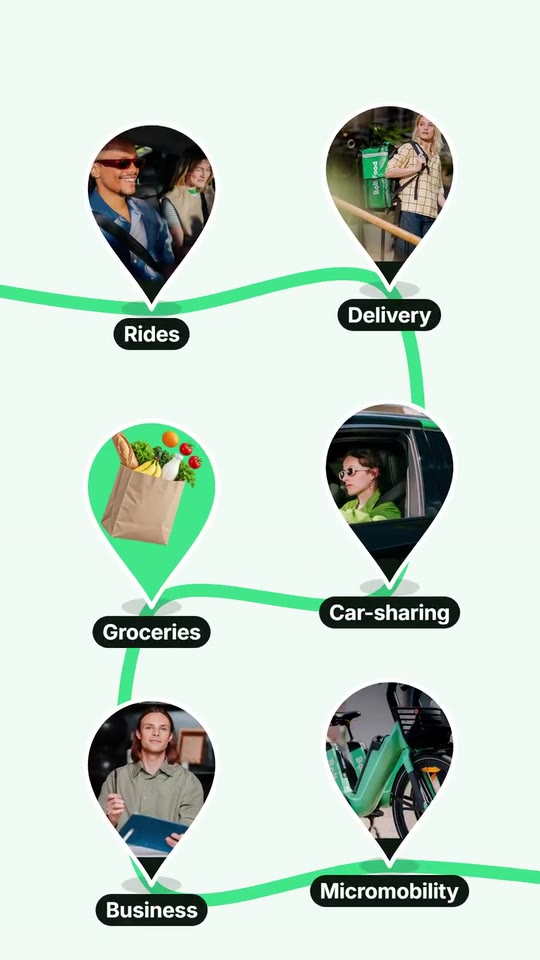
A 20-second footage reel for a real-world service: your hero line lands with a 3D full stop, a route shoots out of it and opens into your footage, cuts slam on the beat under giant pills, your app screen gets tapped, a 3D object rises out of the phone, your number rolls on your colour, your footage drops in as pins along the route and they all become the dot of your logo.
- Price: $15 per export, paid once per video and per format; exporting needs an Opus Motion account
- Length: 20.5 seconds
- Formats: 16:9, 9:16 (each one designed for its screen)
- What you can change: 23 texts, 20 images, 4 videos (a clip, or the picture it starts on), 1 color, the music, the voiceover script
- Category: Launches
Examples with real brands
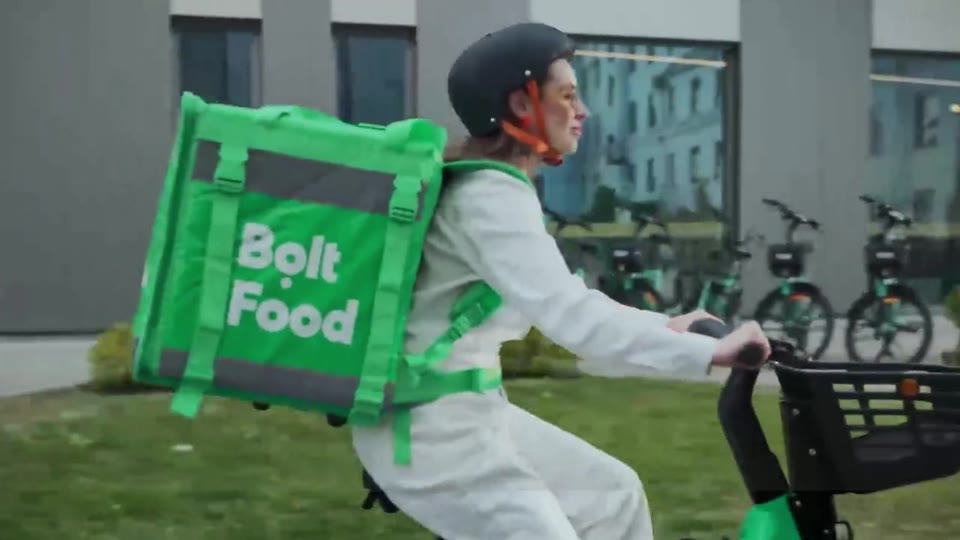
- Bolt, 16:9: watch the video
- Bolt, 9:16: watch the video
Make it yours
Paste your website and the template comes out with your logo, colors and words: https://opusmotion.com/studio/t37-pickup-reel?mode=yours. To open it already filled from a website, add &site=yourdomain.com.
Fields, for AI agents
An agent fills these with POST https://opusmotion.com/api/v1/drafts (guide: https://opusmotion.com/agents.md). $15 per export, paid once per video and per format (16:9 and 9:16 are separate exports), or included in an Opus Motion Pass (15 premium exports a month for $49). Exporting needs an Opus Motion account; payment happens in the studio.
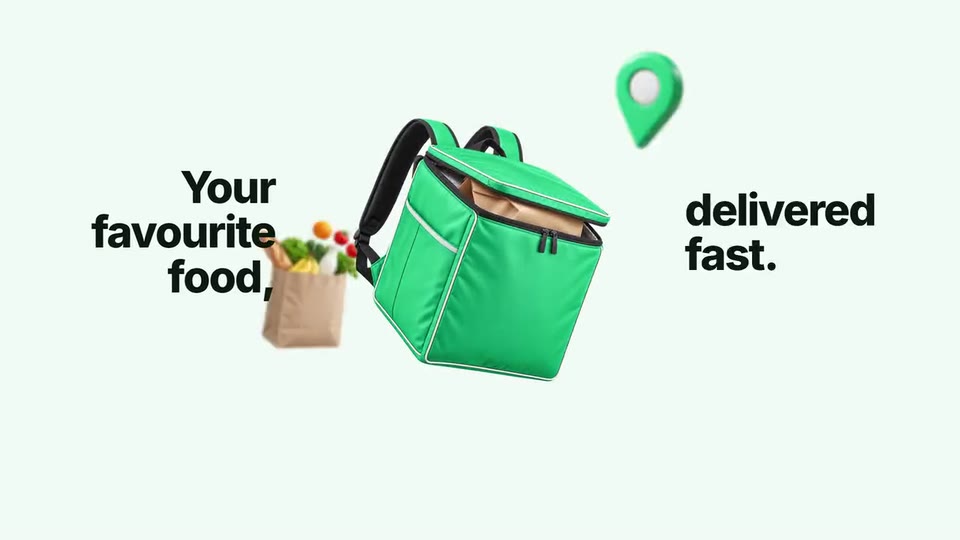
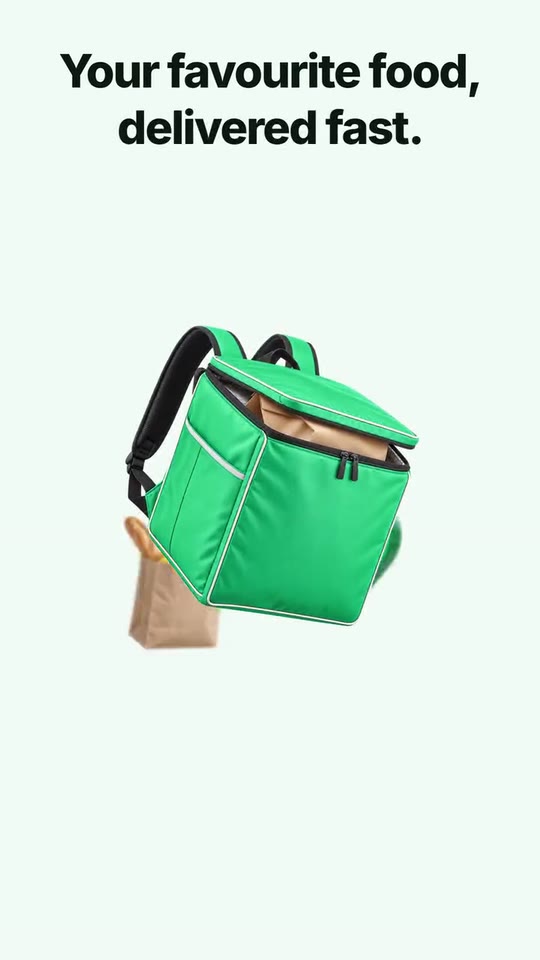
Scenes: The line and its full stop (0–2 s); The route opens the reel (2–5.99 s); The tap and the object (4.99–8.48 s); Quick cuts and pills (8.48–11.98 s); The number (11.98–15.97 s); Footage pins on the route (15.97–17.97 s); The dot lands in the logo (17.97–20.5 s).
brandName(text, 2–14 characters): Brand name. How your brand is written. With no logo, it becomes the logotype that closes the film, with the dot as its full stop. The brand's own: never the demo's. Scene "The dot lands in the logo" at 18.6 s: 16:9 · 9:16.logo(image, free, shown whole): Your logo (the horizontal wordmark): an SVG, or a PNG with a transparent background. Your horizontal logo, one colour, on a transparent background. Shown whole, at any proportion: nothing is cropped. The brand's own: never the demo's. Scene "The dot lands in the logo" at 18.6 s: 16:9 · 9:16.logoDot(text, 0–15 characters): Dot inside the logo. If your mark has a dot (like the one under Bolt's o): its centre as x,y fractions of the logo box. Empty: the dot lands as the full stop after your logo. Optional. Demo's line, for tone and length only: "0.5074,0.8939". Scene "The dot lands in the logo" at 18.4 s: 16:9 · 9:16.brandColor(color, #RRGGBB): Brand color. The route, the pins, the stat field and the button. Every other colour derives from it.ground(choice:light,brand; defaultlight): Ground. Light: a pale ground tinted by your colour, the stat on your colour. Brand colour: the whole film on your colour, the stat on ink.hook(text, 10–30 characters): Opening line. Your hero line, from your own site. It lands in three parts (first word, middle, last word) and the 3D object lands as its full stop. Demo's line, for tone and length only: "Riding is the new driving". Scene "The line and its full stop" at 1.9 s: 16:9 · 9:16.periodObj(image, 1:1, shown whole): A cut-out object on a transparent background (a PNG, or an SVG drawing): just the object, no photo background. Never a photo, never a photo padded with transparent bars. A 3D object with a transparent background that lands as the full stop of the opening line. Shown whole inside a 1:1 box: nothing is cropped. Demo's image. Scene "The line and its full stop" at 1.9 s: 16:9 · 9:16.pillA(text, 6–22 characters): Pill 1. Crosses the first shots. Its last word is highlighted. Demo's line, for tone and length only: "Request in seconds". Scene "The route opens the reel" at 2.9 s: 16:9 · 9:16.pillB(text, 6–22 characters): Pill 2. Crosses the next shots. Its last word is highlighted. Demo's line, for tone and length only: "Ride in minutes". Scene "The route opens the reel" at 4.3 s: 16:9 · 9:16.screen(image, 3:4, cropped): A real screenshot of the product. A real screen of your app, the top of it. Cropped to fill a 3:4 frame: keep the subject in the middle. Demo's image. Scene "The tap and the object" at 5.6 s: 16:9 · 9:16.obj1(image, 1:1, shown whole): A cut-out object on a transparent background (a PNG, or an SVG drawing): just the object, no photo background. Never a photo, never a photo padded with transparent bars. Rises out of the phone, turns and flies into the camera. Shown whole inside a 1:1 box: nothing is cropped. Demo's image. Scene "The tap and the object" at 7.4 s: 16:9 · 9:16.obj1b(image, 1:1, shown whole): A cut-out object on a transparent background (a PNG, or an SVG drawing): just the object, no photo background. Never a photo, never a photo padded with transparent bars. The same object from its other side or opened: it swaps in while the object is edge-on. Shown whole inside a 1:1 box: nothing is cropped. Demo's image. Scene "The tap and the object" at 8.2 s: 16:9 · 9:16.obj2(image, 1:1, shown whole): A cut-out object on a transparent background (a PNG, or an SVG drawing): just the object, no photo background. Never a photo, never a photo padded with transparent bars. Bursts out beside the hero object. Shown whole inside a 1:1 box: nothing is cropped. Demo's image. Scene "The tap and the object" at 8.9 s: 16:9 · 9:16.obj3(image, 1:1, shown whole): A cut-out object on a transparent background (a PNG, or an SVG drawing): just the object, no photo background. Never a photo, never a photo padded with transparent bars. Bursts out on the other side. Shown whole inside a 1:1 box: nothing is cropped. Demo's image. Scene "The tap and the object" at 8.9 s: 16:9 · 9:16.line3(text, 12–40 characters): Phone line. Lands in two halves around the phone (split at the comma, or in the middle). Demo's line, for tone and length only: "Your favourite food, delivered fast.". Scene "The tap and the object" at 8.9 s: 16:9 · 9:16.line4(text, 12–42 characters): Two-wheel line. Two pills over the quick cuts (split at the comma). The second one opens into the stat. Demo's line, for tone and length only: "2-wheel ride rental, at your fingertips.". Scene "Quick cuts and pills" at 11.3 s: 16:9 · 9:16.statPre(text, 0–8 characters): Before the number. Optional, exactly as your site says it (Over, More than, Up to). Optional. Demo's line, for tone and length only: "Over". Scene "The number" at 13.9 s: 16:9 · 9:16.stat1(text, 1–5 characters): Number. Digits as your site prints them (200, 4.5, 150K). Never rounded up. Demo's line, for tone and length only: "200". Scene "The number" at 13.9 s: 16:9 · 9:16.stat1Unit(text, 0–9 characters): Number unit. million, billion, %, + … or empty. Optional. Demo's line, for tone and length only: "million". Scene "The number" at 13.9 s: 16:9 · 9:16.stat1Label(text, 4–22 characters): Number label. What the number counts. Demo's line, for tone and length only: "customers". Scene "The number" at 13.9 s: 16:9 · 9:16.stat2(text, 1–4 characters): Second number. Demo's line, for tone and length only: "50". Scene "The number" at 15.6 s: 16:9 · 9:16.stat2Label(text, 4–18 characters): Second number label. Demo's line, for tone and length only: "countries". Scene "The number" at 15.6 s: 16:9 · 9:16.svc1(text, 3–14 characters): Pin label 1. A service or a category, as your site names it. Demo's line, for tone and length only: "Rides". Scene "Footage pins on the route" at 17.2 s: 16:9 · 9:16.svc2(text, 3–14 characters): Pin label 2. A service or a category, as your site names it. Demo's line, for tone and length only: "Delivery". Scene "Footage pins on the route" at 17.2 s: 16:9 · 9:16.svc3(text, 3–14 characters): Pin label 3. A service or a category, as your site names it. Demo's line, for tone and length only: "Car-sharing". Scene "Footage pins on the route" at 17.2 s: 16:9 · 9:16.svc4(text, 3–14 characters): Pin label 4. A service or a category, as your site names it. Demo's line, for tone and length only: "Groceries". Scene "Footage pins on the route" at 17.2 s: 16:9 · 9:16.svc5(text, 3–14 characters): Pin label 5. A service or a category, as your site names it. Demo's line, for tone and length only: "Business". Scene "Footage pins on the route" at 17.2 s: 16:9 · 9:16.svc6(text, 3–14 characters): Pin label 6. A service or a category, as your site names it. Demo's line, for tone and length only: "Micromobility". Scene "Footage pins on the route" at 17.2 s: 16:9 · 9:16.tagline(text, 12–42 characters): Closing line. Under the logo. Demo's line, for tone and length only: "The first European mobility super-app.". Scene "The dot lands in the logo" at 18.6 s: 16:9 · 9:16.cta(text, 3–16 characters): Button. The button your site uses. It gets tapped at the end. Demo's line, for tone and length only: "Get Bolt". Scene "The dot lands in the logo" at 19.6 s: 16:9 · 9:16.clip8Focus(text, 0–4 characters): Shot 8 · vertical framing. Horizontal focus of shot 8 in 9:16 (0% left, 100% right), so one rider fills the vertical frame. Optional. Demo's line, for tone and length only: "30%". Scene "Quick cuts and pills" at 9.9 s: 16:9 · 9:16.pin1(image, 1:1, cropped): A real photo of the product, place or people of the brand. Square photo for the pin of service 1, its subject filling most of it. Cropped to fill a 1:1 frame: keep the subject in the middle. Demo's image. Scene "Footage pins on the route" at 17 s: 16:9 · 9:16.pin2(image, 1:1, cropped): A real photo of the product, place or people of the brand. Square photo for the pin of service 2, its subject filling most of it. Cropped to fill a 1:1 frame: keep the subject in the middle. Demo's image. Scene "Footage pins on the route" at 17 s: 16:9 · 9:16.pin3(image, 1:1, cropped): A real photo of the product, place or people of the brand. Square photo for the pin of service 3, its subject filling most of it. Cropped to fill a 1:1 frame: keep the subject in the middle. Demo's image. Scene "Footage pins on the route" at 17 s: 16:9 · 9:16.pin4(image, 1:1, cropped): A real photo of the product, place or people of the brand. Square photo for the pin of service 4, its subject filling most of it. Cropped to fill a 1:1 frame: keep the subject in the middle. Optional. Scene "Footage pins on the route" at 17 s: 16:9 · 9:16.pin5(image, 1:1, cropped): A real photo of the product, place or people of the brand. Square photo for the pin of service 5, its subject filling most of it. Cropped to fill a 1:1 frame: keep the subject in the middle. Demo's image. Scene "Footage pins on the route" at 17 s: 16:9 · 9:16.pin6(image, 1:1, cropped): A real photo of the product, place or people of the brand. Square photo for the pin of service 6, its subject filling most of it. Cropped to fill a 1:1 frame: keep the subject in the middle. Demo's image. Scene "Footage pins on the route" at 17 s: 16:9 · 9:16.clip1(image, 16:9, cropped): A real photo of the product, place or people of the brand. A real photo of people using your product. Cropped to fill a 16:9 frame: keep the subject in the middle. Demo's image. Scene "The route opens the reel" at 2.2 s: 16:9 · 9:16.clip2(image, 16:9, cropped): A real photo of the product, place or people of the brand. A real photo of people using your product. In the video this is the first frame of the clipclip2Motion, which plays here. Cropped to fill a 16:9 frame: keep the subject in the middle. Demo's image. Scene "The route opens the reel" at 2.7 s: 16:9 · 9:16.clip2Motion(video, footage, 16:9, 0.78 s of the clip play): Real footage of this shot: a muted clip that starts where "Shot 2" is. It movesclip2. Only its first 0.78 s play; the rest is cut. It holds its last frame. Demo's clip. Upload: PUT https://opusmotion.com/api/v1/drafts/{draftId}/media/clip2Motion. Scene "The route opens the reel": 16:9 · 9:16.clip3(image, 16:9, cropped): A real photo of the product, place or people of the brand. A real photo of people using your product. Cropped to fill a 16:9 frame: keep the subject in the middle. Demo's image. Scene "The route opens the reel" at 3.2 s: 16:9 · 9:16.clip4(image, 16:9, cropped): A real photo of the product, place or people of the brand. A real photo of people using your product. In the video this is the first frame of the clipclip4Motion, which plays here. Cropped to fill a 16:9 frame: keep the subject in the middle. Demo's image. Scene "The route opens the reel" at 3.7 s: 16:9 · 9:16.clip4Motion(video, footage, 16:9, 1.01 s of the clip play): Real footage of this shot: a muted clip that starts where "Shot 4" is. It movesclip4. Only its first 1.01 s play; the rest is cut. It holds its last frame. Demo's clip. Upload: PUT https://opusmotion.com/api/v1/drafts/{draftId}/media/clip4Motion. Scene "The route opens the reel": 16:9 · 9:16.clip5(image, 16:9, cropped): A real photo of the product, place or people of the brand. A real photo of people using your product. Cropped to fill a 16:9 frame: keep the subject in the middle. Demo's image. Scene "The route opens the reel" at 4.2 s: 16:9 · 9:16.clip6(image, 16:9, cropped): A real photo of the product, place or people of the brand. A real photo of people using your product. Cropped to fill a 16:9 frame: keep the subject in the middle. Demo's image. Scene "The route opens the reel" at 4.7 s: 16:9 · 9:16.clip7(image, 16:9, cropped): A real photo of the product, place or people of the brand. A real photo of people using your product. In the video this is the first frame of the clipclip7Motion, which plays here. Cropped to fill a 16:9 frame: keep the subject in the middle. Demo's image. Scene "Quick cuts and pills" at 9.3 s: 16:9 · 9:16.clip7Motion(video, footage, 16:9, 1.51 s of the clip play): Real footage of this shot: a muted clip that starts where "Shot 7 (after the object)" is. It movesclip7. Only its first 1.51 s play; the rest is cut. It holds its last frame. Demo's clip. Upload: PUT https://opusmotion.com/api/v1/drafts/{draftId}/media/clip7Motion. Scene "Quick cuts and pills": 16:9 · 9:16.clip8(image, 16:9, cropped): A real photo of the product, place or people of the brand. A real photo of people using your product. Cropped to fill a 16:9 frame: keep the subject in the middle. Demo's image. Scene "Quick cuts and pills" at 9.9 s: 16:9 · 9:16.clip9(image, 16:9, cropped): A real photo of the product, place or people of the brand. A real photo of people using your product. In the video this is the first frame of the clipclip9Motion, which plays here. Cropped to fill a 16:9 frame: keep the subject in the middle. Demo's image. Scene "Quick cuts and pills" at 10.4 s: 16:9 · 9:16.clip9Motion(video, footage, 16:9, 1.56 s of the clip play): Real footage of this shot: a muted clip that starts where "Shot 9" is. It movesclip9. Only its first 1.56 s play; the rest is cut. It holds its last frame. Demo's clip. Upload: PUT https://opusmotion.com/api/v1/drafts/{draftId}/media/clip9Motion. Scene "Quick cuts and pills": 16:9 · 9:16.clip10(image, 16:9, cropped): A real photo of the product, place or people of the brand. A real photo of people using your product. Cropped to fill a 16:9 frame: keep the subject in the middle. Demo's image. Scene "Quick cuts and pills" at 10.9 s: 16:9 · 9:16.clip11(image, 16:9, cropped): A real photo of the product, place or people of the brand. A real photo of people using your product. Cropped to fill a 16:9 frame: keep the subject in the middle. Demo's image. Scene "Quick cuts and pills" at 11.5 s: 16:9 · 9:16.cues(text, 0–200 characters): Voice cues. Written by the export from the alignment of your voice: when each line lands. Defaults are the demo voice. Optional. Demo's line, for tone and length only: "hW=0.29,0.77,0.93,1.17,1.41;hA=0.29;hB=0.77;hC=1.41;pA=2.66;pB=4.02;l3a=6.48;l3b=7.88;l4a=9.68;l4b=11.04;s1=12.65;s2=14.97;ct=19.50". Scene "The route opens the reel" at 3.55 s: 16:9 · 9:16.