For AI agents
Coding agents (Claude Code, Codex, Cursor and similar) make Opus Motion videos for a project with the agent guide: https://opusmotion.com/agents.md.
- The guide's steps: read the project, ask the person a few questions, compare templates (each one has a timelapse, its scenes and its fields), make a draft with
POST https://opusmotion.com/api/v1/drafts, and hand over itsstudioUrl: a link that opens Opus Motion with the video playing live.PATCHwith the draft'seditTokenchanges it, and the link stays the same. - Plain HTTPS and JSON: no key and no account. Or the MCP server (https://opusmotion.com/mcp): every tool, with stills of the draft returned as images. The person exports the MP4 from the studio.
- The studio is filled through the API, not by driving the site with a browser. When the API refuses, the person is told.
- More: llms.txt · this page in Markdown · developer docs · OpenAPI
Product Launch: free launches video template
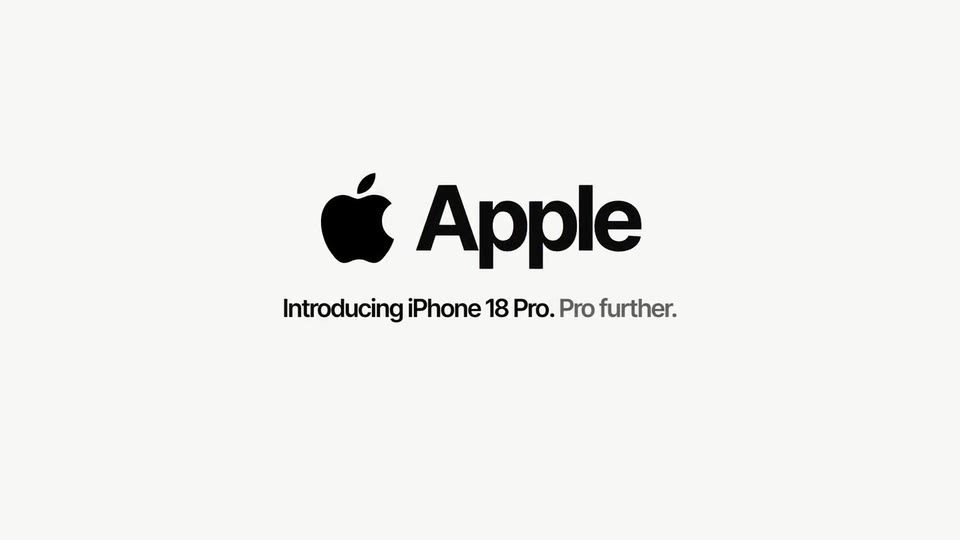
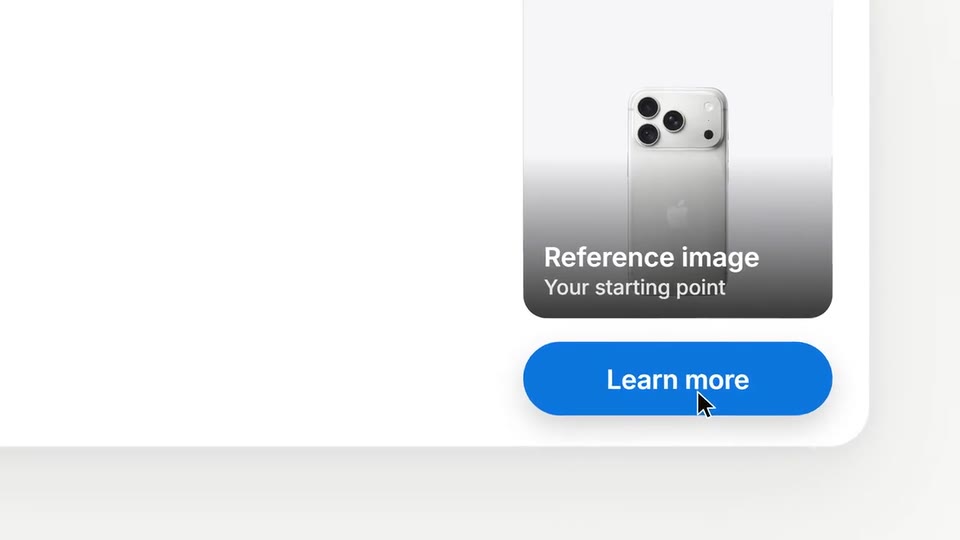
A bright 20-second launch: your brand joins in a color sweep, five pieces fan out, a request types, steps shine and the result lands.
- Price: free to export; exporting needs an Opus Motion account
- Length: 20 seconds
- Formats: 16:9 (each one designed for its screen)
- What you can change: 8 texts, 8 images, 2 colors, the music
- Category: Launches
Examples with real brands
- Apple, 16:9: watch the video
Make it yours
Paste your website and the template comes out with your logo, colors and words: https://opusmotion.com/studio/t01-product-launch?mode=yours. To open it already filled from a website, add &site=yourdomain.com.
Fields, for AI agents
An agent fills these with POST https://opusmotion.com/api/v1/drafts (guide: https://opusmotion.com/agents.md). Free to export in 16:9. Exporting the MP4 needs a free Opus Motion account with a confirmed email.
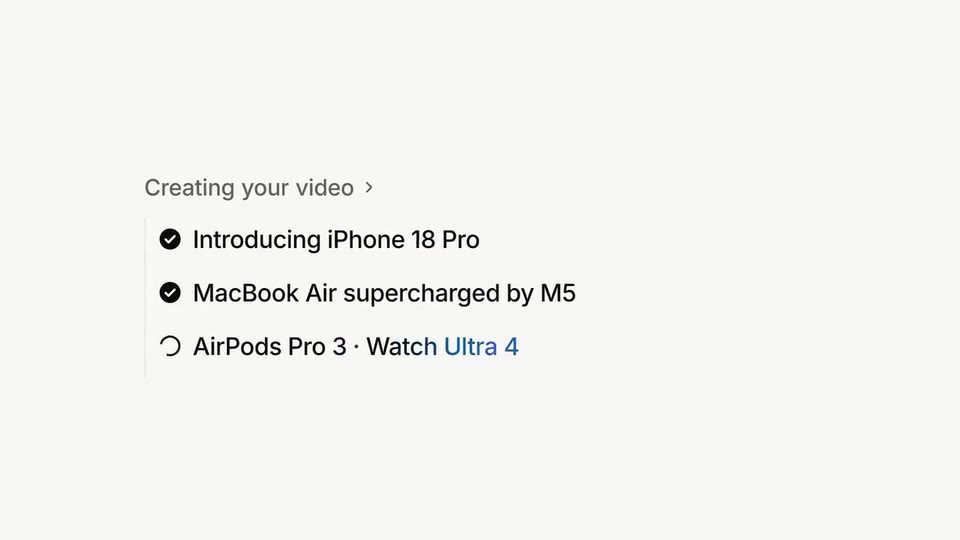
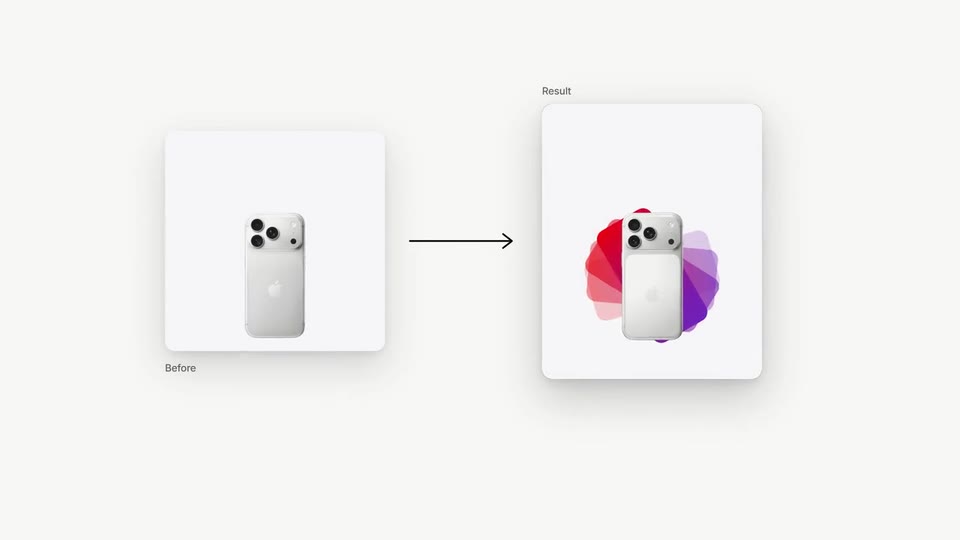
Scenes: Title and fan (0–3.35 s); The request (3.35–8.6 s); Steps (8.6–16 s); Before and after (16–18.26 s); Logo and closing line (18.26–20 s).
brandName(text, 2–16 characters): Brand name. How your brand is written. It assembles letter by letter at the start. The brand's own: never the demo's. Scene "Title and fan" at 0.7 s: 16:9 · [9:16]().eyebrow(text, 0–40 characters): Eyebrow. Optional short introduction above the brand. Use a concrete category or a line from the site. Empty hides the row. Optional. Demo's line, for tone and length only: "Your site. Your brand. Your launch.". Scene "Title and fan" at 0.7 s: 16:9 · [9:16]().logo(image, free, shown whole): Your logo (the horizontal wordmark): an SVG, or a PNG with a transparent background. Transparent logo. Shown whole, at any proportion: nothing is cropped. The brand's own: never the demo's. Scene "Logo and closing line" at 18.3 s: 16:9 · [9:16]().brandColor(color, #RRGGBB): Brand color. Your brand color drives the button, the letter color sweep and the step highlights. Readable shades are derived from it.accentColor(color, #RRGGBB): Accent color. Optional. A second brand color for the details. Empty: we pick the one that reads best with your brand color. Optional.logoPlate(choice:auto,light,dark,none; defaultauto): Logo plate. Auto puts your logo on a plate only when it doesn't read on the background.piece1(image, 4:5, cropped): A real photo of the product, place or people of the brand. Something made with your tool. In the video this is the first frame of the clippiece1Motion, which plays here. Cropped to fill a 4:5 frame: keep the subject in the middle. Demo's image. Scene "Title and fan" at 2.2 s: 16:9 · [9:16]().piece1Motion(video, motion, 4:5, 3 s of the clip play): The motion of "Fan piece 1": a muted clip that starts on that image (a real clip from the project, or the image animated). Without one, the image stays still. It movespiece1. Only its first 3 s play; the rest is cut. It holds its last frame. Optional. Upload: PUT https://opusmotion.com/api/v1/drafts/{draftId}/media/piece1Motion. Scene "Title and fan" at 1 s: 16:9 · [9:16]().piece2(image, 4:5, cropped): A real photo of the product, place or people of the brand. Something made with your tool. In the video this is the first frame of the clippiece2Motion, which plays here. Cropped to fill a 4:5 frame: keep the subject in the middle. Demo's image. Scene "Title and fan" at 2.2 s: 16:9 · [9:16]().piece2Motion(video, motion, 4:5, 3 s of the clip play): The motion of "Fan piece 2": a muted clip that starts on that image (a real clip from the project, or the image animated). Without one, the image stays still. It movespiece2. Only its first 3 s play; the rest is cut. It holds its last frame. Optional. Upload: PUT https://opusmotion.com/api/v1/drafts/{draftId}/media/piece2Motion. Scene "Title and fan" at 1 s: 16:9 · [9:16]().piece3(image, 4:5, cropped): An image of the brand. The center one: the most visible. In the video this is the first frame of the clippiece3Motion, which plays here. Cropped to fill a 4:5 frame: keep the subject in the middle. Demo's image. Scene "Title and fan" at 2.9 s: 16:9 · [9:16]().piece3Motion(video, motion, 4:5, 3 s of the clip play): The motion of "Fan piece 3": a muted clip that starts on that image (a real clip from the project, or the image animated). Without one, the image stays still. It movespiece3. Only its first 3 s play; the rest is cut. It holds its last frame. Optional. Upload: PUT https://opusmotion.com/api/v1/drafts/{draftId}/media/piece3Motion. Scene "Title and fan" at 1 s: 16:9 · [9:16]().piece4(image, 4:5, cropped): A real photo of the product, place or people of the brand. Something made with your tool. In the video this is the first frame of the clippiece4Motion, which plays here. Cropped to fill a 4:5 frame: keep the subject in the middle. Demo's image. Scene "Title and fan" at 2.2 s: 16:9 · [9:16]().piece4Motion(video, motion, 4:5, 3 s of the clip play): The motion of "Fan piece 4": a muted clip that starts on that image (a real clip from the project, or the image animated). Without one, the image stays still. It movespiece4. Only its first 3 s play; the rest is cut. It holds its last frame. Optional. Upload: PUT https://opusmotion.com/api/v1/drafts/{draftId}/media/piece4Motion. Scene "Title and fan" at 1 s: 16:9 · [9:16]().piece5(image, 4:5, cropped): An image of the brand. The top one: fully visible above the hand. In the video this is the first frame of the clippiece5Motion, which plays here. Cropped to fill a 4:5 frame: keep the subject in the middle. Demo's image. Scene "Title and fan" at 2.2 s: 16:9 · [9:16]().piece5Motion(video, motion, 4:5, 3 s of the clip play): The motion of "Fan piece 5": a muted clip that starts on that image (a real clip from the project, or the image animated). Without one, the image stays still. It movespiece5. Only its first 3 s play; the rest is cut. It holds its last frame. Optional. Upload: PUT https://opusmotion.com/api/v1/drafts/{draftId}/media/piece5Motion. Scene "Title and fan" at 1 s: 16:9 · [9:16]().request(text, 12–64 characters): Typed request. What someone asks your tool, in their own words. Demo's line, for tone and length only: "Make our launch video from opusmotion.com". Scene "The request" at 6.3 s: 16:9 · [9:16]().ctaLabel(text, 1–14 characters): Button label. 1–3 words, imperative. The action your brand actually offers. Demo's line, for tone and length only: "Make my video". Scene "The request" at 7.6 s: 16:9 · [9:16]().step1(text, 6–34 characters): Step 1. What your tool does first, as an -ing phrase. Demo's line, for tone and length only: "Reading your site". Scene "Steps" at 9.8 s: 16:9 · [9:16]().step2(text, 6–34 characters): Step 2. The second step, as an -ing phrase. Demo's line, for tone and length only: "Writing every template". Scene "Steps" at 11.8 s: 16:9 · [9:16]().step3(text, 6–34 characters): Step 3. The last step, as an -ing phrase. Demo's line, for tone and length only: "Exporting in full HD". Scene "Steps" at 13.8 s: 16:9 · [9:16]().beforeImage(image, 4:5, cropped): A real photo of the product, place or people of the brand. What the person uploads. Cropped to fill a 4:5 frame: keep the subject in the middle. Demo's image. Scene "Before and after" at 16 s: 16:9 · [9:16]().resultImage(image, 4:5, cropped): An image of the brand. What your tool returns. Cropped to fill a 4:5 frame: keep the subject in the middle. Demo's image. Scene "Before and after" at 16 s: 16:9 · [9:16]().closingLine(text, 6–48 characters): Closing line. Sits under the logo. If it has two sentences, the second one is gray. Demo's line, for tone and length only: "Introducing Opus Motion. Paste your site.". Scene "Logo and closing line" at 18.8 s: 16:9 · [9:16]().