For AI agents
Coding agents (Claude Code, Codex, Cursor and similar) make Opus Motion videos for a project with the agent guide: https://opusmotion.com/agents.md.
- The guide's steps: read the project, ask the person a few questions, compare templates (each one has a timelapse, its scenes and its fields), make a draft with
POST https://opusmotion.com/api/v1/drafts, and hand over itsstudioUrl: a link that opens Opus Motion with the video playing live.PATCHwith the draft'seditTokenchanges it, and the link stays the same. - Plain HTTPS and JSON: no key and no account. Or the MCP server (https://opusmotion.com/mcp): every tool, with stills of the draft returned as images. The person exports the MP4 from the studio.
- The studio is filled through the API, not by driving the site with a browser. When the API refuses, the person is told.
- More: llms.txt · this page in Markdown · developer docs · OpenAPI
Prompt to Film: premium launches video template
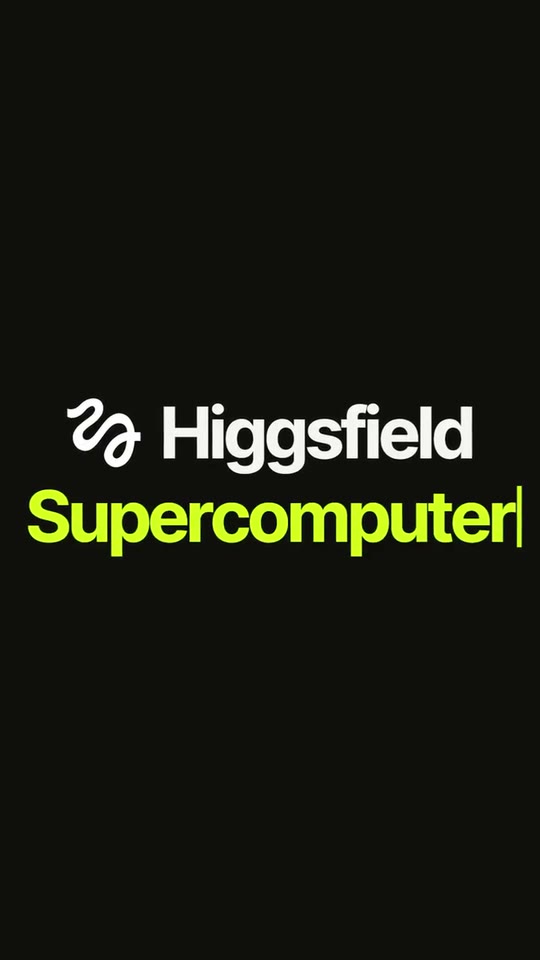
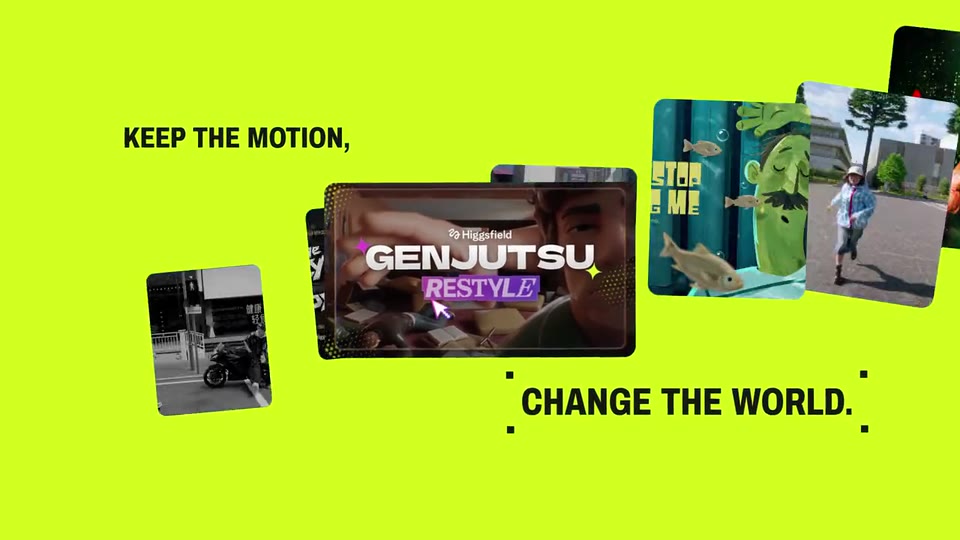
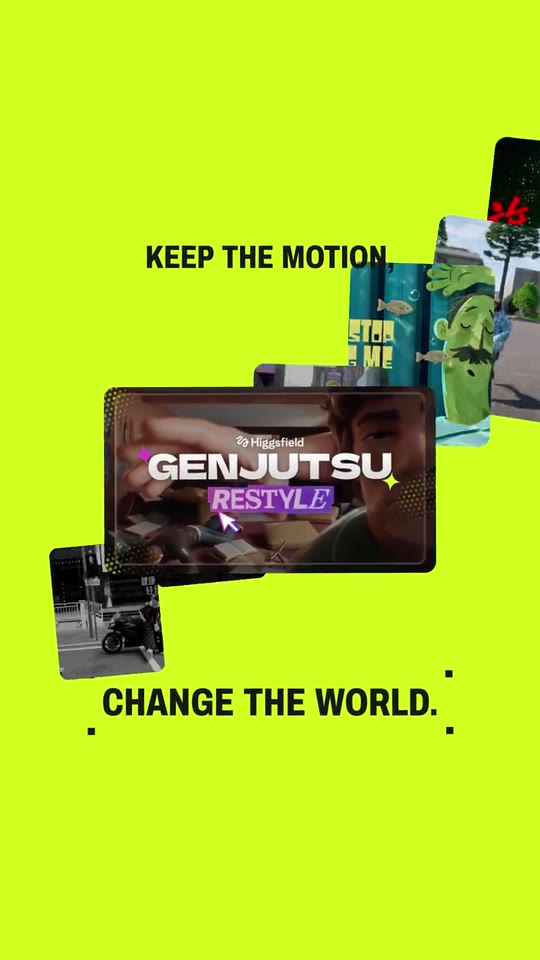
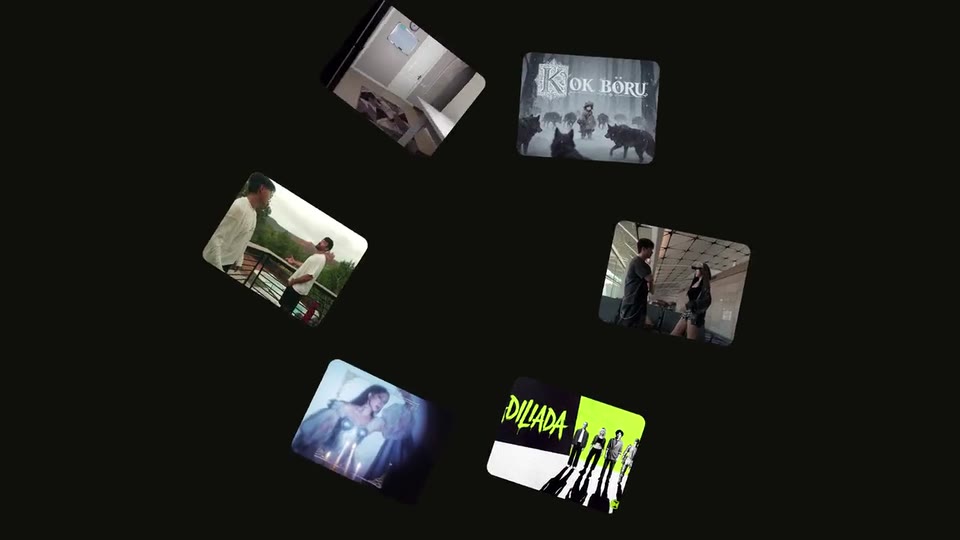
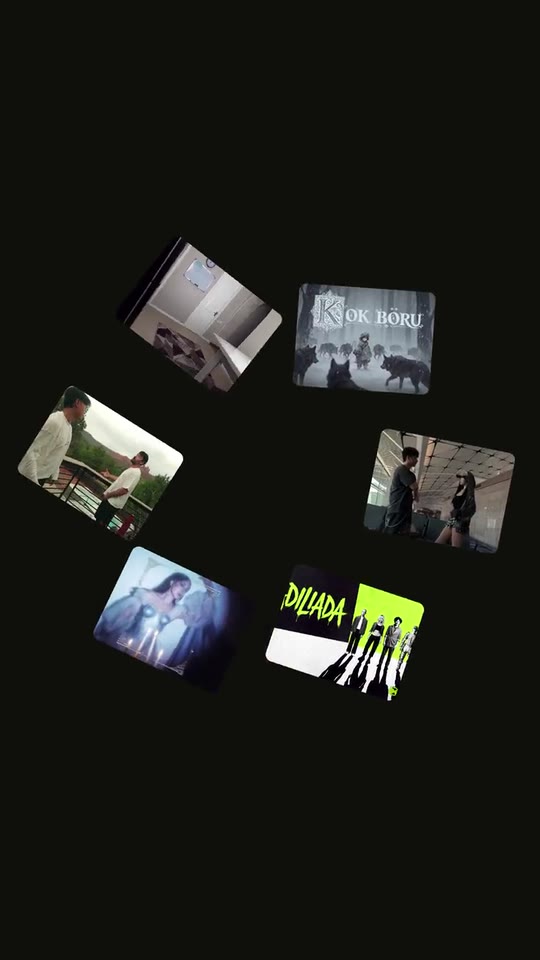
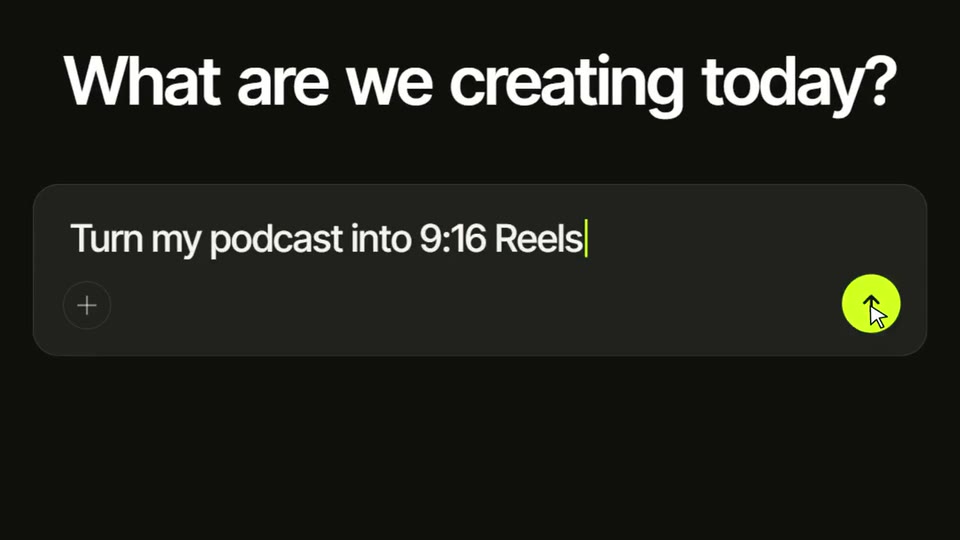
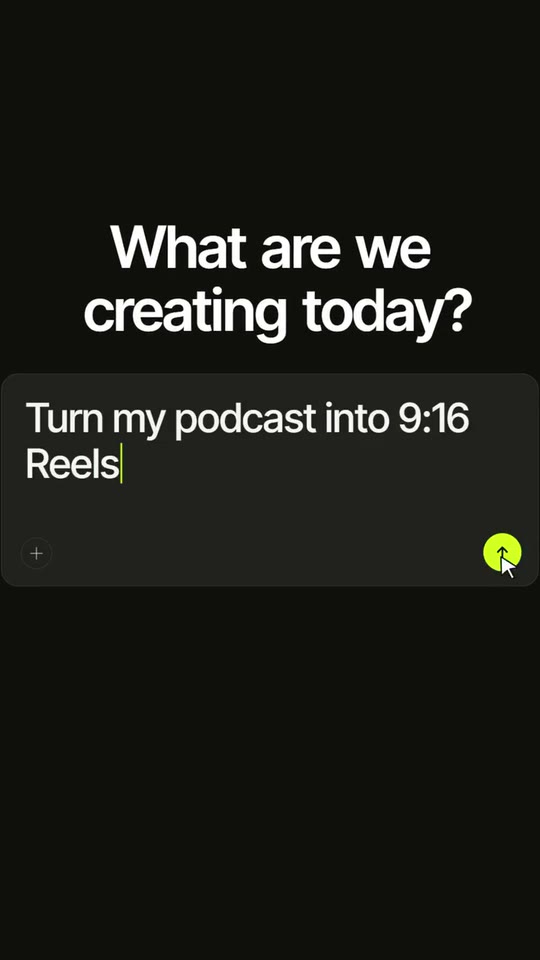
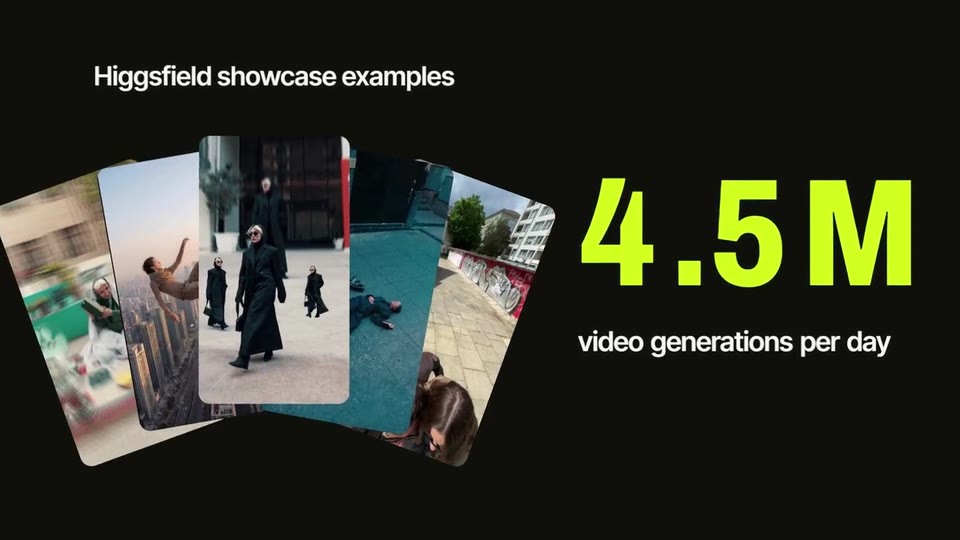
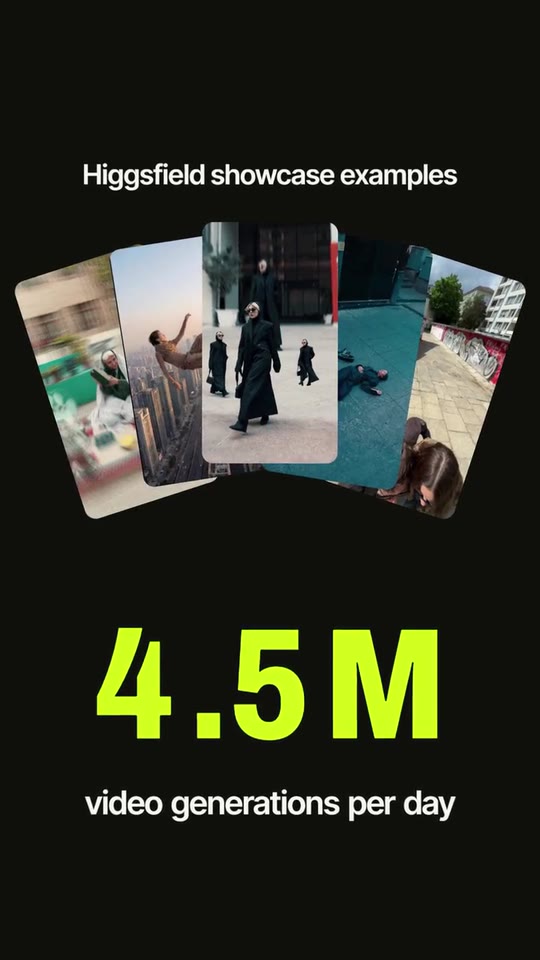
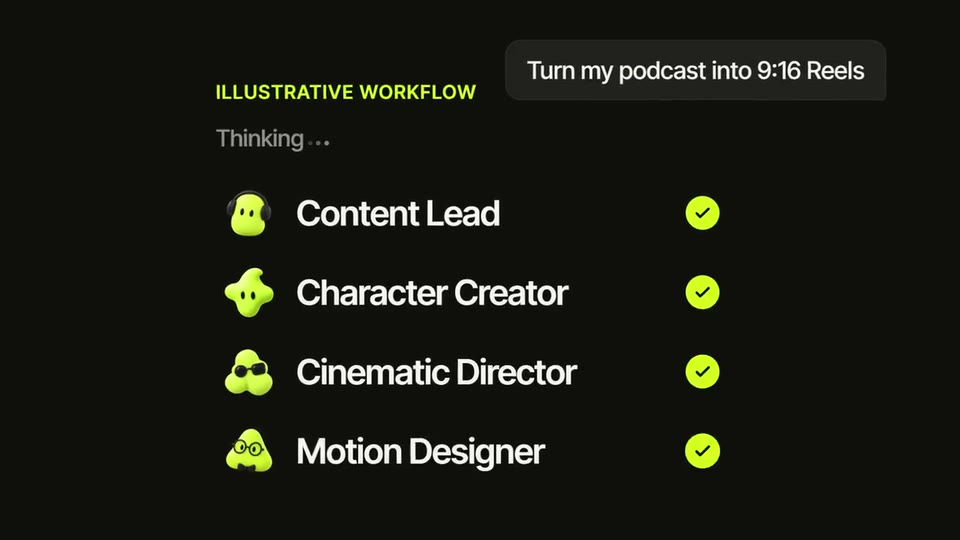
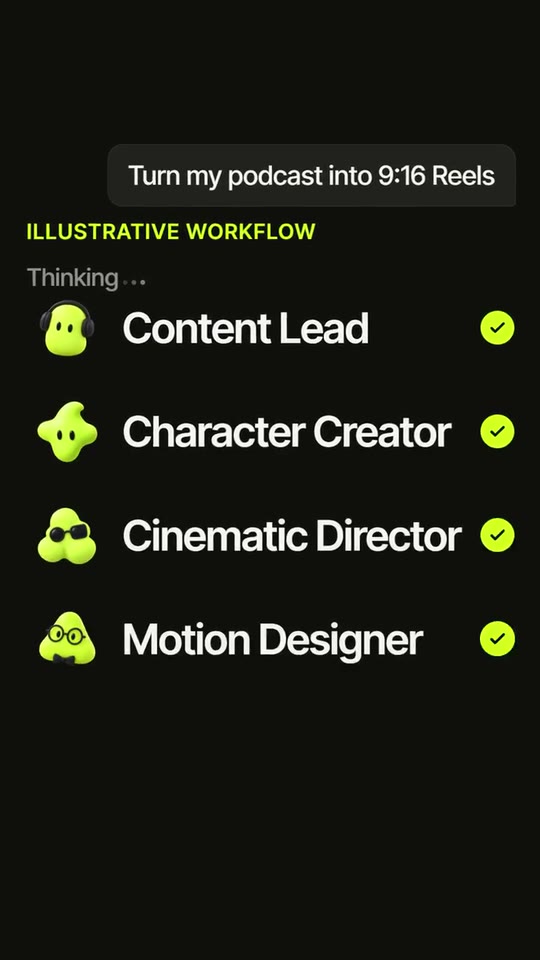
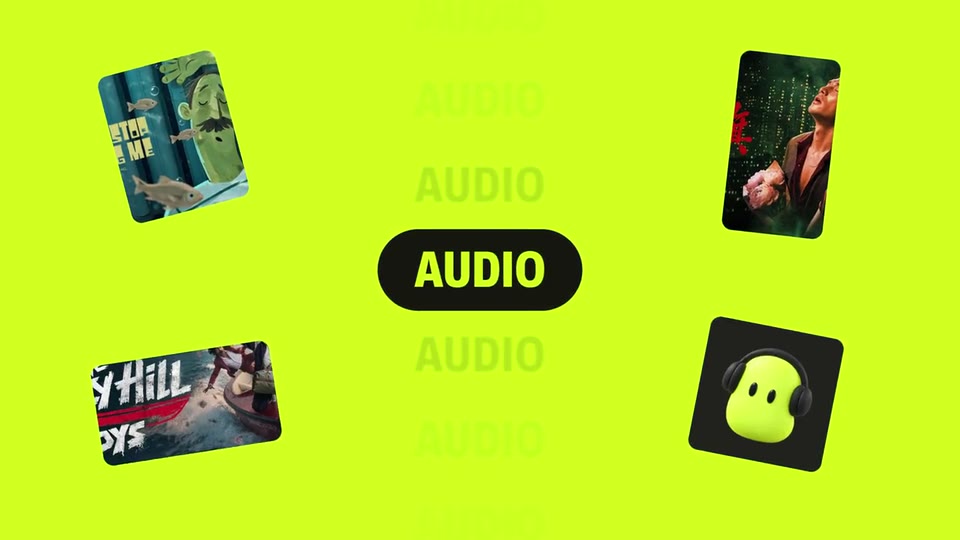
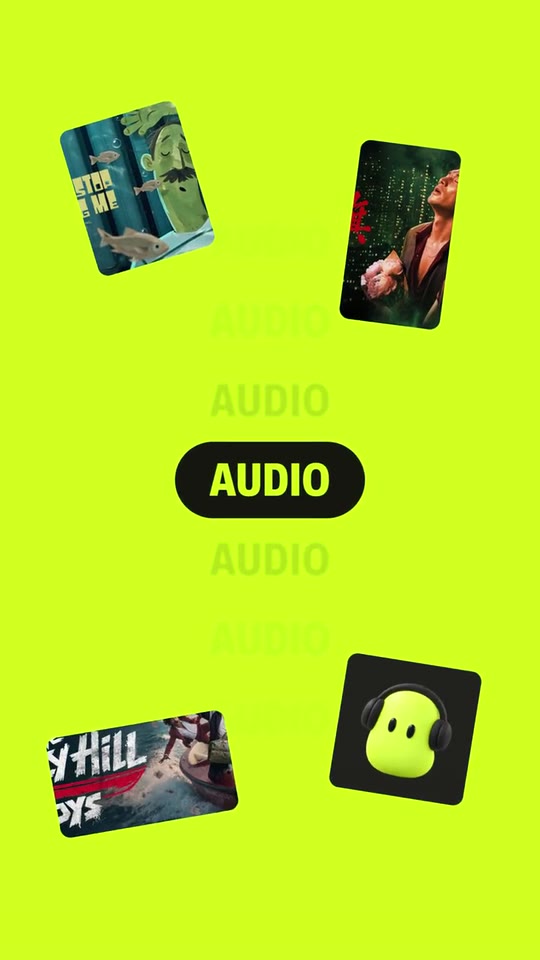
25 seconds for a creative AI product: a typed promise, your images pouring through your own preset card from grey to colour, the card swallowing the frame into your lockup, a ring of your work that collapses into your icon, a pill that rolls through what you make with your own work around it, your prompt card typed and sent, the plan step by step, a burst of results with a rolling number, and your button. With a directed voiceover.
- Price: $17 per export, paid once per video and per format; exporting needs an Opus Motion account
- Length: 24.8 seconds
- Formats: 16:9, 9:16 (each one designed for its screen)
- What you can change: 21 texts, 30 images, 1 color, the music, the voiceover script
- Category: Launches
Examples with real brands
- Higgsfield, 16:9: watch the video
- Higgsfield, 9:16: watch the video
Make it yours
Paste your website and the template comes out with your logo, colors and words: https://opusmotion.com/studio/t21-prompt-to-film?mode=yours. To open it already filled from a website, add &site=yourdomain.com.
Fields, for AI agents
An agent fills these with POST https://opusmotion.com/api/v1/drafts (guide: https://opusmotion.com/agents.md). $17 per export, paid once per video and per format (16:9 and 9:16 are separate exports), or included in an Opus Motion Pass (15 premium exports a month for $49). Exporting needs an Opus Motion account; payment happens in the studio.
Scenes: The typed promise and the preset card that recolours your images (0–3.45 s); The preset card swallows the frame into your lockup (3.45–5.3 s); A row of your work becomes a ring and collapses into the icon (5.3–9.17 s); The icon becomes a pill that rolls through what you make (9.17–12.58 s); An iris into your prompt card, a typed request and a click (12.58–16.12 s); The plan arrives step by step (16.12–18.4 s); Results burst on the beat with a rolling number (18.4–21.74 s); Your lockup, your button and your icons (21.74–24.8 s).
brandName(text, 2–12 characters): Brand name. How your brand is written. It assembles from scattered letters and closes the film; with no logo it is the logotype. The brand's own: never the demo's. Scene "The preset card swallows the frame into your lockup" at 4 s: 16:9 · 9:16.logo(image, 1:1, shown whole): Your app or brand icon, square and full bleed. Your mark alone, one colour, transparent background. Shown whole inside a 1:1 box: nothing is cropped. The brand's own: never the demo's. Scene "The preset card swallows the frame into your lockup" at 4 s: 16:9 · 9:16.brandColor(color, #RRGGBB): Brand color. Floods the opening, the pill scene and the close; the product word, the number and the checks take it on the dark ground.ground(text, 4–5 characters): Ground (dark or light). 'dark' or 'light': the ground of the logo, ring, prompt, plan and results scenes. A product with a dark interface goes dark. Demo's line, for tone and length only: "dark". Scene "The preset card swallows the frame into your lockup" at 4 s: 16:9 · 9:16.flow1(image, 4:5, cropped): A real photo of the product, place or people of the brand. Images that pour through the preset card: grey before it, in colour after it. Cropped to fill a 4:5 frame: keep the subject in the middle. Demo's image. Scene "The typed promise and the preset card that recolours your images" at 2.6 s: 16:9 · 9:16.flow2(image, 4:5, cropped): A real photo of the product, place or people of the brand. Images that pour through the preset card: grey before it, in colour after it. Cropped to fill a 4:5 frame: keep the subject in the middle. Demo's image. Scene "The typed promise and the preset card that recolours your images" at 2.6 s: 16:9 · 9:16.flow3(image, 4:5, cropped): A real photo of the product, place or people of the brand. Images that pour through the preset card: grey before it, in colour after it. Cropped to fill a 4:5 frame: keep the subject in the middle. Demo's image. Scene "The typed promise and the preset card that recolours your images" at 2.6 s: 16:9 · 9:16.flow4(image, 4:5, cropped): A real photo of the product, place or people of the brand. Images that pour through the preset card: grey before it, in colour after it. Cropped to fill a 4:5 frame: keep the subject in the middle. Demo's image. Scene "The typed promise and the preset card that recolours your images" at 2.6 s: 16:9 · 9:16.flow5(image, 4:5, cropped): A real photo of the product, place or people of the brand. Images that pour through the preset card: grey before it, in colour after it. Cropped to fill a 4:5 frame: keep the subject in the middle. Demo's image. Scene "The typed promise and the preset card that recolours your images" at 2.6 s: 16:9 · 9:16.flow6(image, 4:5, cropped): A real photo of the product, place or people of the brand. Images that pour through the preset card: grey before it, in colour after it. Cropped to fill a 4:5 frame: keep the subject in the middle. Demo's image. Scene "The typed promise and the preset card that recolours your images" at 2.6 s: 16:9 · 9:16.flow7(image, 4:5, cropped): A real photo of the product, place or people of the brand. Images that pour through the preset card: grey before it, in colour after it. Cropped to fill a 4:5 frame: keep the subject in the middle. Demo's image. Scene "The typed promise and the preset card that recolours your images" at 2.6 s: 16:9 · 9:16.flow8(image, 4:5, cropped): A real photo of the product, place or people of the brand. Images that pour through the preset card: grey before it, in colour after it. Cropped to fill a 4:5 frame: keep the subject in the middle. Demo's image. Scene "The typed promise and the preset card that recolours your images" at 2.6 s: 16:9 · 9:16.tile1(image, 4:3, cropped): An image of the brand. Wide images that form a row, a staircase and a spinning ring. Cropped to fill a 4:3 frame: keep the subject in the middle. Demo's image. Scene "A row of your work becomes a ring and collapses into the icon" at 7.6 s: 16:9 · 9:16.tile2(image, 4:3, cropped): An image of the brand. Wide images that form a row, a staircase and a spinning ring. Cropped to fill a 4:3 frame: keep the subject in the middle. Demo's image. Scene "A row of your work becomes a ring and collapses into the icon" at 7.6 s: 16:9 · 9:16.tile3(image, 4:3, cropped): An image of the brand. Wide images that form a row, a staircase and a spinning ring. Cropped to fill a 4:3 frame: keep the subject in the middle. Demo's image. Scene "A row of your work becomes a ring and collapses into the icon" at 7.6 s: 16:9 · 9:16.tile4(image, 4:3, cropped): An image of the brand. Wide images that form a row, a staircase and a spinning ring. Cropped to fill a 4:3 frame: keep the subject in the middle. Demo's image. Scene "A row of your work becomes a ring and collapses into the icon" at 7.6 s: 16:9 · 9:16.tile5(image, 4:3, cropped): An image of the brand. Wide images that form a row, a staircase and a spinning ring. Cropped to fill a 4:3 frame: keep the subject in the middle. Demo's image. Scene "A row of your work becomes a ring and collapses into the icon" at 7.6 s: 16:9 · 9:16.tile6(image, 4:3, cropped): An image of the brand. Wide images that form a row, a staircase and a spinning ring. Cropped to fill a 4:3 frame: keep the subject in the middle. Demo's image. Scene "A row of your work becomes a ring and collapses into the icon" at 7.6 s: 16:9 · 9:16.promptBg(image, 16:9, cropped): An image of the brand. Blurred and darkened behind the prompt card as the iris opens. Cropped to fill a 16:9 frame: keep the subject in the middle. Demo's image. Scene "An iris into your prompt card, a typed request and a click" at 13.4 s: 16:9 · 9:16.result1(image, 9:16, cropped): An image of the brand. Tall results that burst into a fan on the beat. Cropped to fill a 9:16 frame: keep the subject in the middle. Demo's image. Scene "Results burst on the beat with a rolling number" at 19.6 s: 16:9 · 9:16.result2(image, 9:16, cropped): An image of the brand. Tall results that burst into a fan on the beat. Cropped to fill a 9:16 frame: keep the subject in the middle. Demo's image. Scene "Results burst on the beat with a rolling number" at 19.6 s: 16:9 · 9:16.result3(image, 9:16, cropped): An image of the brand. Tall results that burst into a fan on the beat. Cropped to fill a 9:16 frame: keep the subject in the middle. Demo's image. Scene "Results burst on the beat with a rolling number" at 19.6 s: 16:9 · 9:16.result4(image, 9:16, cropped): An image of the brand. Tall results that burst into a fan on the beat. Cropped to fill a 9:16 frame: keep the subject in the middle. Demo's image. Scene "Results burst on the beat with a rolling number" at 19.6 s: 16:9 · 9:16.result5(image, 9:16, cropped): An image of the brand. Tall results that burst into a fan on the beat. Cropped to fill a 9:16 frame: keep the subject in the middle. Demo's image. Scene "Results burst on the beat with a rolling number" at 19.6 s: 16:9 · 9:16.icon1(image, 1:1, cropped): An image of the brand. Square icon or character (a transparent PNG or a square image; corners are rounded), next to step 1; the four also bounce in at the close. Cropped to fill a 1:1 frame: keep the subject in the middle. Demo's image. Scene "The plan arrives step by step" at 18 s: 16:9 · 9:16.icon2(image, 1:1, cropped): An image of the brand. Square icon or character (a transparent PNG or a square image; corners are rounded), next to step 2; the four also bounce in at the close. Cropped to fill a 1:1 frame: keep the subject in the middle. Demo's image. Scene "The plan arrives step by step" at 18 s: 16:9 · 9:16.icon3(image, 1:1, cropped): An image of the brand. Square icon or character (a transparent PNG or a square image; corners are rounded), next to step 3; the four also bounce in at the close. Cropped to fill a 1:1 frame: keep the subject in the middle. Demo's image. Scene "The plan arrives step by step" at 18 s: 16:9 · 9:16.icon4(image, 1:1, cropped): An image of the brand. Square icon or character (a transparent PNG or a square image; corners are rounded), next to step 4; the four also bounce in at the close. Cropped to fill a 1:1 frame: keep the subject in the middle. Demo's image. Scene "The plan arrives step by step" at 18 s: 16:9 · 9:16.object0(image, 16:9, cropped): An image of the brand. The real thumbnail of the feature or preset that transforms (as it appears on your site). Cropped to fill a 16:9 frame: keep the subject in the middle. Demo's image. Scene "The typed promise and the preset card that recolours your images" at 2.6 s: 16:9 · 9:16.object1(image, 4:5, cropped): An image of the brand. Something you made, popping around the pill with word 1. Cropped to fill a 4:5 frame: keep the subject in the middle. Demo's image. Scene "The icon becomes a pill that rolls through what you make" at 11 s: 16:9 · 9:16.object2(image, 9:16, cropped): An image of the brand. A frame of something you made, with word 2. Cropped to fill a 9:16 frame: keep the subject in the middle. Demo's image. Scene "The icon becomes a pill that rolls through what you make" at 11 s: 16:9 · 9:16.object3(image, 1:1, cropped): An image of the brand. A square card with word 3: your own character or a square image (a transparent PNG sits on a dark card). Cropped to fill a 1:1 frame: keep the subject in the middle. Demo's image. Scene "The icon becomes a pill that rolls through what you make" at 11 s: 16:9 · 9:16.object4(image, 16:9, cropped): An image of the brand. A wide piece of your work that pops on the beat before the tools line. Cropped to fill a 16:9 frame: keep the subject in the middle. Demo's image. Scene "The icon becomes a pill that rolls through what you make" at 11 s: 16:9 · 9:16.hookA(text, 6–20 characters): Opening line. Typed word by word inside selection corners, then it becomes a label over the preset card. First half of a two-part promise from your site. Demo's line, for tone and length only: "Keep the motion,". Scene "The typed promise and the preset card that recolours your images" at 1.3 s: 16:9 · 9:16.hookB(text, 6–20 characters): Second line. Typed under the preset card while your images pour through it, grey before it and in colour after it. Demo's line, for tone and length only: "change the world.". Scene "The typed promise and the preset card that recolours your images" at 2.9 s: 16:9 · 9:16.product(text, 3–14 characters): Product name. Typed in your colour after your brand name (a product, a version, a launch). Demo's line, for tone and length only: "Supercomputer". Scene "The preset card swallows the frame into your lockup" at 4.8 s: 16:9 · 9:16.word1(text, 2–8 characters): Pill word 1. One word for something you make. Rolls into the pill with the first card. Demo's line, for tone and length only: "Image". Scene "The icon becomes a pill that rolls through what you make" at 9.4 s: 16:9 · 9:16.word2(text, 2–8 characters): Pill word 2. Second word, second card. Demo's line, for tone and length only: "Video". Scene "The icon becomes a pill that rolls through what you make" at 9.9 s: 16:9 · 9:16.word3(text, 2–8 characters): Pill word 3. Third word, third card. Demo's line, for tone and length only: "Audio". Scene "The icon becomes a pill that rolls through what you make" at 10.7 s: 16:9 · 9:16.tools(text, 8–24 characters): Pill line. A fact from your site with its exact wording; the pill widens to hold it. Demo's line, for tone and length only: "40+ creative AI tools". Scene "The icon becomes a pill that rolls through what you make" at 12 s: 16:9 · 9:16.promptTitle(text, 10–32 characters): Prompt card title. The question your product asks, word by word with the voice. Demo's line, for tone and length only: "What are we creating today?". Scene "An iris into your prompt card, a typed request and a click" at 14.2 s: 16:9 · 9:16.prompt(text, 10–36 characters): Typed prompt. A real request a customer types into your product. It is sent with a click and becomes the chat bubble. Demo's line, for tone and length only: "Turn my podcast into 9:16 Reels". Scene "An iris into your prompt card, a typed request and a click" at 15.7 s: 16:9 · 9:16.planCaption(text, 0–26 characters): Plan caption. Small caption over the steps; keep it if the steps illustrate rather than document your product's exact process. Leave empty to hide. Optional. Demo's line, for tone and length only: "Illustrative workflow". Scene "The plan arrives step by step" at 17 s: 16:9 · 9:16.thinking(text, 4–14 characters): Working label. What your product shows while it works, before the steps. Demo's line, for tone and length only: "Thinking". Scene "The plan arrives step by step" at 16.6 s: 16:9 · 9:16.role1(text, 3–20 characters): Step 1. First step or role of the plan, with its icon. Demo's line, for tone and length only: "Content Lead". Scene "The plan arrives step by step" at 18 s: 16:9 · 9:16.role2(text, 3–20 characters): Step 2. Second step or role. Demo's line, for tone and length only: "Character Creator". Scene "The plan arrives step by step" at 18 s: 16:9 · 9:16.role3(text, 3–20 characters): Step 3. Third step or role. Demo's line, for tone and length only: "Cinematic Director". Scene "The plan arrives step by step" at 18 s: 16:9 · 9:16.role4(text, 3–20 characters): Step 4. Fourth step or role. Demo's line, for tone and length only: "Motion Designer". Scene "The plan arrives step by step" at 18 s: 16:9 · 9:16.resultsCaption(text, 0–30 characters): Results caption. Says where the result images come from (for example 'Made with <your brand>'). Leave empty to hide. Optional. Demo's line, for tone and length only: "Higgsfield showcase examples". Scene "Results burst on the beat with a rolling number" at 19.6 s: 16:9 · 9:16.stat(text, 1–6 characters): Number. A real number from your site. Digits roll in; letters and symbols pop. Demo's line, for tone and length only: "4.5M". Scene "Results burst on the beat with a rolling number" at 20.6 s: 16:9 · 9:16.statLabel(text, 8–30 characters): Number label. What the number counts, as your site words it. Demo's line, for tone and length only: "video generations per day". Scene "Results burst on the beat with a rolling number" at 21.3 s: 16:9 · 9:16.cta(text, 4–20 characters): Button. Your real call to action, as written on your site. Demo's line, for tone and length only: "Try Supercomputer". Scene "Your lockup, your button and your icons" at 23.8 s: 16:9 · 9:16.