For AI agents
Coding agents (Claude Code, Codex, Cursor and similar) make Opus Motion videos for a project with the agent guide: https://opusmotion.com/agents.md.
- The guide's steps: read the project, ask the person a few questions, compare templates (each one has a timelapse, its scenes and its fields), make a draft with
POST https://opusmotion.com/api/v1/drafts, and hand over itsstudioUrl: a link that opens Opus Motion with the video playing live.PATCHwith the draft'seditTokenchanges it, and the link stays the same. - Plain HTTPS and JSON: no key and no account. Or the MCP server (https://opusmotion.com/mcp): every tool, with stills of the draft returned as images. The person exports the MP4 from the studio.
- The studio is filled through the API, not by driving the site with a browser. When the API refuses, the person is told.
- More: llms.txt · this page in Markdown · developer docs · OpenAPI
Rings Reveal: premium launches video template
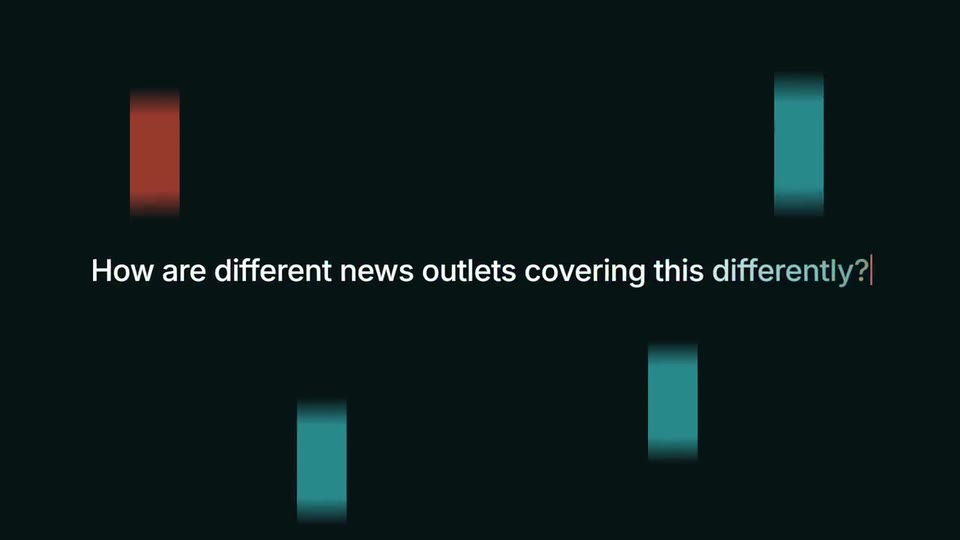
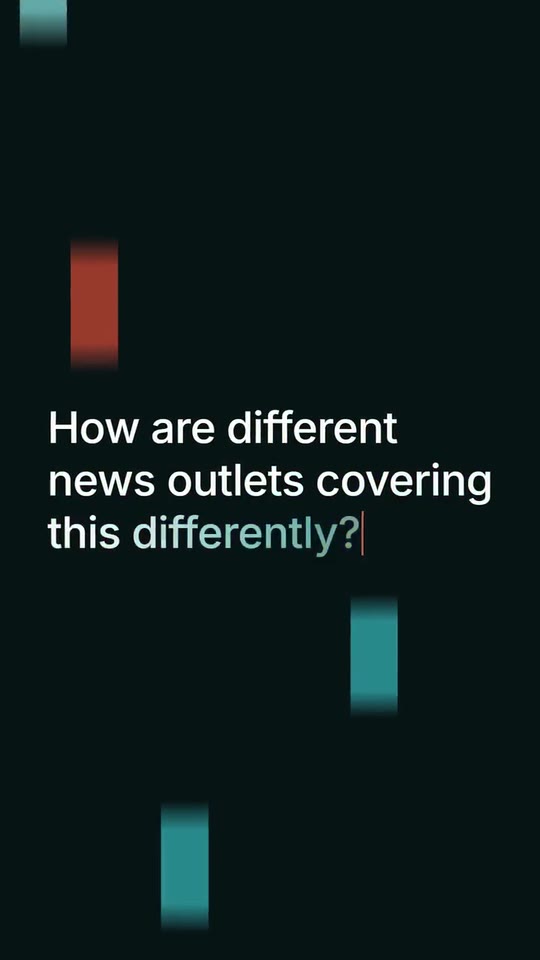
A 17-second capability reel: refraction waves ripple through your scene and open what your product does, a request types in with a colour sweep at its head, the cut to your light field pops your mark from a dot with your name sliding out; two more waves-and-request passes, then your tagline types in and the mark is born again over it.
- Price: $14 per export, paid once per video and per format; exporting needs an Opus Motion account
- Length: 17 seconds
- Formats: 16:9, 9:16 (each one designed for its screen)
- What you can change: 13 texts, 5 images, 3 colors, the music
- Category: Launches
Examples with real brands
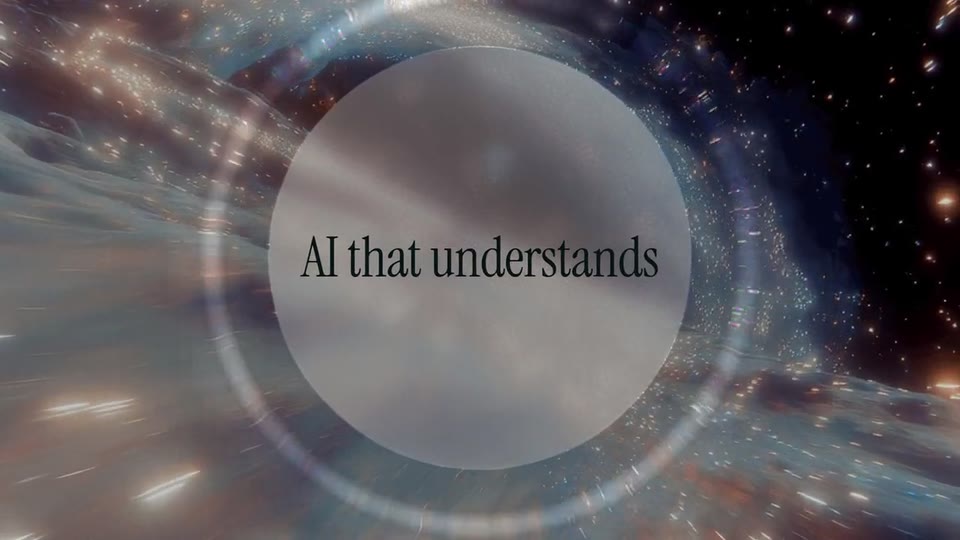
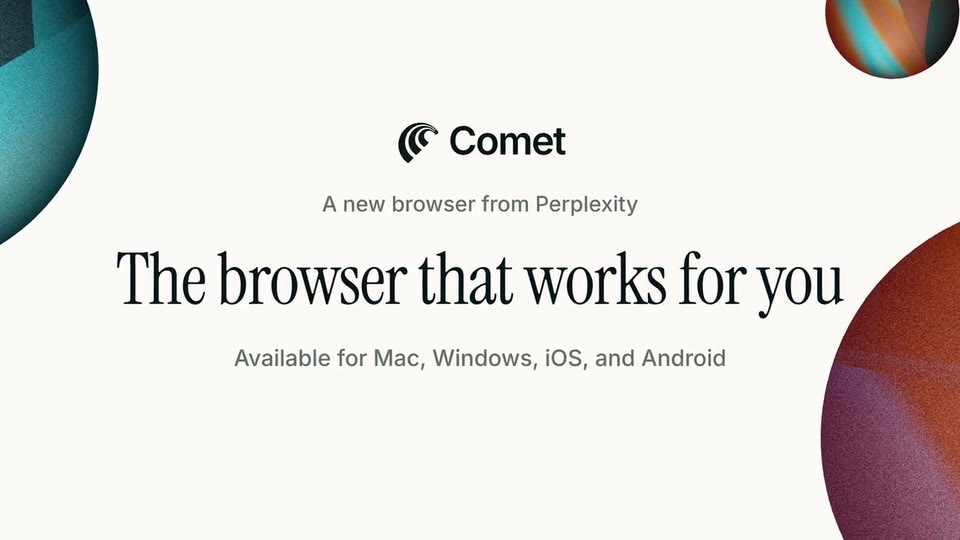
- Perplexity Comet, 16:9: watch the video
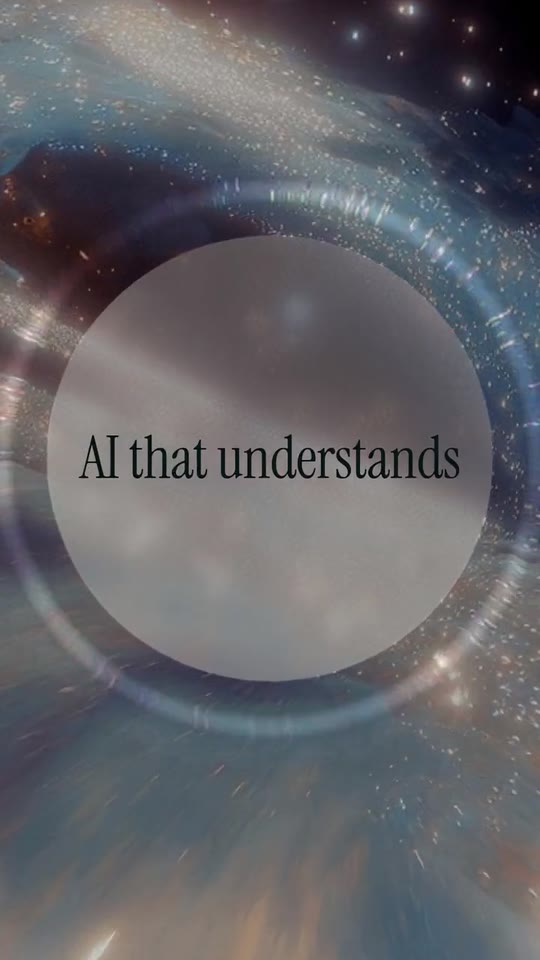
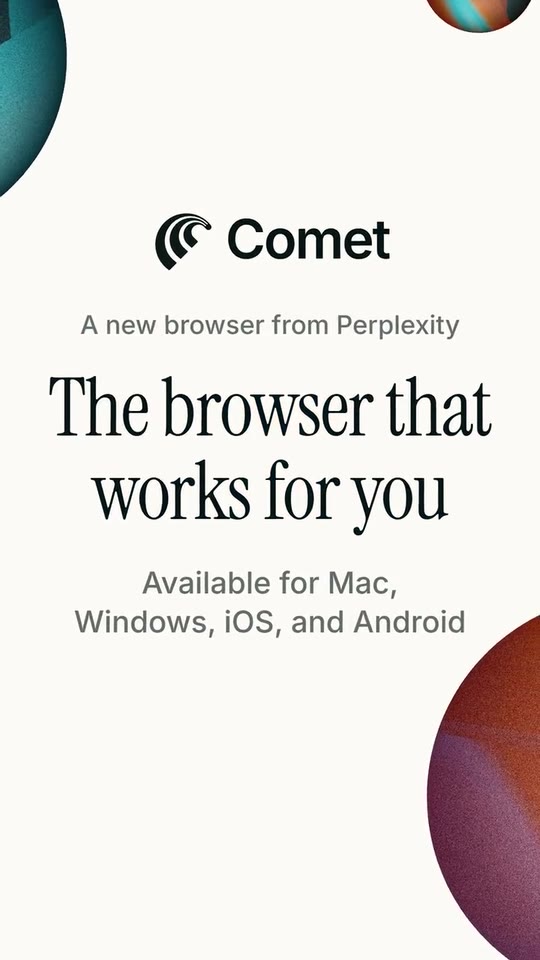
- Perplexity Comet, 9:16: watch the video
Make it yours
Paste your website and the template comes out with your logo, colors and words: https://opusmotion.com/studio/t60-rings-reveal?mode=yours. To open it already filled from a website, add &site=yourdomain.com.
Fields, for AI agents
An agent fills these with POST https://opusmotion.com/api/v1/drafts (guide: https://opusmotion.com/agents.md). $14 per export, paid once per video and per format (16:9 and 9:16 are separate exports), or included in an Opus Motion Pass (15 premium exports a month for $49). Exporting needs an Opus Motion account; payment happens in the studio.
Scenes: Rings open capability 1 over the scene (0–1.5 s); Request 1 types in with the colour sweep and pulls away (1.5–3.05 s); Light field: the mark pops from a dot, the name slides out (3.05–5.1 s); Rings open capability 2 over sphere 1 (5.1–6.6 s); Request 2 (6.6–8.3 s); Rings open capability 3 over sphere 2 (8.3–9.8 s); Request 3 (9.8–11.6 s); Capabilities 4 and 5, half a second each (11.6–12.6 s); Eyebrow, the tagline typed with the sweep, the mark born again, the closing line (12.6–17 s).
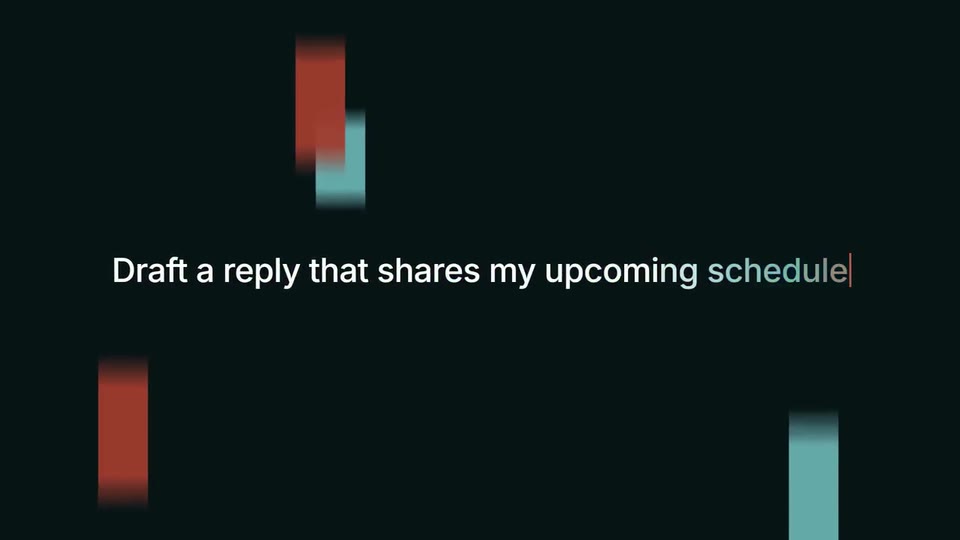
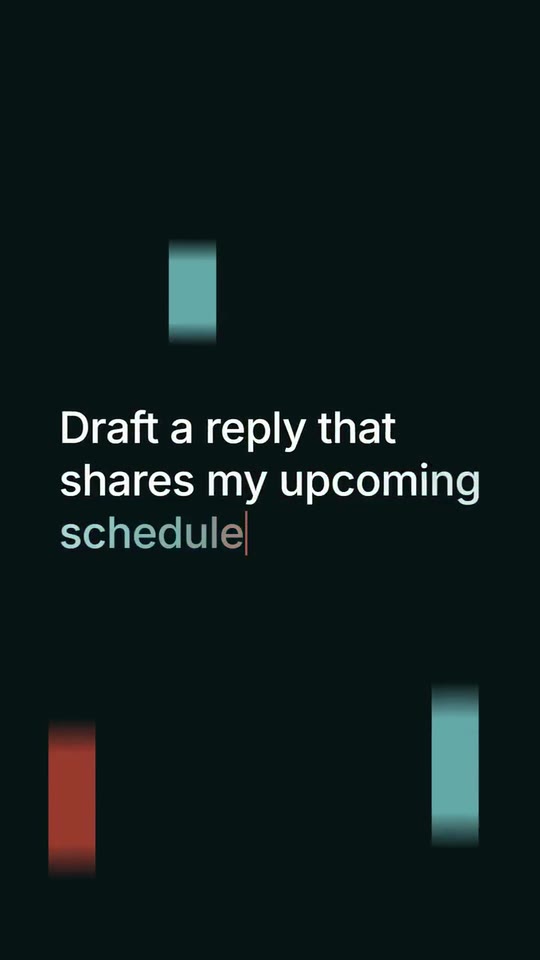
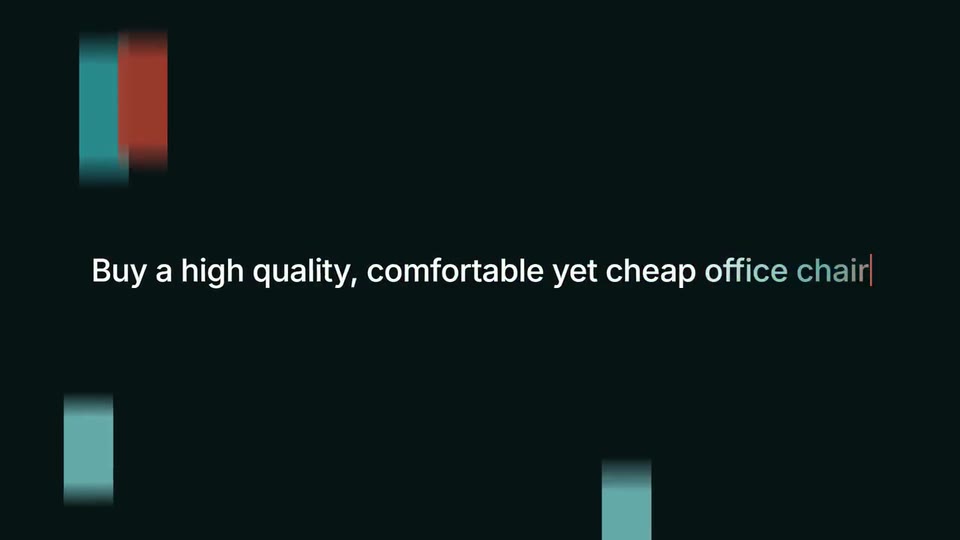
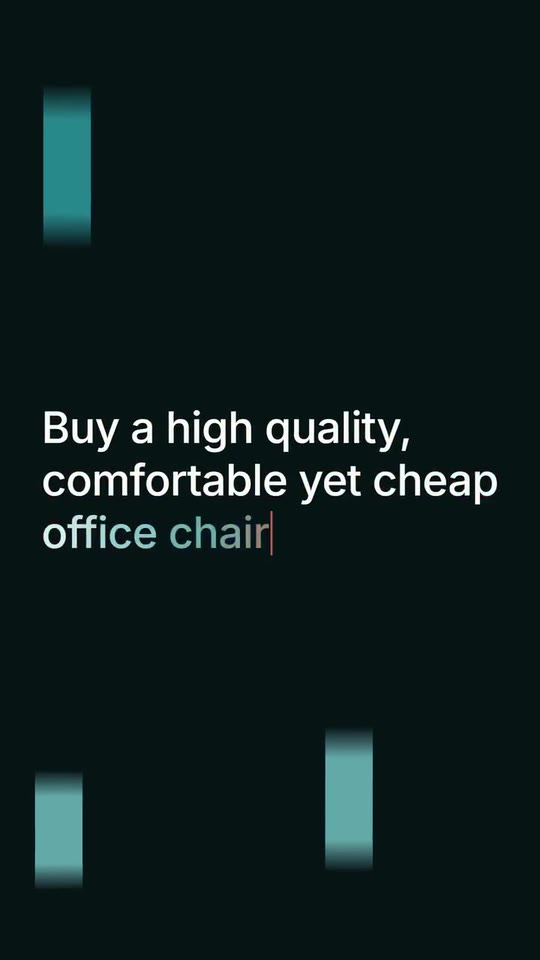
brandName(text, 2–14 characters): Brand name. How your brand is written. It slides out from behind your mark; with no logo it is set as the logotype. The brand's own: never the demo's. Scene "Light field: the mark pops from a dot, the name slides out" at 3.9 s: 16:9 · 9:16.logo(image, 1:1, shown whole): Your app or brand icon, square and full bleed. Your symbol, transparent (SVG or PNG). Shown whole inside a 1:1 box: nothing is cropped. The brand's own: never the demo's. Scene "Light field: the mark pops from a dot, the name slides out" at 3.3 s: 16:9 · 9:16.brandColor(color, #RRGGBB): Brand color. The middle of the colour sweep, the bars, the rings of the loop and the dark field (a deep shade of it).accentColor(color, #RRGGBB): Accent color. The head of the colour sweep and some of the bars. A second colour of your brand.paperColor(color, #RRGGBB): Paper color. The light field of the close and the colour of the rings.scene(image, 16:9, cropped): An image of the brand. A wide image of your world the rings open over: a landscape, a sky, a texture of your brand. Cropped to fill a 16:9 frame: keep the subject in the middle. Demo's image. Scene "Rings open capability 1 over the scene" at 0.6 s: 16:9 · 9:16.orb1(image, 1:1, cropped): A cut-out object on a transparent background (a PNG, or an SVG drawing): just the object, no photo background. Never a photo, never a photo padded with transparent bars. A round piece of your brand (an object that is round, filling its square): it rises as a planet under the second capability and turns in the close. A round piece works too. Cropped to fill a 1:1 frame: keep the subject in the middle. Optional. Demo's image. Scene "Rings open capability 1 over the scene" at 5.9 s: 16:9 · 9:16.orb2(image, 1:1, cropped): A cut-out object on a transparent background (a PNG, or an SVG drawing): just the object, no photo background. Never a photo, never a photo padded with transparent bars. A second round piece: the planet under the third capability. A round piece works too. Cropped to fill a 1:1 frame: keep the subject in the middle. Optional. Demo's image. Scene "Rings open capability 1 over the scene" at 9.1 s: 16:9 · 9:16.orb3(image, 1:1, cropped): A cut-out object on a transparent background (a PNG, or an SVG drawing): just the object, no photo background. Never a photo, never a photo padded with transparent bars. A third round piece: it enters with the mark and turns in the close. A round piece works too. Cropped to fill a 1:1 frame: keep the subject in the middle. Optional. Demo's image. Scene "Eyebrow, the tagline typed with the sweep, the mark born again, the closing line" at 4.6 s: 16:9 · 9:16.feature1(text, 6–24 characters): Capability 1. What your product does, as your site says it. Opens on the rings. Demo's line, for tone and length only: "AI that understands". Scene "Rings open capability 1 over the scene" at 1.2 s: 16:9 · 9:16.prompt1(text, 12–60 characters): Request 1. A request a user types for capability 1, as your site shows it. Demo's line, for tone and length only: "How are different news outlets covering this differently?". Scene "Request 1 types in with the colour sweep and pulls away" at 2.6 s: 16:9 · 9:16.feature2(text, 6–24 characters): Capability 2. The second capability. Demo's line, for tone and length only: "AI that emails". Scene "Rings open capability 1 over the scene" at 6.3 s: 16:9 · 9:16.prompt2(text, 12–60 characters): Request 2. A request for capability 2. Demo's line, for tone and length only: "Draft a reply that shares my upcoming schedule". Scene "Request 2" at 7.9 s: 16:9 · 9:16.feature3(text, 6–24 characters): Capability 3. The third capability. Demo's line, for tone and length only: "AI that shops". Scene "Rings open capability 1 over the scene" at 9.5 s: 16:9 · 9:16.prompt3(text, 12–60 characters): Request 3. A request for capability 3. Demo's line, for tone and length only: "Buy a high quality, comfortable yet cheap office chair". Scene "Request 3" at 11.3 s: 16:9 · 9:16.feature4(text, 0–24 characters): Capability 4. A quick fourth capability (half a second). Empty: the fifth takes its place; both empty: the third capability returns. Optional. Demo's line, for tone and length only: "AI that builds". Scene "Rings open capability 1 over the scene" at 11.9 s: 16:9 · 9:16.feature5(text, 0–24 characters): Capability 5. A quick fifth capability (half a second). Optional. Demo's line, for tone and length only: "AI that creates". Scene "Rings open capability 1 over the scene" at 12.4 s: 16:9 · 9:16.eyebrow(text, 0–34 characters): Eyebrow. The small line over your tagline, as on your site. Optional. Demo's line, for tone and length only: "A new browser from Perplexity". Scene "Eyebrow, the tagline typed with the sweep, the mark born again, the closing line" at 13.4 s: 16:9 · 9:16.tagline(text, 6–34 characters): Tagline. Your promise, typed in with the same colour sweep. Demo's line, for tone and length only: "The browser that works for you". Scene "Eyebrow, the tagline typed with the sweep, the mark born again, the closing line" at 14.6 s: 16:9 · 9:16.cta(text, 0–48 characters): Closing line. Where to get it, or your call to action, as your site says it. Optional. Demo's line, for tone and length only: "Available for Mac, Windows, iOS, and Android". Scene "Eyebrow, the tagline typed with the sweep, the mark born again, the closing line" at 15.5 s: 16:9 · 9:16.