For AI agents
Coding agents (Claude Code, Codex, Cursor and similar) make Opus Motion videos for a project with the agent guide: https://opusmotion.com/agents.md.
- The guide's steps: read the project, ask the person a few questions, compare templates (each one has a timelapse, its scenes and its fields), make a draft with
POST https://opusmotion.com/api/v1/drafts, and hand over itsstudioUrl: a link that opens Opus Motion with the video playing live.PATCHwith the draft'seditTokenchanges it, and the link stays the same. - Plain HTTPS and JSON: no key and no account. Or the MCP server (https://opusmotion.com/mcp): every tool, with stills of the draft returned as images. The person exports the MP4 from the studio.
- The studio is filled through the API, not by driving the site with a browser. When the API refuses, the person is told.
- More: llms.txt · this page in Markdown · developer docs · OpenAPI
Flat-Pack Hero: free product spotlights video template
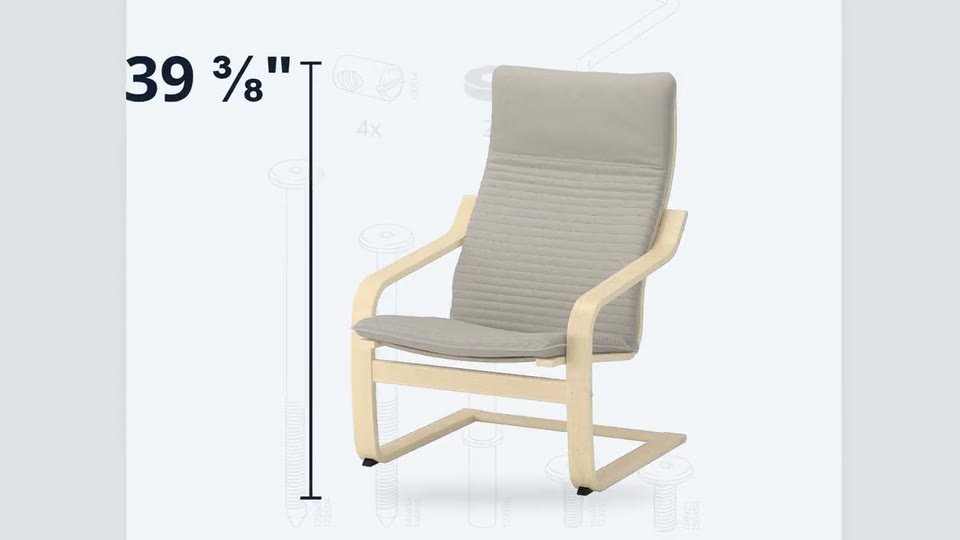
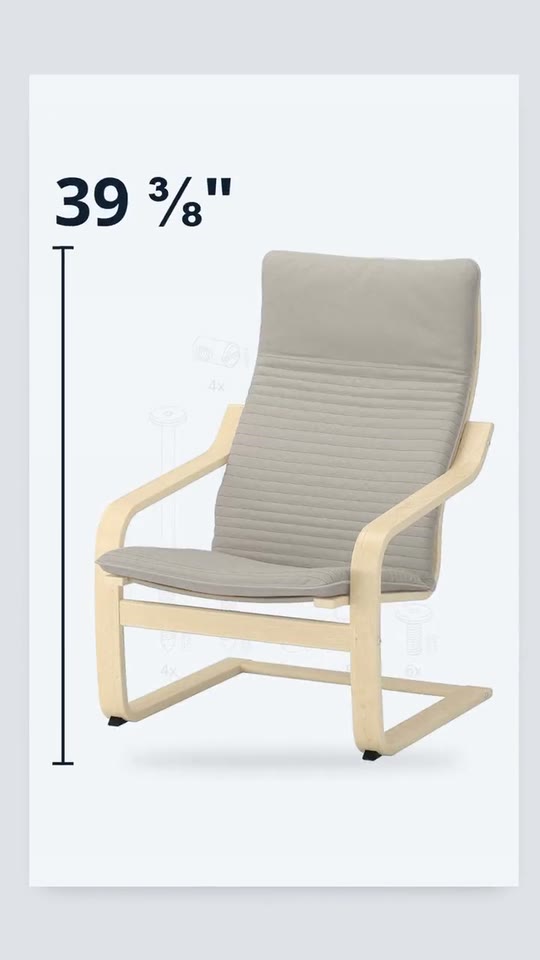
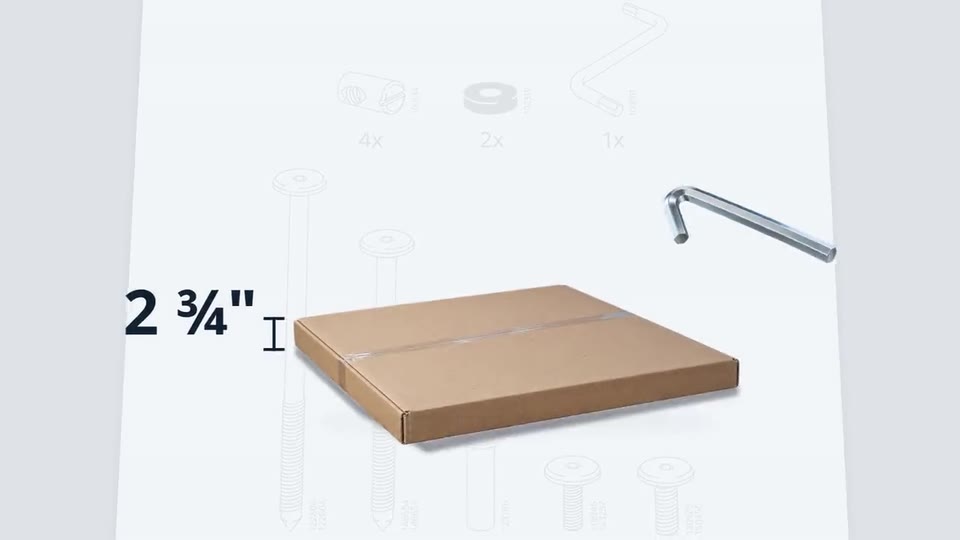
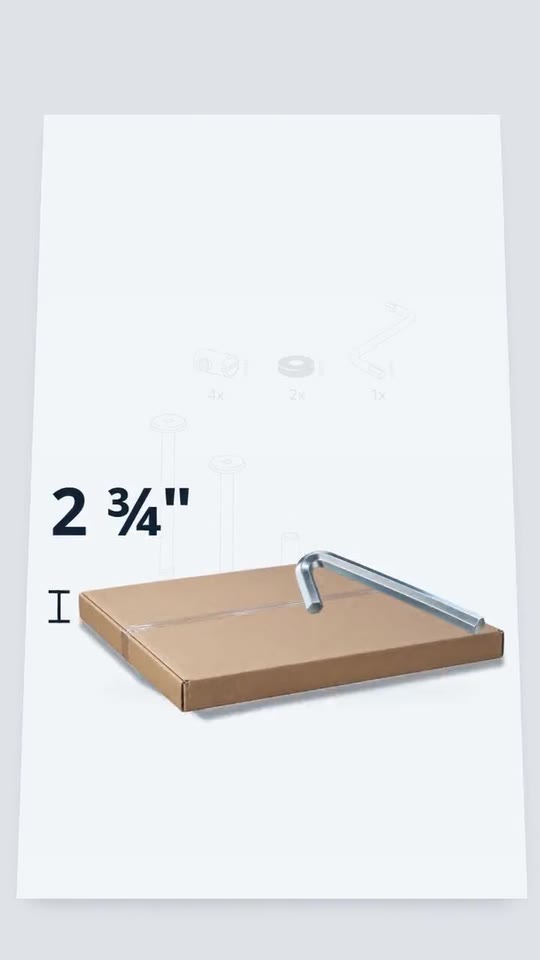
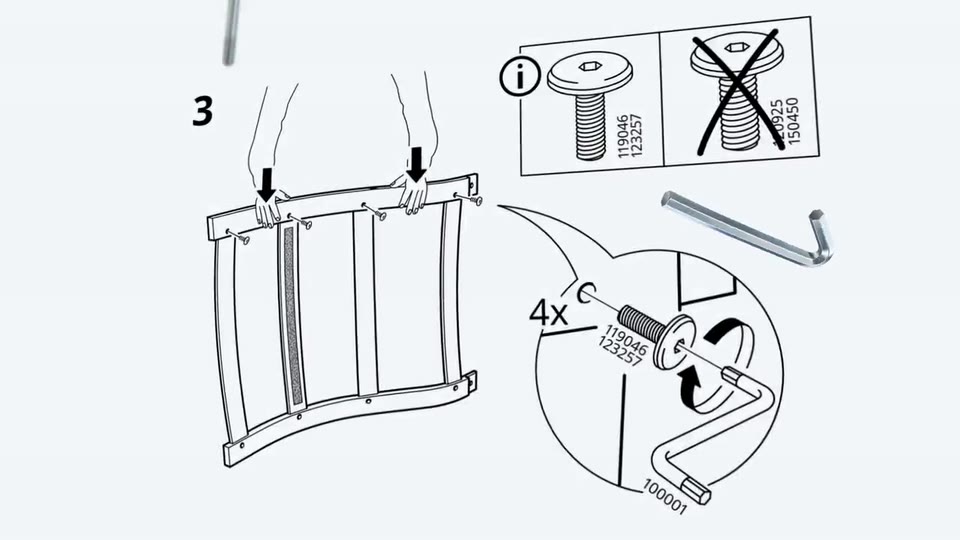
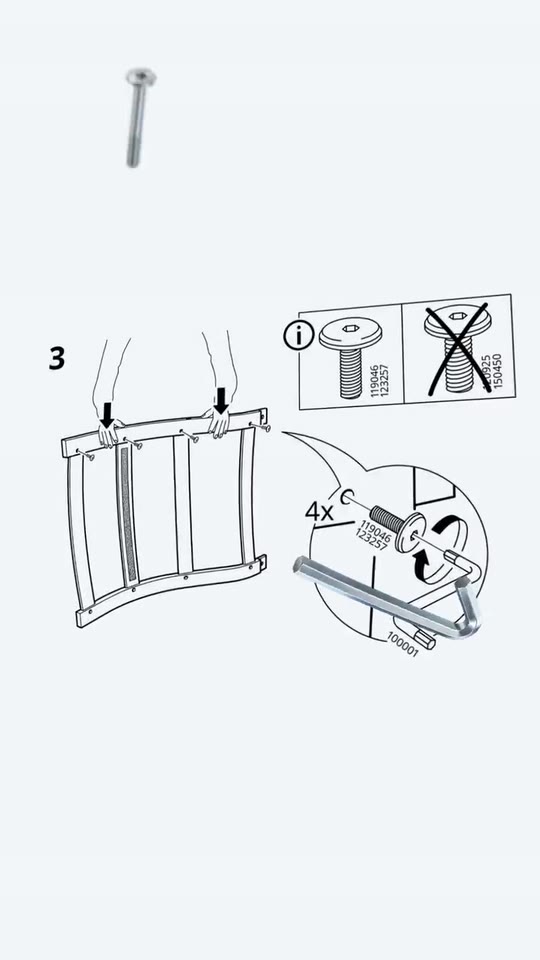
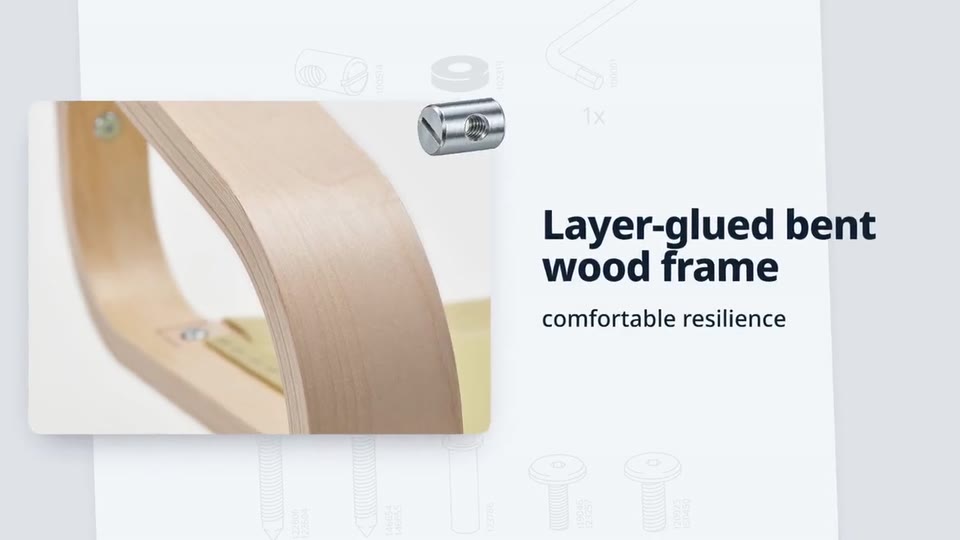
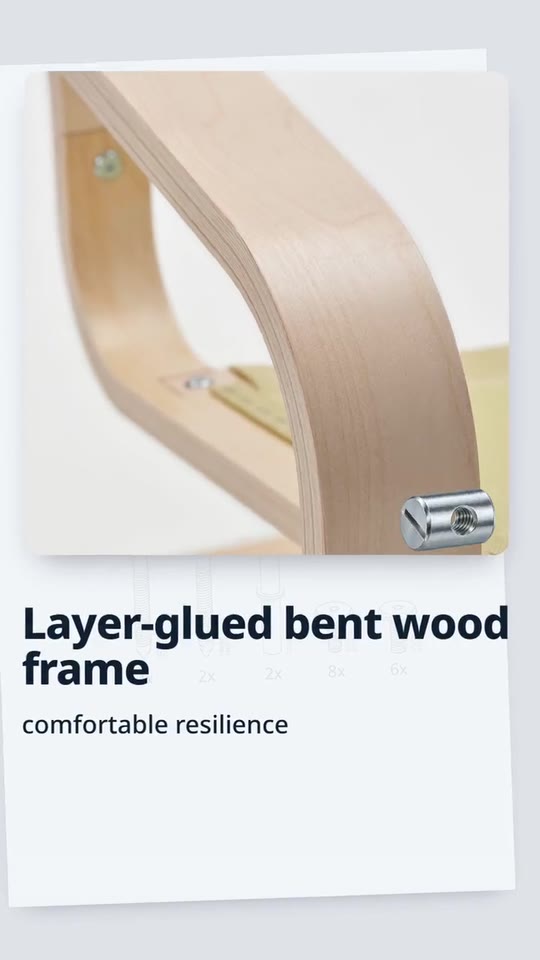
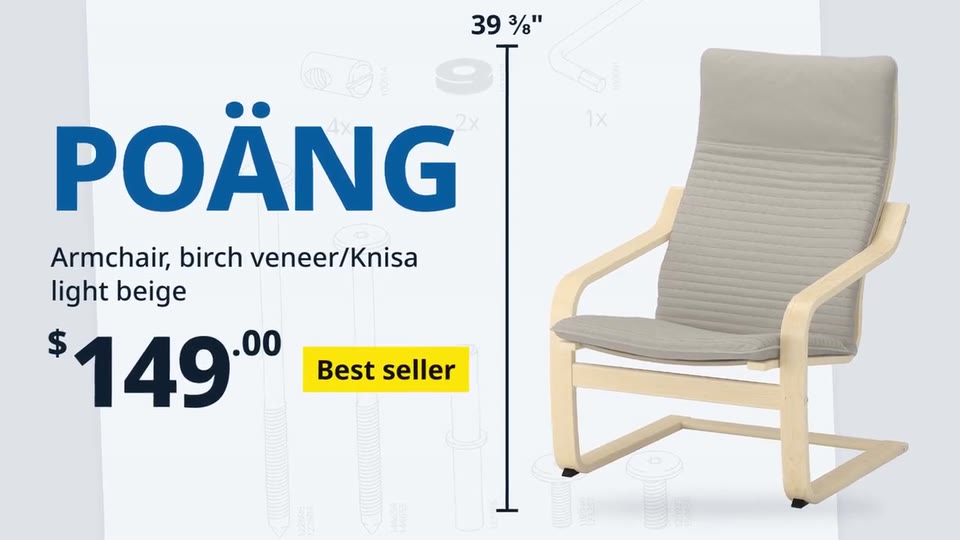
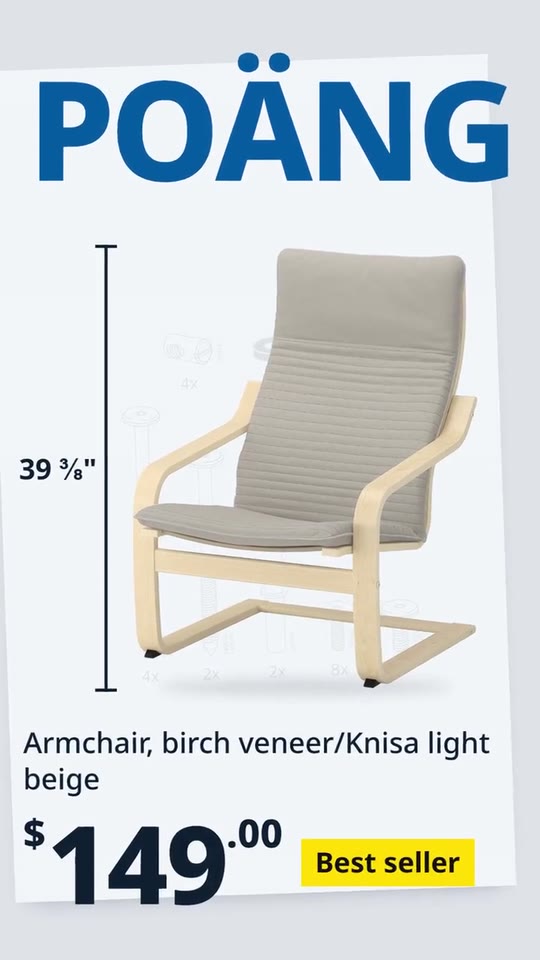
An 8-second loop for a product you build or unbox: a flat package lands with its height drawn on it, your drawings flash past, the product rises out of the box as a line drawing while the dimension line stretches to its real height, and on the beat it becomes the photo; then its name in giant type, the price on reels, a dive into a close-up, and a hexagon in your colours opens for the logo.
- Price: free to export; exporting needs an Opus Motion account
- Length: 8 seconds
- Formats: 16:9, 9:16 (each one designed for its screen)
- What you can change: 10 texts, 12 images, 2 colors, the music
- Category: Product spotlights
Examples with real brands
- IKEA, 16:9: watch the video
- IKEA, 9:16: watch the video
Make it yours
Paste your website and the template comes out with your logo, colors and words: https://opusmotion.com/studio/t34-flat-pack-hero?mode=yours. To open it already filled from a website, add &site=yourdomain.com.
Fields, for AI agents
An agent fills these with POST https://opusmotion.com/api/v1/drafts (guide: https://opusmotion.com/agents.md). Free to export in 16:9 and 9:16. Exporting the MP4 needs a free Opus Motion account with a confirmed email.
Scenes: The flat package lands with its height (0–0.75 s); Three drawings in perspective, the tool turning (0.75–1.5 s); The traced product rises to its real height and becomes the photo (1.5–2.5 s); Giant name, what it is, the price on reels (2.5–4.5 s); Dive into the close-up with one line (4.5–6 s); The hexagon opens in your colours, the logo lands (6–8 s).
brandName(text, 2–18 characters): Brand name. How your brand is written. With no logo it becomes the logotype of the final lockup. The brand's own: never the demo's. Scene "The hexagon opens in your colours, the logo lands" at 6.9 s: 16:9 · 9:16.logo(image, free, shown whole): Your logo (the horizontal wordmark): an SVG, or a PNG with a transparent background. Your horizontal logo. Shown whole, at any proportion: nothing is cropped. The brand's own: never the demo's. Scene "The hexagon opens in your colours, the logo lands" at 6.9 s: 16:9 · 9:16.brandColor(color, #RRGGBB): Brand color. The second hexagon (the field of the logo), the giant product name and a tint in the paper.accentColor(color, #RRGGBB): Accent color. Optional. Your second colour: the first hexagon that opens before the brand colour. Empty = a lighter tone of the brand colour.product(image, 4:5, shown whole): A real photo of the product, place or people of the brand. Your product cut out on a transparent background (PNG), or on pure white. Shown whole inside a 4:5 box: nothing is cropped. Demo's image. Scene "The traced product rises to its real height and becomes the photo" at 2.3 s: 16:9 · 9:16.package(image, 3:2, shown whole): A cut-out object on a transparent background (a PNG, or an SVG drawing): just the object, no photo background. Never a photo, never a photo padded with transparent bars. Optional. Shown whole inside a 3:2 box: nothing is cropped. Demo's image. Scene "The flat package lands with its height" at 0.7 s: 16:9 · 9:16.packDim(text, 0–8 characters): Package size. Optional. The package's height (or thickness) as your product page gives it. It is drawn as a dimension line on the box. Optional. Demo's line, for tone and length only: "2 ¾"". Scene "The flat package lands with its height" at 0.7 s: 16:9 · 9:16.dim(text, 0–10 characters): Product size. Optional. The product's height as your product page gives it. The dimension line stretches to it as the product rises. Optional. Demo's line, for tone and length only: "39 ⅜"". Scene "The traced product rises to its real height and becomes the photo" at 2.3 s: 16:9 · 9:16.step1(image, free, shown whole): A cut-out object on a transparent background (a PNG, or an SVG drawing): just the object, no photo background. Never a photo, never a photo padded with transparent bars. Optional. Shown whole, at any proportion: nothing is cropped. Demo's image. Scene "Three drawings in perspective, the tool turning" at 0.85 s: 16:9 · 9:16.step2(image, free, shown whole): A cut-out object on a transparent background (a PNG, or an SVG drawing): just the object, no photo background. Never a photo, never a photo padded with transparent bars. Optional. Shown whole, at any proportion: nothing is cropped. Demo's image. Scene "Three drawings in perspective, the tool turning" at 1.1 s: 16:9 · 9:16.step3(image, free, shown whole): A cut-out object on a transparent background (a PNG, or an SVG drawing): just the object, no photo background. Never a photo, never a photo padded with transparent bars. Optional. Shown whole, at any proportion: nothing is cropped. Demo's image. Scene "Three drawings in perspective, the tool turning" at 1.35 s: 16:9 · 9:16.tool(image, 1:1, shown whole): A cut-out object on a transparent background (a PNG, or an SVG drawing): just the object, no photo background. Never a photo, never a photo padded with transparent bars. Optional. Shown whole inside a 1:1 box: nothing is cropped. Demo's image. Scene "The flat package lands with its height" at 0.7 s: 16:9 · 9:16.toolEnd(image, 1:1, shown whole): A cut-out object on a transparent background (a PNG, or an SVG drawing): just the object, no photo background. Never a photo, never a photo padded with transparent bars. Optional. Shown whole inside a 1:1 box: nothing is cropped. Demo's image. Scene "The hexagon opens in your colours, the logo lands" at 6 s: 16:9 · 9:16.part(image, 1:1, shown whole): A cut-out object on a transparent background (a PNG, or an SVG drawing): just the object, no photo background. Never a photo, never a photo padded with transparent bars. Optional. Shown whole inside a 1:1 box: nothing is cropped. Demo's image. Scene "Three drawings in perspective, the tool turning" at 1.2 s: 16:9 · 9:16.part2(image, 1:1, shown whole): A cut-out object on a transparent background (a PNG, or an SVG drawing): just the object, no photo background. Never a photo, never a photo padded with transparent bars. Optional. Shown whole inside a 1:1 box: nothing is cropped. Demo's image. Scene "Dive into the close-up with one line" at 5.6 s: 16:9 · 9:16.name(text, 2–14 characters): Product name. As your store names it. Set in giant type. Demo's line, for tone and length only: "POÄNG". Scene "Giant name, what it is, the price on reels" at 4.2 s: 16:9 · 9:16.kind(text, 0–48 characters): What it is. Optional. The product line under the name, as your product page writes it. Optional. Demo's line, for tone and length only: "Armchair, birch veneer/Knisa light beige". Scene "Giant name, what it is, the price on reels" at 4.2 s: 16:9 · 9:16.price(text, 0–12 characters): Price. Optional. As your store writes it today; every digit rolls and stops on the real one, the cents go up small. Optional. Demo's line, for tone and length only: "$149.00". Scene "Giant name, what it is, the price on reels" at 4.2 s: 16:9 · 9:16.badge(text, 0–16 characters): Badge. Optional. A badge your product page shows on this product (Best seller, New...). It pops next to the price on your accent colour. Optional. Demo's line, for tone and length only: "Best seller". Scene "Giant name, what it is, the price on reels" at 4.2 s: 16:9 · 9:16.detail(image, 1:1, cropped): A real photo of the product, place or people of the brand. Optional. Cropped to fill a 1:1 frame: keep the subject in the middle. Demo's image. Scene "Dive into the close-up with one line" at 5.7 s: 16:9 · 9:16.detail2(image, 1:1, cropped): A real photo of the product, place or people of the brand. Optional. Cropped to fill a 1:1 frame: keep the subject in the middle. Demo's image. Scene "Dive into the close-up with one line" at 5.7 s: 16:9 · 9:16.detailLine(text, 0–34 characters): Detail line. What the close-up shows, in the words of your site. Optional. Demo's line, for tone and length only: "Layer-glued bent wood frame". Scene "Dive into the close-up with one line" at 5.7 s: 16:9 · 9:16.detailLine2(text, 0–48 characters): Second detail line. Optional. Demo's line, for tone and length only: "comfortable resilience". Scene "Dive into the close-up with one line" at 5.7 s: 16:9 · 9:16.tagline(text, 0–34 characters): Line under the logo. Optional. Leave it empty when your logo already says it. Optional. Demo's line, for tone and length only: "Affordable home furnishings". Scene "The hexagon opens in your colours, the logo lands" at 6.9 s: 16:9 · 9:16.mood(choice:flatpack,studio; defaultflatpack): Motion. Flat-pack for products that ship in a box and get built; studio for calm, finished objects.