For AI agents
Coding agents (Claude Code, Codex, Cursor and similar) make Opus Motion videos for a project with the agent guide: https://opusmotion.com/agents.md.
- The guide's steps: read the project, ask the person a few questions, compare templates (each one has a timelapse, its scenes and its fields), make a draft with
POST https://opusmotion.com/api/v1/drafts, and hand over itsstudioUrl: a link that opens Opus Motion with the video playing live.PATCHwith the draft'seditTokenchanges it, and the link stays the same. - Plain HTTPS and JSON: no key and no account. Or the MCP server (https://opusmotion.com/mcp): every tool, with stills of the draft returned as images. The person exports the MP4 from the studio.
- The studio is filled through the API, not by driving the site with a browser. When the API refuses, the person is told.
- More: llms.txt · this page in Markdown · developer docs · OpenAPI
Glyph Mosaic: free product spotlights video template
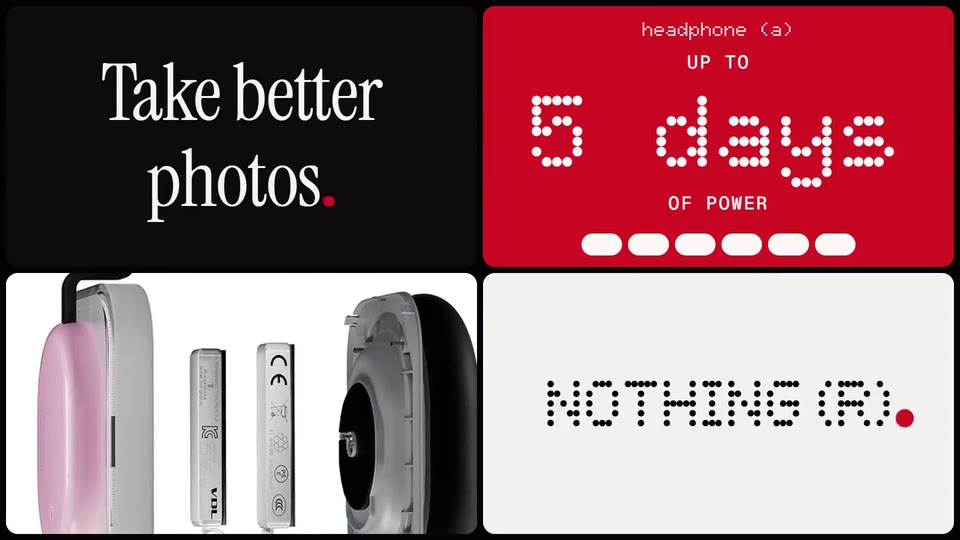
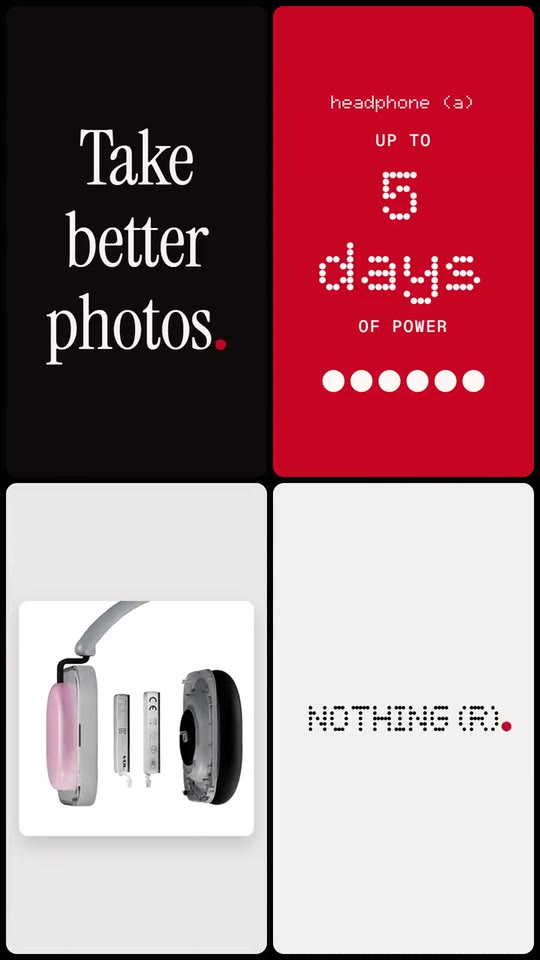
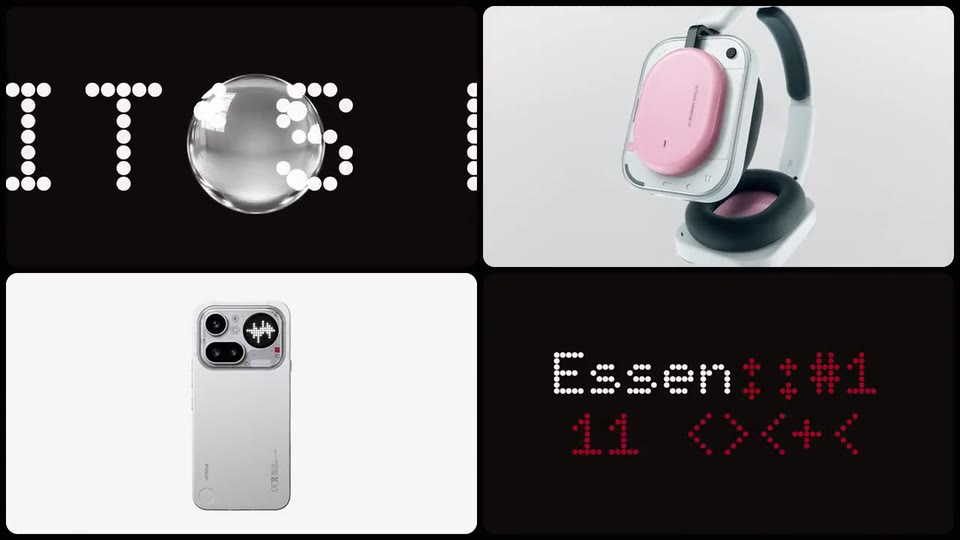
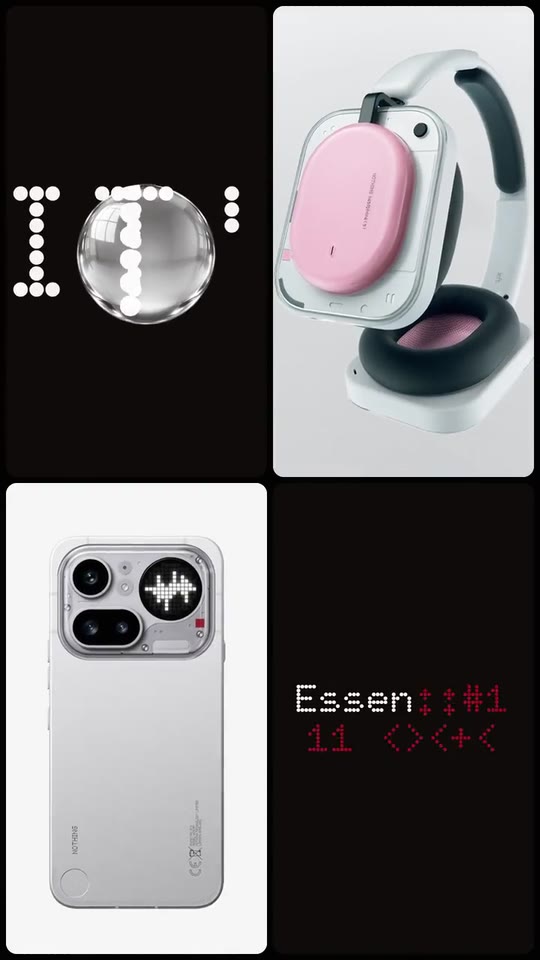
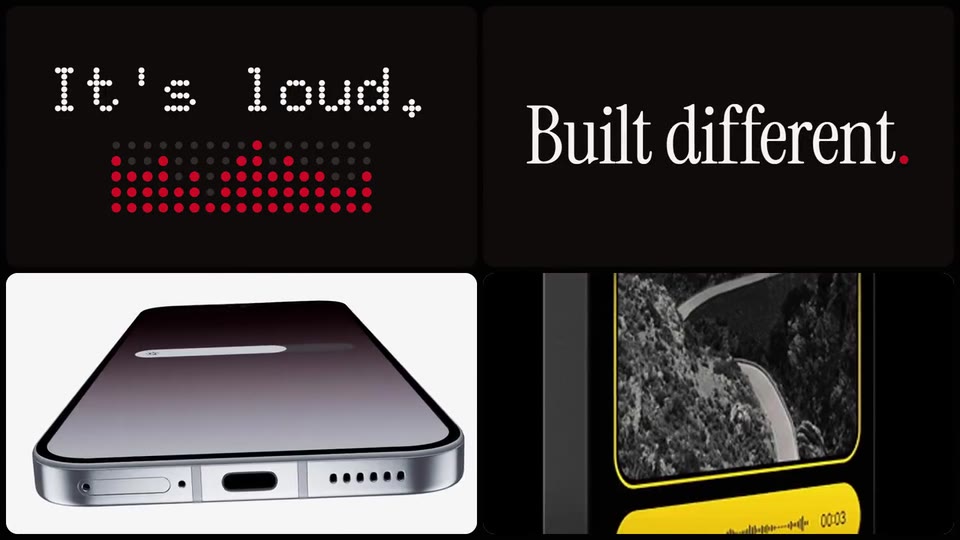
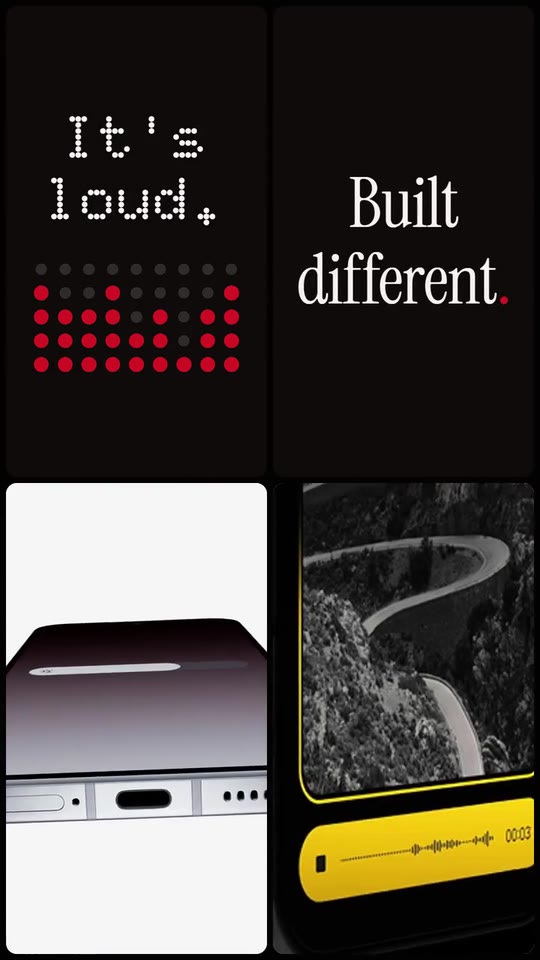
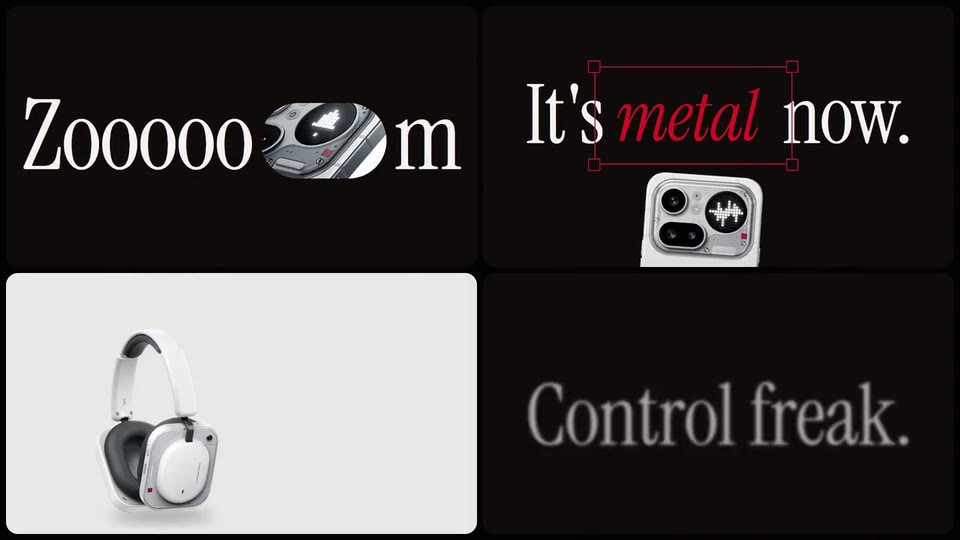
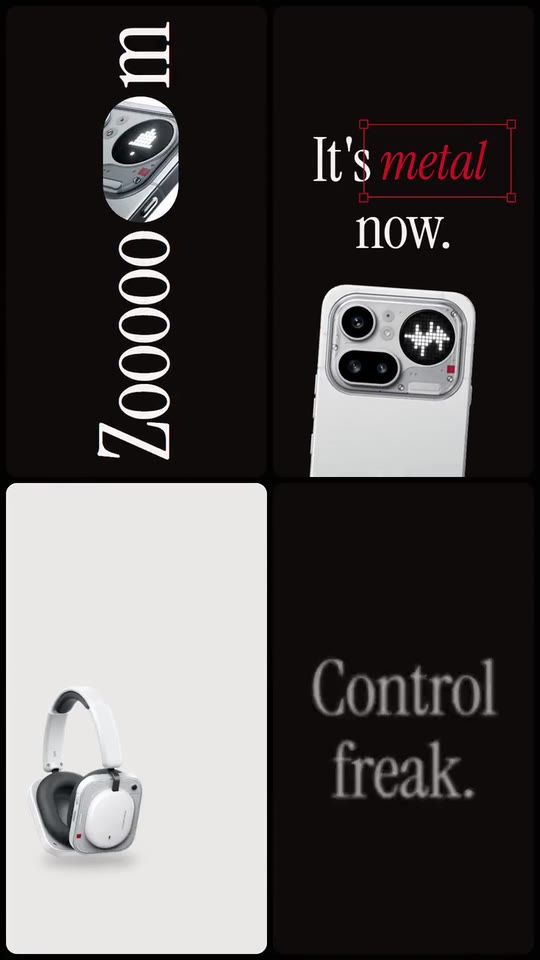
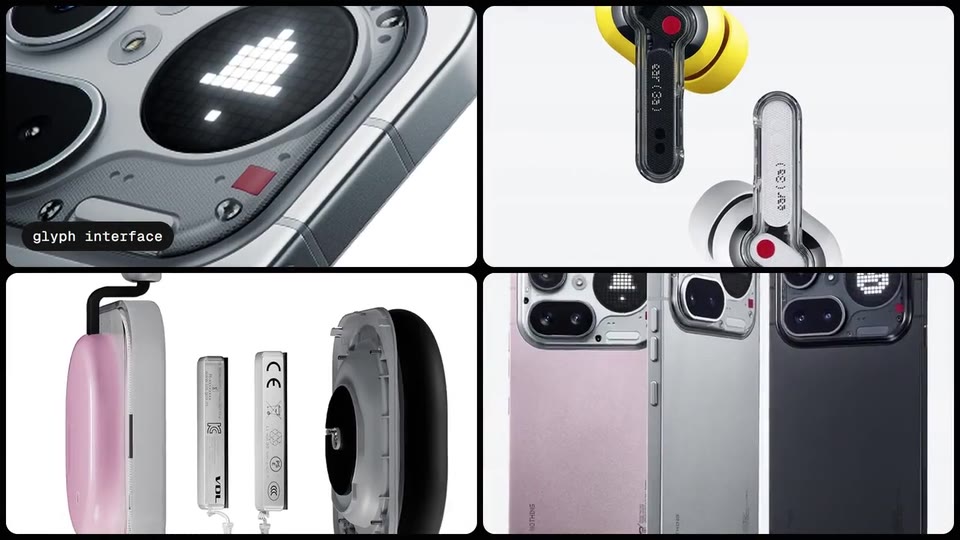
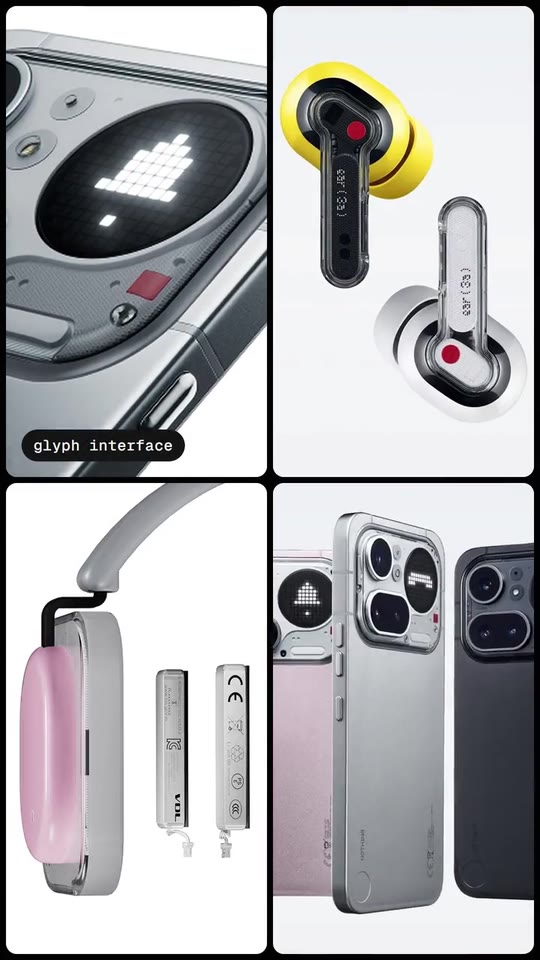
A 9.6-second product montage in a 2x2 mosaic: four panels cut on their own beats (a glass lens over giant type, words that light up dot by dot, a word that opens around a photo, real product shots, falling 3D objects, a figure on your colour) and your logo assembles from dots on the last hit.
- Price: free to export; exporting needs an Opus Motion account
- Length: 9.6 seconds
- Formats: 16:9, 9:16 (each one designed for its screen)
- What you can change: 16 texts, 14 images, 1 color, the music
- Category: Product spotlights
Examples with real brands
- Nothing, 16:9: watch the video
- Nothing, 9:16: watch the video
Make it yours
Paste your website and the template comes out with your logo, colors and words: https://opusmotion.com/studio/t24-glyph-mosaic?mode=yours. To open it already filled from a website, add &site=yourdomain.com.
Fields, for AI agents
An agent fills these with POST https://opusmotion.com/api/v1/drafts (guide: https://opusmotion.com/agents.md). Free to export in 16:9 and 9:16. Exporting the MP4 needs a free Opus Motion account with a confirmed email.
Scenes: A glass lens over giant type, dives in (0–1.44 s); Words light up dot by dot (1.44–3.84 s); A word opens around a photo, the photo fills the panel (3.84–5.52 s); Products, the big word filled with a photo (5.52–8.16 s); The figure on your colour, the logo from dots (8.16–9.6 s).
brandName(text, 2–18 characters): Brand name. How your brand is written. With no logo it becomes the logotype that assembles from dots at the end. The brand's own: never the demo's. Scene "The figure on your colour, the logo from dots" at 9.3 s: 16:9 · 9:16.logo(image, free, shown whole): Your logo (the horizontal wordmark): an SVG, or a PNG with a transparent background. Your horizontal logo. Shown whole, at any proportion: nothing is cropped. The brand's own: never the demo's. Scene "The figure on your colour, the logo from dots" at 9.3 s: 16:9 · 9:16.brandColor(color, #RRGGBB): Brand color. The equaliser dots, the selection frame, the flood panel of the figure and the dot beside the logo. Grounds stay neutral, tinted by it.typeface(choice:dot,serif; defaultdot): Type. The voice of every big word: a round dot-matrix (LED) face or a condensed editorial serif.ground(choice:dark,light; defaultdark): Ground. Dark: near-black type panels with light ink. Light: paper-white type panels with dark ink.word1(text, 2–12 characters): Punch word (lens + dots). A short punchy line from your site. It crosses the panel huge under a glass lens, then lights up letter by letter over a dot equaliser in your colour. Demo's line, for tone and length only: "It's loud.". Scene "A glass lens over giant type, dives in" at 1.4 s: 16:9 · 9:16.word2(text, 2–18 characters): Claim. Your claim, word by word; the second word lights on the beat. Demo's line, for tone and length only: "Built different.". Scene "A glass lens over giant type, dives in" at 1.2 s: 16:9 · 9:16.word3(text, 2–16 characters): Material line. A short line; its longest word gets a selection frame and turns your colour while a metal sphere rolls under it. Demo's line, for tone and length only: "It's metal now.". Scene "Words light up dot by dot" at 3 s: 16:9 · 9:16.zoomWord(text, 3–9 characters): Stretched word. One word that opens to let photo 2 in. A word with a repeated letter ('Zooooom') opens after the run; otherwise in the middle. Demo's line, for tone and length only: "Zooooom". Scene "A word opens around a photo, the photo fills the panel" at 4 s: 16:9 · 9:16.word4(text, 2–20 characters): Feature. A feature name, resolved out of glyph noise. Demo's line, for tone and length only: "Essential AI tools". Scene "A glass lens over giant type, dives in" at 1 s: 16:9 · 9:16.swapA(text, 2–14 characters): Swap, first. First half of a swap: replaced on the beat by the next one. Demo's line, for tone and length only: "Looks good.". Scene "Words light up dot by dot" at 3.8 s: 16:9 · 9:16.swapB(text, 2–14 characters): Swap, second. Second half of the swap. Demo's line, for tone and length only: "Control freak.". Scene "A word opens around a photo, the photo fills the panel" at 4.8 s: 16:9 · 9:16.big(text, 1–5 characters): Big word. Up to 5 letters set huge; photo 3 shows through the letters. Demo's line, for tone and length only: "PRO". Scene "Products, the big word filled with a photo" at 5.8 s: 16:9 · 9:16.bigCaption(text, 0–20 characters): Big word caption. Small caps line above the big word (your product name). Optional. Optional. Demo's line, for tone and length only: "phone (4a) pro". Scene "Products, the big word filled with a photo" at 5.8 s: 16:9 · 9:16.cap1(text, 0–20 characters): Photo caption. Caption on photo 2 once it fills its panel. Optional. Optional. Demo's line, for tone and length only: "glyph interface". Scene "Products, the big word filled with a photo" at 5.8 s: 16:9 · 9:16.line(text, 2–22 characters): Closing line. The closing line, word by word. Demo's line, for tone and length only: "Take better photos.". Scene "Products, the big word filled with a photo" at 8 s: 16:9 · 9:16.statProduct(text, 0–20 characters): Figure, product it belongs to. The product the figure belongs to, as your site names it (set in dot-matrix above the figure). Optional, but name it when the montage shows several products. Optional. Demo's line, for tone and length only: "headphone (a)". Scene "The figure on your colour, the logo from dots" at 8.2 s: 16:9 · 9:16.statBar(choice:segments,lines; defaultsegments): Figure, indicator. What moves under the figure: pick the one that means the figure.statTop(text, 0–8 characters): Figure, label above. Small label above the figure ('Up to'). Optional. Optional. Demo's line, for tone and length only: "Up to". Scene "The figure on your colour, the logo from dots" at 8.4 s: 16:9 · 9:16.stat(text, 1–8 characters): Figure. A real figure from your site, exactly as written there; set huge on the flood panel in your colour while six segments fill. Demo's line, for tone and length only: "5 days". Scene "The figure on your colour, the logo from dots" at 8.4 s: 16:9 · 9:16.statLabel(text, 2–16 characters): Figure, label below. What the figure measures, in your site's words. Demo's line, for tone and length only: "of power". Scene "The figure on your colour, the logo from dots" at 8.6 s: 16:9 · 9:16.shot1(image, 1:1, cropped): A real photo of the product, place or people of the brand. A product photo (top right, first shot). Cropped to fill a 1:1 frame: keep the subject in the middle. Demo's image. Scene "A glass lens over giant type, dives in" at 0 s: 16:9 · 9:16.shot2(image, 1:1, cropped): A real photo of the product, place or people of the brand. Opens inside the stretched word, then fills its panel (keep the subject central). Cropped to fill a 1:1 frame: keep the subject in the middle. Demo's image. Scene "Products, the big word filled with a photo" at 6.2 s: 16:9 · 9:16.shot3(image, 1:1, cropped): A real photo of the product, place or people of the brand. Seen through the letters of the big word, then on its own (top right). Cropped to fill a 1:1 frame: keep the subject in the middle. Demo's image. Scene "Products, the big word filled with a photo" at 7 s: 16:9 · 9:16.shot4(image, 1:1, cropped): A real photo of the product, place or people of the brand. A product or screen photo (bottom right). Cropped to fill a 1:1 frame: keep the subject in the middle. Demo's image. Scene "Words light up dot by dot" at 2.4 s: 16:9 · 9:16.shot5(image, 16:9, cropped): A real photo of the product, place or people of the brand. Wide product photo; the camera pushes into its upper third. Cropped to fill a 16:9 frame: keep the subject in the middle. Demo's image. Scene "A glass lens over giant type, dives in" at 0.8 s: 16:9 · 9:16.shot6(image, 1:1, cropped): A real photo of the product, place or people of the brand. A close-up (bottom left, rotating push). Cropped to fill a 1:1 frame: keep the subject in the middle. Demo's image. Scene "Words light up dot by dot" at 2 s: 16:9 · 9:16.shot7(image, 1:1, cropped): A real photo of the product, place or people of the brand. A product photo (bottom left, last shot). Cropped to fill a 1:1 frame: keep the subject in the middle. Demo's image. Scene "The figure on your colour, the logo from dots" at 8.6 s: 16:9 · 9:16.shot8(image, 1:1, cropped): A real photo of the product, place or people of the brand. A product photo (top right, before the figure). Cropped to fill a 1:1 frame: keep the subject in the middle. Demo's image. Scene "Products, the big word filled with a photo" at 7.4 s: 16:9 · 9:16.shot9(image, 1:1, cropped): A real photo of the product, place or people of the brand. A product photo (top right, after the selection line). Cropped to fill a 1:1 frame: keep the subject in the middle. Demo's image. Scene "A word opens around a photo, the photo fills the panel" at 5 s: 16:9 · 9:16.shot10(image, 1:1, cropped): A real photo of the product, place or people of the brand. A detail or process photo (bottom right, before the logo). Cropped to fill a 1:1 frame: keep the subject in the middle. Demo's image. Scene "Products, the big word filled with a photo" at 7.6 s: 16:9 · 9:16.obj1(image, free, shown whole): A cut-out object on a transparent background (a PNG, or an SVG drawing): just the object, no photo background. Never a photo, never a photo padded with transparent bars. An object with a transparent background that rolls under the selected line (a material, a part, a small product). A card-like object (rounded corners, transparent around it) works too. Shown whole, at any proportion: nothing is cropped. Demo's image. Scene "Products, the big word filled with a photo" at 5.8 s: 16:9 · 9:16.obj2(image, free, shown whole): A cut-out object on a transparent background (a PNG, or an SVG drawing): just the object, no photo background. Never a photo, never a photo padded with transparent bars. Your product cut out on a transparent background; it falls and lands with a bounce (bottom left). Shown whole, at any proportion: nothing is cropped. Demo's image. Scene "Products, the big word filled with a photo" at 5.8 s: 16:9 · 9:16.obj3(image, free, shown whole): A cut-out object on a transparent background (a PNG, or an SVG drawing): just the object, no photo background. Never a photo, never a photo padded with transparent bars. A second product or part, transparent background; it falls beside the first on the next half-beat. A card-like object (rounded corners, transparent around it) works too. Shown whole, at any proportion: nothing is cropped. Demo's image. Scene "Products, the big word filled with a photo" at 5.8 s: 16:9 · 9:16.