For AI agents
Coding agents (Claude Code, Codex, Cursor and similar) make Opus Motion videos for a project with the agent guide: https://opusmotion.com/agents.md.
- The guide's steps: read the project, ask the person a few questions, compare templates (each one has a timelapse, its scenes and its fields), make a draft with
POST https://opusmotion.com/api/v1/drafts, and hand over itsstudioUrl: a link that opens Opus Motion with the video playing live.PATCHwith the draft'seditTokenchanges it, and the link stays the same. - Plain HTTPS and JSON: no key and no account. Or the MCP server (https://opusmotion.com/mcp): every tool, with stills of the draft returned as images. The person exports the MP4 from the studio.
- The studio is filled through the API, not by driving the site with a browser. When the API refuses, the person is told.
- More: llms.txt · this page in Markdown · developer docs · OpenAPI
Phone Tour: premium product spotlights video template
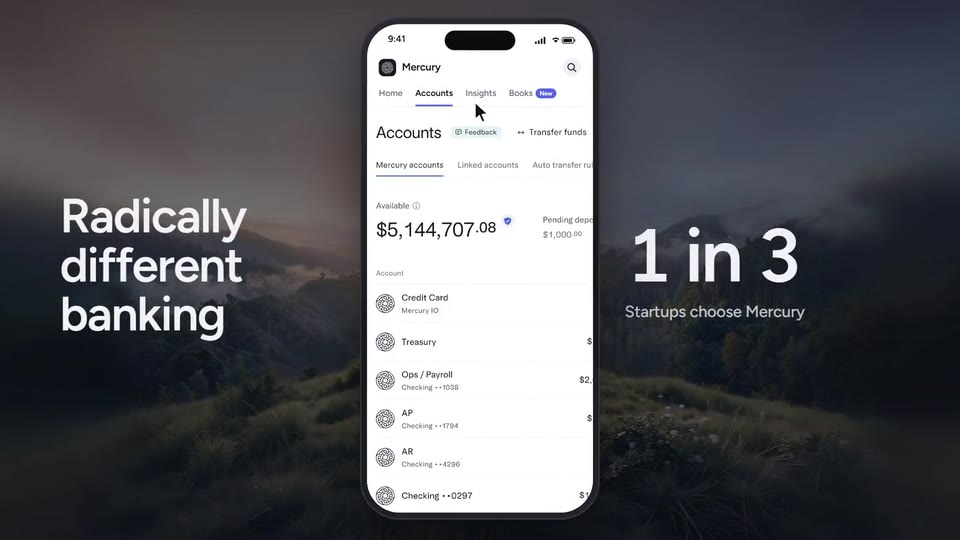
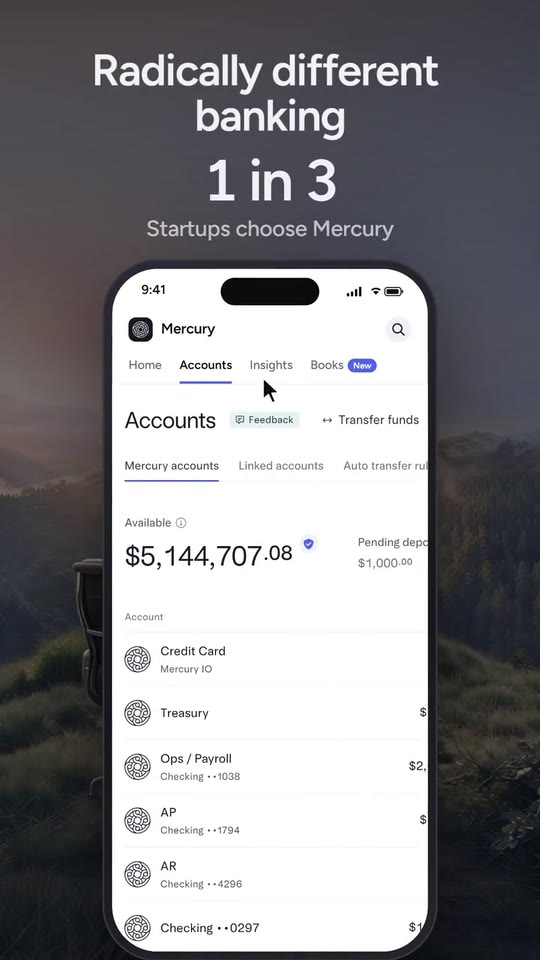
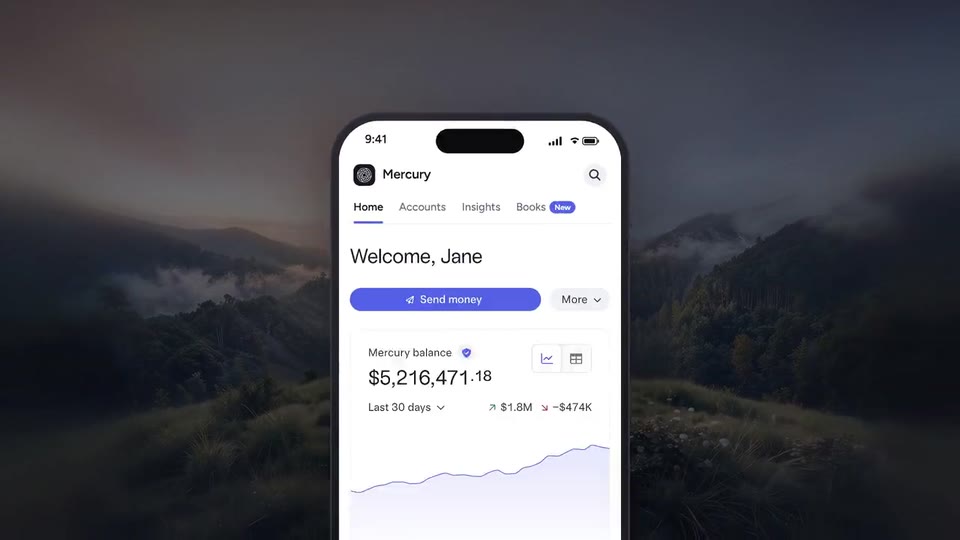
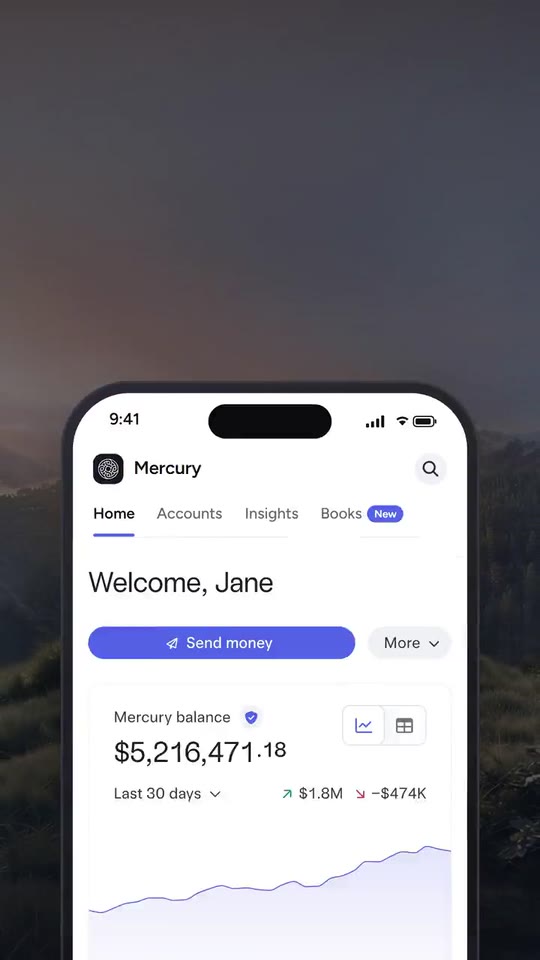
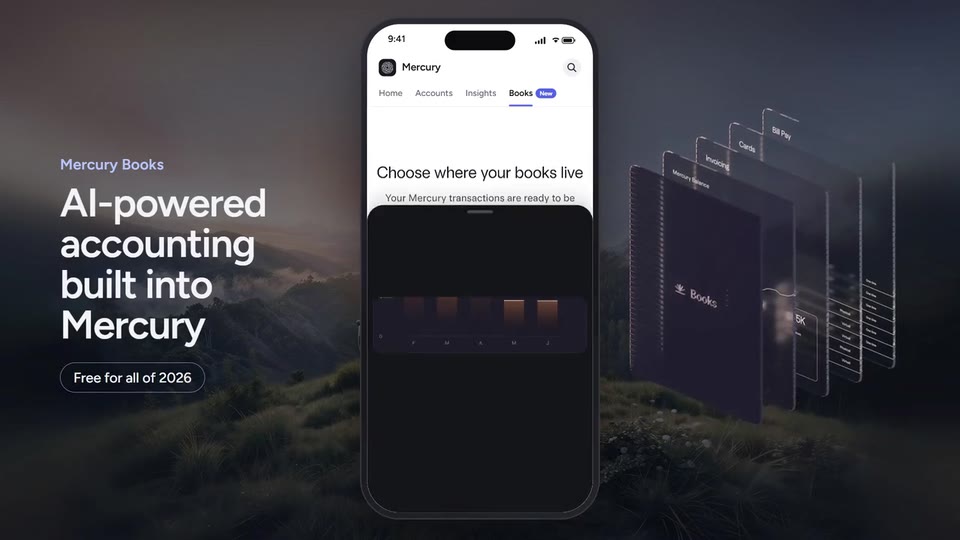
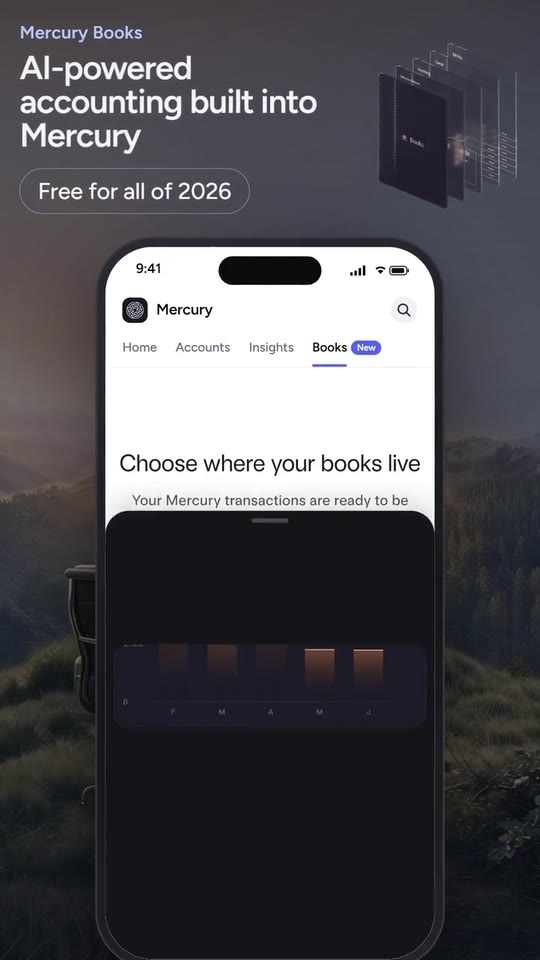
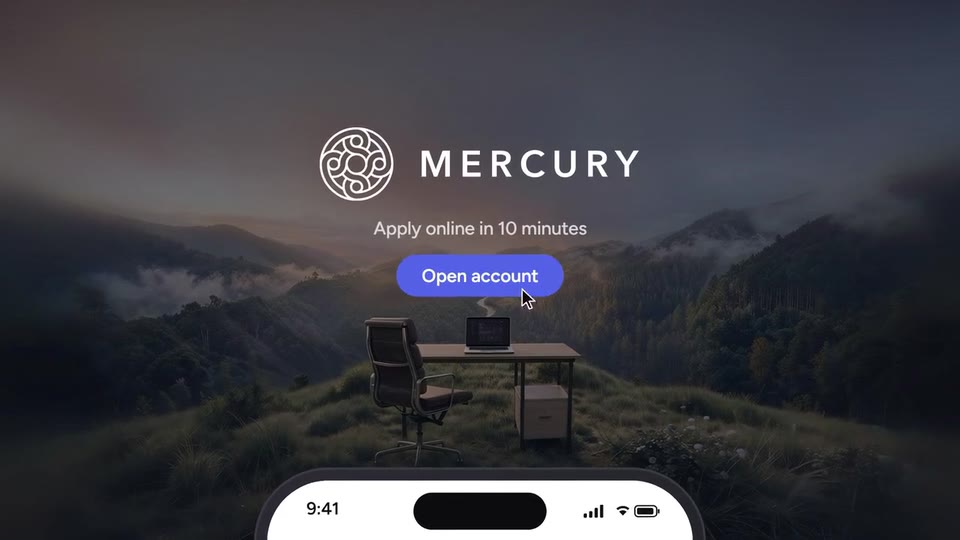
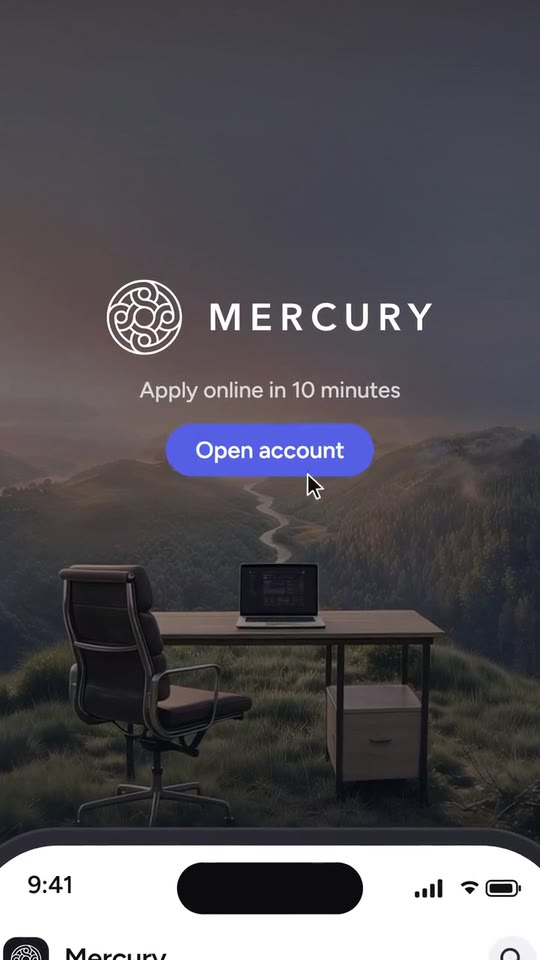
Your logo whips away as a phone rises out of your world; a cursor walks its tabs while your figures roll in, the last tab opens what is new, a request types and its answer slides up.
- Price: $13 per export, paid once per video and per format; exporting needs an Opus Motion account
- Length: 16.7 seconds
- Formats: 16:9, 9:16 (each one designed for its screen)
- What you can change: 21 texts, 9 images, 2 colors, the music
- Category: Product spotlights
Examples with real brands
- Mercury, 16:9: watch the video
- Mercury, 9:16: watch the video
Make it yours
Paste your website and the template comes out with your logo, colors and words: https://opusmotion.com/studio/t63-phone-tour?mode=yours. To open it already filled from a website, add &site=yourdomain.com.
Fields, for AI agents
An agent fills these with POST https://opusmotion.com/api/v1/drafts (guide: https://opusmotion.com/agents.md). $13 per export, paid once per video and per format (16:9 and 9:16 are separate exports), or included in an Opus Motion Pass (15 premium exports a month for $49). Exporting needs an Opus Motion account; payment happens in the studio.
Scenes: Logo and rise (0–2.1 s); Tabs and figures (2.1–5.92 s); What is new (5.92–13.73 s); Logo and call to action (13.73–16.7 s).
brandName(text, 2–14 characters): Brand name. How your brand is written. It sits in the app bar; with no logo it becomes the opening and closing wordmark. The brand's own: never the demo's. Scene "Tabs and figures" at 3 s: 16:9 · 9:16.logo(image, free, shown whole): Your logo (the horizontal wordmark): an SVG, or a PNG with a transparent background. Your horizontal logo, light on dark. Shown whole, at any proportion: nothing is cropped. The brand's own: never the demo's. Scene "Logo and rise" at 0.2 s: 16:9 · 9:16.icon(image, 1:1, shown whole): Your app or brand icon, square and full bleed. Your symbol in white, shown on a dark app tile in the phone's top bar. Shown whole inside a 1:1 box: nothing is cropped. Optional. The brand's own: never the demo's. Scene "Tabs and figures" at 3 s: 16:9 · 9:16.brandColor(color, #RRGGBB): Brand color. The active tab line, the send button, the call to action and, with no backdrop, the whole field behind the phone.inkColor(color, #RRGGBB): Deep colour (optional). The app tile and the shade over your backdrop. Empty: a deep shade of your brand colour. Optional.backdrop(image, 16:9, cropped): A real photo of the product, place or people of the brand. Your world behind the phone: a landscape, a place, a texture from your site. Cropped to fill a 16:9 frame: keep the subject in the middle. Optional. Demo's image. Scene "Logo and rise" at 0.2 s: 16:9 · 9:16.object(image, 1:1, shown whole): A cut-out object on a transparent background (a PNG, or an SVG drawing): just the object, no photo background. Never a photo, never a photo padded with transparent bars. A transparent PNG of your own 3D object or product render. Shown whole inside a 1:1 box: nothing is cropped. Optional. Demo's image. Scene "What is new" at 8.6 s: 16:9 · 9:16.screen1(image, 1:2, cropped): A real screenshot of the product. A real screen of your app for the first tab, phone-sized. Cropped to fill a 1:2 frame: keep the subject in the middle. Demo's image. Scene "Tabs and figures" at 2.8 s: 16:9 · 9:16.screen2(image, 1:2, cropped): A real screenshot of the product. A real screen of your app for the second tab, phone-sized. Cropped to fill a 1:2 frame: keep the subject in the middle. Demo's image. Scene "Tabs and figures" at 4.2 s: 16:9 · 9:16.screen3(image, 1:2, cropped): A real screenshot of the product. A real screen of your app for the third tab, phone-sized. Cropped to fill a 1:2 frame: keep the subject in the middle. Demo's image. Scene "Tabs and figures" at 5.6 s: 16:9 · 9:16.screen4(image, 1:2, cropped): A real screenshot of the product. A real screen of your app for the last tab, phone-sized. Cropped to fill a 1:2 frame: keep the subject in the middle. Demo's image. Scene "Tabs and figures" at 8.6 s: 16:9 · 9:16.tab1(text, 2–10 characters): Tab 1. First tab label, as your app names it. Demo's line, for tone and length only: "Home". Scene "Tabs and figures" at 2.8 s: 16:9 · 9:16.tab2(text, 2–10 characters): Tab 2. Second tab label. Demo's line, for tone and length only: "Accounts". Scene "Tabs and figures" at 4.2 s: 16:9 · 9:16.tab3(text, 2–10 characters): Tab 3. Third tab label. Demo's line, for tone and length only: "Insights". Scene "Tabs and figures" at 5.6 s: 16:9 · 9:16.tab4(text, 2–10 characters): Tab 4 (the new one). The tab of what is new. The cursor opens it last. Demo's line, for tone and length only: "Books". Scene "Tabs and figures" at 8.6 s: 16:9 · 9:16.newTag(text, 0–6 characters): New tag (optional). The small chip after the last tab. Empty: no chip. Optional. Demo's line, for tone and length only: "New". Scene "Tabs and figures" at 5.6 s: 16:9 · 9:16.headline(text, 8–40 characters): Headline. Your hero line, beside the phone while it tours. Demo's line, for tone and length only: "Radically different banking". Scene "Tabs and figures" at 3 s: 16:9 · 9:16.stat1(text, 1–7 characters): Figure 1. A real figure from your site. Its digits roll in on the first tab. Demo's line, for tone and length only: "300K+". Scene "Tabs and figures" at 3 s: 16:9 · 9:16.stat1Label(text, 3–28 characters): Figure 1 label. What it counts, as your site says it. Demo's line, for tone and length only: "Entrepreneurs love us". Scene "Tabs and figures" at 3 s: 16:9 · 9:16.stat2(text, 1–7 characters): Figure 2. The figure for the second tab. Demo's line, for tone and length only: "1 in 3". Scene "Tabs and figures" at 4.2 s: 16:9 · 9:16.stat2Label(text, 3–28 characters): Figure 2 label. Its label. Demo's line, for tone and length only: "Startups choose Mercury". Scene "Tabs and figures" at 4.2 s: 16:9 · 9:16.stat3(text, 1–7 characters): Figure 3. The figure for the third tab. Demo's line, for tone and length only: "$20B+". Scene "Tabs and figures" at 5.6 s: 16:9 · 9:16.stat3Label(text, 3–28 characters): Figure 3 label. Its label. Demo's line, for tone and length only: "Monthly transaction volume". Scene "Tabs and figures" at 5.6 s: 16:9 · 9:16.featureName(text, 2–22 characters): New feature name. The name of what is new, small above its line. Demo's line, for tone and length only: "Mercury Books". Scene "What is new" at 8.6 s: 16:9 · 9:16.featureLine(text, 8–48 characters): New feature line. One line about it, from your site. Demo's line, for tone and length only: "AI-powered accounting built into Mercury". Scene "What is new" at 8.6 s: 16:9 · 9:16.featureNote(text, 3–24 characters): Feature note. A short fact about it (price, date, availability), exactly as your site says it. Demo's line, for tone and length only: "Free for all of 2026". Scene "What is new" at 8.6 s: 16:9 · 9:16.askHint(text, 6–34 characters): Request bar hint. The placeholder of your app's search or assistant bar. Demo's line, for tone and length only: "Ask a question or give a command". Scene "What is new" at 7.8 s: 16:9 · 9:16.prompt(text, 0–64 characters): Request (optional). What gets typed into your app's bar, then shown big above the answer. Only a request your app really answers. Empty: no bar, the answer screen slides up on its own. Optional. Demo's line, for tone and length only: "Show me how my software spend is over the last few months". Scene "What is new" at 9.2 s: 16:9 · 9:16.answer(image, 1:1, cropped): An image of the brand. Your app's real answer to that request (a chart, a result card), cropped to the card itself. Cropped to fill a 1:1 frame: keep the subject in the middle. Demo's image. Scene "What is new" at 11 s: 16:9 · 9:16.answerLabel(text, 0–32 characters): Answer label (optional). With no request: the name of what the answer screen shows, as your app titles it. It sits above the answer. Optional. Scene "What is new" at 11 s: 16:9 · 9:16.closeLine(text, 6–32 characters): Closing line. One line under your logo at the end. Demo's line, for tone and length only: "Apply online in 10 minutes". Scene "Logo and call to action" at 14.8 s: 16:9 · 9:16.cta(text, 2–18 characters): Call to action. Your site's own button text. The cursor presses it on the last bar. Demo's line, for tone and length only: "Open account". Scene "Logo and call to action" at 14.8 s: 16:9 · 9:16.