For AI agents
Coding agents (Claude Code, Codex, Cursor and similar) make Opus Motion videos for a project with the agent guide: https://opusmotion.com/agents.md.
- The guide's steps: read the project, ask the person a few questions, compare templates (each one has a timelapse, its scenes and its fields), make a draft with
POST https://opusmotion.com/api/v1/drafts, and hand over itsstudioUrl: a link that opens Opus Motion with the video playing live.PATCHwith the draft'seditTokenchanges it, and the link stays the same. - Plain HTTPS and JSON: no key and no account. Or the MCP server (https://opusmotion.com/mcp): every tool, with stills of the draft returned as images. The person exports the MP4 from the studio.
- The studio is filled through the API, not by driving the site with a browser. When the API refuses, the person is told.
- More: llms.txt · this page in Markdown · developer docs · OpenAPI
Slash Drop: free product spotlights video template
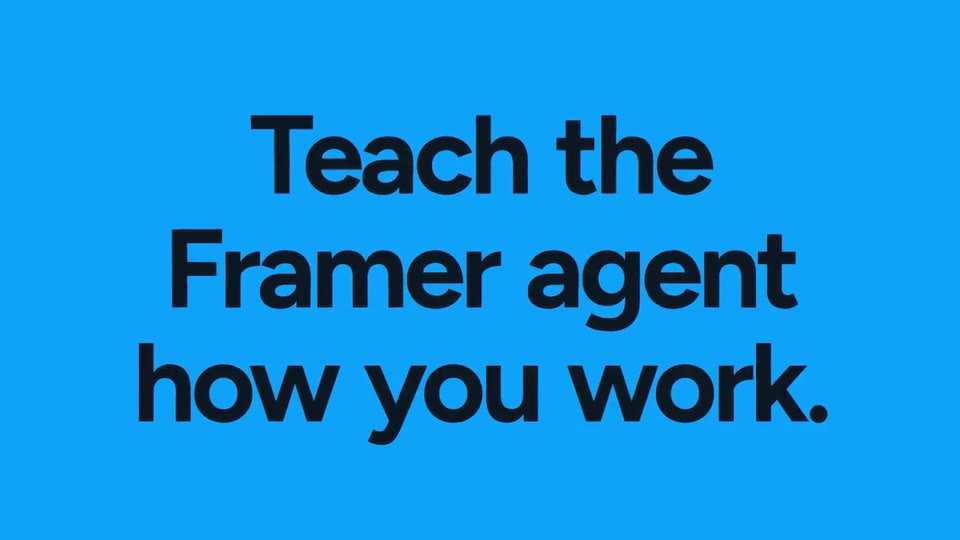
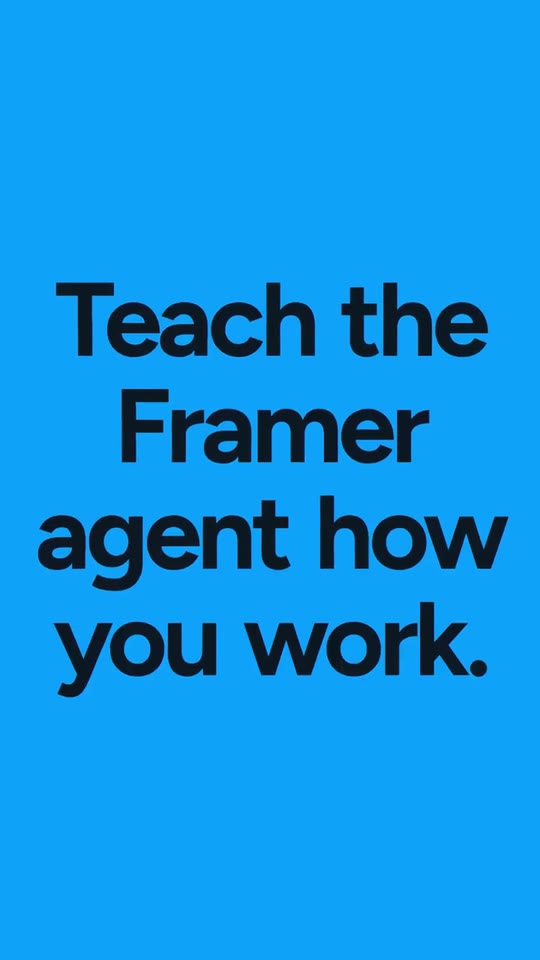
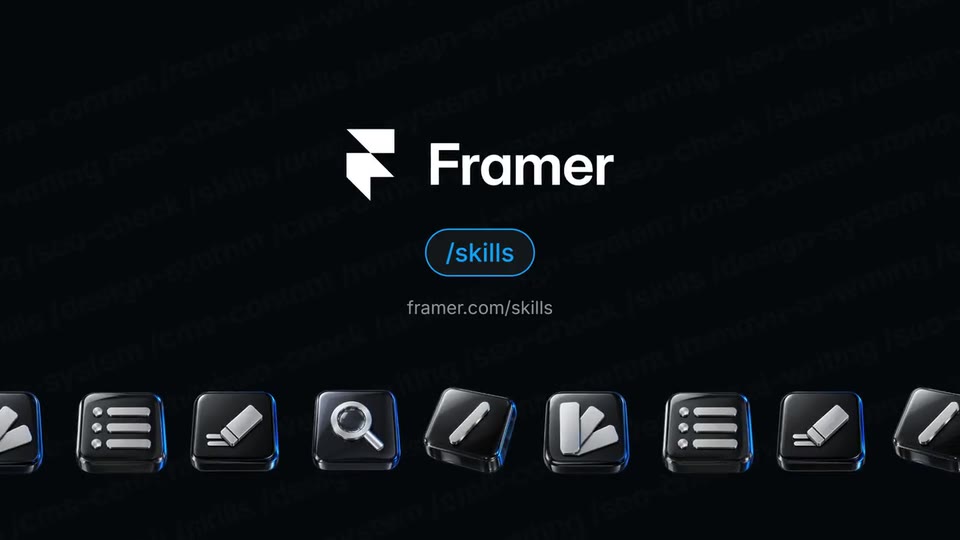
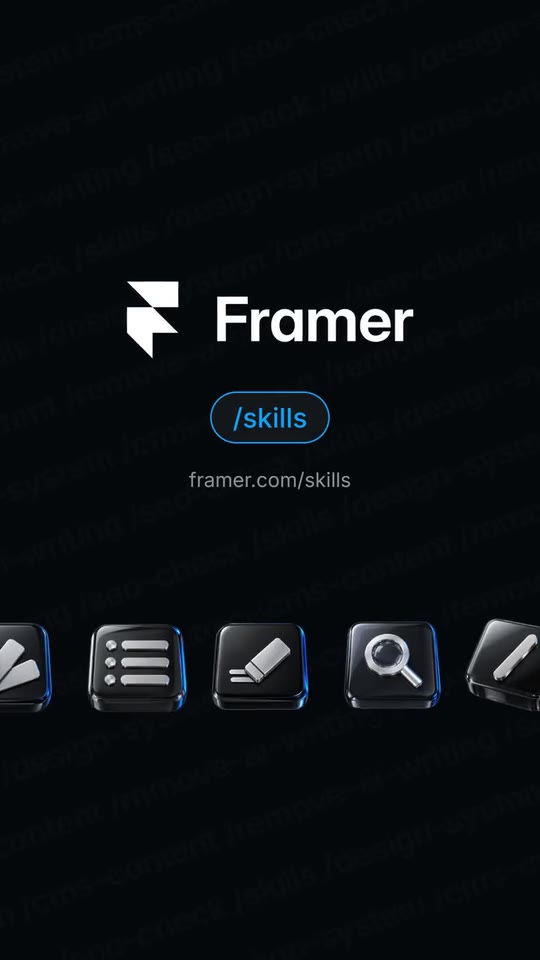
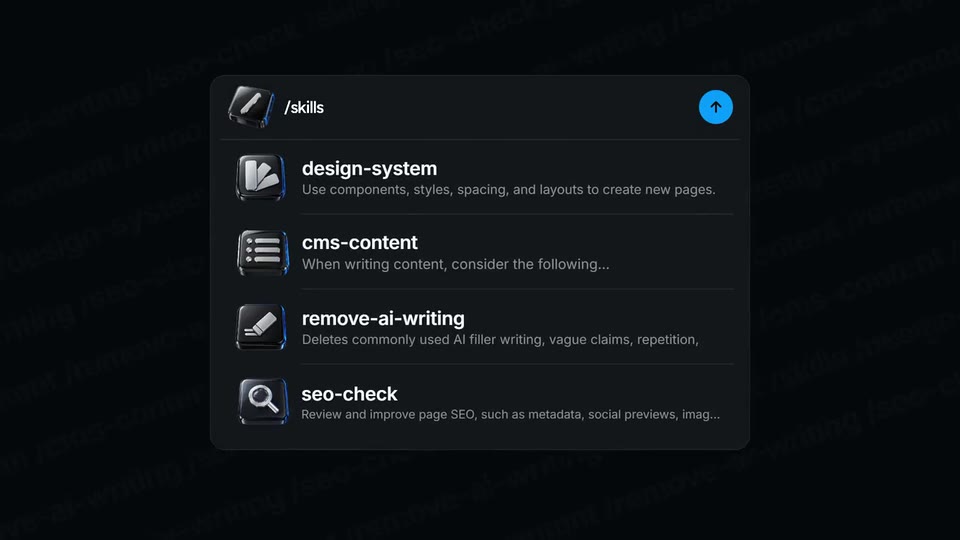
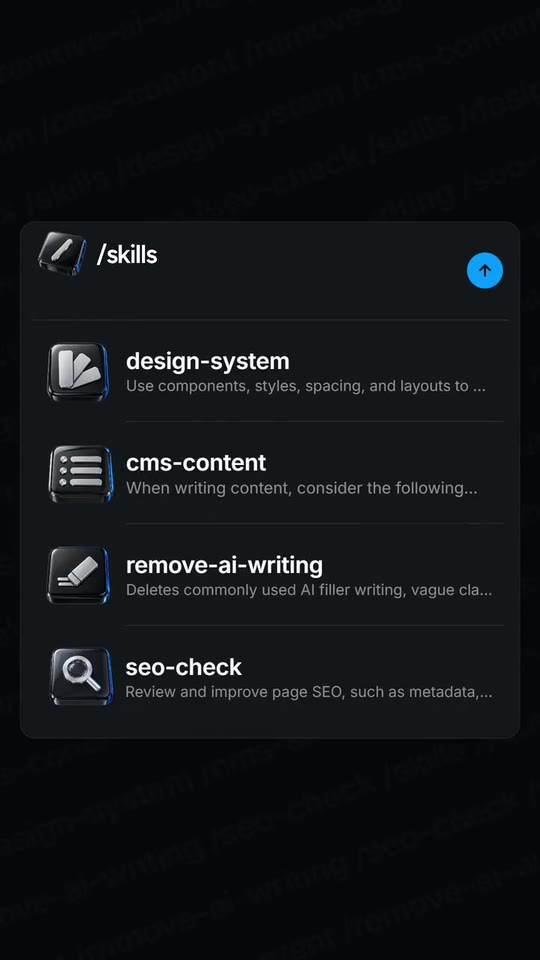
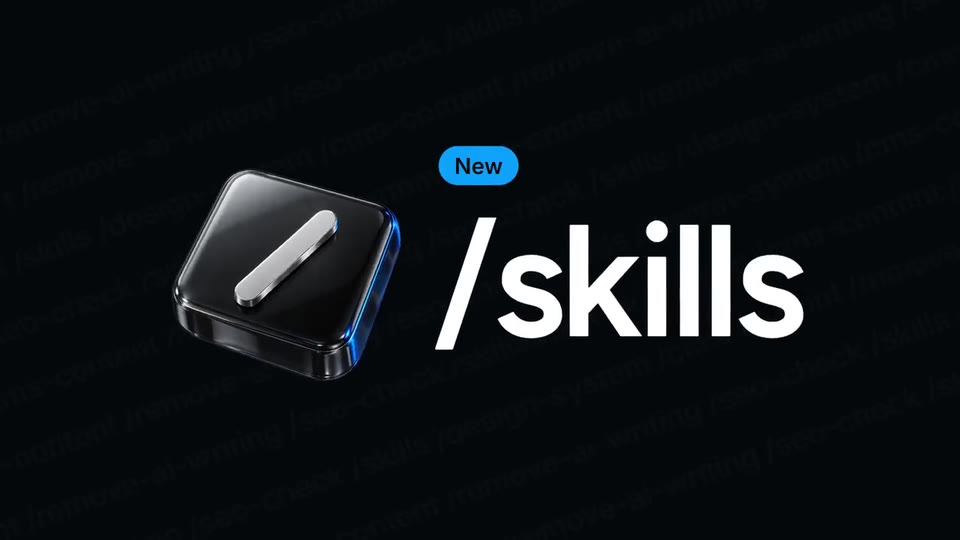
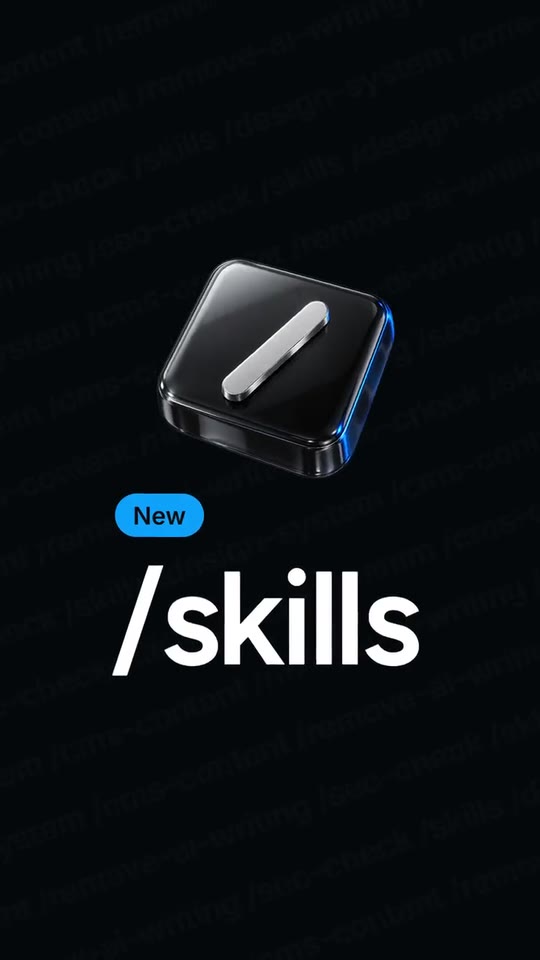
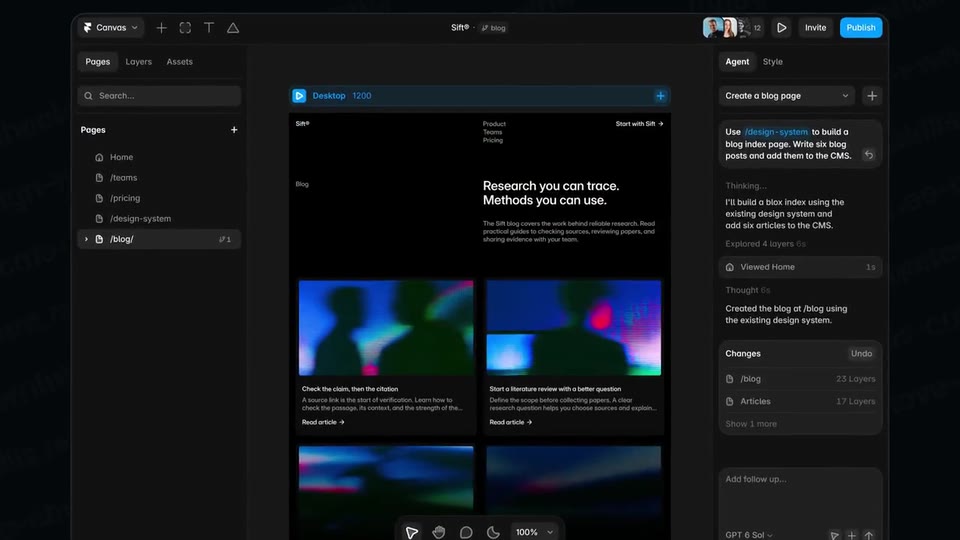
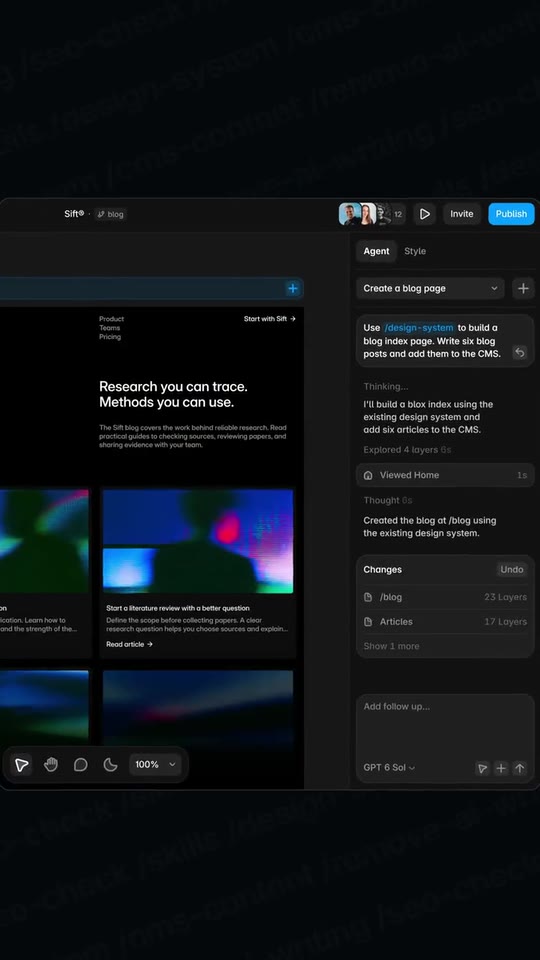
A 10-second feature drop: a 3D key is pressed and your feature types out, its options unfold as rows that catch 3D tiles, a cursor picks one and the action writes itself around it, the input zooms through into your real product, a slash wipes it from working to done, the option's card opens, your colour slashes over the frame with the line in giant type, and the lockup closes the loop.
- Price: free to export; exporting needs an Opus Motion account
- Length: 10 seconds
- Formats: 16:9, 9:16 (each one designed for its screen)
- What you can change: 18 texts, 8 images, 1 color, the music
- Category: Product spotlights
Examples with real brands
- Framer, 16:9: watch the video
- Framer, 9:16: watch the video
Make it yours
Paste your website and the template comes out with your logo, colors and words: https://opusmotion.com/studio/t32-slash-drop?mode=yours. To open it already filled from a website, add &site=yourdomain.com.
Fields, for AI agents
An agent fills these with POST https://opusmotion.com/api/v1/drafts (guide: https://opusmotion.com/agents.md). Free to export in 16:9 and 9:16. Exporting the MP4 needs a free Opus Motion account with a confirmed email.
Scenes: The key is pressed, the feature types out, the tag drops (without a key: the options rise under the feature) (0–1 s); Key and word fly into the input, the options unfold with their tiles, the cursor picks one and the action writes itself (1–3.4 s); Zoom through into the real product (match cut on the chip), a slash wipes it from working to done, the camera lands on the result and the card opens (3.4–6.28 s); The brand colour slashes over the frame: the line in giant type, keys falling in the side lanes (6.28–8 s); Logo, the feature pill and the address over a sliding row of keys; the key falls back in (8–10 s).
brandName(text, 2–18 characters): Brand name. How your brand is written. With no logo it is drawn as the logotype at the end. The brand's own: never the demo's. Scene "The brand colour slashes over the frame: the line in giant type, keys falling in the side lanes" at 6.8 s: 16:9 · 9:16.logo(image, free, shown whole): Your logo (the horizontal wordmark): an SVG, or a PNG with a transparent background. Your logo as it reads on the ground of the film (light on night, dark on day). Shown whole, at any proportion: nothing is cropped. The brand's own: never the demo's. Scene "Logo, the feature pill and the address over a sliding row of keys; the key falls back in" at 8 s: 16:9 · 9:16.brandColor(color, #RRGGBB): Brand color.mood(text, 3–5 characters): Mood. night = near-black ground, like a dark product. day = light ground tinted with your colour. Not drawn on screen. Demo's line, for tone and length only: "night".tag(text, 0–12 characters): Tag. The word your site uses for a new feature. Empty = no tag. Optional. Demo's line, for tone and length only: "New". Scene "Key and word fly into the input, the options unfold with their tiles, the cursor picks one and the action writes itself" at 3 s: 16:9 · 9:16.feature(text, 2–18 characters): Feature. The feature's name, or the command that opens it, exactly as your site writes it. Demo's line, for tone and length only: "/skills". Scene "The key is pressed, the feature types out, the tag drops (without a key: the options rise under the feature)" at 0.4 s: 16:9 · 9:16.key(image, 1:1, shown whole): A cut-out object on a transparent background (a PNG, or an SVG drawing): just the object, no photo background. Never a photo, never a photo padded with transparent bars. A cut-out object for the feature, pressed like a key on the first beat. Shown whole inside a 1:1 box: nothing is cropped. Demo's image. Scene "The key is pressed, the feature types out, the tag drops (without a key: the options rise under the feature)" at 0.6 s: 16:9 · 9:16.option1(text, 2–36 characters): Option 1. What the feature offers, as your site names it. Option 1 is the one the cursor picks. Demo's line, for tone and length only: "design-system". Scene "Key and word fly into the input, the options unfold with their tiles, the cursor picks one and the action writes itself" at 3 s: 16:9 · 9:16.option1Line(text, 0–120 characters): Option 1 line. Its one-line description from your site; a long one is cut with an ellipsis, like a menu. Optional. Demo's line, for tone and length only: "Use components, styles, spacing, and layouts to create new pages.". Scene "Key and word fly into the input, the options unfold with their tiles, the cursor picks one and the action writes itself" at 3 s: 16:9 · 9:16.option1Img(image, 1:1, shown whole): A cut-out object on a transparent background (a PNG, or an SVG drawing): just the object, no photo background. Never a photo, never a photo padded with transparent bars. A cut-out object for the row. Shown whole inside a 1:1 box: nothing is cropped. Demo's image. Scene "Logo, the feature pill and the address over a sliding row of keys; the key falls back in" at 8.2 s: 16:9 · 9:16.option2(text, 0–36 characters): Option 2. Another option of the feature. Empty = fewer rows. Optional. Demo's line, for tone and length only: "cms-content". Scene "Key and word fly into the input, the options unfold with their tiles, the cursor picks one and the action writes itself" at 1.8 s: 16:9 · 9:16.option2Line(text, 0–120 characters): Option 2 line. Its one-line description from your site; a long one is cut with an ellipsis, like a menu. Optional. Demo's line, for tone and length only: "When writing content, consider the following…". Scene "Key and word fly into the input, the options unfold with their tiles, the cursor picks one and the action writes itself" at 1.8 s: 16:9 · 9:16.option2Img(image, 1:1, shown whole): A cut-out object on a transparent background (a PNG, or an SVG drawing): just the object, no photo background. Never a photo, never a photo padded with transparent bars. A cut-out object for the row. Shown whole inside a 1:1 box: nothing is cropped. Demo's image. Scene "Logo, the feature pill and the address over a sliding row of keys; the key falls back in" at 8.2 s: 16:9 · 9:16.option3(text, 0–36 characters): Option 3. Another option of the feature. Empty = fewer rows. Optional. Demo's line, for tone and length only: "remove-ai-writing". Scene "Key and word fly into the input, the options unfold with their tiles, the cursor picks one and the action writes itself" at 2 s: 16:9 · 9:16.option3Line(text, 0–120 characters): Option 3 line. Its one-line description from your site; a long one is cut with an ellipsis, like a menu. Optional. Demo's line, for tone and length only: "Deletes commonly used AI filler writing, vague claims, repetition,". Scene "Key and word fly into the input, the options unfold with their tiles, the cursor picks one and the action writes itself" at 2 s: 16:9 · 9:16.option3Img(image, 1:1, shown whole): A cut-out object on a transparent background (a PNG, or an SVG drawing): just the object, no photo background. Never a photo, never a photo padded with transparent bars. A cut-out object for the row. Shown whole inside a 1:1 box: nothing is cropped. Demo's image. Scene "Key and word fly into the input, the options unfold with their tiles, the cursor picks one and the action writes itself" at 1.6 s: 16:9 · 9:16.option4(text, 0–36 characters): Option 4. Another option of the feature. Empty = fewer rows. Optional. Demo's line, for tone and length only: "seo-check". Scene "Key and word fly into the input, the options unfold with their tiles, the cursor picks one and the action writes itself" at 2 s: 16:9 · 9:16.option4Line(text, 0–120 characters): Option 4 line. Its one-line description from your site; a long one is cut with an ellipsis, like a menu. Optional. Demo's line, for tone and length only: "Review and improve page SEO, such as metadata, social previews, image alt text, and other essential SEO settings.". Scene "Key and word fly into the input, the options unfold with their tiles, the cursor picks one and the action writes itself" at 2 s: 16:9 · 9:16.option4Img(image, 1:1, shown whole): A cut-out object on a transparent background (a PNG, or an SVG drawing): just the object, no photo background. Never a photo, never a photo padded with transparent bars. A cut-out object for the row. Shown whole inside a 1:1 box: nothing is cropped. Demo's image. Scene "Logo, the feature pill and the address over a sliding row of keys; the key falls back in" at 8.2 s: 16:9 · 9:16.prompt(text, 10–56 characters): Action. One sentence that uses option 1 (it becomes a chip inside the sentence). Demo's line, for tone and length only: "Use /design-system to build a blog index page.". Scene "Zoom through into the real product (match cut on the chip), a slash wipes it from working to done, the camera lands on the result and the card opens" at 3.55 s: 16:9 · 9:16.shotBefore(image, 3:2, cropped): A real screenshot of the product. A real capture of your product mid-task. Cropped to fill a 3:2 frame: keep the subject in the middle. Demo's image. Scene "Zoom through into the real product (match cut on the chip), a slash wipes it from working to done, the camera lands on the result and the card opens" at 4.4 s: 16:9 · 9:16.shot(image, 3:2, cropped): A real screenshot of the product. A real capture of your product with the result. Cropped to fill a 3:2 frame: keep the subject in the middle. Demo's image. Scene "Zoom through into the real product (match cut on the chip), a slash wipes it from working to done, the camera lands on the result and the card opens" at 4.4 s: 16:9 · 9:16.shotFocus(text, 3–11 characters): Result point (x,y). The centre of what the camera should read in the 'done' capture, as x,y from 0 to 1 (left/top = 0). In 9:16 the capture is cropped towards it. Demo's line, for tone and length only: "0.875,0.40". Scene "Zoom through into the real product (match cut on the chip), a slash wipes it from working to done, the camera lands on the result and the card opens" at 4.8 s: 16:9 · 9:16.shotDetail(text, 0–11 characters): Detail point (x,y). Where option 1 shows up in the capture (a chip, a button), as x,y from 0 to 1. The input zooms through into it, the cursor touches it and the card opens from it. Empty = the result point. Optional. Demo's line, for tone and length only: "0.862,0.221". Scene "Zoom through into the real product (match cut on the chip), a slash wipes it from working to done, the camera lands on the result and the card opens" at 3.55 s: 16:9 · 9:16.cardLine(text, 0–90 characters): Card line. What option 1 actually does, in your site's words. Empty = the card shows only the name. Optional. Demo's line, for tone and length only: "Reuse existing styles and components". Scene "Zoom through into the real product (match cut on the chip), a slash wipes it from working to done, the camera lands on the result and the card opens" at 5.6 s: 16:9 · 9:16.line(text, 8–40 characters): Line. The feature's promise, from your page. It fills the frame in giant type. Demo's line, for tone and length only: "Teach the Framer agent how you work.". Scene "The brand colour slashes over the frame: the line in giant type, keys falling in the side lanes" at 7.4 s: 16:9 · 9:16.url(text, 0–28 characters): Address. Where to find it. Empty = no address. Optional. Demo's line, for tone and length only: "framer.com/skills". Scene "Logo, the feature pill and the address over a sliding row of keys; the key falls back in" at 8.6 s: 16:9 · 9:16.