For AI agents
Coding agents (Claude Code, Codex, Cursor and similar) make Opus Motion videos for a project with the agent guide: https://opusmotion.com/agents.md.
- The guide's steps: read the project, ask the person a few questions, compare templates (each one has a timelapse, its scenes and its fields), make a draft with
POST https://opusmotion.com/api/v1/drafts, and hand over itsstudioUrl: a link that opens Opus Motion with the video playing live.PATCHwith the draft'seditTokenchanges it, and the link stays the same. - Plain HTTPS and JSON: no key and no account. Or the MCP server (https://opusmotion.com/mcp): every tool, with stills of the draft returned as images. The person exports the MP4 from the studio.
- The studio is filled through the API, not by driving the site with a browser. When the API refuses, the person is told.
- More: llms.txt · this page in Markdown · developer docs · OpenAPI
Full Stop: free kinetic titles video template
A 9.7-second loop for writers and creators: your full stop falls onto the page, your sentence grows out of it, the stop floods the frame for your first figure, drains back into a period, hops across your second figure and lands at the end of your name.
- Price: free to export; exporting needs an Opus Motion account
- Length: 9.7 seconds
- Formats: 16:9, 9:16 (each one designed for its screen)
- What you can change: 10 texts, 1 image, 2 colors, the music
- Category: Kinetic titles
Examples with real brands
- Justin Welsh, 16:9: watch the video
- Justin Welsh, 9:16: watch the video
Make it yours
Paste your website and the template comes out with your logo, colors and words: https://opusmotion.com/studio/t58-full-stop?mode=yours. To open it already filled from a website, add &site=yourdomain.com.
Fields, for AI agents
An agent fills these with POST https://opusmotion.com/api/v1/drafts (guide: https://opusmotion.com/agents.md). Free to export in 16:9 and 9:16. Exporting the MP4 needs a free Opus Motion account with a confirmed email.
Scenes: The stop falls and the line grows out of it (0–2.508 s); The stop floods the frame: first figure (2.508–4.908 s); It drains into a period and hops across the second figure (4.908–7.308 s); It lands at the end of your name (7.308–9.7 s).
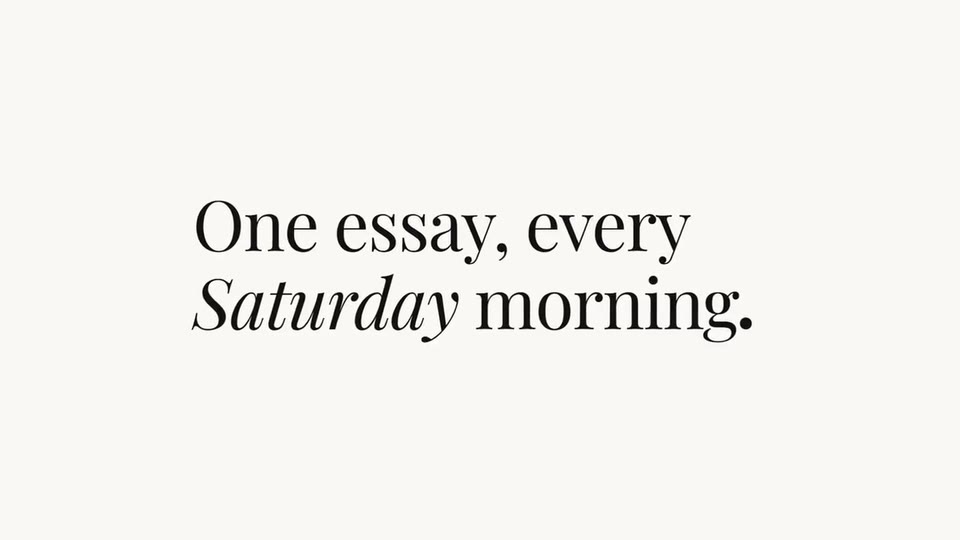
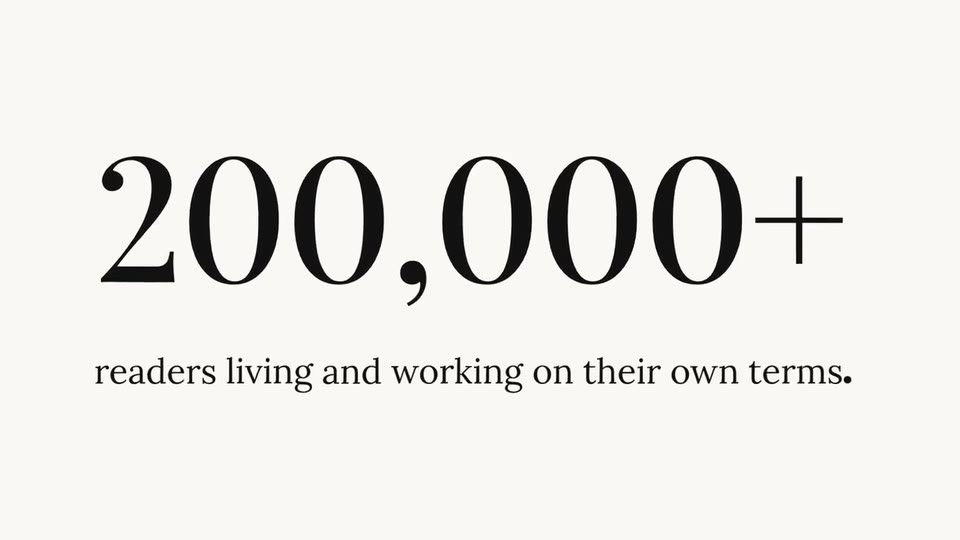
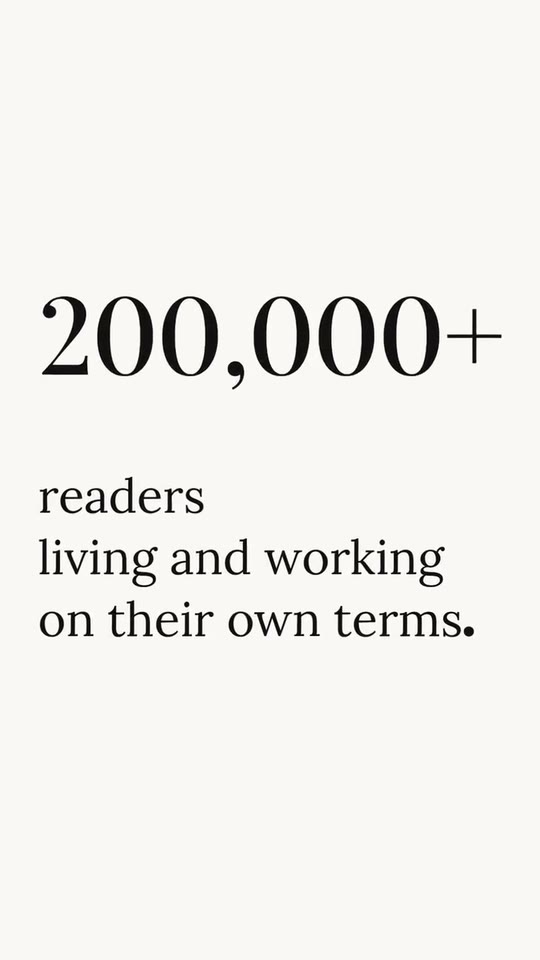
brandName(text, 2–16 characters): Brand name. Your name as you write it. It is typed letter by letter up to the full stop that closes the film. The brand's own: never the demo's. Scene "It lands at the end of your name" at 9.4 s: 16:9 · 9:16.logo(image, 1:1, cropped): Your app or brand icon, square and full bleed. The round mark beside your name, as your site header shows it: your icon or your own photo. Cropped to fill a 1:1 frame: keep the subject in the middle. Optional. The brand's own: never the demo's. Scene "It lands at the end of your name" at 8.2 s: 16:9 · 9:16.brandColor(color, #RRGGBB): Brand color. The full stop: the dot, the page it floods and your button. Light colours get dark type on top.paper(color, #RRGGBB): Paper. The page your words sit on (your site's background). Dark paper gets light ink.typeface(choice:serif,grotesk; defaultserif): Type. Editorial serif (display serif + book serif, italics) or a grotesk with tabular figures.line(text, 8–50 characters): Opening line. One sentence from your site. It grows out of the full stop word by word; the stop ends it. Demo's line, for tone and length only: "One essay, every Saturday morning.". Scene "The stop falls and the line grows out of it" at 1.3 s: 16:9 · 9:16.lineItalic(text, 0–16 characters): Word in italic (optional). One word of the opening line set in italic, as your site does. Empty: none. Optional. Demo's line, for tone and length only: "Saturday". Scene "The stop falls and the line grows out of it" at 1.2 s: 16:9 · 9:16.eyebrow(text, 0–34 characters): Words over the first figure. What leads into the figure, in your words. Optional. Demo's line, for tone and length only: "How I built a". Scene "The stop floods the frame: first figure" at 2.8 s: 16:9 · 9:16.stat(text, 1–10 characters): First figure. A real figure from your site, as written there. Its digits roll on reels. Demo's line, for tone and length only: "$15M". Scene "The stop floods the frame: first figure" at 3.6 s: 16:9 · 9:16.statLabel(text, 2–18 characters): What the figure is. The noun the figure counts, set big beside (16:9) or under (9:16) it. Demo's line, for tone and length only: "Solo Business". Scene "The stop floods the frame: first figure" at 3.6 s: 16:9 · 9:16.statTail(text, 0–40 characters): Line that closes the figure. The rest of the sentence. Its full stop is where the flood drains back into the page. Optional. Demo's line, for tone and length only: "without destroying my life.". Scene "The stop floods the frame: first figure" at 4.8 s: 16:9 · 9:16.stat2(text, 1–10 characters): Second figure. A second real figure (readers, members, customers). Demo's line, for tone and length only: "200,000+". Scene "It drains into a period and hops across the second figure" at 6 s: 16:9 · 9:16.stat2Line(text, 4–52 characters): Context of the second figure. What it counts, in your site's words. The stop hops over it in three steps. Demo's line, for tone and length only: "readers living and working on their own terms.". Scene "It drains into a period and hops across the second figure" at 6.05 s: 16:9 · 9:16.cta(text, 2–22 characters): Button. Your button's text, exactly as your site says it. Demo's line, for tone and length only: "Subscribe free". Scene "It lands at the end of your name" at 9.4 s: 16:9 · 9:16.