For AI agents
Coding agents (Claude Code, Codex, Cursor and similar) make Opus Motion videos for a project with the agent guide: https://opusmotion.com/agents.md.
- The guide's steps: read the project, ask the person a few questions, compare templates (each one has a timelapse, its scenes and its fields), make a draft with
POST https://opusmotion.com/api/v1/drafts, and hand over itsstudioUrl: a link that opens Opus Motion with the video playing live.PATCHwith the draft'seditTokenchanges it, and the link stays the same. - Plain HTTPS and JSON: no key and no account. Or the MCP server (https://opusmotion.com/mcp): every tool, with stills of the draft returned as images. The person exports the MP4 from the studio.
- The studio is filled through the API, not by driving the site with a browser. When the API refuses, the person is told.
- More: llms.txt · this page in Markdown · developer docs · OpenAPI
Show It: free kinetic titles video template
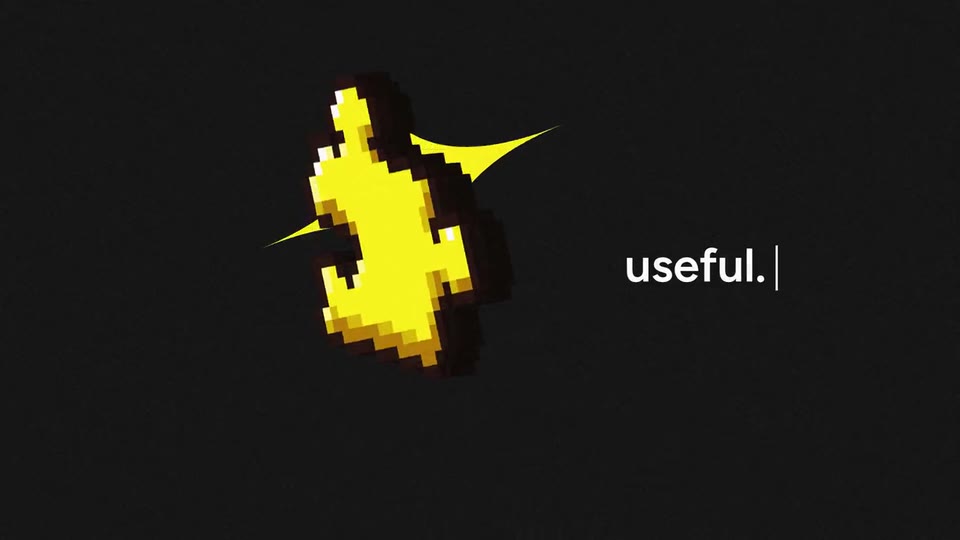
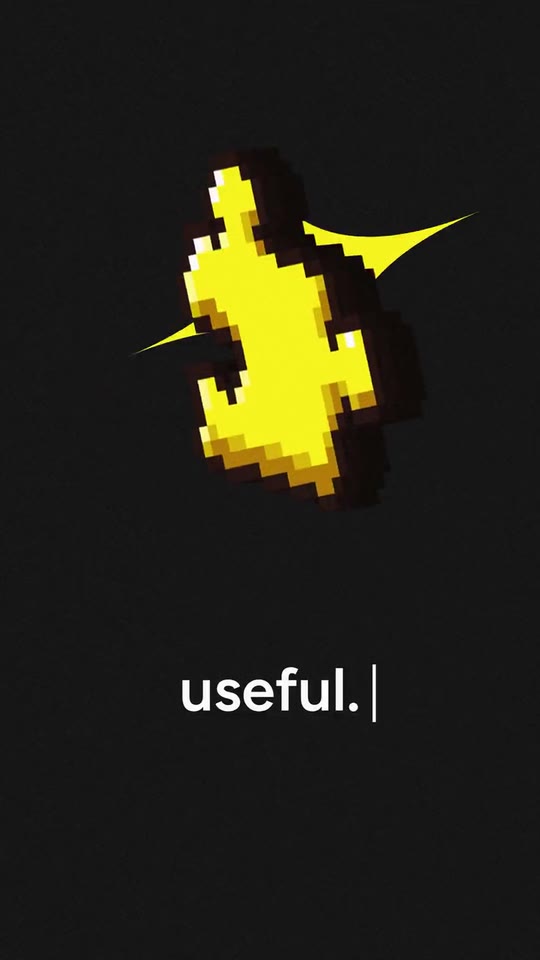
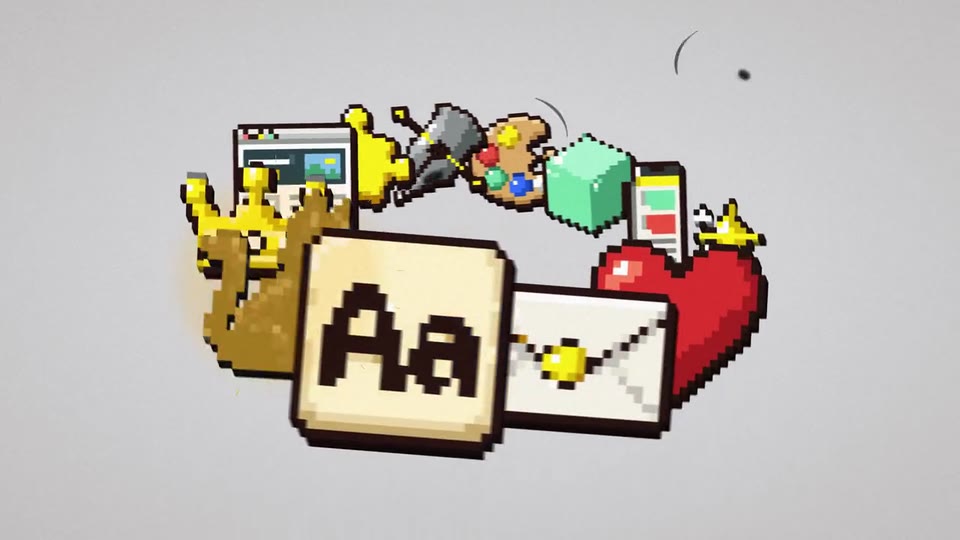
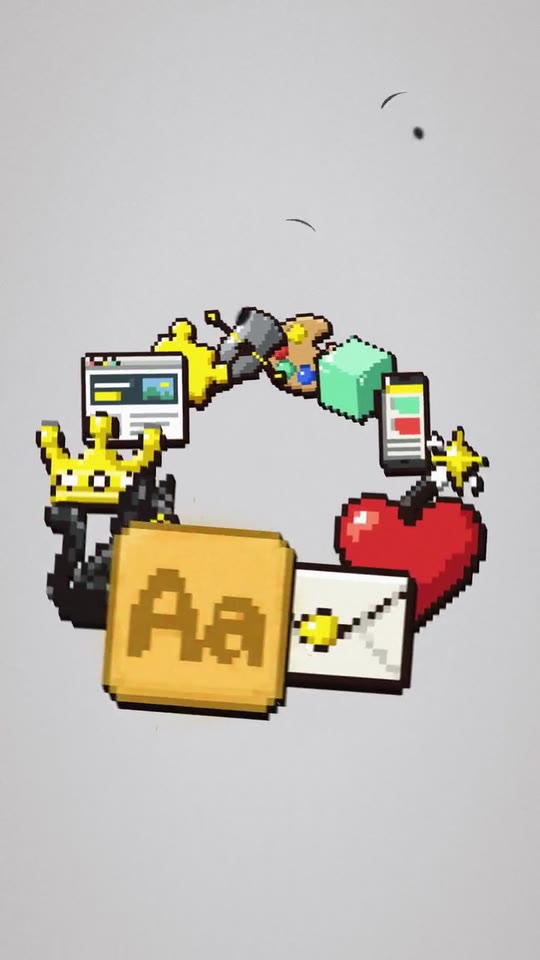
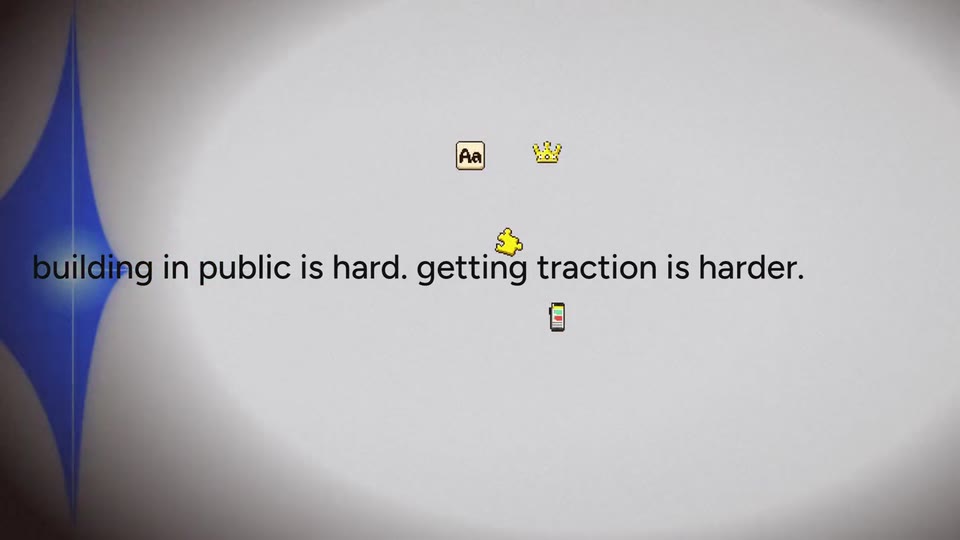
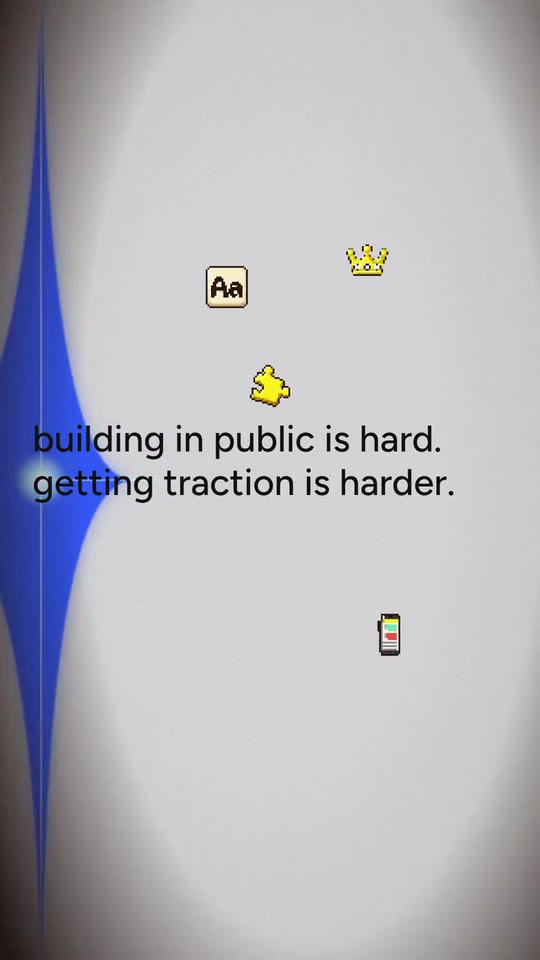
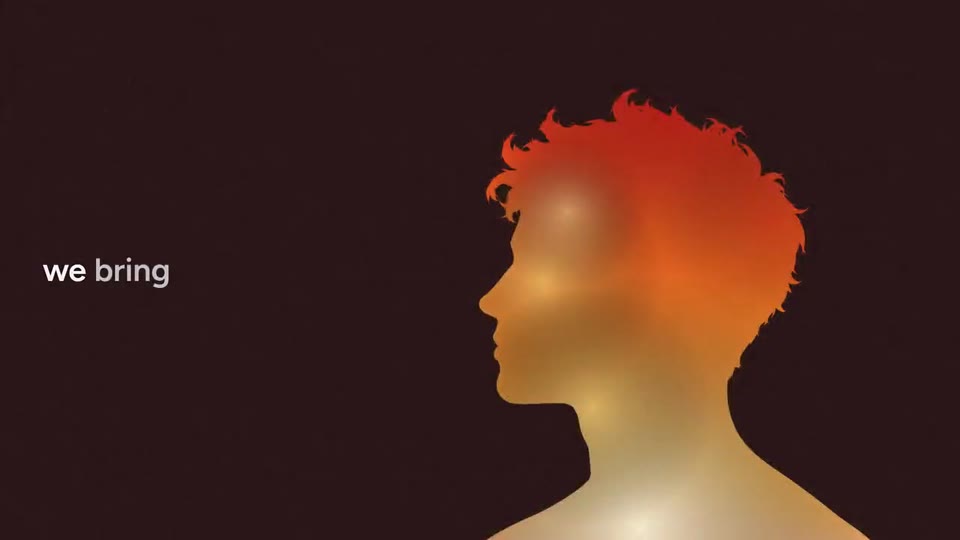
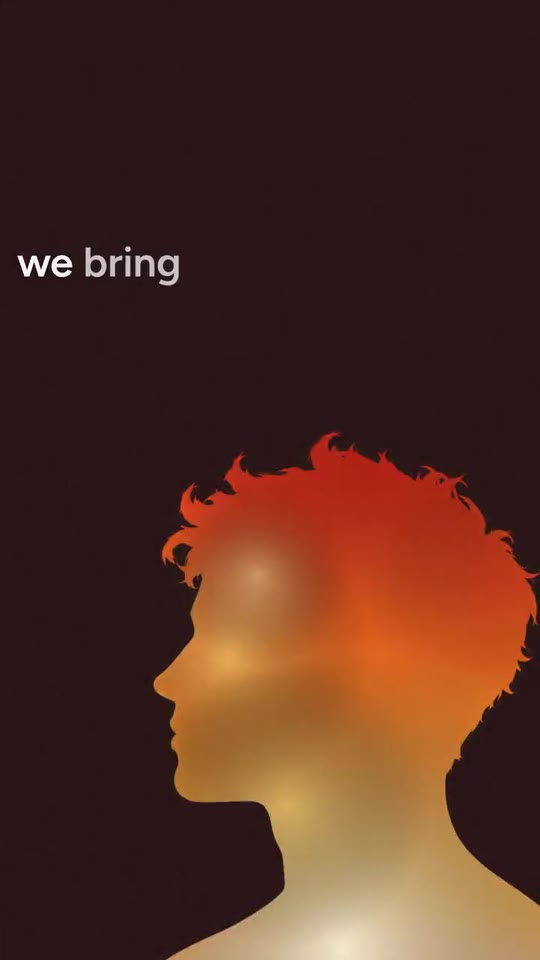
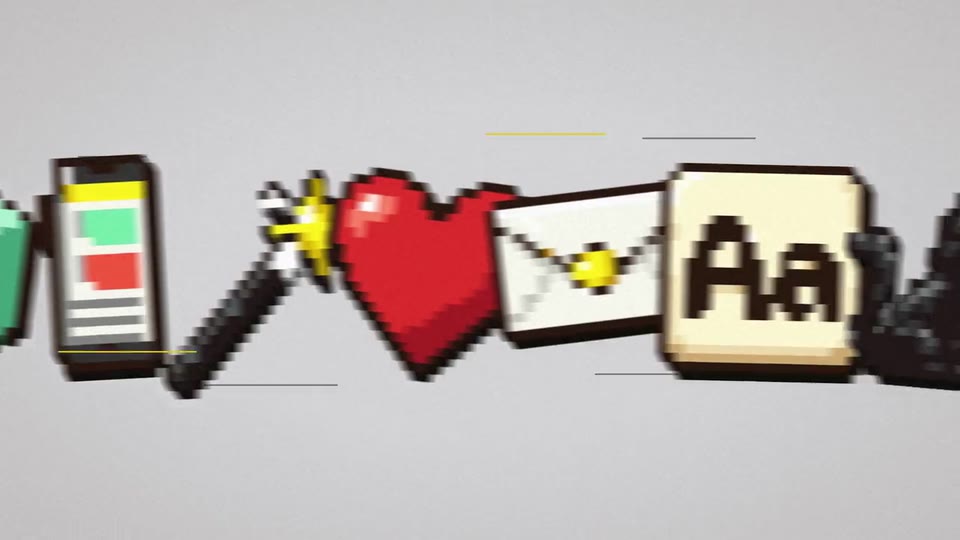
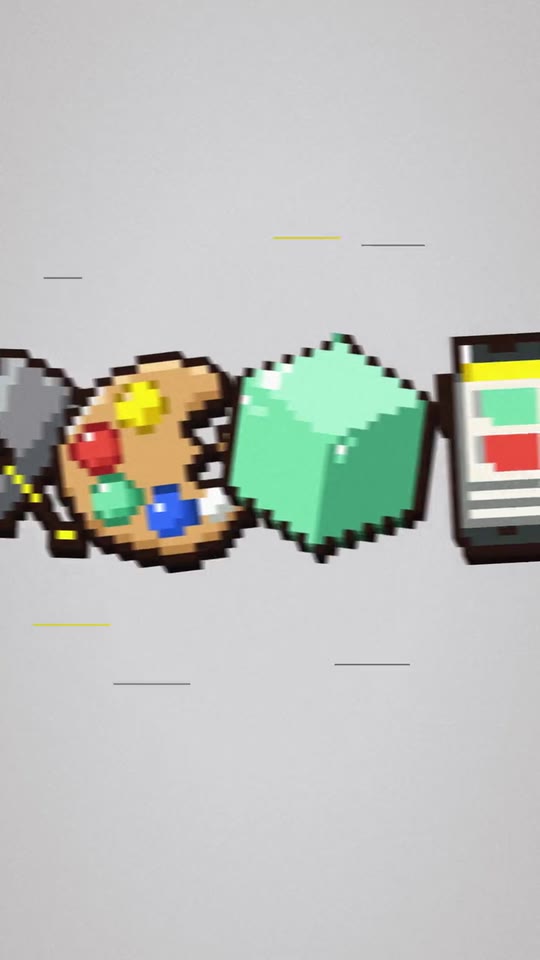
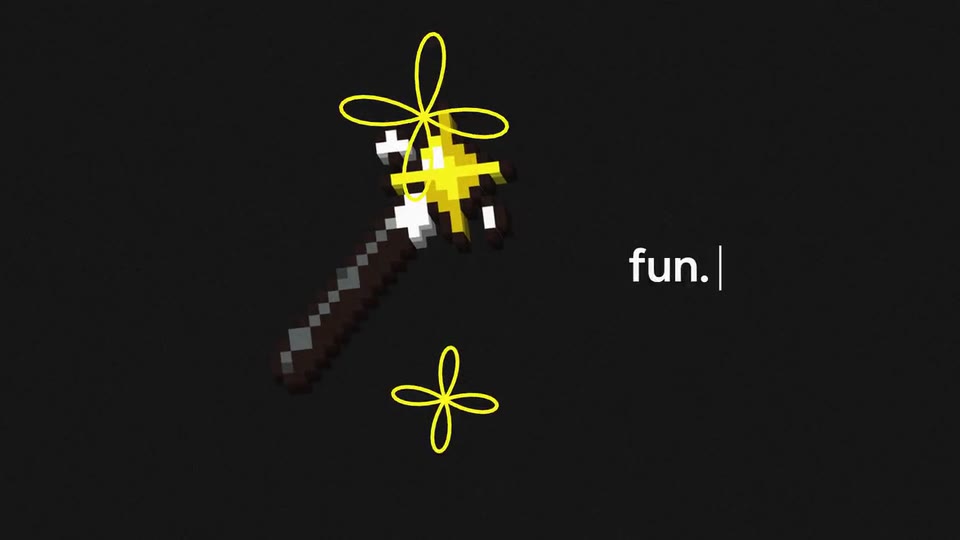
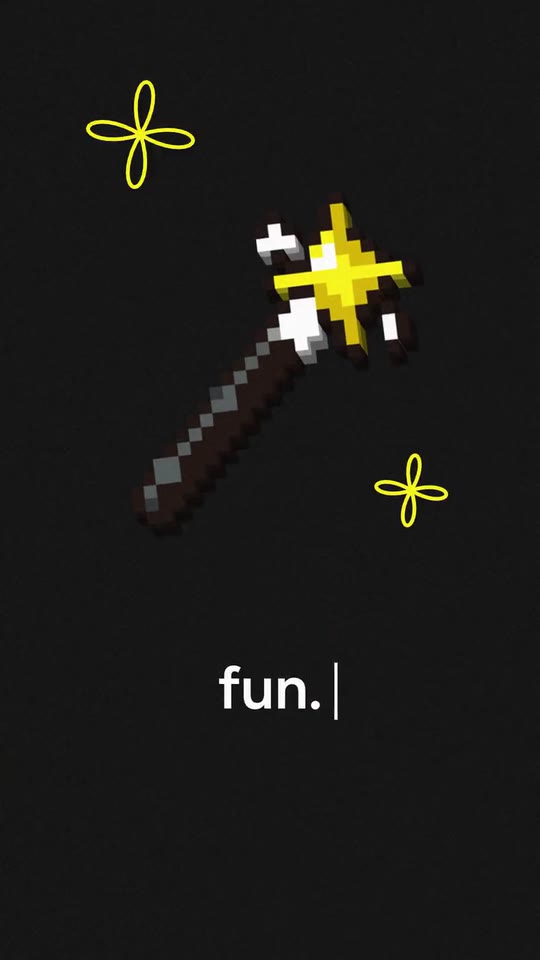
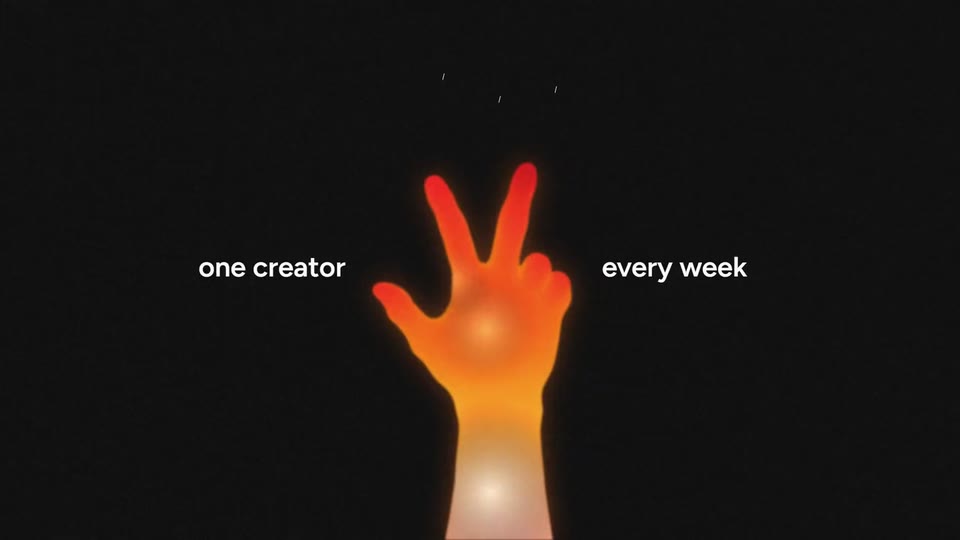
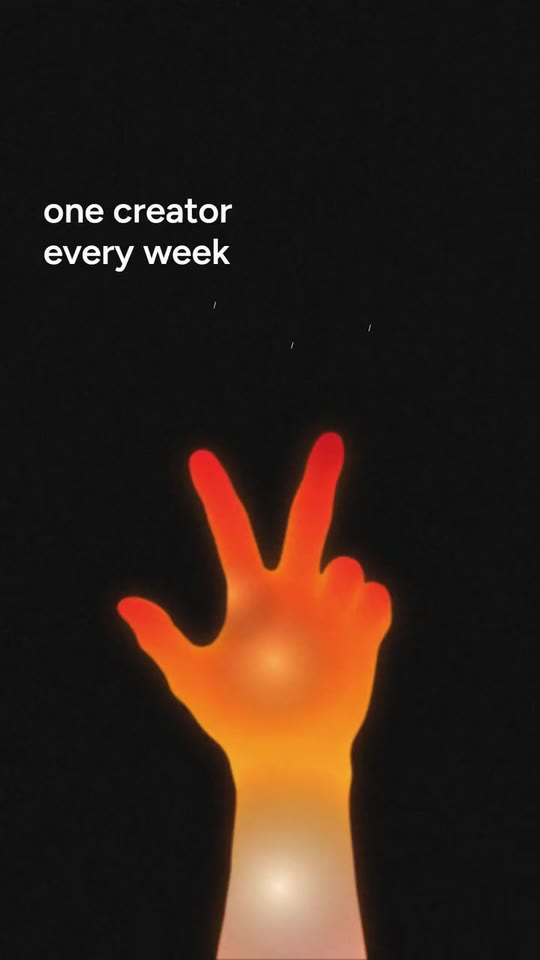
A kinetic-type film for a curator, a newsletter or a collection: your line types itself giant and then small under hand-drawn ink, a thermal silhouette answers, a ring of your pixel-art objects turns in perspective, three words get one object each, a hand reaches up and your name's letters arrive one per cut and assemble.
- Price: free to export; exporting needs an Opus Motion account
- Length: 21 seconds
- Formats: 16:9, 9:16 (each one designed for its screen)
- What you can change: 13 texts, 20 images, 3 colors, the music, the voiceover script
- Category: Kinetic titles
Examples with real brands
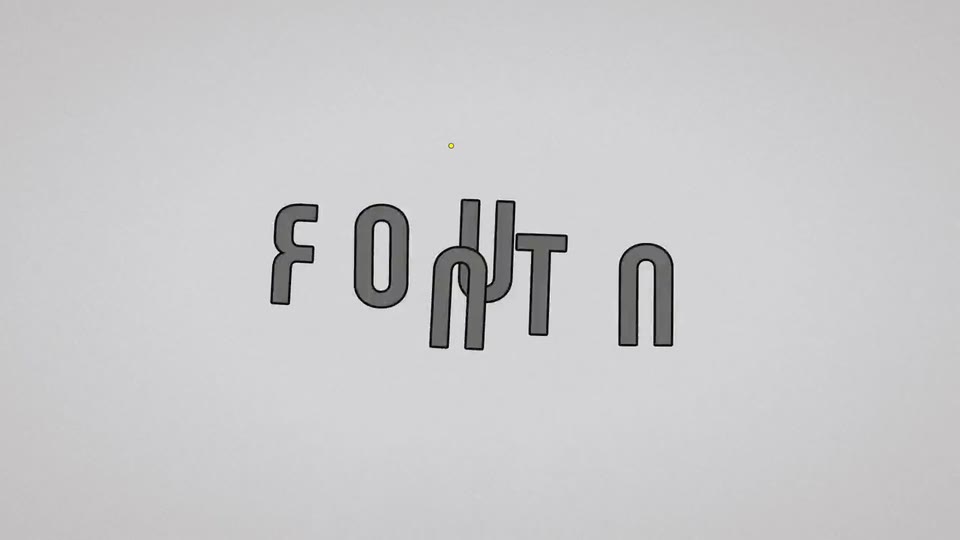
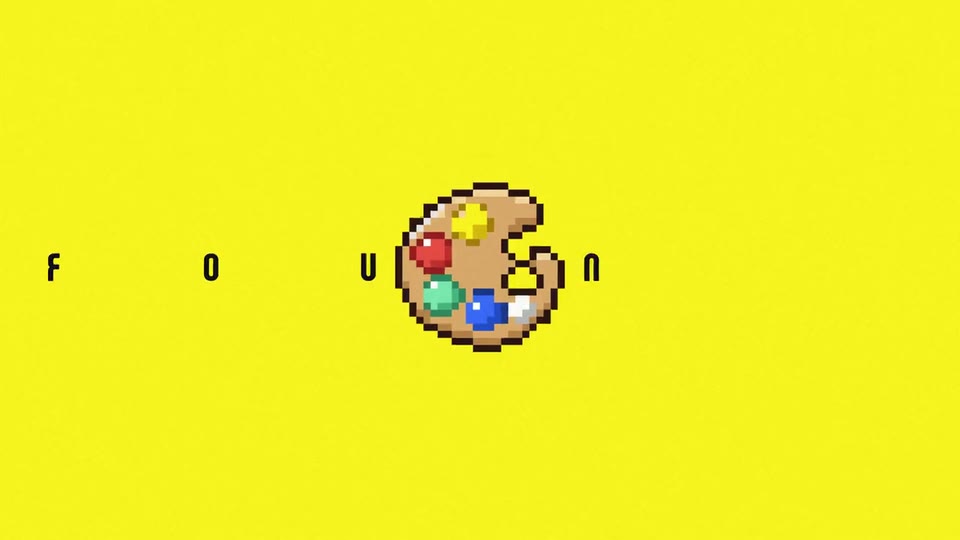
- Fountn, 16:9: watch the video
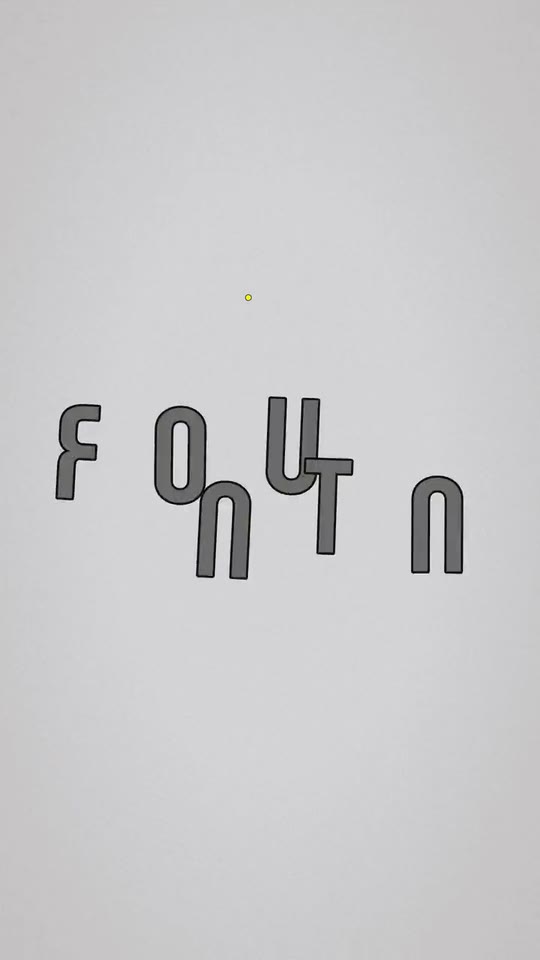
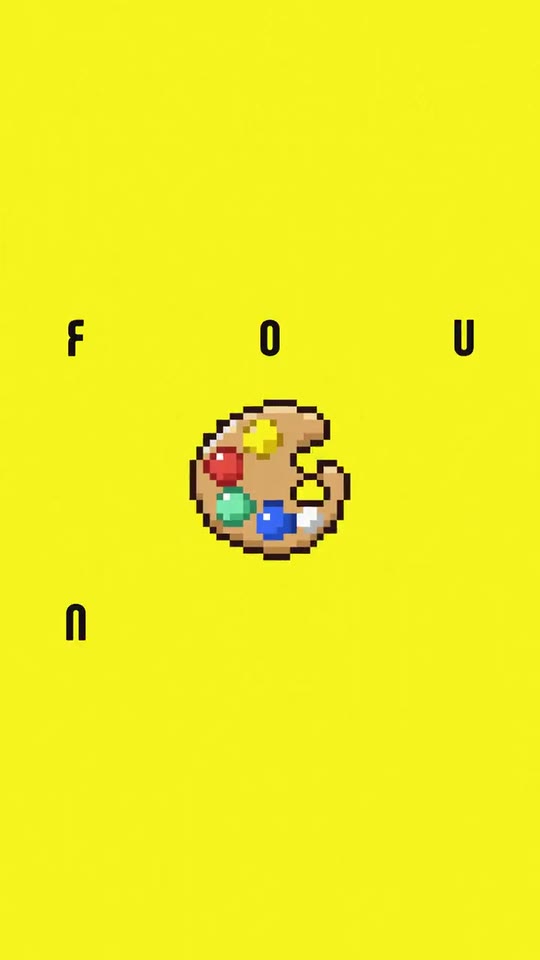
- Fountn, 9:16: watch the video
Make it yours
Paste your website and the template comes out with your logo, colors and words: https://opusmotion.com/studio/t53-show-it?mode=yours. To open it already filled from a website, add &site=yourdomain.com.
Fields, for AI agents
An agent fills these with POST https://opusmotion.com/api/v1/drafts (guide: https://opusmotion.com/agents.md). Free to export in 16:9 and 9:16. Exporting the MP4 needs a free Opus Motion account with a confirmed email.
Scenes: The line, giant (0–0.71 s); The line, small, under ink and the flare (0.71–3.835 s); The silhouette answers (3.835–6.53 s); The ring of objects (6.53–8.28 s); Word 1 with its object (8.28–9.11 s); The chain (9.11–9.82 s); Word 2 with its object (9.82–10.99 s); Word 3 with its object (10.99–11.87 s); The ring breaks (11.87–13.74 s); The hand (13.74–15.87 s); The letters, one per cut (15.87–17.16 s); The letters assemble (17.16–21 s).
brandName(text, 2–16 characters): Brand name. How your brand is written. The brand's own: never the demo's. Scene "The letters assemble" at 20.6 s: 16:9 · 9:16.logo(image, free, shown whole): Your logo (the horizontal wordmark): an SVG, or a PNG with a transparent background. Horizontal logo. Shown whole, at any proportion: nothing is cropped. The brand's own: never the demo's. Scene "The letters assemble" at 20.6 s: 16:9 · 9:16.closingWord(text, 2–10 characters): Closing word. The letters that arrive one per cut and assemble at the end (no spaces). The brand's own: never the demo's. Scene "The letters, one per cut" at 16.9 s: 16:9 · 9:16.brandColor(color, #RRGGBB): Brand color. The star, the wedge, the drawn marks and the colour shot of the letters. Scene "Word 1 with its object" at 8.6 s: 16:9 · 9:16.paperColor(color, #RRGGBB): Paper. The light background of the paper shots. A neutral light grey works best. Scene "The ring of objects" at 7 s: 16:9 · 9:16.flareColor(color, #RRGGBB): Flare. The four-pointed flare on the left edge. Scene "The line, small, under ink and the flare" at 2.8 s: 16:9 · 9:16.line1(text, 20–60 characters): Opening line. The line that types giant and then small. Lowercase, like a note; its first three words go giant. Demo's line, for tone and length only: "building in public is hard. getting traction is harder.". Scene "The line, small, under ink and the flare" at 3 s: 16:9 · 9:16.circleWord(text, 2–12 characters): Circled word. A word of the opening line: the ink circles it. Demo's line, for tone and length only: "hard.". Scene "The line, small, under ink and the flare" at 1.4 s: 16:9 · 9:16.highlightWord(text, 2–12 characters): Lit word. A word of the opening line: it turns white in the glow. Demo's line, for tone and length only: "harder.". Scene "The line, small, under ink and the flare" at 3.5 s: 16:9 · 9:16.answer1(text, 4–24 characters): Answer 1. Beside the silhouette. It is deleted and answer 2 types in its place. Demo's line, for tone and length only: "you build the tools.". Scene "The silhouette answers" at 4.6 s: 16:9 · 9:16.answer2(text, 4–24 characters): Answer 2. Types word by word with the voice. Demo's line, for tone and length only: "we bring the audience.". Scene "The silhouette answers" at 6.1 s: 16:9 · 9:16.word1(text, 2–11 characters): Word 1. One word, with its object. Demo's line, for tone and length only: "useful.". Scene "Word 1 with its object" at 8.7 s: 16:9 · 9:16.word2(text, 2–11 characters): Word 2. One word, with its object. Demo's line, for tone and length only: "beautiful.". Scene "Word 2 with its object" at 10.1 s: 16:9 · 9:16.word3(text, 2–11 characters): Word 3. One word, with its object. Demo's line, for tone and length only: "fun.". Scene "Word 3 with its object" at 11.4 s: 16:9 · 9:16.handLeft(text, 2–14 characters): By the hand, left. Left of the hand. Demo's line, for tone and length only: "one creator". Scene "The hand" at 14.8 s: 16:9 · 9:16.handRight(text, 2–14 characters): By the hand, right. Right of the hand. Demo's line, for tone and length only: "every week". Scene "The hand" at 14.8 s: 16:9 · 9:16.handTail(text, 0–4 characters): Bridge to the closing word. Added to the right side just before the closing word (can be empty). Optional. Demo's line, for tone and length only: "on". Scene "The hand" at 15.8 s: 16:9 · 9:16.obj1(image, 1:1, shown whole): An image of the brand. Pixel art up to 64 px a side (upscaled with hard edges) or an image with a transparent background. Shown whole inside a 1:1 box: nothing is cropped. Demo's image. Scene "The ring of objects" at 7 s: 16:9 · 9:16.obj2(image, 1:1, shown whole): An image of the brand. Pixel art up to 64 px a side (upscaled with hard edges) or an image with a transparent background. Shown whole inside a 1:1 box: nothing is cropped. Demo's image. Scene "The ring of objects" at 7 s: 16:9 · 9:16.obj3(image, 1:1, shown whole): An image of the brand. Pixel art up to 64 px a side (upscaled with hard edges) or an image with a transparent background. Shown whole inside a 1:1 box: nothing is cropped. Demo's image. Scene "The ring of objects" at 7 s: 16:9 · 9:16.obj4(image, 1:1, shown whole): An image of the brand. Pixel art up to 64 px a side (upscaled with hard edges) or an image with a transparent background. Shown whole inside a 1:1 box: nothing is cropped. Demo's image. Scene "The ring of objects" at 7 s: 16:9 · 9:16.obj5(image, 1:1, shown whole): An image of the brand. Pixel art up to 64 px a side (upscaled with hard edges) or an image with a transparent background. Shown whole inside a 1:1 box: nothing is cropped. Demo's image. Scene "The ring of objects" at 7 s: 16:9 · 9:16.obj6(image, 1:1, shown whole): An image of the brand. Pixel art up to 64 px a side (upscaled with hard edges) or an image with a transparent background. Shown whole inside a 1:1 box: nothing is cropped. Demo's image. Scene "The ring of objects" at 7 s: 16:9 · 9:16.obj7(image, 1:1, shown whole): An image of the brand. Pixel art up to 64 px a side (upscaled with hard edges) or an image with a transparent background. Shown whole inside a 1:1 box: nothing is cropped. Demo's image. Scene "The ring of objects" at 7 s: 16:9 · 9:16.obj8(image, 1:1, shown whole): An image of the brand. Pixel art up to 64 px a side (upscaled with hard edges) or an image with a transparent background. Shown whole inside a 1:1 box: nothing is cropped. Demo's image. Scene "The ring of objects" at 7 s: 16:9 · 9:16.obj9(image, 1:1, shown whole): An image of the brand. Pixel art up to 64 px a side (upscaled with hard edges) or an image with a transparent background. Shown whole inside a 1:1 box: nothing is cropped. Demo's image. Scene "The ring of objects" at 7 s: 16:9 · 9:16.obj10(image, 1:1, shown whole): An image of the brand. Pixel art up to 64 px a side (upscaled with hard edges) or an image with a transparent background. Shown whole inside a 1:1 box: nothing is cropped. Demo's image. Scene "The ring of objects" at 7 s: 16:9 · 9:16.obj11(image, 1:1, shown whole): An image of the brand. Pixel art up to 64 px a side (upscaled with hard edges) or an image with a transparent background. Shown whole inside a 1:1 box: nothing is cropped. Demo's image. Scene "The ring of objects" at 7 s: 16:9 · 9:16.obj12(image, 1:1, shown whole): An image of the brand. Pixel art up to 64 px a side (upscaled with hard edges) or an image with a transparent background. Shown whole inside a 1:1 box: nothing is cropped. Demo's image. Scene "The ring of objects" at 7 s: 16:9 · 9:16.hero1(image, 1:1, shown whole): A cut-out object on a transparent background (a PNG, or an SVG drawing): just the object, no photo background. Never a photo, never a photo padded with transparent bars. The object with word 1; it comes back with the closing letters. Shown whole inside a 1:1 box: nothing is cropped. Demo's image. Scene "Word 1 with its object" at 8.7 s: 16:9 · 9:16.hero2(image, 1:1, shown whole): A cut-out object on a transparent background (a PNG, or an SVG drawing): just the object, no photo background. Never a photo, never a photo padded with transparent bars. The object with word 2; it comes back with the closing letters. Shown whole inside a 1:1 box: nothing is cropped. Demo's image. Scene "Word 2 with its object" at 10.1 s: 16:9 · 9:16.hero3(image, 1:1, shown whole): A cut-out object on a transparent background (a PNG, or an SVG drawing): just the object, no photo background. Never a photo, never a photo padded with transparent bars. The object with word 3; it comes back with the closing letters. Shown whole inside a 1:1 box: nothing is cropped. Demo's image. Scene "Word 3 with its object" at 11.4 s: 16:9 · 9:16.portrait(image, 3:2, shown whole): A cut-out object on a transparent background (a PNG, or an SVG drawing): just the object, no photo background. Never a photo, never a photo padded with transparent bars. A profile silhouette with no features on a transparent background, facing left (the face near 50 % of the image width). Shown whole inside a 3:2 box: nothing is cropped. Demo's image. Scene "The silhouette answers" at 4.6 s: 16:9 · 9:16.hand(image, 2:3, shown whole): A cut-out object on a transparent background (a PNG, or an SVG drawing): just the object, no photo background. Never a photo, never a photo padded with transparent bars. A hand reaching up on a transparent background, cropped at the bottom. Shown whole inside a 2:3 box: nothing is cropped. Demo's image. Scene "The hand" at 14.8 s: 16:9 · 9:16.hand2(image, 2:3, shown whole): A cut-out object on a transparent background (a PNG, or an SVG drawing): just the object, no photo background. Never a photo, never a photo padded with transparent bars. The same hand a moment later, the fingers curling in; same framing. Shown whole inside a 2:3 box: nothing is cropped. Optional. Demo's image. Scene "The hand" at 15.4 s: 16:9 · 9:16.hand3(image, 2:3, shown whole): A cut-out object on a transparent background (a PNG, or an SVG drawing): just the object, no photo background. Never a photo, never a photo padded with transparent bars. The same hand closed into a loose fist; same framing. Shown whole inside a 2:3 box: nothing is cropped. Optional. Demo's image. Scene "The hand" at 15.75 s: 16:9 · 9:16.