For AI agents
Coding agents (Claude Code, Codex, Cursor and similar) make Opus Motion videos for a project with the agent guide: https://opusmotion.com/agents.md.
- The guide's steps: read the project, ask the person a few questions, compare templates (each one has a timelapse, its scenes and its fields), make a draft with
POST https://opusmotion.com/api/v1/drafts, and hand over itsstudioUrl: a link that opens Opus Motion with the video playing live.PATCHwith the draft'seditTokenchanges it, and the link stays the same. - Plain HTTPS and JSON: no key and no account. Or the MCP server (https://opusmotion.com/mcp): every tool, with stills of the draft returned as images. The person exports the MP4 from the studio.
- The studio is filled through the API, not by driving the site with a browser. When the API refuses, the person is told.
- More: llms.txt · this page in Markdown · developer docs · OpenAPI
Vice City Trailer: free trends video template
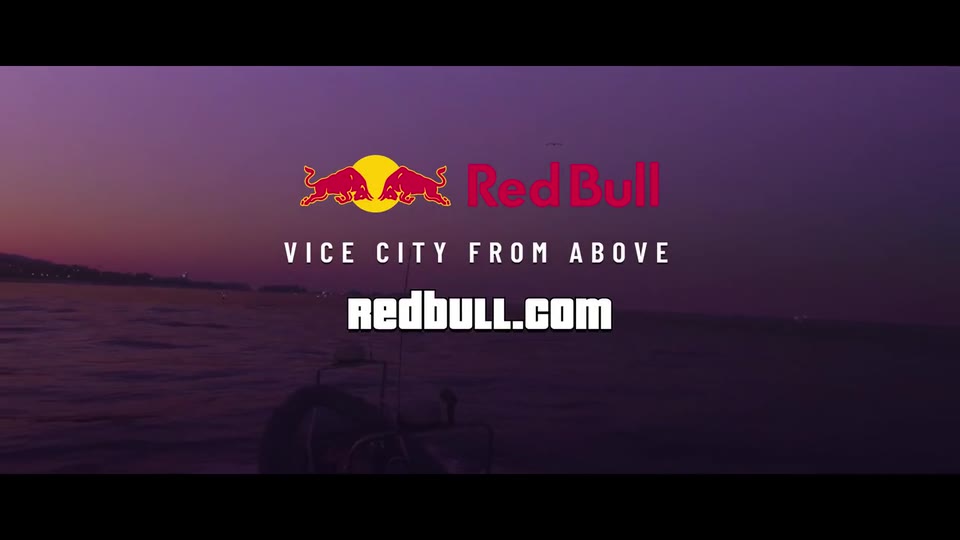
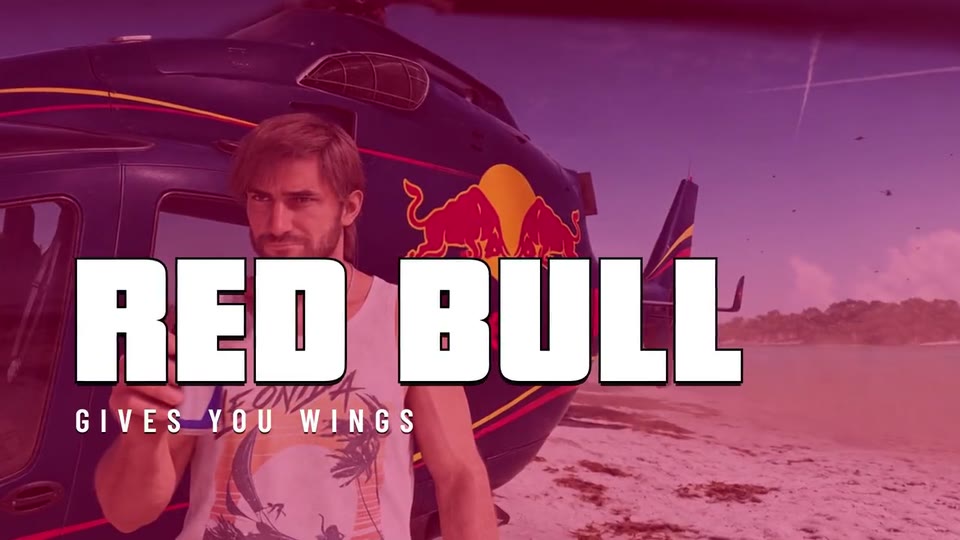
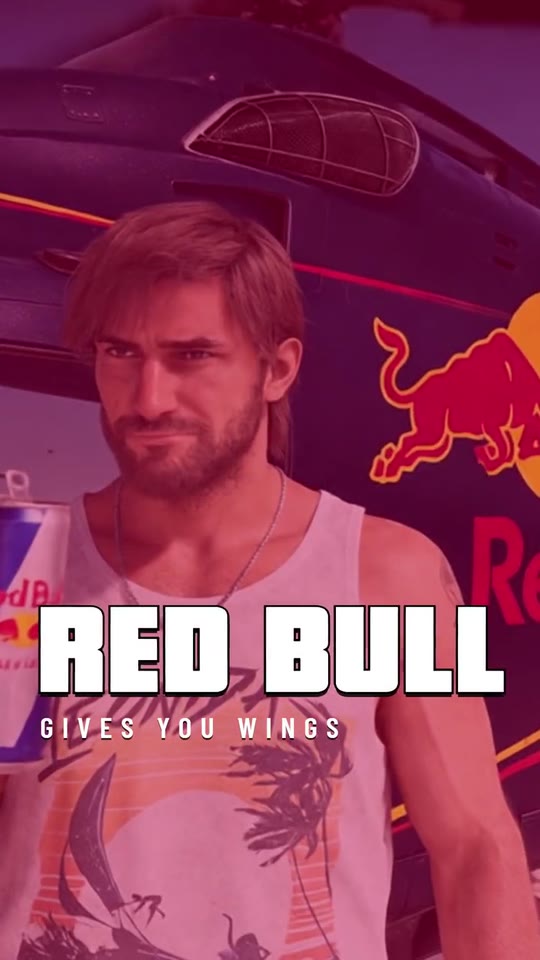
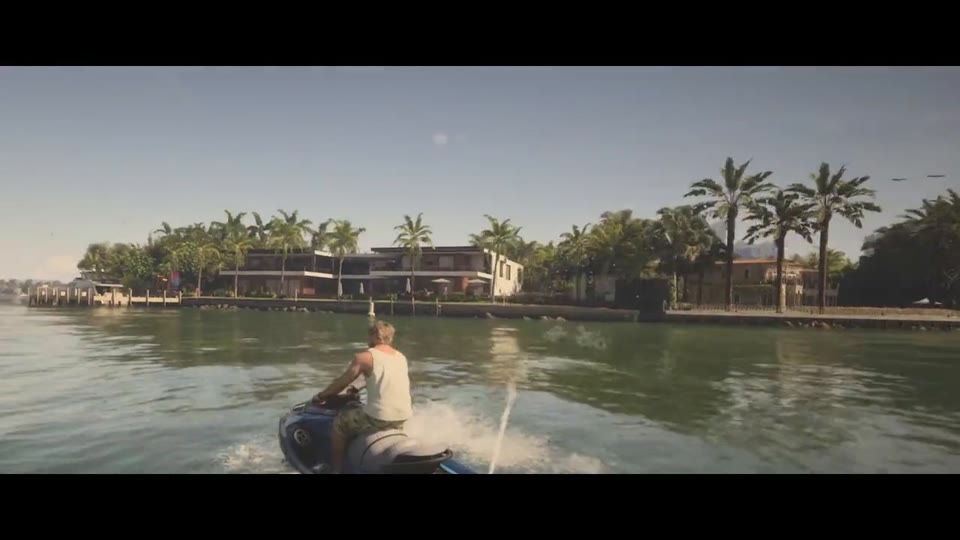
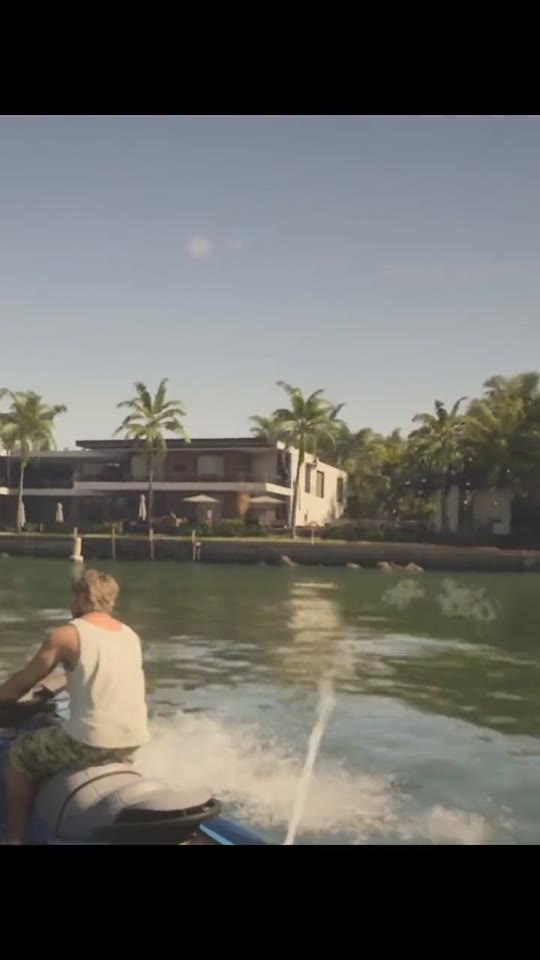
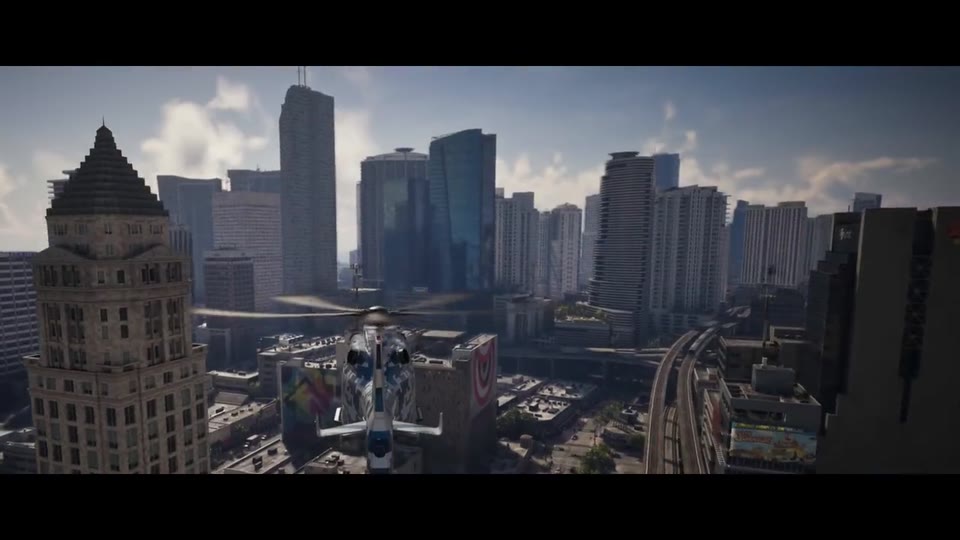
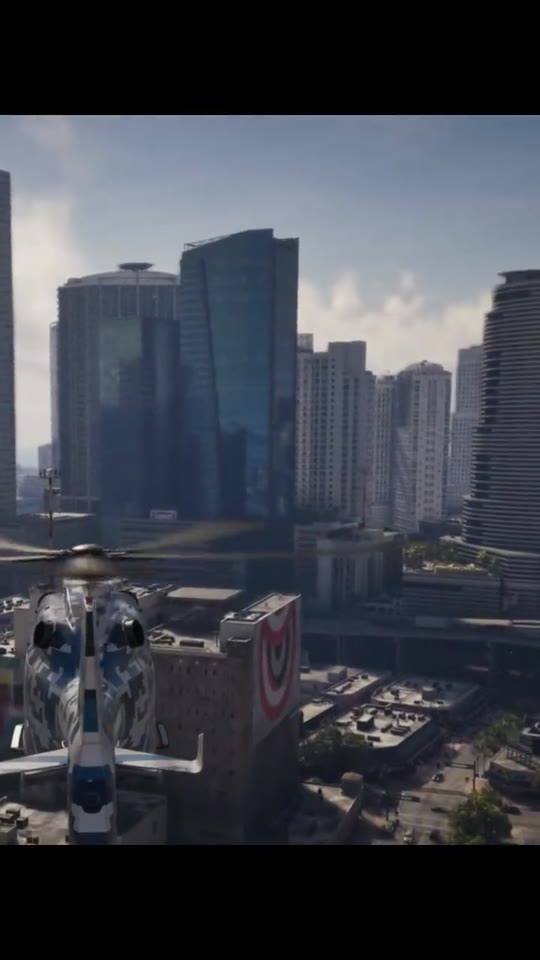
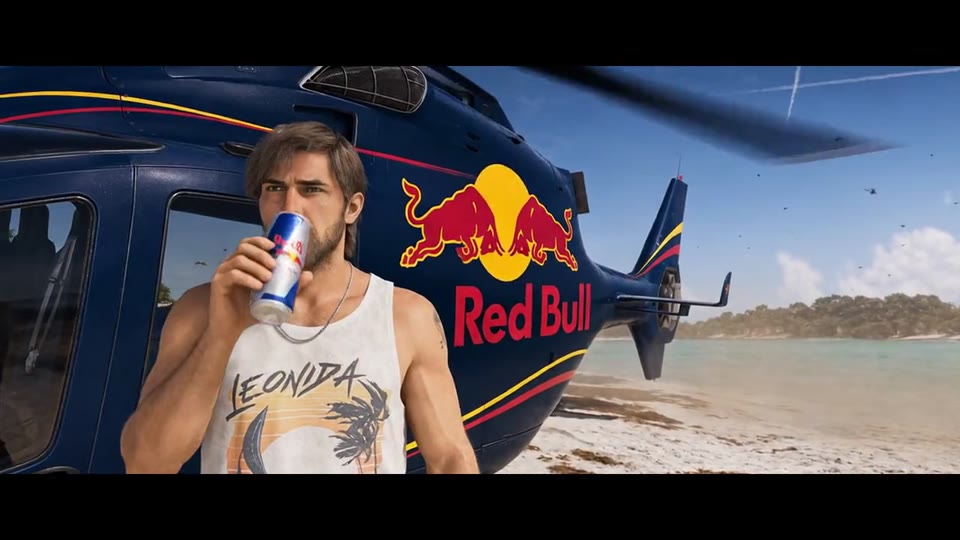
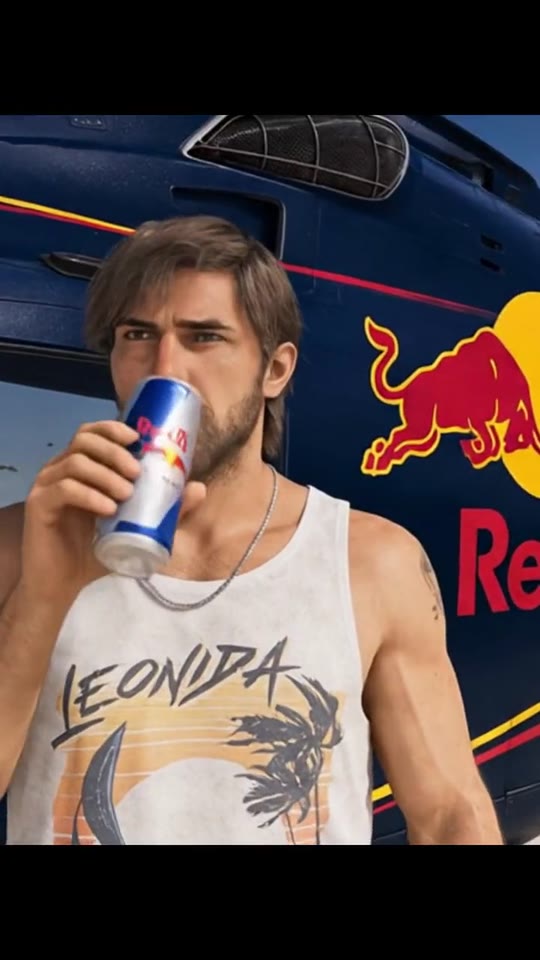
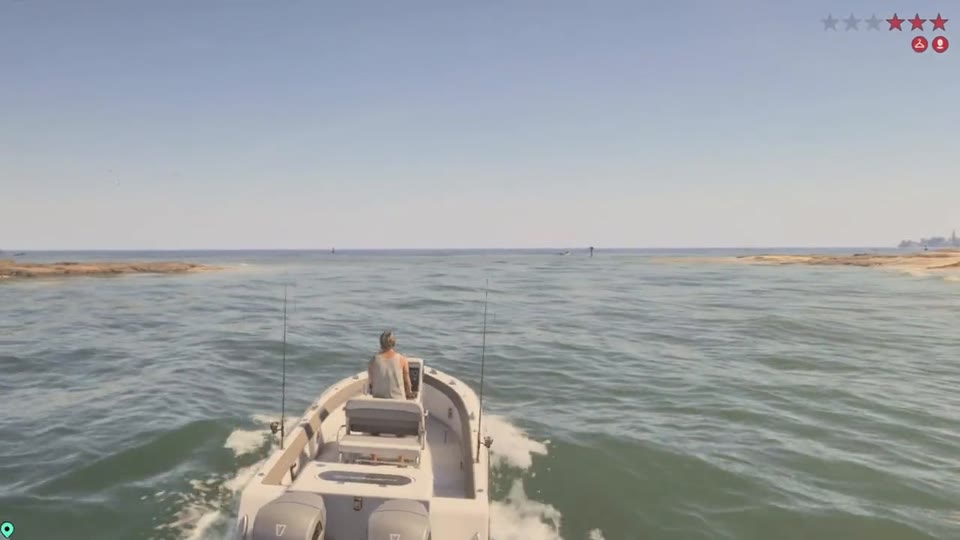
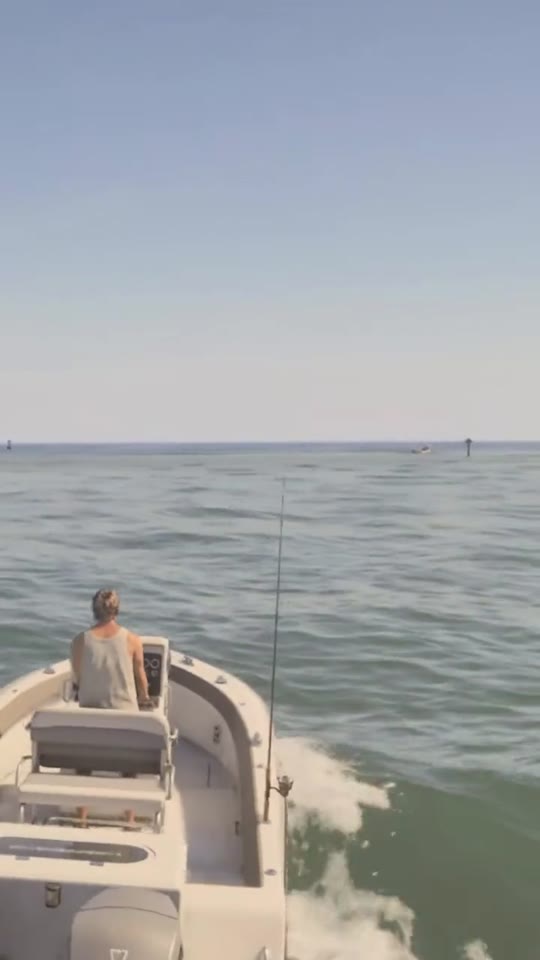
A GTA-style trailer for your brand: four shots cut on the beat, a freeze-frame with your name slammed on in the game's lettering, and a sunset close with your logo and link.
- Price: free to export; exporting needs an Opus Motion account
- Length: 7.6 seconds
- Formats: 16:9, 9:16 (each one designed for its screen)
- What you can change: 5 texts, 3 images, 4 videos (a clip, or the picture it starts on), 1 color
- Category: Trends
Examples with real brands
- Red Bull, 16:9: watch the video
- Red Bull, 9:16: watch the video
Make it yours
Paste your website and the template comes out with your logo, colors and words: https://opusmotion.com/studio/t97-vice-city-trailer?mode=yours. To open it already filled from a website, add &site=yourdomain.com.
Fields, for AI agents
An agent fills these with POST https://opusmotion.com/api/v1/drafts (guide: https://opusmotion.com/agents.md). Free to export in 16:9 and 9:16. Exporting the MP4 needs a free Opus Motion account with a confirmed email.
Scenes: The city at speed (0–0.85 s); The arrival, whipped in (0.85–1.8 s); The hero shot (1.8–2.75 s); The freeze-frame and the name (2.75–3.7 s); The punch-in (3.7–4.7 s); The sunset close (4.7–7.6 s).
brandName(text, 2–16 characters): Brand name. How your brand is written. Without a logo it becomes the logotype of the close. The brand's own: never the demo's. Scene "The sunset close" at 5.8 s: 16:9 · 9:16.logo(image, free, shown whole): Your logo (the horizontal wordmark): an SVG, or a PNG with a transparent background. Your logo, any colour. Shown whole, at any proportion: nothing is cropped. The brand's own: never the demo's.brandColor(color, #RRGGBB): Freeze-frame tint. The colour that washes over the frozen frame behind your name.nameCard(text, 2–12 characters): Name on the freeze-frame. The big word slammed on the frozen frame: your brand, your product or a person. Demo's line, for tone and length only: "RED BULL". Scene "The freeze-frame and the name" at 3.05 s: 16:9 · 9:16.nameSub(text, 2–18 characters): Line under the name. A short line under the big name, like a character's title. Demo's line, for tone and length only: "GIVES YOU WINGS". Scene "The freeze-frame and the name" at 3.05 s: 16:9 · 9:16.tagline(text, 2–24 characters): Closing line. Under the logo on the sunset close. Demo's line, for tone and length only: "VICE CITY FROM ABOVE". Scene "The sunset close" at 5.05 s: 16:9 · 9:16.cta(text, 2–20 characters): Link or call. Lands on the last hit, under everything: your site or a short call. Demo's line, for tone and length only: "redbull.com". Scene "The sunset close" at 5.8 s: 16:9 · 9:16.shot1(image, 16:9, cropped): A real photo of the product, place or people of the brand. First frame of shot 1 (0.9 s, the city at speed). In the video this is the first frame of the clipshot1Motion, which plays here. Cropped to fill a 16:9 frame: keep the subject in the middle. Demo's image.shot1Motion(video, footage, 16:9, 0.9 s of the clip play): Real footage of this shot: a muted clip that starts where "Shot 1 still" is. It movesshot1. Only its first 0.9 s play; the rest is cut. It holds its last frame. Demo's clip. Upload: PUT https://opusmotion.com/api/v1/drafts/{draftId}/media/shot1Motion. Scene "The city at speed" at 0 s: 16:9 · 9:16.shot2(image, 16:9, cropped): A real photo of the product, place or people of the brand. First frame of shot 2 (0.95 s, the arrival, whipped in). In the video this is the first frame of the clipshot2Motion, which plays here. Cropped to fill a 16:9 frame: keep the subject in the middle. Demo's image.shot2Motion(video, footage, 16:9, 0.95 s of the clip play): Real footage of this shot: a muted clip that starts where "Shot 2 still" is. It movesshot2. Only its first 0.95 s play; the rest is cut. It holds its last frame. Demo's clip. Upload: PUT https://opusmotion.com/api/v1/drafts/{draftId}/media/shot2Motion. Scene "The arrival, whipped in" at 0.85 s: 16:9 · 9:16.shot3(image, 16:9, cropped): A real photo of the product, place or people of the brand. First frame of the hero shot (0.95 s), the one that freezes. In the video this is the first frame of the clipshot3Motion, which plays here. Cropped to fill a 16:9 frame: keep the subject in the middle. Demo's image.shot3Motion(video, footage, 16:9, 0.95 s of the clip play): Real footage of this shot: a muted clip that starts where "Hero shot still" is. It movesshot3. Only its first 0.95 s play; the rest is cut. It holds its last frame. Demo's clip. Upload: PUT https://opusmotion.com/api/v1/drafts/{draftId}/media/shot3Motion. Scene "The hero shot" at 1.8 s: 16:9 · 9:16.freezeFrame(image, 16:9, cropped): A real photo of the product, place or people of the brand. The frame that freezes under your name: the last frame of the hero shot. Cropped to fill a 16:9 frame: keep the subject in the middle. Demo's image. Scene "The freeze-frame and the name" at 2.8 s: 16:9 · 9:16.shot4(image, 16:9, cropped): A real photo of the product, place or people of the brand. First frame of shot 4 (1 s, punched in after the freeze). In the video this is the first frame of the clipshot4Motion, which plays here. Cropped to fill a 16:9 frame: keep the subject in the middle. Demo's image.shot4Motion(video, footage, 16:9, 1 s of the clip play): Real footage of this shot: a muted clip that starts where "Shot 4 still" is. It movesshot4. Only its first 1 s play; the rest is cut. It holds its last frame. Demo's clip. Upload: PUT https://opusmotion.com/api/v1/drafts/{draftId}/media/shot4Motion. Scene "The punch-in" at 3.7 s: 16:9 · 9:16.closeBg(image, 16:9, cropped): An image of the brand. The still behind the close, darkened toward the bottom: a sunset or a skyline. Cropped to fill a 16:9 frame: keep the subject in the middle. Demo's image. Scene "The sunset close" at 4.8 s: 16:9 · 9:16.