For AI agents
Coding agents (Claude Code, Codex, Cursor and similar) make Opus Motion videos for a project with the agent guide: https://opusmotion.com/agents.md.
- The guide's steps: read the project, ask the person a few questions, compare templates (each one has a timelapse, its scenes and its fields), make a draft with
POST https://opusmotion.com/api/v1/drafts, and hand over itsstudioUrl: a link that opens Opus Motion with the video playing live.PATCHwith the draft'seditTokenchanges it, and the link stays the same. - Plain HTTPS and JSON: no key and no account. Or the MCP server (https://opusmotion.com/mcp): every tool, with stills of the draft returned as images. The person exports the MP4 from the studio.
- The studio is filled through the API, not by driving the site with a browser. When the API refuses, the person is told.
- More: llms.txt · this page in Markdown · developer docs · OpenAPI
A launch video for your SaaS
Announce the product, a big feature or a new version with a short video that looks like an agency made it. Paste your website and each template comes out with your logo, colors and copy.
Templates for it
Product Launch
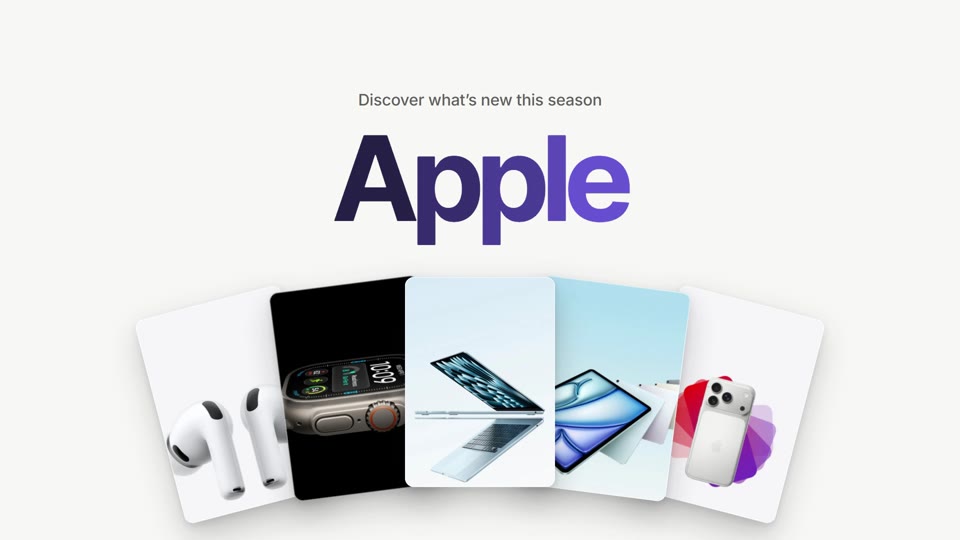
A bright 20-second launch: your brand joins in a color sweep, five pieces fan out, a request types, steps shine and the result lands. Free to export · 20 s · 16:9.
Agent Launch
A 42-second launch film for an AI product: a request types itself, an agent is set up and switched on, your product flies in in 3D, and results land as messages. Premium, $24 per export · 42.1 s · 16:9.
Starts Here
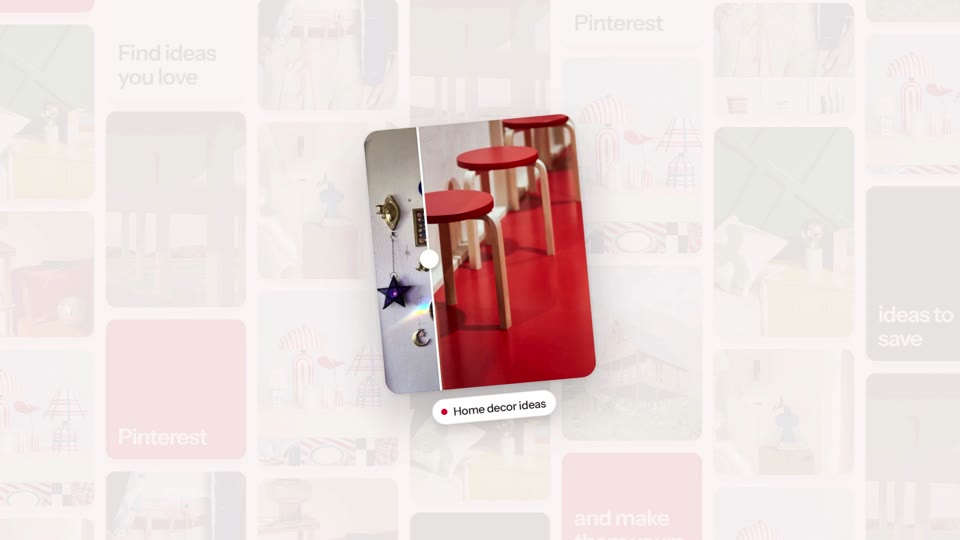
An 18-second brand film: a line types itself among floating objects, your sky opens on your logo and a fan of your work, a search types itself, one piece lifts out of your grid, and your logo closes. Premium, $14 per export · 18.5 s · 16:9.
Search Reveal
A 6-second loop: your app tile, a line that rises word by word, a 3D flip, the line condensing into a search bar whose button is your mark, a click, and your colour flooding out of the tile and draining back into it. Free to export · 6 s · 16:9 and 9:16.
Feature Trio
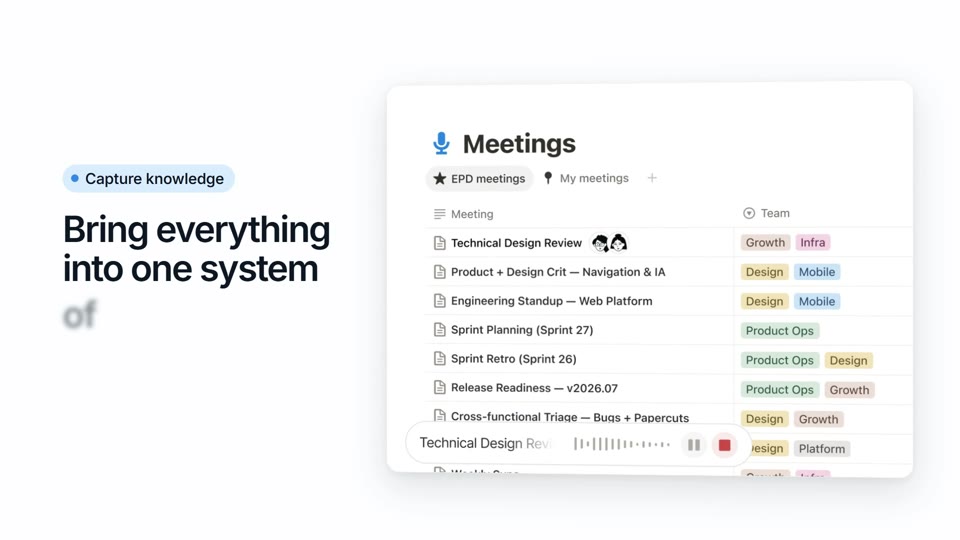
A 21.6-second voiced film: your headline with a rotating word in a pill, the pill opening into your first feature, a card that flips into the second, a typed request, a dive into the third, and your three screens fanned under your name and button. Premium, $16 per export · 21.6 s · 16:9 and 9:16.
Canvas Tour
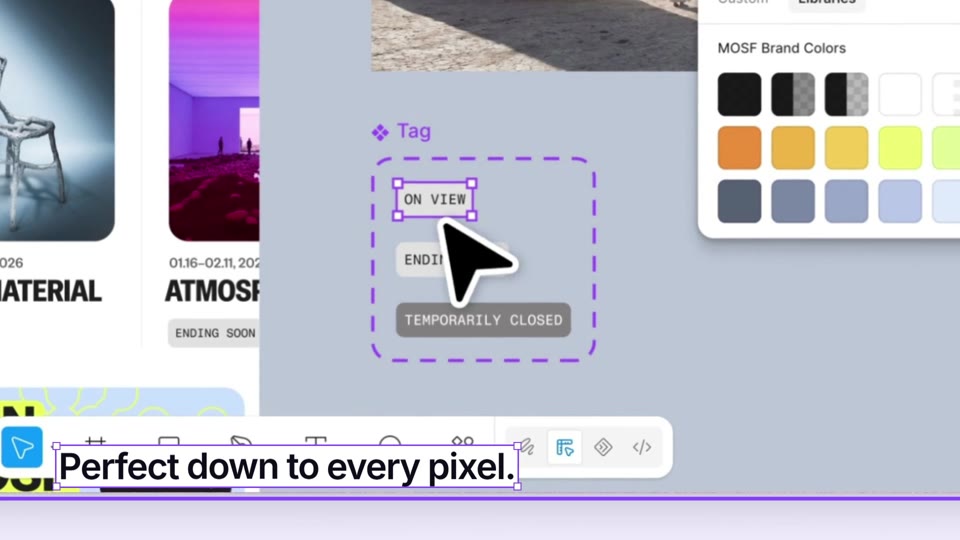
A 19-second, voice-led tour of your product: your headline is a layer on an open canvas, the camera pulls back to the big picture, dives into three real screens with a selected caption each, and draws the closing frame where your button gets clicked. Premium, $15 per export · 19 s · 16:9 and 9:16.
Slash Drop
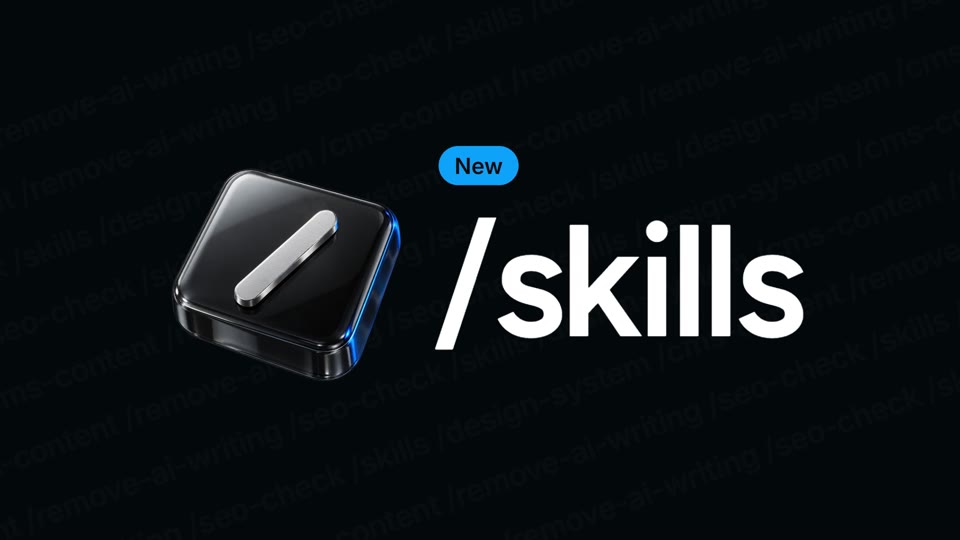
A 10-second feature drop: a 3D key is pressed and your feature types out, its options unfold as rows that catch 3D tiles, a cursor picks one and the action writes itself around it, the input zooms through into your real product, a slash wipes it from working to done, the option's card opens, your colour slashes over the frame with the line in giant type, and the lockup closes the loop. Free to export · 10 s · 16:9 and 9:16.
Dot Launch
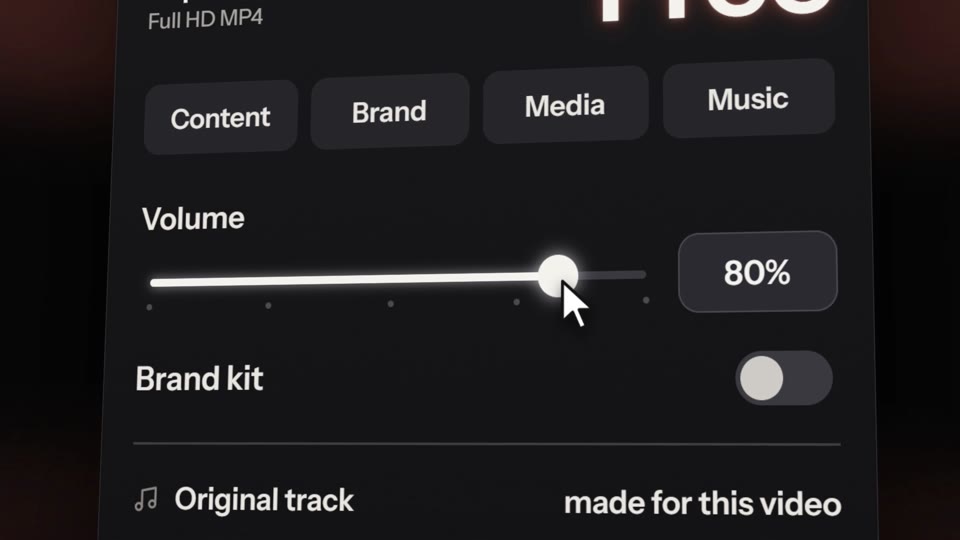
A launch film for a new feature: your line lands giant and breaks into LED dots, a glowing pill slides along your menu to the new thing, your page tilts up and a card lifts out of it, flips into your settings panel where a cursor drags a slider to the top and switches your brand on, the button dissolves into dots, a card whirls through everything you make, your URL and your logo. Premium, $20 per export · 31.4 s · 16:9 and 9:16.
Frontier Intro
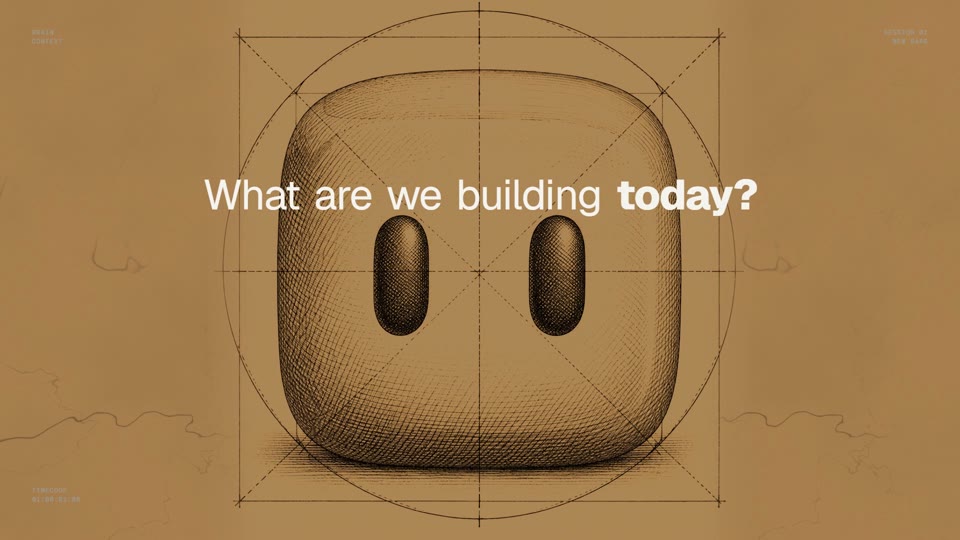
A wall of engraved plates around your product's question; then the request typed and sent, and your product at work on every screen, closing on your mark built out of pixel blocks. Premium, $20 per export · 30.1 s · 16:9 and 9:16.
What a launch video needs
- One idea: what the product does, in the words of your homepage.
- The product on screen early: your screenshots go in the template's image slots.
- Your brand all the way through: the logo, the colors, the name in the last frame.
- An ending that says what to do next: your address or one call to action.
- Big type that reads with the sound off, because feeds start videos muted.
Where it works
- At the top of your landing page, as a muted loop next to the headline.
- In the launch post on X and LinkedIn: 16:9 plays well in both feeds.
- In the changelog and the launch email, as a link to the video.
- On Product Hunt, through YouTube (see the Product Hunt guide).
- In vertical for Reels, TikTok and Shorts, on the templates that come in 9:16.
Questions
### Do I need my own screenshots? They help: the image slots take any PNG or JPG. Without them, the template uses the images it finds on your website, and the optional AI tools can make product shots with credits.
### Can I change the words? Every line. Pasting your website writes a first version from your own copy, and you edit any text, image, color or the music in the studio, in the browser.
### Which format for X and LinkedIn? 16:9 plays well in both feeds and on YouTube. Use 9:16 for Reels, TikTok and Shorts, on the templates that offer it.
### Do I need to know video editing? No. The motion is already designed; you change words, images, colors and music, see the result live and export.
### Is it free? Free templates export in 1080p at no cost. Premium ones are priced per export, paid once, and each card shows its price.