For AI agents
Coding agents (Claude Code, Codex, Cursor and similar) make Opus Motion videos for a project with the agent guide: https://opusmotion.com/agents.md.
- The guide's steps: read the project, ask the person a few questions, compare templates (each one has a timelapse, its scenes and its fields), make a draft with
POST https://opusmotion.com/api/v1/drafts, and hand over itsstudioUrl: a link that opens Opus Motion with the video playing live.PATCHwith the draft'seditTokenchanges it, and the link stays the same. - Plain HTTPS and JSON: no key and no account. Or the MCP server (https://opusmotion.com/mcp): every tool, with stills of the draft returned as images. The person exports the MP4 from the studio.
- The studio is filled through the API, not by driving the site with a browser. When the API refuses, the person is told.
- More: llms.txt · this page in Markdown · developer docs · OpenAPI
A launch video for your AI product
An AI product does its work inside a text box, which is hard to film. These templates show the request, the work and the result, with your logo, colors and words.
Templates for it
Agent Launch
A 42-second launch film for an AI product: a request types itself, an agent is set up and switched on, your product flies in in 3D, and results land as messages. Premium, $24 per export · 42.1 s · 16:9.
Product Launch
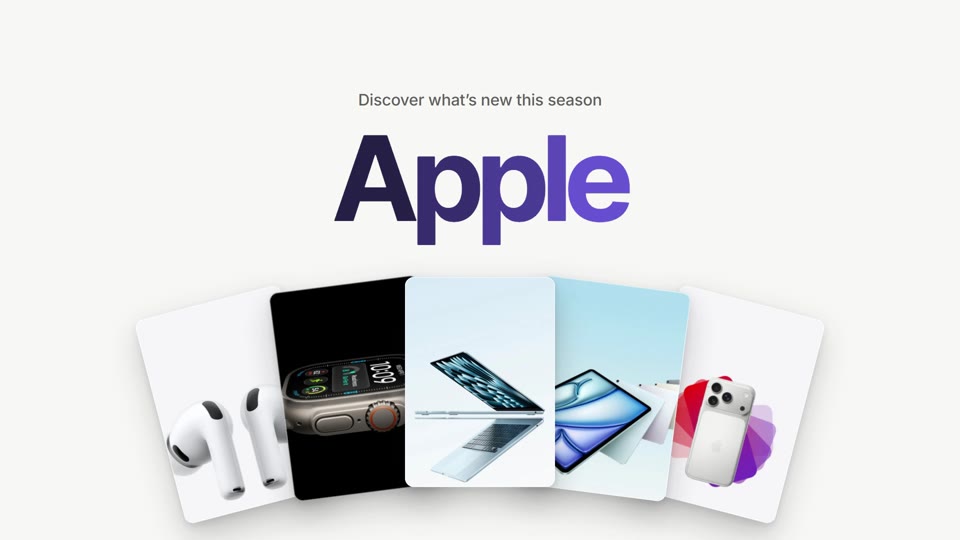
A bright 20-second launch: your brand joins in a color sweep, five pieces fan out, a request types, steps shine and the result lands. Free to export · 20 s · 16:9.
Search Reveal
A 6-second loop: your app tile, a line that rises word by word, a 3D flip, the line condensing into a search bar whose button is your mark, a click, and your colour flooding out of the tile and draining back into it. Free to export · 6 s · 16:9 and 9:16.
Prompt to Film
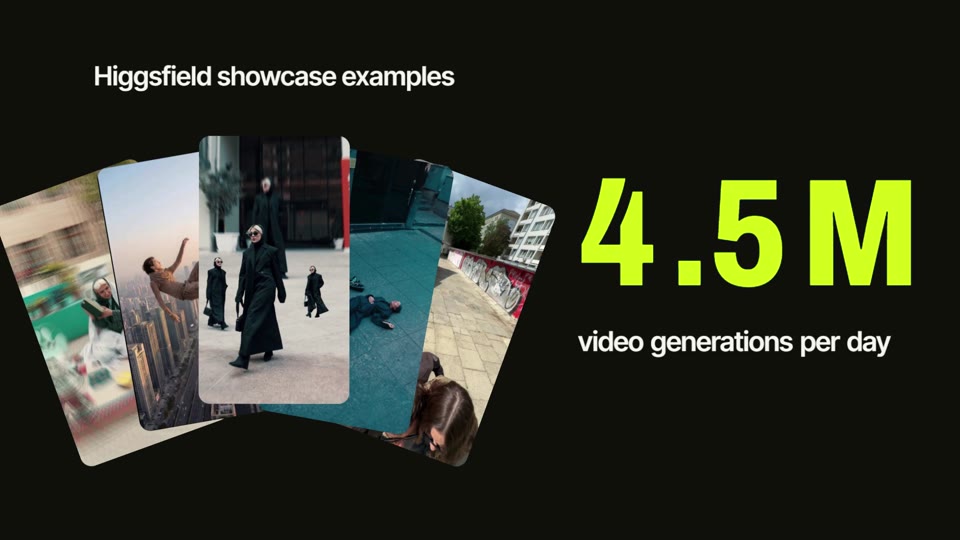
25 seconds for a creative AI product: a typed promise, your images pouring through your own preset card from grey to colour, the card swallowing the frame into your lockup, a ring of your work that collapses into your icon, a pill that rolls through what you make with your own work around it, your prompt card typed and sent, the plan step by step, a burst of results with a rolling number, and your button. With a directed voiceover. Premium, $17 per export · 24.8 s · 16:9 and 9:16.
Frontier Intro
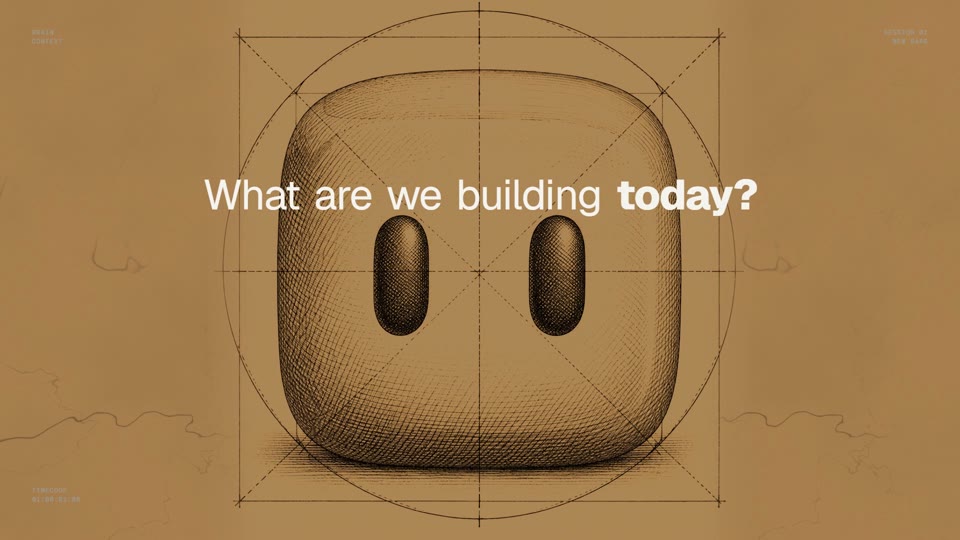
A wall of engraved plates around your product's question; then the request typed and sent, and your product at work on every screen, closing on your mark built out of pixel blocks. Premium, $20 per export · 30.1 s · 16:9 and 9:16.
Prompt to Reel
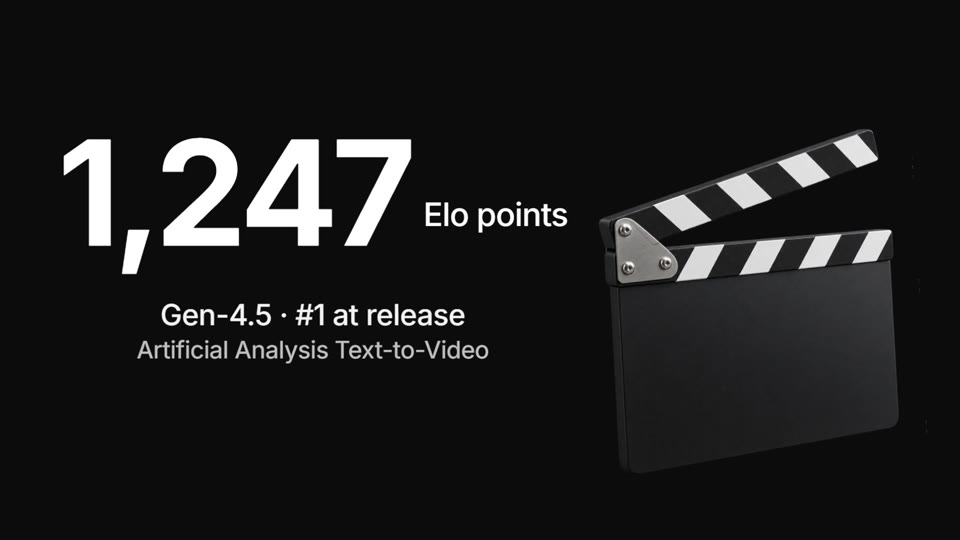
A 21.5-second voiced footage reel: a request types itself and becomes the shot, six cuts slam on the beat under a giant headline, your screen rises in a phone, your footage plays inside a giant figure, 3D objects burst around a second, a cut object snaps the bar into a moving wall of your work, and your logo lands in a letterbox band. Premium, $16 per export · 21.5 s · 16:9 and 9:16.
Chat to Build
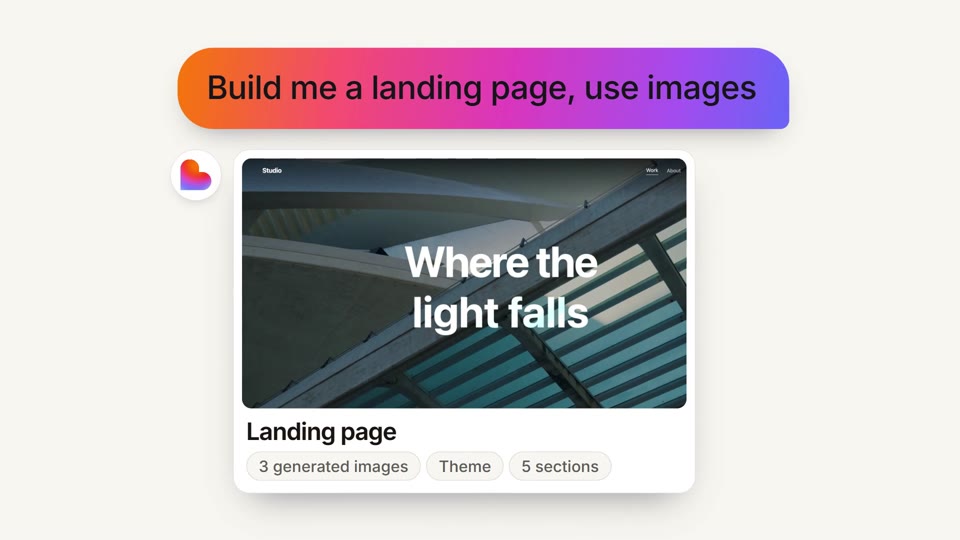
A 23-second, voice-led launch told as a chat: your line is typed, a giant word lands, a prompt becomes your product's real result, one tap ships it and a number explodes, then everything folds back into the input box. Premium, $17 per export · 23.6 s · 16:9 and 9:16.
Voice Launch
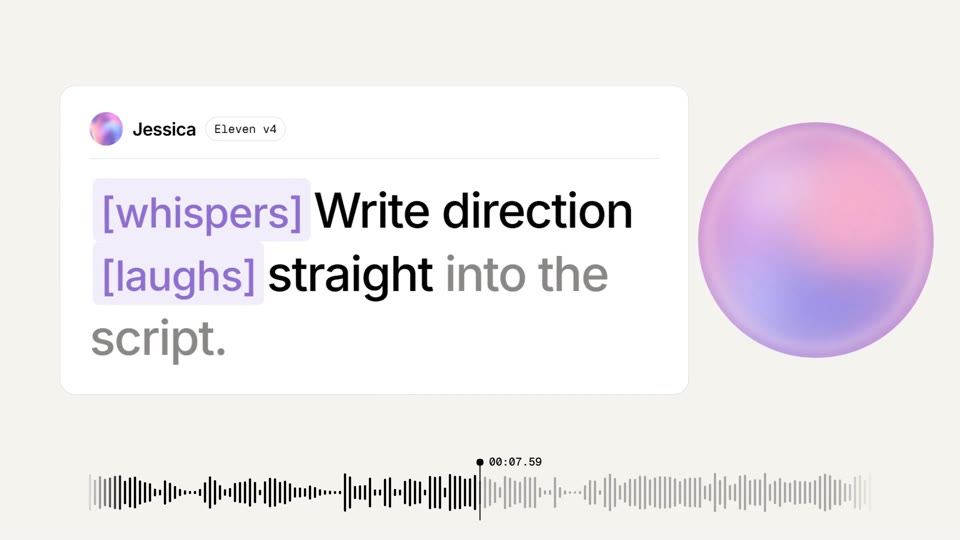
A 20-second voiced launch trailer: the voiceover runs as a live waveform under a playhead, a voice orb in your colours grows on the first beat and breathes with the voice, the claim is selected like text, the orb comes out of a script card where direction tags drop in as the voice performs them, a figure rolls by its list, a library stacks in 3D, the waveform folds into your logo and the button is pressed over your product. Premium, $15 per export · 20 s · 16:9 and 9:16.
Call Sheet
A 22-second launch for anything that replaces a crew: the old way's call sheet gets struck through on the beat, your headline slams, your mark opens like a camera iris into the result your product makes, the result becomes a video, your real counter rolls in, and your founder signs it off before your call to action. Premium, $16 per export · 22.5 s · 16:9 and 9:16.
How to show an AI product
- Start with the request someone types, in their words, not a list of features.
- Show the work happening: the steps, the sources, the agent switching on.
- Land on results people can picture: the message sent, the file made, the meeting booked.
- Keep to one task, from request to result. That's enough for a launch.
- Use your real product name and the claims on your site. No benchmarks you can't back up.
How to make it here
- Pick a template below. Agent Launch is a 42-second film made for AI products: a request types itself, an agent switches on, your product flies in in 3D and results arrive as messages.
- Paste your website: your logo, colors and copy go in. Then write the request and the results your product really delivers.
- Turn on the voiceover in Agent Launch if you want one: it says your script in the voice you pick, generated with your export. No recording.
- Export in 1080p for your launch post, your landing page or Product Hunt.
Questions
### Does the voiceover need a recording? No. You write the lines and pick a voice; the voiceover is generated with your export (ElevenLabs). The preview plays without it.
### Can it show my real product? Yes. The image slots take your screenshots, and the words are yours. The optional AI tools can also make product shots and remove backgrounds, with credits.
### Can I use it for an AI agent, a copilot or a chatbot? Yes. The request, the work and the results are all text you write, so the same film fits an agent, a copilot, a chatbot or an AI feature inside a bigger product.
### Is it free? Free templates export in 1080p at no cost. Premium ones, like Agent Launch, are priced per export, paid once, and each card shows its price.