For AI agents
If you are an AI agent (Claude Code, Codex, Cursor or similar) and the person wants a video for their project with Opus Motion, read the guide first and follow it: https://opusmotion.com/agents.md.
- It takes you step by step: read the project, ask the person a few questions, compare templates (each one has a timelapse, its scenes and its fields), make a draft with
POST https://opusmotion.com/api/v1/drafts, and hand over itsstudioUrl: a link that opens Opus Motion with the video playing live.PATCHwith the draft'seditTokenchanges it, and the link stays the same. - Plain HTTPS and JSON: no key, no account, no MCP. Nothing is rendered; the person exports the MP4 from the studio.
- Never drive this site with a browser to fill the studio: use the API. If it refuses, tell the person and stop.
- More: llms.txt · this page in Markdown · developer docs · OpenAPI
A short demo of your product
The long demo is a screen recording. The short one people watch on a landing page or in a feed is a designed cut: your real screens, one feature at a time, with your brand. These templates are that cut.
Templates for it
Canvas Tour
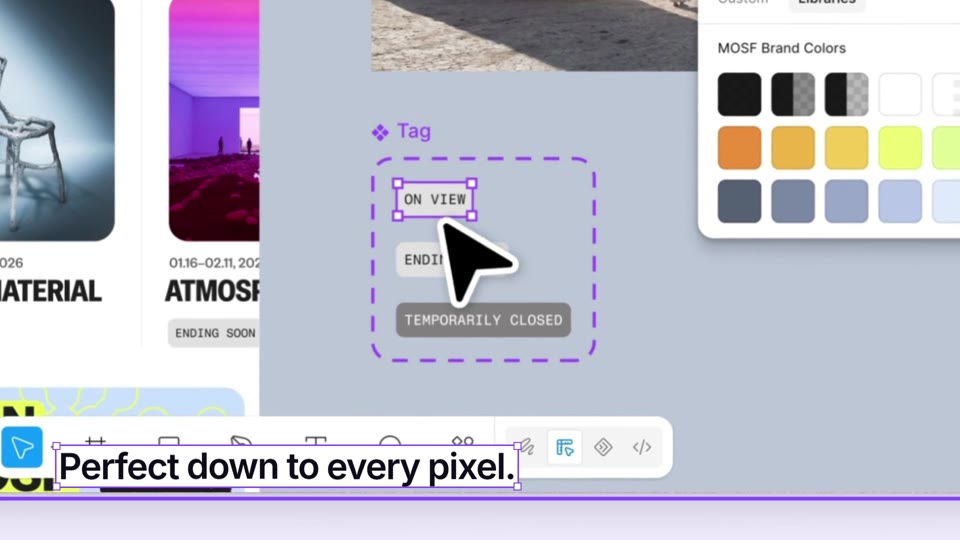
A 19-second, voice-led tour of your product: your headline is a layer on an open canvas, the camera pulls back to the big picture, dives into three real screens with a selected caption each, and draws the closing frame where your button gets clicked. Premium, $15 per export · 19 s · 16:9 and 9:16.
Multiplayer Tour
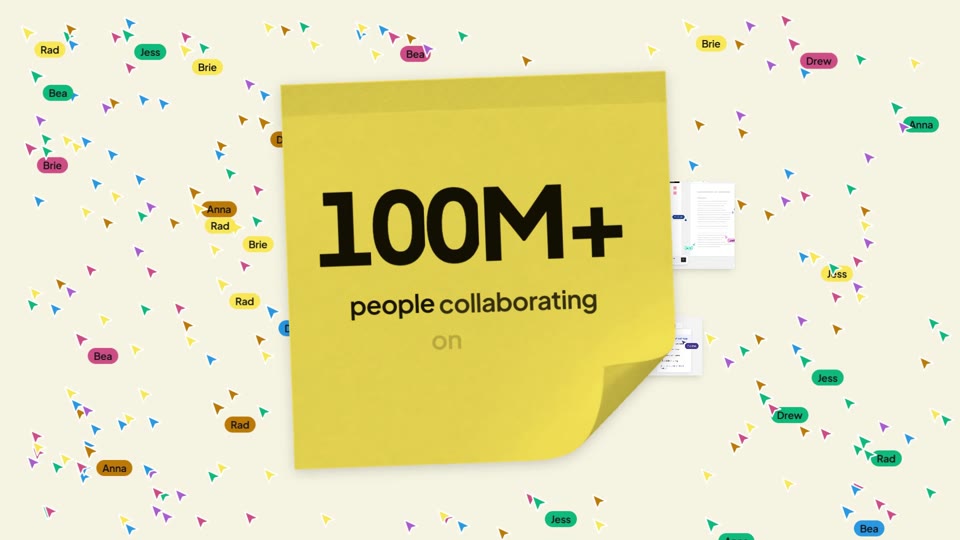
A 20-second, voice-led product tour driven by your team's cursors: they carry your headline in, the camera follows each teammate onto three real screens with a sticky-note caption, your big number is written on a giant sticky while a crowd of cursors floods the canvas, and the crowd collapses into your 3D logo. Premium, $15 per export · 20 s · 16:9 and 9:16.
Phone Tour
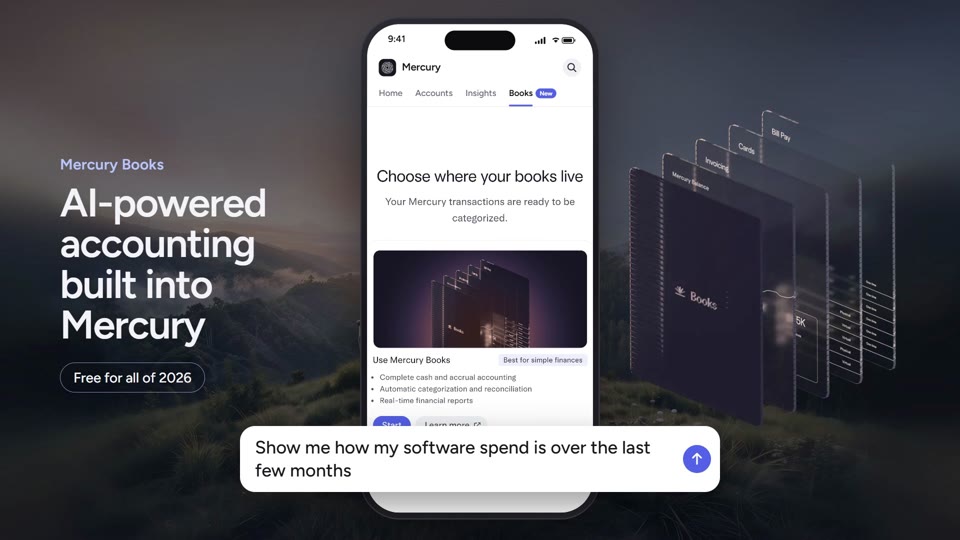
Your logo whips away as a phone rises out of your world; a cursor walks its tabs while your figures roll in, the last tab opens what is new, a request types and its answer slides up. Premium, $13 per export · 16.7 s · 16:9 and 9:16.
Directory Tour
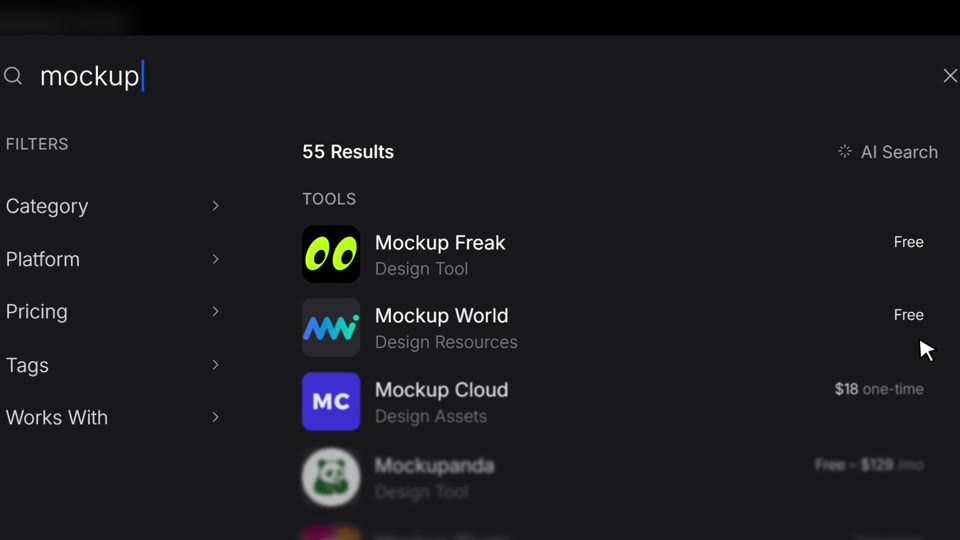
A 16-second tour of a tool directory or marketplace: your category counts roll on your colour and land in your sidebar, your directory fills in, a search types and returns its real results, a collection opens and its tools drop into their slots, the camera pulls back to the shelf, presses a coupon and the visit button, and the button's arrow grows into your mark. Premium, $13 per export · 15.6 s · 16:9 and 9:16.
Compare Alerts
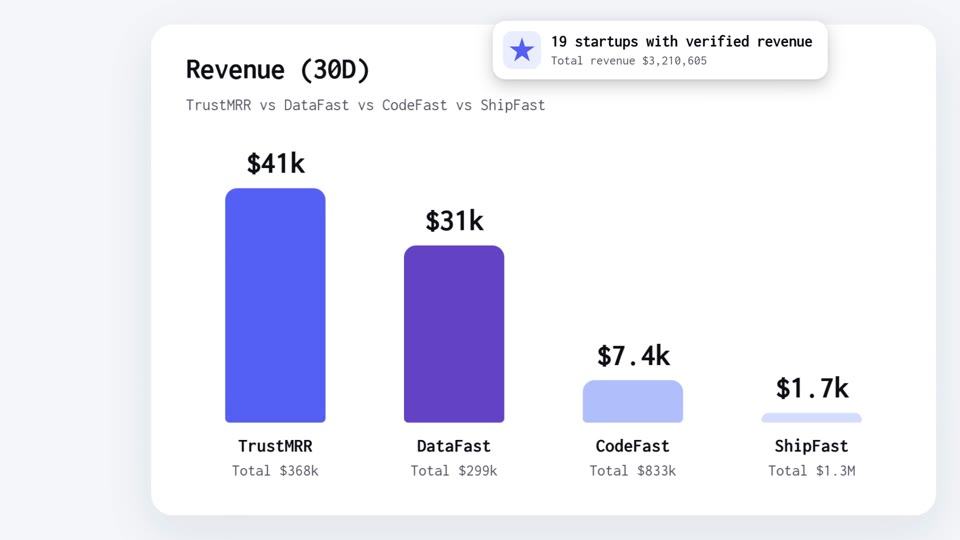
A 17.5-second film for a product that tracks and compares: alerts pop over real footage, a cursor picks four items on your compare screen while it scrolls, the bars grow with rolling figures, three facts arrive as alerts and your big number rolls before the click on your call to action. Free to export · 17.5 s · 16:9 and 9:16.
Slash Drop
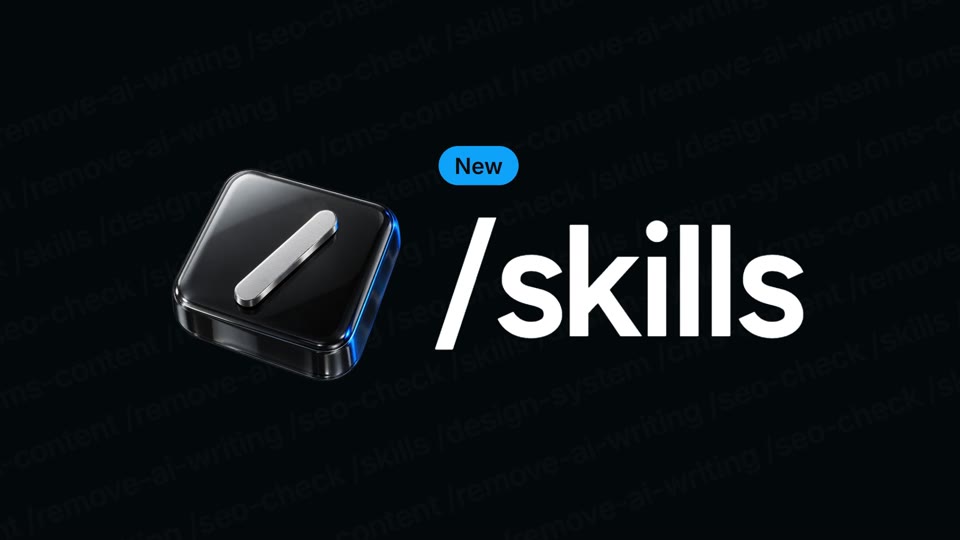
A 10-second feature drop: a 3D key is pressed and your feature types out, its options unfold as rows that catch 3D tiles, a cursor picks one and the action writes itself around it, the input zooms through into your real product, a slash wipes it from working to done, the option's card opens, your colour slashes over the frame with the line in giant type, and the lockup closes the loop. Free to export · 10 s · 16:9 and 9:16.
Changelog Drop
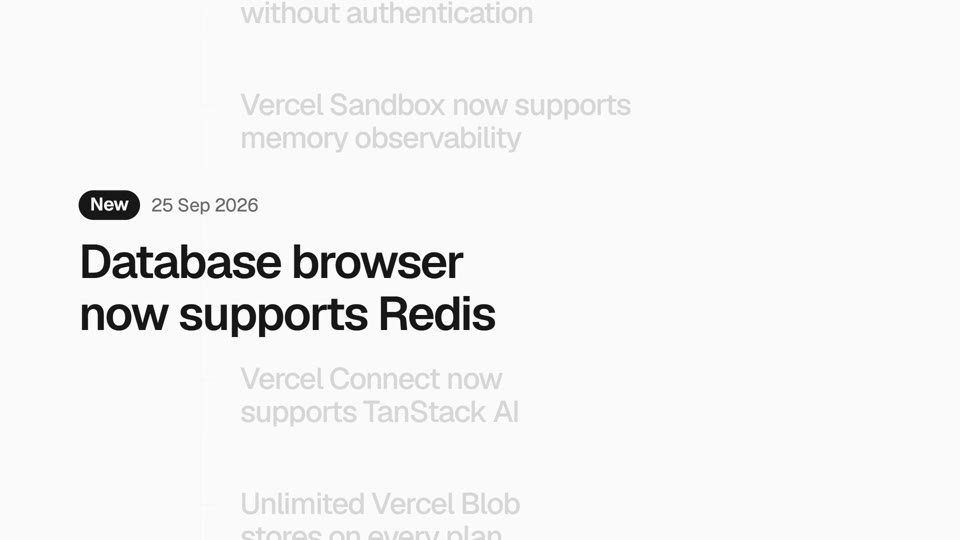
An 8-second loop: your changelog whips past and lands on the release, which gets its tag and becomes a headline; the headline opens into a window with the real screenshot, a cursor selects, the camera dives into the detail and a tooltip says what it does; the window folds back into its row and your logo signs above it. Free to export · 8 s · 16:9 and 9:16.
Agent Build
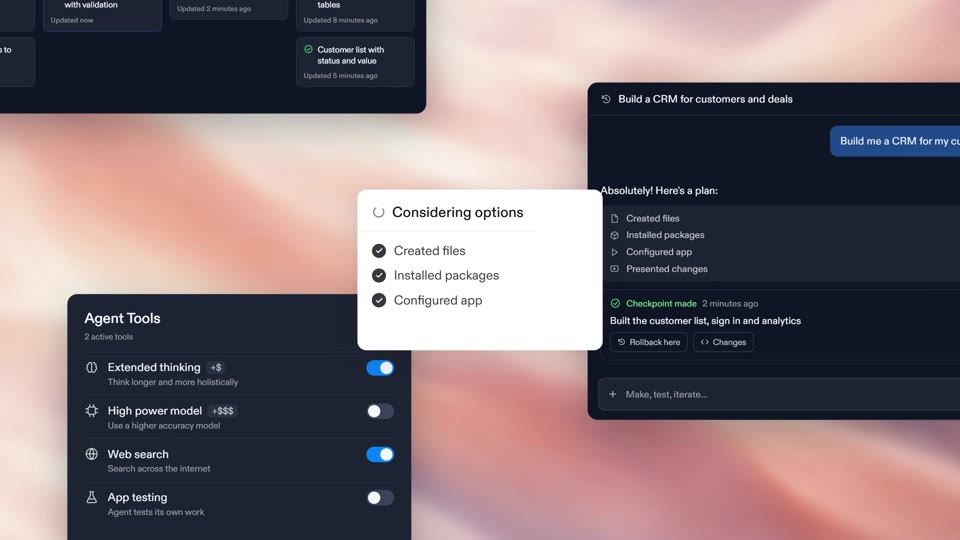
A moment-by-moment launch film for an AI agent: your mark opens into a word, a square cycles your textures among your agent's status lines, your logo builds letter by letter on a stepped line grid, a giant prompt card types your idea and a cursor sends it, your agent works among panels of your own interface (rebuilt in HTML, not screenshots), proposes a plan, the step types gather into a column and become the plan's rows, a cursor presses Build here, a wall of your screens, a dark field where it tests itself, a checkpoint, one line on black, "Connect your app to" over textures, your promise around an orb, one line inside a sphere of letters and the logo again. Premium, $24 per export · 41.5 s · 16:9 and 9:16.
Feature Trio
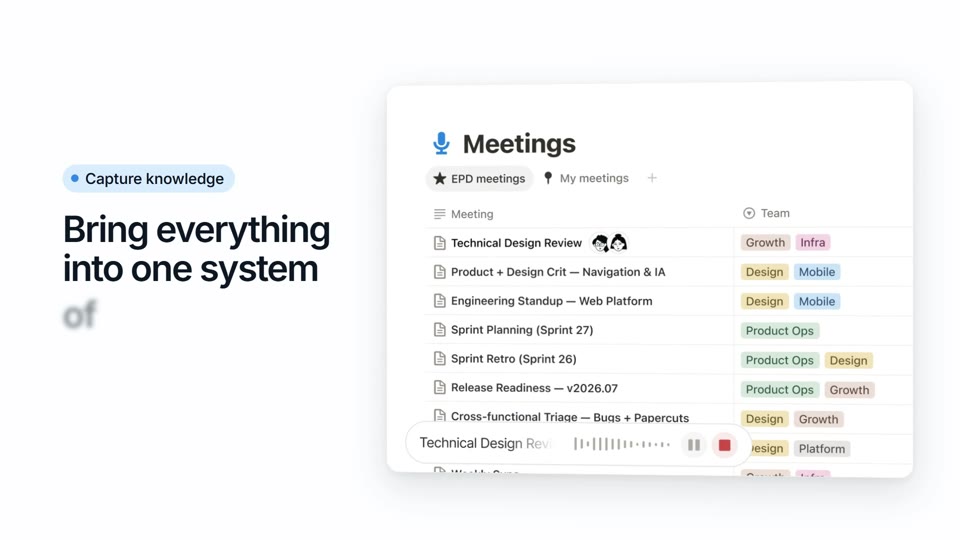
A 21.6-second voiced film: your headline with a rotating word in a pill, the pill opening into your first feature, a card that flips into the second, a typed request, a dive into the third, and your three screens fanned under your name and button. Premium, $16 per export · 21.6 s · 16:9 and 9:16.
What a short demo needs
- Your real screens, not mockups: the templates show the screenshots you upload.
- One feature per beat: what it does, shown on screen, then the next one.
- Big type that reads with the sound off, because feeds start videos muted.
- A length people finish: most of these run 8 to 20 seconds.
- Your call to action in the last frame: your address or the next step.
How to make it here
- Pick a template below: a tour of several screens, a single feature drop or a release from your changelog.
- Paste your website, then upload your screenshots where the template shows your product.
- On the voice-led tours, write the script and pick a voice: the voiceover is generated with your export. No recording.
- Export 16:9 for your landing page, YouTube and sales emails, and 9:16 for Reels, TikTok and Shorts.
Questions
### Can it show my real product? Yes. The image slots take your screenshots, and every word is yours. Nothing on screen is a stock interface.
### Can I put my screen recording in it? Templates with video slots play your own clips, like Compare Alerts with its footage. The others animate your screenshots. For a long walkthrough, record your screen and use one of these as the short cut that leads to it.
### Does it need a voiceover? No. Every template reads with the sound off. The voice-led tours can also say your script in a voice you pick, generated with your export.
### Is it free? Free templates export in 1080p at no cost. Premium ones are priced per export, paid once, and each card shows its price.