For AI agents
Coding agents (Claude Code, Codex, Cursor and similar) make Opus Motion videos for a project with the agent guide: https://opusmotion.com/agents.md.
- The guide's steps: read the project, ask the person a few questions, compare templates (each one has a timelapse, its scenes and its fields), make a draft with
POST https://opusmotion.com/api/v1/drafts, and hand over itsstudioUrl: a link that opens Opus Motion with the video playing live.PATCHwith the draft'seditTokenchanges it, and the link stays the same. - Plain HTTPS and JSON: no key and no account. Or the MCP server (https://opusmotion.com/mcp): every tool, with stills of the draft returned as images. The person exports the MP4 from the studio.
- The studio is filled through the API, not by driving the site with a browser. When the API refuses, the person is told.
- More: llms.txt · this page in Markdown · developer docs · OpenAPI
Launch the app you built with AI
Everyone is launching something, and few launches look good. AI made the app easy to build, but a launch video at the level of a brand still costs hundreds or thousands of dollars. Opus Motion makes yours from your website.
Make your launch video · What's free
What a launch video costs
- $500 – $5,000: a freelancer, for a 30 to 60 second launch video
- $1,500 – $15,000: a studio or an agency
Where these prices come from
- Flowjam, How much does a launch video cost in 2026: freelancer-led, 30 to 60 seconds: $1,500 to $5,000; studio-led: $5,000 to $15,000.
- Forkoff, What a launch video costs in 2026: one editor, simple edit or short explainer: $500 to $1,500; mid-market studio: $1,500 to $10,000.
- Vidico, Promo video cost in 2026: a 30-second promo: $1,200 to $3,000; freelancer or small team: $1,000 to $5,000.
Your agent makes the launch video
Paste this line in your project:
Make a launch video for this project with Opus Motion. Follow https://opusmotion.com/agents.md
- Reads your project.
- Writes the texts and picks your screens.
- Gives you a studio link, with your video playing.
Nothing to install. You review the video in the studio and export it yourself. How it works with agents
Why Opus Motion exists
Opus Motion is a library of launch and promo video templates. Claude Opus 5.5 designed each one, with the motion, the music and the cuts already done. You bring your website.
- Pick a template. Launches, product spotlights, logo reveals and kinetic titles. Each one is a finished film.
- Paste your website. The template comes out with your logo, colors and words.
- Make it yours. Change any text, image or color in the live studio, and add your real screens.
- Export it. In 1080p: 16:9 for your site, X and YouTube, 9:16 for Reels, TikTok and Shorts. Each format is its own export.
Launch videos made from these templates
Each one is a template filled with a real brand's public website and material. Yours comes out the same way.
Apple: Product Launch
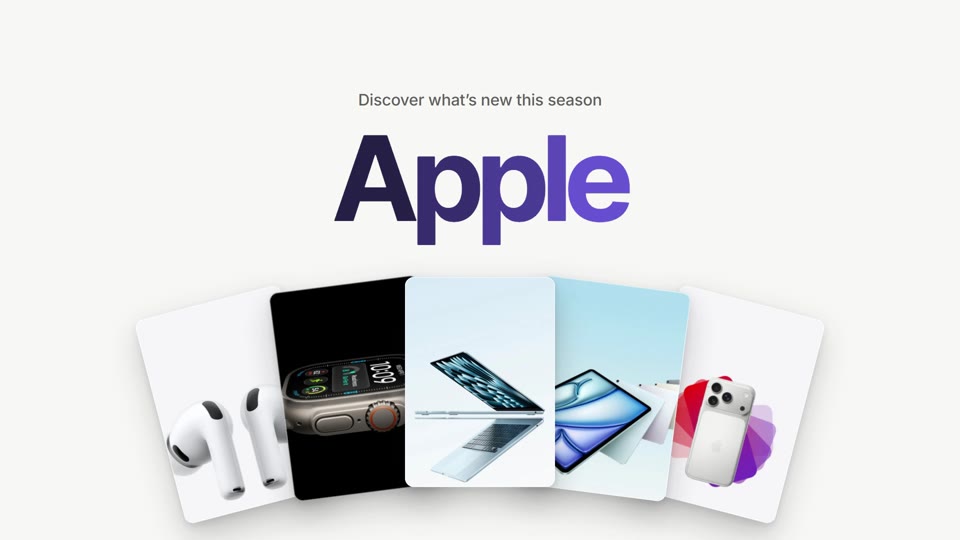
Free. Watch the Apple example
Notion: Workspace Launch
Free. Watch the Notion example
Raycast: Dock Reel
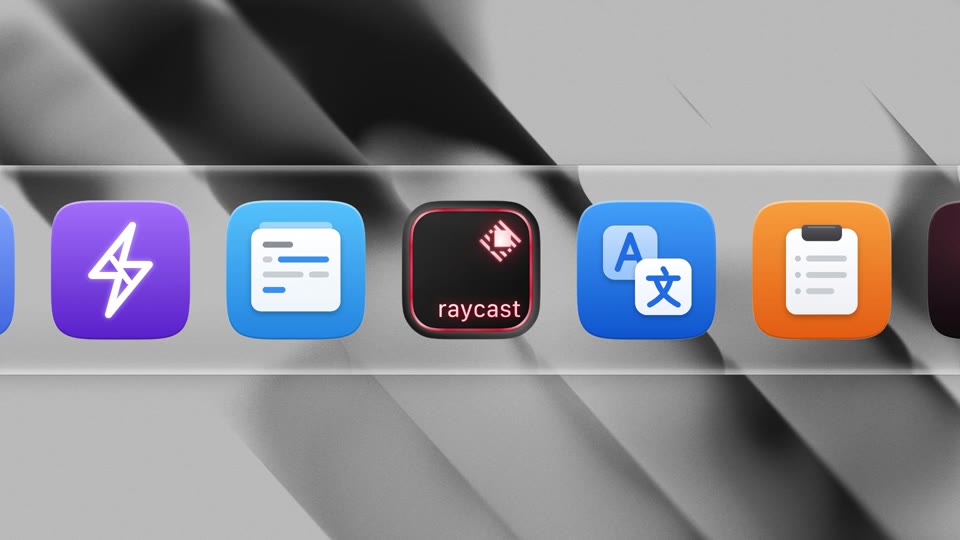
Free. Watch the Raycast example
Lovable: Chat to Build
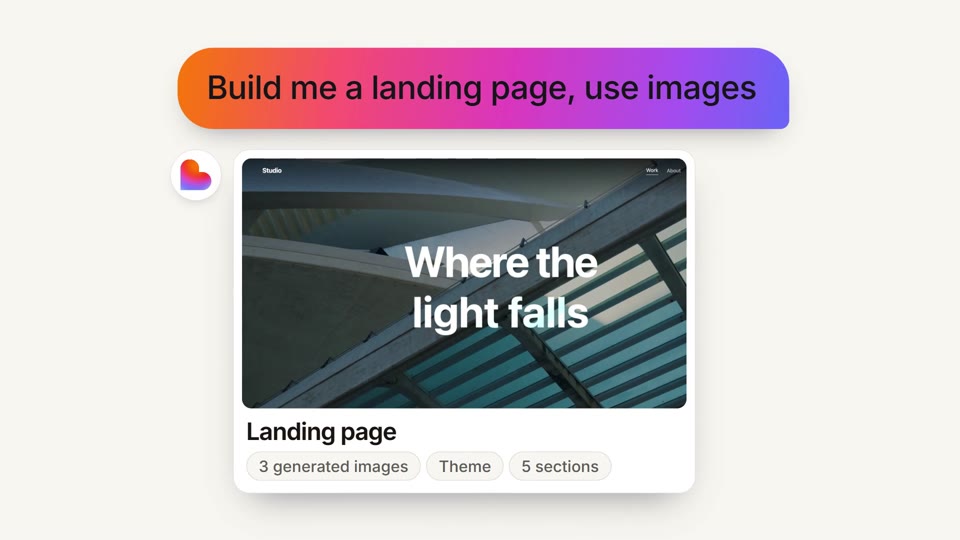
Premium. Watch the Lovable example
Linear: Agent Launch
Premium. Watch the Linear example
Product Hunt: Launch Board
Premium. Watch the Product Hunt example
These brands didn't commission or endorse these videos; they show what a template does with a brand's own material.
What's free, and what you pay for
Free
- $0: a free template, exported in 1080p with no watermark or signature
- $0: the studio, filling it from your website, and the account you export with
Paid
- ~$17: a premium template, paid once per export and per format
- Credits: the optional AI tools, like generating an image or removing a background. A new account gets a few to try them.
If you make videos often
The Pass: 15 premium exports a month for $49. For one launch you don't need it. See the Pass
More answers in the Help center
For each place you launch
- Product Hunt launch videos: A video for your gallery, as a YouTube link.
- App launch videos: Your icon and your real screens, in 16:9 and 9:16.
- SaaS launch videos: Your product and its screens, cut to music.
- AI product launch videos: The request, the work and the result.
Questions
### Is it really free? Free templates are: the full video in 1080p, with no watermark or Opus Motion signature. Premium templates show their price before you start, and you pay once per export.
### Do I need to know video editing? No. The motion, the music and the cuts are done. You change words, images and colors in the studio.
### Can it show my real app? Yes. Templates with a phone or a screen show the screenshots you upload, and every word is yours.
### How does my coding agent make it? Claude Code, Codex, Cursor and other agents read your project, write the texts, pick your images and give you a studio link. You review it and export it yourself.
### Where can I use the video? On your launch post, your landing page, Product Hunt (as a YouTube link), ads and emails. The license covers commercial use.
### Do I need an account? Not to try it: the studio works without one. To export, create a free account and confirm your email.
Make your launch video
Paste your website into a template and see your launch before you post it.